
If you think the built in iPhone player is enough, you are leaving a lot of magic on the table.
We are talking about 4K HDR playback that looks so sharp it feels real, surround sound that hits you right in the chest, and support for more than 50 video formats that the default player will not even touch.
Whether you are a hardcore movie lover who has a 500 movie collection or a casual viewer who just wants Netflix style smoothness for your personal videos, this list will change how you watch forever.
After testing several apps, I narrowed it down to 10 that actually deliver blazing speed, stunning visuals, and zero lag.
Take a look what do I have on my list.
Also Read: Best Video Players For iPad
Best Movie Player Apps for iPhone
1. VLC Media Player
Price: Free
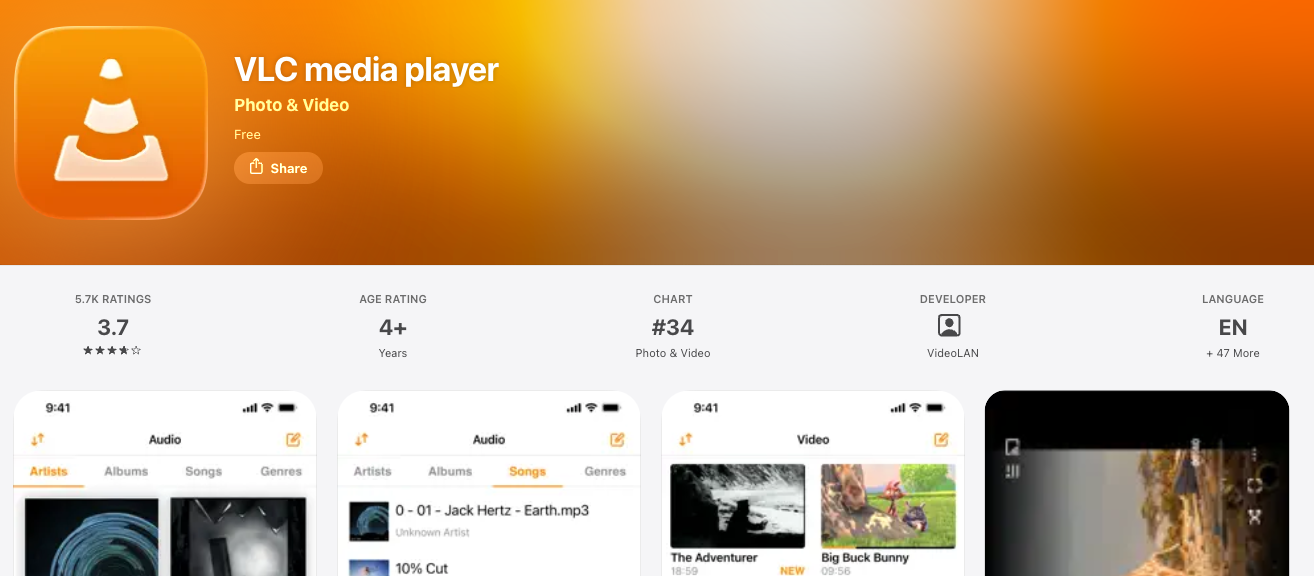
VLC is the undisputed king and for a very good reason. This open source legend plays literally everything you throw at it.
What makes VLC truly unstoppable on iPhone is its insane format support. We are talking MKV, AVI, MP4, MOV, WMV, FLV, 3GP, TS, MTS, you name it. More than 90 percent of iPhone users get that annoying format not supported error at least once a month. VLC eliminates that problem forever.
The app lets you stream directly from your computer, NAS drive, or cloud without downloading. Just connect via WiFi sharing and boom, your entire movie library is on your iPhone in seconds.
It also supports network streams, FTP, SFTP, and SMB protocols, so even your nerdy tech friend will be impressed.
You get full gesture control for brightness, volume, and seek, plus a built in equalizer, sleep timer, and the ability to add subtitles with a single tap. It even lets you download subtitles automatically. For a free app with no ads, no tracking, and no premium paywall, VLC is pure gold.
If you only install one player from this list, make it this one.
2. Infuse
Price: Freemium
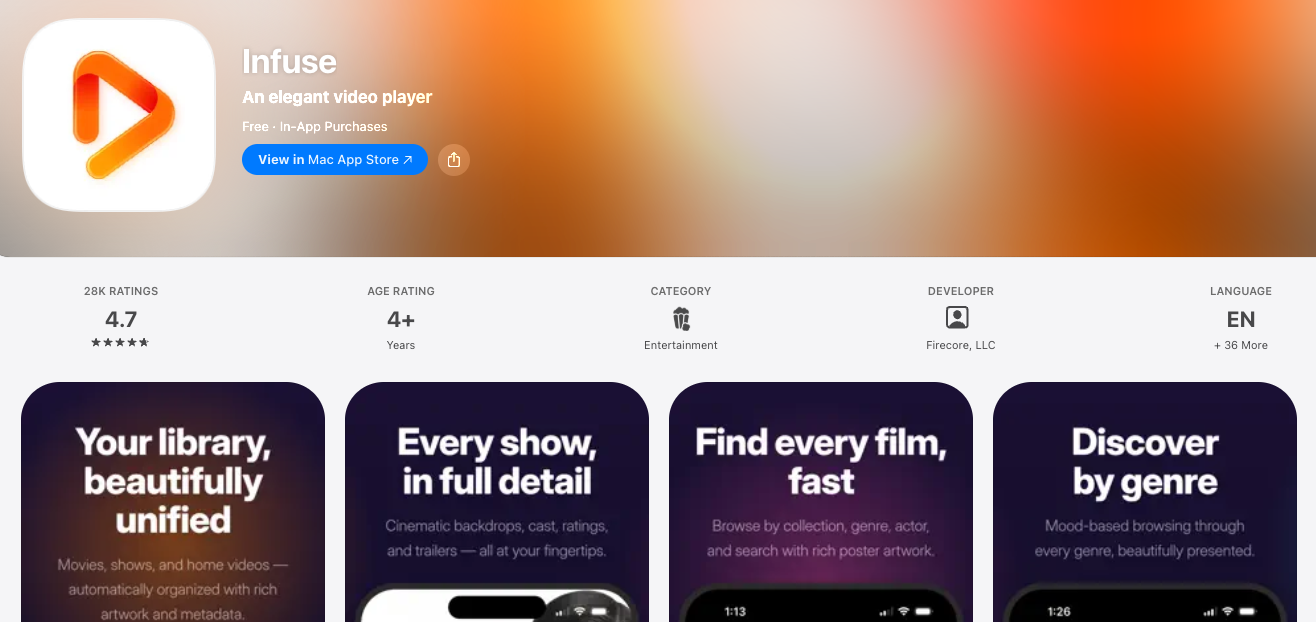
If VLC is the powerful workhorse, Infuse is the luxury sports car. This app is built for people who care about how their movies look and feel.
Infuse 8 is pure eye candy. It automatically fetches beautiful artwork, cast details, ratings, and plot summaries for your movies and organizes your messy folder into a gorgeous Netflix like library. No manual sorting needed. It is incredibly satisfying to see your collection transform into a premium streaming service that is all yours.
Under the hood, Infuse is a beast. It plays full quality 4K HDR, Dolby Vision, and Dolby Atmos without breaking a sweat. Most iPhone players downscale or stutter on high bitrate files.
Infuse uses hardware acceleration so even a 60 GB 4K Blu ray rip plays buttery smooth.
It supports more than 40 audio and subtitle formats and lets you connect directly to Plex, Emby, Jellyfin, and Kodi.
The Pro version unlocks cloud streaming from Google Drive, Dropbox, OneDrive, and Box, plus Trakt sync. If you have a large personal collection and want the absolute best picture quality on your iPhone, Infuse is worth every penny.
Check Out: Best Music Player Apps For iPhone
3. PlayerXtreme Media Player
Price: Freemium
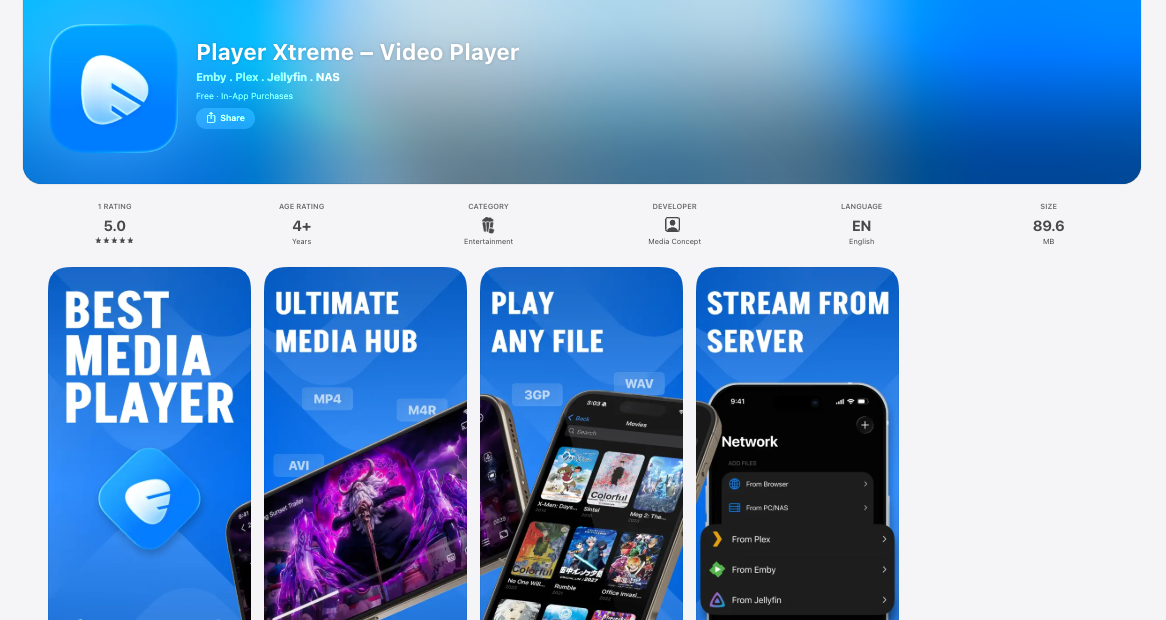
PlayerXtreme is the ultimate problem solver. It was made for one purpose, to play any movie file without making you convert it first.
The app proudly supports more than 50 formats and it is not joking. From old AVI files from 2010 to brand new HEVC and MKV files, it handles them all with hardware decoding that saves battery. Users report up to 30 percent better battery life compared to other heavy players.
What sets it apart for users is its powerful streaming game. You can cast your movies to your smart TV via Chromecast, AirPlay, or DLNA in one tap, pull movies from your PC, Mac, or NAS, and even play movies directly from a URL. No downloads needed.
It also has fantastic organizational tools. You can lock private folders with Face ID, create playlists, adjust playback speed from 0.25x to 4x, and boost volume up to 3 times louder than the original, which is a lifesaver when you are watching on a flight.
The interface is super clean and friendly, perfect for beginners who want pro level power without the learning curve.
4. KMPlayer
Price: Free
KMPlayer has been a favorite on desktop for more than 15 years and its iPhone version brings that same powerful DNA to your pocket.
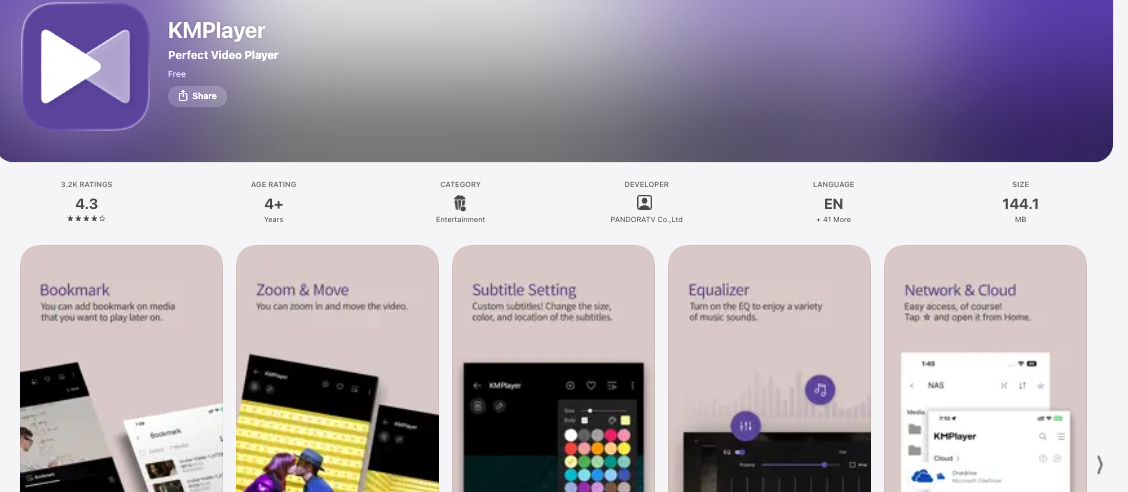
This player is obsessed with customization. You can change almost everything. Subtitle size, font, color, position, audio language, playback speed, screen ratio, filter effects, you control it all. If you love to tweak your viewing experience until it is just perfect, you will fall in love with KMPlayer.
It supports 4K, 8K, 60 FPS, HDR, and even 360 degree VR videos, which is rare for an iPhone player. You can also use its super fast cloud storage feature called KMP Connect to import videos from Google Drive and Dropbox instantly.
One killer feature is the ability to bookmark your favorite scenes. Watching a 3 hour epic and want to save that one incredible fight scene, just bookmark it.
The app also has a powerful equalizer, a sleep timer, and a super handy pop up play feature that lets you watch while you browse other apps. For a free app that is this feature packed, KMPlayer is an absolute steal.
Check Out: Best VLC Media Player Alternatives
5. nPlayer
Price: Paid
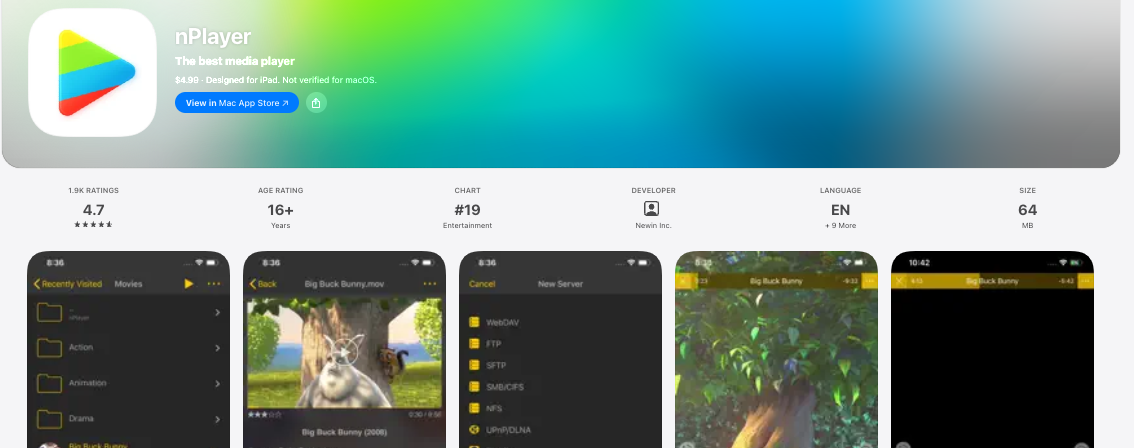
nPlayer is the premium pick that serious movie collectors in the swear by. It is not free, but it earns its price tag in the first 10 minutes.
This app is legendary for its unmatched codec support and network capabilities. It is one of the few players that can play DTS and Dolby AC3 audio natively without any extra plugins, which means you get true cinema grade sound on your headphones.
Where nPlayer really shines is in its streaming power. It supports almost every network protocol you can think of, WebDAV, FTP, FTPS, SFTP, SMB, CIFS, NFS, and more. You can stream a 4K movie directly from your home server while you are sitting in a coffee shop across town and it will not buffer.
The interface is buttery smooth, with advanced gesture controls, multi track audio switching, extensive subtitle support including SMI, SRT, SSA, IDX, SUB, and the ability to control brightness and playback position with insane precision.
It also has Dolby Vision and HDR10 support so colors pop like never before.
If you want a one time purchase player that feels like it was built by a movie lover for movie lovers, nPlayer is the one.
6. Plex
Price: Free with Plex Pass
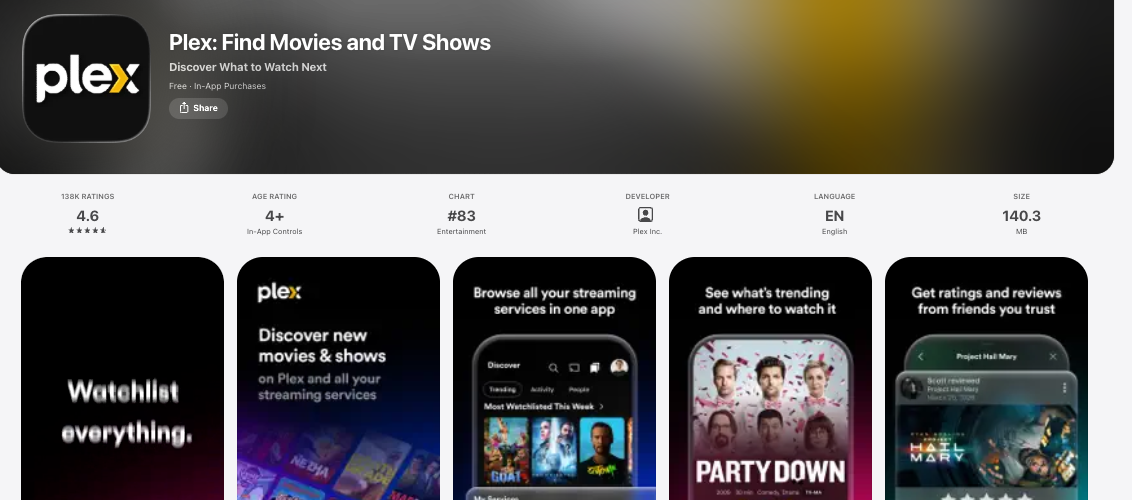
Plex is not just a player, it is a full blown media universe and it is massive for a reason.
If you have movies scattered across your laptop, external drive, and old hard disk, Plex brings them all together into one stunning app. You install Plex on your computer once and it automatically organizes every movie with poster art, trailer, cast info, Rotten Tomatoes ratings, and even 4K HDR tags.
Then you open the Plex app on your iPhone and your entire collection is there, ready to stream in original quality anywhere in the world.
The iPhone player itself is elite. It supports almost every video format, direct plays 4K, HDR10, Dolby Vision, and transcodes anything your iPhone cannot handle on the fly so you never see a format error.
It also has offline sync, so you can download 10 movies for a flight with one tap and watch them without WiFi.
Plex also includes free live TV and more than 300 free streaming channels. For families with huge libraries, Plex is simply unbeatable. It turns your iPhone into a portable movie theater connected to your home.
Check Out: Best Kodi Alternatives
7. VidHub
Price: Freemium
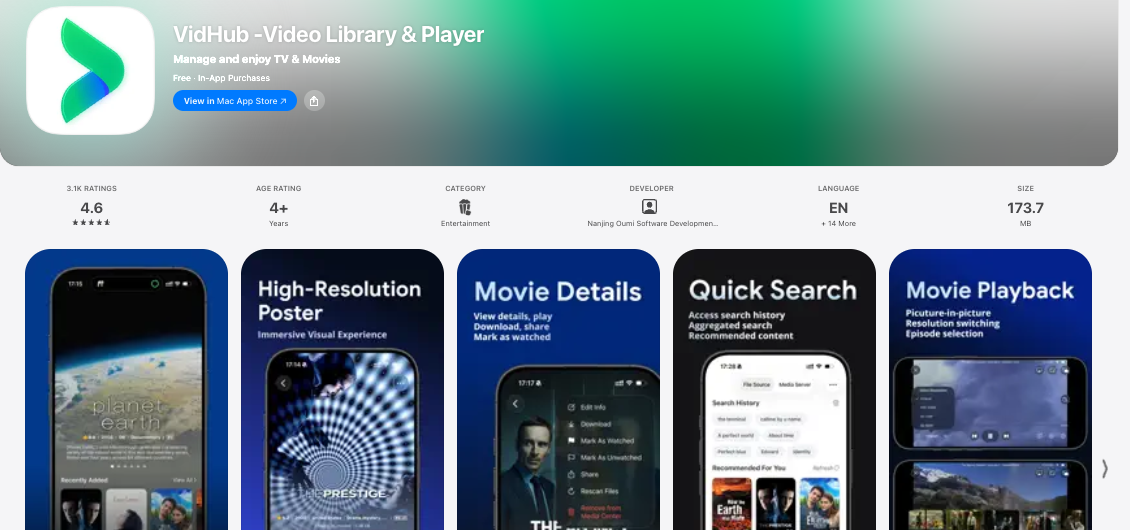
VidHub is the new favorite among serious collectors and Reddit movie buffs, and it is easy to see why.
The app is built for people who have terabytes of movies on a NAS, Alibaba Cloud, Baidu Netdisk, Dropbox, Google Drive, OneDrive, and WebDAV. You connect all your clouds in under 30 seconds and VidHub scans everything and builds a gorgeous library with smart collections, genre filters, and watch history that syncs via iCloud.
Playback is next level. It supports 4K 120 FPS, HDR, Dolby Vision profile 8, and lossless audio passthrough including Dolby TrueHD and DTS HD. Most players compress the audio, VidHub keeps it bit perfect, so if you use AirPods Pro or good wired headphones you will hear details you never heard before.
It also has Trakt integration, automatic subtitle search in more than 20 languages, and a brilliant gesture system. Double tap to skip intro, pinch to change aspect ratio, swipe to adjust speed.
If you have a big cloud based movie library and want a beautiful modern player that feels like Apple designed it, VidHub is the one to beat.
8. GPlayer
Price: Freemium
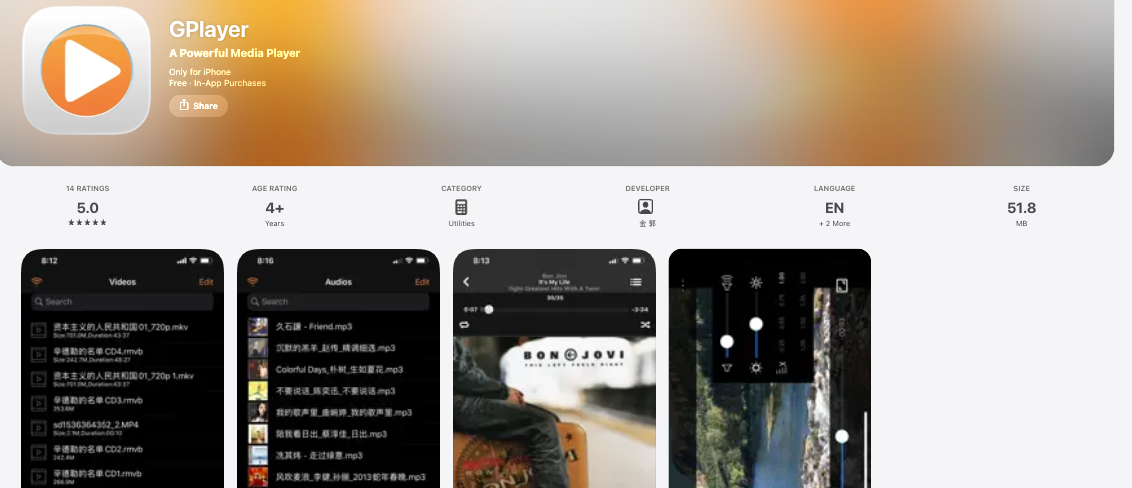
GPlayer is the quiet giant that more than 5 million users trust. It does not shout, it just works flawlessly.
What makes GPlayer special is its incredible file management. You can transfer movies from your computer to your iPhone via browser, FTP, SMB, or iTunes sharing without any cable. It plays AVI, Xvid, MKV, WMV, MOV, MP4, and even rare formats like RMVB and FLV that 80 percent of other players fail on.
The video engine is super optimized for iPhone. It uses hardware decoding to give you super smooth 60 FPS playback while using up to 40 percent less battery than software only players.
You also get variable speed from 0.5x to 2.5x, A B repeat for studying scenes, screen lock for kids, and full support for external subtitles.
A standout feature is private folder protection with Face ID and password. You can hide your personal videos and only you can open them.
For anyone who wants a simple, fast, and super private player without monthly fees, GPlayer is pure value.
9. OPlayer Lite
Price: Freemium
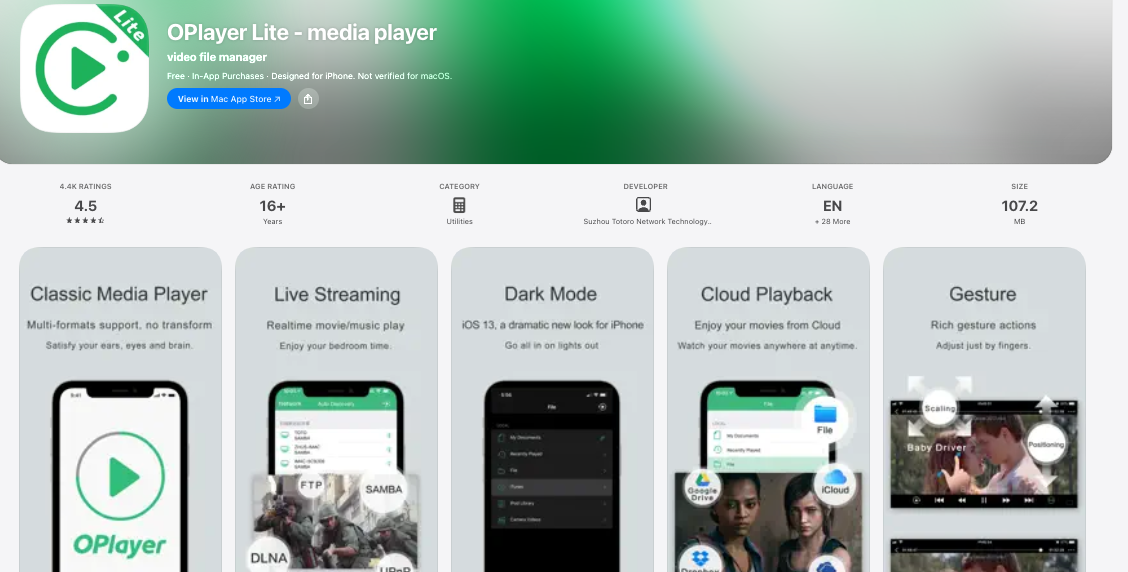
OPlayer has been on the App Store for more than 12 years and it is still one of the most reliable movie players for iPhone.
It is famous for its unmatched streaming support. HTTP, RTSP, MMS, FTP, SMB, UPnP, DLNA, it handles them all. You can literally paste a movie URL and it starts playing instantly. This is perfect for people who host movies on their own server or watch via direct links.
On the playback side, OPlayer supports 4K UHD, HEVC, Dolby AC3, Dolby Digital Plus, and DTS. It has a smart subtitle engine that lets you sync timing, change fonts, and even download subtitles directly inside the app in seconds.
The interface is clean and intuitive, with one hand gesture controls that make it perfect for watching on the go. You can also create playlists, loop videos, and stream to your TV with AirPlay or Chromecast.
If you want a veteran player that has proven itself to millions of users and just keeps getting better, OPlayer Lite is a fantastic pick.
Discover: Best Videostream Alternatives
10. 8Player
Price: Freemium
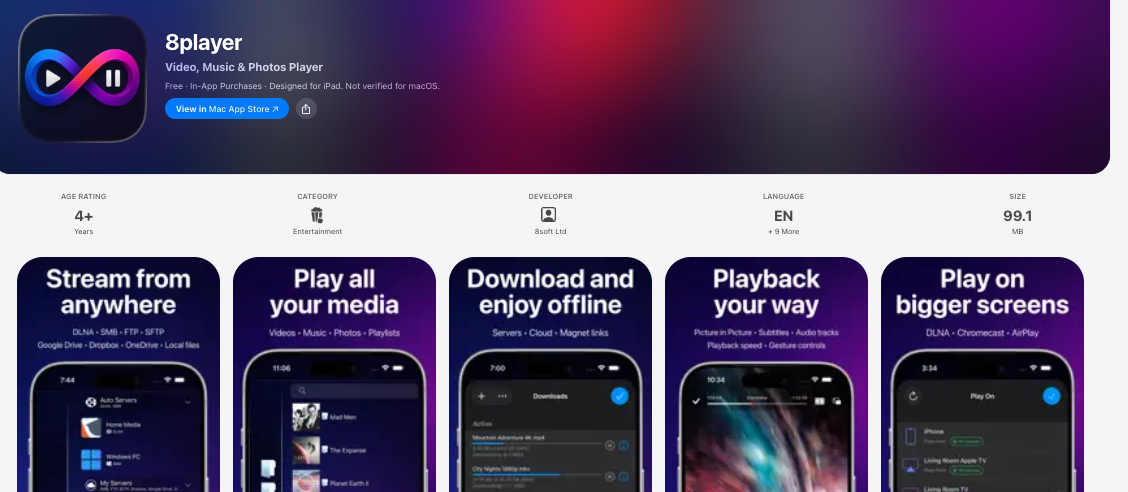
We finish the list with 8Player, the ultimate player for people who love to stream from everywhere.
8Player was one of the first apps to support DLNA and UPnP on iPhone and it still does it better than anyone.
It automatically finds all media servers on your home network and lets you browse and play movies without any setup. It also connects to SMB, FTP, and WebDAV servers, plus it plays videos from Dropbox, Google Drive, and OneDrive.
The player supports more than 30 video formats, 4K playback, hardware acceleration, multi audio tracks, and external and embedded subtitles. You get a gorgeous library view with movie info, cast, and artwork, plus a built in video downloader so you can save movies for offline viewing.
What users love most is its simplicity. No complicated settings, no ads in your face, just open and watch. For people who have movies stored in different places and want one single app to rule them all, 8Player is a brilliant final piece for your iPhone.
But How To Choose The Right Player For You?
With 10 amazing options, here is a simple guide.
If you want completely free and no nonsense, go for VLC Media Player or KMPlayer. They handle 95 percent of daily needs.
For the most beautiful library and the best picture quality, choose Infuse or VidHub. They make your collection look like a million dollars.
And if you have movies on your computer, NAS, or cloud drives, pick Plex, nPlayer, GPlayer, or 8Player. They are streaming kings.
GPlayer and OPlayer Lite are unbeatable when it comes to privacy and file transfer.
How To Get 200 Percent Better Playback?
- Always enable hardware decoding in settings. It gives you smoother video and up to 40 percent better battery life.
- Use WiFi 6 or 5G when streaming 4K. A 4K movie can need 25 Mbps or more for zero buffering.
- Download subtitles in SRT format. They are lighter, more compatible, and work on all 10 players listed.
- Keep at least 5 GB free on your iPhone. Low storage causes stutter in high bitrate 4K playback.
- For best sound, use wired headphones or AirPods Pro with spatial audio turned on. You will feel like you are inside the movie.
Check Out: Best Cinema HD Alternatives
Your Movie Experience Will Never Be The Same
Your iPhone has a Super Retina XDR display that can show more than 1 billion colors and speakers that support Dolby Atmos. Using the default player is like buying a Ferrari and never taking it out of first gear.
These 10 players unlock the true power of your iPhone. From the legendary free power of VLC to the luxury cinema feel of Infuse and VidHub, from the network beast nPlayer to the all in one simplicity of Plex and 8Player, there is a perfect match for every movie lover around.
Try 2 or 3 from this list today. Load a 4K movie, put on your best headphones, and press play. Once you see how smooth, sharp, and immersive movies can be on iPhone, you will never go back.
Your ultimate movie theater now fits in your pocket. Enjoy the show.