Sometimes, you need to record your calls.
Whether it’s an important work call that you want to revisit later to take notes or the need to collect evidence for an unwanted call from an intruder, recording calls helps a great deal.
However, if you have an iPhone, recording calls can be difficult. Apple devices don’t come with a pre-installed call recording app. You have to install it from the App Store yourself.
Besides, not all call recording apps on the App Store work as they should. These apps are also illegal in some countries. Some of them don’t even work with certain mobile carriers.
Given all these reasons, I decided to find some call-recording apps that work seamlessly on an iPhone.
Take a look at the list below.
Also Read: Open Phone Vs Google Voice
Best Free Call Recording Apps for iPhone
Also Read: Best Apps Like Google Phone
1. Call Recorder iCall
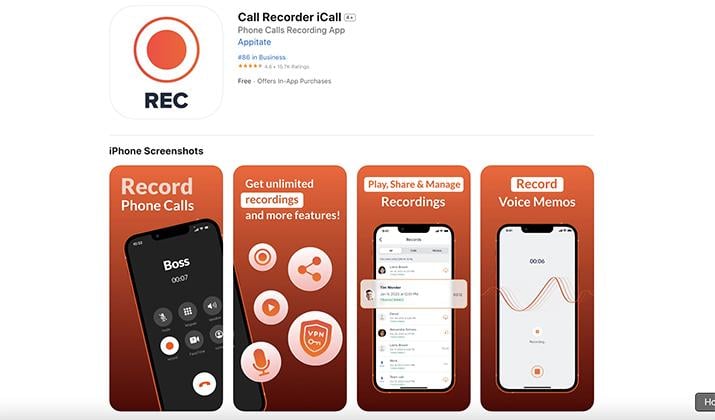
Call Recorder iCall allows you to record incoming and outgoing calls in a single tap. You can save all your recordings in one place on your device and access them anytime you need to.
Furthermore, there’s no limit to how many calls you can record. As long as you have enough storage on your iPhone, you can record hour-long calls without glitches. The app also comes with a very aesthetic user interface with all the vital buttons and functionalities within reach.
Call Recorder iCall is best suited for busy professionals who want to keep track of important calls. The quality of the recording is also among the best on this list.
There are more features you can unlock with the premium version. But if all you need is basic call recording, then the free app, Call Recorder iCall, is sufficient.
Check Out: Best Phone Monitoring Apps
2. Call Recorder for iPhone
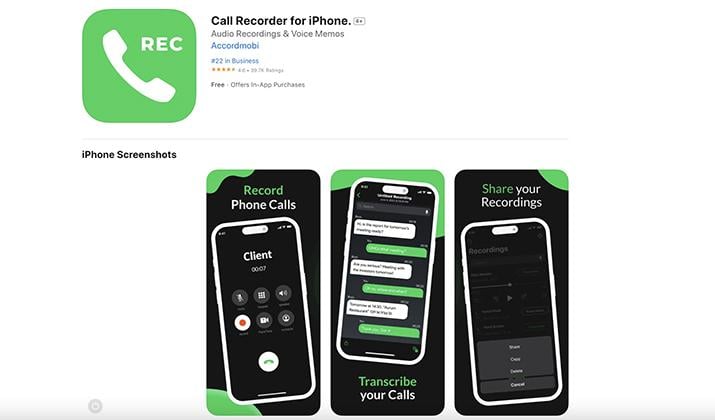
One thing that caught my eye when I opened Call Recorder for iPhone was the choice of interface colors. The combination of bright green, black, and white gives this app a very attractive look that makes recording calls fun.
Both experienced and inexperienced users will find it easy to use the app because every function is clearly labeled. You can easily record incoming and outgoing calls in the highest voice quality possible. You won’t miss crucial details of your call on playback.
Additionally, Call Recorder for iPhone offers transcribing services for your recorded calls. By turning your calls into text, you can understand things better when reviewing them later on. This can be a huge time-saver.
The app has support for multiple languages. There’s also an option for sharing the calls through mail and other apps like Bluetooth and iMessage.
Also Read: Best Second Phone Number Apps
3. TapeACall: Call Recorder
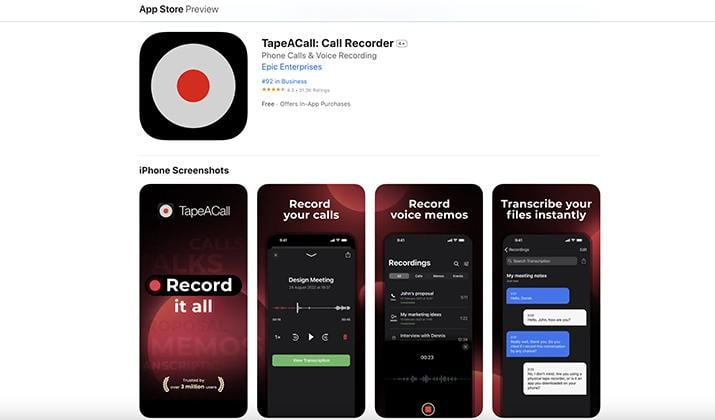
TapeACall provides call recording services for all types of iPhone users. The app makes it easy for anyone who has to record conversations, be it a lawyer, interviewer, or anyone.
With only a few clicks on the intuitive interface, TapeACall allows you to record crystal-clear audio. Some of the notable features include automatic recording of outgoing and incoming calls.
There’s also transcription with remarkable accuracy alongside clear voice memos that you can use as reminders. You can also share your recordings without any compression through Google Drive or iCloud Drive.
TapeACall also allows users to organize their recordings with automated labeling. This makes it easy to find the files from the hundreds you may have recorded.
Explore: Best Cheating Spouse Apps
4. Automatic Call Recorder
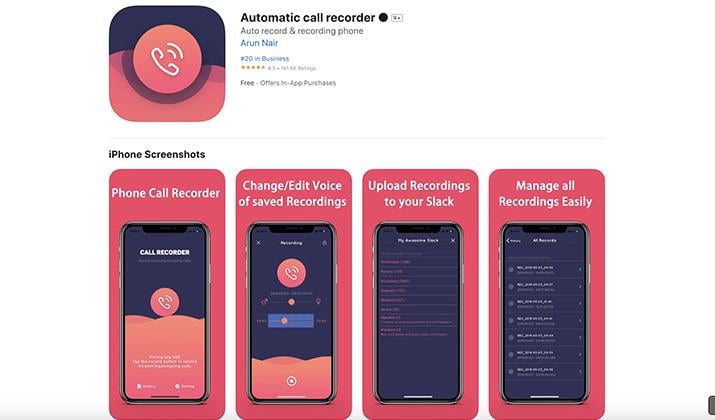
Automatic Call Recorder has a beautiful interface, expertly combining reds and dark blues. And when it comes to delivering clear call recordings, the app doesn’t disappoint.
You can organize your recorded call files based on categories. These can range from the date, nature of the call, or the people you were calling. So, finding any recording is very easy if you’re the type that records calls all the time.
Unlike most of the other options on this list, Automatic Call Recorder allows you to edit your call recordings. The enhancements are basic, but you get a little more control in deciding how the final audio will sound.
There’s also transcription that works for over 50 languages. Finally, you can upload the recordings to your Google Drive, Dropbox, or iCloud without losing audio quality. This is ideal if you don’t have enough storage on your iPhone.
Also Read:
5. Call Recorder – Cube ACR
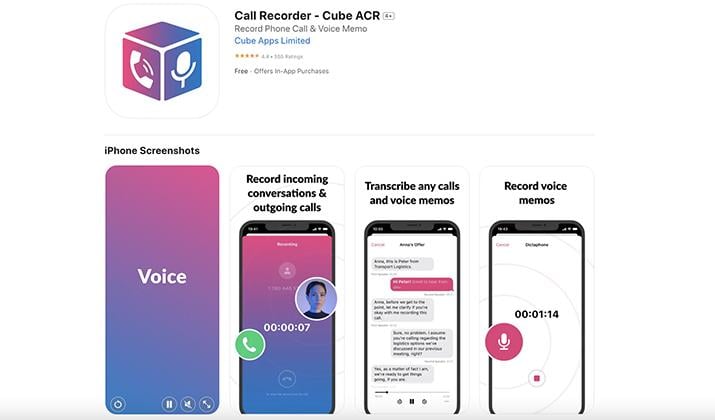
There are no call recording limits with the Cube ACR Call Recorder app. It handles both incoming and outgoing calls with easy-to-operate buttons.
You can even minimize the app and have it on standby on your screen. This works for those who may want to record calls while using the same phone for something else. Cube Call Recorder would be ideal for anyone who intends to collect evidence of a phone call harassment discreetly.
The call recordings are automatically backed up on any cloud storage service of your choice. This includes Google Drive, Dropbox, and iCloud, among many others.
The sound quality is top-notch. You can transcribe the recordings into text to further break down what’s been said. Cube ACR features a color user interface with gradient colors and clear labeling of buttons.
Explore: Hoverwatch Review
6. Call Recorder
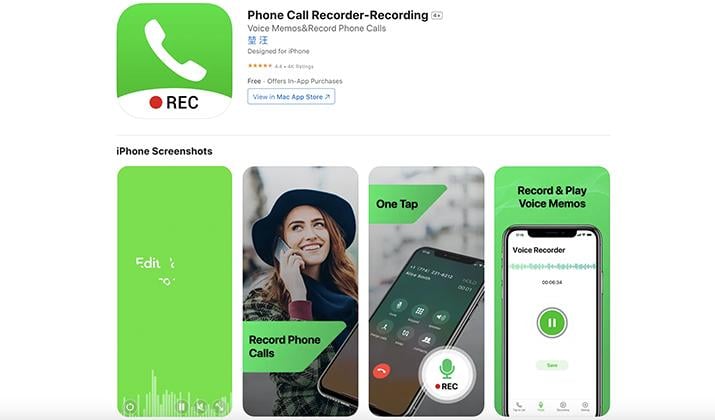
Call Recorder brands itself as the top choice for recording business calls. It has many features to back that up.
For starters, you get unlimited call recordings, and that includes unlimited playback times. There’s also support for background playback. This means you can listen to your calls while using the phone for something else.
Call Recorder also has wide global support. It can be used for many mobile carriers in North America, South America, and the majority of Europe.
Like most of the other alternatives we’ve seen so far, Call Recorder offers speech-to-text transcriptions. It’s one of the most accurate, and it captures every word without changing the meaning of what’s been said.
There’s also support for multiple languages like English, French, Russian, Arabic, German, Korean, Spanish, and Japanese.
You can also share the call recordings with anyone through social media apps or storage apps like Google Drive.
Explore: Best App Locks For Android
7. Call Recorder for Me
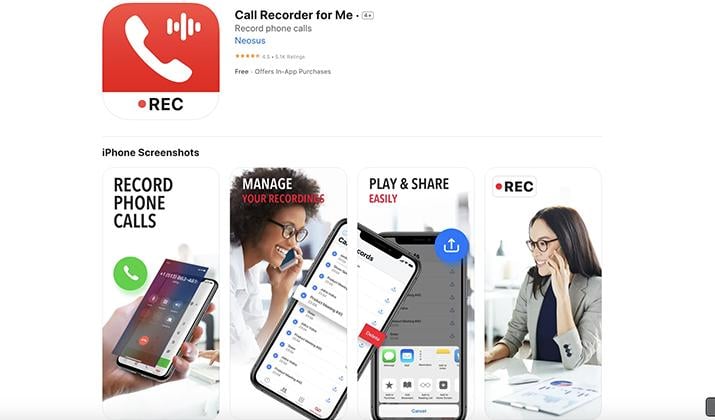
Call Recorder for Me works on all the recent versions of iPhones, allowing you to record calls.
You can access the recordings the moment you finish the call and play them back in your free time. But the most handy feature is the customized file naming system. You can set the naming system to be based on the date or the name of the caller. This makes file organization much easier.
Furthermore, you can export and share the recorded calls to other apps for editing or storage in the cloud. There’s no limit to the number of call recordings you can make. There are no limits to the playback option either.
The user interface is easy on the eyes and doesn’t involve too many colors. All you get is a bit of red and a lot of white, with everything clearly labeled.
Also Read: TextNow vs TextFree
8. Call Recorder – Save & Listen
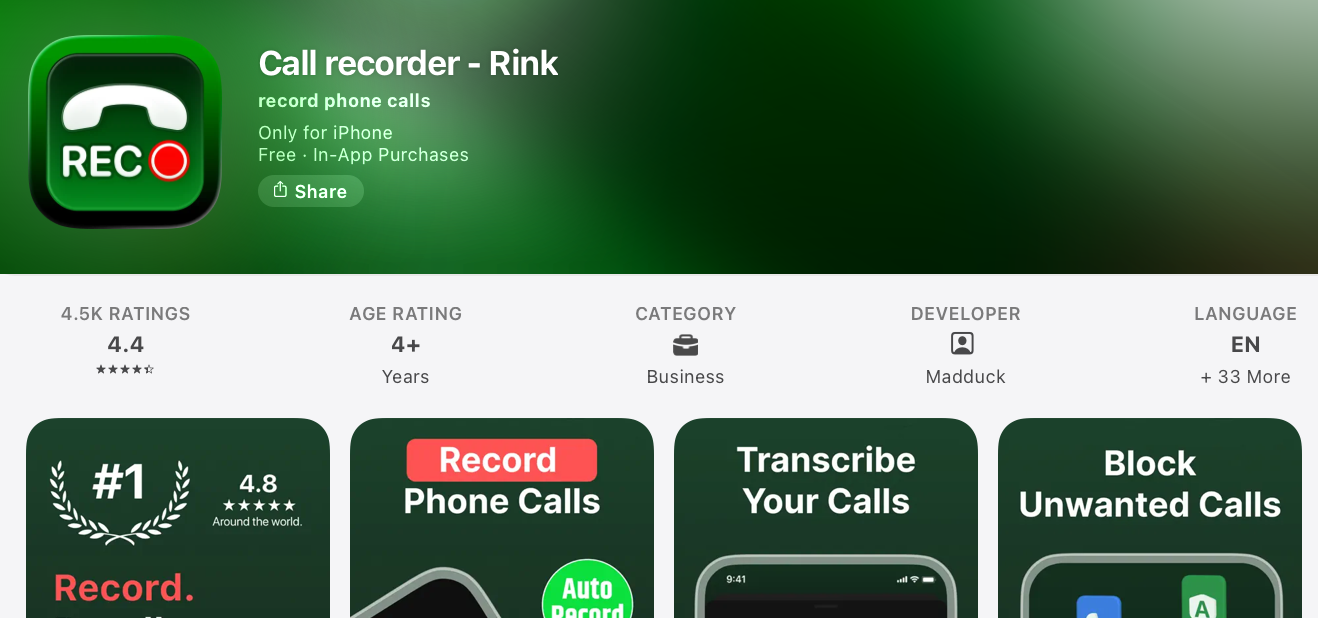
Rink is a well-rounded call recording solution available on the Apple App Store, developed by Madduck, and compatible with iOS 13.0 or later.
With an intuitive design and state-of-the-art technology, the app enables users to capture, archive, and replay phone conversations, ensuring every word is accounted for.
Its key features include recording both incoming and outgoing calls without restrictions, crystal-clear audio quality, effortless conversion of call recordings into text, a built-in voice recorder for quick notes, passcode protection for sensitive recordings, and access to local numbers across a wide range of countries.
This makes it useful for both personal and professional use. It’s particularly well-suited for customer service representatives who need to record and review client calls for training, quality assurance, and accuracy.
For iPhone users specifically, Rink works around iOS’s native limitations on direct call recording by routing calls through its service, and the developers actively release updates focused on improved stability, faster performance, and essential bug fixes to keep the experience smooth.
Overall, it’s a capable and feature-rich option for iPhone users who need reliable call recording with the added convenience of transcription and international number support.
Check Out: What Is Wifi Calling On Android & How To Use?
9. NoNotes
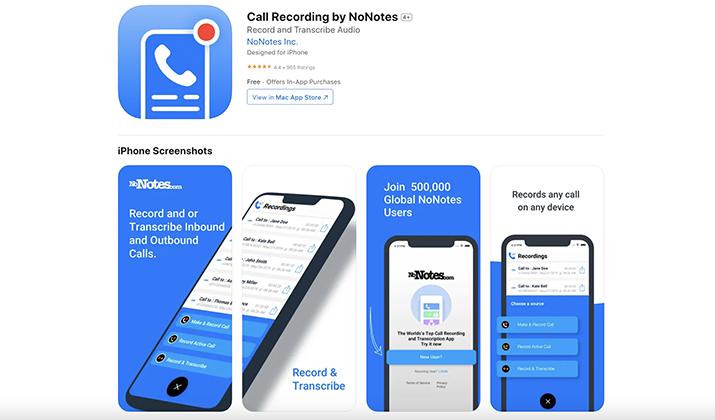
Call Recording by NoNotes is an exciting call-recording app that predominantly uses a blue user interface. It’s very calming to look at, and I especially loved the way the functional buttons are designed and arranged.
You can record all incoming and outgoing calls with a single tap of the button without any limitations. But that’s not all; NoNotes has a very wide support base. You can use it to record international calls.
And if you happen to run out of space, you can simply sync the app to your cloud storage. This way, the call recordings are automatically uploaded to Google Drive, Dropbox, or iCloud for safe storage.
There’s also a transcription feature that turns all the audio recordings into text for a clearer call breakdown. You can also share the recordings as they are, without quality loss, to social media sites or via email.
10. Call Record – Auto Recording
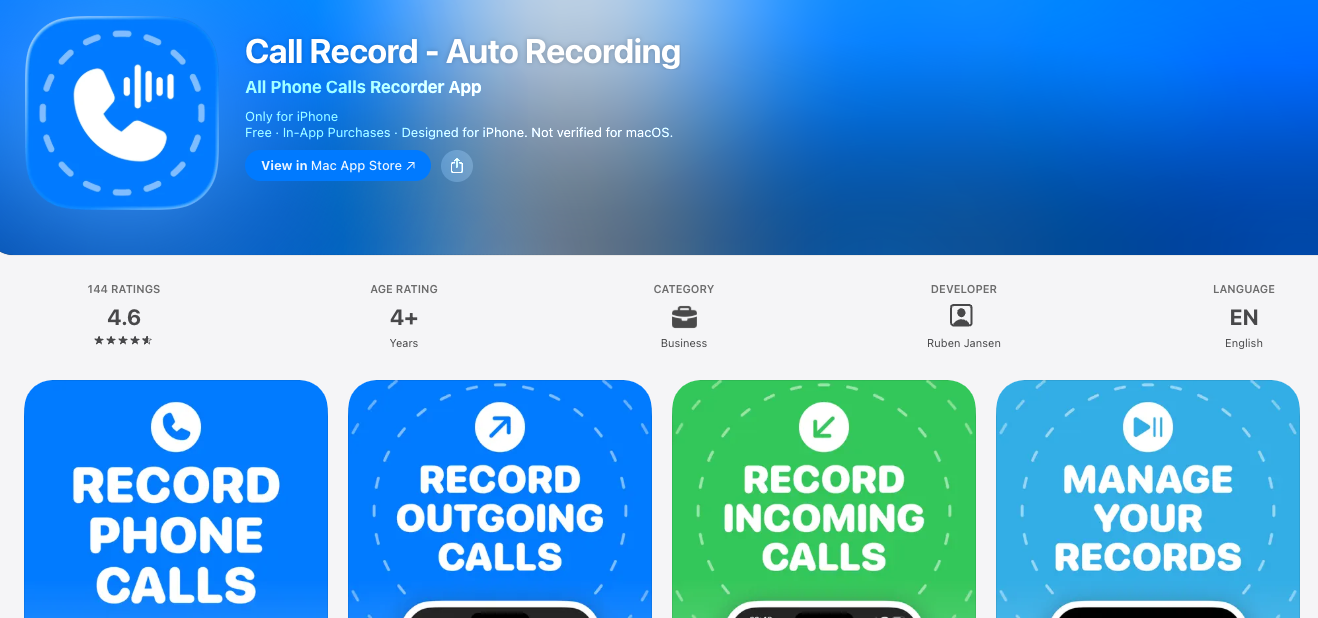
Call Record – Auto Recording is a straightforward iPhone call recorder designed for users who want a simple way to save important conversations.
The app supports recording both incoming and outgoing calls through a three-way calling system, making it suitable for business discussions, interviews, customer support conversations, and personal calls.
One of its standout features is automatic recording support, which reduces the need to manually start recordings every time. Recordings are stored within the app for easy playback, management, and sharing.
The interface is clean and beginner-friendly, so even first-time users can navigate it without difficulty. While the app offers free access to basic functionality, some advanced features may require a subscription.
11. Call Recorder Record Phone
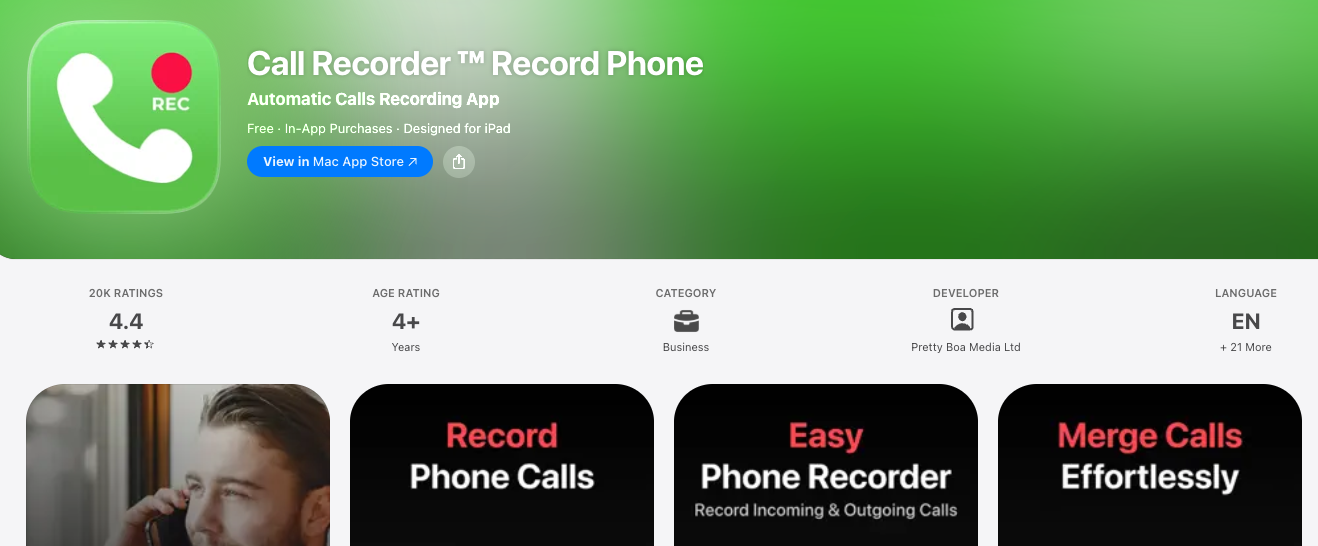
Call Recorder Record Phone is a versatile iPhone call recording app built for users who need reliable recording capabilities without a steep learning curve.
The app allows you to record both incoming and outgoing calls and save them securely for future reference.
It offers clear audio quality, which is especially useful for professionals conducting interviews, consultations, or business discussions over the phone. Users can organize recordings, rename files, and quickly locate past conversations through the app’s management tools.
The interface is modern and intuitive, making setup relatively painless. Sharing recordings through email, cloud storage, or messaging platforms is also supported.
While premium plans unlock additional functionality, the free version provides enough features for occasional use.
12. Call Recorder Record Calls
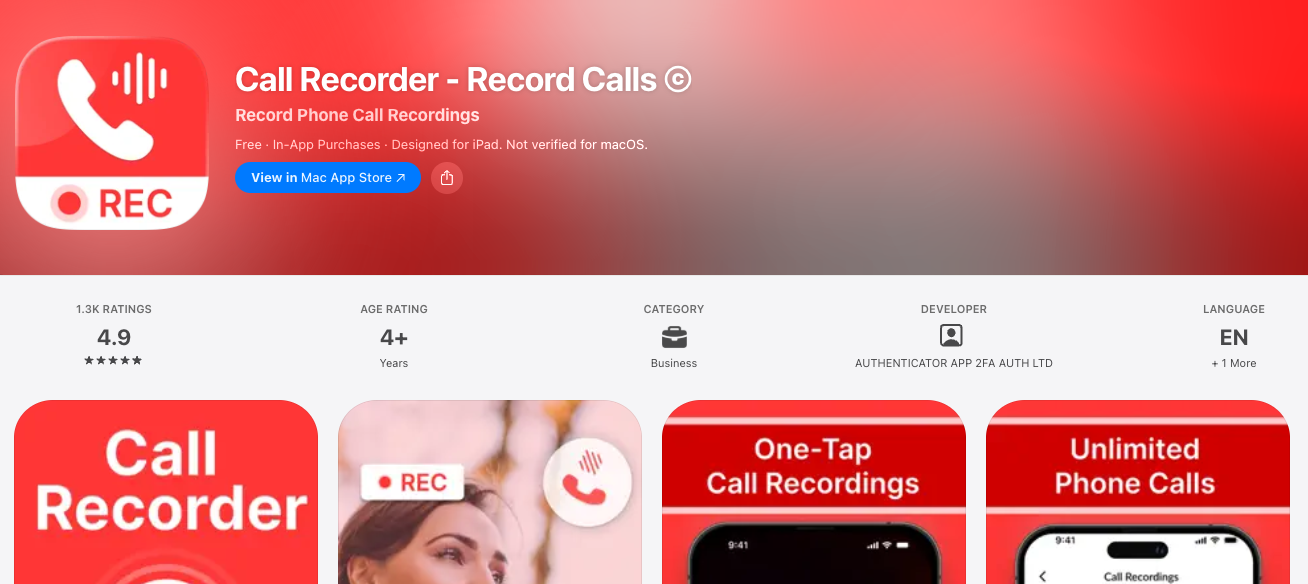
This one keeps it super simple. Call Recorder Record Calls lets you record both incoming and outgoing iPhone calls without any confusing setup.
It works using 3-way calling, which means you’ll merge the app’s recording line into your call, pretty standard for iPhone recorders.
You get unlimited recordings and no limits on call length, so those long work chats or family catch-ups are covered.
The interface is clean and newbie-friendly: tap record, merge the call, and you’re set. Playbacks are instant in the app, and you can organize, rename, or share your files easily.
Heads up, you’ll need a carrier that supports 3-way calling, and some U.S. carriers like SimpleTalk don’t.
There’s a free trial to test it out, then it’s subscription-based.
13. Phone Call Recorder Free of Ad
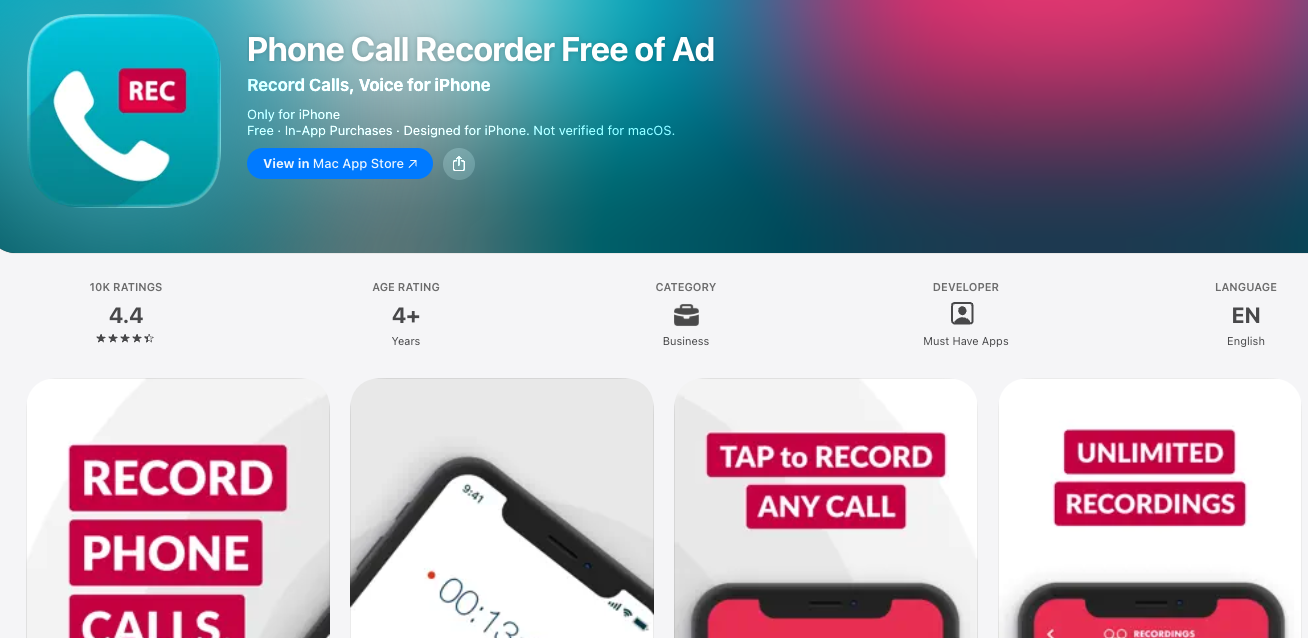
If you hate ads interrupting your workflow, this app’s name says it all.
Phone Call Recorder Free of Ad is a straightforward, no-nonsense recorder for iPhone that skips the annoying pop-ups.
The free version lets you record incoming and outgoing calls, and it’s actually pretty easy to use. Just start the app, follow the merge-call steps, and your convo gets saved.
The catch? Sharing recordings with friends or emailing them requires a premium upgrade, which runs about $9.99.
So you can record and listen back for free, but if you need to export, you’ll pay once. It’s a solid pick if you just want to keep personal records and don’t need fancy cloud sync.
No time limits on the free tier either.
14. Call Recorder For iPhone Calls
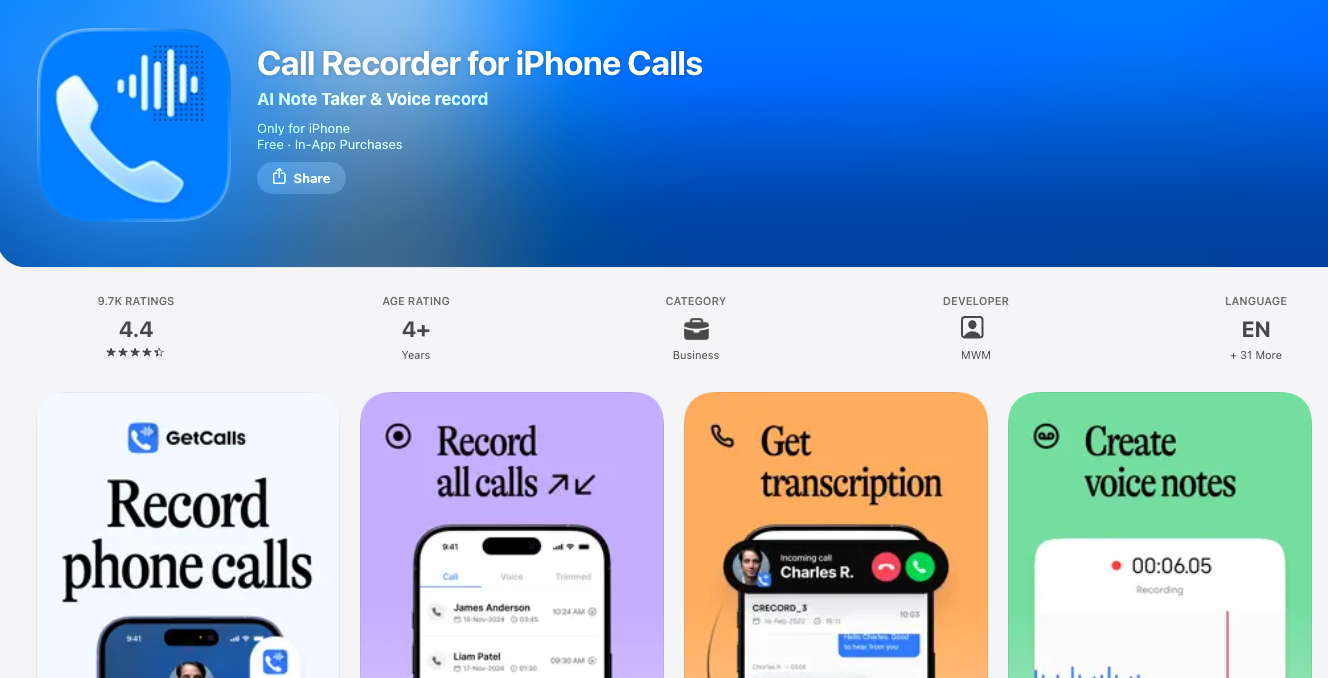
This app is built for convenience.
Call Recorder For iPhone Calls focuses on saving your calls in seconds so you can turn conversations into quick voice notes.
It handles both incoming and outgoing calls through the usual 3-way merge system, and the whole process is designed to be tap-and-go.
The idea is less “pro studio” and more “grab that detail before you forget.” You can play back recordings right away, and it works well for interviews, client calls, or even remembering what your mom asked you to pick up.
Like most iPhone recorders, your carrier has to support 3-way calling for it to work.
Pricing isn’t upfront on the App Store page, but most apps like this run a free trial then a subscription, so test it first.
15. Conversations: Phone Recorder
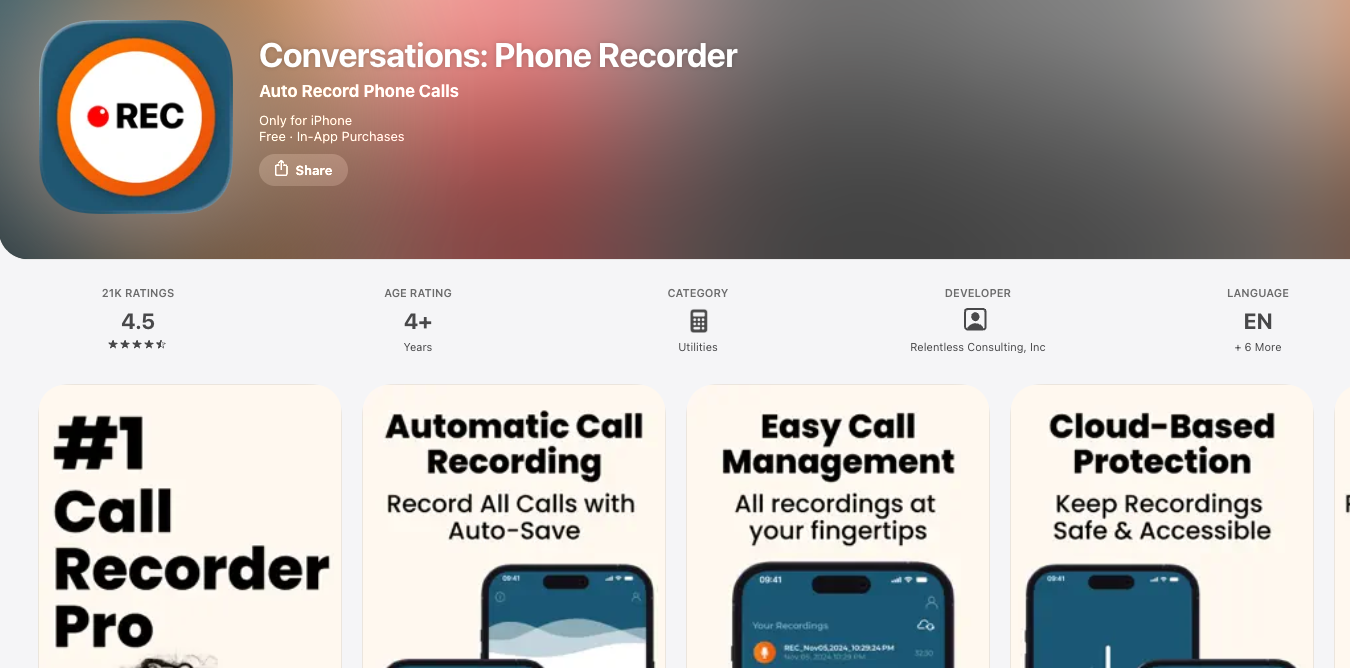
Finally we have Conversations app on our list.
The app is tailored toward users who need a dependable way to preserve important discussions. It supports recording phone conversations and storing them in an organized library for later review.
One of its strengths is its focus on usability, with a streamlined interface that makes starting, accessing, and managing recordings relatively simple.
Users can replay recordings directly within the app and share files when necessary. This makes it useful for journalists, business professionals, researchers, and anyone who needs accurate records of phone conversations.
Conversations aims to deliver clear audio quality while keeping the overall experience straightforward.
Although premium features may be available through paid plans, the free version provides enough functionality for many users who need occasional call recording on iPhone.
Conclusion
Your iPhone can’t natively record calls thanks to Apple’s privacy rules, but these apps fill the gap pretty well.
No need to jot notes while you’re on a call or trying to remember what your client just said. Simply install one of these apps and you’re covered.
You can even try a few, and keep the one that fits your workflow. Never say “wait, what did they say again?” mid-call.
Enjoyed the post?