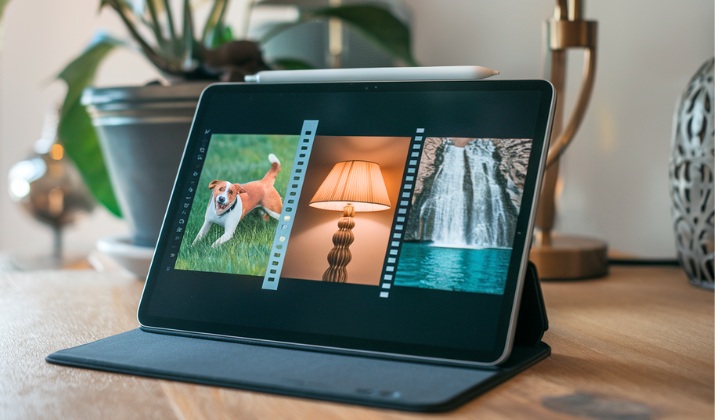
Digital photos are clean, sharp, and technically perfect… and that’s exactly why many of them feel a little soulless.
Real film has quirks. It breathes, it bends light strangely, it adds grain where perfection would normally erase character.
Film photos feel lived-in, like they have a past. That’s why film-style apps aren’t about slapping on a vintage filter, they’re about recreating texture, tone curves, color science, and imperfection.
The good ones understand that film isn’t just a look, it’s a behavior. Below are ten apps that genuinely understand that difference and get impressively close to the real thing.
Let’s find out more.
Explore: Best Apps That Make You Look Like A Movie Star
Best Apps That Make Your Photos Look Like Real Film
1. VSCO

VSCO is often underestimated because it’s popular, but its film emulations are carefully tuned rather than flashy.
The app focuses heavily on subtle color shifts, soft contrast, and natural highlight roll-off instead of dramatic effects.
Many of its presets are inspired by classic Kodak and Fuji stocks, and they respond well to exposure changes. Grain in VSCO looks organic, not pasted on, which is harder to pull off than it seems.
It also avoids crushing shadows too aggressively, a common mistake in fake film looks. The editing controls are simple but precise, encouraging restraint.
If you like film that feels clean, balanced, and timeless, VSCO does that very well. It also encourages consistency across a body of work, which is something film shooters naturally develop over time.
VSCO edits tend to age well, meaning they still look good months or years later rather than feeling tied to a trend.
Explore: VSCO vs Instagram
2. RNI Films

RNI Films is one of the closest you’ll get to true film simulation on a phone.
The app recreates real film stocks with careful attention to color separation and tonal depth. Skin tones remain believable even when colors shift dramatically, which is a huge plus.
Grain structure changes depending on the preset, mimicking how different films behave. Highlights bloom softly instead of clipping harshly. The interface is straightforward, but the results feel very deliberate.
This is an app for people who already love film and can tell when something feels off. If accuracy matters more than convenience, RNI Films stands out.
It rewards careful exposure and thoughtful shooting, much like real film does.
Also Read: Secret Apps To Make Your Instagram Photos Unforgettable
3. Huji Cam

Huji Cam embraces the chaotic side of film photography.
Instead of precision, it leans into randomness, light leaks, date stamps, and exposure surprises. Photos often feel like something you’d find in an old shoebox rather than a curated feed.
The colors skew warm, highlights blow out unpredictably, and grain feels rough in a charming way. You don’t control much, and that’s part of the appeal.
It forces you to shoot instinctively rather than edit endlessly. Huji Cam isn’t about perfection, it’s about nostalgia and happy accidents. If you miss disposable cameras, this app gets the mood right.
Images often feel imperfect in a comforting way, like snapshots taken without overthinking. Huji Cam is less about control and more about letting the moment decide the outcome.
Check Out: Best Apps That Make Your Photos Look Like Polaroid
4. Afterlight
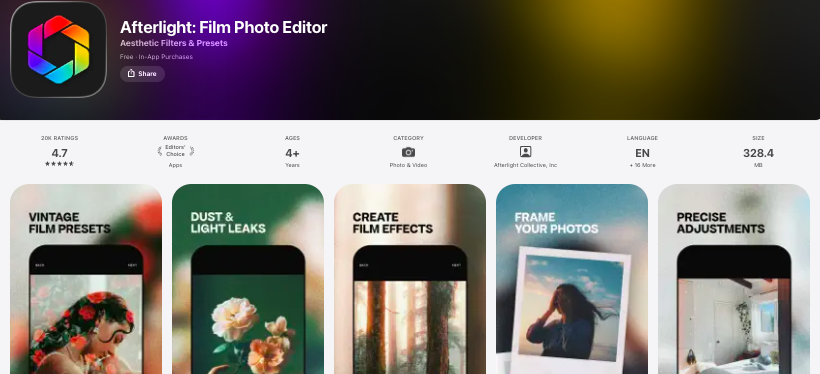
Afterlight balances creative freedom with film realism surprisingly well.
Its film presets don’t overpower the image, allowing your photo to remain the main character. The grain tool is adjustable and behaves naturally at different strengths.
Color adjustments feel smooth, avoiding harsh digital transitions. Afterlight also includes dust, light leaks, and texture overlays that can be used sparingly for realism.
The app rewards subtle editing rather than extreme looks. It’s great for photographers who want film character without sacrificing clarity.
Afterlight works especially well for lifestyle and travel shots where you want warmth without nostalgia overload. It’s easy to return to the app months later and still like what you edited.
Explore: Best Apps That Make Your Photos Look Like Paintings
5. Darkroom
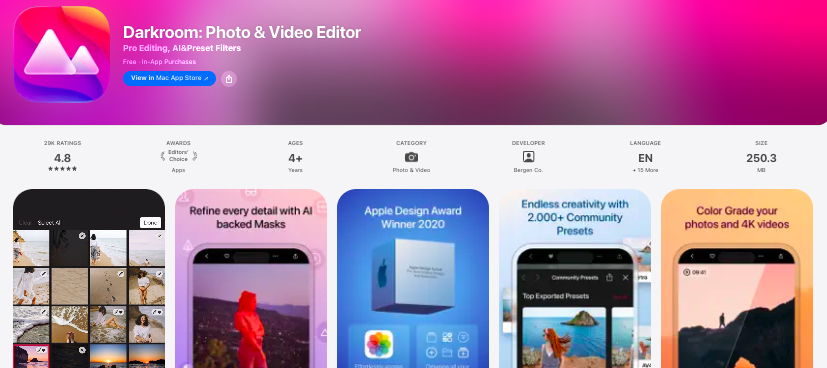
Darkroom is a powerful editor that quietly excels at film-style results. Its strength lies in tonal control and color grading rather than preset overload.
You can shape contrast curves to mimic how film handles highlights and shadows. Grain is customizable and blends well with the image. Darkroom works especially well for photographers who shoot in RAW.
The interface is clean and fast, encouraging thoughtful edits instead of gimmicks.
If you enjoy crafting your look rather than applying one, Darkroom is a strong choice. It pairs well with film presets from other apps when you want to fine-tune the result.
6. 1998 Cam
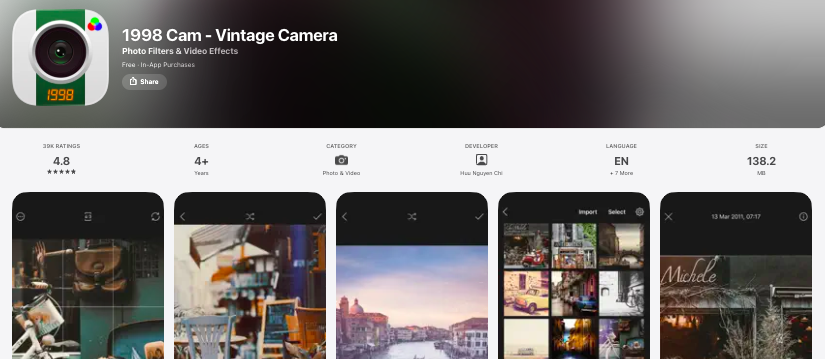
1998 Cam leans into late-90s film and early digital crossover aesthetics. Think faded colors, soft focus, dust, and timestamp nostalgia.
The app intentionally degrades image quality in a way that feels authentic. Highlights flare, shadows lose detail, and colors drift slightly off balance.
It’s not realistic in a technical sense, but it feels emotionally accurate. Photos look like memories rather than images. The app is simple, fast, and fun to use.
If your goal is vibe over precision, 1998 Cam delivers. It works especially well for casual moments, parties, and everyday life.
The app turns ordinary scenes into something that feels emotionally charged and personal.
Check Out: Best Ai Alternatives To Adobe Lightroom
7. NOMO Cam
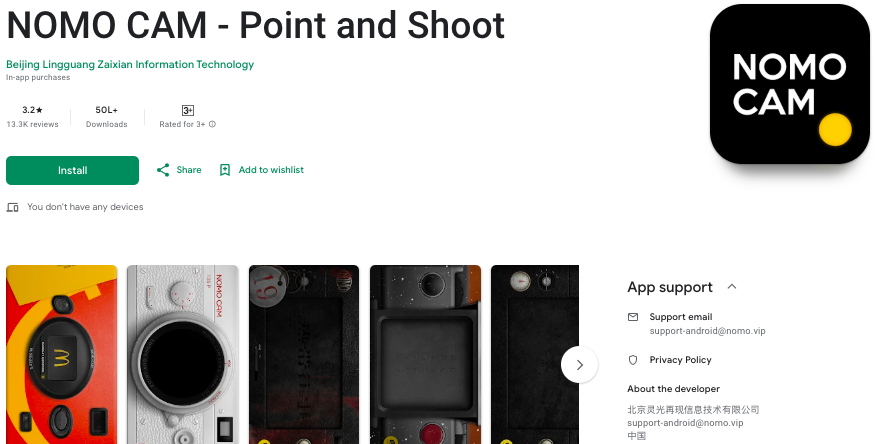
NOMO Cam simulates the experience of shooting with different film cameras, not just applying filters after the fact.
Each virtual camera has its own personality, from color behavior to lens softness. You often don’t see the final image until after “developing,” which adds anticipation.
Grain and light leaks feel baked into the capture process. The unpredictability mimics real film surprisingly well. It encourages slowing down and trusting the process.
NOMO Cam is ideal if you want the feeling of shooting film, not just editing like it. It’s great for breaking the habit of overshooting and over-editing.
Check Out: Best Free Apps Like Facetune
8. Prequel
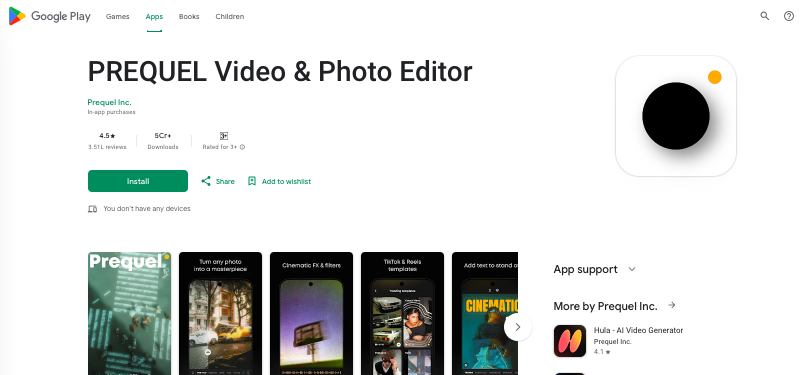
Prequel is known for creative effects, but its film-inspired presets are more refined than expected.
The app handles color fade and contrast gently, avoiding harsh vintage clichés. Grain is soft and evenly distributed. Some presets mimic expired film with subtle color shifts and uneven tones.
Prequel also allows stacking effects carefully, which can create very film-like results when used lightly. It’s flexible without being overwhelming. While it leans modern, it can produce convincing analog moods.
Prequel is also beginner-friendly, making it a good entry point into film-style editing. With restraint, its presets can feel surprisingly authentic rather than stylized.
Also Read: Best Apps Like Remini
9. Filmroll
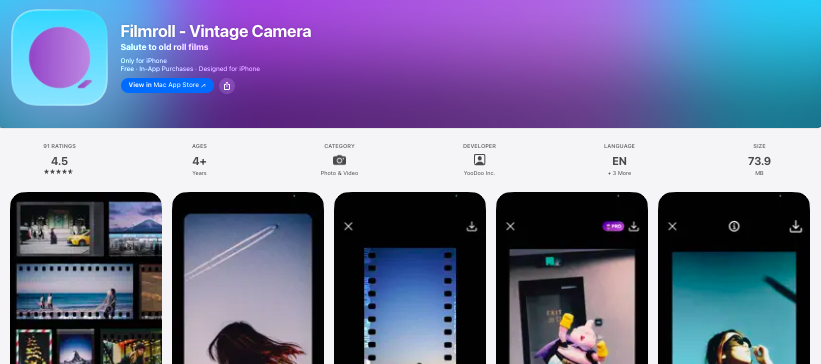
Filmroll is designed specifically around recreating classic film stocks. Each preset is based on a real film reference and reacts naturally to exposure.
Colors feel layered rather than flat, especially in skies and skin tones. Grain varies across highlights and shadows, which adds depth.
The app doesn’t overload you with tools, keeping the focus on the film look. Edits feel intentional and restrained.
Filmroll respects the imperfections that make film special. It’s a solid choice for purists who want simplicity.
Filmroll works best when paired with good light and clean compositions. The app lets the character of the film speak without unnecessary distractions.
Check Out: Best Photopea Alternatives
10. OldRoll
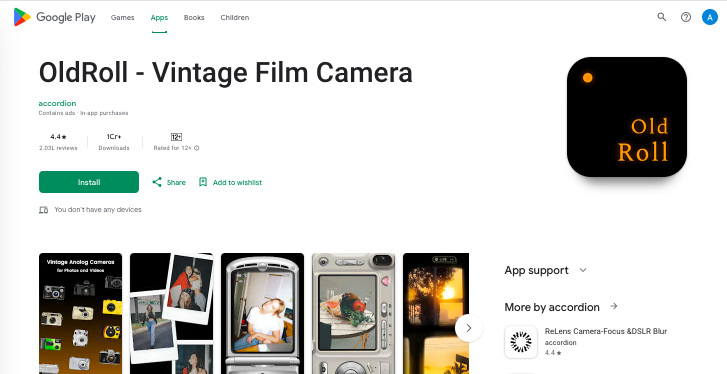
OldRoll recreates both vintage film and retro cameras with impressive attention to detail.
Each camera profile includes specific color shifts, lens softness, and grain behavior. Some profiles even simulate border artifacts and frame spacing.
The app makes shooting feel playful without becoming cartoonish. Results often feel surprisingly authentic when used subtly. It’s especially good for everyday moments and casual photography.
OldRoll bridges fun and realism nicely. If you enjoy variety without sacrificing character, this app is worth exploring.
OldRoll shines when used lightly, allowing its camera simulations to enhance rather than dominate.
Check Out: Best Ai powered Online Tools To Remove Background
Conclusion
Whether you want technical accuracy, nostalgic chaos, or something in between, there’s an app that fits your style.
The key is using these tools with restraint and intention. Film looks best when it feels accidental, not forced.
Try a few, learn how they behave, and let your photos breathe a little. Sometimes imperfection is exactly what makes an image unforgettable.
Enjoyed the post?