
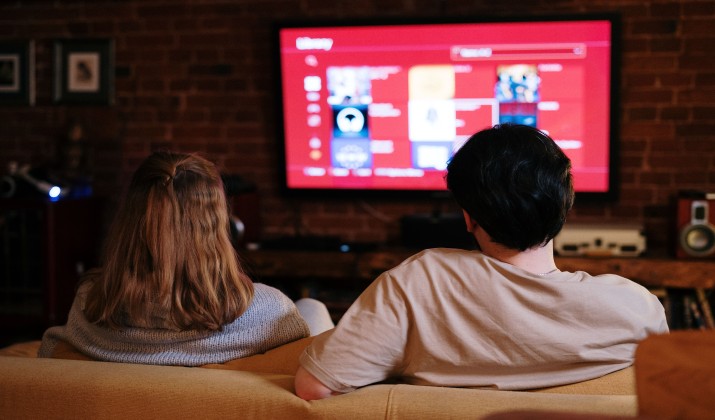
You bought a cheap Android TV box last year. Now the remote feels laggy, half the apps won’t update, and you’re wondering if there’s something better. Good news: you have options.
If you want smoother 4K streaming, fewer ads, real app support, or the ability to play games without stutter, switching to one of the best Android TV box alternatives makes sense.
This guide walks you through 7 solid picks. You’ll see how they compare on speed, 4K HDR, Dolby Atmos, gaming, sideloading, and privacy. No fluff. Just the details you need to pick a streamer that fits your setup and budget.
Why Look for Alternatives to Android TV Boxes and Google TV Streamers?
Many generic Android TV boxes sold online promise “unlimited free TV” but deliver a clunky experience. You get outdated Android versions, missing Widevine L1 certification, and apps that refuse to play Netflix or Disney+ in HD.
That’s where streaming devices with better app support than cheap Android TV boxes come in. Devices from Roku, Amazon, Apple, and even Google’s own official hardware run certified software, get regular updates, and actually support the apps you use every day.
Let’s jump into the list.
1. Apple TV 4K
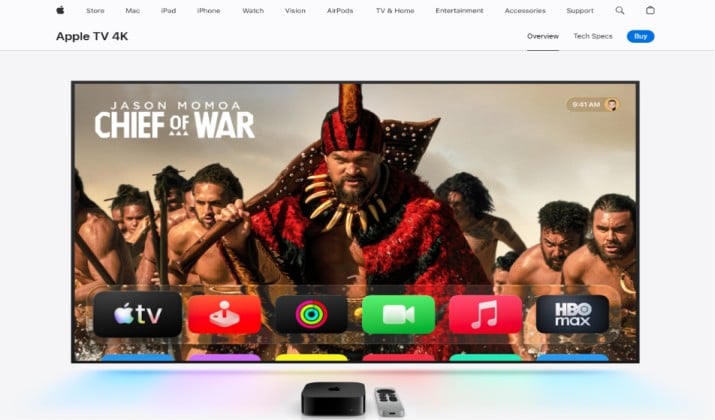
If you want the fastest, most polished streamer on the market, Apple TV 4K is it. The 2024 model with the A15 chip loads apps instantly and handles 4K HDR, Dolby Vision, and Dolby Atmos without breaking a sweat.
You get a clean home screen with no banner ads. Privacy is tighter than most smart TV platforms compared here, because Apple doesn’t rely on ad tracking to subsidize the hardware.
Where it shines:
- Performance: Runs console-style games from Apple Arcade. The GPU outclasses every other box on this list.
- App support: Every major streaming app, plus iTunes purchases, Photos, Apple Music, and Fitness+.
- Ecosystem: Uses your iPhone as a remote, shows HomeKit cameras, and syncs with AirPods for spatial audio.
Heads up: You can’t easily sideload apps like you can on Android. If you need alternatives to Android TV boxes that allow sideloading and free app installation, look at Fire TV or Nvidia Shield instead. Also, it’s pricey.
App Links: App Store | Play Store
Pricing: Apple TV 4K pricing in the US is $199 for the 64GB (Wi-Fi only) model and $249 for the 128GB (Wi-Fi + Ethernet, includes Thread mesh networking) model.
Both versions feature the fast A15 Bionic chip and support 4K Dolby Vision, HDR10+, and Dolby Atmos audio. The 128GB option is best if you play Apple Arcade games or want a wired internet connection for your streaming.
2. Roku Streaming Stick 4K
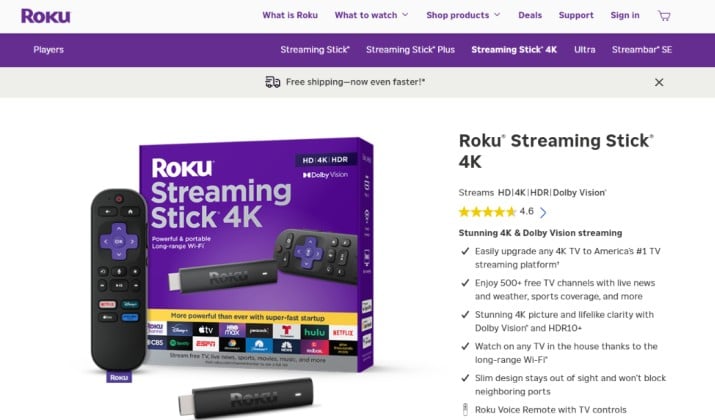
Roku keeps things simple. You turn it on and see a grid of apps with no content recommendations shoved in your face or complicated menus.
The Roku Streaming Stick 4K is one of the best budget streaming sticks as Android TV box replacements if you just want Netflix, YouTube, and Hulu to work. Want Ethernet and Dolby Atmos? Step up to the Roku Ultra.
Where it shines:
- App support: Roku has the most apps of any platform. If it streams, it’s probably on Roku.
- Ease of use: The remote has instant buttons for your favorite apps. Your parents can use it.
- Value: You get 4K, HDR, and Dolby Vision for under $50 with the Stick.
Heads up: Roku doesn’t support sideloading. You’re limited to the Roku Channel Store. And the home screen shows ad banners. It’s less intrusive than Fire TV, but more than Apple TV.
App Links: Play Store | App Store
Pricing: Roku Streaming Stick 4K pricing comes to $49.99. The upgraded model, the Roku Streaming Stick 4K+, which includes a hands-free voice remote with a headphone jack, usually costs around $69.99.
Also read: Roku vs Android TV – Which is Better?
3. Amazon Fire TV Stick
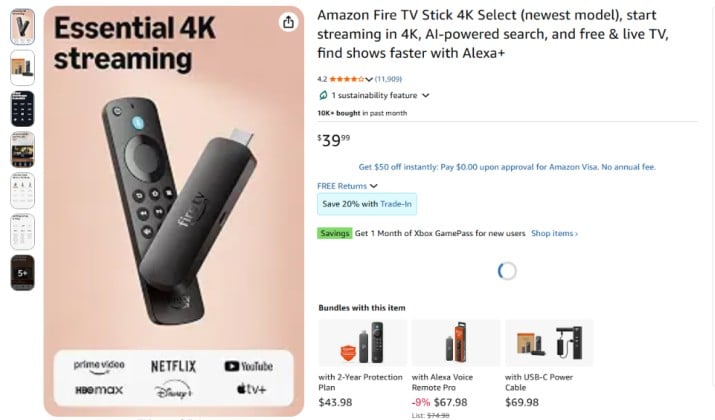
Fire TV is Amazon’s answer to the best streaming devices instead of Android TV boxes. If you live in the Alexa ecosystem or watch a lot of Prime Video, it fits right in.
The Fire TV Stick 4K Max is fast, supports Wi-Fi 6E, and costs less than dinner for two. Need hands-free voice control and a built-in speaker? The Fire TV Cube replaces your Echo and streamer in one box.
Where it shines:
- Sideloading: Fire OS is based on Android, so you can install APKs with Downloader. That makes it one of the top Firestick and Google TV Streamer alternatives for free app installation.
- Alexa: Press the mic button or just say “Alexa, play The Boys” from across the room with the Cube.
- Price to performance: You get Dolby Vision, Atmos, and fast load times for under $60.
Heads up: The home screen pushes Amazon content hard. You’ll see ads for shows, movies, and products. If you want a clean UI, Roku or Apple TV 4K does better.
App Links: Play Store | App Store
Pricing: Fire TV Stick prices range from $19.99 to $64.99, depending on the model. Amazon frequently discounts these rates during sales:
- Fire TV Stick HD: Standard price is $34.99, but it is often marked down to $19.99. It supports 1080p Full HD.
- Fire TV Stick 4K: Standard price is $39.99, and it supports 4K Ultra HD and Dolby Vision.
- Fire TV Stick 4K Max: Priced at $59.99 to $64.99. This model features Wi-Fi 6, more storage, and better performance.
Read this too: Best Browsers for Fire TV
4. Google TV Streamer
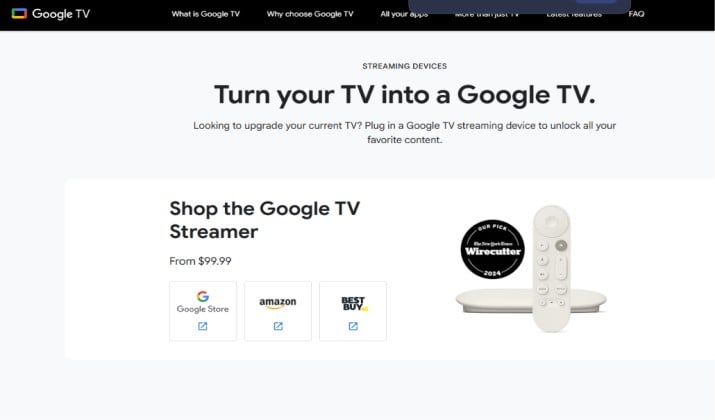
Google retired the Chromecast name in 2024 and replaced it with the Google TV Streamer. Think of it as Google’s own answer to the best Android TV and Google TV boxes.
Unlike random Android boxes on Amazon, this one is certified. You get Netflix in 4K, Prime Video, Disney+, and timely security updates. The new remote is bigger and the box itself doubles as a smart home hub for Matter and Thread devices.
Where it shines:
- Google TV UI: Aggregates shows from all your apps into one watchlist. The recommendations are actually useful.
- Sideloading: It runs Android TV OS, so you can enable developer mode and install APKs.
- Casting: Still works like a Chromecast. You can throw content from your phone in one tap.
Heads up: It’s still ad-supported. You’ll see sponsored rows on the home screen. Performance is good but not Nvidia Shield-level.
App Links: Android TV Apps on Play Store
Pricing: The standard retail price for the Google TV Streamer in the US is $99.99. Major retailers like Amazon, Target, and Walmart frequently discount the 4K device to about $79.99.
5. Nvidia Shield TV
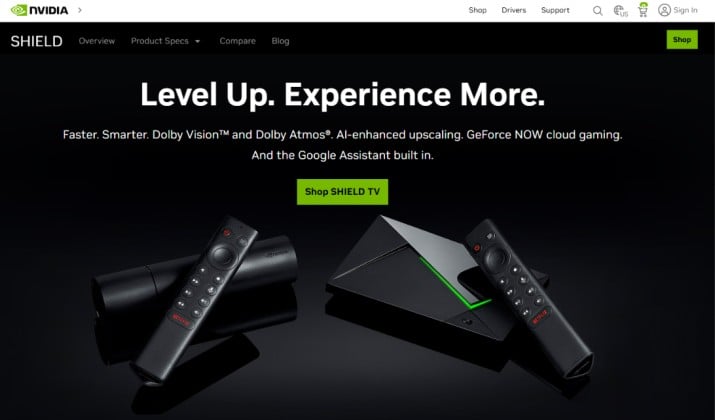
Want the best streaming sticks and boxes for 4K HDR, gaming, and Dolby Atmos? Nvidia Shield TV Pro has been the champ since 2019, and Nvidia still updates it.
It runs official Android TV, so every app works. The Tegra X1+ chip upscales HD to 4K with AI and can stream your PC games via GeForce Now or Moonlight at 4K 60fps.
Where it shines:
- Power: Plays emulators, AAA game streaming, and Plex 4K remuxes without buffering.
- Sideloading: Full access to Android APKs, custom launchers, and advanced tweaks.
- AI Upscaling: Makes old 1080p content look sharper on your 4K TV.
Heads up: It’s expensive for a streamer. The tube-shaped base Shield TV is cheaper but has less RAM. If you don’t game or run a Plex server, it’s overkill.
App Links: Android TV Apps on Play Store
Pricing: The Nvidia Shield TV starts at a list price of $149.99. The upgraded Nvidia Shield TV Pro costs $199.99.
Retailers like Amazon frequently discount these models, with the base model often dropping to around $129.99 and the Pro model to $179.99.
Another interesting read: Best Apple TV Alternatives
6. Onn 4K Pro
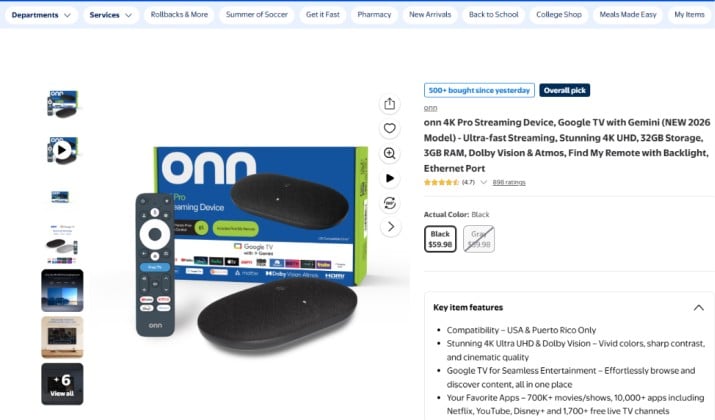
Walmart’s Onn brand surprised everyone with the Onn 4K Pro. For under $50, you get Google TV, a fast chip, 32GB storage, USB ports, and a backlit remote with a “find my remote” buzzer.
It’s proof that budget streaming sticks as Android TV box replacements can be good. You get certified Android TV, so Netflix and Prime Video run in 4K with Dolby Vision.
Where it shines:
- Value: Half the price of a Google TV Streamer with similar specs.
- Sideloading: Same Android TV access as Shield or Google’s box.
- Storage: 32GB means you can actually install apps without constantly deleting them.
Heads up: Build quality is basic. Support is limited to Walmart. But for the price, it’s one of the best streaming boxes with high performance for gaming, 4K HDR, and Dolby Atmos on a budget.
App Links: Android TV Apps on Play Store
Pricing: The newer version of Onn TV 4K Pro launched in 2026 is priced at around $60. This device is widely considered a budget-friendly value compared to other 4K streaming boxes on the market.
7. Xiaomi TV Box S (2nd Gen)
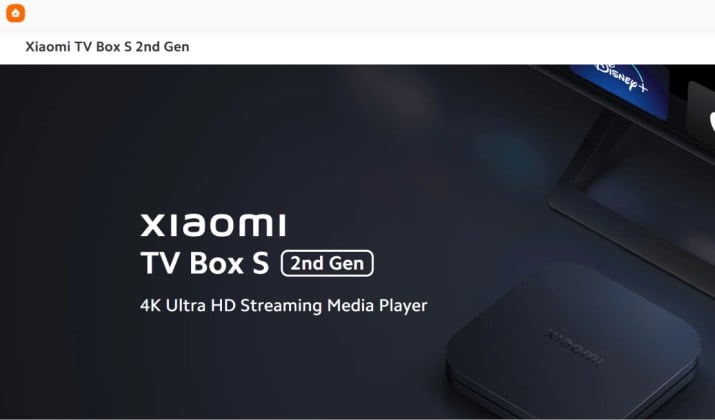
If you want a real Android TV box but not the random no-name kind, Xiaomi TV Box S 2nd Gen is the one to get. It is a fully certified Google TV device, so you get Netflix, Prime Video, Disney+, and YouTube in proper 4K HDR with Dolby Vision and Dolby Atmos.
Think of it as the polished version of what those cheap boxes try to be. You get official Widevine L1, Google Assistant voice control, Chromecast built in, and regular security patches.
Where it shines:
- Certified app support: Unlike cheap Android TV boxes, it runs every major app in 4K. This is one of the best streaming devices with better app support than cheap Android TV boxes under $60.
- Performance for the price: The quad-core chip handles 4K HDR, AV1 decoding, and light gaming much smoother than generic boxes.
- Sideloading and freedom: It runs Google TV, so you can enable developer options and install APKs. That makes it a solid option if you want alternatives to Android TV boxes that allow sideloading and free app installation but still want a safe, certified device.
Heads up: It does not have Ethernet or USB 3.0 like the Nvidia Shield TV Pro. If you need a wired connection for your Plex server, you will need a USB adapter. The UI also shows some sponsored rows, like all Google TV devices do.
App Links: Android TV Apps on Play Store
Pricing: The Xiaomi TV Box S (2nd gen) usually costs between $52 and $60. The exact price depends on the store you buy it from.
Quick Comparison
You want the short version? Here’s how the big five stack up:
- Apple TV 4K: Best performance, best privacy, no ads, no sideloading, highest price.
- Nvidia Shield TV Pro: Best for gamers and tinkerers, full Android sideloading, excellent performance, high price.
- Google TV Streamer: Best official Google experience, good recommendations, sideloading, moderate ads.
- Fire TV Stick 4K Max: Best budget sideloading option, heavy Amazon ads, great Alexa integration.
- Roku Streaming Stick 4K: Easiest to use, widest app support, moderate ads, no sideloading.
If you need the best Android TV box alternatives with fewer restrictions and more freedom, look at Google TV Streamer, Onn 4K Pro, or Nvidia Shield. If you hate ads, pay for Apple TV 4K.
So, Which One Should You Buy?
Buy the Nvidia Shield TV Pro if you want one box that fixes every problem cheap Android boxes have.
Why it wins over the other best Android TV box alternatives:
- Real Android power: Official Google certification, so Netflix, Prime, and Disney+ work in 4K HDR with Dolby Atmos.
- Freedom to sideload: You can install APKs and free apps, unlike Apple TV 4K and Roku.
- Fastest hardware: AI upscaling and GeForce Now gaming at 4K 60fps. Firestick and Onn 4K Pro can’t keep up.
Apple TV 4K has a cleaner UI, but you lose sideloading. Roku and Fire TV show more ads and slow down faster.
Pay once for the Shield Pro. You get speed, better app support, and freedom that lasts.



