TeamViewer is still the name everyone knows for remote access, but it’s harder to love. The free version now aggressively flags personal use as “commercial use,” and kills sessions after a few minutes.
If you just need to help a friend, grab a file from your home PC, or support a few clients without a subscription, you don’t need TeamViewer.
Free TeamViewer alternatives are faster, open-source, and don’t punish you for using them. Open-source tools like RustDesk now give you self-hosted, unlimited access, and Google and Microsoft have their own 100% free options.
Best Free Teamviewer Alternatives
1. RustDesk
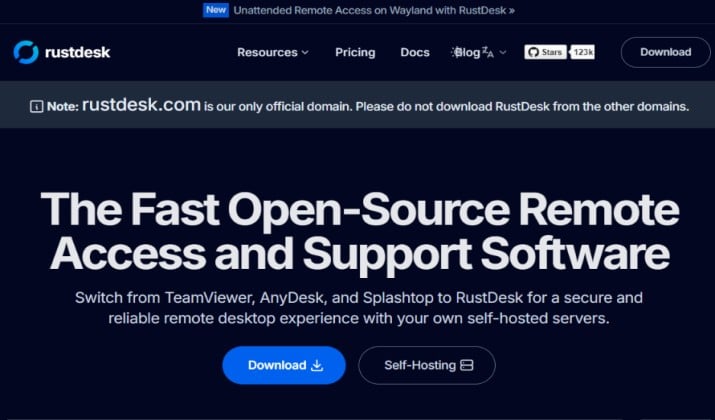
If you replace TeamViewer with one thing, make it this. RustDesk is free, open-source, and feels just like TeamViewer with no learning curve.
It works everywhere: Windows, macOS, Linux, Android, and iOS. Use the free public servers to start in seconds, or self-host it so your data never leaves your network.
Why it’s #1:
- 100% free, no commercial-use detection, no session timeouts
- End-to-end encrypted with file transfer and chat built-in
- 113K+ GitHub stars – one of the top 100 open-source projects
- Self-host with one Docker command for full privacy / GDPR compliance
Best for: Anyone who wants TeamViewer without the subscription.
RustDesk pricing: RustDesk offers a free, open-source self-hosted tier alongside paid annual Pro plans starting at $11.88/month for individuals and $23.88/month for teams.
Also Read:: Best TeamSpeak Alternatives
2. Chrome Remote Desktop
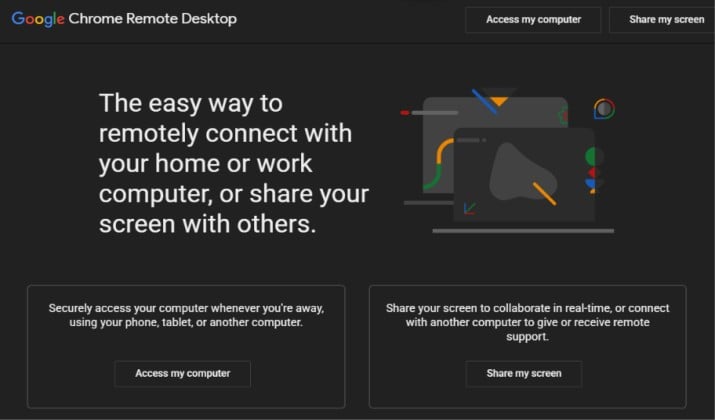
Google’s tool is still 100% free with no paid tiers, no upsells, ever.
Setup takes 30 seconds. Install the Chrome extension, generate a one-time code, share it, and the other person joins at remotedesktop.google.com.
- Works on Windows, Mac, Linux, and Chromebooks
- Backed by Google security, great for non-tech users
- Supports permanent unattended access to your own PCs
Limitations: No file transfer, remote printing, or multi-user support
Best for: Beginners and Chromebook users who need quick help.
3. AnyDesk
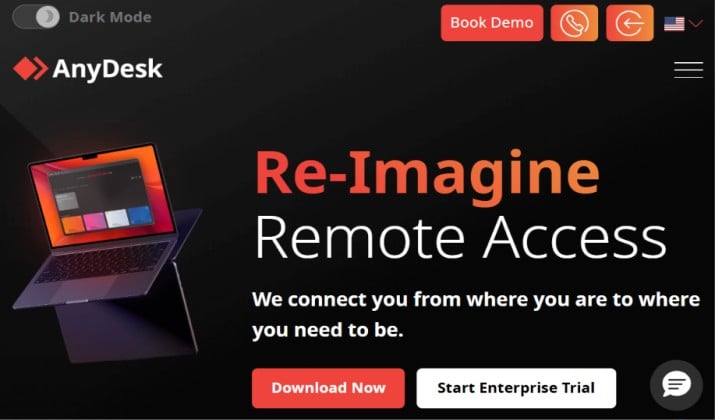
AnyDesk is still free for personal use. Only the initiator needs a license – participants are always free.
It’s just 4MB and uses its own DeskRT codec, so it gets 60fps even on bad internet. Much faster than TeamViewer on low-end PCs.
Free version includes:
- File transfer and remote printing
- TLS 1.2 encryption + 2FA
- Lightweight, no install needed
Limits: No remote restart or address book. Flags commercial use and may disconnect long sessions.
Best for: Low-end PCs and helping family over slow connections.
AnyDesk pricing: AnyDesk paid plans start at $23.12 per month for individuals and scale up for team usage, with all plans billed annually.
Check Out: Best FireRTC Alternatives
4. Windows App (Formerly Microsoft Remote Desktop)
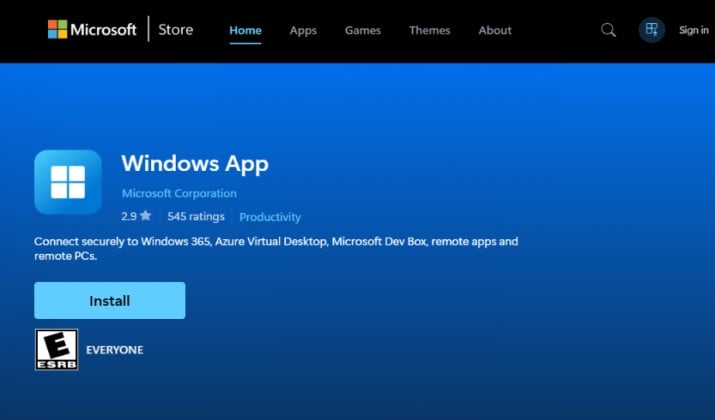
Microsoft discontinued the Remote Desktop app in May 2025. It’s been replaced by the new Windows App, the unified hub for Windows 365, Azure Virtual Desktop, and Dev Box.
- 100% free and built into Windows
- Best performance for Windows-to-Windows
- Multi-monitor, clipboard sharing, no third-party server
Limitation: Setup is more complex and it’s not truly cross-platform anymore. No easy file transfer over the internet.
Best for: Windows-only offices already in the Microsoft ecosystem.
5. NoMachine
NoMachine is still completely free for personal use, with no ads or time limits. It uses NX protocol, so it feels almost local, even for video.
It supports more devices than most paid tools: Windows 7-11, macOS, Linux, iOS, Android, and Raspberry Pi.
Free features:
- File transfer, video streaming, USB forwarding
- Remote printing and auto network discovery
- Works great for mobile-to-desktop
Free limitation: One concurrent connection at a time, no browser access.
Best for: Power users who want performance and mobile access for free.
6. DWService
DWService is a free, open-source remote tool that runs entirely in your browser. You install a small agent on the host PC, then you can control it from ANY other computer by just going to dwservice.net. There is no install needed on the client side.
Key features:
- No client install needed, just a browser
- Open-source, you can view and self-host the code
- File manager, screen control, command line, and process monitor
It’s slow compared to RustDesk, but it works even on locked-down work PCs where you can’t install software.
Best for: Accessing your PC from a locked-down work or library computer.
Explore: Mumble Vs TeamSpeak
7. Zoho Assist
Zoho Assist offers a free plan that’s actually usable for business, unlike TeamViewer.
It’s built for IT support – you can start an on-demand session with a link, no pre-install needed for the customer. The free plan is generous enough for solo techs.
The free plan includes:
- Instant chat, clipboard sharing, file transfer
- Wake-on-LAN, multi-monitor support
- Works on Windows, Mac, Linux, iOS, Android
Limitation: Only 1 active session at a time on free plan
Best for: Solo technicians and startups who need a free business license.
8. Splashtop Personal
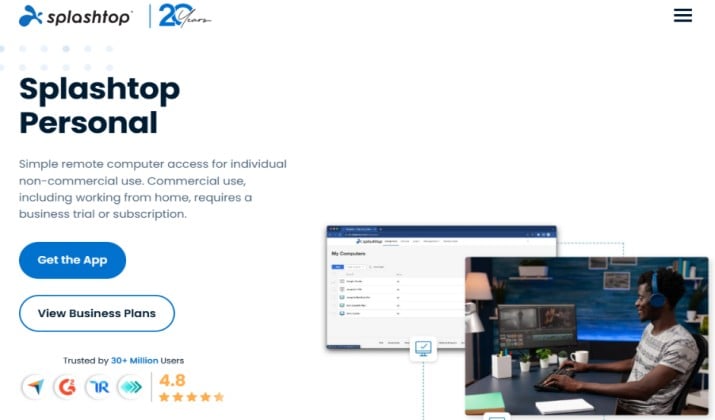
Splashtop Personal is free for personal use to access up to five of your own computers from another computer or Android phone.
It’s optimized for media streaming with 4K support and low latency, so you can play games or edit video on your home PC remotely. Much smoother than most free VNC tools.
Features in the free plan include:
- File transfer, remote printing, chat
- 4K streaming at 60fps
Note: iOS/iPad access and commercial use now cost extra
Best for: People who need to reach their own home/work PCs.
9. UltraVNC
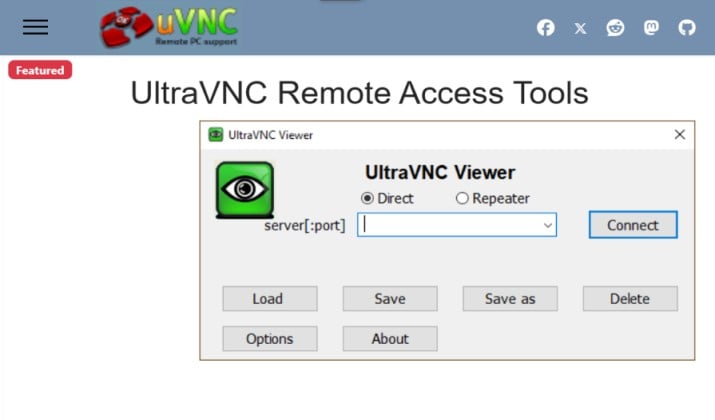
UltraVNC has been the go-to for Windows admins for 20 years.
It’s completely free, open-source, and highly customizable. You get full control without any cloud server in the middle, direct connection.
The free features include:
- Encryption plugin (MSRC4), file transfer, text chat
- Clipboard sync, auto-reconnect, lightweight viewer
- Can be customized with your logo
Limitations:
- Requires manual port-forwarding and router setup
- Windows-only, UI feels dated, not for beginners
Best for: Technical users who want full control on Windows networks.
Interesting Comparison: TeamSpeak Vs Discord
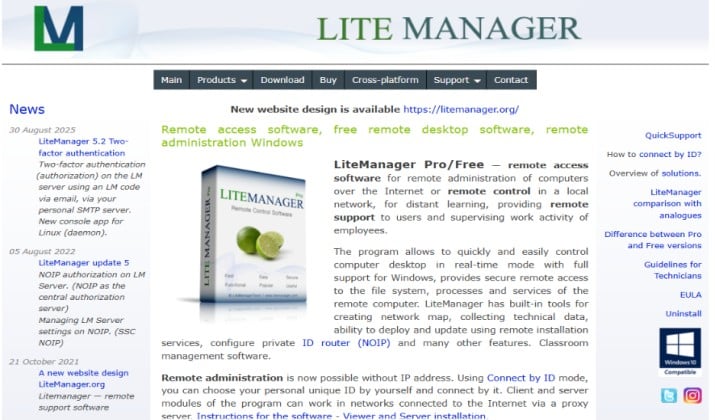
- Remote viewing, file transfer, task manager
- Text/audio/video chat, remote install, network map
- Works on Windows, Mac, Linux, iOS, Android, Wine
Best for: Small labs, classrooms, or home networks with many PCs.
12. Remote Utilities
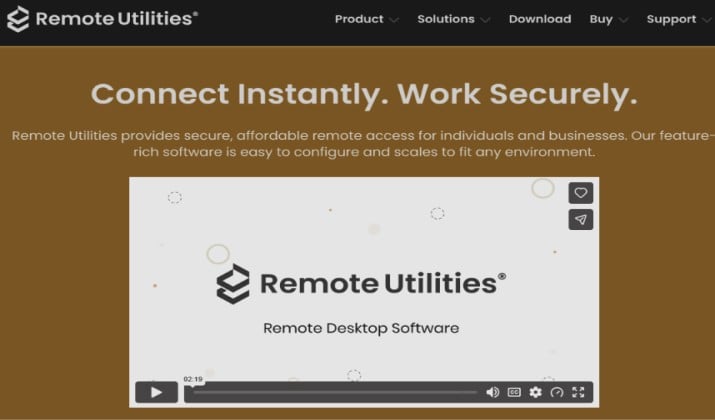
Remote Utilities is a powerful remote desktop tool that is free for both personal AND business use, with an optional self-hosted server for complete privacy.
It has a free plan that supports up to 10 remote PCs. Unlike most tools that charge monthly, its paid plans are one-time licenses you buy once and own forever.
Its features include:
- File transfer, video chat, and remote task manager
- Remote deployment and MSI installer for quick setup
- Self-hosted server option (RU Server) – no cloud needed
- Works on Windows, macOS, Linux, iOS, Android
Best for: Small businesses that want a free tool now and hate subscriptions later.
Final Verdict: Which TeamViewer Alternative Should You Choose?
The right pick depends on what you need. But one tool stands out today: RustDesk.
If you only install one TeamViewer alternative, make it RustDesk. It’s the only tool on this list that is truly free forever with no limits, no commercial-use flags, no session timeouts, and is fully open-source.
You get unlimited devices, file transfer, chat, and end-to-end encryption, plus you can self-host it for complete privacy. It looks and feels like TeamViewer, so you don’t have to relearn anything.
In short, it’s everything TeamViewer’s free version used to be, but without the restrictions that made people leave.