
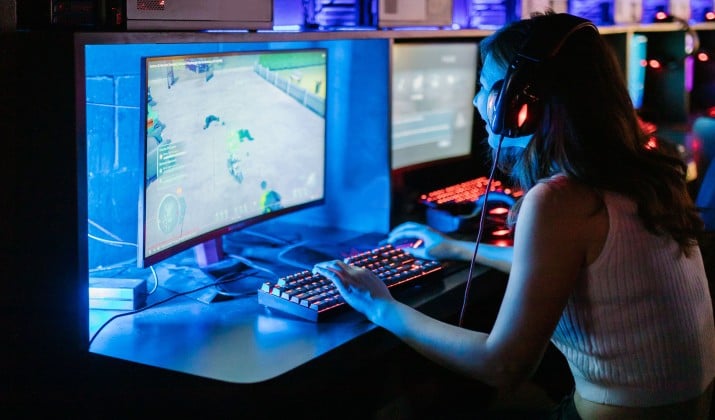
If you want to clip your sickest plays, start a channel, or just save memories, you need solid recording software that keeps up with you. This is the best gameplay recording software ranked for smooth recording and easy sharing, so you can stop wrestling with settings and start hitting record.
You will find tools here that give you high-quality gameplay capture without lag or watermarks, support 4K gameplay recording software with 60-120 FPS support, and still protect your frames.
Here is the quick take before we go deep:
- Want total control and free forever? Go OBS Studio.
- Need zero fuss clips on NVIDIA? Choose ShadowPlay.
- Want instant clips on Windows? Go with Xbox Game Bar.
Let’s get into the top game recording software for PC and consoles.
1. OBS Studio
OBS Studio is the standard for a reason. It is free, open-source, and it gives you complete control over how you capture.
You can record multiple sources at once, which makes it perfect screen recording software for gameplay with audio and webcam overlays. It enables you to add game capture, display capture, mic, desktop audio, and your facecam on separate tracks.
Plus, you can also stream and record at the same time, and it supports NVENC, AMF, and x264 so you can push 4K 120 FPS if your rig can handle it.
Why you will like it:
- You get unlimited recording time, no watermark, and no paywall.
- You can set hotkeys, create scenes, and use plugins for automatic clipping.
- It works as game recording software with built-in streaming to Twitch and YouTube so you do not need a second app.
The tradeoff is the learning curve. You will spend 15 minutes setting it up the first time.
Pricing: Free forever.
Download here: Web
2. NVIDIA ShadowPlay
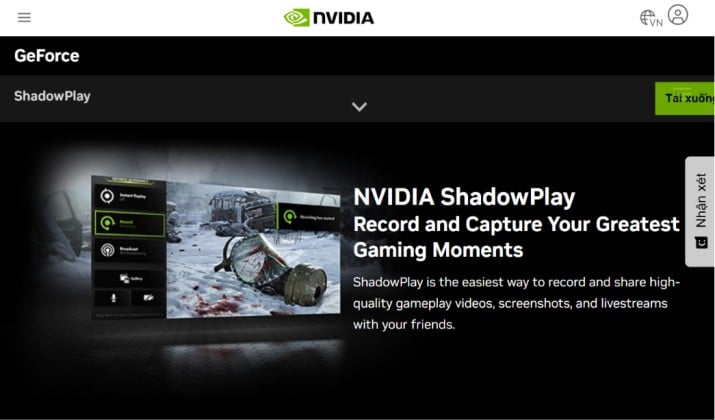
If you own an NVIDIA card, you already own one of the best gameplay capture software options. ShadowPlay now lives inside the NVIDIA App, and it uses the GPU encoder so you barely feel it.
You press Alt+F9 to record, Alt+F10 to save an instant replay of the last 30 seconds to 20 minutes. You get game capture tools with low CPU usage and minimal performance impact because NVENC does the heavy lifting. Tests show 1-3% FPS impact, which is the lowest in this list.
It is ideal when you want 4K gameplay recording software with 60-120 FPS support without tuning a lot of settings. You also get clean MP4 files, and you can go live directly.
Pricing: Free with any GTX 600 series or newer NVIDIA GPU.
Download here: Web
Also read: Games Like Toca Boca
3. Xbox Game Bar
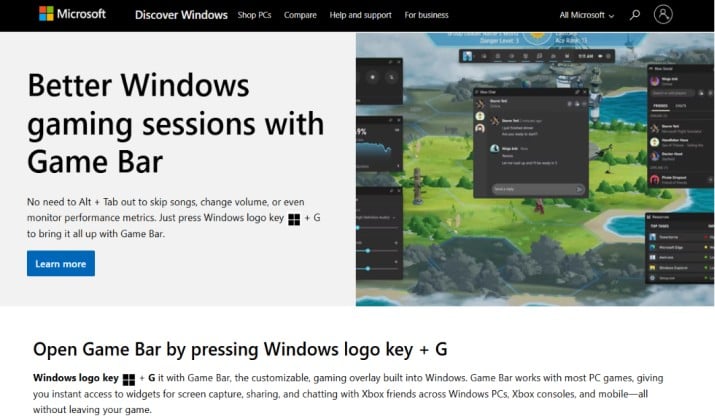
You do not need to install anything to start. Press Win + G and you get the Xbox Game Bar built-in Windows gameplay capture overlay.
It is perfect for quick clips. Press Win + Alt + R to record, Win + Alt + G to save the last 30 seconds. It records at up to 4K 60 FPS on Windows 10 and 11, captures system audio and mic, and it saves straight to your Videos folder.
If you want the simplest way to grab gameplay recording tools for streaming to Twitch, YouTube, and Kick highlights later, this is your fastest path.
Pricing: Free, built into Windows 10 and 11.
4. Medal.tv
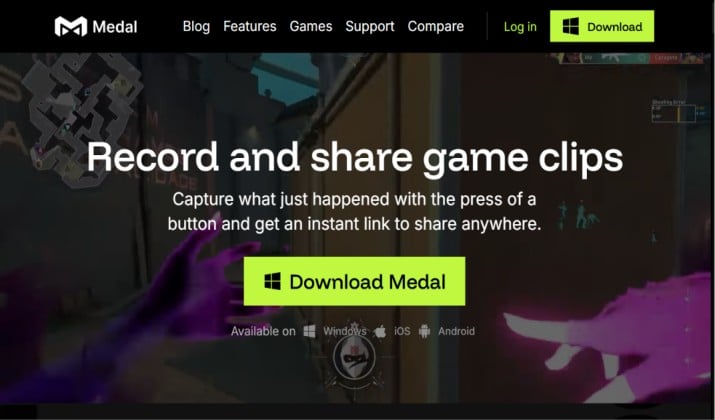
Are you tired of manually scrubbing through hours of footage? Medal.tv solves that.
It is a gameplay recorder with automatic highlights and clipping features. It runs in the background, detects kills, deaths, and funny moments in supported games, and auto clips them. You can trim in the app, add your voice and webcam, and share with one link.
It also works as game recording software with automatic highlights and gameplay stats capture similar to what tools like Omni promise.
You will love it for Valorant, Fortnite, League, and Call of Duty.
Pricing: Medal.tv is free to use, with an optional Medal Premium subscription priced at $9.99 per month or $7.99 per month when billed annually.
Download here: Play Store | App Store
5. Outplayed by Overwolf
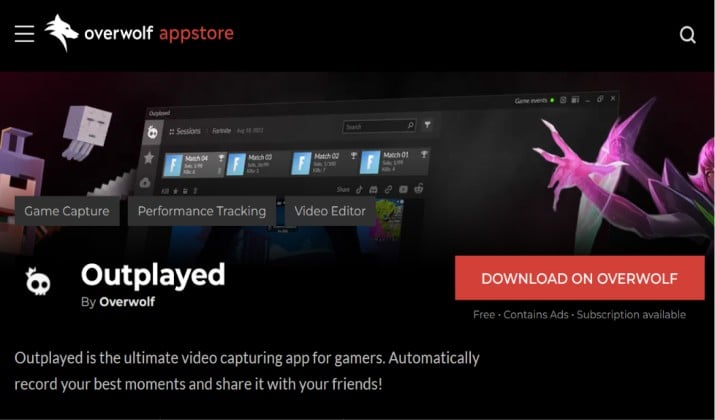
Outplayed is built for competitive players who want stats plus clips. It automatically captures every match in games like League of Legends, Dota 2, CS2, and Overwatch, and it organizes clips by champion, map, or kill.
You get screen recording software for gameplay with audio and webcam overlays and a built-in editor. It also pulls in-game events so you can jump to pentakills or deaths instantly.
Pricing: Outplayed by Overwolf uses a freemium model featuring a free Core plan backed by video ads and a Premium paid subscription tier priced roughly at $8.99/month.
Download here: Web
Read this too: Best Games Like Factorio
6. Bandicam
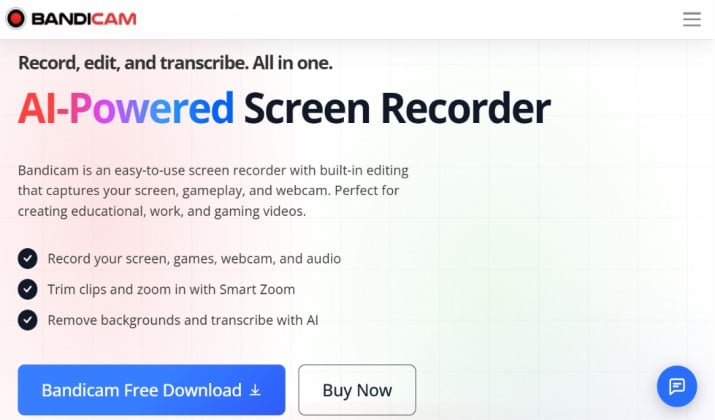
Bandicam is a veteran for a reason. It is lightweight, it supports 4K gameplay recording software with 60-120 FPS support, and it has a dedicated game recording mode that hooks directly into DirectX, Vulkan, and OpenGL.
You can record up to 480 FPS for slow motion, add webcam overlay, and draw in real time. It also gives you great compression, so file sizes stay manageable while you keep high quality.
If you run a low to mid range PC and want game capture tools with low CPU usage and minimal performance impact, Bandicam deserves a look.
Pricing: Free version limited to 10 min with watermark. Bandicam personal pricing starts at roughly $33.26 per year for an annual subscription or about $44.96 to $49.95 for a lifetime/perpetual license on one PC.
Download here: Web
7. Mirillis Action!
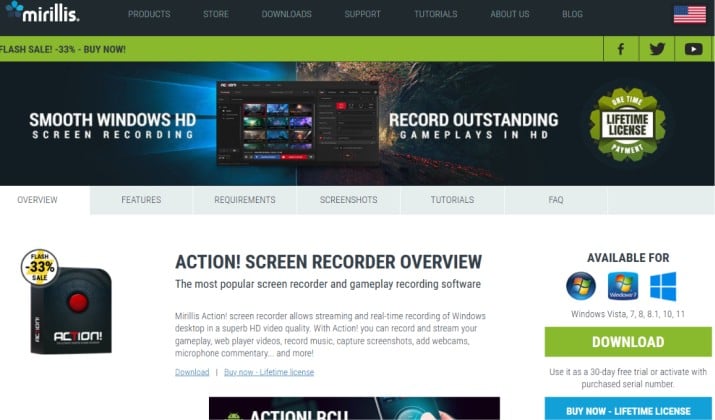
Action! gives you a beautiful HUD to monitor FPS, record time, and encoder status. You can record up to 8K, stream to all major platforms, and use Time-Shift to always save the last few minutes.
You get hardware acceleration, live audio commentary, webcam overlay, and slow motion export. It is one of the few tools that gives you high-quality gameplay capture without lag or watermarks on the paid plan while keeping CPU usage low.
Pricing: Mirillis Action! pricing uses a one-time lifetime license model starting around $19.77 for home use and $32.95 for commercial use
Download: Web
8. FBX Game Recorder
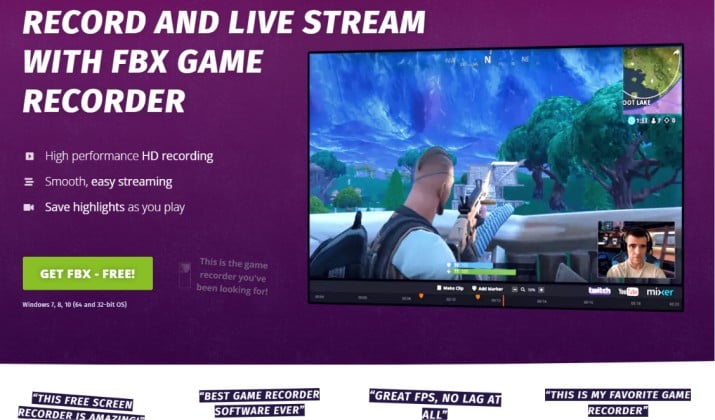
FBX is made only for games, so it feels super simple. You open it, it detects your game, and you hit record. It saves clips with your highlights auto-bookmarked, so you can jump to kills.
It captures at up to 4K 60 FPS with NVENC, AMF, and Intel Quick Sync support, and it keeps file sizes small. It is also great screen recording software for gameplay with audio and webcam overlays if you want facecam without a complex setup.
Pricing: FBX Game Recorder pricing features a free tier alongside an annual subscription and a lifetime license option.
- Free Plan: Costs $0 with core recording features, though it includes an FBX video watermark.
- Annual Subscription: Listed at $9.50 per year.
- Lifetime License: Priced at $25.00 as part of active promotions, which includes all future updates.
Download here: Web
9. EaseUS RecExperts
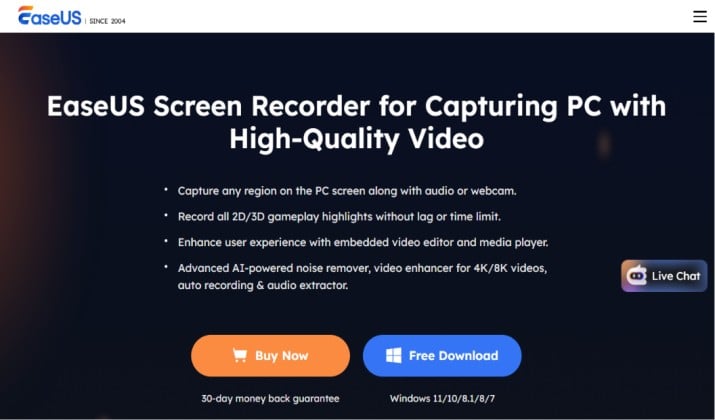
EaseUS RecExperts is more than a game recorder. You can use it to record gameplay, but also schedule recordings, lock a window so you do not capture popups, and edit quickly.
It supports 4K 60 FPS, system sound, mic, webcam, and it lets you boost audio separately. If you also make tutorials, you will appreciate the annotation tools.
Pricing: EaseUS RecExperts pricing features three main plans: a monthly subscription at $19.95, an annual subscription at $5.8 per month, and a lifetime license for $119.95.
Each standard tier is valid for one user or computer, and purchases made directly through the EaseUS Store Center include a 30-day money-back guarantee.
Download here: Web
10. SteelSeries Moments
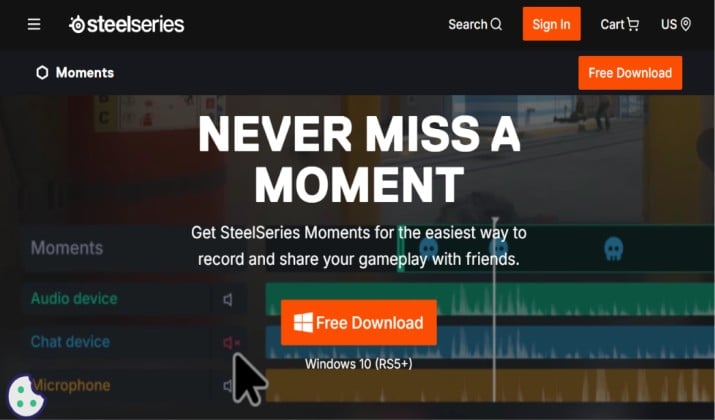
If you own SteelSeries gear, Moments is already in SteelSeries GG. It auto clips your best moments with almost zero setup and gives you game capture tools with low CPU usage and minimal performance impact.
It supports auto clipping for 30+ popular games, free cloud storage, and instant sharing. You can also trim and create GIFs fast.
Pricing: Free with SteelSeries GG.
Download: Web
OBS Studio vs ShadowPlay vs Xbox Game Bar Comparison: Which One Should You Pick?
This is the matchup everyone asks about. All three are free, all three can record great footage, but they serve different players.
If you want total freedom and you plan to stream, OBS Studio wins. You control bitrate, encoder, resolution, audio tracks, and you get plugins for automatic highlights.
You can push 4K gameplay recording software with 60-120 FPS support and you can use it as game recording software with built-in streaming to Twitch and YouTube without paying anything. The only cost is time to learn it.
ShadowPlay wins for pure performance. If you have an NVIDIA GPU and you want game capture tools with low CPU usage and minimal performance impact, it gives you the smallest FPS drop. You press two keys and you get clean clips. You do not get as many editing options.
Xbox Game Bar wins for convenience. You press Win + Alt + R and you are recording. No install, no account. It is best for casual players who want quick top 10 game recording software for PC and consoles style clips without thinking about encoders.
So which one stands out?
If you want the best gameplay capture software that grows with you from your first clip to full creator setup, OBS Studio is better. It gives you free 4K, no watermark, streaming, and endless customization that the other two cannot match. ShadowPlay and Game Bar are excellent companions, but OBS is the one tool you will not outgrow.
How To Choose the Right Tool for You?
Ask yourself three questions:
- What GPU do you have? NVIDIA users get extra value from ShadowPlay. AMD users should try ReLive or OBS with AMF.
- Do you want auto clips? If yes, pick Medal.tv, Outplayed, or SteelSeries Moments for that gameplay recorder with automatic highlights and clipping features.
- Do you stream? If yes, pick OBS Studio or Mirillis Action! because they combine capture and live.
You can mix too. Many creators use ShadowPlay for background instant replay and OBS Studio for main recording. You get safety plus quality.
What is the Best Setup?
You have amazing free options now. If you just want to capture without fuss, Xbox Game Bar or ShadowPlay gets you started in seconds. If you want to become a serious creator, install OBS Studio and add Medal.tv for auto highlights.
Among all these, OBS Studio remains the clear winner for most PC players. It costs nothing, it records high-quality gameplay capture without lag or watermarks, it handles screen recording software for gameplay with audio and webcam overlays, and it works as both recorder and streamer. You learn it once and you use it for years.
Start with OBS Studio, keep ShadowPlay running for those unexpected clutch moments, and you will never miss a play again.



