

You want Plex to just work. No buffering wheel or weird audio issues. You hit play, and your 4K movie starts in full quality, exactly how you saved it.
That is what the right player does for you. The wrong one forces your server to transcode, kills your quality, and makes your fan spin like crazy.
If you are searching for the best streaming device for Plex, this guide breaks down the ones that actually deserve a spot under your TV.
What Makes a Great Plex Client?
Before you buy, you need to know what to look for. Plex works best when your client can direct-play everything. That means your server does not have to convert video or audio on the fly.
Here is what you should prioritize in your search for the best streaming devices for Plex media server setups:
- Wide codec support. Look for H.264, HEVC / H.265, AV1, and VC-1. More codecs equals less transcoding.
- True audio passthrough. If you have a soundbar or receiver, you want streaming devices for Plex that support Dolby Atmos and TrueHD pass through so you get lossless sound.
- HDR format support. You want HDR10, HDR10+, and Dolby Vision. These are the Plex clients with Dolby Vision support and wide codec compatibility that people keep for years.
- Fast networking. For high bitrate 4K remuxes you need streaming devices with gigabit Ethernet or Wi Fi 6 for smooth Plex streaming. Wi Fi alone will choke on 80 Mbps files.
- Snappy interface. Plex loads posters, skips intros, and scrubs quickly when the chip inside is fast.
This is the core of any Plex streaming device buying guide. Get direct play right, and everything else feels effortless.
Also read: Best Plex Alternatives
1. Nvidia Shield TV Pro
Check the Latest Price on Amazon
Best known as: Plex client for direct play, 4K upscaling, and advanced formats
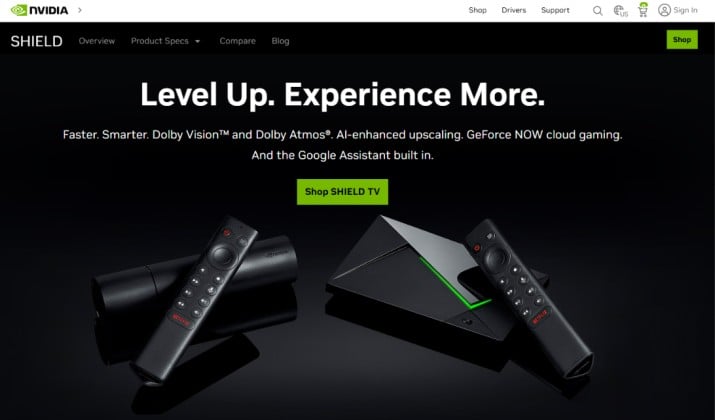
If you ask power users what is the best streaming device for Plex, most will say the Shield TV Pro. And for good reason.
You get the widest format support of any streamer on this list. It handles almost everything you throw at it without transcoding. That includes tricky stuff like high bitrate HEVC, PGS subtitles, and lossless audio. This is the reference for best devices for Plex direct play vs transcoding.
You also get Dolby TrueHD and DTS-HD MA passthrough. If you own a proper home theater, this is huge. You keep Atmos in TrueHD, not just the lossy version.
The AI upscaling makes 1080p content look shockingly close to 4K on a big TV. It runs Android TV, so your Plex client stays updated and you can even run a Plex server on the box itself if you want a small setup.
Who you are: You have a big movie library, you care about audio, and you hate seeing “transcoding” in your Plex dashboard.
2. Apple TV 4K
Best known as: High quality Plex client for Apple households with great HDR and Atmos support
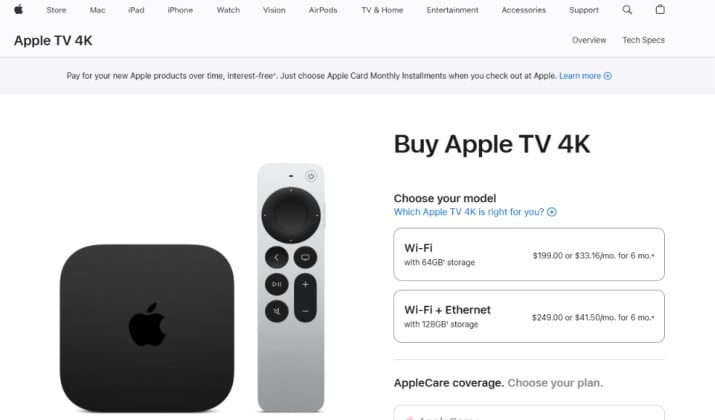
If you live in the Apple world, this is your pick. The Apple TV 4K is insanely fast, super polished, and it plays Plex beautifully.
You get perfect HDR handling. It matches frame rate and dynamic range automatically, so your Dolby Vision movies switch your TV correctly. That is rare. For best Plex client for 4K HDR and high bitrate video playback, Apple TV 4K is top two.
Plex on tvOS looks premium and it supports skip intro, credits detection, and rich metadata without lag. You get Wi-Fi 6 and gigabit Ethernet on the 128GB model, which you absolutely want for smooth Plex streaming.
For audio, it does Dolby Atmos in E-AC3. It does not passthrough TrueHD Atmos like the Shield, but it decodes it to high quality PCM that still sounds amazing for most people.
Who you are: You use an iPhone, you want a box that feels fast every single time, and you want great HDR and Atmos support without fiddling.
Check the latest pricing here.
Read this too: Best Plex Alternatives for Mac
3. Roku Ultra
Check the Latest Price on Amazon
Best known as: Simple and reliable Plex client for most users
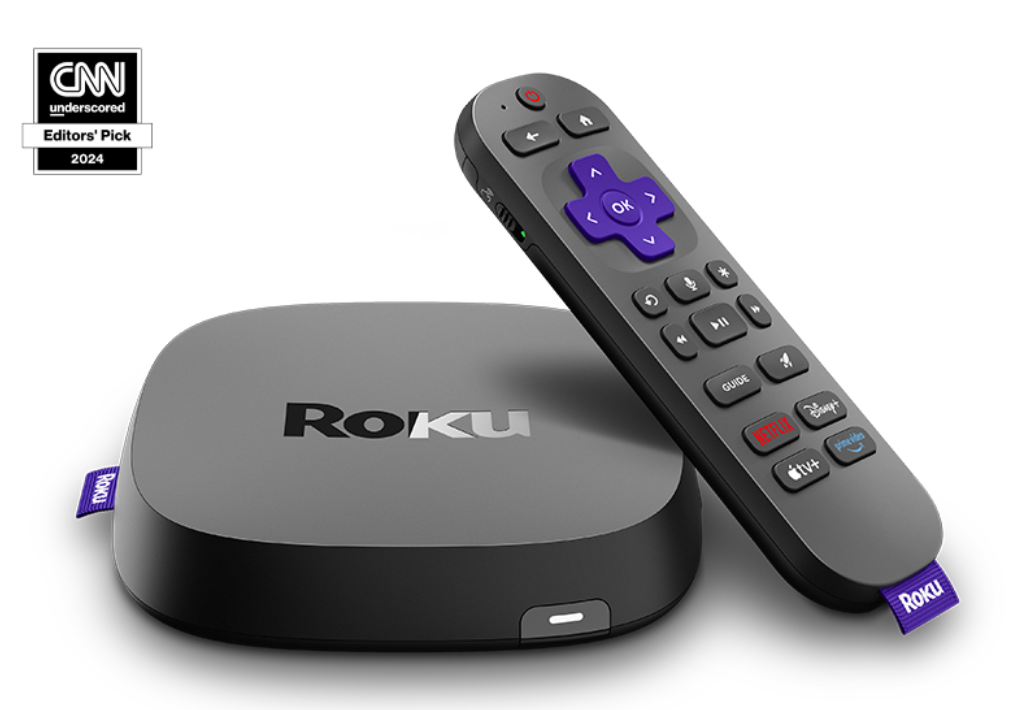
You just want Plex to work and you do not want to learn what a codec is. Get the Roku Ultra.
Roku built its reputation on simplicity. The Plex app is clean, stable, and easy for anyone in your family to use. This is why it remains one of the best media streaming devices for Plex and 4K HDR for normal users.
It supports 4K HDR, HDR10+, Dolby Vision, and Dolby Atmos. You get Dolby Digital and Atmos over Dolby Digital Plus passthrough. You also get a proper Ethernet port, voice remote with private listening, and a remote finder.
Roku does not support TrueHD or DTS-HD MA passthrough, so it will transcode those tracks to something your soundbar can handle. For most living room setups, you will not notice.
Who you are: You want simple and reliable. You want the Plex app to open fast and your family to figure it out without a tutorial.
4. Google TV Streamer
Check the Latest Price on Amazon
Best known as: Affordable Plex client with good app support
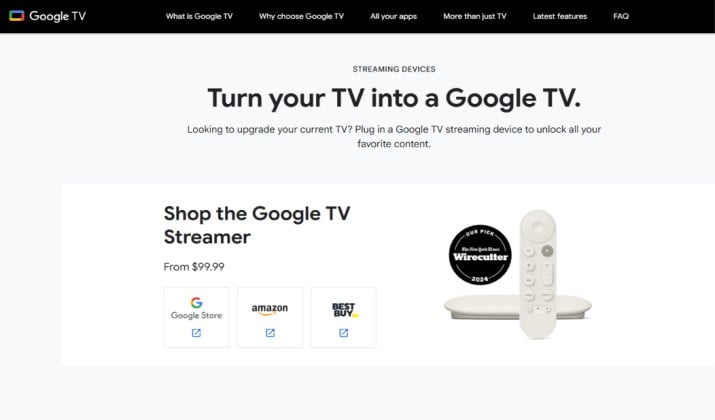
The Google TV Streamer, which replaced Chromecast with Google TV, is the sleeper hit for Plex.
You get a fast chip, 4K HDR with Dolby Vision, HDR10+, and HLG, plus Dolby Atmos support. The Google TV interface is excellent for Plex because it surfaces your continue watching right on the home screen. For best Plex client devices (Shield, Apple TV, Roku, Fire TV) comparisons, this one wins on smart features for the price.
The new Google TV Streamer finally adds gigabit Ethernet built in, which fixes the biggest complaint about the old Chromecast. That matters a lot when you stream 4K remuxes. Wi Fi alone drops frames.
It supports Dolby Digital, Dolby Digital Plus, and Atmos over Dolby Digital Plus. Like Roku, it does not do TrueHD passthrough, so your server will transcode lossless audio.
Who you are: You want Google Assistant, good recommendations, and solid Plex performance without spending a lot.
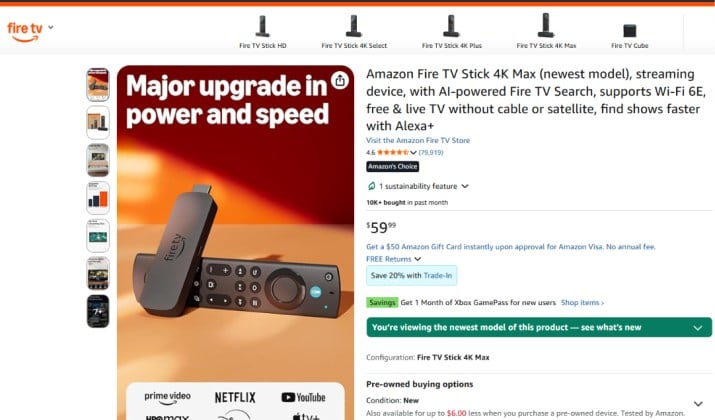
5. Amazon Fire TV Stick 4K Max
Check the Latest Price on Amazon
Best known as: Plex client with Alexa and strong app ecosystem
If you have Alexa at home, the Fire TV Stick 4K Max is a no brainer. It is cheap, super fast for the price, and it nails Plex for most people.
You get Wi Fi 6E support, which is rare in this price range, plus Dolby Vision, HDR10+, and Atmos. The Plex app runs smoothly and it handles 4K HEVC direct play really well. For best budget streaming device for Plex with solid app support and performance, this is often at the top.
It supports passthrough for Dolby Digital and Dolby Atmos over E-AC3. Again, no TrueHD passthrough, so Plex will transcode TrueHD to E-AC3 or PCM. Your video stays direct play, so your quality stays high.
The Alexa integration is actually useful. You can say “play The Office on Plex” and it starts.
Who you are: You shop on Amazon, you use Alexa, and you want the cheapest way to get reliable 4K Plex.
Another interesting read: Plex vs Emby
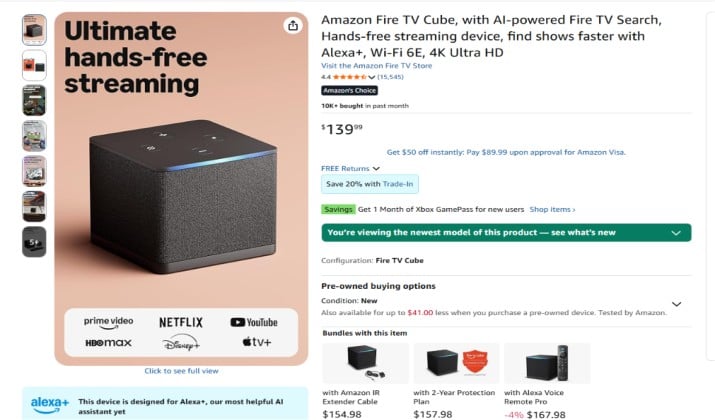
6. Amazon Fire TV Cube
Check the Latest Price on Amazon
Best known as: Fastest Fire TV for Plex with hands free control
Think of the Fire TV Cube as a Fire TV Stick 4K Max on steroids. Same great app ecosystem, much faster processor.
You get a hex core chip that makes Plex fly. Libraries with thousands of movies load instantly. You get Wi Fi 6E, an Ethernet port built in, and full 4K HDR support with Dolby Vision.
This is one of the best media streaming devices for Plex and 4K HDR if you want a box rather than a stick. The built in speaker lets you control Plex hands free. You can ask it to pause or rewind without the remote.
Audio support mirrors the Stick 4K Max. Dolby Atmos works great over streaming formats, but lossless TrueHD will still transcode.
Who you are: You want a box form factor, you hate lag, and you want Ethernet without dongles.
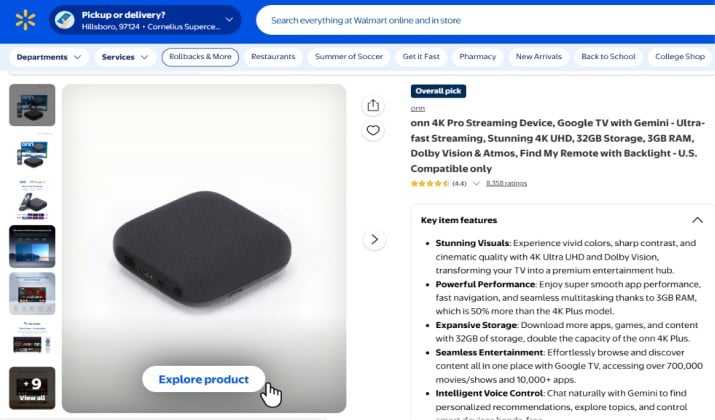
7. ONN 4K Pro
Best known as: Budget streaming device for Plex with solid app support and performance
You do not need to spend 200 dollars to get good Plex. The Walmart ONN 4K Pro costs around 50 dollars and it punches way above its weight.
You get Google TV, Dolby Vision and Dolby Atmos, Wi Fi 6, and a surprisingly fast chip for the price. It even has a built in Ethernet port and far field mics. For a guest bedroom or kids room, this is the best budget streaming device for Plex with solid app support and performance right now.
It handles 4K HEVC direct play fine. For high bitrate files over 70 Mbps, use Ethernet to avoid stutter. It will transcode TrueHD and DTS-HD MA, but again, that is normal at this price.
Who you are: You need cheap Plex clients for multiple TVs and you still want 4K and Dolby Vision.
Check the pricing here.
Which Streaming Device Is Best for Plex if I Mainly Watch 4K HDR Movies?
Go Shield TV Pro if your files are full quality remuxes. You need its codec support and Ethernet to keep everything in direct play.
If you are in the Apple ecosystem, Apple TV 4K with Ethernet is second best because its HDR switching is flawless and its chip never struggles with high bitrate video.
For casual 4K streaming where your files are compressed to 15 to 25 Mbps, Roku Ultra or Google TV Streamer will feel identical.
Which Plex Client Should I Buy if I Care About Dolby Atmos and TrueHD Audio?
This one is simple.
If you own a receiver that can decode TrueHD and DTS-HD MA and you have speakers in the ceiling or up firing modules, you want the Shield TV Pro. It is the only player on this list that passes TrueHD Atmos and DTS:X losslessly to your receiver.
Every other device decodes Atmos from Dolby Digital Plus, which still sounds great but it is not lossless. If you do not own a receiver, you can ignore this and pick any box you like.
Which Streaming Device for Plex Offers the Best Balance of Price, Performance, and Ecosystem?
Match the box to your house.
You have iPhones and HomePods. Apple TV 4K gives you the smoothest experience and ties your photos and music together.
You live on Google Assistant and YouTube TV. Google TV Streamer feels native and your watchlist syncs everywhere.
You use Alexa and Prime Video. Fire TV Stick 4K Max or Fire TV Cube fits right in and costs less.
You want no ecosystem at all. Roku Ultra stays neutral and everyone knows how to use it.
Is It Better To Use a Dedicated Streaming Box or Built in Smart TV Apps for Plex?
Use a dedicated box every time.
Your smart TV app might seem convenient, but your TV processor is slow, its Wi Fi is weak, and it rarely gets updates. TV apps also lack TrueHD passthrough, have limited codec support, and often force transcoding for subtitles.
A 50 dollar box outperforms a 1000 dollar TV app for Plex. You also keep Plex consistent when you change TVs. If you care about direct play, get a box.
The Final Pick
All seven will give you a good Plex experience, but they are not equal.
If you want one device that ends the search for the best streaming device for Plex, buy the Nvidia Shield TV Pro.
No other player on this list gives you lossless TrueHD Atmos and DTS:X passthrough, the broadest direct play support, AI upscaling that actually helps, and a Plex client that has been rock solid for years.
Apple TV 4K looks nicer and feels faster day to day, but it still forces audio transcoding that Shield avoids. Roku, Google, and Fire TV are fantastic values, but they compromise where it matters for enthusiasts: audio passthrough and subtitle handling.
So here is how you should think about it. If Plex is your main app and you built a library you are proud of, the Shield TV Pro protects that investment.



