

If you just installed Mihon and stared at that empty library screen, you know the feeling. The app looks clean and fast, but it does not come with manga. That is by design. You add it yourself through extensions, and the right ones change everything.
This guide walks you through the Best Extensions for Mihon you actually want. No fluff or dead repos, just sources that work daily for manga and manhwa, in English and Spanish, with fast updates and clean libraries.
What Are Mihon Extensions and Why Do You Need a Repo?
Think of Mihon as a reader shell. It is a free and open source manga reader for Android. Extensions are small plugins that connect your library to websites. Each extension knows how to fetch covers, chapter lists, and pages from one site.
You do not install extensions one by one from the web anymore. You add a repository URL once inside Mihon, and Mihon shows you hundreds of installable sources.
That is the easiest way to get best extensions for Mihon app without hunting APKs.
If you are new to this, go to Mihon > More > Settings > Browse > Extension repositories > Add, paste the repo link, save, then go back to Browse and install what you need.
Now here are the best extensions for Mihon app.
1. MangaDex
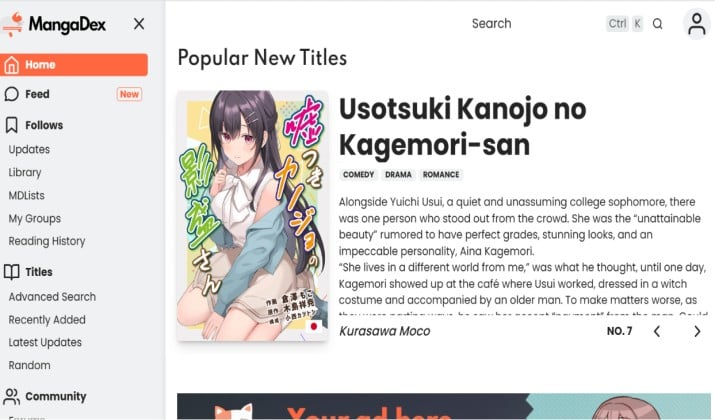
Language: English, multi language
Why you need it: This is the gold standard for metadata. You get full covers, author info, accurate status, content ratings, and multiple scanlator versions per chapter.
Search and filters work perfectly here, so it is ideal for Mihon extensions with good search, filters, and genre tags.
If you care about clean libraries and extensions that integrate well with Mihon’s backup and restore features, start with this one.
Get it here: MangaDex repo link
Also read: Best Free Sites to Read Manga
2. Asura Scans
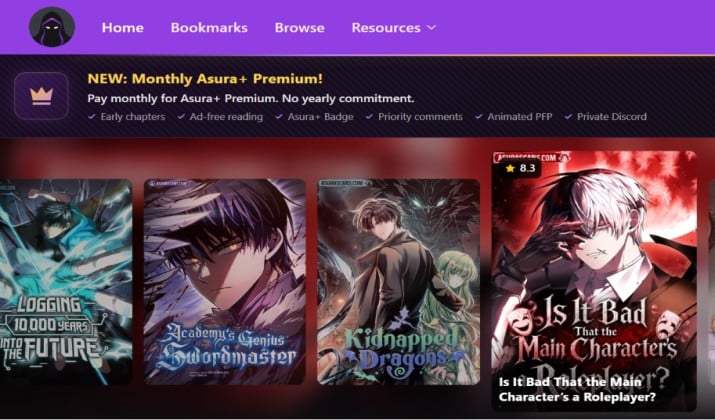
Language: English
Why you need it: The fastest for manhwa. Series like Solo Leveling, Return of the Mount Hua Sect, Nano Machine hit here first. Optimized for vertical scroll, so pages load as long strips.
This is a core pick for best Mihon extensions for manga and manhwa and for best Mihon extensions for fast updates and reliable chapter tracking.
Get it here: Asura Scans repo link
3. Comick
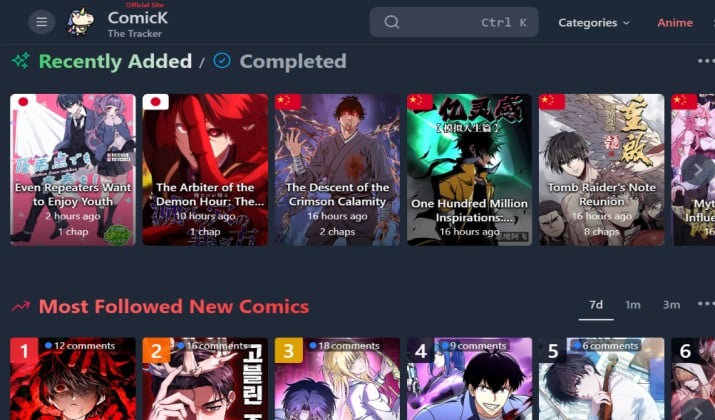
Language: English, multi language
Why you need it: Comick aggregates multiple scanlator groups for the same manhwa, so you get action, fantasy, and reincarnation series like Realm/Reaper used to host, with fast updates.
It is stable, no Cloudflare, and optimized for vertical scroll with high-res images.
Get it here: Search ComicK on Keiyoushi extensions page
4. Flame Comics
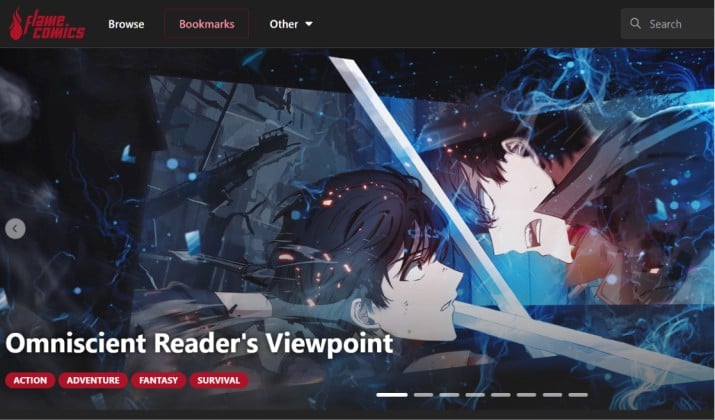
Language: English
Why you need it: Smaller catalog but picks up series that Asura and Reaper drop. Good for romance and drama manhwa plus some manga.
Lightweight parser, so it throws fewer errors. It is one of those lightweight extensions that reduce errors and loading problems compared to heavy sources.
Get it here: Flame Comics repo link
5. Infernal Void Scans
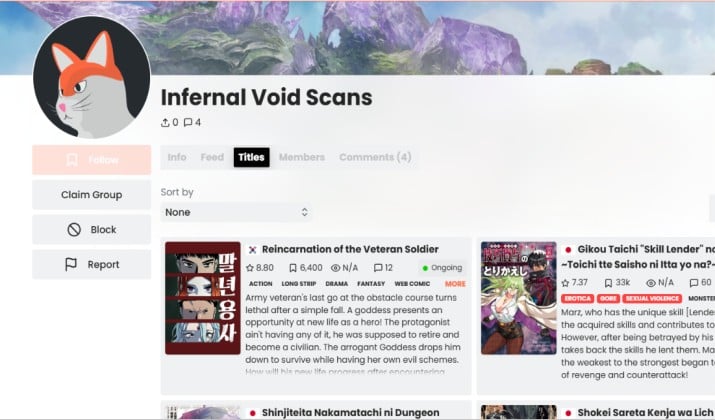
Infernal Void Scans is your most stable replacement for Reaper Scans. It focuses on action, fantasy, and reincarnation manhwa with fast daily uploads and clean long strip pages.
You get very few Cloudflare errors, so chapters load when other aggregators fail.
Get it here: Infernal Void Scans repo link
6. MangaBuddy

Language: English
Why you need it: Super fast and light. No heavy anti bot protection, so chapters load instantly even on slow data.
It covers manga, manhua, and manhwa in one place. Keep this as your backup when Asura has downtime.
Get it here: MangaBuddy on Keiyoushi extensions repository
7. Manganato
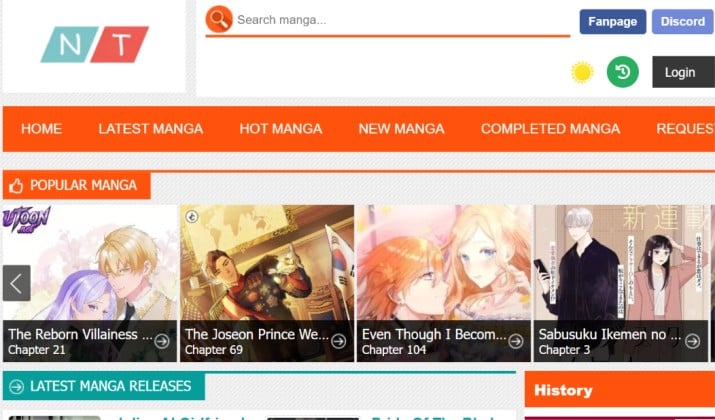
Language: English
Why you need it: Old school but reliable. Very fast updates for mainstream shonen and seinen. If you read One Piece, Jujutsu Kaisen, Chainsaw Man, this extension rarely fails.
Also great for Mihon extensions with good metadata (covers, descriptions, status, genres) for clean libraries on older manga.
Get it here: MangaNato extension
8. Bbato
Language: English, multi language
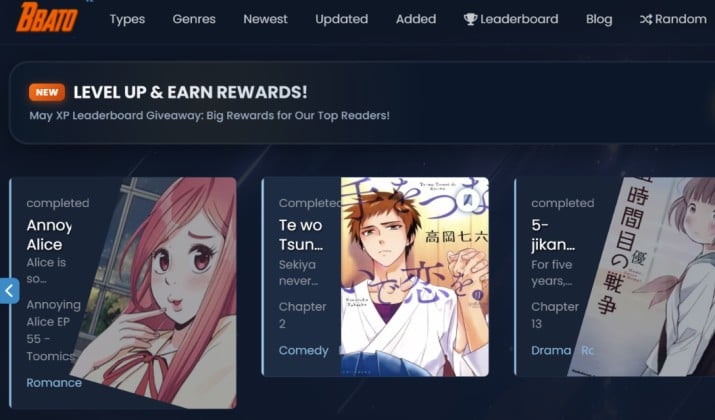
Why you need it: Bbato is an active fork, community driven with great group filtering. You can choose preferred scanlator per series and hide others.
This makes library management much cleaner and makes it one of the best extensions for Mihon and Komikku to read manga from multiple sources.
Get it here: Search Bbato on Keiyoushi extensions page
9. ManhwaTop
Language: English
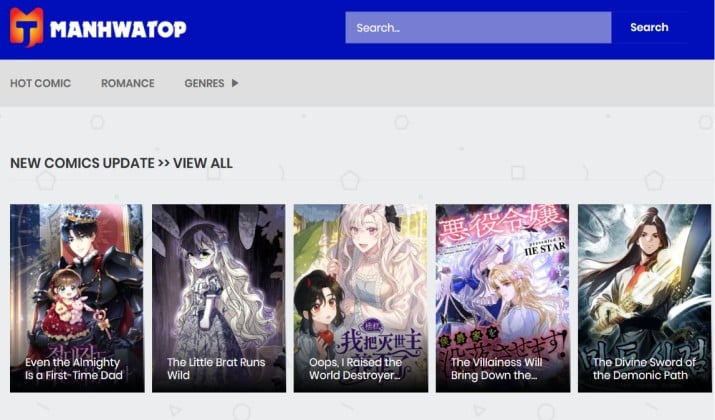
Why you need it: Pure manhwa and webtoon focus. Mobile friendly layouts, vertical reading, high resolution images without recompression.
This is the best example of Mihon extensions optimized for manhwa and webtoons, with vertical reading and mobile-friendly layouts.
Get it here: ManhwaTop on Keiyoushi extensions repository
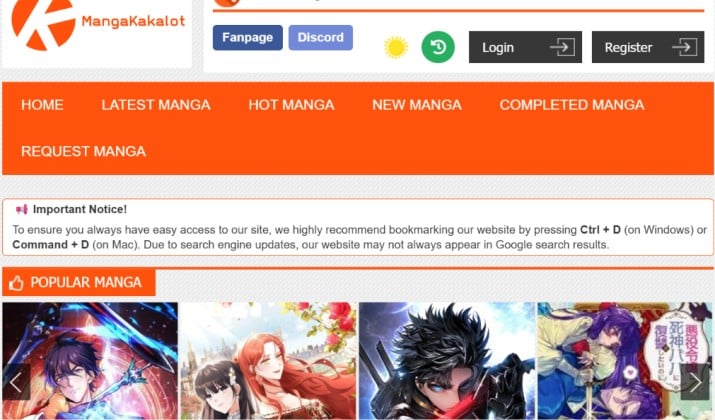
10. MangaKakalot
Language: English
Why you need it: Same network as Manganato but different mirror. You want both installed. If one domain gets blocked, the other still works. This redundancy is why power users install both.
It is a classic lightweight backup that keeps your reading streak alive.
Get it here: MangaKakalot on Keiyoushi extensions repository
English-Language Mihon Extensions for Popular Scanlator Groups
This is where your daily reading lives. When you look for best Mihon extensions for manga and manhwa, you really want reliable English scanlator sources.
Inside Keiyoushi, install these 4 to 5 and you cover 90 percent of popular titles:
- MangaDex extension. The community standard. Great metadata, multiple scanlator uploads per chapter, excellent Mihon extensions with good search, filters, and genre tags. If you like tracking status and languages, start here.
- Asura Scans style extension. Your go to for fast manhwa and action manga. Updates within hours of release. If you follow Solo Leveling style series, you know why this matters for best Mihon extensions for fast updates and reliable chapter tracking.
- Realm Scans style extension. Manhwa heavy, very consistent upload schedule. Good covers and descriptions, so your library looks clean.
- Flame Scans style extensions. Smaller but they pick up series that big aggregators drop. Useful for niche action and romance manhwa.
Pro tip: Do not install 20 English extensions that all mirror the same site. Pick two large aggregators like MangaDex and one like Flame Scans, plus two to three dedicated scanlator groups like Asura and Realm. That combo gives you speed and redundancy when one source goes down.
General Multi-Source Mihon Extensions That Aggregate Many Manga Sites Into One List
You do not always want to chase individual sites. Sometimes you want one search that checks many places.
That is what multi source extensions do. They aggregate many manga sites into one list and present them as a single source with a unified search.
Inside Keiyoushi you will see extensions labeled as multi or that cover multiple domains. Use them when:
- You are hunting a rare title and do not know which scanlator has it
- You want to reduce the number of extensions you maintain
- You want better discovery with genre filters that work across sites
They are especially useful for Mihon extensions with good search, filters, and genre tags. You can filter by completed, ongoing, shoujo, isekai, martial arts, and Mihon applies it across that aggregated pool. Your search becomes much faster.
Just remember, multi source extensions break more often because if one upstream domain changes, the whole aggregator can error. Keep one or two lightweight direct extensions as backup.
Mihon Extensions Optimized for Manhwa and Webtoons
Manhwa is not manga. You read top to bottom, not left to right, and you need an extension that respects that.
The best manhwa extensions serve high resolution strips without aggressive compression, and they do not inject webtoon viewer scripts that confuse Mihon.
What to look for:
- Extensions marked as manhwa or webtoon in the description
- Sources that serve long strip images, not paginated splits
- Mobile friendly layouts with lazy loading that Mihon can intercept cleanly
In practice, Asura, Realmr, and Flame style extensions are built for this. Pair them with Mihon reader settings: set viewer to Webtoon, enable crop borders, and turn on automatic background color. You will get that smooth scroll you expect from official webtoon apps.
Extensions That Integrate Well With Mihon’s Backup and Restore Features
You do not want to lose 300 titles because you switched phones.
Mihon has a solid backup system that saves library, categories, reading history, and tracking. The key is using extensions that play nice with it. The Best Extensions for Mihon for backup are the ones with stable IDs that survive migration.
Keiyoushi and Komizoku both maintain stable extension IDs, which makes extensions for Mihon that support backup, migration, and library syncing across forks (Mihon, SY, J2K, Komikku) work without headaches. You can create a.proto.gz backup in Mihon and restore it in Komikku, SY, or J2K, and chapters stay linked.
Also add the official Komga extension if you self host. The docs note: Komga has an official extension for Mihon available from the Keiyoushi repository. Once installed you configure up to 10 servers with address, username and password.
This is the cleanest way to sync your own library across devices and keep covers and progress intact.
Lightweight Extensions That Reduce Errors and Loading Problems
Some extensions look impressive but throw constant 429, 503, or Cloudflare errors.
Lightweight extensions solve that. They do minimal extra requests, use simple HTML parsing, and avoid heavy JavaScript protection. You will notice fewer failed pages and faster chapter loads.
How to spot them?
- Small file size in the repo
- Fewer dependencies listed in the source code
- Often single domain extensions like Manganato style or MangaBuddy style rather than big aggregators
Keep two to three lightweight extensions installed even if you do not use them daily. When a heavy aggregator goes down during a new One Piece or Solo Leveling drop, you switch to the lightweight backup and keep reading.
That alone makes them part of best Mihon extensions for fast updates and reliable chapter tracking.
Safe Third-Party Extension Repositories for Mihon
You will see random Telegram repos promising all extensions in one click. Be careful. Some inject ads or outdated code.
Stick to these safe, community maintained repos that are widely used.
- Keiyoushi: Main repo, 14k stars and updated weekly. This is your safe default.
- Komizoku / xkana-shii repo: Described as available extension catalogues built in with Komikku while also usable for Mihon. Merges Keiyoushi every 6 hours to have best of community contributions.
- Mihonyomi self hosted extension repo: For self hosted readers like Komga, Suwayomi. You add it via
https://raw.githubusercontent.com/kitsumed/mihonyomi-extensions/releases/index.min.jsonin the app.
Avoid any repo that asks you to install an extra APK outside Mihon. Mihon extensions should only be installed from inside Mihon Browse.
Mihon Extensions With Good Metadata
If you care how your library looks, metadata matters more than raw chapter count.
MangaDex again leads here, but also look for extensions that provide full covers, author, status, and genre tags. Good metadata means your filters actually work, and smart categories like Ongoing Manhwa or Completed Romance sort correctly.
This helps a lot when you use Mihon app extensions guide for beginners tips like creating dynamic categories. You can make a category that auto includes all manhwa with status Ongoing and tag Action. Without good metadata, that filter shows nothing.
The best extensions for Mihon for clean libraries usually come from scanlators who fill in description fields properly. Asura and Realm style extensions do this well for manhwa. For manga, MangaDex and MangaBuddy style sources provide the cleanest info.
Which Extension Setup Wins for Most Readers?
If you want a direct answer, this combo wins. Install Keiyoushi as your main repo and Komizoku as secondary.
Then install MangaDex for clean metadata, Asura Scans and Void Scans for fast manhwa, and MangaBuddy for backup.
That combo covers everything that is up right now. You get fast updates, clean covers, good search, and backups that work across Mihon, SY, J2K, and Komikku without rebuilding your library.



