

You want to bend the web to your will. You want to hide annoying elements, add buttons to YouTube, automate clicks, or tweak Gmail until it feels like your own app. That is exactly what a userscript manager does.
If you search for the best userscript manager for browser automation, two names pop up everywhere. Tampermonkey and Violentmonkey. Both are powerful. Both run your custom scripts. But they feel very different when you use them every day.
So, which script manager is better for you right now? Let us break it down in plain language. You will get a clear side-by-side view, real world differences, and a straight answer at the end.
Quick Side-by-Side Snapshot
If you want the fast version, here it is.
Tampermonkey: A feature packed userscript manager with advanced script editor, auto-update, and error console. You get every power feature you can imagine, plus broadest compatibility with scripts you find online.
Violentmonkey: A lightweight open source userscript manager with clean interface and lower resource usage. You get speed, simplicity, and full transparency.
Both script managers are free to use.
|
What you care about |
Tampermonkey |
Violentmonkey |
|---|---|---|
|
Price |
Free. Optional donation |
Completely free and open source |
|
Open source |
Partially open. UI is open, store builds include proprietary parts |
100% open source, MIT licensed |
|
Chrome Web Store rating |
4.6+ with 10M+ users |
4.7+ with 1M+ users |
|
Firefox support |
Excellent |
Excellent |
|
Interface |
Full featured dashboard, many toggles |
Minimal, clean, fast to learn |
|
Script editor |
Advanced editor with linting, debugger, console |
Lightweight editor with syntax highlight, auto complete |
|
Resource usage |
Higher RAM and CPU with many scripts |
Noticeably lighter |
|
MV3 compliance |
Fully MV3 ready, needs broader host permissions |
MV3 ready with tighter optional permissions |
|
Sync and backup |
Chrome sync, Dropbox, OneDrive, Google Drive, WebDAV |
Dropbox, OneDrive, Google Drive, WebDAV, GitHub Gist |
|
API compatibility |
Supports almost all GM_*, Tampermonkey only APIs |
Supports GM_*, Greasemonkey 4 APIs, and most Tampermonkey APIs |
Features
Tampermonkey Brings the Power Tools
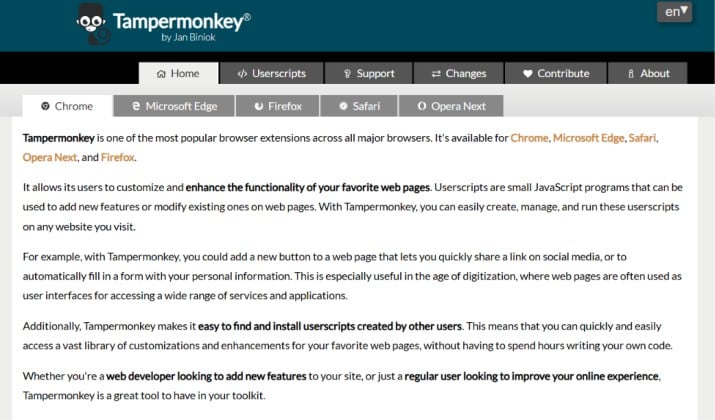
When you open Tampermonkey, you notice options everywhere. You get script management, a built in editor that feels like VS Code lite, ZIP import and export, detailed logs, and granular control over when each script runs.
Tampermonkey gives you features like:
- Smart auto update that checks your scripts on a schedule you set
- Detailed error console and storage viewer so you debug faster
- Support for GM_xmlhttpRequest, GM_notification, GM_setClipboard and other advanced APIs
- Blacklist and whitelist for sites where you never want scripts to inject
If you manage 30 or 50 scripts, you will appreciate that control.
Get Tampermonkey here: Chrome Web Store | Firefox Add-On
Violentmonkey Keeps It Light and Fast
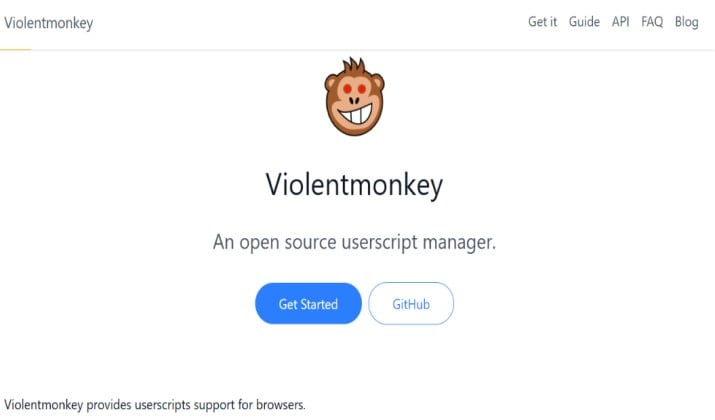
Violentmonkey takes a different path. It gives you what you need and nothing you do not. You get quick install from GreasyFork, OpenUserJS, GitHub, a clean dashboard, code folding, and error badges that tell you when something breaks.
It does not try to overwhelm you. You click, you install, you run. For most people that is enough.
If you search for Violentmonkey vs Tampermonkey user ratings and popularity in Chrome Web Store, you see a pattern. Tampermonkey wins on install numbers. Violentmonkey wins on praise for simplicity and speed. People who want open source userscript manager alternatives to Tampermonkey usually land here first.
Get Violentmonkey here: Chrome Web Store | Firefox Add-On
Performance
This is where you feel the difference every single day.
Which Script Manager Is Faster and Lighter on Memory in Daily Browsing?
You run 10 to 15 userscripts all the time. Maybe a YouTube ad skipper, a price tracker, a Reddit cleanup script. In that setup, Violentmonkey uses less memory. Its background service starts quicker and stays quieter.
Independent resource usage and performance benchmarks from the community show Violentmonkey using about 15 to 30 percent less RAM on Chrome when you have many tabs open. Tampermonkey is not slow. It just does more in the background, so you pay a small cost.
If you use an older laptop or you keep 100 tabs open, you notice Violentmonkey feels snappier. If you run on a powerful desktop, you likely will not notice either way.
Also read: Is Tampermonkey Safe?
Compatibility
You want your scripts to just work.
Best Userscript Manager for Chrome and Firefox
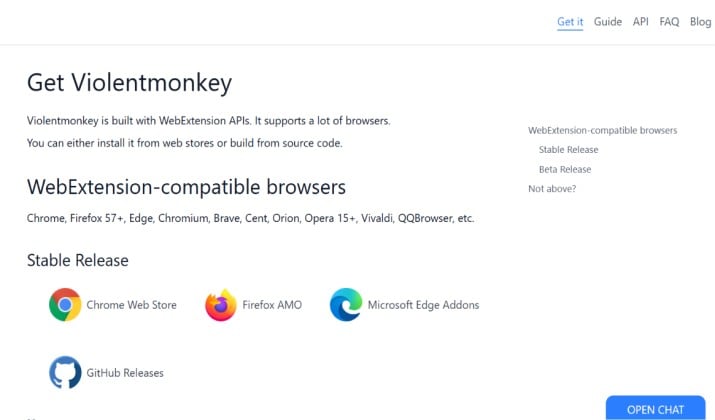
Both work beautifully on Chrome, Edge, Firefox, Opera, Brave, and Vivaldi. Firefox users get equal love here. No extra setup needed.
Where they differ is script support.
Tampermonkey supports almost every userscript you find on GreasyFork. If a script says it needs Tampermonkey, it probably needs a special API like GM_cookie, GM_webRequest, or Tampermonkey only menu handling.
Violentmonkey supports userscript compatibility for Greasemonkey and Tampermonkey APIs in Violentmonkey. It covers Greasemonkey 4 style APIs, most common GM_* APIs, and a lot of Tampermonkey compatibility layer.
For 90 to 95 percent of public scripts, you get full compatibility. For very complex automation scripts that rely on Tampermonkey only internals, you might need Tampermonkey.
So ask yourself this. Do you plan to run scripts written by others from GreasyFork? Both are fine. Do you plan to build heavy browser automation with custom network hooks? Tampermonkey gives you fewer compatibility surprises.
Browser Automation and Custom Scripts
If you automate forms, scrape your own data, or chain multiple scripts together, comparing Tampermonkey and Violentmonkey for browser automation and custom scripts becomes an important consideration.
Tampermonkey gives you more hooks for advanced automation, like persistent storage limits that go higher, GM_download, and better cross domain request handling. Violentmonkey still handles automation well, but you write a bit more code to work around missing APIs.
Sync & Storage
You install a script on your laptop. You want it on your work machine too.
Syncing Scripts Between Devices and Backing Up Configurations
This is where both shine, just differently.
Tampermonkey supports Chrome sync plus cloud drives. You can set up auto sync to Dropbox, Google Drive, or OneDrive and it just works.
Violentmonkey supports script managers with cloud sync (Dropbox, OneDrive, Google Drive, WebDAV, GitHub Gist). That last one is a big deal. You can sync your scripts as a private GitHub Gist. Developers love that because you get version history for free.
Both let you export a ZIP or JSON backup in one click. If you care about backups, you are safe with either.
Read this too: Best Tampermonkey Alternatives
Permissions & Safety
This matters more than ever before.
Chrome MV3 permissions, sync, and safety tips
Chrome moved all extensions to Manifest V3. That changes how script managers ask for permission.
Tampermonkey asks for broad host permissions at install so it can inject your scripts anywhere. You can switch to custom hosts later, but the default prompt looks wide. It needs that to function as a generic injector.
Violentmonkey uses optional host permissions. You grant access site by site when a script needs it. That means fewer scary permission warnings at the start.
Safety tips you should follow no matter which you pick:
- Install scripts only from GreasyFork, GitHub repos you trust, or OpenUserJS with good reviews
- Read what a script does before you enable GM_xmlhttpRequest or GM_cookie
- Turn off auto update for scripts you have customized yourself
- Review permissions in chrome://extensions every month
Is Violentmonkey Safer Than Tampermonkey Because It Is Fully Open Source and Uses Fewer Permissions?
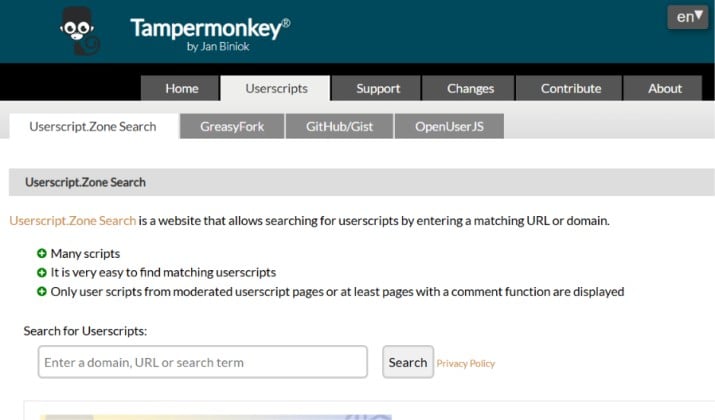
From a pure transparency angle, yes. Violentmonkey is fully open source and you can read every line on GitHub. It also asks for fewer permissions up front. That makes audits easier.
Tampermonkey is not unsafe. It has a huge user base, years of track record, and a responsive team. Its Chrome build does include some closed source components for store distribution and analytics, which is why privacy focused users prefer Violentmonkey.
If open source transparency is non negotiable for you, Violentmonkey wins here.
Beginner Experience
Which Script Manager Is Better for Beginners?
If you have never installed a userscript before, Violentmonkey feels friendlier. You install it, you visit GreasyFork, you click Install, you see a clear diff screen, you hit Confirm. Done.
Tampermonkey is friendly too, but it shows you more toggles and options that can confuse you at first. You might wonder what script injection mode you need or what update channel to pick. You do not need to touch those, but they are there staring at you.
So for absolute beginners, I recommend Violentmonkey for the first week. You can always switch later and keep your scripts.
Best Userscript Manager if I Want Open-Source Transparency and Minimal Permissions
You already know the answer here. If your top values are open source code, minimal permission prompts, and a lightweight footprint, Violentmonkey is the best fit. You get a community driven project that respects your setup and does not ask for more than it needs.
Power User Experience
Tampermonkey vs Violentmonkey for Large Script Libraries and Complex Automation
Now flip the scenario. You have 60 plus scripts. Some talk to each other while others run only on specific subdomains. Some need GM_getValue and GM_setValue with large storage. You need error logs, you need to test regex quickly, you need to throttle updates.
Tampermonkey handles that chaos better. Its dashboard has sorting, tagging, quick enable and disable, and bulk export. The editor highlights Tampermonkey-specific APIs and shows you deprecation warnings. Its compatibility layer means you rarely hit a script that refuses to run.
If you live in the world of browser automation, Tampermonkey saves you time.
That is why in a comparison of Tampermonkey and Violentmonkey, performance, and features is not a simple tie. Performance goes to Violentmonkey. Features and compatibility go to Tampermonkey.
The Final Pick
If you want one clear winner, pick Tampermonkey.
You get the best compatibility, the strongest support for complex scripts, and an editor that actually helps you debug. Violentmonkey is lighter and fully open source, and you will love it for everyday browsing. But when a random script from GreasyFork fails, it almost always fails on Violentmonkey, not Tampermonkey.
For reliability, Tampermonkey still wins. It runs everything, syncs everywhere, and handles large libraries without breaking.
Choose Violentmonkey only if open source and minimal permissions matter more to you than raw compatibility. For everyone else, Tampermonkey saves you time and headaches.



