Tampermonkey lets you inject custom scripts into websites to block ads, change layouts, automate clicks, and add features that the site never built.
It works on Chrome, Firefox, Edge, Safari and Opera, and that reach is why over 10 million people use it.
The trade-off is privacy. Tampermonkey is closed source; it can read and modify everything on pages you visit, and compromised scripts can steal data or bypass logins.
On Chrome and Edge, it now runs on Manifest V3, which means you have to manually turn on Allow user scripts in the extension details before anything runs.
If you want an open-source, lighter, or more private way to run user scripts, these Tampermonkey alternatives are the best picks for this year.
Best Tampermonkey Alternatives
1. Violentmonkey
Violentmonkey offers full support for both Greasemonkey and Tampermonkey scripts, including GM_* APIs. It lets you sync your scripts to Dropbox, Google Drive, OneDrive and WebDAV, and you can import and export everything as a zip file.
It does not collect user data and comes with a clean dashboard that updates automatically. You can set scripts to run in a specific sequence, blacklist websites where you do not want scripts to inject, and use advanced functions like GM_xmlhttpRequest and GM_setValue.
The built-in editor includes syntax highlighting and auto-complete, and you can install thousands of ready-made scripts from Greasy Fork and OpenUserJS with a single click.
It is ideal if you want the power of Tampermonkey without a proprietary license.
Browser support: Firefox, Edge, Opera. No longer on Chrome Web Store since July 2025 because it still uses Manifest V2.
Pricing: Free, MIT open source.
Also read: Tampermonkey vs. ViolentMonkey
2. Greasemonkey
Greasemonkey is the original userscript manager that was first released in 2004. Version 4.x is built for Firefox 120 and later and keeps the experience simple and private.
Each script runs in its own sandbox, so one broken script does not affect the others, and it uses a minimal permissions model. You can write scripts in plain JavaScript, use GM_ APIs for storage, and edit them directly in the built-in editor.
People use it to hide ads, change the color scheme of sites, add a download button to YouTube, or automate repetitive tasks on pages they visit every day.
Browser support: Firefox Desktop and Android only.
Pricing: Free, open source.
3. FireMonkey
FireMonkey is built on Firefox’s official userscript API, which gives it better compatibility with Firefox’s security model and lower overhead than content-script injection.
It manages both userscripts and userstyles in one extension, so you do not need two separate tools. FireMonkey provides separate panels for JavaScript and CSS, live editing, dark theme support, and a one-click toggle to enable or disable scripts per site.
It is very lightweight and strict about permissions, which makes it a great choice if you want to handle scripts and style themes together.
Browser support: Firefox
Pricing: Free, open source.
Read this too: Is Tampermonkey Safe?
4. OrangeMonkey
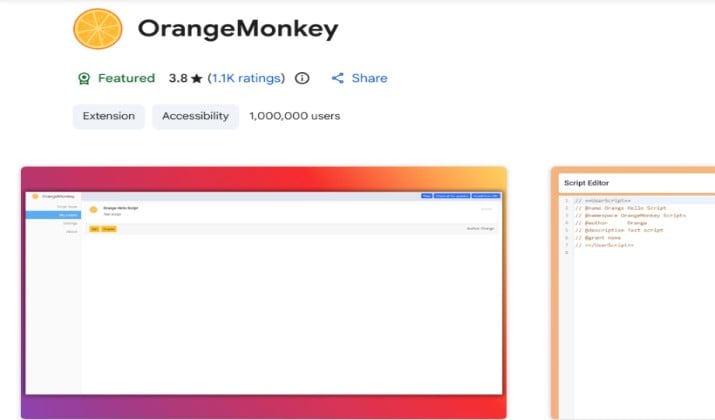
OrangeMonkey is a lightweight userscript manager that was created specifically for Manifest V3 after V2 support was removed from Chrome.
It installs .user.js files with one click and uses very little memory. Because it was built for MV3 from the start, it is designed to work without heavy configuration.
The interface is minimal with a simple list of installed scripts, an on and off switch, and a code editor. It supports most GM_ functions, checks for updates automatically, and allows export.
If Chrome is your main browser and you want something that just works, it is one of the easiest options.
Browser support: Chrome, Edge, Brave and other Chromium browsers.
Pricing: Free, open source.
5. ScriptCat
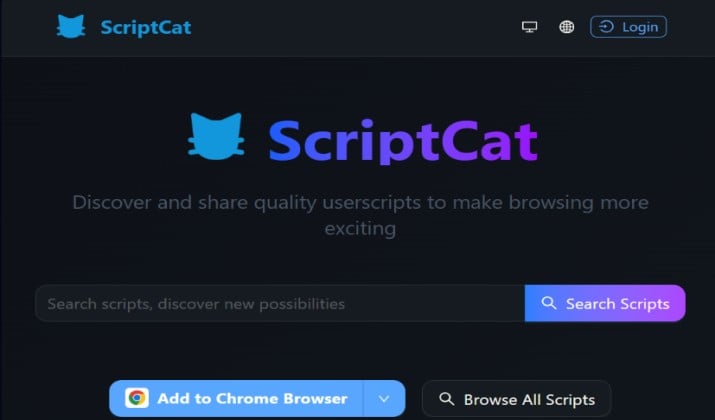
ScriptCat goes beyond regular page injection. It can run userscripts, background scripts, and crontab scheduled scripts that execute even when the page is closed.
You can schedule a script to run every few minutes to check prices, send network requests without opening a tab, and share values across domains.
The dashboard shows execution logs, error reports, and network activity, and there is a built-in community catalog where you can browse and install popular scripts without going to Greasy Fork.
It includes cloud sync and is powerful enough for developers while still being usable for regular users who want deeper automation.
Browser support: Chrome, Edge, Firefox.
Pricing: Free, open source, No ads. GPLv3.
6. Userscripts
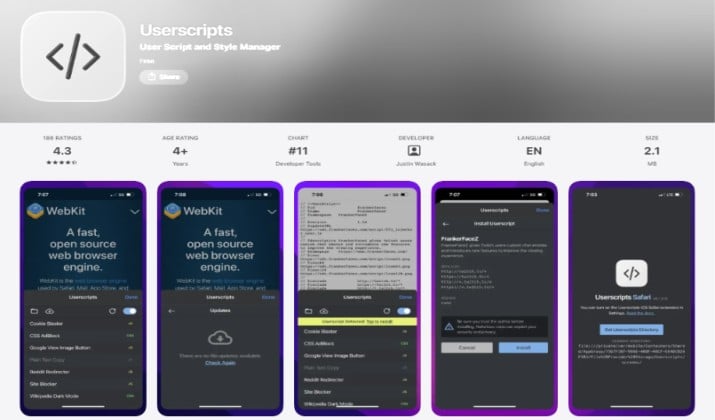
Userscripts is the only full-featured userscript manager built specifically for Safari. It is open source and syncs your scripts across Mac, iPhone and iPad through iCloud.
It works on mobile Safari where Tampermonkey is limited and often requires workarounds. You can organize scripts by domain, enable or disable them per site, and edit code with syntax highlighting directly in the app.
It supports Greasemonkey and Tampermonkey APIs, so most scripts from Greasy Fork install without changes. If Safari is your main browser, this is the manager you need.
Browser support: Safari on macOS, iPhone and iPad.
Pricing: Free on the Mac App Store, donation supported.
7. Tweeks
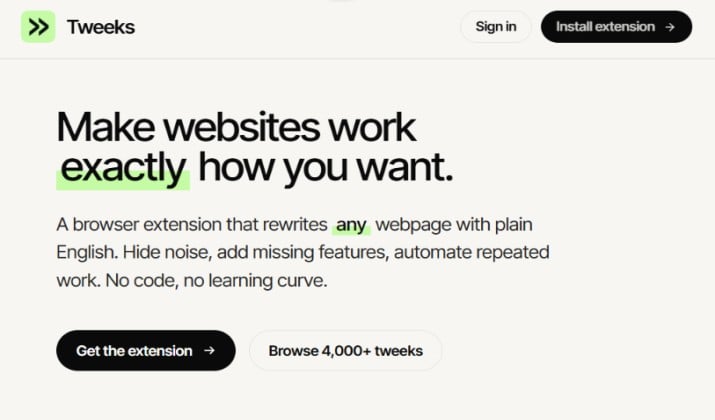
Tweeks is a Manifest V3 manager that takes a different approach. You describe what you want in plain English, and it generates the userscript for you and installs it.
Your existing .user.js files still work and import without edits, and both styles of GM_* APIs are supported. It includes a community library of more than 4000 shared tweaks where you can browse modifications other people have made and install them in one click.
All tweaks run locally in your browser and only apply on the sites you choose. It is a strong option if you want to customize sites but do not want to write JavaScript from scratch.
Browser support: Chrome, Firefox, Safari.
Pricing: Free tier with Pro for AI generation.
8. Stylus
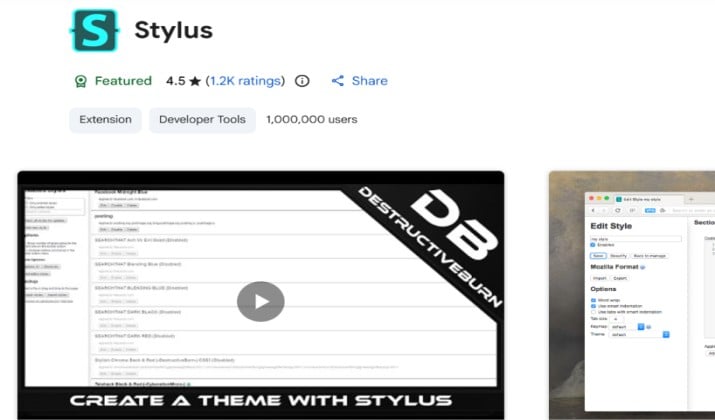
Stylus is for CSS-only changes and is the replacement for Stylish. After Stylish was sold and found to collect browsing history,
It was created as a privacy-safe fork. Its privacy policy is very clear and states that it collects nothing and includes no tracking or analytics.
You can use it to change colors, fonts, layouts, and hide elements on any website. It includes a backup and restore feature, syntax highlighting in the editor, and one-click install from the UserStyles library.
It uses the same themes as Stylish, so you can keep the styles you already like without the privacy risk.
Browser support: Chrome, Firefox, Edge, Opera.
Pricing: Free, open source.
9. UI.Vision RPA
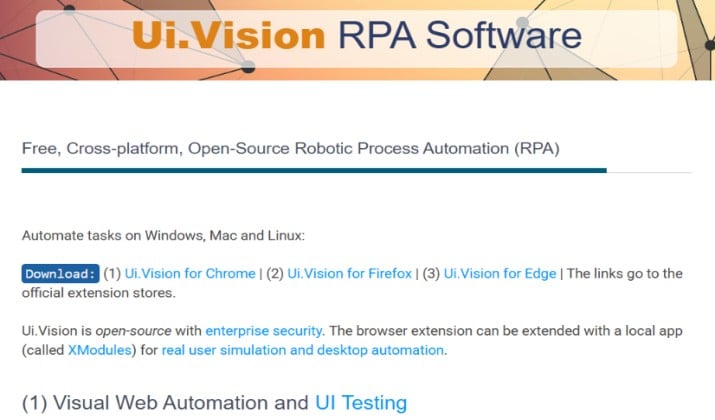
UI.Vision RPA was formerly known as Kantu and is built for browser and desktop automation. It automates form filling, data entry, web scraping, and web testing.
UI.Vision RPA can handle modern sites that use AJAX, JavaScript dialogs, and even Flash and Silverlight apps that other tools cannot. It includes a Selenium IDE++ recorder that lets you record clicks and keystrokes and then edit the sequence to fine-tune it.
The interface is visual and does not require programming, and you can run macros from the command line or through its API. It is free to use and has a supportive community that shares macros.
Browser support: Chrome, Firefox, Edge.
Pricing: Free open source, paid Enterprise for extra features.
Explore: Greasemonkey vs Tampermonkey
10. Automa
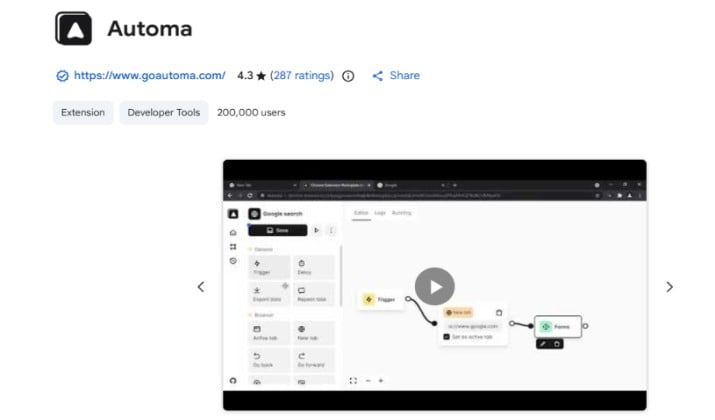
Automa is a no-code workflow builder for browser automation. You drag and drop blocks for clicks, form filling, data extraction, loops, and conditions, so you can automate without writing code.
You can build workflows that scrape product prices, fill forms across multiple pages, take screenshots, and save results to Google Sheets or JSON.
It handles modern websites that use AJAX and JavaScript popups, and it includes scheduling, webhook triggers, and a visual flowchart that shows exactly what each automation does.
Everything runs locally in your browser, and there is a community library of shared workflows you can install.
Browser support: Chrome, Edge, Brave.
Pricing: Free, open source.
11. Stylebot
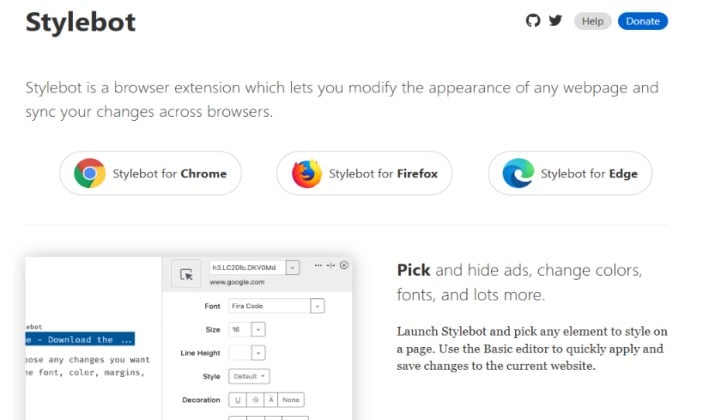
Stylebot is a specific extension for changing how websites look and behave without writing a full userscript. You can edit CSS live with a visual picker, hide elements with a click, and inject custom JavaScript per site.
It comes with a built-in code editor that has syntax highlighting and auto-save, so you can see your changes instantly. You can enable or disable your edits per domain, share styles, and back up everything as a file.
It is simpler than a full userscript manager if your main goal is to re-theme sites, adjust fonts, increase readability, or remove distracting sections.
Browser support: Chrome, Edge, Firefox.
Pricing: Free, open source.
Also Read: Difference Between Firewall & Antivirus
12. Wildfire

Wildfire lets you record your actions on a web page and play them back later. It captures clicks, typing, and navigation into a colorful workflow map that you can see and edit.
You can change the order of steps, add or remove actions, insert delays, and save the sequence for future use. The visual map makes it easy to follow what will happen next, and you can use the same recording to create screencasts or demo videos.
It is easier than coding when you need to automate multi-step tasks like filling complex forms or populating a database with test data. It works in all major browsers and requires no programming knowledge.
Browser support: Chrome, Firefox, Edge, Opera
Pricing: Free
13. Katalon Recorder
Katalon Recorder is a record and playback automation tool that is compatible with Selenium IDE.
You can record your interactions with a website, debug the test case, and then export it to multiple programming languages including C#, Java, Python, Ruby, Groovy and Robot Framework.
It uses the Open Test Suite format that is based on Selenium, so integration with CI/CD pipelines is straightforward. The interface shows each step with commands, targets and values, and you can edit any step manually.
It is ideal if you need to test web applications, verify that buttons work, and ensure that forms submit correctly. The free version covers most testing needs.
Browser support: Chrome, Firefox, Edge, Safari.
Pricing: Free, paid Enterprise adds Runtime Engine and console mode.
14. ProKeys
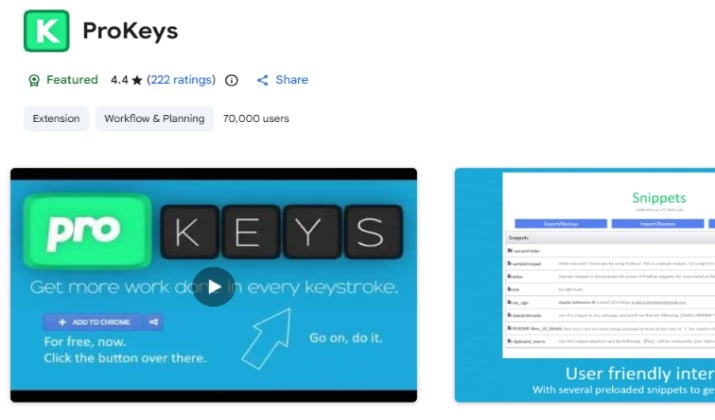
ProKeys is focused on text automation. It lets you create shortcuts for the phrases, email addresses, and passwords you type repeatedly.
Instead of typing your full address or a long response, you type a short abbreviation and ProKeys expands it automatically on any website you visit. You can manage all your snippets from a simple dashboard and organize them into groups.
The extension is safe to use and has a four-star rating on the Chrome Web Store with over 800 reviews. People like it because it is simple, lightweight, and saves a lot of time on forms and repetitive emails.
It is a good fit if your main frustration is typing the same information over and over.
Browser support: Chrome, Firefox
Pricing: Free
15. User JavaScript and CSS
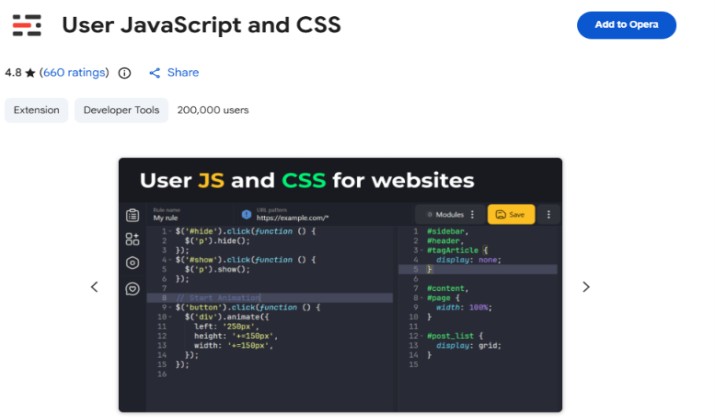
User JavaScript and CSS is for people who only need a few personal tweaks and do not want a full script library. It lets you add your own JavaScript and CSS to any site with a clean interface and instant preview.
You can toggle custom code on or off per site with one switch, and you can see the changes immediately without reloading the extension.
It is useful for hiding sidebars, changing fonts, adding dark mode to a site that does not have it, or injecting a small button. Because it does not include a marketplace or sync service, it stays fast and minimal.
Browser support: Chrome, Edge
Pricing: Free, open source
Which Tampermonkey Alternative Should You Choose?
The clear winner is Violentmonkey.
If you want to leave Tampermonkey, Violentmonkey gives you everything that made Tampermonkey popular: full GM_* API support, Greasy Fork compatibility, script syncing, and a proper code editor. You get all these without the closed-source code and data collection concerns.
It is free under MIT license, does not track you, and handles heavy script libraries better than any other manager.
The rest still have their place. OrangeMonkey and Userscripts are the best picks if you live in Chrome or Safari. Stylus and Stylebot win for CSS-only makeovers.
ScriptCat and Tweeks are great when you want scheduled background scripts or AI-generated tweaks. Automa, UI.Vision, Wildfire, Katalon Recorder and ProKeys are better when your goal is no-code automation rather than just running userscripts.
If you want Tampermonkey’s power with privacy, start with Violentmonkey.