

Do you want to run Android apps on your Linux machine without constantly reaching for your phone?
Finding the best Android emulators for Linux used to mean dealing with slow, buggy workarounds. Now you can get Linux Android emulation with near-native performance if you pick the right tool.
Some give you a full virtual device, others act like a lightweight container, and some are built just for gaming.
This guide breaks down options that actually work. We will compare Waydroid vs Genymotion vs Android Studio Emulator, look at a true gaming-focused Android emulator for Linux, and cover a lightweight Android runtime for Linux desktops so you can decide what fits your workflow.
We begin.
1. Waydroid
Best for: Everyday users who want Instagram, Spotify, or mobile games to run as lightweight Android emulator for Linux desktop use
If you want Android apps to feel like native Linux apps, Waydroid is the one you try first.
Waydroid is not a traditional emulator. It is a container-style Android runtime for Linux. It uses your Linux kernel and LXC containers to run Android right alongside your desktop. That means you get incredible speed and your apps show up in your app drawer like any other program.
Why you will love it:
- It feels native. You can run Android apps in a window or full screen and copy paste between them and Linux.
- Waydroid supports Android emulator for Linux with hardware acceleration out of the box. It uses your GPU directly.
- It is completely free and open source.
- The emulator supports Linux Android emulator with KVM support indirectly because it does not need full virtualization, which keeps overhead super low.
Pricing: 100% free and open source.
2. Genymotion
Best for: Developers, QA testers, and product teams who need to test fast
Genymotion is the favorite when you need an Android app testing emulator for Linux developers that just works.
This is a premium Android emulator with full device profiles and system images. You can pick from 3000+ virtual device configurations, from a Pixel 8 to a custom tablet with specific Android versions, screen size, and sensors. It runs on top of VirtualBox or in the cloud.
Why you will love it:
- You can simulate GPS, battery level, network quality, camera, and more with one click.
- It offers true Android emulator Linux KVM GPU passthrough support and hardware acceleration, so the emulator stays smooth even when you run heavy apps.
- It has adb access, drag and drop APK install, and direct integration with Android Studio.
Pricing: Genymotion pricing for Linux depends on whether you run it locally via Desktop or through the Cloud (SaaS/PaaS). Key pricing categories include:
- Genymotion Desktop costs $239.99/year for freelancers and $479.99/year per user for businesses, while Personal Use is free.
- Educational plans are offered at a discounted rate of $49/year per student.
- Genymotion Cloud features a Pay-As-You-Go plan at $0.06/minute and an Unlimited plan at $179/month (billed annually).
- Cloud PaaS (AWS/GCP/Azure) is also available, averaging around $0.60/hour depending on instance configurations.
3. Android Studio Emulator
Best for: Android developers who need 100% fidelity
This is the official Android emulator for Linux from Google. If you build Android apps, you already have it.
The Android Studio Emulator, also called AVD (Android Virtual Device), gives you the most accurate Android environment possible. It is the gold standard for Android emulator with full device profiles and system images.
Why you will love it:
- You get instant access to the latest Android versions, including beta releases and Google Play Services.
- It is an excellent Android emulator for Linux with hardware acceleration. It supports KVM on Linux automatically for near native speed. You can also configure Android emulator with GPU passthrough on Linux if you use QEMU with virtio.
- You get built in profiling tools, logcat, and emulator snapshots.
Pricing: The Android Studio Emulator for Linux is completely free to download and use.
4. Redroid
Best for: Developers, power users, and anyone who already uses Docker and wants a fast Linux Android app emulator they can script and automate
Redroid, which stands for Remote Android, is a modern container-style Android runtime for Linux. Instead of LXC like Waydroid, it runs full Android in a Docker container. You get a bootable Android system that you can start, stop, clone, and manage like any other container.
Why you will love it:
- It is truly lightweight. It starts in seconds, uses way less RAM than a full virtual machine, and you can run multiple Android instances at once.
- Redroid is built for modern hardware. You get full Android emulator for Linux with hardware acceleration and Linux Android emulator with KVM support when you enable it in Docker. You can also add Android emulator with GPU passthrough on Linux if you have an extra GPU.
- It integrates well with scrcpy, so you get a smooth desktop window for your Android apps and games, plus adb access for development.
- This is one of the best active free Android emulators for Linux for developers who want a lightweight Android emulator for Linux desktop use without the bloat of Android Studio.
Pricing: 100% free and open source.
5. Nux
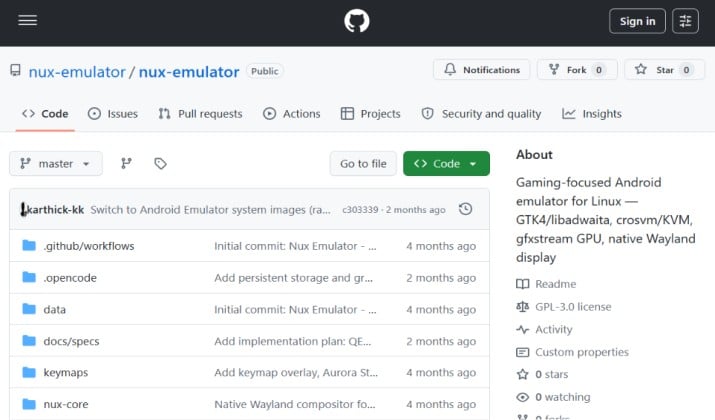
Best for: Gamers who want to play COD Mobile, Genshin Impact, or Clash of Clans on Linux without dual booting
Nux is newer and it focuses on exactly what Linux users kept asking for: games.
Nux is a gaming-focused Android emulator for Linux with a beautiful GNOME UI that fits perfectly on Ubuntu, Fedora, and other GNOME based distros. Under the hood it uses Waydroid technology but adds a game launcher, keymapping, controller support, and performance presets.
Why you will love it:
- You get a Steam-like library view for your Android games.
- You can map keyboard and gamepad controls for any game.
- It handles Linux emulator for Android games and apps better than generic containers because it tweaks the graphics stack for gaming.
- It supports Linux Android emulator with KVM support and GPU acceleration by default.
Pricing: Free and open source.
6. Bliss OS
Best for: Power users who want a full Android desktop or want to test x86 native builds
Bliss OS is different. Instead of running inside Linux, it IS Android, but built to run on PC hardware. You run it in a virtual machine or dual boot it, and it acts as a full Android emulator for Linux environment.
Why you will love it:
- It is built for performance. When you run Bliss OS in VirtualBox or QEMU with KVM, you get a very fast Android PC.
- It is great for testing how your app behaves on x86 hardware.
- It comes with Google Play Store preinstalled and supports many device profiles.
Pricing: Completely free and open-source software.
7. Android-x86
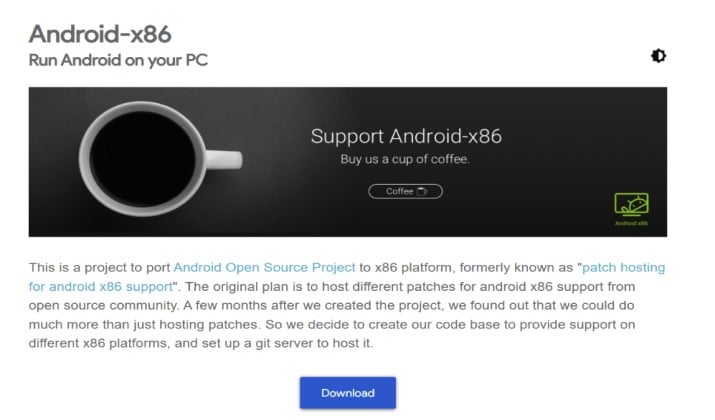
Android-x86 is the grandparent of Bliss OS and PrimeOS. It ports Android directly to x86 PCs. You install it in Virtual Machine Manager, VMware, or VirtualBox and you get a full Android system.
This is less of an emulator and more of a container-style Android runtime for Linux when virtualized. But it is incredibly valuable because you control everything.
Why you will love it:
- You get bare metal performance when you enable Android emulator for Linux with hardware acceleration and KVM.
- It is one of the most stable free Android emulators for running in a VM.
- You can test how Android behaves on different hardware configurations.
Pricing: Free and open source.
8. PrimeOS
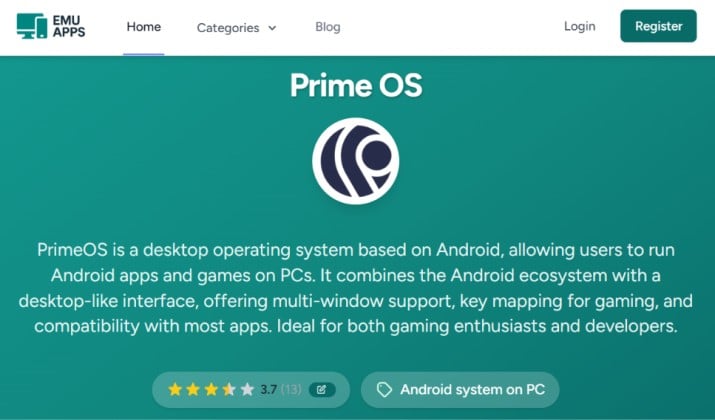
PrimeOS takes Android-x86 and adds a desktop interface, keymapping, and gaming optimizations. Think of it as a Linux emulator for Android games and apps that turns Android into a desktop OS.
When you run PrimeOS inside a Linux VM with KVM and GPU passthrough, it flies. It gives you multi window support and a taskbar, so Android feels like Linux.
Why you will love it:
- It has built in keymapping for games, so you can play PUBG Mobile with keyboard and mouse.
- It offers multiple installation modes, including running alongside Linux.
- It is optimized as a lightweight Android emulator for Linux desktop use when virtualized.
Pricing: PrimeOS is completely free as a bootable operating system and can be downloaded at no cost.
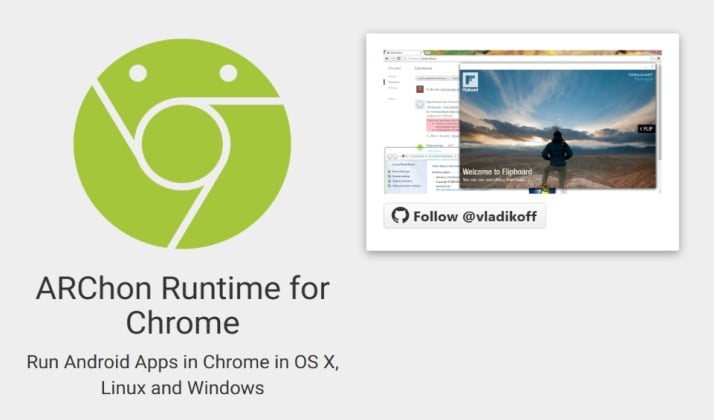
9. ARChon Runtime
Best for: Users who just need one Android app on Linux without installing a full emulator
ARChon is weird in a good way. It lets you run Android APKs directly in your Chrome browser on Linux.
You do not get full Play Store, but you can convert APKs and run them as Chrome extensions. For quick testing of a single app, it is unbeatable.
Why you will love it:
- No heavy emulator. It runs inside Chrome.
- Super lightweight, perfect for old laptops.
- Good for testing one or two apps quickly.
Pricing: Free and open source.
10. Anbox Cloud by Canonical
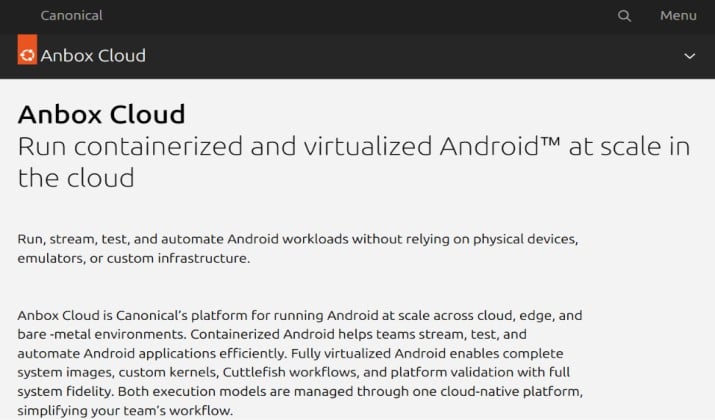
If you want scale, Anbox Cloud is the enterprise answer. Canonical, the company behind Ubuntu, built it to run Android at scale in the cloud or on your own server.
It is a container-style Android runtime for Linux that streams Android instances to your device. You can run hundreds of Android instances on one server.
Why you will love it:
- It supports Android emulator with GPU passthrough on Linux and massive scalability.
- It offers automation, CI/CD integration, and security features for teams.
- It is perfect if you want to host your own private Android cloud.
Pricing: Anbox Cloud pricing relies on a pay-as-you-go or contract usage model via the AWS Marketplace, featuring hourly software charges alongside separate underlying cloud hardware costs.
How Do You Choose the Best Android Emulator for Linux for You?
So many options. How do you decide? Ask yourself what you actually need.
- Pick Waydroid if you want daily apps to feel native. It wins for simplicity and speed.
- For pure dev work, Android Studio Emulator wins for accuracy, Genymotion wins for speed and device variety.
- If you want games, pick Nux or Bliss OS in a VM with KVM enabled.
- Anbox or ARChon will save you if you have an old laptop and need something light.
Which One Should You Install Today?
For 90% of Linux users, the answer is clear.
Waydroid is the best Android emulator for Linux overall. You get the best balance of performance, ease of use, and desktop integration. It gives you a real Linux Android app emulator experience without the weight of a full virtual machine.
It supports hardware acceleration, runs as a free Android emulator, and makes Android apps feel at home on your Linux desktop.
If you build apps for a living, keep Genymotion and Android Studio Emulator installed alongside Waydroid. You will use Waydroid for daily use and the other two for serious testing.
Install Waydroid first, test your favorite app, and you will see why so many Linux users stopped dual booting just to run Android.



