Excel is one of those tools I can’t do without. I use it to organize, sort, and manage data.
Besides, I also find Excel ideal for creating professional dashboards and reports with beautiful charts and graphs.
The tool has spreadsheets with formulas that make calculations easier by letting us conduct basic math operations like multiplying, summing, and finding the average.
The only challenge with Microsoft Excel is the cost and subscription model. That’s why I decided to share the following Excel alternatives that Mac users can use to complete their tasks.
Best Excel Alternatives For Mac
1. Zoho Sheet

Zoho Sheet is an online spreadsheet that lets you create, share, and manage spreadsheets on the internet. Anytime you edit a spreadsheet, it’s saved automatically.
It’s the ideal app for business people, scholars, accountants, students, scientists, and any user who handles tabular data that should be entered in a spreadsheet.
With Zoho Sheet, you can gather, analyze, record, and visualize your data.
Interestingly, the application allows for data import and export. But, you may not import password-protected spreadsheets; the import feature only works with unprotected spreadsheets.
So, what file formats can you import into Zoho Sheet? They include xlsx, xlsm, ods, csv, xls, sxc, and tsc.
This tool lets you import a maximum file size of 10 MB. Most users rarely create data that big unless it contains lots of visuals.
With Zoho Sheet, I can create up to 256 spreadsheets per document. What’s even better is that I can export or download any number of spreadsheets without a limit.
This tool lets you export a spreadsheet in various formats, including xls, xlsx, html, pdf, csv, ods, and tsv.
Zoho Sheet supports various browsers, such as Chrome 50 and above, Internet Explorer 11 and above, Safari 9 and above, Mozilla Firefox 50 and above, and Opera 40 and above.
What’s more, during collaboration, you can see the changes made by other collaborators in real-time.
Zoho Sheet’s other fantastic features are an in-app chat, secure file collaboration, mobile app, SSL, password-protected links, two-factor authentication, analytics and reporting, and more.
Zoho Sheet is free for individual users and personal accounts.
Also Read: Best MS Office Alternatives For Win 11
2. Google Sheets
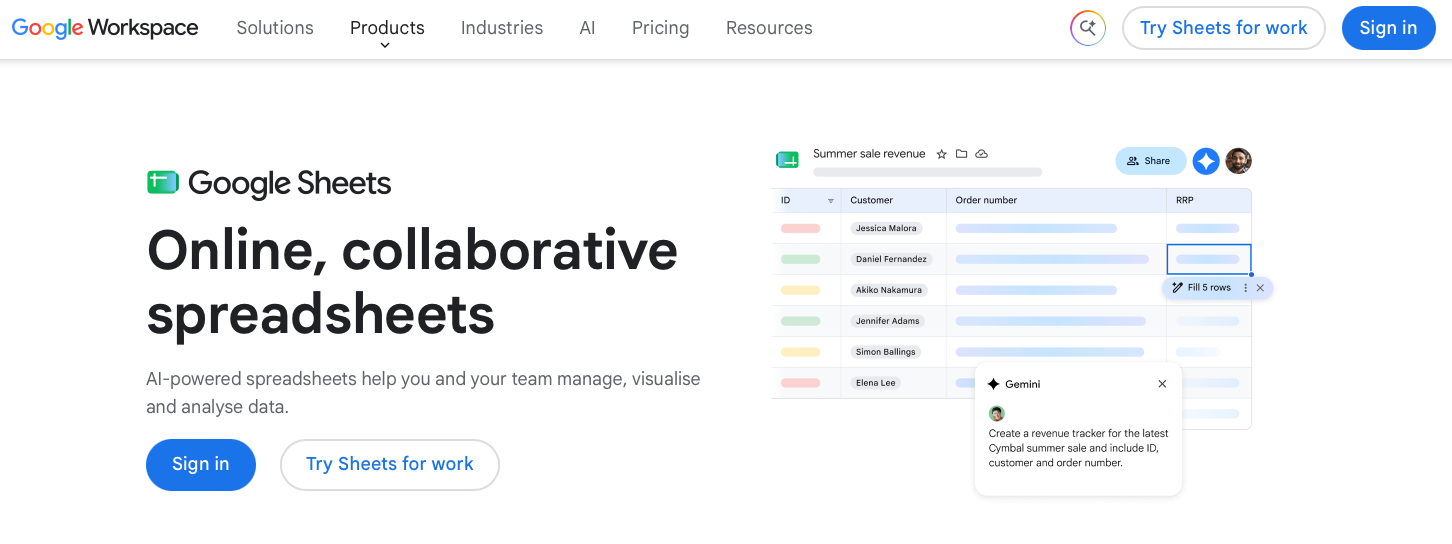
If you’re an accountant or into reporting, you probably know that Google Sheets is one of the most popular Excel alternatives.
The two apps share many familiar features, including calculations, formulas, columns, rows, charts, and templates. However, Google Sheets stands out for its real-time collaboration features, allowing multiple people to view and edit the same spreadsheet online and see changes as they happen.
If Excel’s extensive features and functions feel overwhelming, you may prefer Google Sheets for its simpler, more streamlined interface. Its clean design makes it relatively easy to create, edit, and organize spreadsheets without a steep learning curve.
Because Google Sheets is cloud-based and integrates with Google Drive, you can access your spreadsheets from almost any device with an internet connection. You can also enable offline access, allowing you to continue working on supported files when you don’t have an internet connection.
Another useful feature is its collection of ready-made templates. Whether you need a budget, invoice, project tracker, or other type of spreadsheet, templates can help you get started quickly instead of building everything from scratch.
Google Sheets is available on the web and as a mobile app for Android and iOS. On a Mac, you can use it directly in your web browser, so there’s no need to install a traditional desktop spreadsheet application. You can also open and edit Microsoft Excel files in Google Sheets and, when needed, convert them to Google Sheets format.
For personal use, Google Sheets is free as long as you have a Google Account. If you’re looking for additional storage, business email, administration tools, security controls, and other features for your team, you can consider Google Workspace.
Also Read: Best Data Management Software
3. Numbers
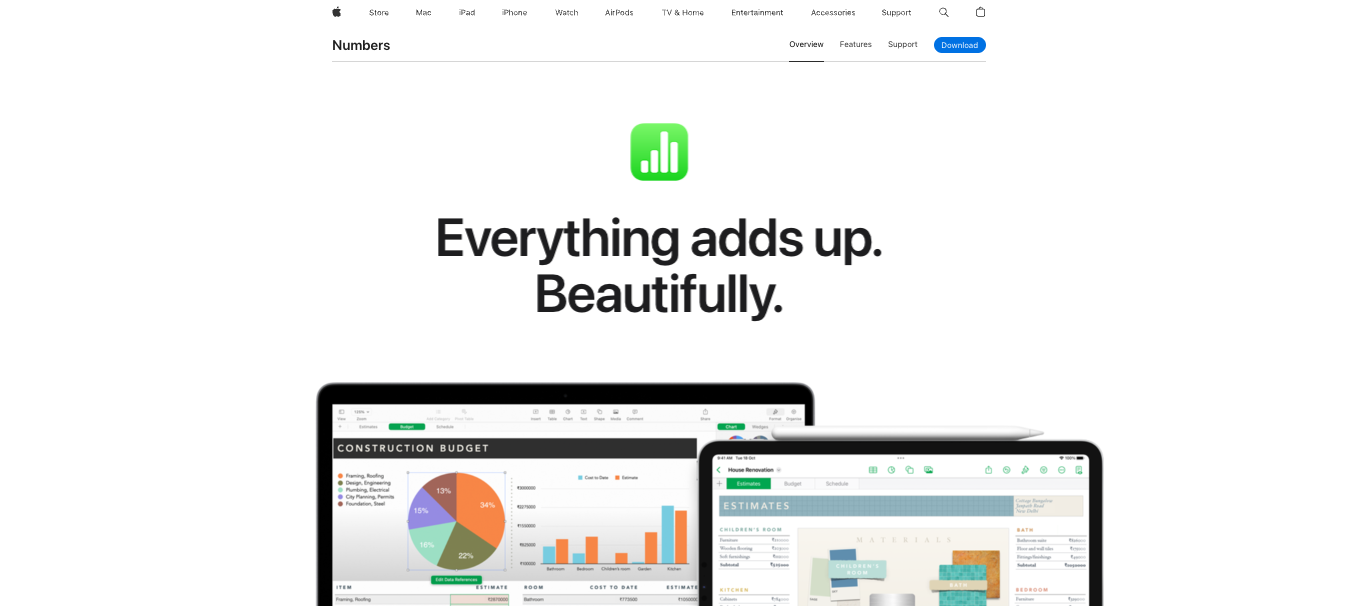
Do you want to create professional-looking and well-organized spreadsheets quickly? Apple Numbers makes it easy to do just that. It’s Apple’s spreadsheet application and is available on Mac, iPhone, iPad, and on the web through iCloud.
Numbers comes with a collection of Apple-designed templates for different purposes, including budgets, invoices, checklists, schedules, and more. Each template includes professionally designed styles for tables, text, shapes, images, and other objects, making it easy to customize your spreadsheet without starting from scratch.
One of Numbers’ biggest advantages is its flexible, visually focused design. Unlike traditional spreadsheet applications that primarily use a grid of cells, Numbers lets you place tables, charts, text boxes, images, and other objects anywhere on a sheet. You can also create interactive charts and use Smart Categories to organize and summarize your data.
Numbers includes hundreds of built-in functions for calculations and data analysis. Recent updates have also added features such as XLOOKUP and RegEx functions, pivot tables, radar charts, improved filtering, and other tools that make it more capable as an Excel alternative.
If you make a mistake while working on a spreadsheet, you can easily undo or redo your changes. Numbers also makes it simple to find and manage your files, while iCloud keeps your spreadsheets synchronized across your Apple devices when you save them to iCloud Drive.
Like Excel, Numbers lets you organize information across multiple tables and sheets. You can also add images, charts, shapes, audio, and even web videos to create more visually engaging spreadsheets. If you’re working with data that needs to be presented rather than simply analyzed, Numbers’ flexible canvas can be a major advantage.
Numbers also supports real-time collaboration. You can invite other people to view or edit a spreadsheet, assign permissions, and work on the same file together. With iCloud, your spreadsheets stay up to date across your Mac, iPhone, iPad, and other supported devices. You can even collaborate on Numbers spreadsheets through a web browser at iCloud.com.
If you’re switching from Microsoft Excel, Numbers supports importing and exporting Excel files, as well as exporting spreadsheets to formats such as CSV, TSV, and PDF. Its compatibility with Excel has also improved with features such as XLOOKUP and support for pivot tables.
Numbers is available for free on the Mac, iPhone, and iPad, and creating, editing, and collaborating on spreadsheets does not require an Apple Creator Studio subscription.
You can download it from the App Store if it isn’t already installed on your device. Apple also offers Numbers for iCloud, which lets you create and edit spreadsheets from a web browser.
Also Read: Best WPS Office Alternatives
4. LibreOffice Calc

LibreOffice is one of the most popular open-source alternatives to Microsoft Office. It’s free to use and available on multiple platforms, including macOS, Windows, and Linux.
Calc is LibreOffice’s spreadsheet application and an alternative to Microsoft Excel. It offers an intuitive interface that makes it approachable for beginners while also providing advanced tools for professionals working with large datasets, complex calculations, and formulas.
One of Calc’s strengths is its broad file-format support. You can open, edit, and save Microsoft Excel files, including modern XLSX files, and import data from a variety of other formats. Calc can also open Apple Numbers spreadsheets, although compatibility may vary depending on the features and formatting used in the original file.
Calc includes a wide range of features for analyzing and organizing data. You can use functions and formulas, create charts, apply filters, sort data, and build Pivot Tables to summarize large datasets. The application also supports conditional formatting, data validation, and other tools that make it suitable for more advanced spreadsheet work.
Another useful feature is Calc’s drag-and-drop functionality, which lets you move cells and selected data around a spreadsheet quickly. You can also compare two spreadsheets, track changes, and use multiple sheets within a single workbook to keep related information organized.
Calc provides extensive options for importing and exporting data. In addition to Microsoft Excel formats, you can work with CSV, HTML, PDF, and several other file types. You can also export spreadsheets as PDF files and publish spreadsheet content in formats such as XHTML.
For charts and data visualization, Calc provides several chart types and customization options. You can adjust the appearance, layout, titles, axes, and other elements to present your data more effectively.
Because LibreOffice is open-source, there’s no subscription required to use Calc. You can download and install LibreOffice for free on your Mac, Windows PC, or Linux computer. It is primarily a desktop application, so unlike cloud-based alternatives such as Google Sheets, you don’t need an internet connection to use its core spreadsheet features.
5. Sheetster

Sheetster is a web-based spreadsheet viewer and editor designed for working with Excel-compatible files directly in a browser. It supports XLSX and XLS formats and provides a wide range of spreadsheet formulas and functions.
One of Sheetster’s biggest advantages is its focus on developers. Its REST API allows developers to integrate spreadsheet functionality into websites, applications, and content management systems, while server-side APIs support file storage and other integrations.
Sheetster also supports real-time collaboration, allowing multiple users to work on the same spreadsheet simultaneously. Other features include split panes, conditional formatting, and spreadsheet export to formats such as PDF.
Because Sheetster runs in a web browser, there’s no need to install a desktop application. It is available as a free, open-source spreadsheet solution, making it an interesting option for users and developers looking for an Excel-compatible alternative.
Check Out: Best Google Doc Alternatives
6. Spread32
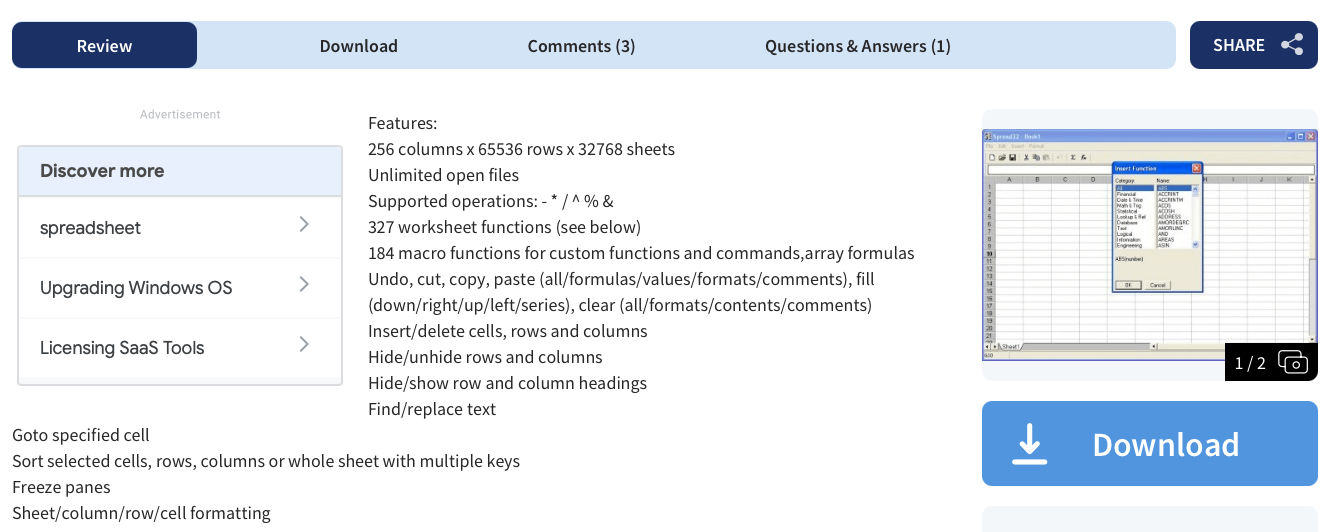
Spread32 is a lightweight spreadsheet application designed for users who need basic spreadsheet functionality without the complexity of larger office suites. It supports common spreadsheet features such as formulas, calculations, charts, data filtering, and conditional formatting.
One of Spread32’s key advantages is its small size and portability. The application can run directly without a traditional installation, making it convenient to carry on a USB drive or move between computers.
Spread32 supports hundreds of built-in functions and can handle common spreadsheet tasks, making it suitable for relatively small datasets and straightforward projects. Its compact design also means it uses fewer system resources than many full-featured spreadsheet applications.
The application supports Microsoft Excel-compatible file formats, allowing you to exchange spreadsheet data with other applications. Its lightweight nature makes Spread32 a practical option when you want a simple spreadsheet tool without unnecessary features.
7. Calligra Sheets

Calligra Sheets is a powerful spreadsheet application included in the Calligra Suite, an open-source office suite developed primarily for Linux and other Unix-like systems. It provides tools for creating budgets, invoices, schedules, financial reports, and other business spreadsheets.
The application supports a wide range of formulas and functions for handling mathematical, statistical, scientific, and financial calculations. You can also create charts, use formatting tools, and organize data across multiple sheets.
Calligra Sheets includes templates that can help you get started with common tasks instead of building a spreadsheet from scratch. Its compatibility with common spreadsheet formats also makes it easier to work with files created in other office applications.
As part of the Calligra Suite, Sheets integrates with other applications in the ecosystem, including tools for presentations, documents, flowcharts, and diagrams. It is free and open-source software, with current development focused primarily on Linux.
8. Quip

Quip is a collaborative productivity platform from Salesforce that combines documents, spreadsheets, and team communication in one workspace. It is designed to help teams create and edit content together while keeping conversations and project information in the same place.
Quip spreadsheets support hundreds of built-in functions, along with familiar tools for formulas, formatting, tables, and charts. You can also use keyboard shortcuts to work more efficiently and create charts by selecting your data and choosing the appropriate chart option.
Beyond spreadsheets, Quip includes team chat, comments, mentions, and real-time collaboration, making it useful for teams working on shared projects.
Quip is available on the web and through desktop and mobile apps. It is primarily aimed at business users and is offered through Salesforce plans, with pricing varying by plan and Salesforce package.
9. EtherCalc

EtherCalc is a free, open-source, web-based spreadsheet application designed for quick, collaborative editing without the complexity of traditional spreadsheet software.
One of its biggest advantages is that you can start working without creating an account or installing an application. Simply open EtherCalc, create a spreadsheet, and begin entering data. Each spreadsheet receives a unique URL that you can share with others, allowing multiple people to collaborate on the same document in real time.
EtherCalc provides familiar spreadsheet features, including formulas, formatting, sorting, and basic data-management tools. Because it runs in a web browser, you can access it from different operating systems and devices.
EtherCalc is particularly useful for temporary projects, quick calculations, and simple collaborative spreadsheets. As an open-source project, it can also be self-hosted for greater control over your data.
10. Gnumeric

Gnumeric is a free, open-source spreadsheet application designed with a strong focus on numerical accuracy, data analysis, and statistical calculations. It is particularly useful for users who work with complex datasets and need reliable spreadsheet calculations.
One of Gnumeric’s key advantages is its speed and lightweight design. It starts quickly, uses relatively few system resources, and can handle large spreadsheets while remaining responsive.
The application includes a broad range of built-in functions and tools for analyzing and manipulating numerical data. You can perform statistical calculations, create charts, generate reports, and run Monte Carlo simulations.
Gnumeric also provides detailed chart-editing controls, allowing you to modify individual chart elements through dedicated settings rather than relying solely on direct selection.
Gnumeric is free and open-source software. It is primarily developed for Linux and other Unix-like systems, with availability on other platforms depending on community-supported versions.
11. ONLYOFFICE

ONLYOFFICE is a free, open-source office suite whose Spreadsheet Editor uses XLSX as its primary format. It also supports formats such as XLS, ODS, CSV, and Apple Numbers, making it a versatile Excel alternative.
The spreadsheet editor includes more than 450 functions and formulas, along with tools for data validation, pivot tables, conditional formatting, named ranges, slicers, charts, and table templates. You can also use Solver for certain optimization problems.
ONLYOFFICE supports real-time collaboration, allowing multiple users to edit spreadsheets, leave comments, and communicate while working on the same file. JavaScript macros can automate repetitive tasks, while plugins add capabilities such as translation and image editing.
Free desktop versions are available for macOS, Windows, and Linux, while mobile apps support iOS and Android. The free Community Edition is also available for self-hosting, while commercial cloud and enterprise plans offer additional features and support.
12. TableEdit
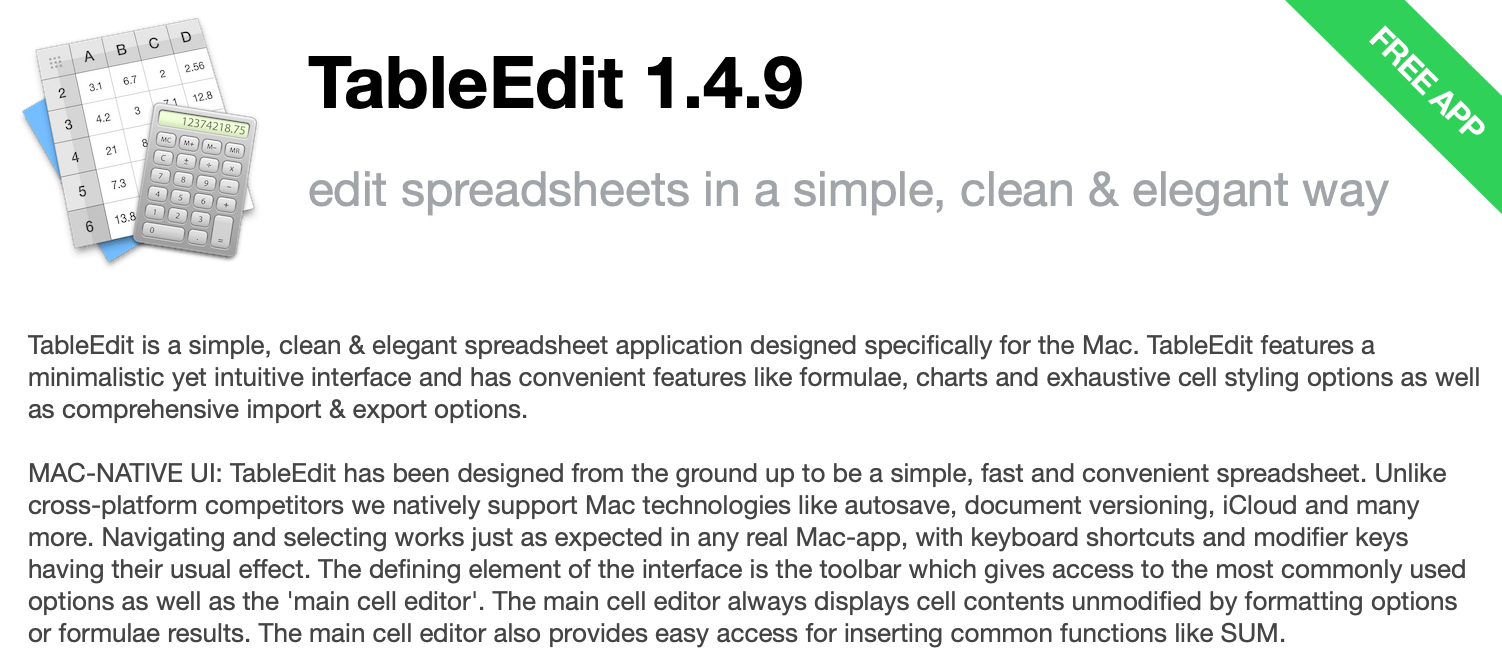
TableEdit is a lightweight spreadsheet application designed specifically for Mac users. It features a clean, minimal interface that makes creating and editing spreadsheets straightforward.
The app supports native macOS features such as Auto Save, document versioning, and iCloud, allowing you to save and manage spreadsheets conveniently across supported Apple devices.
TableEdit includes common spreadsheet functions and formulas, along with tools for formatting cells, creating charts, and visualizing data. You can customize cell colors, number formats, and date and time displays, while keyboard shortcuts help speed up everyday tasks.
The application supports importing and exporting several common spreadsheet formats, including CSV and TSV. It can also work with complex formulas and offers scripting capabilities for users who want to automate certain tasks.
TableEdit is available as a free Mac application and is particularly suited to users looking for a simple, native spreadsheet alternative to Excel.
13. Hancom Office
Hancom Office is a decent Excel alternative for Mac, particularly for users who want a full office suite with strong Microsoft Office file compatibility.
Its spreadsheet application, Cell, supports calculations, formulas, charts, pivot-style data analysis, filtering, and data validation.
Through Hancom Docs, the latest Hancom Office is available on macOS, Windows, Android, and iOS, with cloud storage and web-based tools for working across devices.
For Mac users, the main limitation is that the free plan provides viewing rather than full desktop editing. Editing with the Mac version requires a paid Hancom Docs plan.
Hancom Office can open and save common Excel formats, including XLS and XLSX, making it a practical choice for users who frequently exchange files with Excel users.

Apache OpenOffice Calc is the spreadsheet application included in Apache OpenOffice, a free, open-source office suite available for macOS, Windows, Linux, and other platforms.
Calc provides many familiar spreadsheet features, including formulas, functions, charts, formatting, sorting, filtering, and Pivot Tables. It uses OpenDocument Spreadsheet (ODS) as its native format and can open and save Microsoft Excel files, although compatibility with newer Excel features may vary.
You can also use templates and built-in styles to create spreadsheets more quickly. Since OpenOffice is desktop software, Calc works offline without requiring an internet connection or subscription.
Apache OpenOffice also includes applications for word processing, presentations, drawing, and databases, making it a complete office suite rather than just a spreadsheet tool.
Calc is completely free and open source, making it a practical option for Mac users seeking a no-cost Excel alternative.
15. WPS Office for Mac
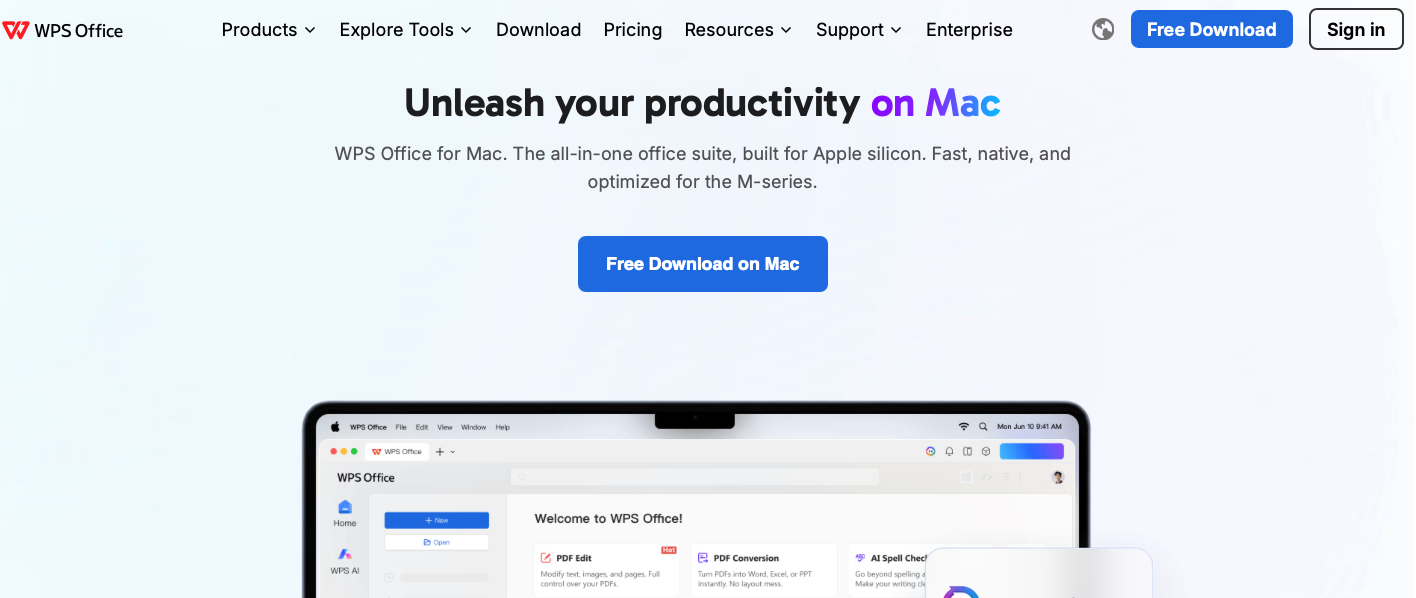
WPS Office is a versatile office suite with a spreadsheet application that provides hundreds of formulas and functions for everyday and advanced data work. It is available for macOS, Windows, Linux, Android, and iOS.
WPS Spreadsheet supports Microsoft Excel formats, including XLS and XLSX, along with numerous other file types. It includes Pivot Tables, what-if analysis, data visualization, conditional formatting, and customizable charts such as bar, pie, line, column, and scatter charts.
The application also offers keyboard shortcuts, templates, automatic backup, file recovery, cloud storage, and multilingual support. Its integration with services such as Google Drive, Dropbox, and Microsoft OneDrive makes it easier to access files across devices.
WPS Office has a free version for Mac, while paid plans provide additional features, cloud storage, and AI-powered tools.
16. Excel Online
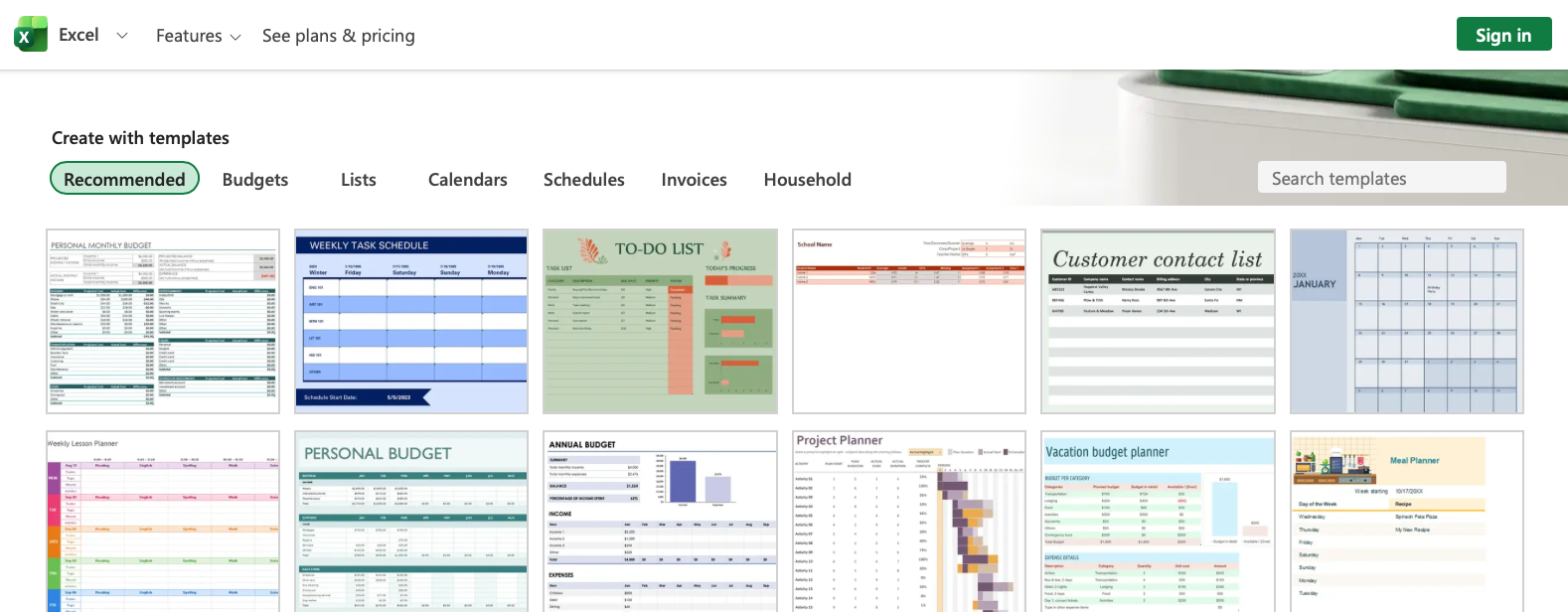
Excel Online, now called Excel for the web, is the browser-based version of Microsoft Excel. It lets you create, edit, view, and share spreadsheets without installing the desktop application. Files can be stored in OneDrive or SharePoint, making real-time collaboration with colleagues straightforward.
Excel for the web includes hundreds of functions and familiar tools for calculations, charts, tables, filtering, PivotTables, conditional formatting, and data analysis.
You can also use features such as AutoSum, named ranges, sparklines, slicers, and timeline controls, although some advanced Excel desktop features aren’t available online.
The web version supports common formats, including XLSX, XLS, XLSM, XLSB, and ODS, with some feature limitations depending on the file.
Excel for the web is free with a Microsoft account, while Microsoft 365 subscriptions provide additional features and cloud storage.
The Winner
Of all the tools on the list, I’ll pick Google Sheets.
It’s free, easy to use, and doesn’t require much time to learn. It also makes collaboration simple, allowing me to work on the same spreadsheet with colleagues or clients in real time.
Another reason I prefer it is the convenience. I can start a spreadsheet on my Mac and continue working on it from my iPhone or another device without worrying about losing my work.
Google Sheets offers the right balance of simplicity, flexibility, and accessibility, making it my top Excel alternative for Mac.