
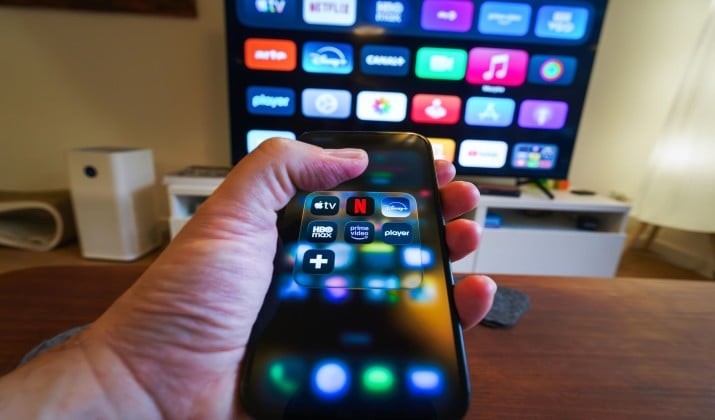
Want to watch movies on your big Samsung screen without paying for another subscription? You actually can with the best free movie apps for Samsung Smart TV.
This guide covers 10 free, legal, and safe movie apps. All of them are in the Samsung App Store, cost nothing to install, and offer real Hollywood movies and shows.
What Does Free Really Mean on Samsung TV?
Free rarely means completely ad-free. When we say free, we usually mean free with ads. This model is called ad-supported streaming or ad-supported video on demand. You watch a few commercials, you pay nothing.
You also get access to FAST channels, which stands for free ad-supported streaming TV. Think of it as old-school channel surfing, but over the internet.
Most of these services also offer on-demand movies and on-demand TV shows, so you can pick what you want, when you want.
Two things to keep in mind. Availability varies by country, and some apps need a newer Samsung TV model from 2017 or later. Samsung TV Plus itself is built into supported Samsung TVs and offers free live channels plus on-demand entertainment without a subscription.
If you want to know how to watch free movies on Samsung Smart TV, start with the Apps panel on your Home screen, search for the app name, hit Install, and open it. Most of these free streaming apps for Samsung Smart TV work right away.
Best Free Movie Apps for Samsung Smart TV
1. Samsung TV Plus
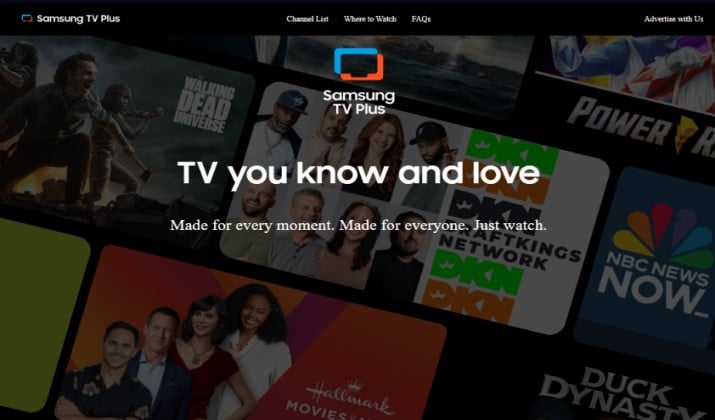
You already have this one. Samsung TV Plus comes pre-installed on supported Samsung Smart TVs. You do not need to download anything, and you do not need an account for basic watching.
This is Samsung’s own free ad-supported streaming TV service. It gives you live TV channels and a big on-demand library in one place.
The platform now offers hundreds of channels, including news, sports, movies, entertainment, and kids content.
You also get thousands of on-demand titles that you can start instantly. It feels like cable without the bill. Flip through Samsung TV Plus movie channels when you want background viewing. Or jump into on-demand when you want a specific title.
You can also create a free Samsung account to save favorites and resume watching across devices. The experience stays smooth even on older models.
Best for: Instant watching without installing anything
Ads: Yes, light to moderate
Account needed: Optional
Current pricing: 100% free. No subscription, rental fees, or hidden charges.
Also read: Best Movie and TV Apps for Android TV
2. Tubi
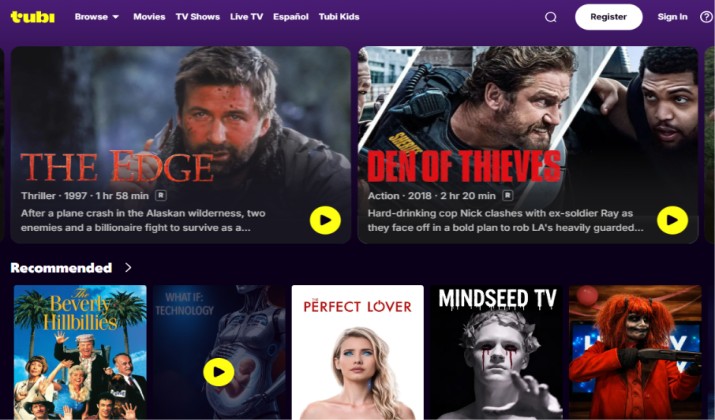
If you only install one extra app, make this one Tubi. Tubi free movies and TV keep getting better every year. Fox owns it, so it stays legal and reliable.
Tubi offers one of the largest free movie catalogs anywhere. You get action, comedy, horror, family, documentaries, and plenty of classics. New titles appear every Friday, so the content library never feels stale.
You also get Tubi free movies and TV originals plus live FAST channels. That means you can binge on-demand or flip through live channels in the same app.
The interface is simple. Browse by genre, search by actor, or build a queue. No subscription ever, and you can watch on multiple devices with one login.
Parents like the Kids section too. It filters content by age and keeps browsing safe.
Best for: The biggest on-demand movie library
Ads: Yes, about 4 to 8 minutes per hour
Account needed: Optional, but recommended to save your list
Current pricing: Completely free. No monthly plan. Tubi makes money from ads.
3. Pluto TV
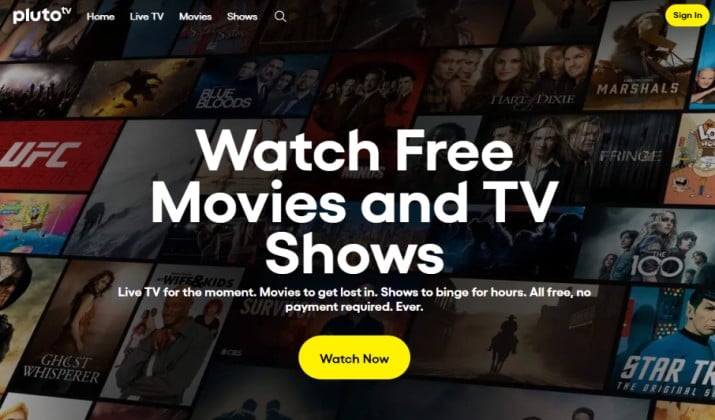
Pluto TV calls itself free live TV for a reason.
You get 250+ curated live TV channels that run 24/7. Think dedicated movie channels, true crime, comedy reruns, news, and sports highlights. You also get a solid on-demand section if you prefer to choose your own titles.
If you miss flipping channels, you will love Pluto TV. It feels familiar. Just open the guide and start watching. You do not need to learn a new layout.
Pluto TV organizes its movie catalog well. You can find 80s classics, recent thrillers, and family movies in seconds. The on-demand movies section updates weekly.
It also works great as a free streaming app for background viewing. Put on a movie channel while you cook or work.
Best for: Channel surfing and background viewing
Ads: Yes, similar to broadcast TV
Account needed: Optional
Current pricing: Free
Read this too: Best Free Streaming Services With No Subscription
4. Plex
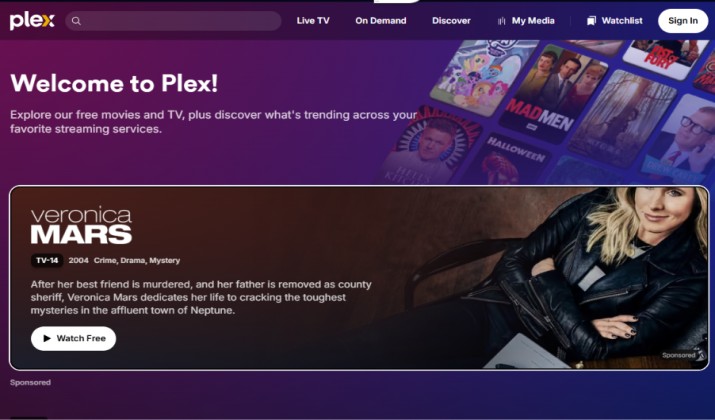
Plex has two sides. You can run your own media server, or you can watch what Plex offers for free. The second part is what matters here.
With Plex free movies you get thousands of titles from major studios. You also get Plex free channels, which are live FAST channels organized by genre. The content library mixes older hits with newer indie finds.
Plex works well on Samsung TVs from 2016 and newer. The app itself costs nothing for free streaming. Navigation feels clean, and you can save titles to your watchlist.
Although Plex does offer a paid Plex Pass for power users who run their own server, you do not need it for free movies. The free side stays free.
Best for: A clean app that combines live and on-demand
Ads: Yes, on free streaming content
Account needed: Free account
Current pricing: Free streaming is $0 per month. You do not need Plex Pass to watch free movies.
5. The Roku Channel
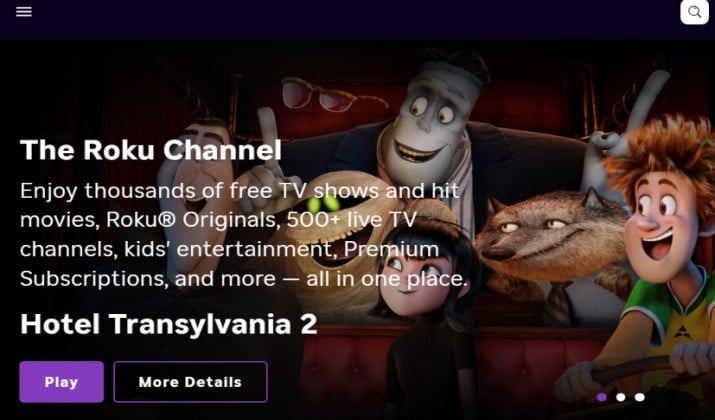
You do not need a Roku device to use it. The Roku Channel now lives on Samsung Smart TVs as a standalone free streaming app.
This one punches above its weight. You get on-demand movies, TV shows, plus 300+ live channels. The movie catalog includes recognizable titles that rotate monthly. It also includes Roku Originals you cannot find elsewhere.
It is completely ad-supported and easy to use. Search works well, and you can add titles to a save list. The app loads fast on Samsung Tizen OS.
You will notice picture quality holds up well even for older titles. The app also suggests movies based on what you watch, which helps you discover new favorites.
Best for: Premium-feeling movies without paying
Ads: Yes, moderate
Account needed: Optional
Current pricing: 100% free. No subscription required to watch movies, shows, or live channels.
Explore: Best Streaming Devices Without Ads
6. Xumo Play
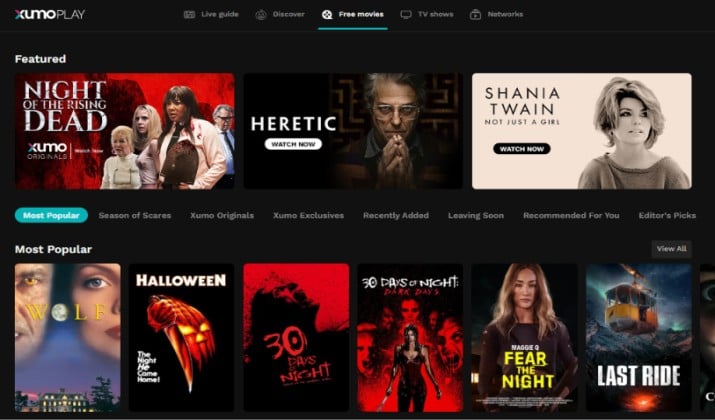
Xumo Play, formerly Xumo, is another strong FAST option that many people overlook. Comcast owns it now, so licensing stays legit and the app gets regular updates.
You get 190+ live TV channels plus a large on-demand section. The app organizes content by collections like Action Movies, Black Cinema, Family Fun, and Holiday Hits. It is great when you want to discover something new without scrolling forever.
The video quality holds up well on larger Samsung screens. You can jump from live TV channels to on-demand movies in one tap. The guide loads fast and remembers where you left off.
Xumo Play also curates seasonal hubs. During holidays or big events, you will see themed rows that make picking a movie easy.
Best for: Curated collections and easy discovery
Ads: Yes, light
Account needed: Not required
Current pricing: 100% free. No subscription, or premium add-ons. Every live channel and on-demand title is included at no cost.
7. Crackle
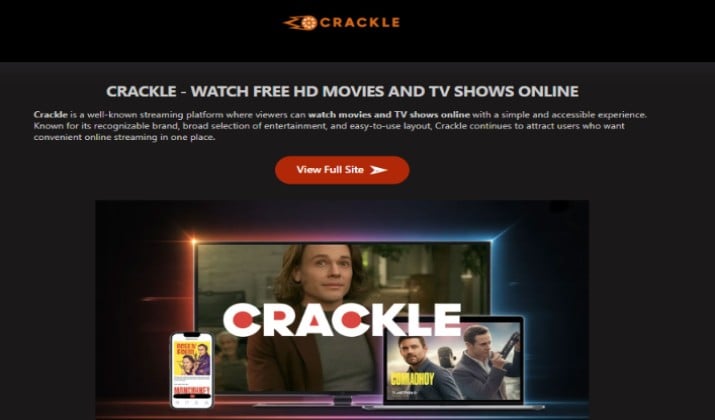
Crackle has been around for years. Sony runs it, and it focuses on movies and TV with no strings attached. That long track record makes it a safe free movie app to keep on your TV.
The library is smaller than Tubi, but Crackle leans into well-known titles and originals. You will find action favorites, classic comedies, and a rotating spotlight of Crackle Originals. It also offers live channels now for quick channel surfing.
Crackle works best as a second or third free movie app alongside Tubi and Pluto TV. Use it when you want something familiar without spending time searching.
The app also lets you create a free watchlist. Save a title on your Samsung TV and continue on your phone later.
Best for: Sony movies and quick binge sessions
Ads: Yes, moderate
Account needed: Optional, free account helps with watchlist
Current pricing: Completely free with ads. No paid tier for movie access. All movies and shows stream at $0 per month.
Check this out: Best Live Channels Apps for Android TV
8. YouTube
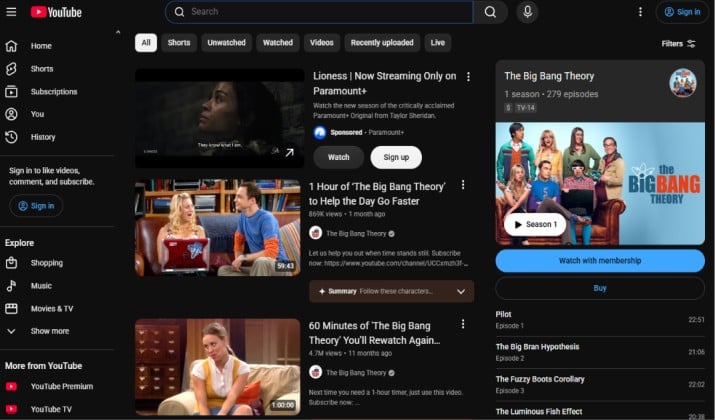
YouTube is not just for short clips. It offers hundreds of free movies with ads through its Movies & TV section. Many viewers miss this because the section sits inside the main YouTube app.
Open the YouTube app on your Samsung TV, go to Movies & Shows, and look for Free with Ads. You get full-length studio movies, not just YouTube creator content. Quality ranges up to 1080p and often 4K where available.
You also get endless trailers, reviews, and behind-the-scenes clips in one place. That helps you decide what to watch next without opening another app.
YouTube also remembers your history. If you start a free movie on your phone, you can resume it on your Samsung TV.
Best for: Free Hollywood movies you already search for
Ads: Yes, YouTube ad format
Account needed: Optional, but helps with history
Current pricing: Free with ads. No charge to watch free movies.
9. Sling Freestream

Sling Freestream is the free side of Sling TV. You do not need a Sling subscription to use it. It lives as a separate free streaming app inside the Sling app.
It offers 400+ live TV channels and 40,000+ on-demand movies and shows. That makes it one of the largest free streaming apps for Samsung Smart TV right now. The movie section covers everything from thrillers to family films.
The app feels modern, with a traditional grid guide for live TV channels and a separate on-demand tab. You can filter by genre and quickly find new releases in the free catalog.
Freestream also includes news and sports highlights that other free apps skip. It works well when you want live TV plus movies in one place.
Best for: The biggest free channel lineup
Ads: Yes
Account needed: Free account to save favorites
Current pricing: You can watch Freestream without paying.
10. Kanopy
Want fewer ads and more award-winning films? Check your library card. Kanopy on Samsung Smart TV is free if your public library, college, or university supports it.
No ads at all. You get critically acclaimed films, documentaries, classic cinema, and kids content. Think A24 titles, Criterion classics, and festival winners. The content library leans toward quality over quantity.
You log in with your library card and get a set number of credits each month. Each play uses one credit. Most libraries give you 10 to 30 credits per month.
Hoopla on Samsung Smart TV works similarly and is another great library option. It offers movies, audiobooks, and comics with one login. If your library supports both, you double your free movies.
Best for: Ad-free quality films and documentaries
Ads: None
Account needed: Library card or university login
Current pricing: Free with a participating library card, university, or college. No monthly fee or ads.
How Do You Pick the Right Mix?
Start with Samsung TV Plus, Tubi, and Pluto TV for instant access with zero setup. They cover live viewing and on-demand movies without any login friction.
For more variety, add Plex, The Roku Channel, and Xumo Play. These three expand your content library with extra movie catalogs and live channels that others do not carry.
Want fewer commercial breaks and better picture quality? Add Kanopy or Hoopla through your library. You get ad-free, award-winning films at no extra cost.
Use YouTube and Crackle for casual weekend watching. They fill gaps when you want something quick and familiar.
Most people settle on 3 to 4 favorites and ignore the rest. That is normal. Using free apps to watch movies on Samsung TV work best when you treat them as a small bundle that replaces cable.



