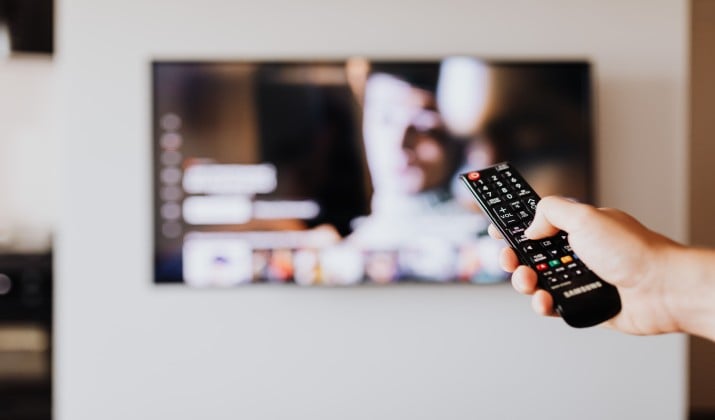
Your Android TV deserves apps that actually feel made for TV. Big screen, proper 4K, sound that fills the room, and a remote that works without frustration.
This list covers the best movie and TV apps for Android TV that are active and worth installing right now. Each one runs well on the big screen, supports features like watchlists, continue watching, subtitles, and voice search, and looks sharp whether streaming HD or 4K.
Quick pricing note: Pricing is subject to change. Please refer to the official pricing page for the latest pricing.
What Makes a Good Android TV Streaming App?
Before installing, check what matters most for daily viewing.
- Picture and audio quality: Look for HD movie streaming, 4K movies, 4K TV shows, HDR streaming, Dolby Vision streaming apps and Dolby Atmos apps if the TV supports them.
- Ease of use: These include remote streaming, voice search, Google Cast streaming to cast movies, personalized recommendations, multiple user profiles, parental controls.
- Playback features: Watchlist, continue watching, subtitles streaming with multilingual subtitles, audio descriptions, movies with subtitles.
- Flexibility: Cross-device streaming, offline viewing with download movies for offline viewing and watch movies offline on mobile that syncs back to TV, on-demand movies and on-demand TV shows, live TV streaming, free live TV.
- Value model: Ad-free streaming vs ad-supported streaming.
1. Netflix
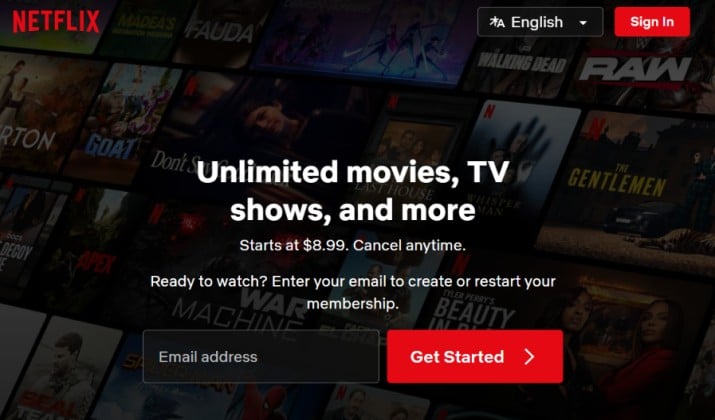
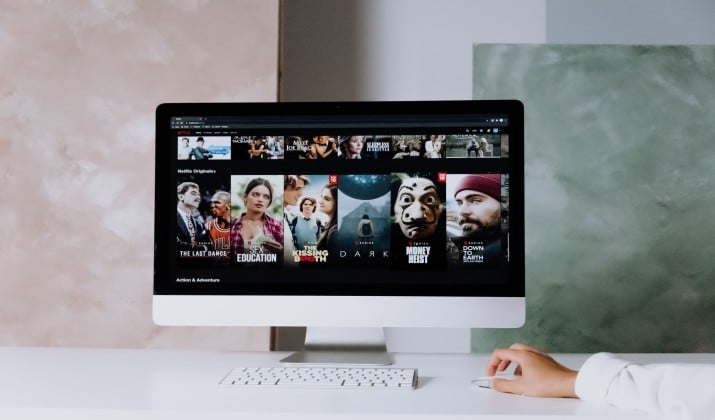
Still the most rounded among best movie apps for Android TV. The app opens fast, browses smoothly with a remote, and remembers where viewing stopped.
Library covers award-winning originals, licensed movies and shows, and a growing live section. Expect strong support for 4K streaming, HDR, Dolby Vision, Dolby Atmos on compatible TVs.
Features include:
- Multiple user profiles
- Parental controls
- Personalized recommendations that get better over time
- Watchlist
- Continue watching
- Subtitles with multilingual subtitles
- Audio descriptions
Casting from a phone works well, and voice search finds titles quickly.
App link: Play Store
Netflix pricing: Netflix plans range from $8.99 to $26.99 per month. Subscribers can choose between the Standard with Ads ($8.99), Standard Ad-Free ($19.99), and Premium 4K ($26.99) tiers. Sharing your account with individuals outside your household requires an extra member add-on starting at $7.99 per month.
Also read: Best Apps Like Netflix
2. Prime Video
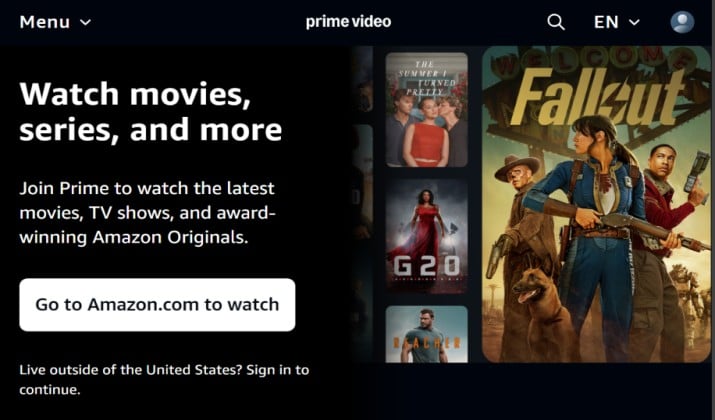
Prime Video works great as an all-in-one Android TV OTT platform. The catalog is huge, plus rentals and channel add-ons.
You can expect 4K streaming, HDR, Dolby Vision streaming apps and Dolby Atmos on many titles. X-Ray shows cast info without leaving playback.
Other essentials like watchlist, continue watching, subtitles streaming, parental controls, multiple user profiles, and cross-device streaming are all there.
Offline viewing is possible on mobile. Download movies for offline viewing there, then resume on Android TV through the same account.
The ability to subscribe to Max, Paramount+ and more inside Prime Video makes it useful for consolidating OTT apps.
App link: Play Store
Prime Video pricing: Prime Video costs $8.99 per month as a standalone service, or it comes included with a full Amazon Prime Membership Fee priced at $14.99 per month or $139 per year.
3. Disney+
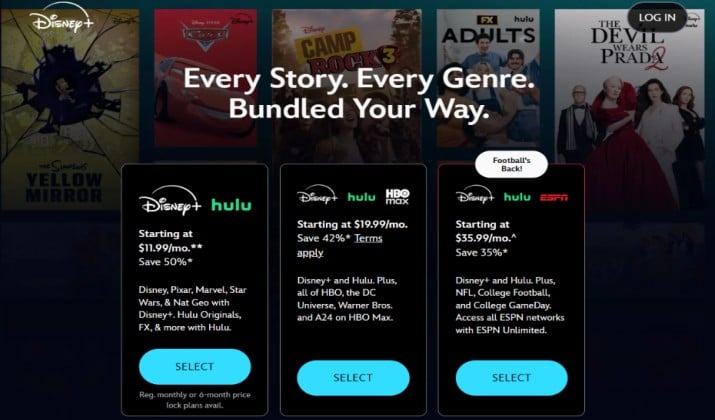
Essential for Marvel, Star Wars, Pixar, National Geographic and family-friendly streaming apps. The app feels light and stable, with a clean home row.
Most new releases stream in 4K with Dolby Vision and Dolby Atmos where supported. Features include multiple user profiles, parental controls, GroupWatch, personalized recommendations, watchlist, continue watching, subtitles, multilingual subtitles and audio descriptions.
You can lock profiles for kids by rating, which helps keep browsing safe. Google Cast streaming also works if you prefer to start from a phone.
App link: Play Store
Disney+ pricing: Disney+ costs $11.99 per month for the ad-supported plan and $18.99 per month (or $189.99 per year) for the ad-free tier.
Read this too: Best Free Android TV Apps
4. YouTube
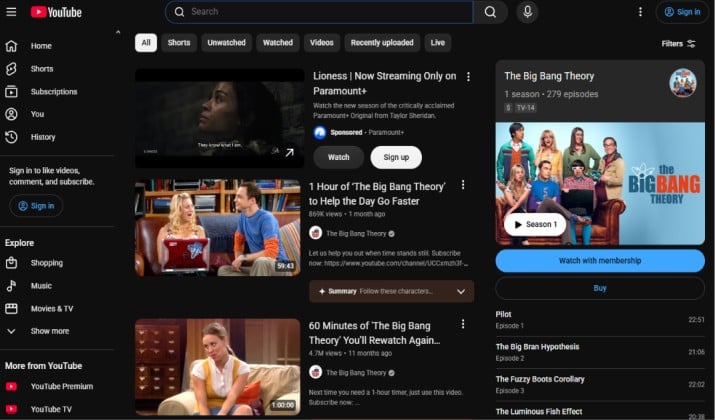
YouTube remains one of the most used TV apps for Android TV. Not just creator videos. There are free movies, rentals, purchases, music, and lots of 4K content.
The app build supports 4K TV shows, HDR streaming, voice search, smooth remote streaming, auto-play, personalized recommendations tied to a Google account, watchlist via Save, and cross-device streaming that resumes exactly where viewing stopped.
You can rent or buy new releases through YouTube Movies, or go ad-free with Premium.
App link: Play Store
YouTube pricing: YouTube Premium costs $15.99/month ($159.99/year) for individuals, $26.99/month for a family plan, and $8.99/month for verified students.
5. Tubi
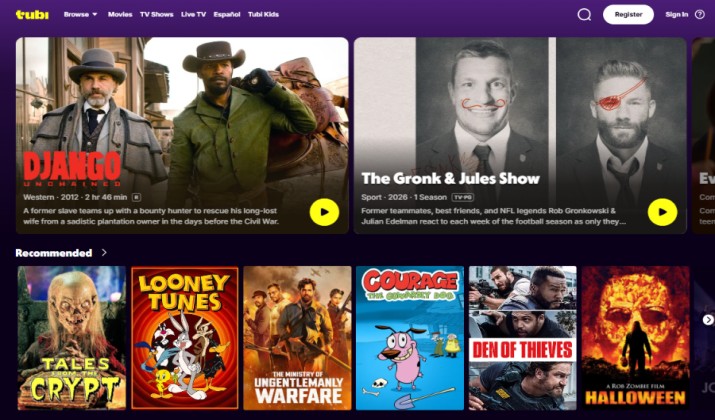
Tubi stands out among best free movie streaming apps for Android TV. It involves no subscription or credit card, and is fully legal.
Library includes thousands of on-demand movies and shows across every genre. Expect HD movie streaming, subtitles, parental controls, watchlist, continue watching, and voice search. Although ads run every 12 to 15 minutes, it is lighter than traditional live TV.
4K movies are limited here, but stream quality holds up well on larger screens. Tubi is also one of the best ad-supported streaming options for discovering older favorites.
App link: Play Store
Tubi pricing: Tubi is 100% free. You do not need a subscription, a credit card, or a paid account to watch content on the platform.
Explore: Best Movie Player Apps for Android
6. Pluto TV
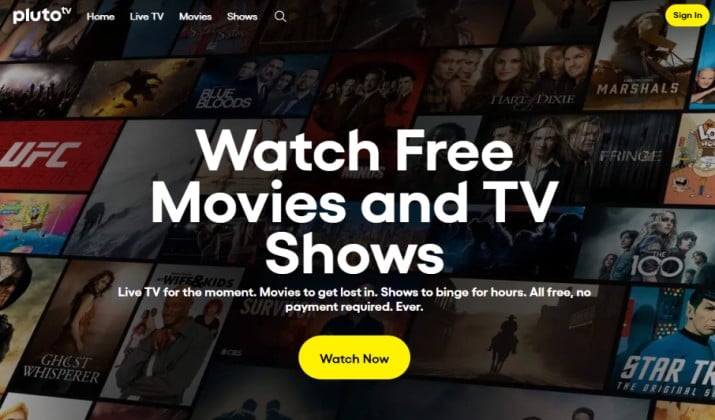
Pluto TV mixes on-demand and live TV streaming. If you miss channel surfing, this recreates that feeling.
There are 250+ free live TV channels plus thousands of on-demand titles. It ranks high among OTT platforms for casual viewing.
The app includes a guide, categorized movies and TV shows apps, subtitles on many titles, and solid voice search.
An account is optional, but a free account adds watchlist and continue watching. The quality is best at HD.
App link: Play Store
Pluto TV pricing: Pluto TV is completely free to use.
7. Plex
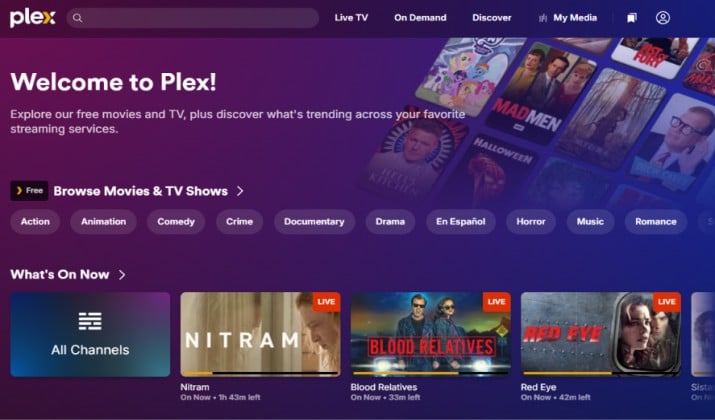
Plex does two things well. It organizes a personal media library and offers free streaming inside the same movie streaming app.
Personal library brings you posters, metadata, watchlist, continue watching, subtitles, parental controls, and support for 4K streaming, HDR and Dolby Atmos apps when the source file includes them. The free side adds ad-supported movies and live TV streaming.
Cross-device streaming works nicely. This means you can start on phone, and finish on TV. Plex Pass adds offline sync, DVR, and more advanced audio options.
App link: Play Store
Plex pricing: Plex TV is fundamentally free for streaming ad-supported movies, shows, and personal media. To unlock premium features like mobile offline viewing and DVR, you can upgrade to a Plex Pass for $4.99/month, $39.99/year, or a $749.99 lifetime subscription.
You might like this: Best Live Chennel Apps for Android TV
8. HBO Max
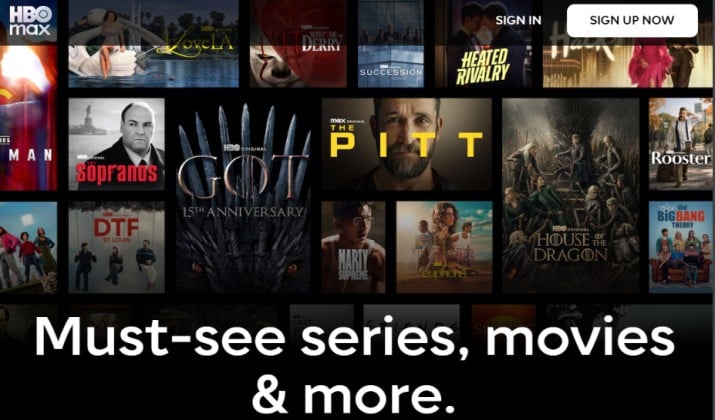
Max hosts HBO originals, Warner Bros films, and Discovery catalog. For best OTT streaming services focused on quality dramas and films, this is a top contender among OTT platforms.
On Android TV, Max supports up to 4K, Dolby Vision streaming apps and Dolby Atmos on select titles. You can expect features such as multiple user profiles, parental controls, personalized recommendations, watchlist, continue watching, subtitles streaming, and Google Cast streaming.
Picture quality stays consistent, especially for new releases with HDR.
App link: Play Store
HBO Max pricing: HBO Max pricing in the United States starts at $10.99 per month for the ad-supported tier and goes up to $22.99 per month for the top 4K tier.
9. Hulu
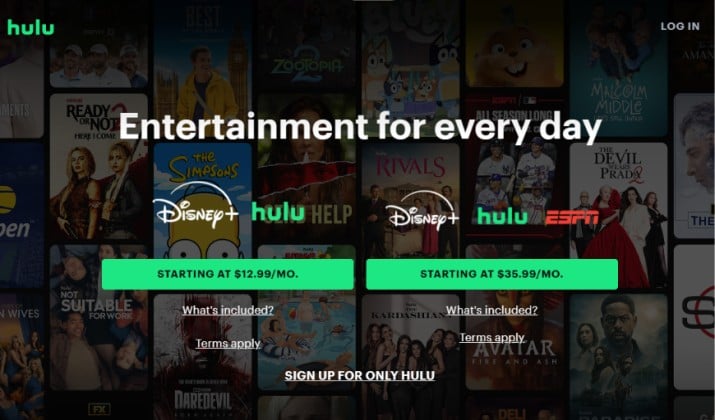
Hulu is perfect for next-day TV. For apps to watch TV shows on Android TV, it updates faster than most.
Catalog includes current season episodes, originals, movies, and an optional Hulu + Live TV package with 90+ channels and DVR.
The app offers HD movie streaming, some 4K titles, multiple user profiles, parental controls, personalized recommendations, watchlist, continue watching, subtitles, and voice search.
Live TV plan includes free live TV style guide and ad-supported or ad-free on-demand tiers. Outside the US, similar content appears through Disney+ bundle.
App link: Play Store
Hulu pricing: Hulu + Live TV plans in the US start at $89.99 per month for the ad-supported tier.
Check this out: Best Android TV Box Alternative
10. Peacock
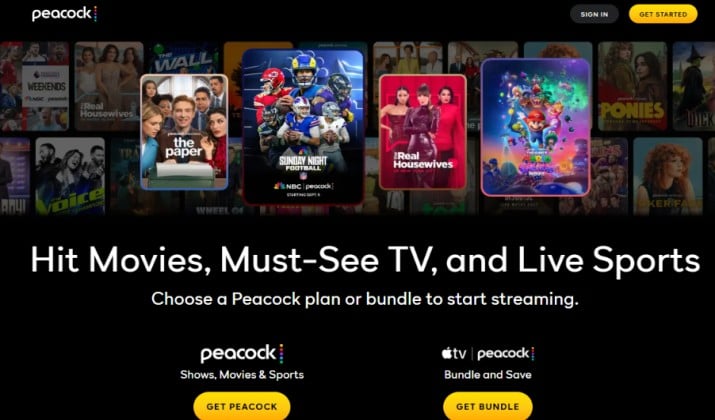
Peacock offers a free tier plus premium upgrades, making it flexible among streaming services for Android TV.
With the free tier you get ad-supported streaming with movies and shows. Premium adds more on-demand movies, live sports, originals.
Thea app includes select 4K streaming apps support, multiple user profiles, parental controls, watchlist, continue watching, subtitles, cross-device streaming, and family-friendly streaming apps sections.
It works well as a secondary app alongside a main premium service.
App link: Play Store
Peacock pricing: Peacock TV offers three main pricing tiers. You can choose Peacock Select at $8.99/month for a basic TV library, Peacock Premium at $12.99/month for full content and live sports with ads, or Peacock Premium Plus at $19.99/month for an ad-free experience, downloads, and local NBC.
Yearly plans are also available for each tier if you want to save on a long-term subscription.
How To Set Up Movie Apps for Android TV Quickly?
- Open Play Store on Android TV. Search by name.
- Install, sign in with phone for faster entry.
- Pin top three apps for movies and TV shows to home row.
- Enable auto-update to get latest HDR and audio fixes.
- Turn on offline viewing on mobile for trips. Download movies for offline viewing there and resume on TV later.
- Set up subtitles, multilingual subtitles and audio descriptions under accessibility.
- Use watchlist and continue watching to avoid endless scrolling.
Which App Comes Out Ahead?
For most households, Netflix remains the strongest single choice among best streaming apps for Android TV. Not because others lack quality, but because Netflix balances everything in one place.
Consider this comparison. Prime Video offers great value if already paying for Prime and wants channels. Plex wins for personal media. Tubi and Pluto TV win for free. HBO Max wins for prestige drama quality. Hulu wins for next-day network TV. Disney+ wins for family and franchises. YouTube wins for free 4K and rentals.
Yet Netflix delivers the most complete mix of 4K movies, 4K TV shows, Dolby Vision, Dolby Atmos, HD movie streaming, parental controls, personalized recommendations, multiple user profiles, subtitles streaming, audio descriptions, watchlist, continue watching, Google Cast streaming, voice search and stable remote streaming.
So for a one-app start, install Netflix first. Then pair it with one free option like Tubi or Pluto TV for ad-supported variety and free live TV, plus Plex if there is a personal library.
That combination covers on-demand movies, on-demand TV shows, live TV streaming, offline viewing, and 4K streaming without stacking too many paid subscriptions.
This setup turns Android TV into a proper home theater without clutter.