
Lost your Samsung remote again? It happens to everyone. The couch ate it, the kids hid it, or the batteries died right when you wanted to binge. It’s a good thing your phone already works as a remote.
This guide breaks down the 10 best free Samsung TV remote apps. You get the official option from Samsung plus the most reliable third-party picks, so you can control volume, channels, apps, and inputs without hunting for plastic.
If you have a Samsung Smart TV, Samsung Tizen TV, Samsung QLED TV, or even a Samsung Crystal UHD TV, you do not need to buy anything new. You just need the right free Samsung TV remote app and a quick setup.
How Do These Samsung TV Remote Apps Actually Connect?
Not every app connects the same way. Before you download, check how your TV talks to your phone.
Wi-Fi and local network is the standard now. Most modern apps work when your phone and your Samsung Smart TV sit on the same Wi-Fi network. The app scans your local network and shows your TV. This is called automatic TV detection. You tap your TV, approve device pairing on the TV screen, and you are set.
Samsung account and internet for official control. Samsung says SmartThings can turn a phone into a remote for supported Samsung TVs and projectors. It handles volume, channel, mute, Home, Back, Guide, app launching, and input switching. For that to work, you need to add the TV as a device in the app, sign in with a Samsung account, and keep an internet connection.
IR blaster is old school but still useful. Some phones, like many Xiaomi models, include an IR blaster. That means infrared remote control without Wi-Fi. If your TV does not support Wi-Fi remote or you have an older model, an IR app can save you.
Permissions you will see. On Android and iPhone, these apps ask for remote-control permissions like local network permission and nearby devices permission. That lets them find the TV. On iOS, you also grant Bluetooth if the app offers Bluetooth remote features.
Quick note on pricing: all apps listed here offer a free version. Pricing is subject to change. Please refer to the official pricing page for the latest details before you download.
Official vs Third-Party: What is the Real Difference?
Samsung SmartThings remote is the only official way.
It connects directly to Samsung Tizen OS. It knows your TV model, it shows your installed apps, and it lets you switch inputs, launch Netflix or YouTube, and use Smart View features like screen mirroring and media casting.
Third-party apps reverse engineer the same Wi-Fi control.
They often add extras like a bigger touchpad, customizable buttons, or Quick Remote style widgets. They can feel faster because they skip the Samsung account login. The tradeoff: they sometimes show ads, and they may not support every feature like voice search or ambient mode.
If you want full compatibility and future updates, start with SmartThings. In case you want a simple remote that opens instantly, a third-party Samsung TV remote control app often wins.
Now here are the best options you can try today.
Best Free Samsung TV Remote Apps
1. Samsung SmartThings App
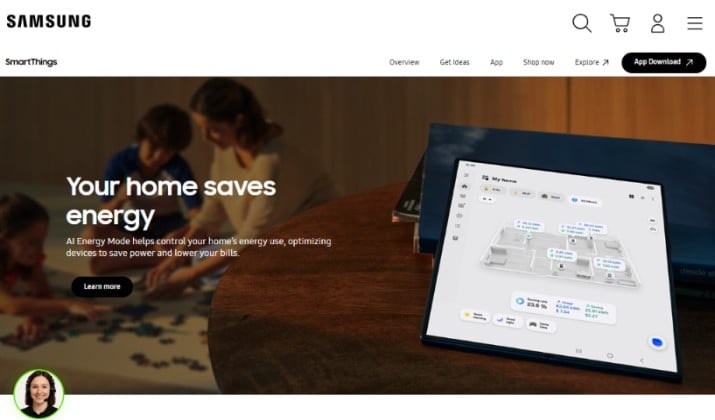
This is Samsung’s own answer and the most reliable Samsung Smart TV remote app you can get.
SmartThings app turns your phone into a full remote. You get volume, channel up and down, mute, Home, Back, Guide, directional pad, and a keyboard for typing passwords.
You can launch apps, change HDMI inputs, and control a connected soundbar too.
It works with most Samsung Smart TV models from 2016 onward that run Tizen, plus Samsung projectors like The Freestyle.
You add your TV as a device, sign in with your Samsung account, and keep both devices on the same network.
Why people stick with it:
- Official support for Samsung QLED TV and Samsung Crystal UHD TV
- No IR blaster needed, works over Wi-Fi network
- Includes screen mirroring, media casting, and Smart View
- Widget and Quick Panel tile on Android for instant access
Pricing: Completely free. No ads, in-app purchases, or subscription required. You just need a free Samsung account.
Get it: Play Store | App Store
Also read: Best Universal remotes for YouTube TV
2. Samsung Universal TV Remote App
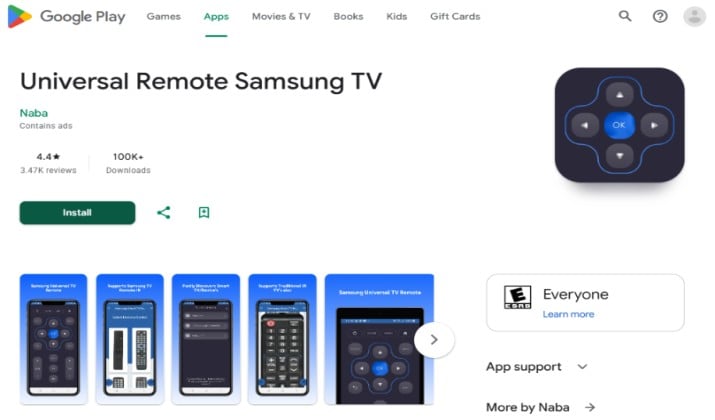
If SmartThings feels heavy, this lightweight Samsung TV remote app for Android does the job fast. It is built for speed. Open it, it finds your Samsung TV on the local network, you connect.
You get a clean layout that looks like the original remote. It covers power, volume, channel, mute, source, menu, and smart hub navigation.
Many users keep it as a backup when they just want a Samsung TV remote app for Android TV style simplicity.
It is one of the best free Samsung TV remote apps if you hate logins.
Get it: Play Store
Pricing: Free with optional ad removal
3. ControlMeister Samsung TV Remote App
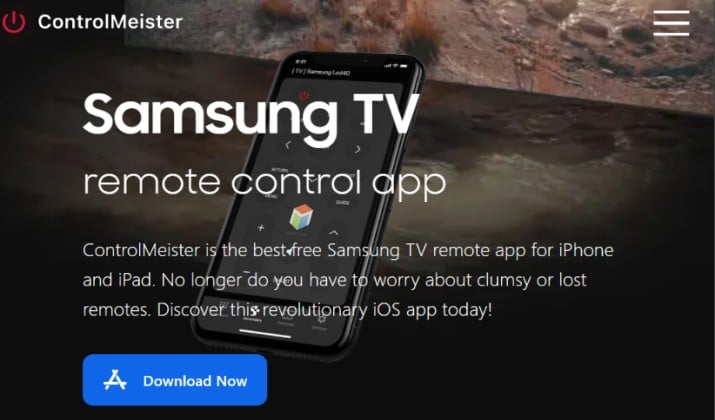
ControlMeister focuses on Samsung Smart TV models and feels polished. It is available for iPhone and iPad, which makes it a solid Samsung TV remote app for iPhone if you live in the Apple ecosystem.
Automatic TV detection works well here. It lists all Samsung TVs on your Wi-Fi network, even if you have two or three at home.
After you grant local network permission and nearby devices permission, you can control volume, navigate menus, open apps, and type with the phone keyboard.
It also supports Samsung Smart TV remote app for iPad layout, so buttons do not look stretched on a big screen.
Get it: App Store
Pricing: The ControlMeister Samsung Smart TV Remote Plus App is free to download with ads and basic controls. Pro features require a weekly subscription of $6.99 per week or one-time payment of $39.99 to $49.99.
Read this too: Best Remotes for TCL TVs and TCL Roku TV
4. Remote for Smart Samsung TV App
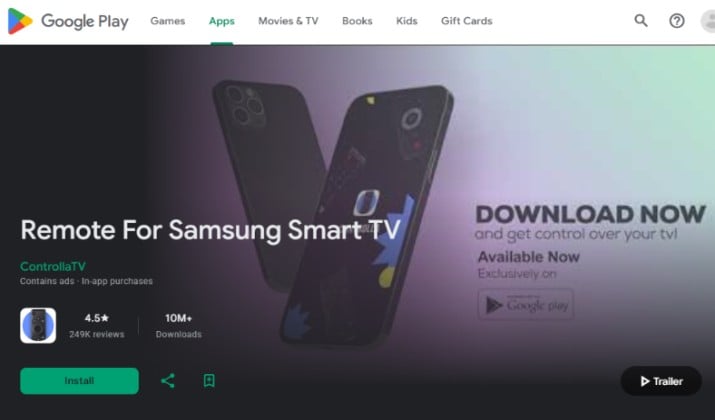
This one wins on simplicity. It mimics the classic remote but adds a touchpad. You swipe to move around Samsung Tizen TV menus, tap to select, and use dedicated buttons for Home, Back, and volume.
It does not ask for a Samsung account. It just needs the same Wi-Fi network. That makes setup less than 30 seconds.
If you searched for best free movie apps for Samsung Smart TV and ended up needing a remote to actually play those movies, this app keeps playback control front and center.
Get it: Play Store | App Store
Pricing: Completely free.
5. Universal Remote for Samsung TV
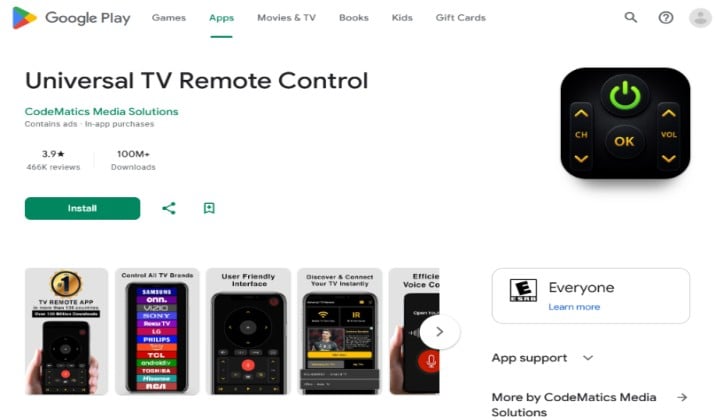
Built by CodeMatics, this Universal Remote for Samsung TV is one of the most downloaded Samsung TV remote control app options for Android.
It supports both Wi-Fi and IR blaster modes. If your phone has infrared, you can select IR mode for older Samsung TVs that do not connect over Wi-Fi.
In Wi-Fi mode, you get full smart features like app launching and input switching. In IR mode, you get basic power, volume, and channel, which still saves you when Wi-Fi is down.
It is a good pick if you want a Samsung TV remote app free download that works even when internet is spotty.
Get it: Play Store
Pricing: Free with ads, in-app purchase to remove ads
Explore: Best Movie and TV Apps for Android TV
6. SURE Universal Remote App
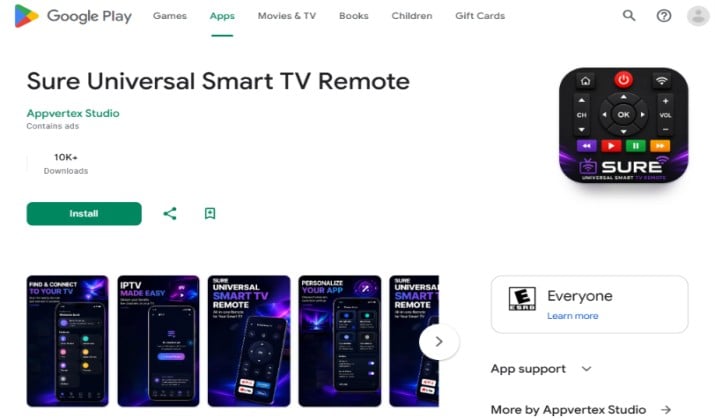
SURE tries to be everything. It controls Samsung Smart TV, plus AC, projector, and streaming boxes. For Samsung, it works over Wi-Fi network and infrared remote.
The Samsung Smart TV remote control part includes a neat media casting feature. You can push photos and videos from your phone to your TV. It also offers voice control on supported phones.
SURE is especially handy if your house has multiple Samsung devices and you want one Samsung TV remote app to rule them all. It remembers device pairing, so you do not re add the TV every time.
Get it: Play Store
Pricing: Free tier available.
7. ZaZa Remote Samsung TV
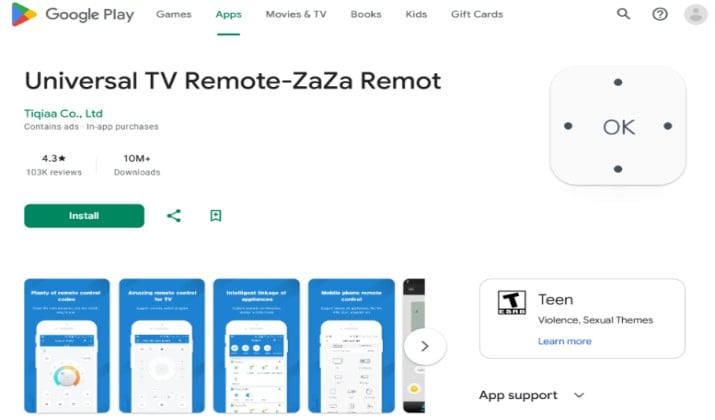
ZaZa Remote is a long-running universal remote that still gets updates and it works really well for Samsung Tizen TV. It started as an IR blaster app, but its Wi-Fi mode for Samsung Smart TV is now the main reason people keep it.
You get automatic TV detection when your phone and Samsung TV sit on the same Wi-Fi network. ZaZa lists your TV, you tap to pair, grant local network permission and nearby devices permission once, and it saves your TV. After that it opens straight to remote.
The layout feels close to a real Samsung remote. You get power, volume, channel, mute, Home, Source, directional pad, and a smart hub button for launching apps.
You can also switch to IR blaster mode if your phone has infrared remote and you need to control an older Samsung model without Wi-Fi.
What makes ZaZa stand out is the custom panel. You can drag, resize, and hide buttons, so you can build a minimal remote with just power and volume, or a full panel for Samsung QLED TV or Samsung Crystal UHD TV with app shortcuts.
It also supports Quick Remote style floating widget on some Android skins. Plus. it does not ask for a Samsung account and it does not force you through a smart home setup.
Pricing: Free to download and use. Ad-supported in the free version. Optional premium to remove ads costs $3.99 one-time purchase or $9.99 per year depending on promotion. All core Samsung TV remote features stay free.
Get it: Play Store
8. Mi Remote for Samsung TV
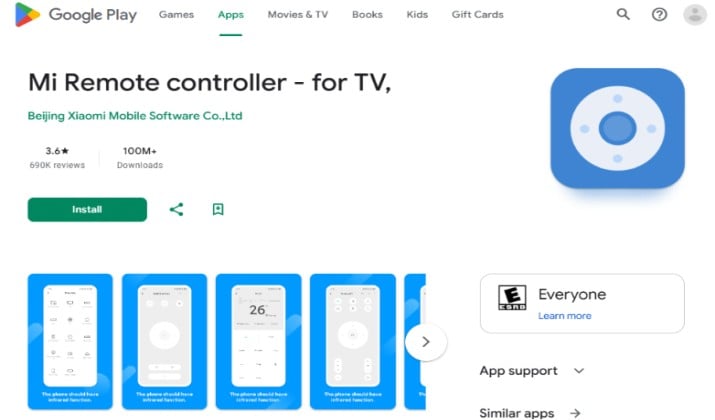
If you use a Xiaomi, Redmi, or POCO phone, you already have this. Mi Remote for Samsung TV comes preinstalled and uses the built-in IR blaster. No Wi-Fi needed for basic control.
It also offers Wi-Fi control for newer Samsung Smart TV units, so you can switch between infrared remote for quick power on and Wi-Fi for app launching.
It is the easiest Samsung TV remote app for Android users with IR phones. Even if you do not have a Xiaomi phone, the app works on many Android devices for Wi-Fi control.
You might have landed here while looking for best free movie apps for Samsung Smart TV, and Mi Remote pairs well with that use case because you can control playback without getting up.
Get it: Play Store
Pricing: Completely free.
9. TV Samsung Remote Control App
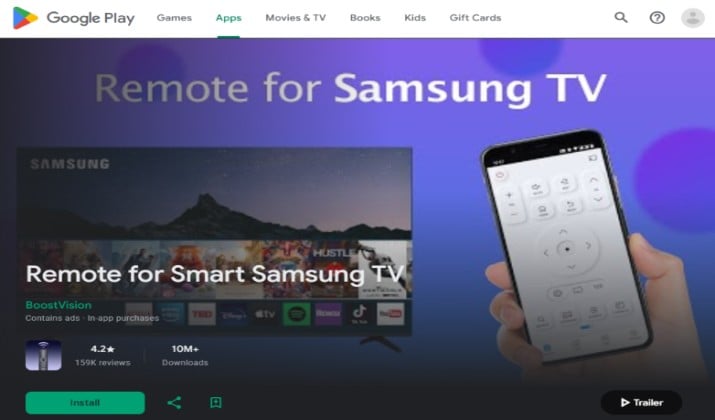
Do not let the generic name fool you. This app focuses only on Samsung, so detection is fast.
You open it, it scans your local network, you select your Samsung QLED TV or Samsung Crystal UHD TV. The remote appears instantly with channel list and source button. It includes a keyboard, which helps when you need to log into apps.
It is also a good Samsung Smart TV remote app for iPad option because the UI scales.
Get it: Play Store | App Store
Pricing: Free, premium removes ads
10. RemoteNOW Samsung TV App
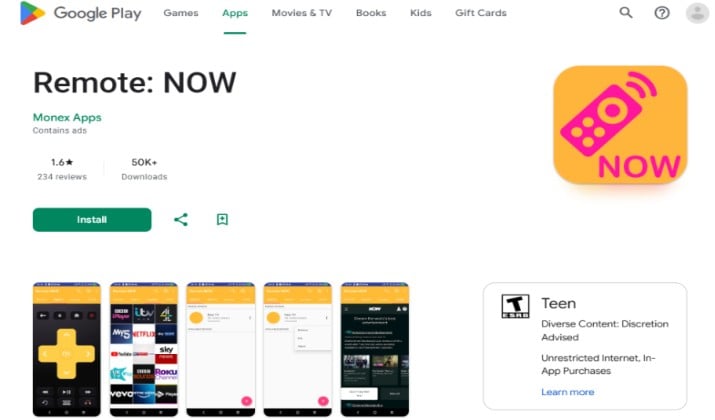
RemoteNOW is made by Roku? No, this one is specifically for Samsung】 and tries to copy the Quick Remote experience. It offers a floating widget, so you can control your TV while using other apps.
You get power, volume, mute, navigation, and a dedicated SmartThings app shortcut if you have both installed. It is light and does not push you to create an account.
This one works well as a secondary remote when SmartThings handles the heavy lifting. If you already use best free movie apps for Samsung Smart TV for streaming, keeping RemoteNOW as a floating control helps you pause without switching apps.
Get it: Play Store
Pricing: Free with optional ad-free upgrade
Which App Should You Actually Keep?
Keep Samsung SmartThings remote. Period.
If you own a newer Samsung Smart TV, Samsung QLED TV, or Samsung Crystal UHD TV, it is the only Samsung TV remote app that Samsung officially maintains for Samsung Tizen TV.
You get full device pairing, automatic TV detection that survives TV updates, plus volume, channel, mute, Home, Guide, app launching, input switching, screen mirroring, media casting, and Smart View without workarounds. Yes, it needs a Samsung account and internet, but that is why it stays compatible while third-party apps break.
For a fast backup with no login, keep one lightweight option alongside it:
- Want instant open on Android? Samsung Universal TV Remote app works best.
- Need the best Samsung TV remote app for iPhone? Choose ControlMeister Samsung TV remote app.
- Wish you had IR blaster support when Wi-Fi drops? Go for Mi Remote for Samsung TV or ZaZa Remote Samsung TV.
Those backups are great, but SmartThings is the best free Samsung TV remote app for daily use. Install SmartThings as your primary and one backup. You will never hunt for the plastic remote again.



