You pull out your phone, snap a pic of a weird bug on your porch, and wonder, “What is that thing?” If you’ve relied on Google Lens before, you know how handy visual search can be. But maybe you want something faster, more private, or you don’t have a Google account on your iPhone. Thankfully, you’ve got options.
Here are some of the best Google Lens alternatives for Android and iPhone that let you search with your camera, translate signs, scan documents, and shop with a photo. I tested each one so you can skip the duds and jump straight to the apps that deliver.
Why Look for Google Lens Alternatives for Android and iPhone?
Google Lens is powerful, but it’s not the only game in town. You might want a visual search app for mobile that works offline. Or you need privacy-friendly Google Lens alternatives with on-device processing.
Maybe you just prefer apps that explain what they see instead of throwing random labels at you. Whatever your reason, these apps like Google Lens for visual search cover text, shopping, plants, art, and more.
Quick note on pricing: Most apps below have free versions, but features and prices change. Always check the app’s official pricing page before you subscribe.
1. Apple Live Text / Visual Look Up (Visual Intelligence)
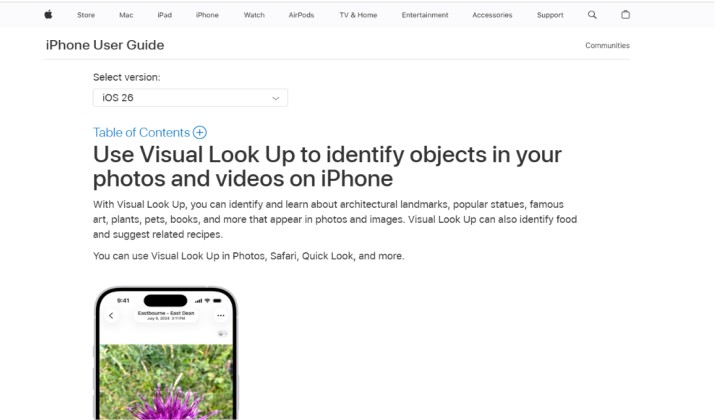
If you use an iPhone, you already have one of the best Google Lens alternatives for Android and iPhone built in. No Google account needed.
What it does: Point your camera at text and you can copy, translate, or call a phone number right from the photo. Tap the info button in Photos and Visual Look Up identifies plants, animals, landmarks, and artwork from a photo. In iOS 18, Visual Intelligence goes further and gives you AI visual search apps with explanation and context, not just labels.
Best for: Google Lens alternative for text recognition (OCR) and translation. Also perfect if you want apps like Google Lens that respect privacy and don’t track everything, since most of it runs on-device.
Pricing: Free. Built into iOS 15 and newer.
2. Bing Visual Search and Bing Image Search
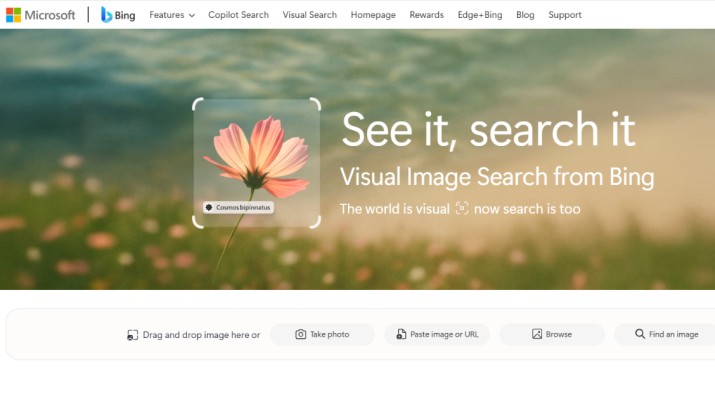
Think of this as the Google Lens vs Apple Visual Look Up vs Bing Visual Search showdown, and Bing holds its own.
What it does: Open the Bing app or use Bing in your browser, tap the camera icon, and you get reverse image search apps for smartphones with a shopping twist. It’s one of the best apps to shop by photo instead of typing product names. You can also scan barcodes, identify landmarks, and solve math problems from a picture.
Best for: Shopping by image apps to find similar products and price comparisons. The results page shows where to buy and how much items cost across stores.
Pricing: Free
Get it: App Store | Google Play
3. Pinterest Lens
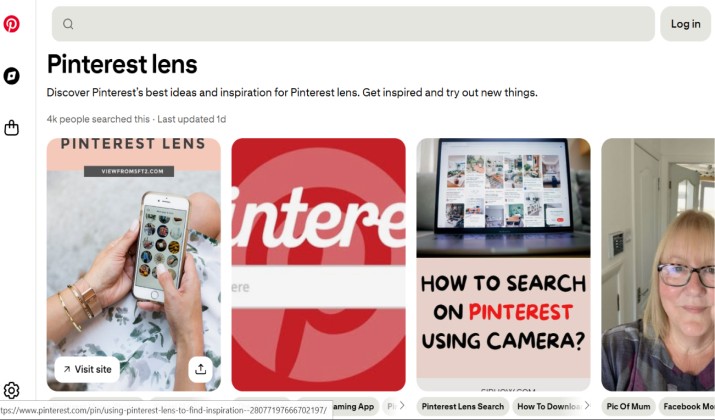
Pinterest Lens feels like magic when you see a chair or outfit you love but have no idea what it’s called.
What it does: Tap the camera in the Pinterest app and point it at anything. You’ll get image recognition apps similar to Google Lens, but curated for style. It finds matching home decor, recipes from ingredients, and outfit ideas. You get visual context and links, not just a name.
Best for: Apps to identify unknown objects, logos, and barcodes with your camera when those objects are lifestyle related. Also one of the best Google Lens alternatives that actually work for creative inspiration.
Pricing: Free
Get it: App Store | Google Play
4. Amazon Lens
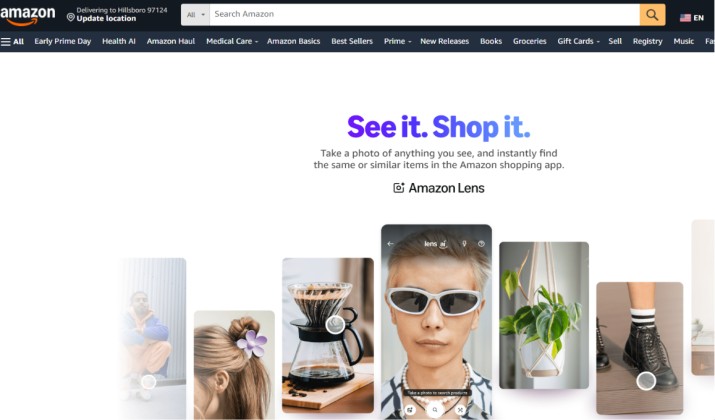
When you just want to buy the thing you’re looking at, Amazon Lens cuts out the guesswork.
What it does: In the Amazon app, tap the camera icon. You can scan barcodes, take a photo of a product, or upload an image. It’s one of the top apps for photo‑based object and product identification (visual search). You’ll see the exact item or close matches, plus price, reviews, and Prime options.
There is no standalone Amazon Lens app. Instead, the visual search feature is built directly into the official Amazon Shopping app.
Best for: Shopping by image apps to find similar products and price comparisons. Way faster than typing a description.
Pricing: Free to use. You pay for what you buy.
Get it: App Store | Google Play
5. Snapchat Scan
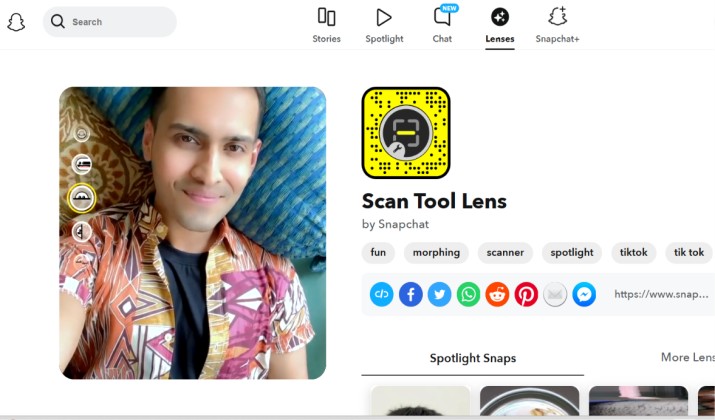
Snapchat isn’t just for friends. Scan turns your camera into a visual lookup tool integrated into camera and photos apps (native features).
What it does: Press and hold on the camera screen. Scan identifies dog breeds, plant types, solves math problems, finds songs with Shazam, and suggests Amazon products. It’s surprisingly good for apps to identify unknown objects, logos, and barcodes with your camera on the fly.
Best for: Casual, fast lookups. Best Google Lens alternative for iPhone users who already have Snapchat and want something social.
Pricing: Free
Get it: App Store | Google Play
6. Pl@ntNet / Seek by iNaturalist
Google Lens can ID plants, but these two are specialists. If you care about accuracy on nature walks, use a dedicated tool.
Pl@ntNet
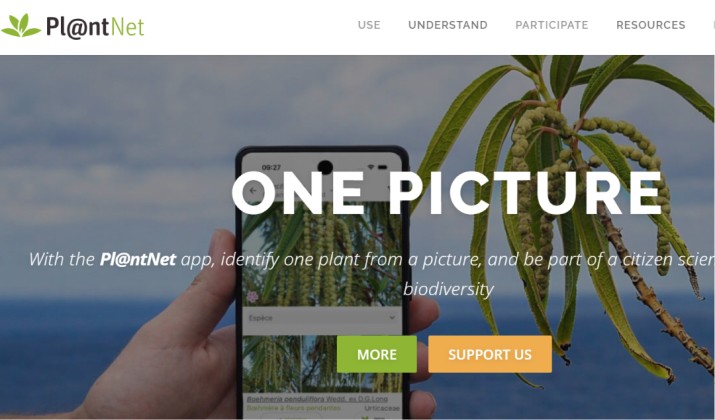
What it does: Snap a leaf, flower, bark, or fruit. Pl@ntNet compares it against a scientific database and tells you the species with confidence scores. It’s one of the best alternatives to Google Lens for plant identification and nature walks.
Pricing: Free
Get it: App Store | Google Play
Seek by iNaturalist
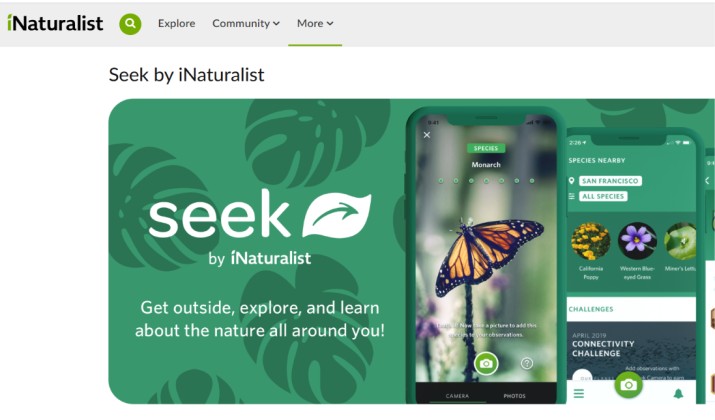
What it does: Real-time ID for plants, animals, fungi. Point your camera and it labels things live. You earn badges, which makes it fun for kids. Works offline for many species, so it doubles as privacy-friendly Google Lens alternatives for iOS and Android.
Pricing: Free
Get it: App Store | Google Play
7. Photo Sherlock
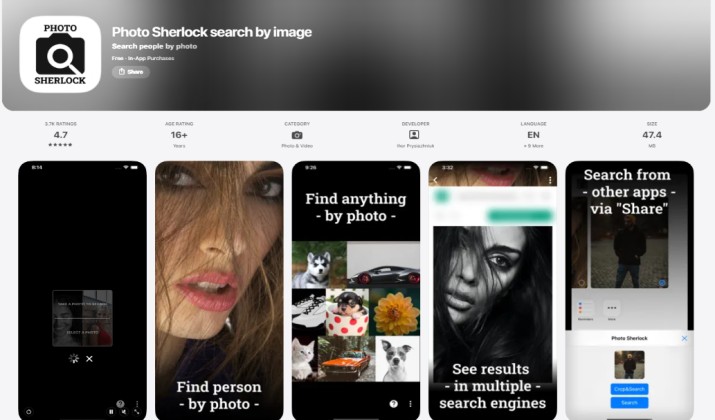
Need to find where a photo came from? This is a classic reverse image search app for smartphones.
What it does: Upload any image and it searches Google, Bing, and Yandex at once. You’ll see if the photo appears elsewhere online. Helpful for checking scams, catfish profiles, or finding a higher-res version.
Pricing: Free with ads. Premium removes ads.
Get it: App Store | Google Play
8. Smartify
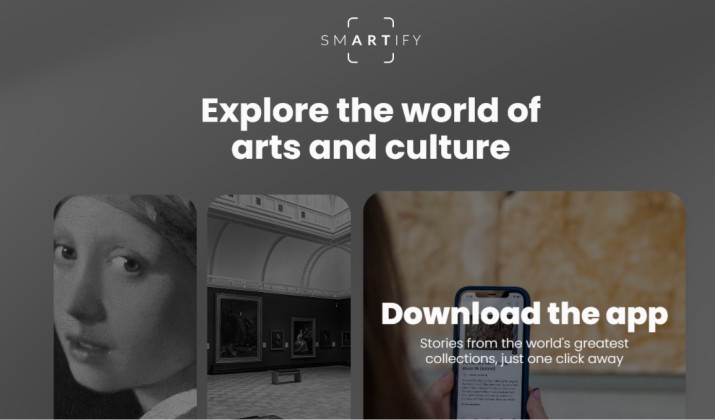
This one feels like having an art historian in your pocket.
What it does: Point your phone at a painting or sculpture in a museum. Smartify tells you the artist, title, history, and audio guides. It’s one of the best apps to identify plants, animals, landmarks, and artwork from a photo, but it focuses only on art. You get real context instead of a Wikipedia snippet.
Best for: Travelers and museum fans. Works in hundreds of museums worldwide.
Pricing: Free. Some museums offer paid audio tours in-app.
Get it: App Store | Google Play
9. CamFind App
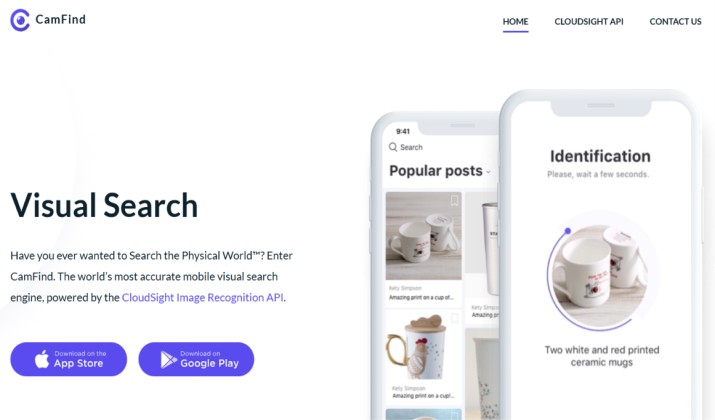
CamFind has been around for years and still works well as a general-purpose visual search app for mobile.
What it does: Take a photo of anything and CamFind identifies it, then gives you related web results, videos, and shopping links. You can also scan QR codes and compare prices. Think of it as image-to-text apps as Google Lens replacement for scanning documents, plus general search.
Best for: All-purpose lookups when you don’t need a specialist app.
Pricing: Free with ads. Premium version removes ads.
Get it: App Store | Google Play
10. Textora
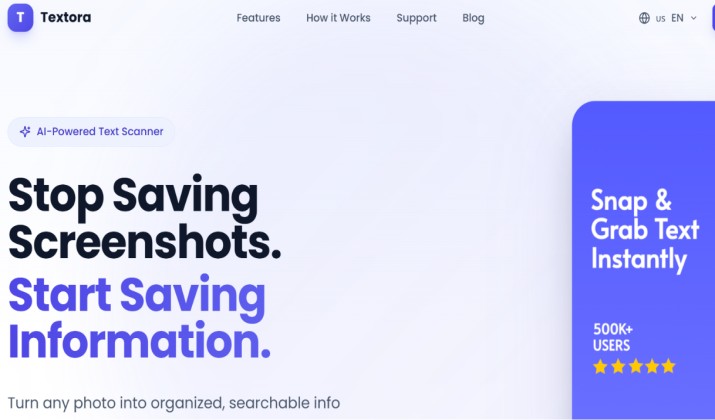
If privacy matters to you, this app is a privacy-friendly Google Lens alternative with on-device processing so your photos don’t hit the cloud.
What it does: Excellent Google Lens alternative for text recognition (OCR) and translation. You can scan documents, books, or whiteboards and export to PDF or text. Runs locally, so it’s ideal for sensitive info. Also handles Google Lens alternatives for translating signs, menus, and documents while traveling without uploading images.
Pricing: Free tier with limited scans. Pro plan for unlimited.
Get it: App Store
How Do You Pick the Right App?
You don’t need all these apps. Match the app to what you do most.
For iPhone users who want everything built in? Apple Live Text / Visual Look Up wins. You get a Google Lens alternative for iPhone users with no Google account needed, and it’s fast and private.
For shopping? Amazon Lens and Bing Visual Search beat Google Lens at finding exact products. Amazon shows Prime prices instantly. Bing compares across stores.
For travel? Use Textora or Apple Live Text for Google Lens alternatives for translating signs, menus, and documents while traveling. Both handle OCR well and Textora works offline.
For nature and plants? Skip the general apps. PlantNet and Seek give you better accuracy than Google Lens alternatives for Android and iPhone that try to do everything.
For privacy? Textora processes images on your phone. That makes it a solid privacy‑friendly Google Lens alternative for iOS.
For reverse image search? Photo Sherlock checks multiple engines at once, which Google Lens doesn’t do natively.
Which Tool Is Better Overall?
If I had to pick one winner from these Google Lens alternatives for Android and iPhone, Apple Live Text / Visual Look Up takes the top spot for iPhone users.
Why? You don’t install anything. It’s deeply integrated into your camera and Photos app. It handles text, translation, plants, pets, landmarks, and art with on-device privacy. You get visual lookup tools integrated into camera and photos apps without sending data to Google.
For Android, Bing Visual Search is the strongest all-rounder because it blends shopping, OCR, barcode scanning, and web results in one free app.
Still, “best” depends on your goal. If you shop on Amazon daily, Amazon Lens saves you more time. If you hike every weekend, PlantNet is non-negotiable. Try two or three from this list and keep the ones you actually open.