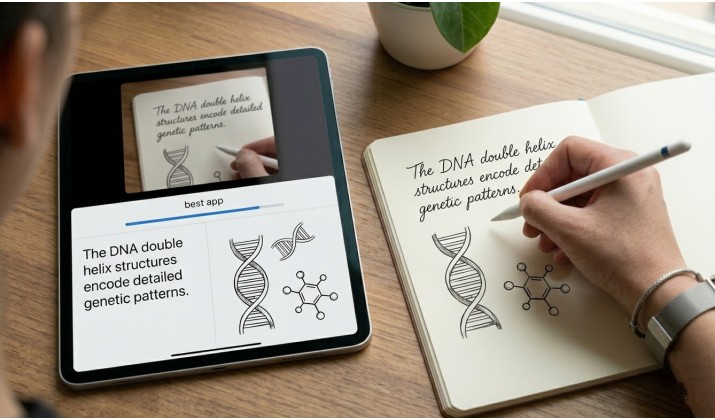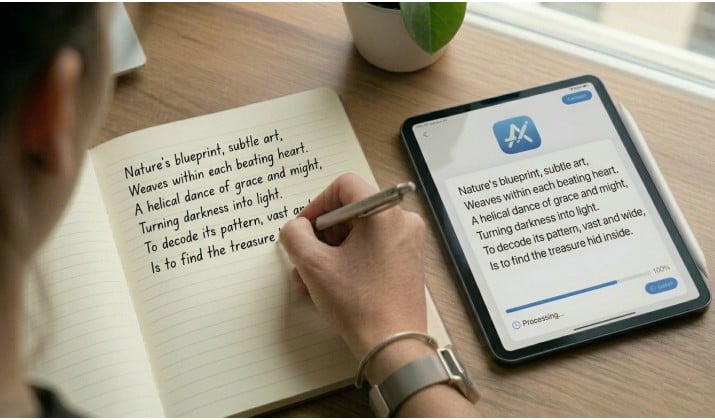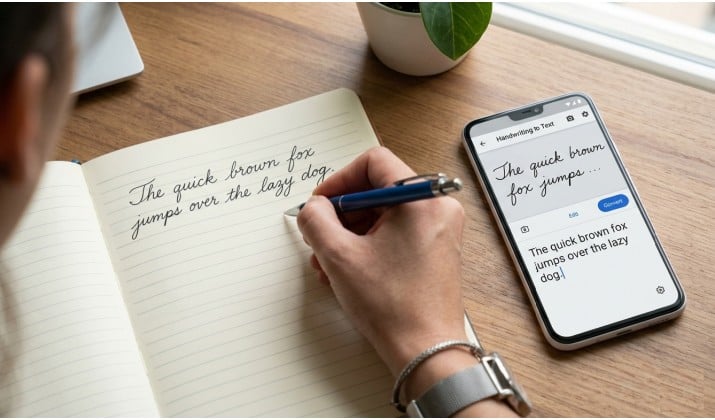
You take notes by hand because it’s faster and you think better that way. But retyping them later? That’s wasted time. The best handwriting to text apps fix that.
You write on paper or a tablet, tap one button, and get clean, editable text you can search, share, and edit. No more lost ideas or late-night typing sessions.
When you need to convert handwritten notes to text for class, scan handwriting and convert to editable text for work, or just want an offline handwriting OCR app that respects your privacy, there’s a tool here that fits.
These 10 handwriting recognition software picks actually work with messy writing, cursive, diagrams, and batch scanning.
Let’s find yours.
Why You Need Handwriting Recognition Tools
Paper is easy for brainstorming, but digital text is easier to share, edit, and store. Handwriting recognition software bridges that gap.
The newest AI-powered handwriting recognition apps read messy cursive, fix spacing, and even learn your style over time. For students, that means lecture notes become flashcards in seconds.
For professionals, it means you can digitize handwritten notes with AI and drop them straight into docs, CRMs, or Notion.
Quick tip: If your handwriting leans messy, look for LLM-powered handwriting OCR (Optical Character Recognition) tools with 99% accuracy claims. Those models understand context, so they guess missing words better than older OCR did.
1. GoodNotes 6
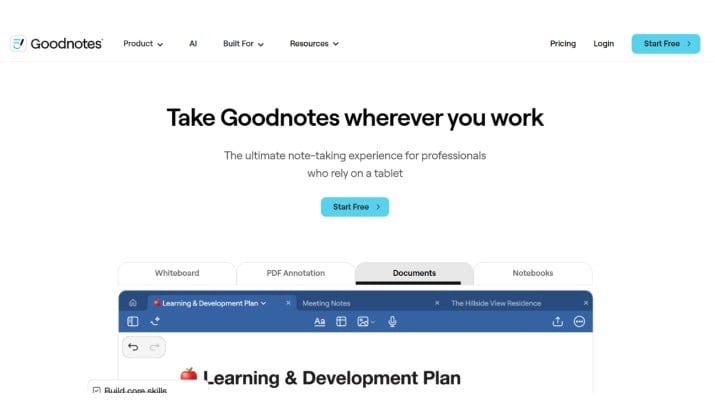
Best for: iPad + Apple Pencil users who live in lecture halls
GoodNotes has been a student favorite for years, and version 6 leans hard into AI. You can scan handwriting and convert it to editable text with a quick lasso and tap, and it handles cursive surprisingly well while keeping your diagrams intact.
Why you’ll like it:
-
Works reliably on‑device, so you can keep converting and organizing notes even when you’re offline.
-
Lets you search your notebook for a word, even if it’s still handwritten ink.
-
Exports your notes and converted text to PDF and other common formats.
GoodNotes is primarily designed around the iPad + Apple Pencil experience, which is why it’s still one of the best handwriting‑to‑text options for tablet and stylus users.
There’s also a growing Android and Chromebook version, but if you’re deep in the iPad ecosystem, this is where it really shines.
Also read: Best Handwriting Fonts in Word
2. Notability
Best for: Recording audio + notes together
Notability shines when you want to convert handwritten meeting notes to text automatically and match them to audio. You write, it records, and later you tap a word to hear what was said at that moment. Its handwriting recognition is fast and supports 23 languages.
Standout features:
- Batch conversion of handwritten pages to text when you export a whole subject
- Math conversion: turns handwritten equations into typed LaTeX
- Solid Apple Pencil and S-Pen support
If you’re comparing the best handwriting to text apps for class, Notability and GoodNotes are the two big ones. Try both.
3. Microsoft OneNote
Best for: Free, cross-platform, and works with business docs
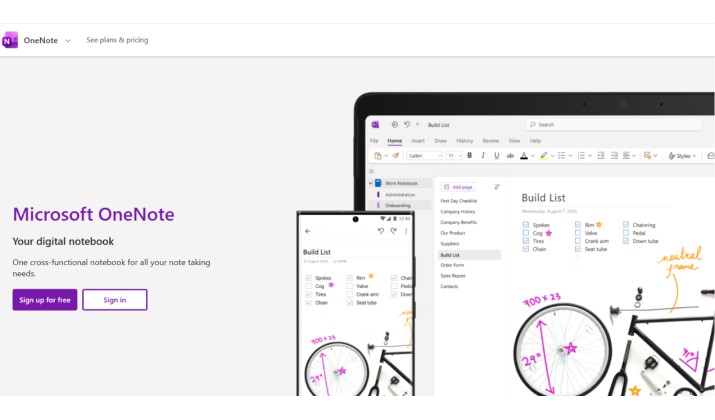
You probably already have OneNote. What you might not know is how good its handwriting OCR tools are now. Write with your finger, stylus, or import a scan. Tap “Ink to Text” and you’re done.
Why it works for professionals:
- One of the best handwriting OCR tools for business documents and forms
- Syncs to all devices, so your iPad notes show up on your Windows PC
- Handles printed forms. You fill them by hand, snap a pic, and OneNote extracts the text
Plus, it’s free. If you want the cheapest handwriting OCR tools for personal use, start here.
4. MyScript Notes (Formerly Nebo)
Best for: Accuracy with cursive and diagrams
Many consider MyScript’s engine the gold standard for handwriting recognition software. It’s built to convert cursive handwriting to text without weird errors. You can write math, diagrams, and even code, and MyScript Notes knows what to do with it.
What makes it different:
- Real-time conversion. You write and it types on the next line
- Export to Word, PDF, or HTML with formatting kept
- Available as a handwriting to text app for Android and iPad
If you need an offline handwriting OCR app that doesn’t send data to the cloud, MyScript Notes has a local mode.
Read this too: Best Handwriting Fonts for GoodNotes
5. Pen to Print
Best for: Bulk scanning old notebooks
Got a stack of old journals? Pen to Print is designed for batch conversion of handwritten pages to text. Snap photos of each page, and it runs OCR on all of them at once.
Key points:
- Specializes in handwriting to text converter apps for scanned pages
- Works with cursive and block letters
- Cloud backup and export to TXT, DOCX, PDF
It’s not the prettiest interface, but if you need to digitize handwritten notes with AI in bulk, it’s a workhorse.
6. Google Lens
Best for: Free, quick, and no install
You already have this on your phone. Open Google Lens, point at your notes, tap “copy text,” and paste into Docs. Google’s OCR keeps getting better, and it’s now one of the easiest handwriting to text app for beginners.
When to use it:
- You need to scan handwriting and convert to editable text once in a while
- You’re on Android and want a handwriting to text app for Android with zero setup
- You want to translate handwritten text too
Accuracy dips with messy cursive, but for block writing it’s solid.
You might like this: Best Note-Taking Apps with Stylus
7. Apple Notes
Best for: iPhone/iPad users who want built-in simplicity
Since iOS 15, Apple Notes can convert handwritten notes to text system-wide. Scribble with Apple Pencil, select it, and choose “Copy as Text.” It’s fast, private, and free.
Why it’s underrated:
- Fully offline handwriting OCR app
- Searchable handwriting even before you convert
- Tags and folders keep things organized
If you just need a handwriting to text app for iPhone / iPad without downloading anything new, test this first.
8. Samsung Notes
Best for: Galaxy + S-Pen users
If you own a Galaxy Tab or Note phone, Samsung Notes is one of the best handwriting to text converter for tablets and stylus users (iPad, S-Pen). Its “Convert to text” button handles English cursive well and keeps bullets and indentation.
Perks for students:
- Syncs with OneNote
- PDF markup and export
- Audio bookmarks like Notability
This is often called the best handwriting to text converter for students and lectures if you’re in the Samsung ecosystem.
Another interesting read: Best Google Fonts that Look Like Handwriting
9. Adobe Scan
Best for: Forms, receipts, and business workflows
Adobe Scan isn’t just for PDFs. It now includes handwriting OCR tools that pull text from forms and whiteboards. You fill out a paper form, scan it, and Adobe finds the fields and converts your writing.
Business use case:
- Top choice among best handwriting to text tools for business workflows and scanning forms
- Auto-crop and enhance for bad lighting
- Exports to editable PDF or Word
It struggles with long-form cursive but excels at structured docs.
10. Text Scanner [OCR] by Peace
Best for: Android users who want speed
This Android-only app focuses on doing one thing fast: handwriting OCR. It supports 50+ languages and works offline after the initial download.
Why people pick it:
- Clean interface, no clutter
- Great handwriting to text app for Android with batch mode
- Exports to TXT, PDF, and you can share straight to email or Drive
If you want something lightweight and fast, it’s one of the best handwriting to text apps you can grab today.
How To Convert Handwritten Notes to Text on Phone
You don’t need fancy gear. For most people, the process looks like this:
- Pick your app from the list above based on your device.
- Write clearly if you can. Block letters convert better than rushed cursive, though AI-powered handwriting recognition apps keep improving.
- Snap or import your page. Good lighting helps.
- Tap convert. Look for “Ink to Text,” “OCR,” or “Copy as Text.”
- Proofread once. Even LLM-powered handwriting OCR 99% accuracy tools miss a word sometimes, especially names or slang.
Easiest Handwriting to Text App for Beginners
If you just want simple, go with Google Lens or Apple Notes. No learning curve. You point, tap, and paste.
For Android, Text Scanner [OCR] is also dead simple. These tools remove friction, so you actually use them instead of letting notes pile up.
Best Handwriting to Text App for Students Taking Lecture Notes
Students juggle speed, diagrams, and audio. For that mix, Notability and GoodNotes 6 lead. Both let you record the lecture while you write. Later, you convert handwritten meeting notes to text automatically and search everything. MyScript Notes is your pick if your prof writes equations or you mix cursive and print.
Pro move: Use a matte screen protector. Your handwriting looks cleaner, and the OCR gets more accurate.
How To Convert Cursive Handwriting to Digital Text Accurately
Cursive trips up older OCR. The newer models fix this by reading whole words and sentences for context. To get the best results:
- Use an app built for cursive. Nebo, GoodNotes 6, and OneNote lead here.
- Space out words a bit more than usual.
- Avoid extreme slant. AI can handle it, but vertical letters convert faster.
- Train the app if it allows. Some learn your style after a few pages.
That’s how you turn messy cursive into clean, handwritten notes to digital text without retyping.
Cheapest Handwriting OCR Tools for Personal Use
Free options are better than ever. Start with:
- OneNote – free, unlimited, cross-platform
- Google Lens – free, built into Android and Google app on iOS
- Apple Notes – free for iPhone/iPad users
- Samsung Notes – free for Galaxy devices
If you need batch scanning or export to Word, Pen to Print has a low-cost monthly plan. For most people, the free tier of these best handwriting to text apps covers everything.
Best Handwriting to Text Tools for Business Workflows and Scanning Forms
Business use is different. You care about forms, signatures, compliance, and exporting to systems. Try:
- Adobe Scan for filling and digitizing paper forms
- OneNote for sharing notes in Teams and Outlook
- GoodNotes for Business if your team uses iPads in the field
These handwriting OCR tools plug into the software you already use, so you skip extra steps.
What To Look For When You Compare Options
You’ll see a lot of claims. Here’s what actually matters when you evaluate handwriting to text converter apps:
|
Feature |
Why it matters |
Who needs it |
|---|---|---|
|
Offline mode |
Convert on planes, in classrooms, or secure sites |
Travelers, students, healthcare |
|
Language support |
Recognizes your script and punctuation |
Multilingual users |
|
Cursive accuracy |
Reads loops and connections |
Anyone with natural handwriting |
|
Batch processing |
Handles stacks of pages at once |
Archivists, researchers |
|
Export formats |
TXT, DOCX, PDF, Notion, etc. |
Everyone |
|
Cloud sync |
Access notes on phone and laptop |
Most users |
|
Privacy |
Keeps sensitive notes on device |
Lawyers, doctors, students |
Run a quick test with your own writing before you commit. Open the app, write a paragraph, and hit convert. You’ll know in 30 seconds if it fits you.
Make Your Notes Work Harder
The best handwriting to text apps don’t just copy words. They make your notes searchable, shareable, and useful. A student can turn a semester of lecture notes into a study guide overnight. A project manager can snap a whiteboard and send action items before leaving the room.
Pick one app from this list and try it on your next page of notes. You’ll see how fast handwritten notes to digital text can change your workflow. Once you trust the conversion, you stop worrying about retyping and start focusing on ideas.
Which one will you test first?