

Are you a music lover like everyone else?
If you’ve ever felt strangled by ads, forced shuffles, or spotty cell service killing your vibe, this is your wake-up call. Your MP3 collection deserves better.
While Spotify and YouTube Music fight for your subscription dollars, millions of users are going back to basics. Building local music libraries that never buffer, never ask for Wi-Fi, and never disappear when a label pulls licensing.
The secret weapon I’m talking about is a good, feature-rich, high-performing MP3 player app that can turn your Android into a pocket-sized audiophile rig. To help you with the best apps, I went through a number of them and came out with the following seven.
Take a look at what do I have on my list today.
What to Look for in an MP3 Player App?
Before we dive in, here’s what separates the legends from the laggy junk:
1. Format Support – Your player should chew through everything: MP3, FLAC, WAV, AAC, OGG, WMA, even MQA. If it can’t handle hi-res FLAC, walk away.
2. Offline First – The whole point is freedom from Wi-Fi. Look for “offline music player” in the description and background playback support.
3. Equalizer + Audio Control – A 10-band EQ, bass booster, virtualizer, and presets aren’t luxuries anymore. You want studio-level control, especially if you use wired IEMs or a DAC.
4. Library Management – Smart playlists, folder browsing, tag editing, lyrics, and fast search. Your 20,000-song library shouldn’t feel like a junk drawer.
5. No-Nonsense UI – Material You theming, widgets, sleep timer, drive mode. If it looks like it was designed in 2012, uninstall it.
Got it? Now meet the apps that check every box.
Best MP3 Player Apps For Android
1. Poweramp
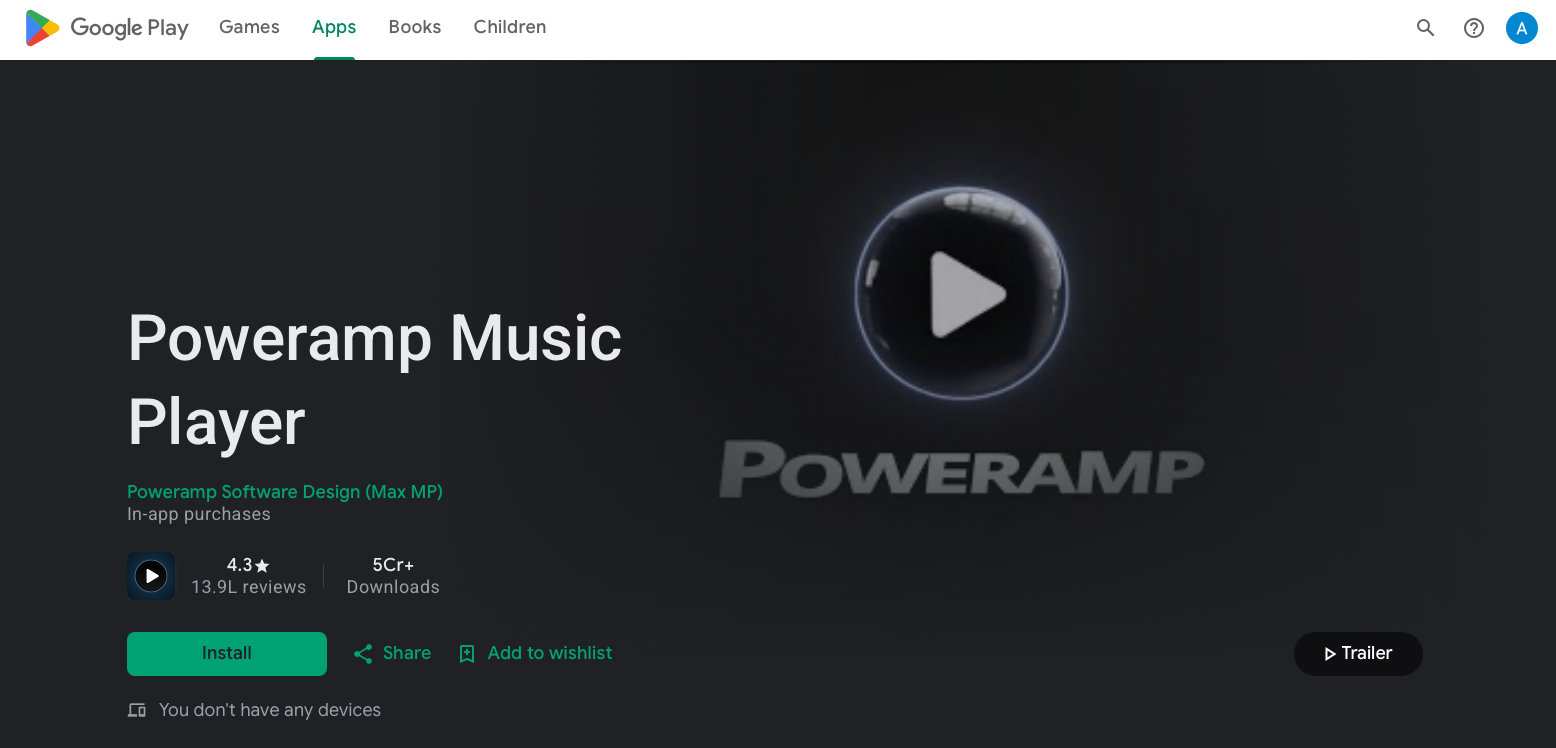
Best For: Music lovers who want studio-level sound control and a feature-packed player for everyday listening
Price: Free trial, then $4.99 one-time unlock
If Android had a Hall of Fame for music apps, Poweramp would be first ballot. This thing is a beast. It supports MP3, MP4, OGG, WMA, FLAC, WAV, and hi-res formats up to 32-bit/384kHz.
But the magic is in the sound. Poweramp’s 10-band graphical equalizer with pre-sets and custom profiles lets you tune every frequency. Add crossfade, gapless playback, lyric display, and reverb effects, and you’ve got a portable studio.
Why People Love It:
- Excellent sound quality with full hi-res audio support
- Deep customization for EQ, themes, and playback
- Stable performance and regular updates
The Catch: The free version is a trial. To unlock it forever, you buy the unlocker app. Worth every penny if you care about audio.
Pro tip: Pair Poweramp with a USB-C DAC dongle and watch your cheap earbuds sound like $300 IEMs.
2. Musicolet
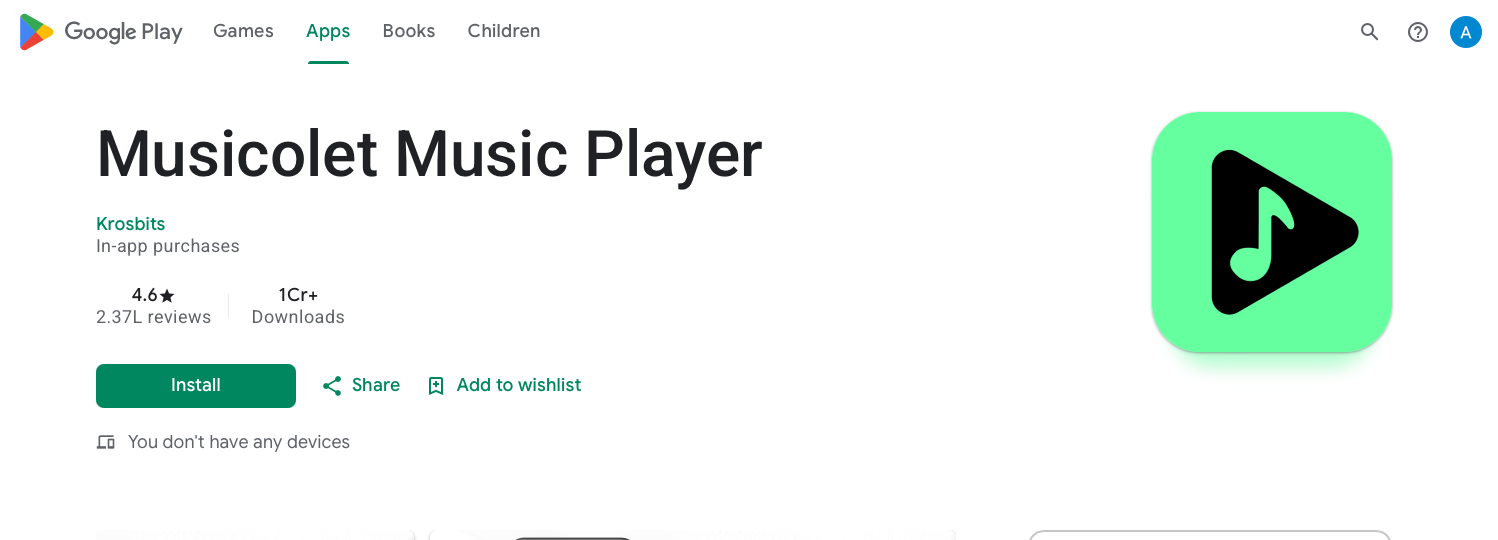
Best For: Privacy fans and minimalists who hate ads, bloat, and internet requirements
Musicolet is the anti-streaming app. It has zero ads, zero internet access, and it’s only 6MB. Yeah, you read that right. This player doesn’t even ask for internet permission, so your data stays yours.
Don’t let the size fool you. Musicolet packs multiple queues. You can manage 5 playlists at once, embedded lyrics, tag editor, sleep timer, and a wicked-fast folder browser. It’s the go-to for people with huge MP3 collections organized by folders.
Why People Love It:
- 100% offline. Play music without Wi-Fi
- Multiple queues mean you can line up a podcast, workout mix, and bedtime album all at once
- Lightweight & battery-friendly. Perfect for older phones
The Catch: UI is functional, not flashy. If you need Instagram-worthy visualizers, look elsewhere. But if you want speed and privacy, Musicolet is unmatched.
3. AIMP
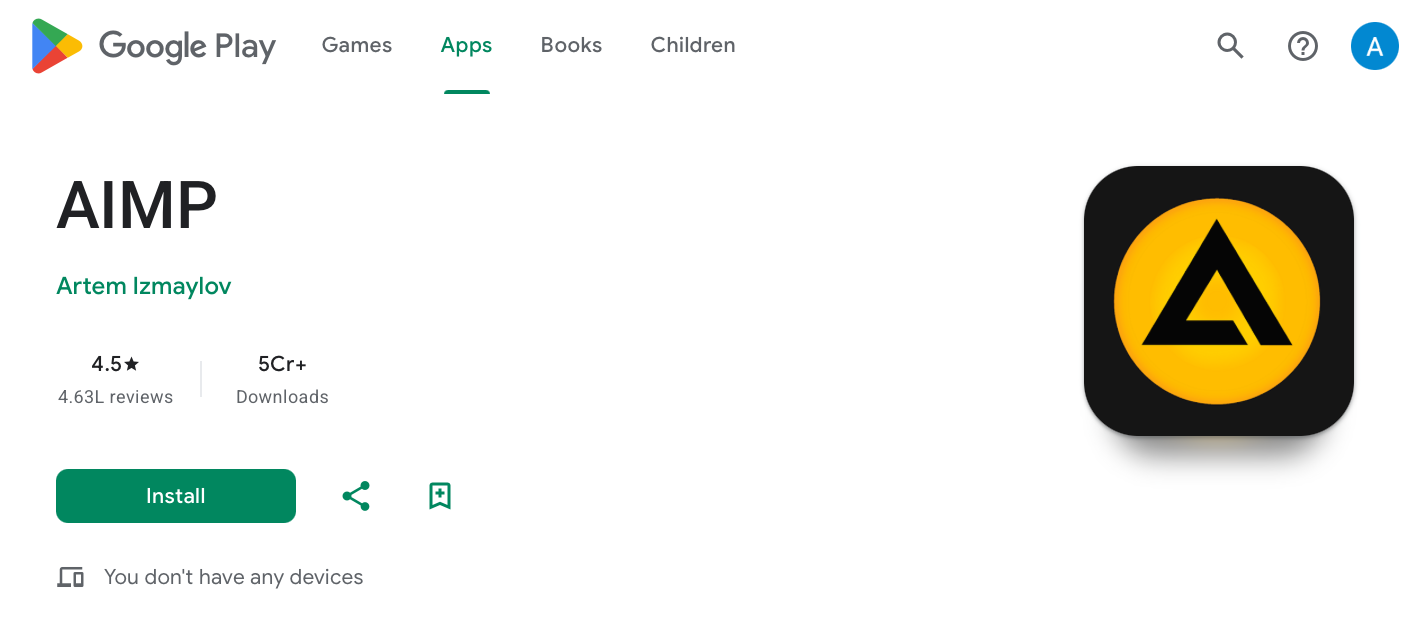
Best For: Tweakers who want desktop-grade features on mobile
Price: 100% Free
AIMP started on Windows and brought that same “no compromise” energy to Android. It plays FLAC, MP3, MP4, and more, with a crazy customizable UI and theme engine.
Where it shines: The 29-band equalizer, HTTP live streaming, volume normalization, and crossfade. You can literally fine-tune the sound like a DJ. Plus, it has a desktop version, so your playlists sync across devices.
What’s good:
- Outstanding equalizer and audio processing
- Simple Material Design interface that doesn’t get in your way
- Free, with no ads
The Catch: Can have compatibility issues with MIUI and EMUI devices. If you’re on Samsung, Pixel, or Motorola, you’re golden.
4. jetAudio
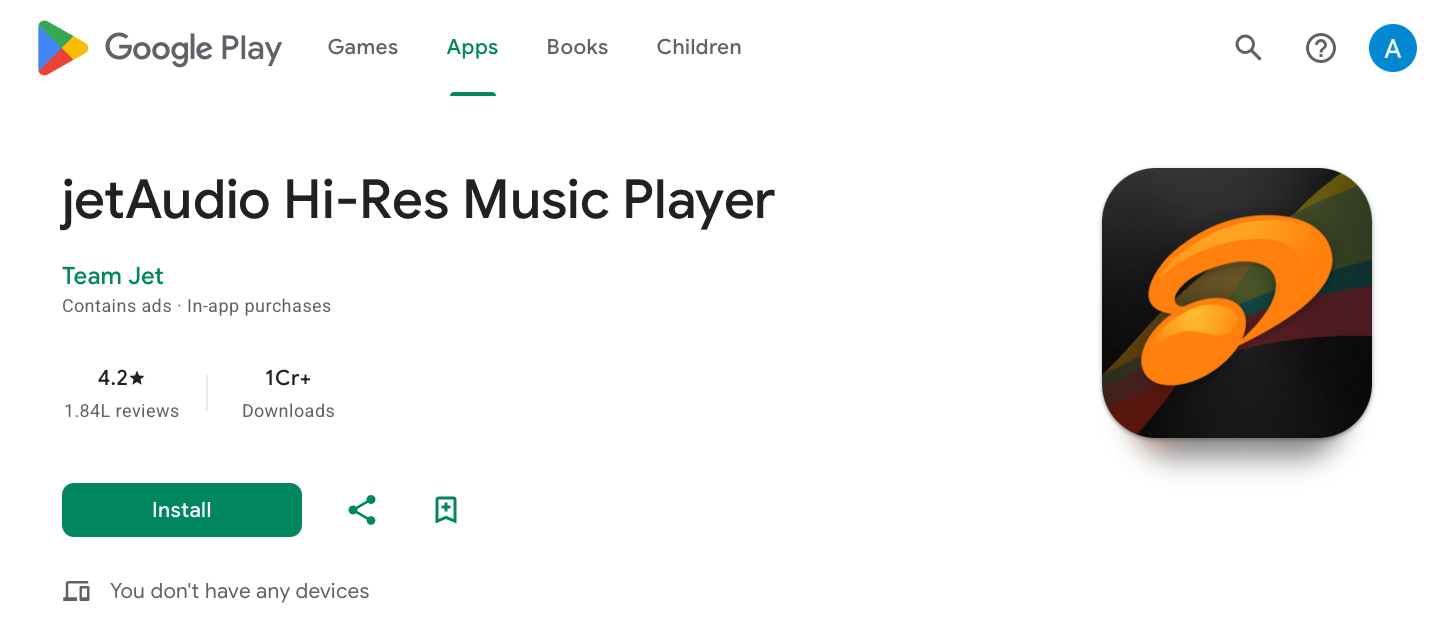
Best For: Android users who crave sound effects and DAC support
jetAudio has been around forever, and it’s still one of the most downloaded players for a reason. The sound effects are insane. We’re talking 20+ EQ presets, X-Bass, Wide, Reverb, Pitch Shifter, and Speed Control. You can make a podcast sound like it’s in a cathedral.
It also supports USB audio DACs and HiRes chips up to 32-bit/768kHz. If you plug in an external DAC, jetAudio bypasses Android’s audio limits for bit-perfect playback.
What stands out:
- 20+ Equalizer presets. Normal, Heavy, Rock, Dance, Flat, Jazz, Pop, Hip Hop
- MP3 cutter & ringtone maker built in
- Enhances audio fidelity and boosts speaker volume
The Catch: The free version has ads. The Plus version removes them and unlocks 20-band EQ. Still, for sound tweaking, nothing beats it.
We covered Poweramp, Musicolet, AIMP, and jetAudio. Now let’s finish the list with 3 more absolute bangers, plus pro tips that’ll make your offline library unstoppable.
Let’s go.
5. Pulsar
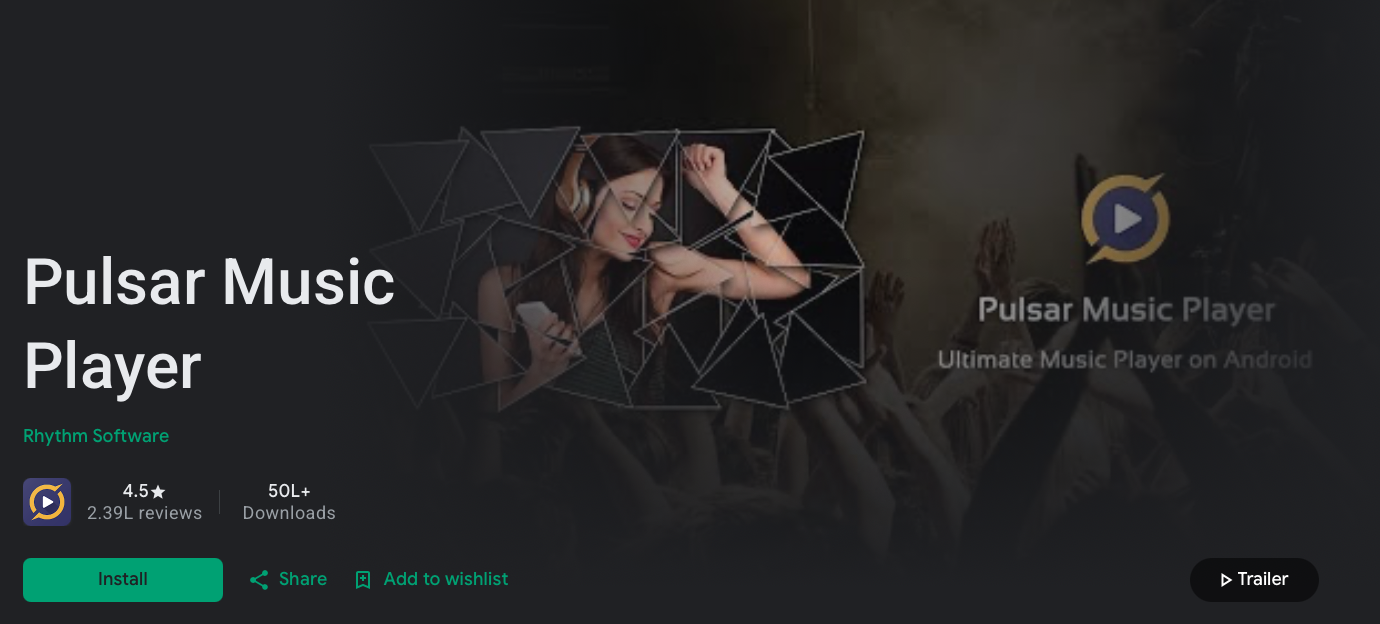
Best For: People who want beauty + brains with zero clutter
Price: Free with optional Pro upgrade ($3.49)
Pulsar proves that “simple” doesn’t mean “basic.” This player wraps your entire MP3 library in a gorgeous Material Design interface that auto-themes to your wallpaper. Every album cover pops. Every animation is buttery smooth.
But it’s not just eye candy. Pulsar packs gapless playback, smart playlists, tag editor, scrobbling, Chromecast support, and a 5-band EQ with bass boost and reverb. The folder view is lightning fast, even with 50,000+ tracks.
Stand-outs:
- Stunning design. Looks like Google built it themselves
- No ads in the core player. The free version is fully usable
- Smart playlists. “Most played,” “Recently added,” “Top rated” auto-update
- Lyrics support. Embedded and LRC files scroll in real time
The Catch: The 5-band EQ isn’t as granular as Poweramp’s 10-band. If you’re an audio surgeon, stick with Poweramp. If you want “it just works” beauty, Pulsar wins.
Pro move: Turn on “Crossfade” in settings and set it to 3 seconds. Your road trip mixes will sound like a live DJ set.
6. Oto Music
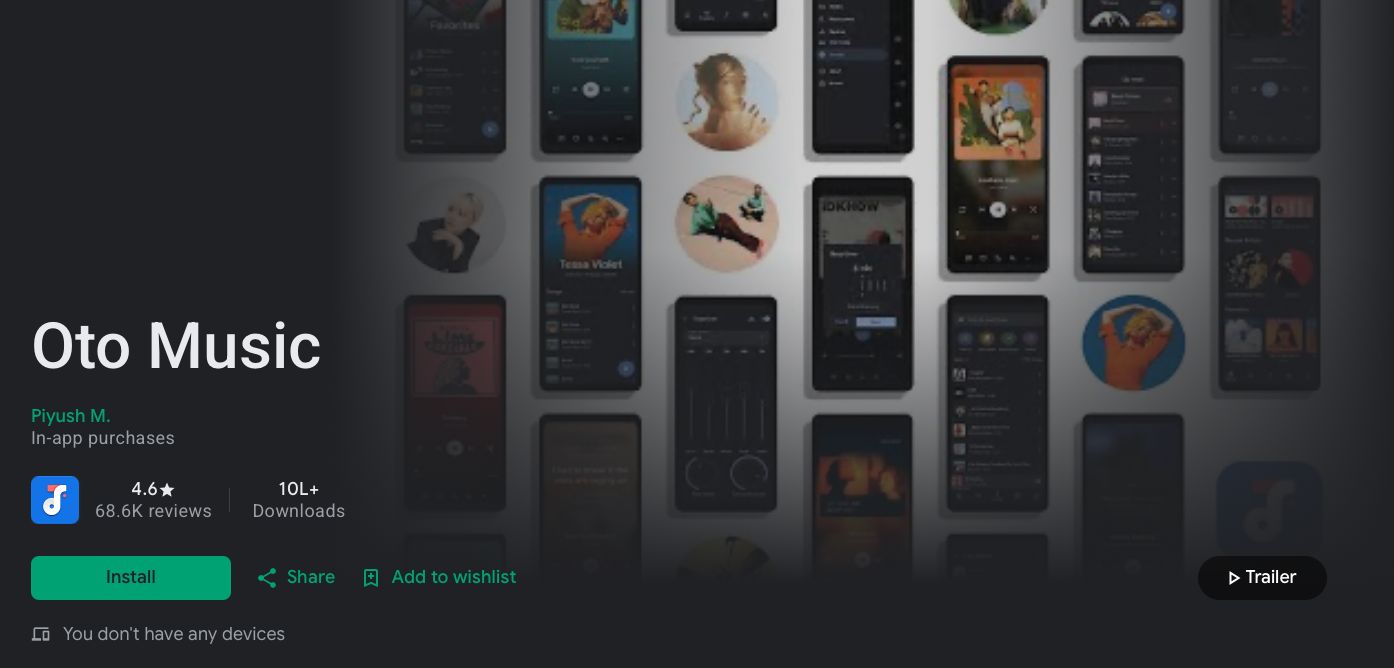
Best For: People who organize music by folders like it’s 2009 and refuse to apologize
Price: 100% Free, No Ads
Some of us don’t trust “Artist” or “Album” tags. We have folders: /Music/Workout/Aggro, /Music/Chill/Lofi, /Music/DadRock. If that’s you, Oto Music is your soulmate.
Oto is built around folder navigation first. Open the app and you’re in your file structure instantly. No waiting for a media scan. It also has a clean Material You UI, gapless playback, 5-band EQ, sleep timer, and a widget that doesn’t look like garbage.
Things that impress:
- Folder-first philosophy. Perfect for DJs, collectors, and anyone with “compilations” folders
- Blazing fast. Scans huge libraries in seconds
- Open-source vibes. No trackers, no nonsense, just music
The Catch: Lacks the advanced DSP of Poweramp or jetAudio. But for pure, fast, folder-based playback, nothing touches it.
7. Music Player by Mytechnosound
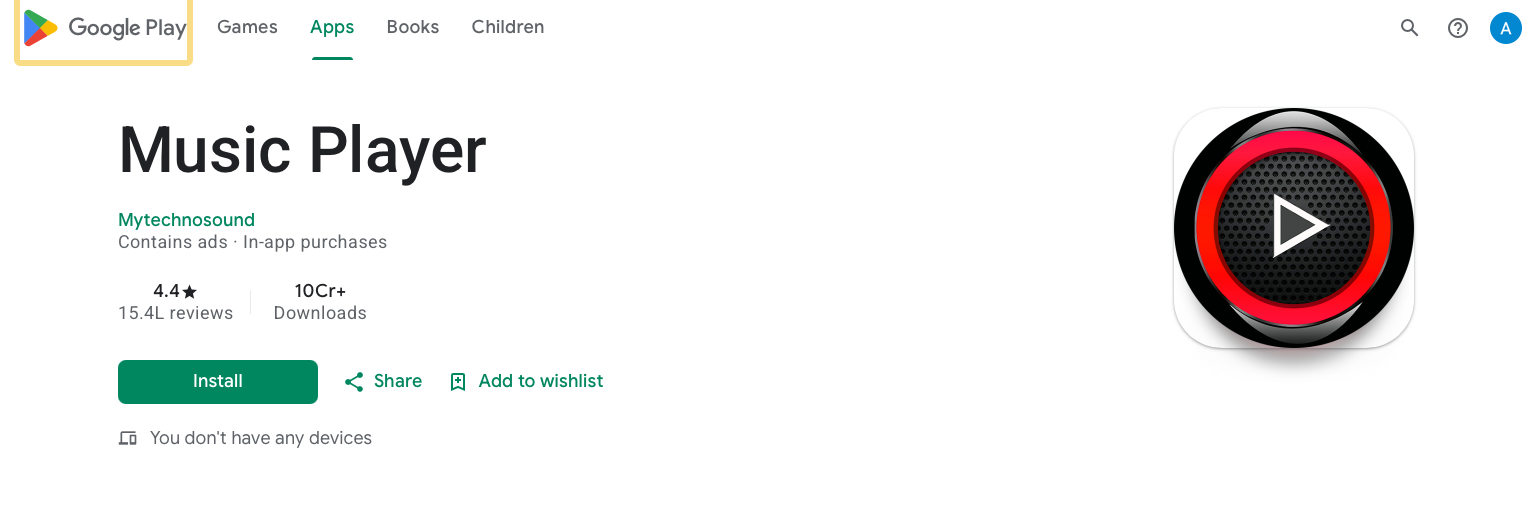
Best For: Anyone who wants a stylish, feature-loaded player that’s been trusted by 100M+ users
Price: Free with ads, in-app purchases to remove ads.
This is the real Music Player with 100M+ downloads . Developed by Mytechnosound, it’s a mature, battle-tested app for music lovers who want control and style.
Stylish, Powerful, and Fast, that’s the promise right on the Play Store . It supports almost all types of MP3, MIDI, WAV, FLAC, raw AAC files, and other audio formats . You can browse by genres, albums, artists, songs, and folder.
Features that count:
- 5-band graphical equalizer with presets, Bass and 3D effect
- MP3 editor + tag editor support. Fix bad metadata right in the app
- Shake to change tracks, sleep timer, color theme select
- Plays song by folder + queue with playlist reorder
- Change album art, attractive widget, lock screen playback
- Google Cast support. Throw your local MP3s to your TV
It’s also called “xi player” by the devs and gets regular updates.
The Catch: Contains ads , but an in-app purchase removes them. And while it has a music editor, it’s not a downloader. You need your own MP3s.
With that many downloads, this app isn’t a hype. It’s a staple for offline music fans who want equalizer control, theming, and folder play without paying $5 upfront.
Bonus 3 Pro Tips to Build an Unstoppable Offline Library
1. FLAC Is Your Friend, Not Your Enemy.
MP3 is fine, but FLAC gives you CD-quality with no loss. A 16GB phone holds ∼300 FLAC albums. Use Musicolet, Poweramp, or AIMP to play them. Your car speakers will thank you.
2. Tag Everything With MP3Tag or MusicBrainz Picard.
Bad tags = chaos. Spend an hour fixing album art, artist names, and genres on your PC. All apps above will look 10x cleaner and search will actually work.
3. Use Sync Tools, Not Cables.
Apps like Syncthing or Resilio Sync auto-copy new music from your PC to your phone over Wi-Fi. Drop a FLAC album in your PC folder, and it appears in Poweramp 30 seconds later. Zero effort.
Streaming vs. MP3 Players: Why Not Both?
Look, I’m not telling you to delete Spotify. Streaming is killer for discovery. But the hybrid strategy is what’s IN these days.
Discover new tracks on Spotify/YouTube Music.
- Buy or rip the FLAC/MP3 of albums you love — Bandcamp, 7digital, or your old CDs
- Load them into Poweramp or Musicolet for forever access
That way, when licensing deals nuke your favorite indie album from streaming, you still own it. Power move.
Summary
Big Tech wants you renting music forever. But your taste isn’t a subscription. It’s yours.
These MP3 players prove that local music isn’t dead. Whether you want audiophile EQ in Poweramp, zero-permission privacy in Musicolet, or folder speed in Oto Music, there’s an app here that’ll make you fall in love with your headphones again.
Here’s the ideal action plan. Pick 2 apps from this list and test them today. Most have free tiers. Load 10 albums you can’t live without onto your phone. Take a drive with no service and realize that you never needed it.




![Dynamic Website Examples [Top 10 Examples of 2026]](https://rigorousthemes.com/blog/wp-content/uploads/2023/08/Top-Dynamic-Website-Examples-768x402.png)