
Tachiyomi was the manga reader Android fans swore by. It was free, open-source, customizable, and let you pull chapters from dozens of sources with extensions. But Tachiyomi and TachiyomiJ2K are no longer supported.
So what now? If you loved Tachiyomi, you still have options. You just need to know which ones work, which ones run on iOS, and which are actually safe to use.
This guide breaks down the best Tachiyomi alternatives for manga readers. You’ll see what works on Android, what works on iPhone, and which apps actually keep your reading progress safe with sync and backup.
Quick note before you dive in: Every app here is either free, open‑source, or has a clear paid version. Pricing changes, so check the official pricing page for the latest.
1. Mihon
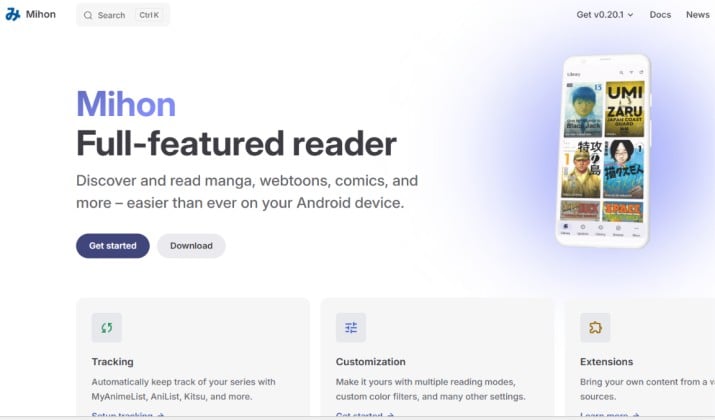
If you want the “real” Tachiyomi replacement apps for Android and iOS, start with Mihon.
Mihon is the direct community successor to Tachiyomi after it was discontinued. It picks up where Tachiyomi left off, with the same extension system, library manager, and reader.
Why you’ll like it:
- Same UI and features you already know from Tachiyomi
- Active development and Discord support
- Works with next-gen extensions via repositories like Miyomi
- Local CBZ/CBR support plus online sources
Mihon is the safest bet if you want a 1:1 Tachiyomi experience. Just remember you have to add extensions yourself, and sources can break.
Get it here: Web
Platform: Android
Price: Free, open-source
2. TachiyomiJ2K and TachiyomiSY
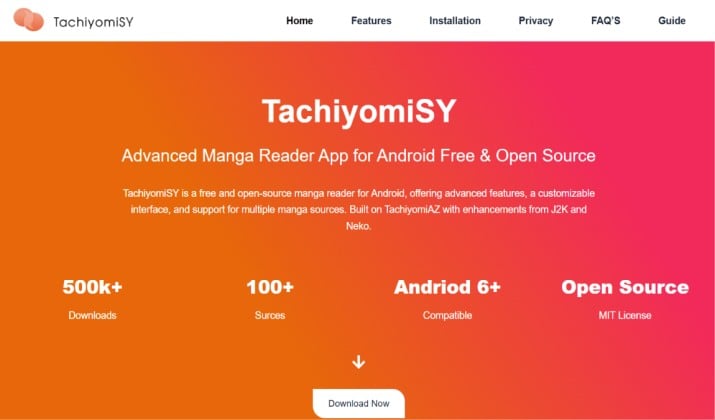
TachiyomiJ2K and TachiyomiSY were popular forks with extra quality-of-life features. J2K added things like better reader modes and UI polish. SY focused on tracking, recommendations, and enhanced library management.
The catch: Keiyoushi announced TachiyomiJ2K is also unsupported now. SY still has a community, but development is slower than Mihon. You can still use them if you already have them, but for new setups, migrate to Mihon.
Get it here: Web
Platform: Android
Price: Free
3. Yokai
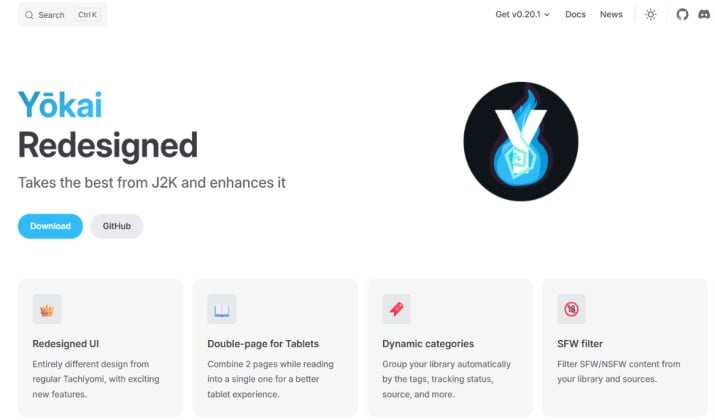
If you tried TachiyomiJ2K and loved the look but got burned by random crashes, Yokai is your fix. Think of it as J2K’s calmer, more reliable cousin. You get the same slick design and OLED perks, just without the headaches.
Why you’ll want Yokai on your phone:
- True OLED theme. You read at night and want pure black backgrounds. Yokai gives you that, so your AMOLED screen saves battery and your eyes don’t strain.
- Enhanced design built off J2K. It keeps J2K’s clean layout, then polishes the edges. Menus feel faster. The reader is smoother. No weird glitches when you swipe chapters.
- Hamburger navigation. If you miss Tachiyomi’s old sidebar and don’t like bottom bars, Yokai brings the classic menu back. You jump between library, updates, and sources in one tap.
Yokai keeps releases conservative, so you don’t update one day and lose your whole library the next.
Get it here: Web
Platform: Android 6.0+
Pricing: Free, open‑source
4. Komikku
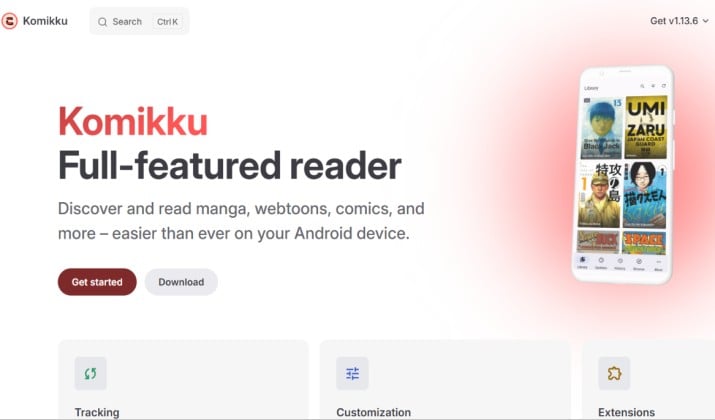
Komikku is a GTK/Linux app that also got an Android version. Users moving from Tachiyomi often mention Komikku as an alternative. It supports local files and some online sources through plugins.
This is best for desktop readers who want Tachiyomi-style source aggregation on Linux. The Android build exists but is less polished than Mihon.
Get it here: Web
Platform: Android, Linux
Price: Free
Also read: Best Sites to Read manga and Comics Without Popups
5. Aniyomi
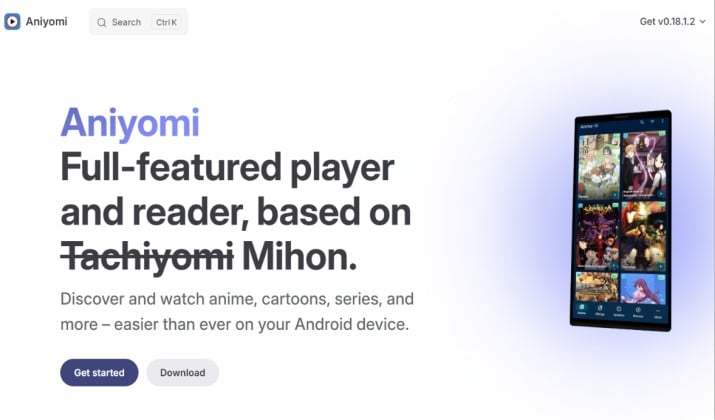
Aniyomi is a Mihon fork that adds anime streaming alongside manga. If you used Tachiyomi for manga and a separate app for anime, Aniyomi combines both. It runs Tachiyomi/Mihon extensions, so your setup carries over.
Heads up: Anime sources are even more volatile than manga ones. Expect frequent fixes.
Get it here: Web
Platform: Android
Price: Free, open-source
6. Aidoku
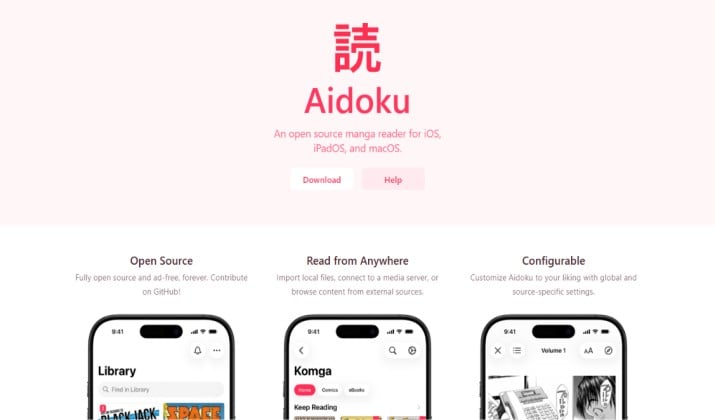
Apple doesn’t allow Tachiyomi on the App Store. But Aidoku is the closest you get. It’s a free, open-source Tachiyomi-style reader for iOS that uses sources you add yourself.
What makes Aidoku stand out:
- Clean UI and active development
- Source-based like Tachiyomi
- No ads, no login required
You manage sources manually, and they can break. But for open-source manga reader apps like Tachiyomi on iPhone, Aidoku is the community pick.
Get it here: Web
Platform: iOS via AltStore/SideStore
Price: Free
Read this too: Best Free Manga Reading Websites
7. Tachimanga
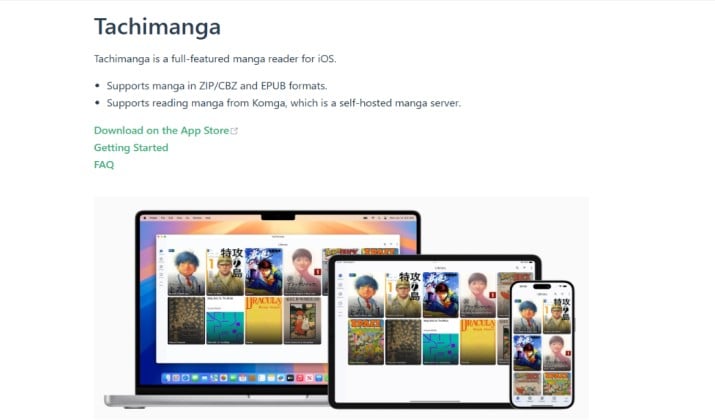
Tachimanga is the name you see most when people search for a Tachiyomi alternative on iOS. It’s paid and pairs with a self-hosted Komga library. That setup gives you a Tachiyomi-like feel, but you need to host your own manga server.
It’s best for readers who already use Komga or want full control of their library. If “source-based reader” sounds like too much work, skip this one.
Get it here: App Store
Platform: iOS
Price: Paid unlock
8. Paperback
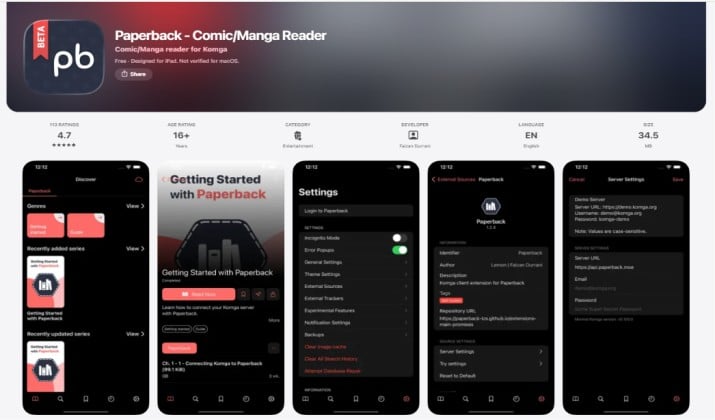
Paperback is another iOS source-based reader with iCloud sync and AniList/MyAnimeList tracking. It’s been around for years and has a strong community.
Availability note: It sometimes disappears from TestFlight or sideload stores, so check if it’s installable before you commit.
Get it here: App Store
Platform: iOS via sideloading
Price: Free
9. Mangayomi
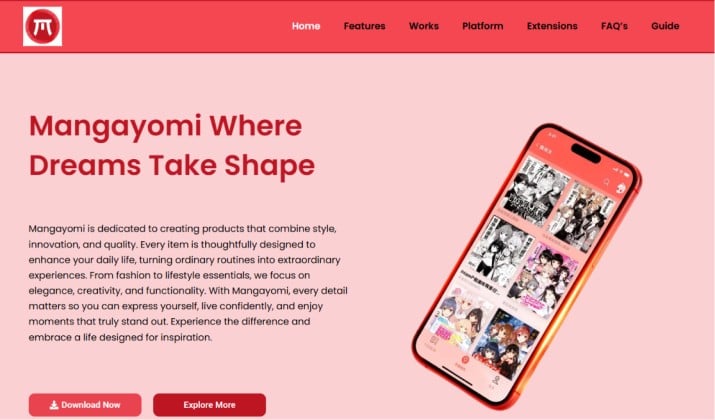
Mangayomi is a newer cross-platform reader that handles both manga and anime. Think of it as Aniyomi, but built from scratch to run on Android, iOS, Windows, macOS, and Linux.
If Aidoku isn’t working for you on iOS, Mangayomi is worth testing. It’s still early, so expect bugs.
Get it here: Web
Platform: Android, iOS, Desktop
Price: Free, open-source
10. Panels
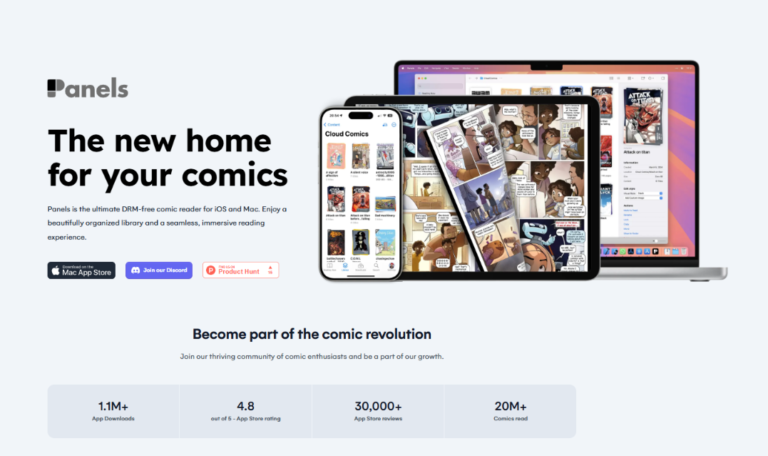
Panels is different from the others. It doesn’t scrape sites. It’s a gorgeous reader for files you already own, and it connects to self-hosted libraries like Komga, Kavita, and Plex.
If you buy your manga or download legally, Panels stays on the App Store without issues. It’s the most “official” feeling option here.
Get it here: App Store
Platform: iOS
Price: Free with premium unlock
Another interesting read: Must-Have Free Manga Apps
11. Kotatsu
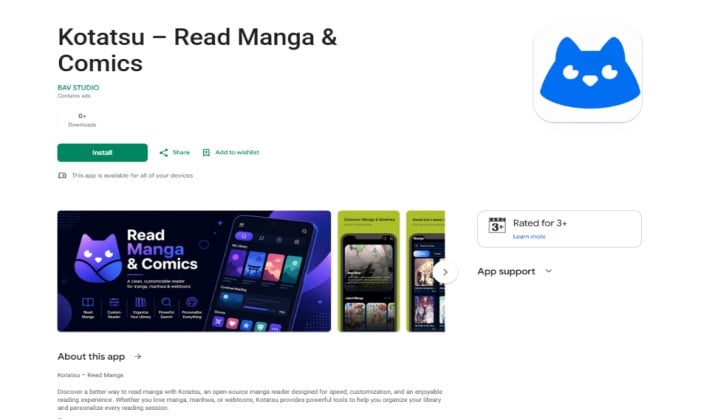
Kotatsu is an open-source Android app for reading manga from online sources. It’s not a Tachiyomi fork, but the feature set overlaps: multi-source, downloads, tracking.
Users migrating from Tachiyomi recommend Kotatsu-redo and Yukimi as actively developed options.
Get it here: Play Store
Platform: Android
Price: Free
12. Shonen Jump
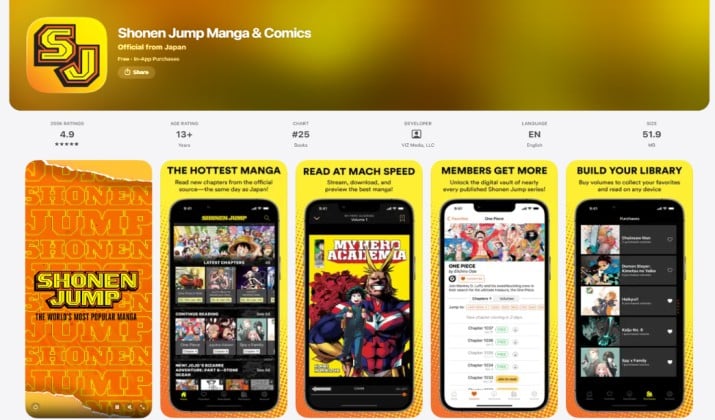
If you want legal and safe, Shonen Jump is the gold standard. It’s not a Tachiyomi clone. You can’t add sources. But you get same-day official releases of One Piece, Jujutsu Kaisen, My Hero Academia, and 100+ titles for $2.99/month.
Why it’s a Tachiyomi alternative: Zero takedowns, best translations, supports creators. If you read mostly Jump titles, this replaces half your Tachiyomi library legally.
Get it here: App Store | Play Store
Platform: Android, iPhone
Price: Shonen Jump pricing comes to $3.99/month after a trial period of 7 days.
13. Manga Plus
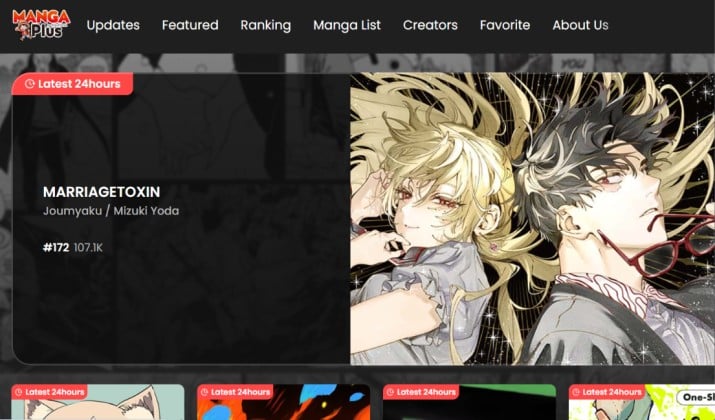
Manga Plus is Shueisha’s global app. The first three and last three chapters of most series are free. It covers Chainsaw Man, Spy x Family, and more. Premium unlocks the full catalog but it’s US-only.
Get it here: Play Store | App Store
Platform: Android, iOS
Price: Manga Plus pricing includes two premium “Manga Plus Max” subscription tiers. The Standard Plan costs $1.99/month for ad-free access to about 80 ongoing series (over 6,000 chapters). The Deluxe Plan costs $4.99/month and includes ad-free access to over 190 titles.
14. Webtoon
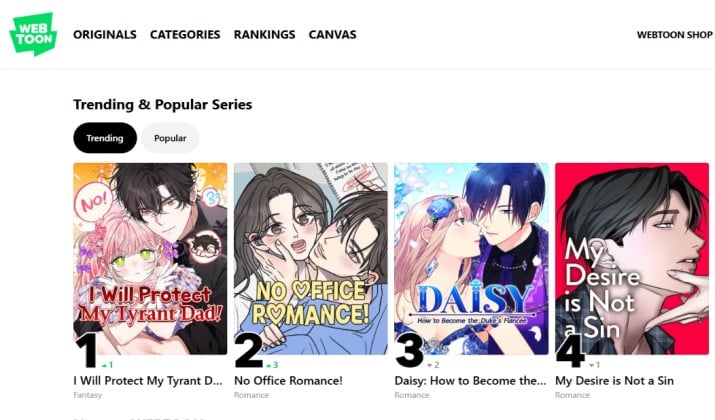
Tachiyomi had Webtoon sources, but the official app is smoother. Webtoon dominates vertical-scroll comics with 5,000+ series. If you read Lore Olympus or Tower of God, use the official app.
Get it here: Play Store | App Store
Platform: Android, iOS
Price: Free with micro-purchases
15. K Manga

K Manga is Kodansha’s official app. Daily free tickets unlock chapters. Premium removes the wait. If you used Tachiyomi for Attack on Titan, this is the legal path.
Get it here: Play Store | App Store
Platform: Android, iOS
Price: Free with tickets, $9.99/month premium
Which Tachiyomi Alternative Should You Pick?
Best overall Tachiyomi replacement for Android: Mihon. It’s the official successor, actively maintained, and compatible with the new extension system. If you want features beyond Mihon, try Aniyomi for anime or Yokai for UI tweaks.
Best alternatives for iOS: Aidoku if you want free and source-based. Tachimanga or Panels if you use Komga. Paperback if you want tracker sync. Apple’s rules mean you won’t get a perfect Tachiyomi clone, so you choose based on how much setup you tolerate.
Best legal/official option: Shonen Jump or Manga Plus. You lose custom sources, but you gain translation quality, same-day releases, and zero risk of takedowns. For many readers, that trade is worth it.
Best for local files: Panels. It’s built for CBZ/CBR/PDF and connects to your server.
So, the best Tachiyomi alternatives come down to what you value: open-source flexibility, iOS support, or official licensing. Mihon wins for Android power users. Aidoku wins for iOS tinkerers. Shonen Jump wins for legal readers who want reliability.
Open-Source vs Official Manga Apps: Which Tachiyomi Alternatives Are Safe and Legal?
Open-source apps like Mihon, Aidoku, and Aniyomi don’t host content. You add sources yourself. That keeps the apps legal, but the sources you add might not be. Extensions can pull from sites that don’t license manga, which is why Tachiyomi ran into issues.
Official apps like Shonen Jump, Manga Plus, and K Manga license everything directly from publishers. You pay or watch ads, and creators get paid.
If you care about safety from takedowns and malware, stick to official apps or use open-source readers with your own files. If you want the widest catalog and accept the risk of sources breaking, the best alternatives are the open-source forks.
What Features Should You Look for in Manga Reader Apps?
When you evaluate Tachiyomi replacement apps for Android and iOS, check these:
- Extension support: Can you add sources? Mihon, Aidoku, Aniyomi can.
- Sync: Paperback has iCloud sync. Most Android forks use Google Drive or local backup.
- Tracker integration: SY, Paperback, and Aniyomi support AniList/MAL.
- Local files: Mihon, Panels, and Kotatsu read CBZ/CBR.
- Translation: No major app does live translation. Use external tools or look for sources that post translated chapters.
The best alternatives give you at least three of those.
How Do You Migrate From Tachiyomi?
- Back up your Tachiyomi library to a.tachibk file. Users were told to do this when support ended.
- Install Mihon or another fork.
- Restore the backup. Mihon can import Tachiyomi backups.
- Re-add extensions via new repositories like Miyomi. Use auto-install if it works, or copy the URL manually.
- Test your sources. Some will need replacing.
Which App Is Better Overall?
For most readers, Mihon is the best Android manga reader app. It has the biggest community, ongoing updates, and extension support. It’s the core Tachiyomi successor for Android and the one the Keiyoushi repo supports.
If you’re on iPhone, Aidoku is the best free choice because it’s closest to Tachiyomi’s source model. If you want App Store safety, Panels is better long term.
And if you want zero hassle and legal peace of mind, Shonen Jump + Manga Plus cover most mainstream series.
Don’t wait for Tachiyomi to come back. It won’t. The community moved on to Mihon and other forks. Pick one of the best Tachiyomi alternatives above, migrate your library, and you’ll be reading again in 10 minutes.