MS (Microsoft) Office is the world’s most popular client software for document editing programs. Word, Excel, PowerPoint, and Publisher make up the core programs of the suite. In most recent versions, you have other programs like OneNote, SharePoint, and Teams.
Microsoft recommends MS Office for all Windows 11 users. However, you may have to settle for alternatives in some instances. MS Office requires high CPU resources, has a lot of license agreements, and the cost of ownership is considerably high.
Fortunately, MS Office is not the only Office suite compatible with Windows. Here are some of best MS Office alternatives for Windows:
Best MS Office Alternatives For Windows 11
1. Apache OpenOffice

The first MS Office alternative for Windows 11 on our list is Apache OpenOffice. It is both a free and open source alternative to MS Office. It was released in 2012 making it one of the modern office suite software.
Notably, Apache OpenOffice contains essential office programs such as Writer, Impress, Calc, Draw, Math, and Base. Just like the Microsoft Office programs, OpenOffice Writer is a word processor program that works like the Microsoft Word application.
OpenOffice Impress is a presentation program that is similar to Microsoft PowerPoint. On the other hand, OpenOffice Calc is a spreadsheet program like the Microsoft Excel software, while other Apache OpenOffice programs like Draw, Math, and Base function as vector graphics editor, mathematics formula editor, and database management program respectively.
Apache OpenOffice Suite is compatible with Windows 11 although it requires the installation of Java in 32-bit for extended functionalities. The major difference between MS Office and Apache OpenOffice is that MS Office is premium, unlike Apache OpenOffice which is free.
Also, MS Office is released in different versions e.g. Student, Home, and Professional whereas Open Office is available as a single version.
2. LibreOffice

LibreOffice is a popular Office suite among Windows users. The suite was launched in 2010 and unlike MS Office, it’s free and open source. Different programmers continue to contribute to the development of LibreOffice.
MS Office supports 102 languages. LibreOffice exceeds it with support of 119 languages. However, LibreOffice’s main advantage is its simple interface. MS Office isn’t difficult to use but anyone will find LibreOffice a lot easier to work with.
LibreOffice programs include Writer for word processing, Calc for spreadsheets, Impress for presentations, Draw for vector graphics and flowcharts, Base for databases, and Math for formula editing. You get more specialized programs with Math and Draw than on MS Office.
Furthermore, LibreOffice allows you to save files in MS Office formats. For example, as an open source program, the standard document file is in ODF format. However, you can save the document in DOC or DOCX format amongst others.
Although LibreOffice is free, there are premium options for businesses. The premium options include technical support and other value-added services.
3. SoftMaker FreeOffice
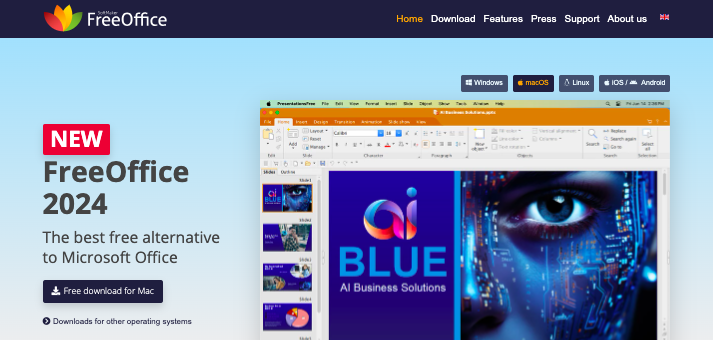
The description says it all; SoftMaker FreeOffice is a free alternative to MS Office. It’s compatible with Windows and also Linux and Mac OS computers.
The office suite is 100 percent for both private and business use. Top publishers like TechRadar, TechRepublic, and PC World recommend this software. You can install SoftMaker FreeOffice on the most recent Windows 11.
Like MS Office, FreeOffice features word processing, spreadsheets, and presentation programs. This includes TextMaker, PlanMaker, and Presentations. All are compatible with Microsoft Office programs.
SoftMaker FreeOffice supports Ribbons and Classic menus which is similar to MS Office. The programs’ layout is simple and you’ll have no problem switching if you already use MS Office. It also comes with some most recent features like dark mode.
You can use this MS Office alternative on mobile devices as well. Also, the programs aren’t contained in a single Office app. You have to install each one separately.
Notably, this alternative is the SoftMaker FreeOffice which is different from the standard SoftMaker Office. SoftMaker Office is a premium suite.
4. WPS Office
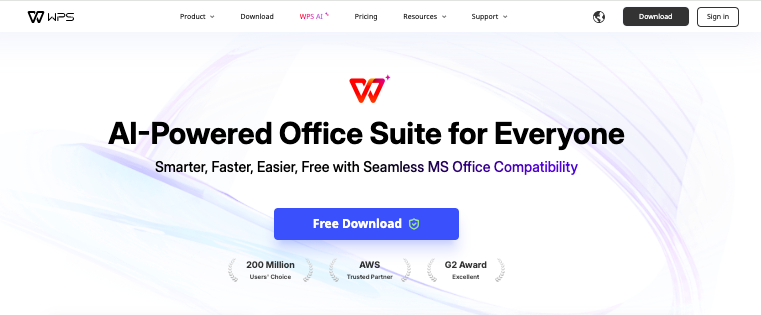
WPS Office is most popular as an office suite for mobile users; especially Android. However, it’s very compatible with Windows. This software was launched in 1988 as Super-WPS.
WPS Office is sold as an alternative to MS Office and it is very lightweight which is its main advantage. It’s so light that the installation file for Windows is just 4.5 MB. WPS Office is also feature-rich.
You get MS Office compatible programs including Writer, Spreadsheet, Presentation, and a PDF Converter. Furthermore, you don’t pay to use WPS Office.
Just like MS Office, WPS Office features a vast catalog of professionally designed document templates. In total, there are more than 100,000 templates in different categories and they are all free.
WPS Office supports team collaboration in real-time. This feature works not just on Windows but also on other devices. MS Office supports this but it only works on the Web Platform and if you’re a Microsoft 365 subscriber.
So far, over 200,000 leading businesses trust WPS Office and there are more than 170 million users across the globe.
5. Google Workspace

Google Workspace is Google’s replacement for G-Suite. Comparingly, it’s different from MS Office for Windows because it’s 100 percent web-based. This means, you can’t install Google Workspace on your computer; you can only use it from your browser.
Google Workspace contains a long list of Google applications. However, the only applications that relate to MS Office include Docs for word processing, Sheets for spreadsheets, and Slides for presentation.
Although you can only use these Google Workspace apps via the web, you don’t always need an internet connection. You can sync the Docs or Sheets web platform with your desktop storage and create and edit files offline.
Your edits will be stored locally and will sync anytime you connect to the internet. Google Workspace’s main advantage over MS Office is security. Since it’s web-based, it’s nearly impossible for anyone to compromise Google Workspace Programs.
Google Workspace programs store files in different formats than MS Office but you can easily convert them to MS Office formats. You can also even directly edit DOCX or DOC files with Google Docs and XLS or XLSX files with Google Sheets.
6. SoftMaker Office
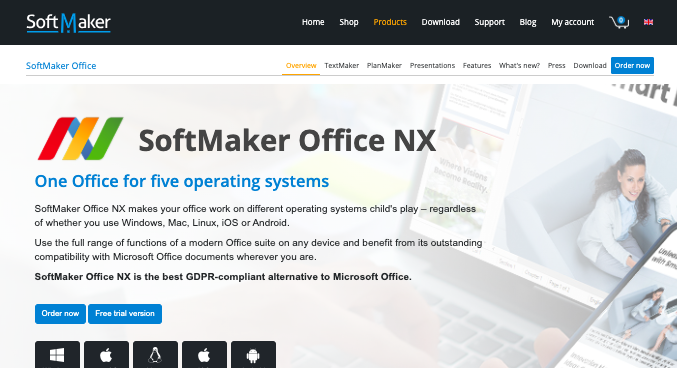
This is the premium version of the SoftMaker FreeOffice mentioned earlier. SoftMaker Office is far more affordable than MS Office and is recommended if you need a cheap alternative.
SoftMaker Office is seamlessly compatible with MS Office. DOCX, XLSX, and PPTX are the standard file formats just like in MS Office. You can share and edit documents to and from MS Office users without needing to convert.
SoftMaker Office supports over 20 languages. The available programs are still the same as the FreeOffice which includes TextMaker, PlanMaker, and Presentations.
You also get an additional program, BasicMaker, which works for small programs and scripts to execute in the TextMaker and PlanMaker apps. BasicMaker is an advantage if you need an MS Office alternative for macro writing.
Check out the latest pricing here.
7. Zoho Office Suite
8. OnlyOffice

9. Polaris Office
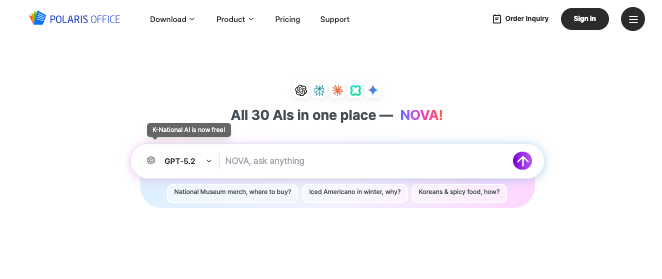 Polaris Office is a nimble productivity suite that feels like a feather-light yet sturdy toolkit in a world dominated by the heavyweight champion, Microsoft Office.
It wraps word processing, spreadsheets, presentations, and cloud syncing into one compact package that’s especially at home on mobile devices and tablets, making it ideal for people who work on the go rather than chained to a desktop.
Its charm lies in its simplicity and versatility, with solid support for MS Office file formats so your .docx and .xlsx files don’t throw tantrums when opened.
While Polaris doesn’t dive as deep into advanced features as Excel’s power formulas or Word’s heavyweight layout tools, it delivers everything most users actually use daily with smooth collaboration and cloud connectivity.
For students, freelancers, and light-to-medium office use, Polaris Office is a cheerful, cost-friendly alternative to MS Office that gets the job done without the bulk and fanfare.
Also Read: Best Free Note Taking Apps
10. Mobi Office
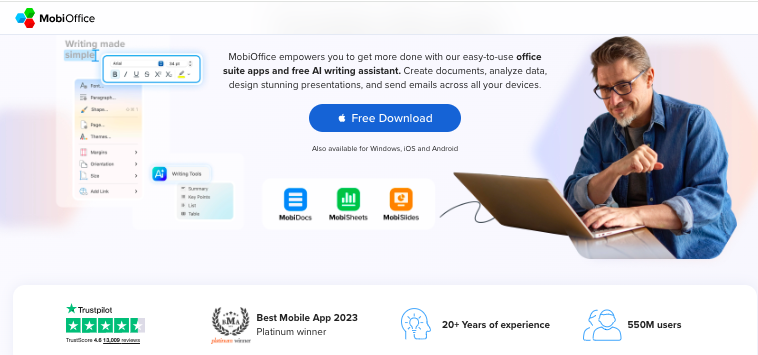
MobiOffice is like a well-packed travel bag for productivity: compact, familiar, and ready to open anywhere.
Built for people who work across devices, it handles documents, spreadsheets, presentations, PDFs, and email without fuss, all while speaking fluent Microsoft Office formats.
Your files slide in and out without formatting hiccups, which already earns it goodwill. The interface feels reassuringly traditional, avoiding the shock of reinvention, yet it sprinkles in modern comforts like cloud sync and smart writing tools.
Where MS Office feels like a grand library with endless corridors, MobiOffice feels more like a bright, efficient studio.
You may not find Excel’s deepest formula wizardry or Word’s most advanced layout sorcery here, but for everyday writing, budgeting, and presenting, it moves briskly and confidently.
For students, freelancers, and small teams who want productivity without the heavyweight subscription drama, MobiOffice stands as a practical, budget-friendly alternative that values momentum over excess.
11. Calligra OfficeSuite

Calligra OfficeSuite has been around for more than 20 years now as it was launched in 2000. It’s not just an OfficeSuite but also a graphic art suite.
The two main programs similar to MS Office on Calligra OfficeSuite include Words for word processing and Sheets for spreadsheets. The third program is KEXI which is very similar to MS Access. You can use it to design databases and process data.
For graphic designing, Calligra OfficeSuite features Karbon. Karbon is a vector drawing application which you can’t get with MS Office.
Calligra OfficeSuite also features Plan, a program that you can use to manage projects and tasks.
It features Stage for presentations. The layout is nothing but identical to that of MS PowerPoint. Furthermore, this MS Office alternative features a more advanced word processing software called Gemini.
Calligra OfficeSuite isn’t primarily targeted at Windows users. It’s more optimized for Linux computers.
Nevertheless, you can still install it on your Windows computer and there are both 32-bit and 64-bit versions. Note that Calligra OfficeSuite is free.
12. SSuite Office
SSuite Office is a relatively simple office suite application. Just like MS Office, you can view SSuite Office online via a browser or install the desktop app. Compared to MS Office, SSuite Office is very lightweight and an ideal low-memory office suite.
SSuite Office comes with nine different applications. This includes SpreadForm One similar to MS Excel, WordFormat 2 similar to MS Word, and The Sorting Machine similar to MS Access.
Other programs include My EzMail, My WebBrowser Pro, PDF Memo Creator, Envelope Printer, Address, and Internet Timer. The programs you access with SSuite Online are different from the desktop programs.
The online programs include WordGraph Editor, BasicMath, Carbon HD+ Editor, and CarbonPlus HD+. To use SSuite Office as an MS Office alternative, your best option is the Windows desktop version.
SSuite Office features different versions for 32- and 64-bit systems. However, unlike MS Office, SSuite Office is a 100 percent free office suite and you don’t have to pay any annual license fees.
SSuite Office is a safe MS Office alternative. This is mainly because it doesn’t integrate or contain any third-party add-ons or tools.
Check Out: Evernote vs OneNote
13. WordPerfect
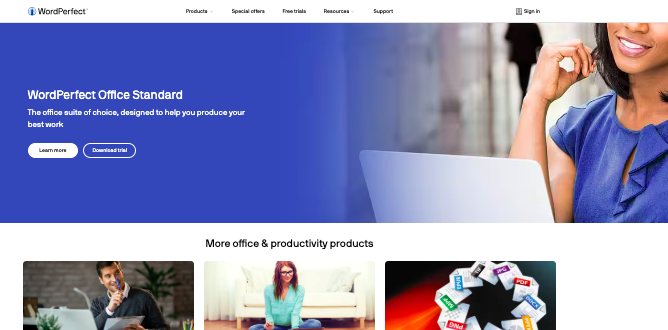
WordPerfect is a popular MS Office alternative. However, as the description states, the suite is more focused on word processing. There are still document, spreadsheet, and presentation applications like you get on MS Office.
The programs you get with WordPerfect include WordPerfect word processor, Quattro Pro spreadsheet application, Presentations slideshow creator, WordPerfect Lightning digital notebook, eBook Publisher, and AfterShot 3 photo-editing and management.
The AfterShot photo-editing program is an advantage to WordPerfect as MS Office doesn’t feature such. Similar to MS Office, WordPerfect features templates, up to 300 of them.
If you work more on data and databases, you’ll find WordPerfect interesting to use due to the Reveal Codes. WordPerfect supports all MS Office standard file formats and also TXT, RTF, WPM, OTF, and Ebook formats.
WordPerfect and MS Office are similar when it comes to the resources they consume. To install WordPerfect, you need about 2.75 GB harddisk space. Furthermore, the most recent version of WordPerfect is exclusive for 64-bit Windows systems.
MS Office and WordPerfect are both premium software. However, while MS Office requires annual license subscriptions, you can pay once and buy WordPerfect for a lifetime.
14. Ashampoo Office

Ashampoo Office is rated as one of the best MS Office alternatives by many users. The software is 100 percent Windows 7, Windows 8, Windows 10, Windows 11 compatible. Just like MS Office, Ashampoo Office is a premium office suite.
The Ashampoo Office alternative to MS Word is Write, its MS Excel alternative is Calculate, and its MS PowerPoint alternative is Present. These are the three standard MS Office alternatives you get with Ashampoo Office.
However, Ashampoo has premium alternatives to these programs which include Ashampoo TextMaker for word processing, Ashampoo PlanMaker for spreadsheets, and Ashampoo Presentations for presentations.
Although the main Ashampoo Office is premium, there’s a free version, Ashampoo Office Free. You can only access the standard alternatives, Write, Calculate, and Present, with the Ashampoo Office Free version.
Furthermore, with one subscription, you can use Ashampoo Office on five different computers.
15. Hancom Office
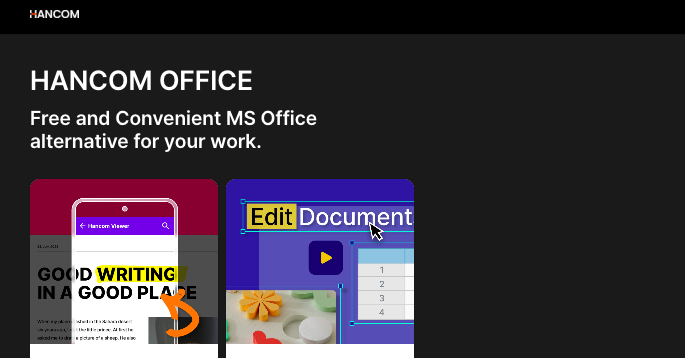
Hancom Office is a full-fledged productivity suite from South Korea that includes word processing, spreadsheets, presentations, and PDF editing tools across desktop, mobile, and web platforms, formerly known as ThinkFree Office.
It reads and writes Microsoft Office formats and offers cloud integration, basic real-time collaboration, and cross-device access, which makes it feel familiar to anyone used to Word or Excel.
In terms of personality, it’s more like a diligent regional artisan than the global powerhouse that Microsoft Office is: it gets the essentials right and is cheaper.
For everyday document creation and simple teamwork, especially if cost or lightweight tools appeal to you, Hancom Office is a respectable alternative.
Final Thoughts
Choosing the right productivity suite today is less about chasing a single giant and more about finding a tool that matches your rhythm.
The best MS Office alternatives for Windows 11 prove that modern work no longer lives in one rigid box.
Some suites shine as cloud-first collaborators built for teams scattered across time zones, while others focus on speed, offline reliability, or privacy through self-hosting.
A few feel lightweight and friendly, perfect for students and freelancers, while others quietly rival Office with enterprise-ready muscle at a gentler price.
What unites all these options is choice. You can trade subscription fatigue for one-time licenses, swap feature overload for clarity, or embrace ecosystems that play nicely with the apps you already use.
Microsoft Office is still a benchmark, but it’s no longer the only road to productivity.
Enjoyed the post?