Adobe InDesign built its reputation as the gold standard for print and digital layout. But for many designers today, that standard comes with friction.
It’s a heavy, resource-hungry application built for a different era of publishing. The workspace feels cluttered for quick tasks, real-time collaboration is limited, and its closed file formats make it hard to work with anyone outside the Adobe ecosystem.
For teams that need lightweight tools, true cross-platform support, or full control over their own files, InDesign can become a bottleneck rather than a creative engine. That’s why teams are shifting toward open-source InDesign alternatives.
These tools are free, faster, more transparent, and built for modern workflows: browser-based collaboration, automated publishing from code and data, HTML/CSS-to-PDF pipelines, and print-ready output that meets professional standards.
Below are 15 genuinely open-source alternatives that solve the problems InDesign can’t.
The Best Open-Source InDesign Alternatives
1. Scribus
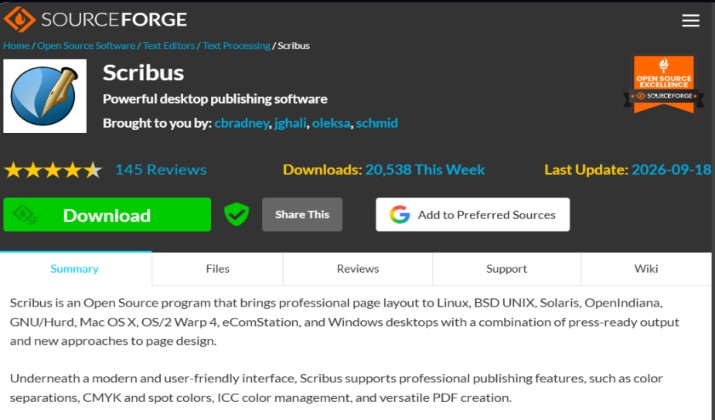
Scribus remains the undisputed king of open-source desktop publishing.
If you need a true print-production replacement for InDesign, this is where you start and often where you finish. It was built from the ground up for professional page layout, not as an afterthought to a vector editor.
What sets it apart is how complete its pre-press toolkit has become. You get full CMYK and spot color support, ICC color management, OpenType advanced typography, baseline grids, and certified PDF/X-1a, PDF/X-3, and PDF/X-4 export.
It handles complex master pages, automatic text flow, and footnotes for long-form books and magazines with ease.
For file compatibility, it still can’t open proprietary INDD files directly, which is Adobe’s lock-in by design. However, it now imports IDML, SVG, EPS, PSD, AI, and even improves PDF import to editable objects.
Community support is also unusually strong for an open-source project, with active forums, manuals, and IRC.
Best for: Magazines, brochures, books, newspapers, and any print-first project where you need true press-ready output without compromise.
Pricing: Completely free forever. No premium tier, watermark, or subscription. Licensed under GPL-2.0, you can use it commercially, modify it, and distribute it. Compared to InDesign’s subscription model, the saving is 100%.
2. Penpot
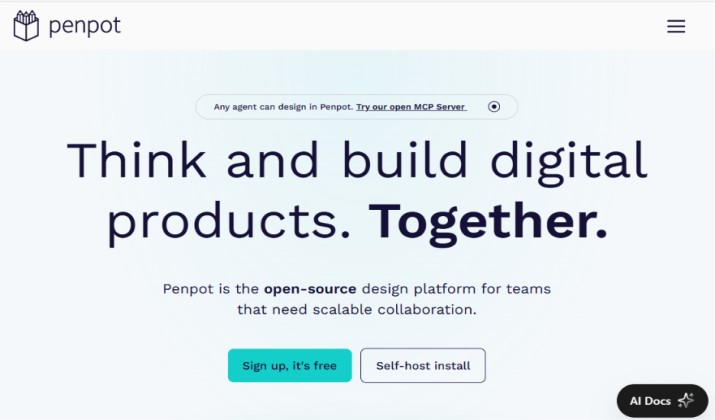
Formerly known as UXbox, Penpot has exploded to become the open-source answer to both Figma and InDesign.
It is the only tool on this list built for real-time collaboration from day one. Multiple designers can work on the same layout, leave comments, and watch cursors move live.
It feels familiar to anyone coming from Figma but adds critical layout features that designers miss. You get advanced flex and grid layouts, shared design libraries for colors, typography and components, auto-layout, and full SVG and CSS code export.
The big updates are advanced print layout grids, bleed settings, and improved PDF export that finally makes it viable as a true InDesign replacement for marketing assets.
Because it is entirely web-based, there is nothing to install and it runs on any device, including tablets. For privacy-focused studios, you can self-host it on your own server and own your data completely.
Best for: Remote teams, agencies, and startups migrating from Figma and InDesign who need collaborative layout without vendor lock-in.
Pricing: 100% free and open-source forever. The cloud version at penpot.app is free for unlimited projects. Self-hosted version is also free. Penpot makes money from enterprise support, not from selling the tool.
Also read: Best Adobe Acrobat Alternatives
3. Typst
If Scribus is the traditional replacement, Typst is the modern one. It has become the most talked-about typesetting system for a reason. Instead of a clunky GUI, you write in a clean, Markdown-like markup.
The magic is speed and programmability. Typst files (.typ) compile to pixel-perfect PDFs in milliseconds, even for 200-page books.
You get powerful scripting to automate content, a built-in package manager, and a massive template universe for resumes, invoices, research papers, theses, and business reports. It handles bibliography, math equations, and cross-references flawlessly.
The syntax is actually readable. You don’t need to wrestle with packages for hours just to place an image. For publishers who generate hundreds of similar documents, Typst can pull data from CSV/JSON and auto-generate everything.
Best for: Technical documents, books, academic publishing, automated reports, and developers who want to version-control their layouts.
Pricing: Free forever. The compiler is open-source under Apache-2.0, the web app at typst.app has a generous free tier, and you can self-host it locally at no cost. No subscription needed.
4. Inkscape
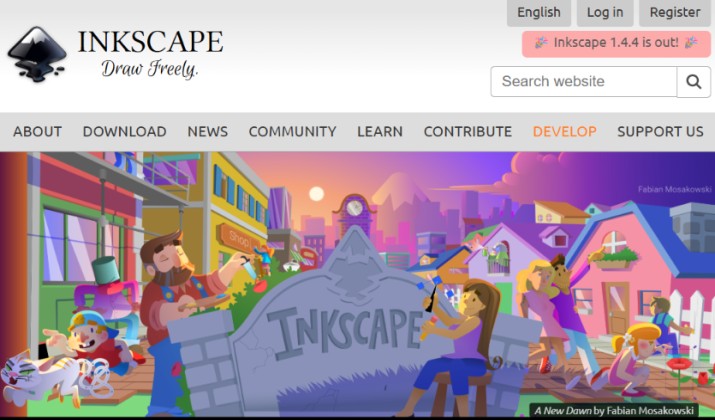
Inkscape is famous as the open-source Illustrator alternative, but since version 1.4, it has become a surprisingly capable InDesign alternative for single and multi-page work. Its core strength is still vector graphics built on the open SVG standard.
The new multi-page document mode is the game-changer. You can now create and manage 5, 10, or 20 pages in a single document, with shared layers and improved text-flow between pages.
It also added CMYK PDF export with color profiles, advanced OpenType features, and non-destructive boolean operations. For international teams, it supports over 90 languages, far more than InDesign.
Where Inkscape shines is creative freedom. You get powerful path tools, filters, cloning, and tracing that go beyond InDesign’s limited vector tools. It’s perfect when your layout is illustration-heavy rather than text-heavy.
Best for: Posters, flyers, infographics, single-page marketing assets, and illustrated layouts where vector control matters most.
Pricing: Free and open-source under GPL-3.0. No paid version, ads, or limits. Developed and funded entirely by community donations.
5. LibreOffice Draw
Part of the LibreOffice suite, Draw is the most underrated tool on this list. Most people overlook it because it looks like a simple diagram tool, but for office-based desktop publishing, it is incredibly practical.
If your team already lives in Word and Excel, Draw fits right in. It can open and edit PDFs natively, create master pages, layers, and styles, and handle brochures, newsletters, flowcharts, and technical drawings with ease.
The latest releases significantly improved PDF import accuracy, connector tools, and support for ODG, PDF, SVG, and EPS formats.
Its biggest advantage is the ecosystem. You can draft text in Writer, build charts in Calc, and assemble everything in Draw without ever leaving LibreOffice or worrying about file compatibility between apps. For everyday business publishing, it’s more than enough.
Best for: Small businesses, schools, and offices that want InDesign-like features without leaving their office suite.
Pricing: Completely free. No premium version exists.
Read this too: Best Canva Alternatives
6. SILE Typesetter
SILE is not a drag-and-drop tool like InDesign and that’s its superpower.
It’s a modern typesetting engine inspired by TeX and InDesign, but built to be fully programmable. You write your content in a simple text format, and SILE handles the complex typesetting logic.
Where it really becomes an InDesign replacement is when you pair it with CaSILE, its companion publishing toolkit. Together, they create a fully automated publishing workflow. Imagine you need to produce 500 product catalogs from a database, or a Bible with complex footnotes. In InDesign you’d do it manually; in SILE+CaSILE you script it.
The system can also run completely headless. It runs in Docker, GitLab CI, and other automation runners, meaning you can generate print-ready PDFs automatically on a server without ever opening a GUI. It supports advanced OpenType, bidirectional text, and custom scripting in Lua.
Best for: Automated publishing, catalogs, technical books, and publishers who want to generate layouts from data.
Pricing: Completely free under the permissive MIT license. You can use it, modify it, sublicense it, and even sell products built with it. No cost or restrictions.
7. Polotno Studio
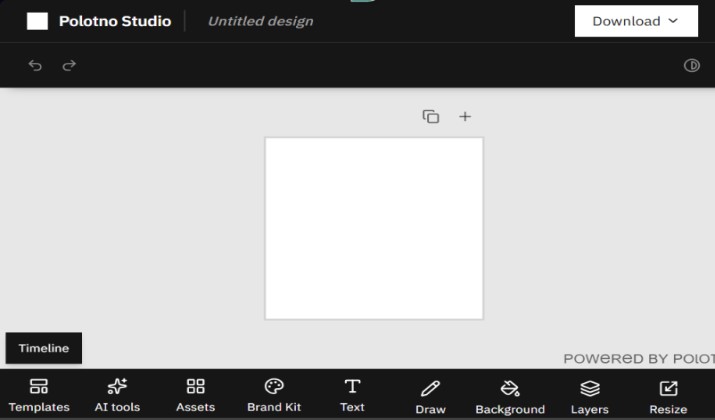
Polotno Studio is the lightest tool on this list and intentionally so. It’s an open-source design editor that feels like Canva or MS Word. There’s no steep learning curve or installation involved. You open the browser and start designing immediately.
It has a massive template library for Instagram posts, presentations, book covers, and flyers, and it finally offers optional account creation to save your projects to the cloud and continue later. It still keeps its promise of no ads and no forced sign-up.
For developers, Polotno is an SDK. You can embed its canvas directly into your own app or website to give your users a design editor, which is how many startups use it.
Best for: Social media graphics, quick flyers, resumes, non-designers, and developers who need an embeddable design canvas.
Pricing: The web editor at studio.polotno.com is free to use. The core library is MIT-licensed and free forever. The company monetizes only the advanced SDK for developers, not the end-user editor.
Explore: Canva vs. Crello
8. Vivliostyle
Vivliostyle takes a completely different approach: you design with HTML and CSS, and it renders a perfect print-ready PDF. If you are a web developer, this feels far more natural than learning InDesign’s proprietary system.
It implements the full CSS Paged Media specification, which means you get real control over page spreads, bleeds, running headers, footers, cross-references, and table of contents, all with code.
It powers professional publishing in Japan and is used by O’Reilly and other major publishers for technical books.
What makes it powerful is its integration. You can write in Markdown, style with CSS, and Vivliostyle will produce a press-ready book. It supports Japanese vertical writing, CMYK, and complex grid layouts that are painful in InDesign.
Best for: Web developers, technical book publishers, and teams who want to use their existing web skills to replace InDesign.
Pricing: Free and open-source. The core engine is free under AGPL, with commercial-friendly MIT options for parts of the toolkit. No subscription, no paywall for features.
9. Paged.js
Paged.js is the spiritual sibling to Vivliostyle and equally powerful. It’s a free polyfill that turns any modern browser into a paginated layout engine. You create your book or magazine as a simple HTML file.
The workflow is beautifully simple. You write your content, you design your print style with CSS, and Paged.js previews it in the browser as a real book with page numbers, then exports it to PDF.
It handles all the hard parts like widows, orphans, and margin notes automatically.
It is especially popular in academia and independent magazine publishing. Because it’s just JavaScript, you can integrate it into any publishing pipeline and automate book creation from databases or CMSs.
Best for: Academic journals, independent magazines, designers who love HTML/CSS, and automated web-to-print workflows.
Pricing: 100% free under MIT license. No premium tier. You can self-host it, modify it, and use it commercially at zero cost.
10. Laidout
Laidout is the most niche tool on this list, but for the right person, nothing else comes close.
Created by artist Tom Lechner, it was built specifically for multi-page booklets and artist books where standard rectangular pages are too limiting.
You can create non-rectangular pages, tilt pages at any angle, and flow text across irregular shapes. If you want to design an avant-garde magazine, a fold-out pamphlet, or an art book with unusual imposition, Laidout can do things InDesign simply cannot do without complex hacks.
It is a Linux-native tool and intentionally minimalist. It exports to PDF, SVG, PNG, and EPS, and even has limited export to Scribus .sla format. The interface is rough, but the creative freedom is unmatched for experimental print.
Best for: Artists’ books, zines, experimental magazines, and designers who want to break out of the rectangular page.
Pricing: Free forever under GPL-3.0. There’s no paid version. It’s maintained as a passion project by its developer and community.
Check this out: Best Pixabay Alternatives
11. Pressbooks
Pressbooks is the open-source standard for writing and publishing books. It is built on top of WordPress and turns it into a full book-production factory. This is what over 200 universities and publishers use to produce textbooks.
You write your book chapter by chapter in a web interface, and Pressbooks handles the rest.
With one click, it exports your book as a print-ready PDF with proper trim and bleeds, as an EPUB for Kindle, as a webbook, and as a format you can send to InDesign if needed. It manages footnotes, glossaries, indexing, and multi-author workflows.
The real power is its book network. You can clone, remix, and adapt existing open textbooks, which makes it incredibly popular in open education.
Best for: Authors, self-publishers, educators, and universities producing textbooks and long-form books.
Pricing: Free if you self-host it on your own WordPress server. Pressbooks also offers a hosted cloud version with a free tier for individuals and paid plans for institutions, but the core software remains fully open-source.
12. LaTeX
LaTeX is the old guard of typesetting and it is still unbeatable for precision.
It is not WYSIWYG like InDesign. You don’t drag boxes around. Instead, you write plain text with markup code that compiles into a flawless, print-ready PDF.
This code-based approach is what gives it its power. LaTeX was built by academics to solve the hardest layout problems perfectly every time.
It handles complex math equations, automatic bibliography and citations, cross-references, footnotes, indexes, and multi-chapter books without ever breaking your layout. The typographic quality, especially kerning, ligatures, and justification, is still higher than InDesign for long-form text.
What has changed is how easy it is to use. You no longer need to be a programmer. Modern editors like Overleaf offer real-time collaboration just like Google Docs, LyX provides a visual Word-like interface over LaTeX, and TeXstudio gives you a full-featured IDE with live preview.
The TeX Live distribution comes with over 4,000 packages for any layout you can imagine.
Best for: PhD theses, scientific papers, research journals, math-heavy books, CVs, and anyone who needs absolute typographic perfection and version control.
Pricing: Completely free forever.
13. LibreOffice Writer
Don’t underestimate Writer. While Draw handles graphics, Writer is a surprisingly capable desktop publishing tool for text-heavy documents. With the right templates, it can replace InDesign for reports, newsletters, and manuals.
Writer has greatly improved master pages, style handling, and text flow between frames. You can link text boxes across pages like InDesign, use advanced styles for automatic TOCs, and export to print-ready PDF/A and PDF/X. Extensions like Writer2LaTeX and AltSearch make it even more powerful for publishing workflows.
Its biggest win is familiarity. Anyone who can use Microsoft Word can use Writer with zero learning curve, but get desktop publishing features on top.
Best for: Business reports, proposals, newsletters, and long-form text documents where Word-style editing is preferred.
Pricing: Free forever as part of the LibreOffice suite under MPL-2.0. No premium tier or subscription. Fully funded by donations.
14. Quarto
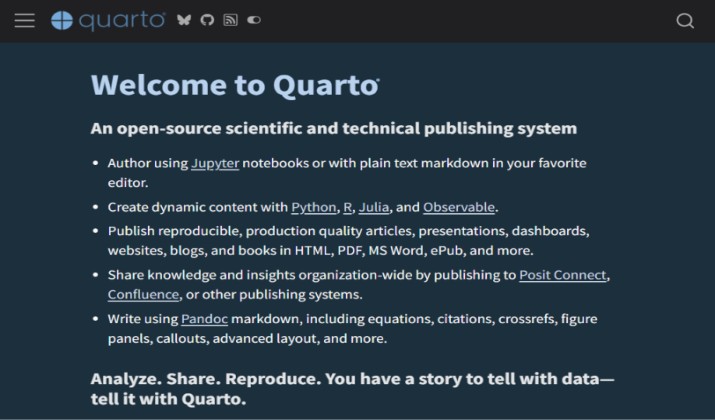
Quarto is the next-generation publishing system from Posit (the makers of RStudio). It lets you write in plain Markdown and publish to PDF, Word, PowerPoint, HTML books, and presentations, all from a single source.
What makes it an InDesign alternative is its ability to create beautiful, reproducible reports.
You can embed live code from Python, R, and Julia, and Quarto will automatically generate charts and tables into your final PDF layout. Cross-references, citations, and bibliographies are fully automated.
For data teams, it completely replaces the tedious workflow of exporting charts from Excel and pasting them into InDesign.
Best for: Data reports, technical documentation, academic publishing, and teams that need reproducible, automated documents.
Pricing: 100% free and open-source under GPL-2.0. No paid version. The entire ecosystem is free to use, modify, and deploy.
15. Apache OpenOffice Draw
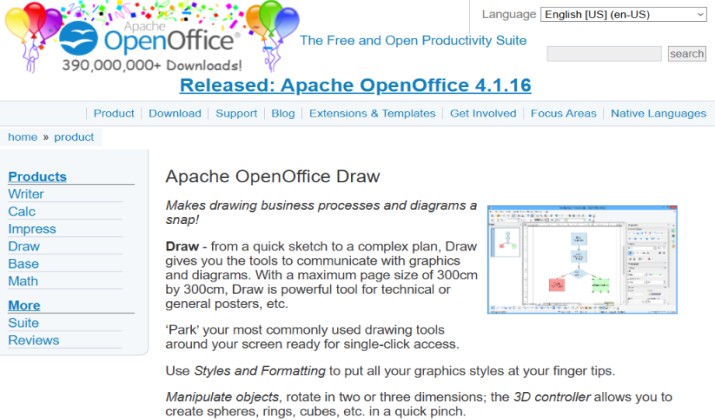
The Apache cousin of LibreOffice Draw, OpenOffice Draw is a lighter, simpler alternative that still gets regular security updates. It keeps the classic interface many long-time users prefer.
It offers basic desktop publishing tools: master pages, layers, PDF import and export, and support for ODG, SVG, and EPS. OpenOffice Draw is not as feature-rich as Scribus or as modern as Penpot, but it is incredibly stable and lightweight, running well even on older hardware.
For users who find LibreOffice too heavy or who need the permissive Apache-2.0 license for commercial embedding, OpenOffice is the perfect fallback.
Best for: Users on older computers, those who prefer a classic office interface, and lightweight brochure and poster work.
Pricing: Completely free under Apache-2.0 license.
Conclusion: Which Open Source InDesign Alternative Should You Choose?
Scribus is the best overall open-source replacement for Adobe InDesign.
It is the only free tool that was built specifically to do what InDesign does: true print production. It gives you CMYK, spot colors, ICC color management, and certified PDF/X export, the exact features that make a file press-ready.
While Penpot is better for collaboration, Typst is faster for automation, and Inkscape is better for illustration, none of them cover the full print workflow like Scribus does.
If your work needs to go to a printer, start with Scribus. If your work lives online, pair it with Penpot for teams or Typst for automated documents. You get the power of InDesign without the lock-in, and it will never ask for a subscription.