You text your friends, share photos with family, and send work docs on your Android phone every day. But are you sure nobody else is reading those messages?
If you want privacy, regular SMS will not cut it. SMS sends your texts in plain text across carrier networks. Anyone who gets access to that network can read them. That’s why you need one of the best secure messaging apps for Android instead.
The good news: you have solid options. Some are free. Some work without a phone number. All of them use end‑to‑end encrypted messaging apps with default encryption, so only you and the person you message can read the chat.
I tested dozens of private messaging apps for Android and narrowed it down to the ones that actually deliver on security, usability, and features you care about.
How We Picked These Encrypted Messaging Apps For Android
We tested for four things you care about:
- Encryption by default: You should not dig through settings to turn it on.
- Trustworthy code: Open source apps let experts check for backdoors.
- No shady data storage: Secure messaging apps that do not store messages on servers or use zero knowledge encryption get extra points.
- Real features: Encrypted calling and video calls on Android, disappearing messages, and desktop sync make an app useful every day.
With that in mind, here are the best secure messaging apps for Android. Keep in mind that the pricing details of these apps are subject to change. Always check with the official page for current pricing.
1. Signal
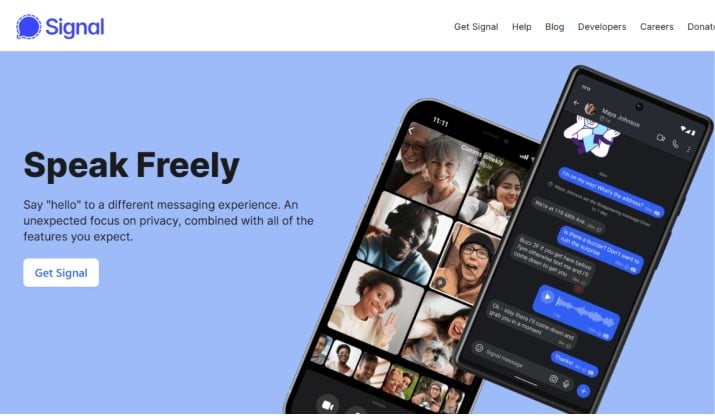
If you ask experts which app they trust, most say Signal. Signal Private Messenger best overall secure messaging app for Android because it gets the basics right and refuses to collect your data.
Signal uses open‑source encryption protocols that security researchers audit constantly. Every text, photo, and call uses end‑to‑end encrypted messaging apps with default encryption. You do not toggle anything on. It just works.
You also get encrypted calling and video calls on Android with excellent quality. Group chats, stories, stickers, and disappearing messages make it feel like a normal messenger, not a security tool.
What makes it stand out:
- You register with a phone number, but Signal launched usernames so you can hide it now.
- Signal does not store messages on servers. If you lose your phone, your old messages are gone unless you backend them up yourself. That is zero‑knowledge encryption in practice.
- The nonprofit behind Signal does not run ads or sell data.
Signal is 100% free to download and use. You can visit the official page to download Signal for Windows, Android, or iOS.
2. WhatsApp
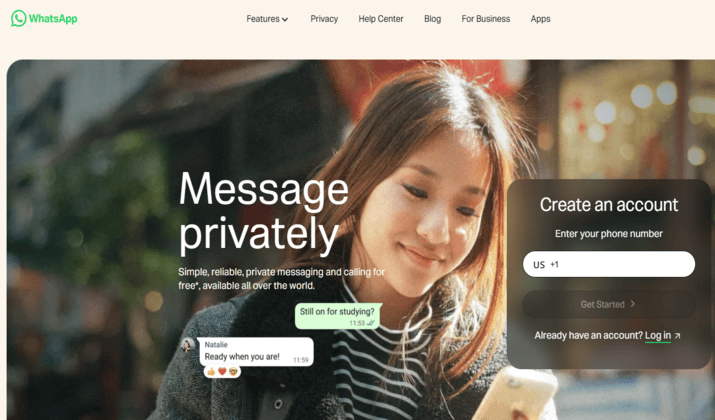
You probably already have WhatsApp on your phone. That matters. Security only helps if the people you talk to use the same app. WhatsApp secure messaging with end‑to‑end encryption and massive user base makes it the most practical pick for most people.
Meta uses the Signal Protocol to encrypt every WhatsApp chat by default. You get encrypted calling and video calls on Android, plus Communities, Channels, and payments in some regions. You can turn on disappearing messages for extra privacy.
Where you trade off:
- WhatsApp collects more metadata than Signal. It knows who you message and when.
- It also backs up chats to Google Drive by default without encryption unless you turn on encrypted backups.
WhatsApp is free for personal use. WhatsApp Business has optional paid features. You can download the app from Google Play Store.
3. Threema

Threema takes a different approach. You do not need a phone number or email to sign up. The app generates a random Threema ID instead. That makes it one of the best anonymous chat apps that don’t require a phone number.
Based in Switzerland, Threema follows strict privacy laws. It uses open‑source encryption protocols and does not store messages on servers. Once the message reaches your friend’s phone, Threema deletes it from their servers.
You get text, voice calls, file sharing, polls, and desktop support. Threema Web syncs across Android, iOS, and desktop with full encryption.
Threema pricing includes a one-time purchase of $6.00 for the Private plan designed for individuals. Companies can choose from paid plans starting from $3.00 per user.
4. Session
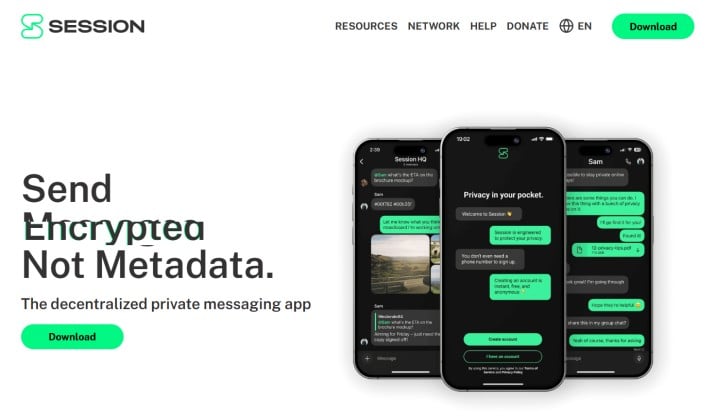
Session forks Signal’s protocol and removes the need for phone numbers. You create an account with a Session ID. Messages route through a decentralized network of nodes, so even Session does not know who talks to who.
That design makes Session one of the secure messaging apps that minimize metadata and tracking. You also get disappearing messages, voice notes, and groups. Calls are coming soon.
If you want secure messaging apps that do not store messages on servers or use zero‑knowledge encryption, Session goes a step further and removes central servers from the mix.
Session is free to download and use. You can download the mobile or desktop versions from its official page.
5. SimpleX Chat
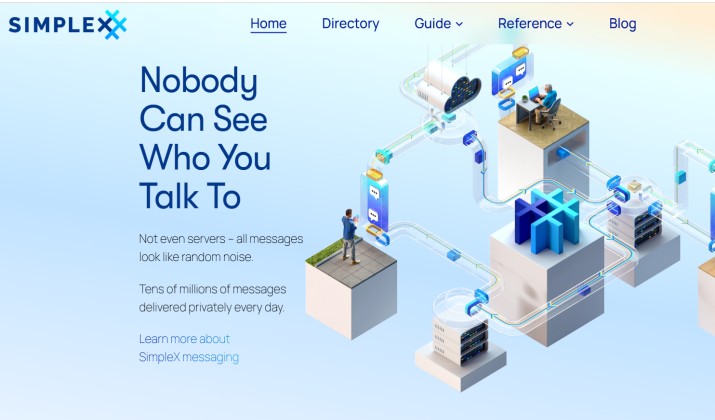
Simplex skips user IDs completely. You have no phone number, no username, no permanent identifier. You connect with people through one‑time QR codes. That means no social graph for anyone to grab.
It is another pick for anonymous chat apps that don’t require a phone number, and it is built for advanced privacy use cases. You get self‑hosting options, CLI tools, and end‑to‑end encrypted messaging apps with default encryption.
The UI feels a bit techy, so it fits if you like control more than polish.
Simplex Chat is free for use. You can download it from Google Play Store.
6. Wire
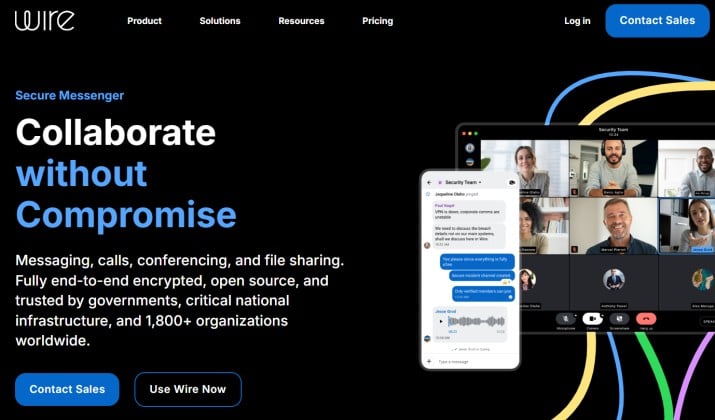
Wire targets teams but works great for personal use too. It gives you encrypted calling and video calls on Android, conference calls, file sharing, and guest rooms.
This messaging app is open source, based in Switzerland, and does not require a phone number. You can sign up with email. All messages use end‑to‑end encrypted messaging apps with default encryption, and Wire stores almost no metadata.
Wire pricing includes a free plan with basic messaging functions. Paid plans start from €7.45 per person per month. The app is available for download on Google Play Store.
7. Viber
Viber turned on end‑to‑end encryption by default in 2016. Chats, group messages, voice calls, and video calls all use it. You get fun stickers, Communities, and even Viber Out for cheap international calls.
Plus, Viber also lets you hide chats with a PIN. That makes it one of the private messaging apps for couples and close friends that hide chats from prying eyes. If someone borrows your phone, they will not see those chats.
You don’t have to worry about Viber pricing since it offers free messaging with optional premium services. You can download the desktop or mobile versions from Viber’s official site.
8. Telegram
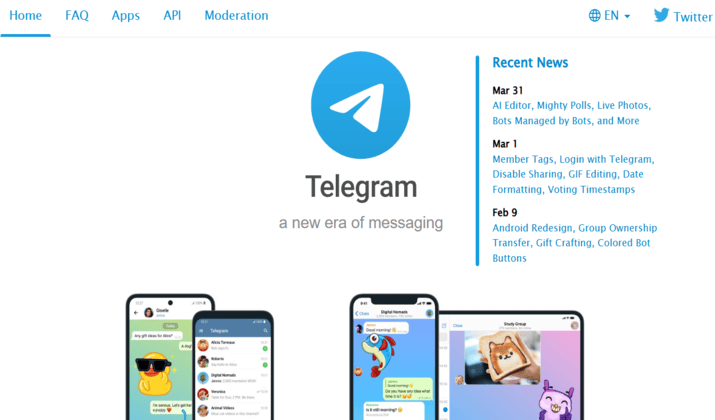
Telegram is fast and flexible. The catch is that regular chats are not end to end encrypted. Instead, you can start Secret Chats that use end to end encryption, self destruct timers, and block forwarding.
Regular cloud chats sync instantly across devices. Channels, bots, and huge groups make Telegram powerful for communities.
You should pick Telegram when you need speed and advanced features, but remember to use Secret Chats for anything sensitive. It belongs on a list of best secure messaging apps for Android with that caveat.
Telegram’s core messaging service is completely free, but the company offers a monthly subscription called Telegram Premium, typically priced at roughly $4.99. You can download Telegram from its official page or Google Play Store.
9. Element
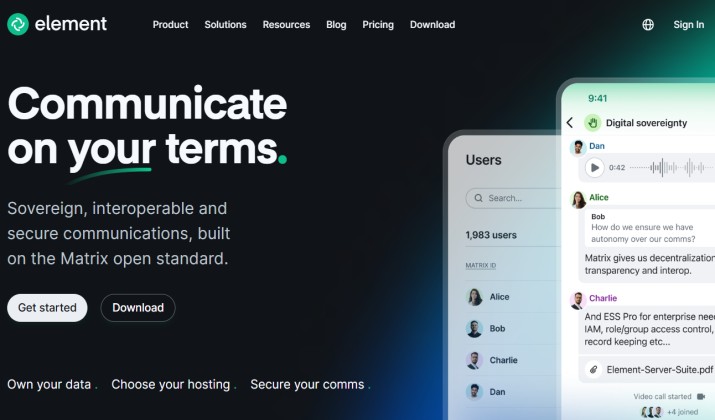
Element runs on Matrix, a decentralized and open source network. This means you control your data. You can even host your own server.
All one to one chats use end to end encryption. Group voice and video calls are encrypted too. Bridges let you talk to people on Slack, Discord, and others without giving up encryption.
Go with Element if you love open source and want secure messaging apps that sync across Android, iOS, and desktop with full encryption, plus room to tinker.
Element offers a free plan and two paid plans with custom pricing. The app is available for download on the official page.
10. Briar
Briar is built for users who need maximum privacy and offline communication. Unlike many private messaging apps for Android, Briar works through peer to peer connections instead of centralized servers.
The app can sync messages using Bluetooth or Wi Fi when the internet is unavailable, which makes it popular among journalists, activists, and users in restricted regions. Briar also keeps all messages stored locally on your device instead of cloud servers.
Briar is totally free to use and is available for download on its official page and Google Play Store.
Encrypted Messaging Apps That Work Well for Family Groups and Everyday Use
Not everyone needs maximum anonymity. Sometimes you just want safer everyday communication without making life complicated.
For regular use, these apps work best:
- WhatsApp for convenience and massive adoption
- Signal for stronger privacy with simple usability
- Telegram for feature rich group chats
- Viber for voice and video communication
These remain some of the best secure messaging apps for Android if you want privacy without sacrificing convenience.
Best Secure Messaging App for Android if You Care Most About Privacy
Signal takes the top spot overall.
It strikes the best balance between strong encryption, ease of use, transparency, reliability, and real world privacy protection. Unlike many competitors, Signal collects very little metadata and keeps encryption enabled by default across nearly everything.
Threema, Session, and SimpleX offer stronger anonymity in certain situations, but they also come with smaller user bases and slightly steeper learning curves.
For most people, Signal remains the best secure messaging app for Android this year because it delivers serious privacy without making everyday communication difficult.