

Google Drive runs out of space fast. And once you start thinking about where your files actually live, who can scan them, and what happens when pricing changes, the convenience starts to feel expensive.
Self-hosting flips that deal. You choose the hardware, set the rules, and get as much storage as you want, with no surprise fees or privacy fine print.
I put together the best self-hosted Google Drive alternatives that are free and open source, so you can see what actually works. These are real tools you can run this weekend on a home server, a cheap VPS, or even an old laptop you have lying around.
This guide helps you pick the right tool for that trade-off.
What Should You Look for in Self-Hosted Cloud Storage?
Not every tool works the same way. Before you pick one, check how it handles these basics:
- File sync: Does it keep folders in sync across devices automatically or only through manual upload?
- File sharing: Can you create share links, set expiry dates, and add passwords?
- Collaboration: Does it include document editing, calendars, or chat?
- Encryption: Is data encrypted in transit and at rest? Does it offer end-to-end encryption?
- Docker support: Can you deploy it quickly with Docker Compose?
- Mobile and desktop clients: Are there official apps for Windows, macOS, Linux, iOS, and Android?
- Storage backends: Can it use local disks, S3, or other external storage?
- Ease of setup: How fast can you go from install to first file upload?
- Resource use: Will it run well on a Raspberry Pi or does it need serious RAM?
Keep those in mind as you read through the list.
Best Self-Hosted Google Drive Alternatives
1. Nextcloud
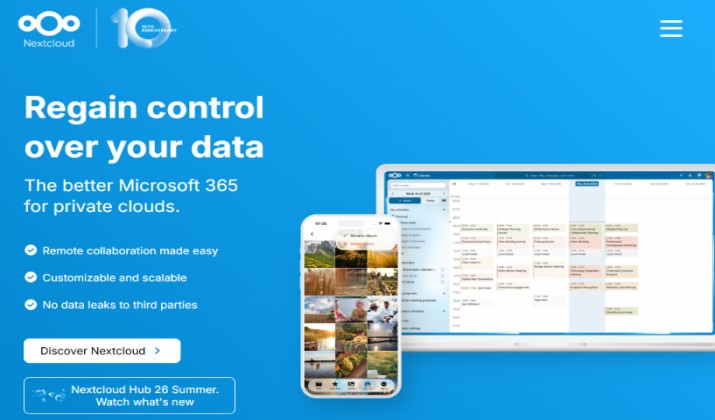
Nextcloud is the most complete self-hosted cloud drive you can run today. It started as an ownCloud fork and grew into a full personal cloud platform.
You get file sync and share, collaborative editing with Nextcloud Office, calendars, contacts, photos, video calls, and hundreds of apps to extend it. If you want something that feels closest to Google Drive plus Google Workspace in one box, this is it.
Sync works smoothly across desktop and mobile, and sharing feels familiar. Docker support is excellent and it connects to local storage, S3, FTP, and more.
You can set fine-grained permissions, create password protected links, and turn on server-side encryption or end-to-end encryption for sensitive folders.
The trade-off is resource use. It needs more RAM than lighter tools. Plan for 512 MB minimum and 2GB plus if you enable many apps.
Updates also need a bit of care. Still, if you want a true self-hosted personal cloud to replace Drive, Photos, and Docs, Nextcloud covers it.
Pricing: Nextcloud core software is free and open-source (AGPLv3 license).
Also read: Google Drive Tips and Tricks
2. ownCloud Infinite Scale
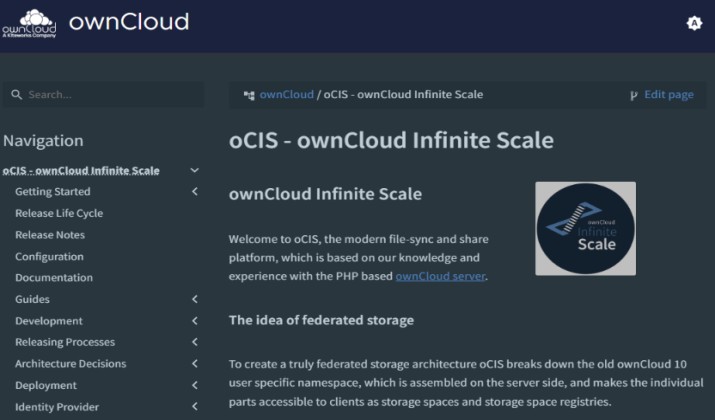
ownCloud Infinite Scale, or oCIS, is a full rewrite in Go. The focus is on speed, simplicity, and scale.
At its core you get solid file sync and self-hosted file sharing. Spaces give teams a clean way to collaborate, with file versioning and secure sharing built in. You can plug in Collabora or OnlyOffice when you need document editing.
It runs light. A small VPS can handle it and Docker deployment takes minutes. Even with millions of files, performance stays steady. That makes it a smart pick for private cloud storage when you want to keep server costs low.
You will find fewer built-in apps than Nextcloud. If you also want calendar and email in the same place, you need extra services.
For teams that want stable sync without heavy overhead, it hits the sweet spot.
Pricing: ownCloud Infinite Scale is free for personal use, while commercial or public sector deployments require a paid enterprise license that costs €15 per user per month.
3. Seafile
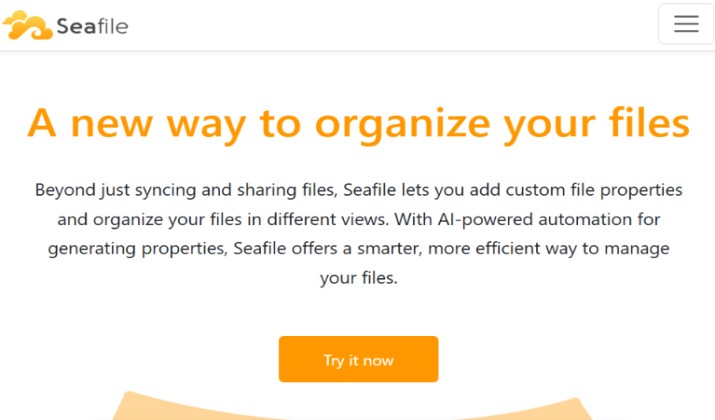
Seafile is built for speed and reliability. It uses block-level sync, so when you change a small part of a large file, it syncs only that block.
It works well for large libraries and teams. You get file versioning, file locking, libraries, and wiki features. For collaboration you can connect OnlyOffice or Collabora and keep editing in the browser.
Sync feels fast because of that block design. It handles 100k plus files without drama and offers client-side end-to-end encryption for libraries you want locked down.
Docker support is official and well documented, with mature mobile and desktop clients.
The interface looks more like a file manager than a flashy Drive clone. The community edition also misses some advanced features that live in Pro. If raw sync performance matters for your self-hosted cloud storage, Seafile is hard to beat.
Pricing: Seafile pricing is structured around a free open-source Community Edition and a tiered Professional Edition.
Read this too: Best Decentralized File Sharing Tools
4. Syncthing
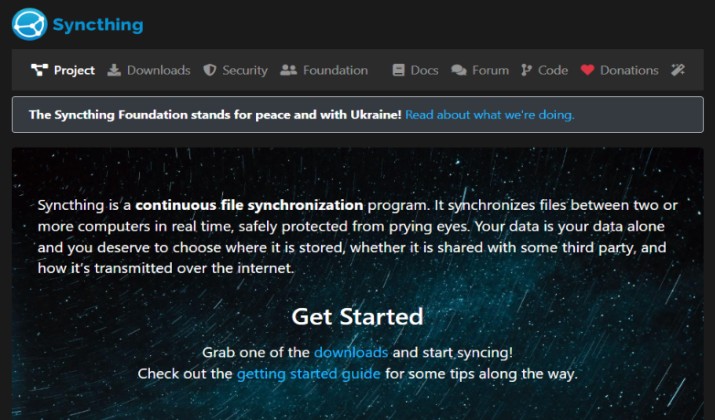
Syncthing works differently. There is no central server. Devices talk directly to each other.
You install it on each device, pair them, and pick folders to share. It works great for self-hosted file sync even if you do not run a server at all. If you have a home server, you can keep it as an always-on node to make sure files are available.
There is no account to create. Everything stays encrypted in transit and resource use stays tiny. Setup is simple, it works behind NAT, and conflict handling is solid. The Docker image runs fine on low-power hardware.
You will not get share links like Google Drive, and there is no web file viewer by default. Collaboration depends on other tools you add.
If you want private sync between devices without running a cloud interface, this is one of the best self-hosted Google Drive alternatives for privacy.
Pricing: Completely free and open source.
5. Pydio Cells
Pydio Cells is a modern document sharing platform written in Go. It replaces Pydio 8 and brings a clean, business-ready interface.
You get a virtual file system, granular permissions, workflow automation, and built-in OnlyOffice support. It connects to local filesystem, S3, and other backends, so you can keep your storage flexible.
Security is where it stands out. You create cells, which are virtual workspaces with their own users and rules. That model makes team control much easier.
Docker deployment is straightforward and mobile apps are available. Data stays encrypted in transit and at rest.
The community edition limits some advanced features. Setup also needs a bit more technical comfort than Nextcloud. If you need secure self-hosted file storage for a small business with tight controls, Pydio Cells fits well.
Pricing: Pydio Cells uses an open-core pricing model with a free self-hosted edition and paid annual subscriptions.
Explore: Best Encrypted File Sharing Sites
6. Opencloud
OpenCloud is a newer player built by ownCloud veterans. The idea is simple. Keep the performance of Infinite Scale and make the experience easier.
It is lightweight, fast, and written in Go. You get file sync, sharing, and a modern web UI. It supports Collabora for document editing and runs well on small hardware like a Raspberry Pi or a home lab box.
Memory use stays very low. Docker Compose setup takes minutes and the interface feels clean. That makes it a solid pick for home cloud storage when you want something minimal without bloat.
The ecosystem is still smaller than Nextcloud. You will find fewer apps and integrations right now, though it grows quickly. If you want a fast self-hosted cloud drive that stays out of your way, OpenCloud is worth a try.
Pricing: OpenCloud plans start from €2 to €8 per user per month.
App: Desktop
7. FileBrowser
FileBrowser is exactly what it sounds like. A lightweight file manager in a single binary.
You install it, point it at a folder, and you get a clean web UI to browse, upload, download, share, and manage files. It supports user accounts, share links, and a basic editor.
One binary means almost no dependencies. It uses less than 50MB RAM and Docker support is perfect. Setup takes two minutes, which makes it great for quick self-hosted file sharing on a VPS or home server.
There is no desktop sync client and no built-in document collaboration. Encryption is what you configure yourself. If you need fast file access and simple sharing without full Drive features, FileBrowser covers it.
Pricing: Free and open source.
App: Web
8. FileRun
FileRun looks and feels like Google Drive in your browser. Thumbnails, previews, drag and drop, and search all work the way you expect.
You get file sharing, office integration with OnlyOffice, photo management, and user permissions. It connects to local storage, S3, and other backends, so your self-hosted file storage stays flexible.
The user experience is what pulls people in. It is easy to onboard family or clients. Docker support is available and desktop sync works through the Nextcloud client or WebDAV.
Source code is visible but not fully open source under OSI definition. The free license covers 3 users, so you need a paid license for more.
If design and familiarity matter more than 100 percent open source purity, FileRun feels closest to Drive.
Pricing: FileRun pricing is based on a flat structure of around €9.90 per user per year for business plans or a €99 one-time lifetime license for home use.
App: WebDAV sync for desktop
9. Copyparty
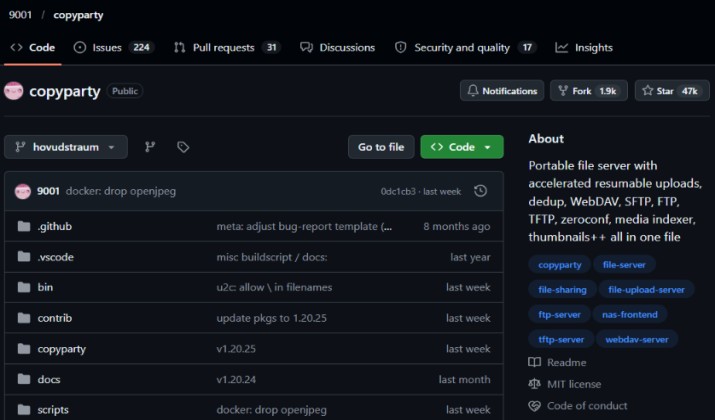
Copyparty is a quirky but powerful file server in Python. It runs anywhere Python runs and supports resumable uploads, media player, and search.
You can share files with links, set passwords, allow write-only uploads, and even stream media. It supports WebDAV, so you can mount it as a drive on your desktop.
It stays extremely light. No database needed. The Docker image is tiny and it runs on almost anything. That makes it perfect for temporary shares and home server cloud storage when you want speed over polish.
It is not a full collaboration suite and the interface is functional, not fancy. For power users who want a fast, no-frills file server with deep customization, it is a gem.
Pricing: Free and open source.
App: Web interface + WebDAV for desktop
10. TrueNAS
TrueNAS is different from the others. It is an operating system for your private cloud server. You install it on bare metal and it turns that machine into a full NAS.
It lets you run Nextcloud, Seafile, Syncthing, MinIO, and more as apps with one click. You also get SMB, NFS, and S3 sharing natively, so your whole home lab can use the same storage.
You control the hardware and the file system. ZFS gives you data integrity, snapshots, and solid backup protection. That makes it great for a long-term personal cloud storage server at home.
It needs dedicated hardware and you manage the whole storage stack. It is not a single app install. If you want to build a real home cloud with proper redundancy, TrueNAS gives you the foundation.
Pricing: Community edition is free.
App: Managed through TrueNAS web UI
Which Self-Hosted Google Drive Alternative Should You Choose?
If you want one tool that does it all, pick Nextcloud.
It is the only option in this list that truly replaces Drive, Docs, Photos, and Calendar in one place. File sync works, sharing is simple, collaboration is built in with Nextcloud Office, and the mobile and desktop clients are mature.
You get Docker support that actually works, storage backends from local disk to S3, and a security track record backed by a huge community. That is why it stands out among the best self-hosted Google Drive alternatives.
The other tools shine in specific spots. ownCloud Infinite Scale, Seafile, and OpenCloud run lighter and handle large libraries faster.
Syncthing is best for private device-to-device sync with no server. FileBrowser and Copyparty are fastest to deploy when you just need quick web access.
FileRun feels closest to Drive in looks. TrueNAS is the foundation if you want to build a real private cloud server at home.
Start with Nextcloud. If you need something lighter for quick shares, add FileBrowser on the side. If sync speed matters more than apps, pair it with Seafile or Syncthing. That combo covers almost every use case for free and open-source self-hosting without giving up control.
Set up backups, enable automatic updates, and put it behind HTTPS. Do those three things and your personal cloud stays safe and reliable.



