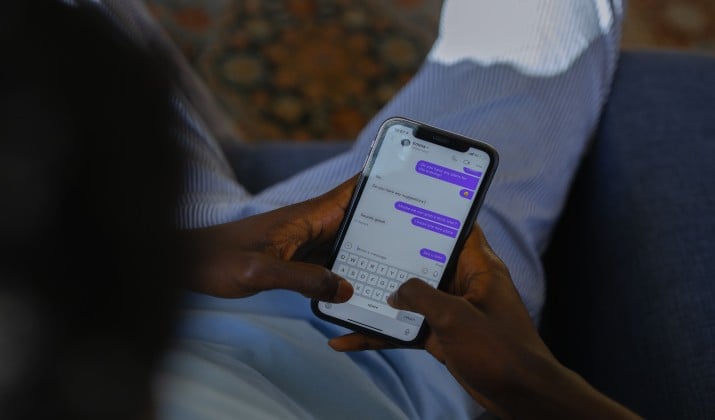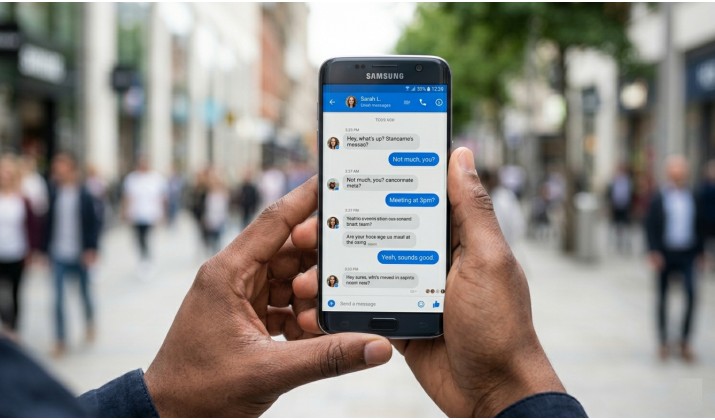
Tired of every chat app demanding your phone number before you even send a hello? I know how it feels. That single requirement locks a lot of people out.
You might want a separate account for work, for dating, or for a side project. Privacy might be a priority. Or you might simply refuse to hand your personal number to yet another company that could leak it. Thankfully, you don’t have to.
You can still chat, call, share files, and build communities without linking your identity to a SIM card. Some apps never ask for a number at all. Others ask once to block spam, then let you hide it and chat only by username. And a few let you start free, but may ask for verification later if something looks risky.
In this guide, I break down the best chatting apps without a phone number into those three clear buckets. You will see how each handles encryption, recovery, metadata, and safety, so you can pick something that actually fits your life.
Three Types of No-Phone-Number Apps You Will See
Not all no-number apps work the same way. This distinction matters a lot.
- Never needs a phone number: These apps let you create an account with just an email, a username, or even nothing at all. No number ever.
- Needs it once, then hides it: Apps like Telegram ask for a number at signup to stop spam, but you can hide it from everyone and chat using only your username after.
- Might ask later: Some platforms like Discord let you start without a number, but they can trigger verification if they detect unusual activity. You can still use them as messaging apps without SMS verification for a long time if your usage stays normal.
Understanding this helps you set the right expectations around anonymity, recovery, and safety.
Before we jump into the list, here are a few things to check for any app you choose.
- Encryption: Does it offer end-to-end encryption by default? That means only you and the person you message can read it.
- Account recovery: If you lose your device and you never gave a phone number or email, how do you get back in? Some apps give you a recovery phrase. Lose that, you lose the account.
- Metadata: Even with encrypted messages, some apps collect who you talked to, when, and from where. The most private apps minimize this.
- Anonymity limits: No app makes you invisible. If someone knows your username, they can message you. If you share personal details, you reveal yourself.
- Group chat and safety: Look for features like admin controls, ability to block and report, and whether group invites leak your profile.
Now let’s look at the apps that get this right.
Best Chatting Apps Without Phone Number
1. Session
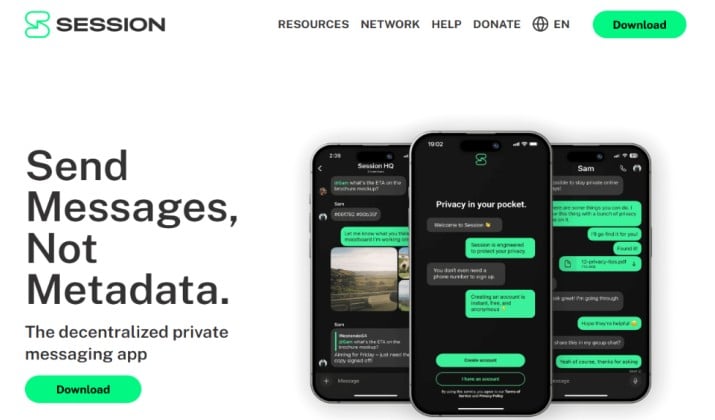
Session tops almost every list of messaging apps that don’t require phone number, and for good reason. It asks for no phone number and no email.
You create a random Session ID. That ID is your address. People message that ID, not you.
Session routes messages through a decentralized network of nodes. It does not keep your IP address, it does not store metadata about your contacts, and it offers closed groups with end-to-end encryption.
Recovery works with a 13-word seed phrase. Write it down and keep it offline. If you lose your phone, that phrase restores everything.
It’s perfect for people who want maximum privacy for one-to-one and group chats without linking any personal identifier.
Pricing: Session is completely free for personal use on mobile and desktop. There is an optional Session Pro and Session Nodes network for power users and businesses, but you do not need it to chat. No subscription required.
Get it here: Play Store | App Store
2. SimpleX Chat
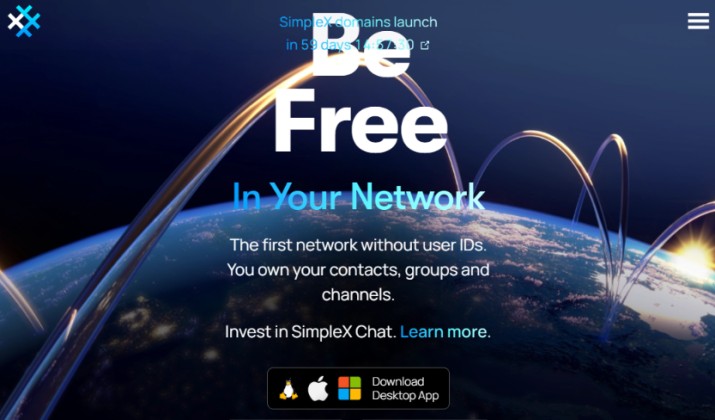
SimpleX Chat takes a radically different approach. It has no user IDs at all, not even random ones.
You create a profile locally on your device. To connect, you share a one-time QR code or link. Your contacts only see the name you give them.
Because there are no identifiers, there is no global directory where someone can find you. That makes it one of the most private chat apps without phone number verification you can try today.
It offers full end-to-end encryption, disappearing messages, and you can even host your own server if you want more control. Group chats work well, and voice and video calls are in beta.
Recovery relies on a local database backup. Back it up manually.
Pricing: SimpleX Chat is 100% free and open-source. No premium tier, ads, or paid features. It runs on donations and you can optionally host your own server for free.
Get it here: Play Store | App Store
Also read: Best Free Chat Websites With No Registration
3. Threema

Threema is a paid app from Switzerland with a strong privacy reputation. It generates a random Threema ID when you install it. No phone number, no email needed to start.
You can add contacts by scanning their QR code, which verifies you are talking to the right person and prevents man-in-the-middle attacks. It uses open-source encryption with perfect forward secrecy.
For account recovery, Threema gives you a backup ID. Export it and store it safely.
Group chats, polls, and file sharing all work smoothly. Threema also lets you host polls and agree on things without exposing numbers.
It works well for users who want a polished, everyday messenger that still counts as a secure chat app without phone number.
Threema pricing: Threema is a one-time purchase, not a subscription. For private use, Threema costs around $6.00. Threema Work for companies is priced from $3.00 to $5.00 per user per month when billed annually. No free tier for the private app.
Get it here: Play Store | App Store
4. Briar
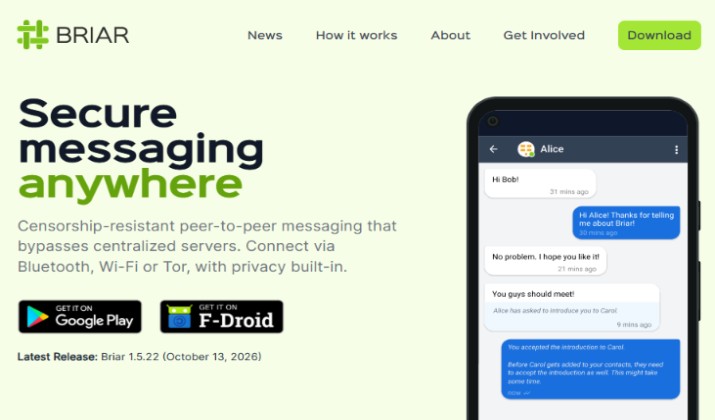
Briar is built for resilience. It works even without internet.
If you have no phone signal and no Wi-Fi, Briar can sync messages directly over Bluetooth or Wi-Fi between nearby devices. When you get internet, it syncs over Tor.
Briar asks for zero personal data. You add contacts by scanning each other’s QR code in person. This prevents anyone from adding you remotely without your permission.
Everything stays end-to-end encrypted and stored only on your devices, not in the cloud.
The trade-off is that it is Android only right now and the mesh feature needs people close by. For journalists, activists, or anyone preparing for outages, it is excellent.
Pricing: Briar is free and open-source forever. You get all features including forums, blogs, offline messaging, and Tor transport for $0. The project is built and maintained by volunteers and grants.
Get it here: Play Store
Read this too: Best Secret Chat Apps for Lovers
5. Wire
Wire gives you the clean feel of a modern team chat without demanding your number. You can sign up with just an email.
It offers end-to-end encryption for messages, calls, and files, and its code is open-source and audited. You can use it on phone, desktop, and web with one account.
Wire supports timed messages, guest rooms for external chats, and large group collaboration. It also complies with GDPR and stores data in the EU.
Recovery is simple because you have an email and password. If you forget your password, you reset it through email.
Wire pricing: Wire has three tiers. The Wire Personal plan is free for individuals and includes unlimited 1:1 and group messages, end-to-end encrypted calls, file sharing, and guest rooms.
Wire Pro costs around €7.45 per user per month and adds team management and admin controls for small teams. Wire Enterprise is custom pricing for large organizations and includes on-premise hosting and dedicated support.
Get it here: Play Store | App Store
6. Element
Element is built on the Matrix network, an open standard for decentralized chat. You create an account on any Matrix server with an email or just a username. No phone number required.
Your data does not live on one company’s server. You can pick a public server or run your own. That makes Element one of the most flexible private chat apps without phone number.
It supports encrypted rooms, threads, voice and video, and bridges to other apps like Slack and Discord. Perfect for communities and open-source teams.
Keep your recovery key safe. Element generates one during setup.
Element pricing: Element Community is free forever for individual users, families, and small self-hosted communities. Enterprise plans cost around $5 to $10 per user/month depending on the exact cloud or hosting tier.
Get it here: Play Store | App Store
Explore: Best Secret Messaging Apps for iPhone
7. Jami
Jami is fully peer-to-peer. There is no central server at all.
When you create a Jami account, it generates a Jami ID locally on your device. You can optionally link it to a username for easier sharing, but you never need to add a phone number.
Calls go directly from device to device and stay encrypted. Messages sync across your devices without passing through a server.
Because it is decentralized, you need to back up your account archive file to move to a new phone.
Pricing: Jami is completely free. You get unlimited messages, audio and video calls, screen sharing, and swarm groups for $0 on all platforms. It is developed by Savoir-faire Linux as an open-source project.
Get it here: Play Store | App Store
8. Delta Chat
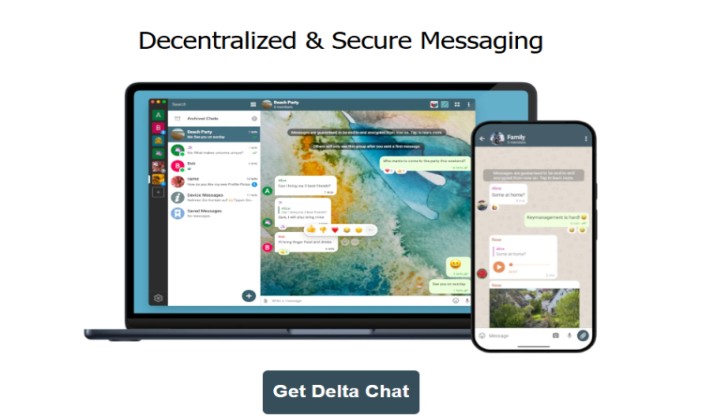
Delta Chat has a clever idea. It turns your existing email into a chat app.
Install Delta Chat, log in with any email address, and it uses your inbox as the transport layer. No new account, no phone number, no central chat server.
If your email provider supports it, messages get end-to-end encrypted automatically using Autocrypt. Even if not, you get a familiar chat interface over email.
Group chats work, and you can chat with anyone, even people who do not use Delta Chat. They will just see emails.
Great for people who want a chatting app without phone verification and already own an email they trust.
Pricing: Delta Chat is free on Android, iOS, desktop, and web. All features including encrypted chats, group chats, and location streaming are included for free. The project is funded by donations.
Get it here: Play Store | App Store
Check this out: Best Secure Messaging Apps for Android
9. Telegram
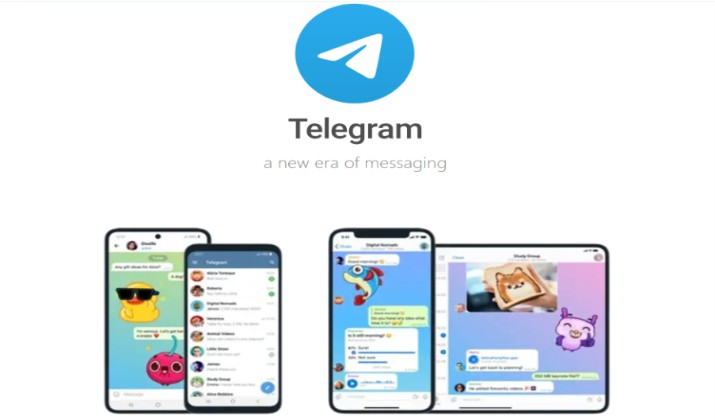
Telegram does ask for a phone number at signup, but here is why many still consider it. You can hide your number from everyone and operate only by username.
Once set, people can find you by @username, you can join huge groups, and you can control who sees your number, profile photo, and online status. For everyday use, it feels like one of the messaging apps without phone number because your number never shows.
Secret Chats offer end-to-end encryption. Regular cloud chats are encrypted server to client and sync across devices.
Recovery ties to your number, so keep SIM access.
If you want a balance of privacy and massive mainstream adoption, Telegram username chat makes sense.
Telegram pricing: Telegram is free forever. You get unlimited cloud storage, groups up to 200,000 members, file sharing up to 2GB, and all chat features for $0. Telegram Premium is optional at $4.99 per month and gives you 4GB uploads, faster downloads, exclusive stickers, voice-to-text, and no ads.
Get it here: Play Store | App Store
10. Discord

Discord lets you start with just an email and username. You can chat, voice call, and join servers without ever adding a number.
It is not end-to-end encrypted, so it does not suit sensitive one-to-one talks. But for community chat, gaming groups, study groups, and interest-based servers, it works as a free messaging app without phone verification.
You can keep your account fairly private by limiting DMs to friends only and not listing your number. It may ask for phone verification later if you perform high-risk actions like quickly joining many servers.
Discord pricing: Discord is free and you get unlimited servers, messages, and voice. Paid plans like Discord Nitro Basic is $2.99 per month and gives custom emoji and 50MB uploads. Discord Nitro is $9.99 per month or $99.99 per year and gives 500MB uploads, HD streaming, 2 server boosts, and more. You do not need Nitro to message or call.
Get it here: Play Store | App Store
Safety Tips When You Chat Without a Number
Skipping the phone number does not automatically make you safe. A few habits help a lot.
- Use a strong device passcode and lock your app.
- Enable disappearing messages for sensitive chats.
- Check the safety number or QR code when you add someone important.
- Think twice before clicking links, even from contacts.
Remember that anonymous chat apps without phone number still show your IP address to your internet provider unless you use a VPN or Tor. Some apps like Session and Briar build Tor in. Others do not.
Also, back up your recovery phrase, key, or archive file. Without a phone number, you cannot receive an SMS code to get back in. Store that backup offline.
When you look for instant messaging apps without phone number, read the permissions. A privacy app should not ask for contacts access to function.
Which App Should You Start With Today?
If you want one clear starting point from this list of best chatting apps without phone number, start with Session.
It never asks for a number or email, hides metadata, works well on mobile and desktop, and group chats feel normal. You get strong encryption without a steep learning curve.
SimpleX Chat comes very close if you want even less traceability, but Session offers a slightly smoother first experience for most people.
After you install it, create your ID, save your recovery phrase, and invite one friend to test it. Once you feel comfortable, you can add a second app like Wire or Element for work or community use.
You do not need to hand over your phone number to stay connected. Pick the approach that matches your privacy comfort level, and start chatting on your terms.