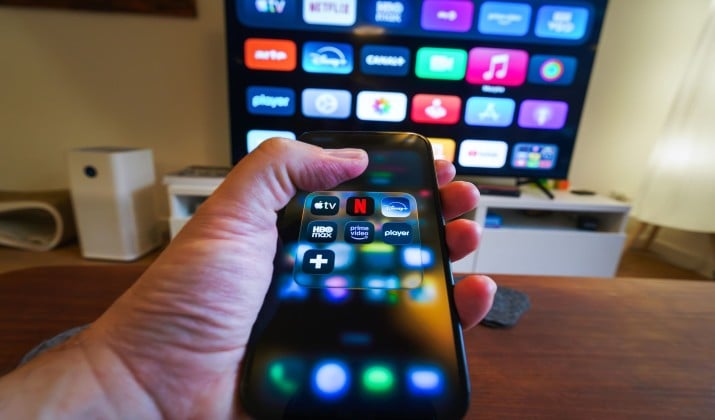
OpenAI’s Sora made waves, but after the March 2026 shutdown, you probably need a new go-to for AI video. The good news: the Sora AI alternatives scene this year is stacked. You have more control, better pricing, and tools built for specific jobs like YouTube shorts, client ads, or full films.
I tested the top text-to-video and image-to-video AI tools for cinematic footage so you can skip the trial and error. You might need an app like Sora for text-to-video or freemium AI video generators with daily credits. Either way, this list covers you.
Let’s get you creating again.
1. Kling AI
If Sora’s short clips frustrated you, Kling AI 3.0 fixes that. You can generate up to two-minute videos that actually hold together. The motion stays logical and faces don’t morph mid shot.
Kling shines with complex camera prompts. Ask for “drone push in, orbit left, then tilt up” and you get it. That makes Kling one of the top Sora AI alternatives for agencies that need multi scene projects and client revisions. You spend less time fixing glitches and more time directing.
Who should use it? Filmmakers, ad teams, and anyone tired of five second limits.
App Links: Web App | iOS | Android
Pricing: Kling AI uses a credit-based pricing model. Paid monthly subscriptions range from $6.99 to $127.99, while a Free Plan provides 66 daily credits. Higher tier tiers include expanded credits, fast-track queues, 1080p generation, and commercial rights.
2. Google Veo + Flow
Google Veo 3.1 paired with Flow is the closest thing to an AI production studio. You write a script, Flow breaks it into a storyboard, and Veo keeps your characters looking the same across scenes. That character consistency was Sora’s weak spot.
You also get real camera control. You can set focal length, dolly moves, and depth of field like you’re on set. For professional filmmaking, Veo + Flow beats other apps like Sora for text to video because it thinks in sequences, not just clips.
It’s perfect for directors and YouTube creators who want narrative control, and teams doing brand films.
App Links: Veo on Google AI Studio | Flow on Google Labs
Pricing: Google Veo pricing varies based on how you access it. For casual users, it is available via Gemini app subscriptions. For developers and businesses, it is offered on a pay-as-you-go basis through the Gemini API and Google Cloud.
3. Runway ML
Runway Gen.5 is the tool you grab when you want to do more than generate. You need AI tools for extending videos, inpainting, motion tracking, and camera control, and Runway bakes all of that into one timeline.
Upload a four second clip and extend it to 16 seconds. Paint out a mic boom. Track text to a moving object. Sora generated pretty clips. Runway lets you finish them. That’s why editors call it the best Sora AI alternative for YouTube creators and content marketers who live in post production.
This option suits video editors, VFX artists and social media managers.
App Links: Web App | Android | iOS
Pricing: Free plan gives 125 one-time credits. Paid plans start from $12/month
4. Wan 2.7
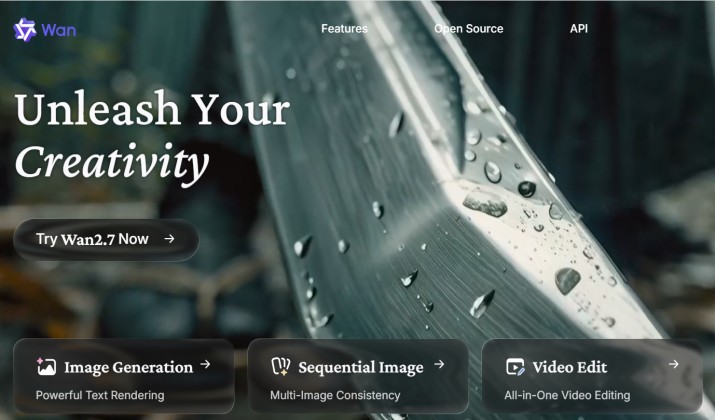
Wan 2.7 is the pick when you want power without guardrails. It’s open source under Apache 2.0, so you can run it locally and skip the cloud. That matters for IP sensitive teams who can’t upload client footage.
Wan is also API first. Developers use it to build programmatic video generation into their own apps. If you search for developer friendly Sora alternatives with APIs, Wan leads the pack. Speed is another win. A five second clip renders in under 30 seconds on a 4090.
Developers, studios with privacy needs, and tinkerers who want full control are sure to love this Sora AI alternative.
App Links: Web app | Google Play Store
Pricing: Wan AI video generation pricing ranges from roughly $0.04 to $0.15 per second depending on the resolution and platform used. Subscription tiers typically start around $5/month for casual creators, while developers using APIs or third-party wrappers can access pay-as-you-go credit systems.
5. LTX Studio
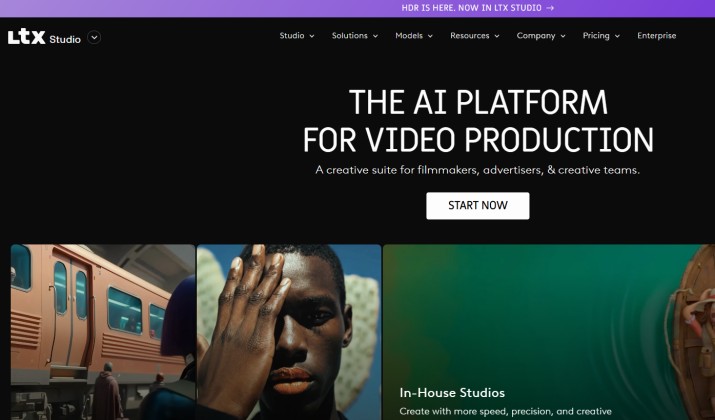
Sora made clips. LTX Studio makes projects. You start by typing a story idea. LTX gives you a script, shot list, characters, locations, and a full storyboard. Then it generates every shot with consistent looks.
This is one of the few AI video platforms with storyboard, multi scene editing, and character consistency built in. For agencies, that means fewer rounds of client revisions because you align on the plan before you render.
Agencies, ad creatives, and founders pitching concepts will find this perfect for their tasks.
App Links: Web App
Pricing: In addition to a free plan, there are several paid plans starting from $12 per month.
6. Pika
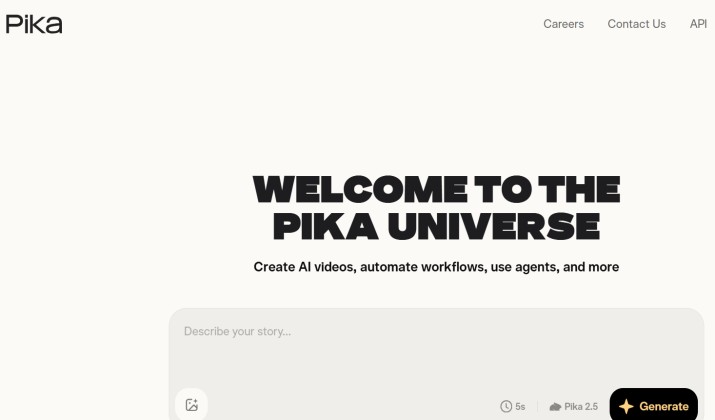
Need a three second loop for TikTok? Pika 2.1 is your tool. It specializes in snappy, stylized content. Think anime, 3D cartoon, and claymation looks that Sora never nailed.
Pika also handles image to video really well. Upload a product photo, type “rotate on white background,” and you have an ad asset in 20 seconds. That makes it one of the best Sora replacements for social clips, ads, and shorts.
This option is perfect for social media creators, meme pages, and eCommerce brands.
App Links: Web App | App Store
Pricing: Pika AI offers a tiered, credit-based pricing model that ranges from a free tier for casual hobbyists to professional plans for commercial creators. Pika subscriptions are available with plans starting from $8 per month.
7. Luma AI
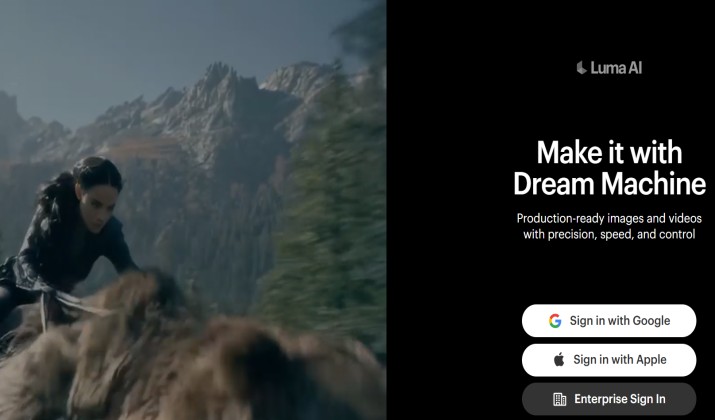
Luma Dream Machine earned its name. The camera moves feel physical because Luma builds a 3D understanding of your scene. Push ins feel like they have weight. Orbit shots keep parallax natural.
If you want cinematic footage and Sora felt too floaty, test Luma. It’s also great at turning a single photo into a slow, dramatic reveal. Many filmmakers now pair Luma for shots with Runway for edits.
Cinematographers, real estate video creators, and product videographers love this tool.
Pricing: Luma Dream Machine pricing scales with your video generation needs. The platform offers a limited free trial, with paid monthly tiers starting at $30/month for solo creators, extending up to $300/month for heavy agent-driven workflows.
8. PixVerse
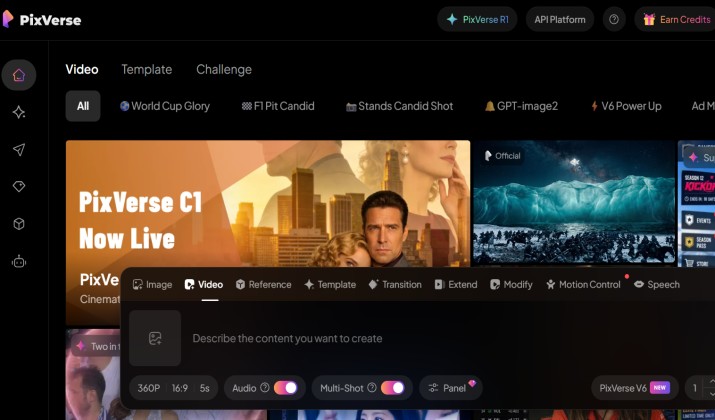
If budget is tight, PixVerse V3 gives you the most daily creation power. You get 50 credits every 24 hours, and a five second video costs five credits. That’s 10 free videos per day.
It’s not just generous. PixVerse handles anime styles, meme templates, and lip sync better than most paid tools. For students and indie creators, it’s one of the cheapest Sora alternatives with usable free tiers for text to video.
Creators testing ideas, anime fans, and anyone who wants daily practice will find this tool useful.
Pricing: PixVerse operates on a freemium, credit-based subscription model. You can start experimenting with basic, watermarked videos for free, but you will need to upgrade to a paid tier or purchase standalone credit packs if you are looking to do heavy generations, remove watermarks, and access premium upscaled outputs.
9. WaveSpeedAI
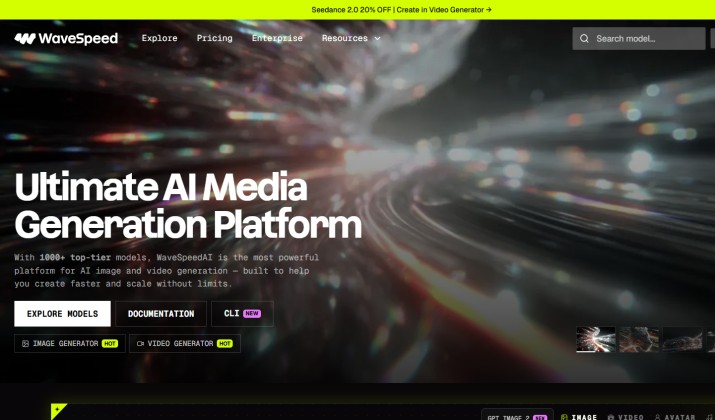
Can’t pick one model? WaveSpeedAI lets you send the same prompt to Kling, Wan, Veo, Vidu, and others, then compare results. You pay per second and only keep the winner.
These “meta tools” save you time and credits. You also get one API for programmatic video generation across models. If you build apps, that API first Sora alternatives setup is huge. WaveSpeedAI abstracts the complexity so you ship faster.
This tool works great for developers, power users, and studios A/B testing styles.
App Links: Web App
Pricing: WaveSpeed AI pricing uses a transparent pay-per-use credit system with no monthly or yearly subscriptions. You fund your account with whatever amount you choose, and credits are deducted based on the specific model and duration used. Credits do not expire.
10. CapCut
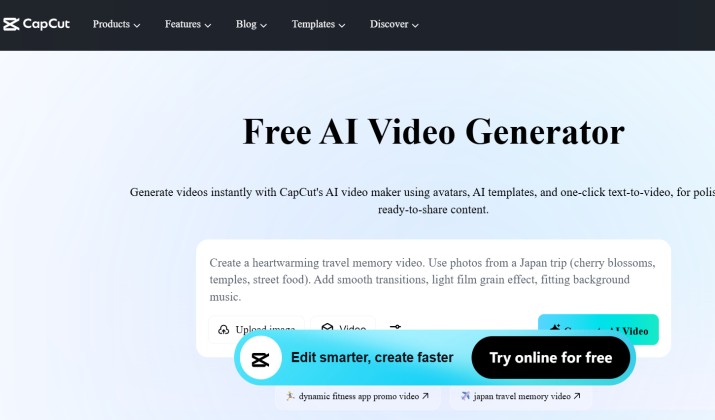
CapCut isn’t just an editor anymore. Its “Dreamina” video model does text to video and image to video, and it drops straight into the timeline. You generate a clip, add auto captions, cut to B-roll, and export for YouTube, all in one app.
For content marketers, that speed wins. You don’t bounce between tools. CapCut also has templates for hooks, ads, and shorts. If you make 5+ videos a week, this workflow beats Sora’s raw generation.
This is a popular tool among YouTubers, coaches, and small marketing teams.
Pricing: CapCut offers a generous Free Plan for basic editing, alongside paid Standard and Pro subscription tiers, with premium tools and advanced AI features requiring a subscription or token-based credits. Prices start from around $9.99 per month.
Which Sora Replacement Should You Pick?
For most creators, Kling AI 3.0 is the best Sora replacement AI video generator. You get the longest coherent clips, serious camera control, and a free tier you can actually use daily. It handles client work, YouTube, and short films without forcing you into another app for edits.
If you run an agency, pair Kling with LTX Studio for planning. When your priority is coding, add Wan 2.7 for API work or local generation. If you just need fast social posts, Pika or CapCut will save you hours.