You open your phone to check the news and get whiplash. One headline says the economy is booming. The next says it’s collapsing. Same event, wildly different takes.
That’s why you need better tools. This list rounds up the best unbiased news apps (free and paid options) that help you see the full picture. These are news apps that fight misinformation by showing bias and reliability scores, not just headlines.
I tested each one for how it handles balance, transparency, and how easy it makes your daily reading. You can install most of these unbiased news apps for iPhone and Android in under a minute. Let’s get you set up with news you can actually trust.
Quick Comparison: Top 5 Apps by Use Case
|
If Your Goal Is… |
Best Pick |
Why |
|---|---|---|
|
See bias on every story |
Ground News |
Shows left/center/right breakdown from 3 independent raters |
|
Free left-center-right views |
AllSides |
Built for side-by-side comparison. No ads |
|
Check if a site is trustworthy |
NewsGuard |
0-100 credibility score on transparency |
|
Read paywalled magazines |
Apple News+ |
Unlocks 300+ publications for $12.99/mo |
|
100% control of sources |
Feedly |
You pick every outlet. No algorithm |
How We Picked These Apps
You deserve news that tells you what happened, then lets you decide what it means. So every app here had to pass four checks:
- Transparency: Does the app show you where info comes from? Can you see bias ratings, ownership, or funding?
- Source diversity: You get balanced news apps that show multiple perspectives, not one echo chamber.
- Fact-first design: The best news apps for accurate, fact‑checked reporting put wire services and original reporting first.
- User control: You can mute topics, pick regions, and set preferred sources. No black-box algorithm only.
Ready? Here are 25 picks, grouped by what they do best.
News Literacy and Media Bias Tools Available as Apps
These are your BS detectors. Install one alongside your main news reader.
1. Ground News App
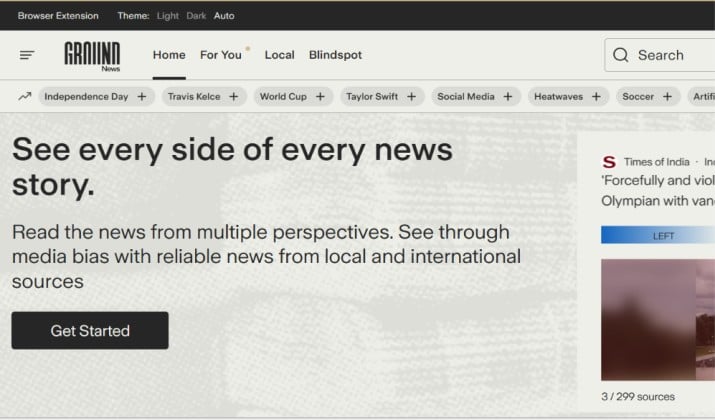
Ground News doesn’t tell you what to think. It shows bias, reliability, and ownership for every source
Open any story and you see a bias breakdown bar: how much coverage comes from left, center, and right outlets. It pulls from 50,000+ sources and adds 60,000 articles a day.
The ratings aren’t made up in-house. Ground News averages labels from three independent groups: AllSides, Ad Fontes Media, and Media Bias/Fact Check.
The feature you’ll use most is the Blindspot Feed. It surfaces stories that one side of the political spectrum is heavily underreporting. You also get a “My News Bias” dashboard that tracks your reading habits over time.
Platforms: iOS, Android, Web, browser extension
Ground News pricing: Free tier available. Pro is $9.99/year, Premium is $29.99/year, Vantage is $99.99/year. 7-day trial on paid tiers.
App Links: iOS App Store | Google Play
2. AllSides
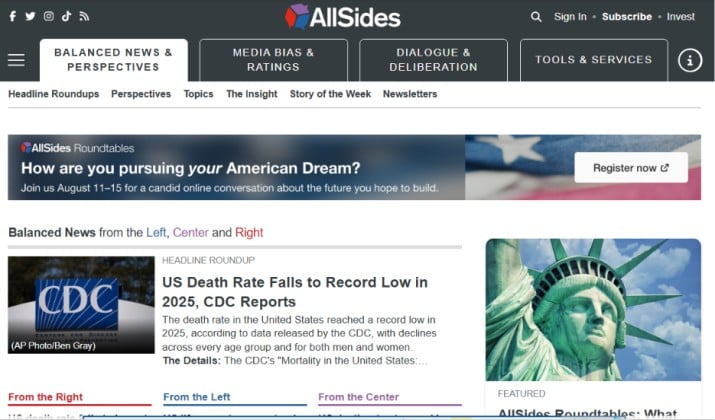
AllSides makes bias obvious. For big stories, you see three versions side by side: Left, Center, Right.
The app uses a team of people from across the political spectrum to rate outlets, so the bias meter reflects multiple perspectives. You can also take a “Media Bias Quiz” to see how your own reading compares.
If you want apps that combine left‑center‑right coverage of the same story, start here. It’s free and the cleanest way to see how framing changes. AllSides is one of the three raters Ground News uses.
Platforms: iOS, Android, Web
AllSides pricing: AllSides provides three paid options:
- Reader Plan ($4.99/month): Removes all banner ads, unlocks the members-only Balanced Digest newsletter, allows you to bookmark articles, and grants 50 monthly uses of the AI-powered Bias Checker™ tool.
- Analyst Plan ($9.99/month): Includes all Reader features but upgrades your access to 100 monthly uses of the Bias Checker™ tool to accommodate heavier research needs.
- Expert Plan ($14.99/month): This plan includes 150 bias checker uses per month.
App Links: iOS App Store | Google Play
3. NewsGuard
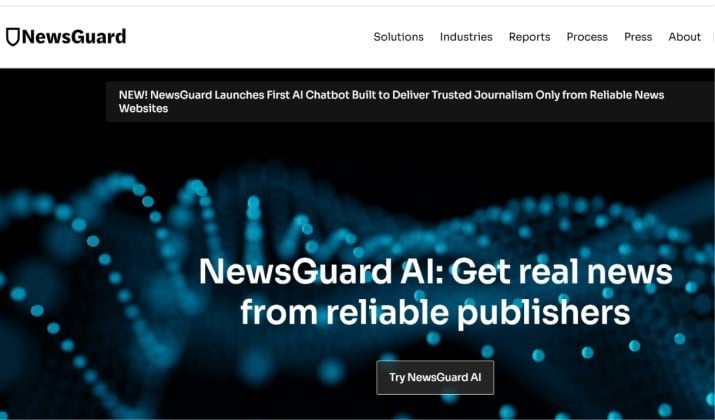
NewsGuard answers a different question than bias: “Can I trust this site at all?”
Trained journalists rate outlets on 9 criteria like corrections policy, clear labeling of opinion, and ownership disclosure. You get a 0–100 score and a detailed “Nutrition Label” for each site. Green means generally trustworthy. Red means proceed with caution.
You install it as a browser extension or mobile app. When you land on a news site, you see the score instantly. It’s one of the best neutral news apps with minimal political bias because it scores process, not ideology.
Platforms: iOS, Android, Chrome, Edge, Safari, Firefox
Pricing: $4.95/month after free trial. Often free through libraries and schools.
App Links: iOS App Store | Google Play
Also read: 12 Most Reliable News Sources
News Aggregators With Customizable Feeds and Preferred Sources
These apps pull from hundreds of outlets so you control the mix.
4. Google News
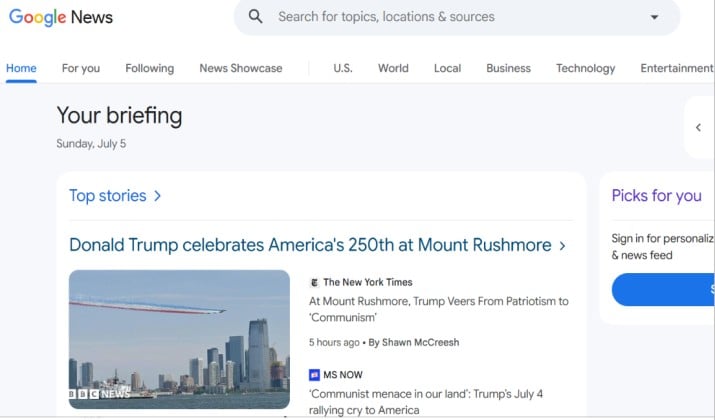
Google News is a free aggregator for multi‑source feeds and preferred sources. It’s free, fast, and cross-platform. The “Full Coverage” button shows you every major outlet reporting on a story, grouped together.
You tell it what topics and sources you prefer. Then it builds a “For You” feed. AllSides rates Google News as “Lean Left,” so pair it with a bias-checker like Ground News or AllSides if balance matters to you.
Platforms: iOS, Android, Web
Pricing: Free
App Links: iOS App Store | Google Play
5. Apple News and Apple News+
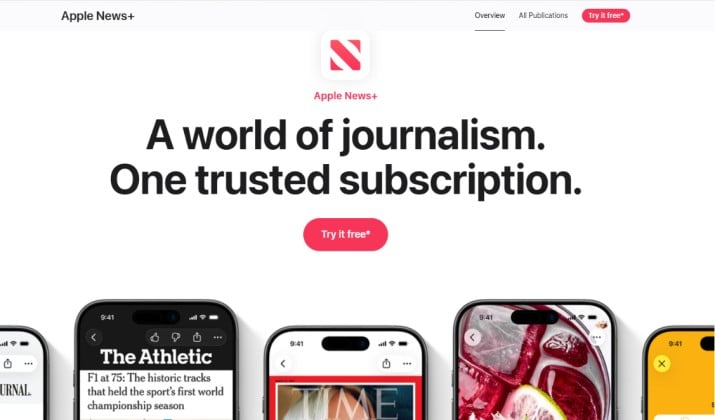
If you use an iPhone, Apple News is already on your phone. The free version gives you top stories from editors and your chosen topics.
Apple News+ unlocks 300+ magazines and newspapers including The Wall Street Journal, The Atlantic, and The New Yorker for $12.99/mo. That’s the big draw: you read paywalled content from premium outlets in one place.
Apple’s human editors pick Top Stories, which reduces clickbait. You still want to watch for selection bias, but it’s a calmer read than social media.
Platforms: iOS, iPadOS, macOS
Pricing: Free. Apple News+ is $12.99/month.
App Availability: Pre-installed on Apple devices
6. Flipboard
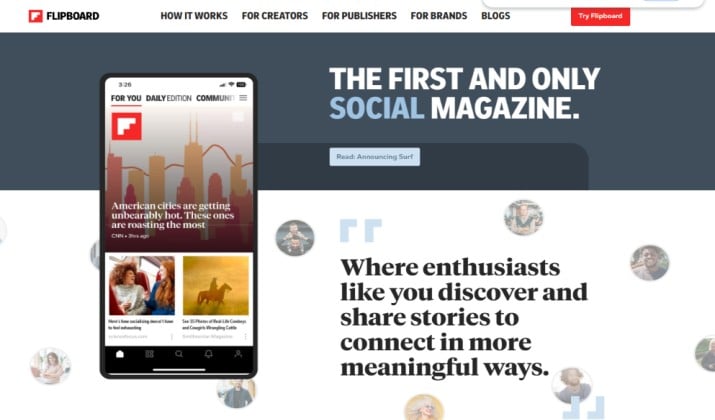
Flipboard feels like a magazine you build yourself. You follow topics like “Tech,” “Climate,” or “World,” and Flipboard pulls articles into a smooth, swipeable layout.
Flipboard says sources with a clear political bias are not included in feeds curated by its editors. You can still follow those sources directly if you want them. You can also mute any outlet you don’t want to see.
It’s free and one of the easiest unbiased news apps for iPhone and Android to start with. Just note that sponsored cards still appear in the feed.
Platforms: iOS, Android, Web
Pricing: Free
App Links: iOS App Store | Google Play
Read this too: 50 Best Conservative News Websites
7. Kagi News
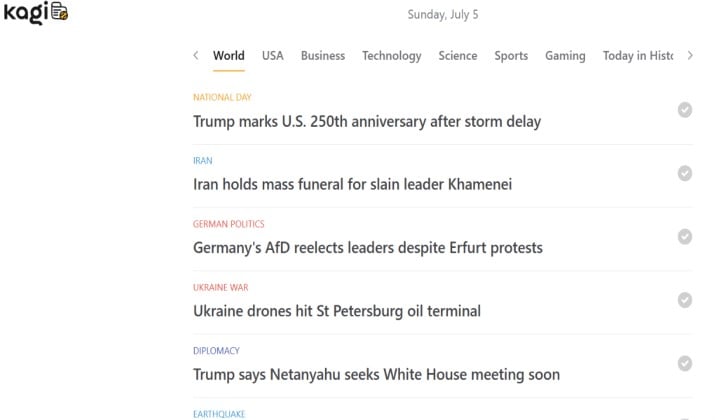
Kagi News takes a different approach. Instead of a nonstop feed, you get one comprehensive press review each day. The goal is to cut noise.
Sources are openly curated by its community and it promises no ads and no tracking. If you feel overwhelmed by alerts and infinite scroll, this calm format helps.
Platforms: Android, iOS, Web
Pricing: You need a Kagi Search subscription to use it. The Starter plan is $5/month for 300 searches, and Professional is $10/month for unlimited. The app itself is free to download.
App Links: Google Play | App Store
Wire Services and Independent News Apps and Feeds Built Around Non‑Corporate Outlets
When you want facts first, go to the wire. These apps focus on original reporting with minimal opinion.
8. Reuters
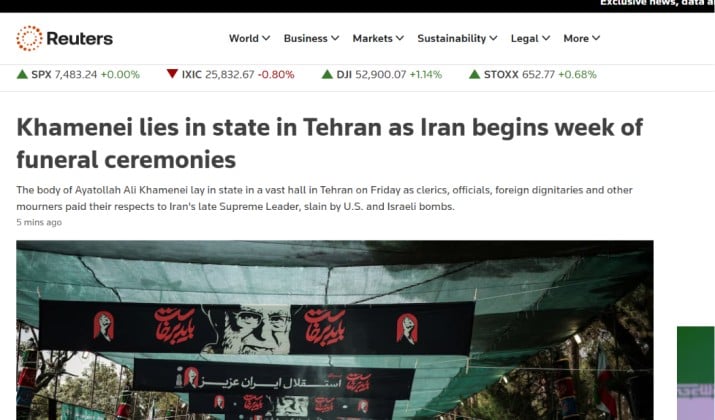
Reuters runs one of the largest news operations in the world. Its app gives you global coverage with a reputation for neutral, fact-based writing.
It’s consistently ranked among the best news apps for accurate, fact‑checked reporting and Reuters is listed as “Best for unbiased global news”.
Platforms: iOS, Android, Web
Pricing: Free
App Links: iOS App Store | Google Play
9. AP News

The Associated Press is a nonprofit cooperative. Its app delivers fast, straightforward reporting from journalists in 100+ countries. No hot takes. Just what happened. AP is recommended as a wire service for facts and listed with Reuters as a gold-standard.
Platforms: iOS, Android, Web
Pricing: Free
App Links: iOS App Store | Google Play
10. ProPublica
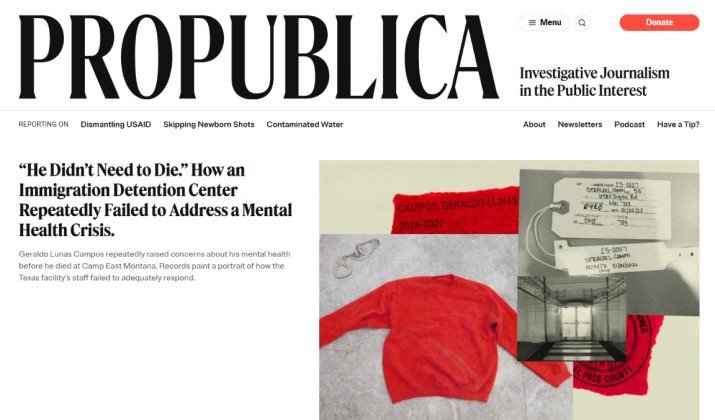
ProPublica is a nonprofit newsroom that digs into stories other outlets don’t have time or budget to cover. You get Pulitzer-winning reporting on democracy, health care, business, and criminal justice. The team spends months on a single investigation and shows all their receipts, data, and methodology.
You can read every story free in the app. There are no paywalls and no ads. They fund the work through donations, so you decide if you want to support it.
If you care about best news apps for accurate, fact‑checked reporting, this is one of the strongest independent options.
You get original documents, databases, and timelines with each major story. You can follow topics like “Immigration” or “Politics” and get alerts when new investigations drop. The app keeps things simple so the reporting stays front and center.
Platforms: iOS, Android, Web
Pricing: Free. Donor-supported
App Links: iOS App Store | Google Play
Another interesting read: 10 Best Independent News Podcasts
Global News Apps With Strong Filtering Options for Topics and Regions
You want control. These apps let you zoom in on a country or mute a topic entirely.
11. The Intercept

The Intercept is a nonprofit newsroom that publishes hard-hitting investigations you don’t see on cable news. You get reporting on US politics, national security, criminal justice, and civil liberties.
The team is known for publishing primary documents, including those released by Edward Snowden. It’s a left-leaning outlet, and they label their opinion clearly.
If you want independent and unbiased news sources apps that go deep on stories about power and accountability in the US, this one delivers. All articles and podcasts are free on the web.
You get long-form investigations, podcasts like Intercepted, and documents you can read yourself. The site covers stories about Congress, the Pentagon, and surveillance that other outlets skip or summarize.
Platforms: Web, podcasts on all major apps
Pricing: Free. Donor-supported
App Links: Play Store | App Store
12. SmartNews
SmartNews uses machine learning to surface top stories and lets you slide between channels like “U.S.,” “World,” and “Politics.” It has a “News From All Sides” slider to compare coverage. The app is free and ad-supported.
Platforms: iOS, Android
Pricing: Free
App Links: iOS App Store | Google Play
13. BBC News

The BBC is publicly funded and required by charter to be impartial.
The app lets you set your location for UK, US, Canada, or International editions. You get live video, radio, and text.
Platforms: iOS, Android, Web
Pricing: Free
App Links: iOS App Store | Google Play
RSS Power-User Apps: You Pick Every Source
You don’t trust algorithms? Good. Build your own feed.
14. Feedly
Feedly is the most popular RSS reader. You follow any blog, newspaper, or YouTube channel that has an RSS feed. That means you choose every source, eliminating algorithmic bias entirely.
The free plan gives you 100 sources. Pro starts at $8/month and adds AI features and notes. Feedly gives you total control, which is why power users love it.
Platforms: iOS, Android, Web
Pricing: Free. Pro $8/month.
App Links: iOS App Store | Google Play
15. Inoreader
Inoreader is like Feedly but with stronger automation rules. You can create filters that say “if article mentions X, send to Y folder.” Free gives you 150 feeds. It won’t merge duplicate stories, but it gives you unmatched filtering.
Platforms: iOS, Android, Web
Pricing: Free. Pro $7.50/month.
App Links: iOS App Store | Google Play
16. The Guardian
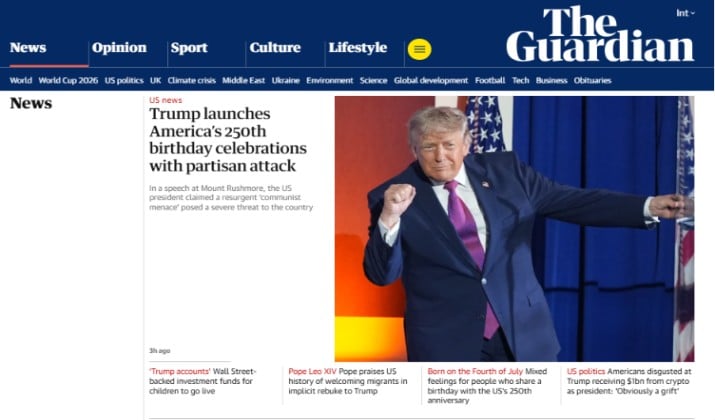
You get strong international reporting with a focus on investigations and climate. The app is free to use and doesn’t lock stories behind a hard paywall.
If you want to support their journalism, you can donate or subscribe, but you can read most content without paying. It’s a solid pick when you need perspective from outside the US media bubble.
Platforms: iOS, Android
Pricing: Free with optional donations or $14.99/month for Premium
App Links: iOS App Store | Google Play
17. Al Jazeera
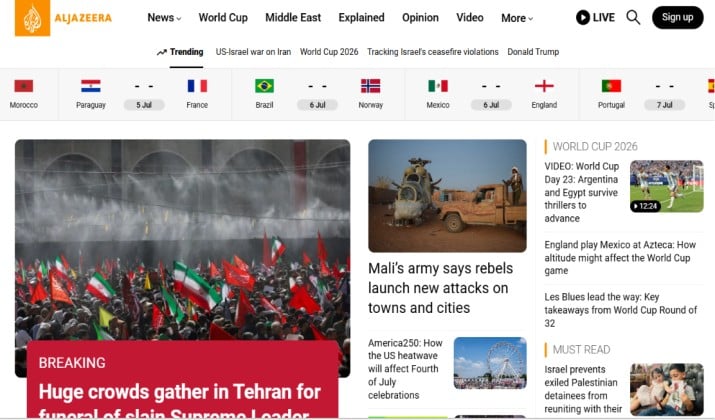
Al Jazeera gives you reporting from the Middle East that many Western apps under-cover. You’ll see live video, in-depth documentaries, and breaking news from regions like Gaza, Doha, and North Africa.
If your feed feels US-centric, adding this balances your worldview. The app is clean and completely free.
Platforms: iOS, Android
Pricing: Free
App Links: iOS App Store | Google Play
18. Tortoise Media
Tortoise slows everything down. Instead of 50 headlines, you get one deeply reported story per day. Think of it as the opposite of doomscrolling.
The team hosts “ThinkIns” where you can join live discussions with reporters. If you feel overwhelmed by constant updates, this calm, slow-news approach helps you actually understand an issue.
Platforms: iOS, Android, Web
Pricing: $6.99/month or $69.99/year
App Links: iOS App Store | Google Play | Web
19. The Week
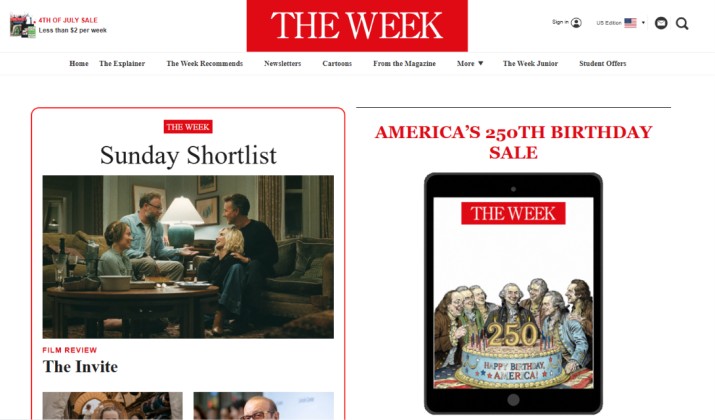
The Week does the reading for you. For major stories, it summarizes how left-leaning and right-leaning outlets covered the same event.
You see the facts first, then the spin from both sides. It’s one of the few apps that combine left‑center‑right coverage of the same story in a quick digest. Great if you want balance without opening three apps.
Platforms: iOS, Android, Web
Pricing: $99.99/year for digital + print. Limited free articles
App Links: iOS App Store | Google Play
20. 1440
1440 isn’t an app, it’s a daily email newsletter, and that’s the point. Every morning you get a 5-minute read with no bias, no clickbait, and no opinions.
The editors pull from 100+ sources and link to them so you can check the facts. If you want to stay informed but avoid apps entirely, this is the easiest habit to build.
Platforms: Email, iOS, Android
Pricing: Free
App Links: Play Store | App Store
21. Semafor
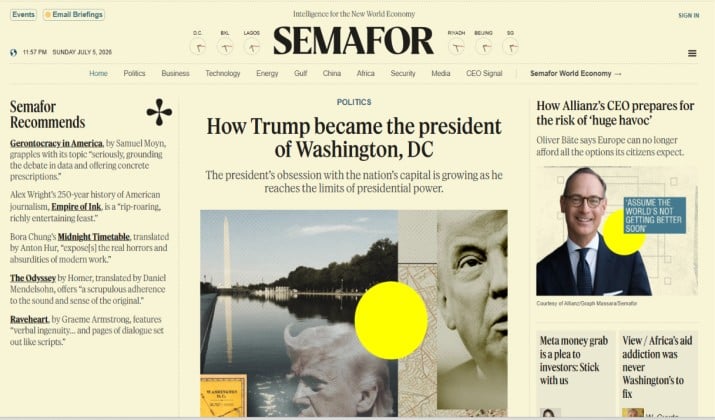
Semafor invented the “Semaform” article structure. Every story separates facts, the reporter’s analysis, counter-arguments, and source transparency into distinct sections.
You know exactly what’s verified and what’s interpretation. It’s new, fast-growing, and built by former BuzzFeed and Bloomberg editors. Use it when you want clarity on how a conclusion was reached.
Platforms: iOS, Android, Web
Pricing: Free
App Links: iOS App Store | Google Play
22. Artifact / Yahoo News
Artifact was the AI news app from Instagram’s founders. It learned what you liked and summarized stories. The standalone app shut down in 2024, but Yahoo bought it and relaunched the best features inside the Yahoo News app.
You now get an AI-powered feed with key-point summaries and tools to spot clickbait. If you liked Artifact’s smart curation, grab Yahoo News.
Platforms: iOS, Android
Pricing: Free
App Links: iOS App Store | Google Play
23. Instapaper
Instapaper lets you save articles from any news app or browser and read them later with clean, ad-free formatting. You hit share, save to Instapaper, and the app strips out ads and popups. It also reads articles aloud and lets you highlight key lines.
If you bounce between balanced news apps that show multiple perspectives, this keeps all the important reporting in one place. You can create folders, search your archive, and read offline on flights or the subway.
Platforms: iOS, Android, Web, Kindle
Pricing: Free. Premium is $2.99/month for full-text search, unlimited highlights, and text-to-speech playlists
App Links: iOS App Store | Google Play
24. Readwise Reader
Reader is a power tool. It pulls in RSS feeds, newsletters, Twitter threads, and PDFs into one inbox.
You highlight key lines, and Readwise syncs them to your notes app. If you follow independent and unbiased news sources apps across many formats, Reader keeps them organized. It’s overkill for casual reading, but researchers and news junkies love it.
Platforms: iOS, Android, Web
Pricing: $12.99/month after free trial
App Links: iOS App Store | Google Play
25. NewsBlur
NewsBlur is an open-source RSS reader with a twist. You can “train” it by liking or hiding stories, and it learns what you want. It shows you the original site’s formatting so you still see the publisher’s layout.
If you want Feedly-level control plus transparency in the code itself, NewsBlur is your pick. The free plan covers 64 sites.
Platforms: iOS, Android, Web
Pricing: Free. Premium is $36/year for unlimited
App Links: iOS App Store | Google Play
Which Tool Is Better and Why?
You want a single answer. Here it is: Ground News is the best overall pick for most people.
Here’s why. You install one app and immediately see bias, factuality, and ownership for every story. The Blindspot Feed shows you what your usual outlets skip. You get 50,000+ sources, so you aren’t trapped in a small bubble. And the Pro plan is excellent value for bias transparency.
AllSides is great but it covers fewer stories per day. NewsGuard is essential but it rates outlets, not individual stories. Reuters and AP are pure fact but they won’t show you how other sides frame the issue. Feedly gives total control but you have to build everything yourself.
So if you want balanced news apps that show multiple perspectives with the least work, Ground News wins.