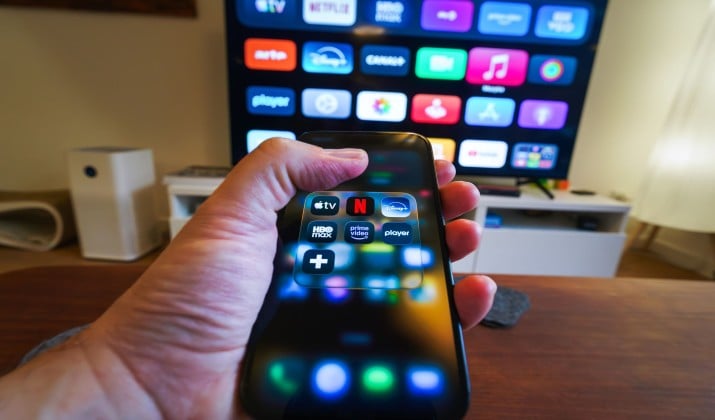
Tired of turning on your TV and getting hit with a wall of ads before you even pick a show? You are not alone.
This guide ranks the best streaming devices without ads, so you can actually watch TV instead of watching ads. I compared and tested how each one handles sponsored rows, auto-play trailers, and tracking. The best ones give you a clean home screen and respect your privacy. Let’s find yours.
What Does Ad-Free Really Mean for Streaming Devices?
No streaming stick can block ads inside Netflix or YouTube itself. That part comes from the app. But the device itself can be ad-free.
When I say ad‑free streaming devices for your TV, I mean devices that give you:
- A streaming device with no adverts on the home screen
- No big banner that takes up half the screen
- No autoplay trailers shouting at you
- Streaming devices that minimize sponsored content and home‑screen recommendations
- Streaming devices that let you disable autoplay trailers and promotional rows
This is different from ad‑free streaming services with commercial‑free plans (Netflix, Apple TV+, Max, etc.). Those services sell you a plan without commercials. The hardware decides whether your home screen stays clean.
1. Apple TV 4K
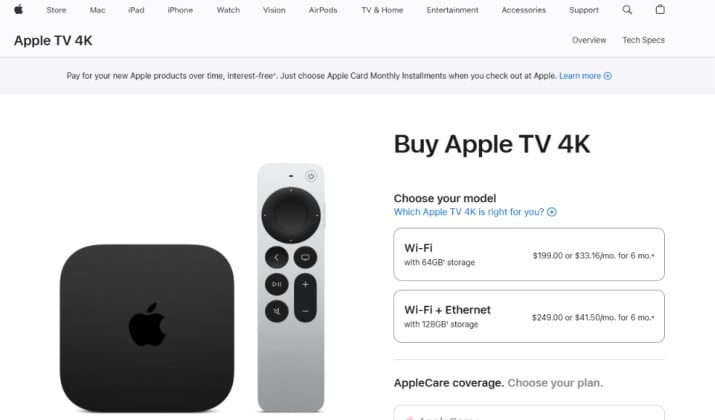
Ad‑free streaming device with polished interface and strong privacy controls
If you want the cleanest experience, start here. Apple TV 4K is the gold standard for best streaming devices without ads.
You turn it on and you see your apps. That is it. No giant ad for a show you will never watch. No sponsored row that pushes one streaming service over another. It is the best example of streaming devices with clean, ad‑free home screens (Apple TV–style interface).
You also get real privacy. Apple does not make money selling your viewing data, so you get privacy‑friendly streaming platforms with fewer tracking ads out of the box. You can turn off personalized recommendations in one tap, and Siri suggestions stay subtle.
Why you will love it:
- Zero banner ads on the home screen. Ever.
- You control what you see. You arrange apps in rows, no algorithm moves them.
- Autoplay video previews never start unless you click.
- Best picture and audio support: Dolby Vision, HDR10+, Dolby Atmos.
- Fast A15 chip now, so everything feels instant.
Best for: People who want streaming devices that pair best with ad‑free services like Netflix and Apple TV+ and hate clutter.
Pricing: Apple TV 4K pricing starts at $199 for the Wi-Fi model with 64GB of storage, and goes up to $249 for the Wi-Fi + Ethernet model with 128GB of storage.
2. Roku Ultra
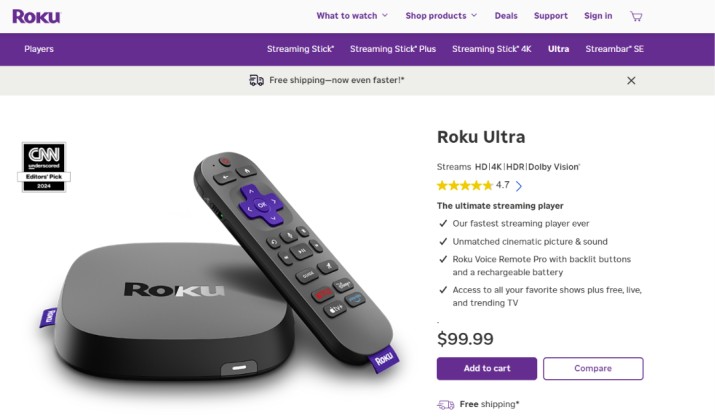
Simple interface with fewer home‑screen ads than Fire TV or Google TV
Roku has always been famous for a streaming devices with neutral, simple interfaces that don’t push one service (Roku‑style OS). You do not get pushed into Roku’s own movies. You get a grid of your apps.
Does Roku show ads? Yes, but far fewer than Fire TV. You will see a small ad on the right side of the home screen and sometimes a sponsored row, but you can ignore it. It never autoplays video or takes over your screen. Compared to Amazon and Google, it feels calm.
This is why many people search for best ad‑free alternative to Roku, Fire TV, and Google TV and still end up back at Roku, because Roku is the less ad-heavy option for the price.
Why you will love Roku Ultra:
- Super simple remote with private listening and lost remote finder
- You can disable autoplay trailers: Settings > Home screen > Featured content > Autoplay trailers
- Dolby Vision, HDR10+, Dolby Atmos, plus ethernet for stable 4K
- You get the same clean OS for $100 instead of $200
Pricing: The standard Roku Ultra costs $99.99. This is the flagship 4K streaming device. Retailers like Amazon and Target frequently discount it to about $81.95.
Also read: Best Roku Alternatives
3. Roku Streaming Stick 4K
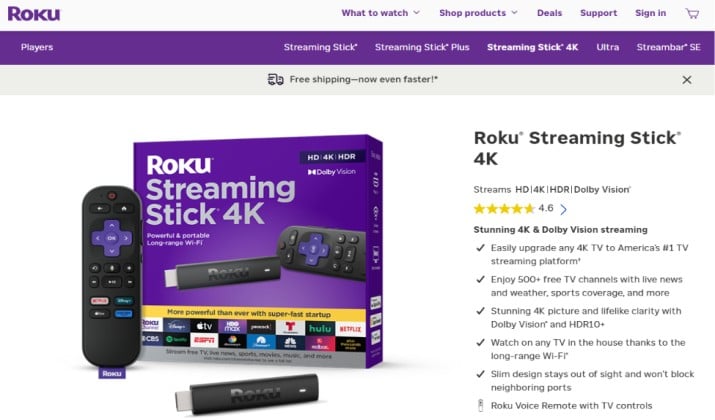
The budget pick that still feels clean
Looking for a streaming device with no adverts on the home screen under $50? The Roku Streaming Stick 4K gives you almost the same home screen as the Ultra.
You plug it directly into your HDMI port, no dangling box. You get the same neutral grid, same ability to turn off those home-screen video ads, and same long-range Wi-Fi.
It shows one small display ad on the side, but it does not push recommendations in your face like Fire TV does. If you want cheap and clean, this is your pick.
Best for: Second TVs, bedrooms, dorms where you still want a calm home screen.
Pricing: The standard retail price for the Roku Streaming Stick 4K is $49.99. However, prices often drop during major US sales events.
4. Nvidia Shield TV Pro
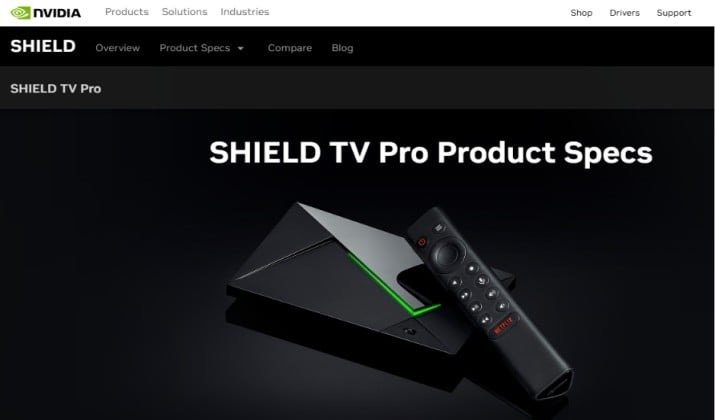
Powerful Android-based device where you can tune home-screen recommendations
This one is for tweakers. Out of the box, Shield TV runs Android TV and does show some Google recommendations. But you have more control than any other Android device.
You can install a third-party launcher like FLauncher or Projectivy and get a truly blank home screen with only your apps. You can also go to Settings > Device Preferences > Home Screen and turn off all recommendation rows and preview audio/video. That gets you close to streaming devices that let you disable autoplay trailers and promotional rows.
Plus, the hardware is a beast. If you run Plex, local files,or GeForce Now, nothing else touches it.
Why you will love it:
- You can build a 100% ad-free launcher if you want
- AI upscaling makes old 1080p shows look sharp in 4K
- Best for power users who pair it with ad-free services
- No Amazon ads at all
Pricing: The Nvidia Shield TV Pro costs $199.99. Prices on major retail sites like Amazon and Best Buy frequently fluctuate. The device can sometimes be found discounted by $10 to $20 during major sales.
Read this too: Best Streaming Device for Plex
5. Google TV Streamer 4K
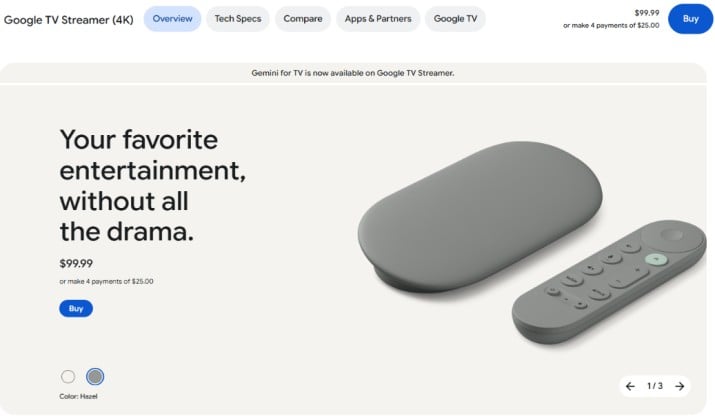
Customizable home screen but some sponsored content
The Google TV Streamer replaced Chromecast in 2024 and it is now Google’s flagship at $99.99. It is gorgeous and fast, but is it ad-free?
Not fully. You will see a big Top Picks For You row and sponsored suggestions mixed into your home feed. You cannot remove them completely, but you can tame them.
Go to Settings > Accounts and Sign-in > Your account > Content preferences and turn off personalized recommendations. Then go to Home Screen > Customize channels and turn off everything except your installed apps. You can also set it to Apps Only Mode, which strips the home screen down to just apps like Apple TV.
So while it is not perfect, it is the best Google device if you want streaming devices that minimize sponsored content and home‑screen recommendations and still want great Google Home integration.
Pricing: The Google TV Streamer 4K has a standard retail price of $99.99. Major US retailers like Amazon, Best Buy, and Walmart frequently discount the device to about $79.99. Recently, prices have even dropped to an all-time low of $75.00.
6. Onn 4K Pro Streaming Device
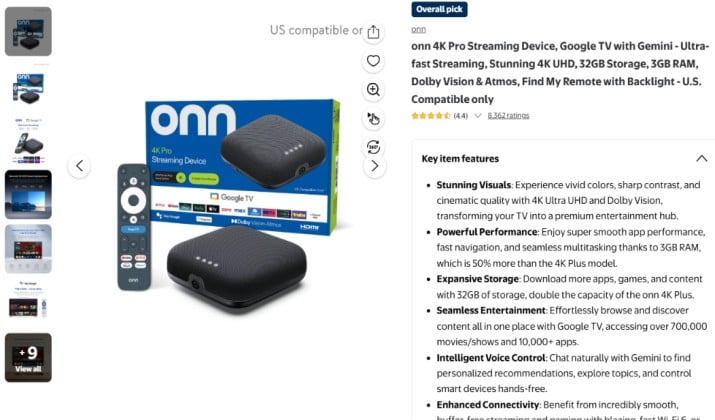
The clean Android box you can buy at Walmart
Here is the sleeper pick for alternative platforms or regions where Fire TV and Google TV show fewer ads or recommendations. The Onn 4K Pro runs Google TV but Walmart keeps the software lighter than Amazon’s Fire OS.
You get Google TV’s brains, but with less aggressive shopping ads than Fire TV. You also get a built-in smart hub and a fantastic remote with backlit buttons. Many cord-cutters set it to Apps Only Mode and treat it like a cheap Apple TV.
It is the best proof that streaming devices and platforms that push the fewest in‑interface ads do not have to cost $200.
Pricing: The ONN 4K Pro Streaming Device is currently discounted to $44.73 on the Walmart Product Page, down from its standard $59.98 MSRP.
Another interesting read: Best Apple TV Alternatives
7. Roku Express 4K+
The $30 clean entry point with fewer ads than Fire TV
If you want best streaming devices without ads but you do not want to spend $100, this is the most specific budget pick that still feels calm.
The Roku Express 4K+ gives you the same neutral Roku OS as the Ultra, just in a tiny box. You get a grid of your apps, no full-screen video ads, no shopping banners like Fire TV, and you can disable autoplay trailers completely.
It is a true streaming device with no adverts on the home screen taking over your view, you only see one small static ad on the side which you can ignore.
It is also the best example of streaming devices with neutral, simple interfaces that don’t push one service (Roku‑style OS) at the lowest price. You plug it in, you log into Netflix and Apple TV+, and you are done. It does not try to sell you Roku Originals every time you turn it on.
Why you will love it:
- You get 4K, HDR10+, and dual-band Wi-Fi for under $40
- You can turn off Featured Content autoplay: Settings > Home Screen > Autoplay trailers off
- Voice remote included, so you do not have to type with arrows
- It pairs perfectly with ad‑free streaming services with commercial‑free plans (Netflix, Apple TV+, Max, etc.) because the hardware stays out of your way
Best for: Second TVs, kids rooms, or anyone who wants a best ad‑free alternative to Roku, Fire TV, and Google TV chaos without spending $100+.
Pricing: The standard retail price for the Roku Express 4K+ is $39.99. Major retailers, including Walmart and Amazon, often discount the device to $29.00 during promotional sales.
Apple TV vs Roku vs Google TV: Which Is Most Ad-Free?
You asked, so here is the straight comparison.
If you rank best privacy‑friendly streaming OS, Apple TV wins. No contest. You get no home-screen ads, no sponsored rows, strong privacy controls, and you can disable everything that even looks like a suggestion.
Roku comes second. You get a neutral OS with one small static ad, but you can disable autoplay and it never pushes its own store too hard. It is 90% clean for half the price.
Google TV Streamer and Shield come third. They show recommendations by default, but you can turn most off or replace the launcher. You trade some home-screen purity for smarter recommendations and better smart home control.
Fire TV shows the most ads. Avoid it if ads drive you crazy.
How To Make Any Streaming Device Feel More Ad-Free?
Even the best streaming devices without ads get better with a few tweaks:
- Turn off auto-play previews in Settings
- Use Apps Only Mode on Google TV
- Sign out of free ad-supported channels you never use, that reduces recommendation rows
- Pair your device with truly commercial-free plans from Max, Apple TV+, Netflix Premium, and YouTube Premium
- For Shield, try Projectivy Launcher if you want a totally blank screen
You control your TV, not the other way around.
So Which One Should You Actually Buy?
Apple TV 4K is the clear winner if you want the best streaming devices without ads.
It is the only box that never shows you a home-screen ad, never auto-plays a trailer, and never tries to sell you another service. It feels premium because it respects your time. You pay more upfront, but you save yourself from daily annoyance, and you keep more of your viewing data private.
If you want cheap and clean, get Roku Streaming Stick 4K. If you want powerful and customizable, get Nvidia Shield TV Pro. But if you want the closest thing to a truly ad-free TV experience, Apple TV 4K is the one you will not regret.
You deserve a TV that turns on to your shows, not someone else’s ads.