A bad haircut sticks around for weeks. A good preview takes thirty seconds. That gap explains why so many people now test a new look on the best AI hairstyle apps before they book a salon visit.
This guide walks through 15 options that actually let you swap a cut, change a color, and check how a fringe sits on your face, all without touching scissors. While some focus on realistic try on, others lean into fun color filters.
How To Pick the Right App for Your Next Cut?
- Realism first. Check the hairline at the forehead, ears, and neck. Good apps blend strands into your real hair and follow head tilt. Weak ones float a wig shape over your photo.
- Face shape guidance. Round, oval, square, heart, and long faces suit different lengths and volumes. A good app reads your shape, then suggests cuts that balance the jaw or add height on top. It will not replace a stylist, but it stops a cut that fights your bone structure.
- Library, color, and camera. A small library pushes everyone toward the same few cuts. A large one lets you compare a bob, shag, pixie, fade, and long layers side by side.
- Free limits and privacy. Some apps give three free saves a day, others watermark exports. If an app uploads every photo to a server, read what it keeps and for how long. Prefer apps that process on device or delete uploads quickly.
Best AI Hairstyle Apps
1. YouCam Makeup
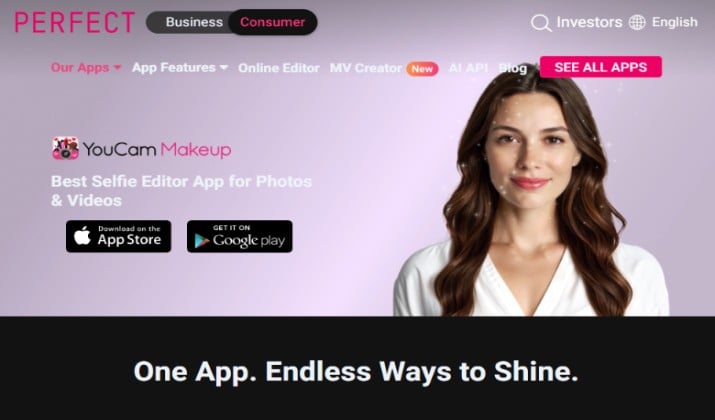
YouCam Makeup earns the top spot because it balances realism, choice, and ease of use.
You get more than 60 styles for men and women, from soft layers and curtain bangs to textured crops and sharp fades.
Colors range from natural browns to vivid pinks and coppers. The app maps hair to your head shape, so a side part stays believable when you tilt. Live camera helps you test movement. The free tier covers plenty of testing.
It also handles tricky lighting better than most rivals. Blonde shades stay clean in bright photos, and dark shades keep depth in low light.
You can save a few versions of the same cut in different colors and compare them later. That makes it easy to walk into a salon with a clear reference instead of a vague description.
Get it here: Play Store | App Store
YouCam Makeup pricing: Free to download with free and paid content. Premium starts from from about $5.99 per month.
2. YouCam Online Editor

YouCam Online Editor works when you do not want another app on your phone. Open it in a browser, upload a photo, and try styles in minutes.
The library is smaller than the full app, but the core cuts and colors cover the looks most people ask for at a salon.
It suits quick checks on a laptop or sharing a screenshot with a stylist. Free access makes it a smart second option to keep bookmarked.
It runs well on a shared computer or a work laptop where you cannot install apps. You can test a look during a lunch break and send the result to a friend for a second opinion.
The export size works fine for messages and salon chats. If you later want more styles, the full app picks up where the browser version leaves off.
YouCam Online Editor pricing: Free to start with a credit system. New users get free credits with no card, and paid plans start around $9.99 per month.
Also read: Best Free AI Hairstyle Generators
3. PhotoDirector
PhotoDirector started as a photo editor, and that shows in its hair tools.
You get strong color controls, smoothing, and background cleanup in the same place. That comes in handy when your photo has harsh light or a busy background.
The hairstyle library is broad, and color try on includes blended looks. Free use covers basic tries. Some high resolution exports sit behind a subscription.
It suits people who want one clean photo to share after testing a cut. You can fix exposure, soften skin texture, and tidy the background before you save.
That extra polish is useful when you post the preview or send it to a stylist. It also helps when your original photo came from a dim room or a crowded event.
Get it here: Play Store
PhotoDirector pricing: Monthly subscription for PhotoDirector 365 costs $19.99 per month. PhotoDirector 365 is priced at $29.99 per year.
4. FaceApp

FaceApp is famous for face filters, and its hair options are quick and fun.
You can test a new cut, change color, and adjust a smile in the same edit. Results look polished on front facing photos.
The library leans toward popular, social ready styles. Free use includes ads and limits on saves. Use it when you want a fast, shareable preview.
It works best when you want a quick reaction from friends. You can try a bold color in the morning and ask for votes before lunch.
The edits stay light, so you can run through several looks without learning new controls. If a style looks good here, test it again in a more realistic app before you book.
Get it here: Play Store | App Store
FaceApp pricing: FaceApp is completely free to download, but accessing all premium filters, tools, and removing the watermark requires a FaceApp Pro subscription that costs around $10 per month.
5. Hairstyle Try On
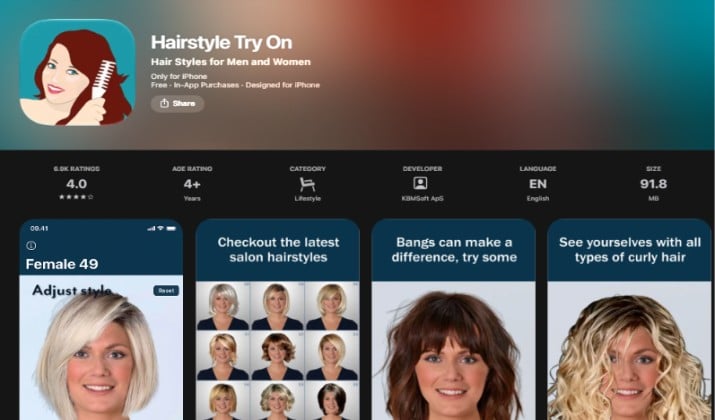
Hairstyle Try On keeps things simple. Upload a photo, pick a cut, compare.
The interface avoids clutter, which helps if you feel lost in apps with dozens of menus. Styles focus on everyday looks that translate well to real salons.
Color options stay natural, with a few bold choices for fun. Free basic use covers the core experience.
It suits a first time user who wants a yes or no answer fast. You can test a bob in the morning and a pixie in the evening without relearning the app.
The results look close enough to show a barber what length you mean. It also helps when you want to rule out a cut before you spend time on a deeper edit elsewhere.
Get it here: Play Store | App Store
Hairstyle Try On pricing: Free to download. Style packs come at a one-time cost ranging from $0.99 – $4.99.
Read this too: Best AI Image Generators
6. Hair App
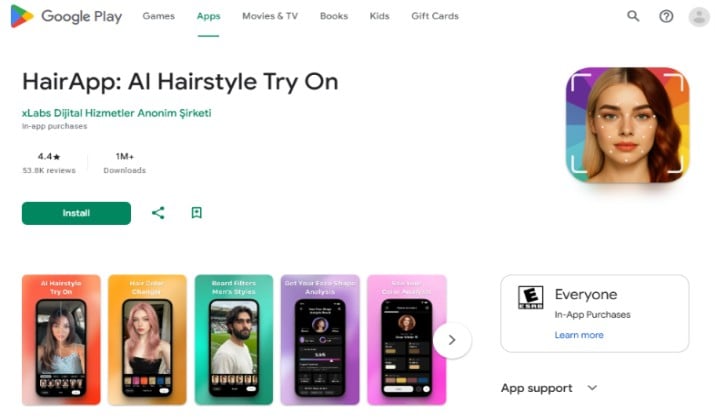
Hair App speaks the language of barbershops. It leans into fades, tapers, crops, and textured tops that men ask for most.
You can compare lengths on the sides and see how a fade changes the shape of your head. Bring a screenshot to your barber and point to the fade level you liked. Free use covers the main cuts.
It is especially useful when you know the general family of cut you want but not the exact fade level. You can test a low fade against a mid fade on the same photo and see which one keeps your head shape cleaner.
When your hair grows fast and you need to decide how short to go on the sides. Save two versions and ask your barber which one will grow out better.
Get it here: Play Store
Pricing: Free to download, with paid unlocks inside the app.
7. HairMatch AI
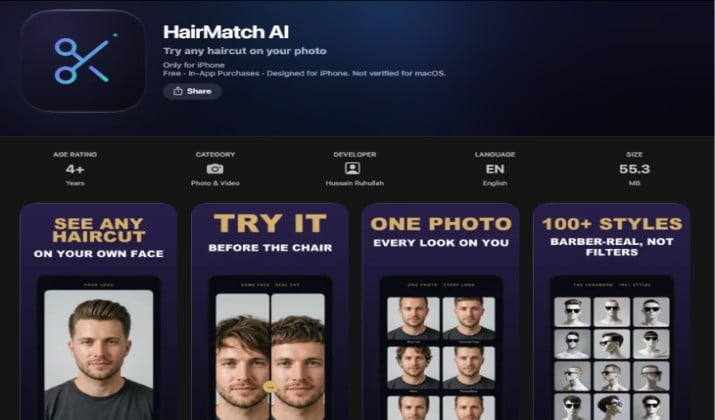
HairMatch AI puts face shape at the center.
It reads your photo, suggests a shape category, and then recommends cuts that fit that shape. That is a great approach if you keep picking styles that look great on someone else and flat on you.
The library is not the largest here, but the suggestions feel more personal. Try it after YouCam Makeup for a second opinion on shape.
It works well as a filter before you browse a big library. Instead of scrolling through hundreds of cuts, you start with a short list that fits your shape. That saves time and keeps you from falling for a cut that needs very different hair texture.
Get it here: Play Store | App Store
Pricing: Free to download. In-app purchases unlock full results.
8. HairTry
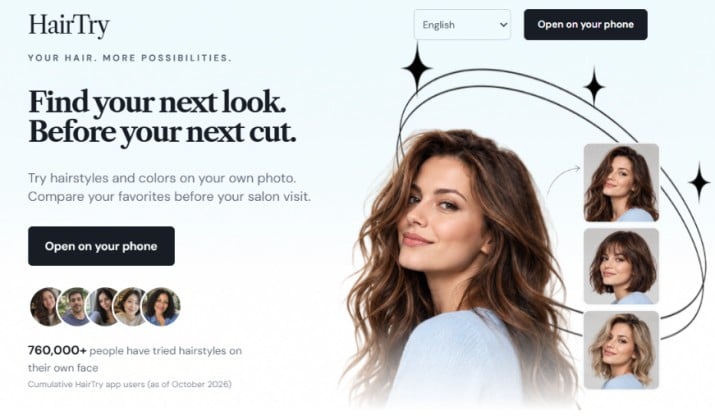
HairTry focuses on speed. You can run through several trendy cuts in one sitting without waiting for long renders. The app handles color well, especially for warm browns, blondes, and reds. The library updates with trends, so you will see cuts that feel current. Free use covers the basics. It is a solid backup when you want a fast second look.
It suits a quick comparison session. You can test a textured crop, a side part, and a longer fringe back to back and see which one feels most like you. The fast renders help when you want to send options to a friend and get a quick vote. If one look wins, test it again in a more realistic app before you book.
Get it here: Play Store | App Store
HairTry pricing: HairTry is free to download and use with limited trial options or credits, while full access requires a credit package or subscription.
Explore: Best AI Image Upscalers
9. HairHunt
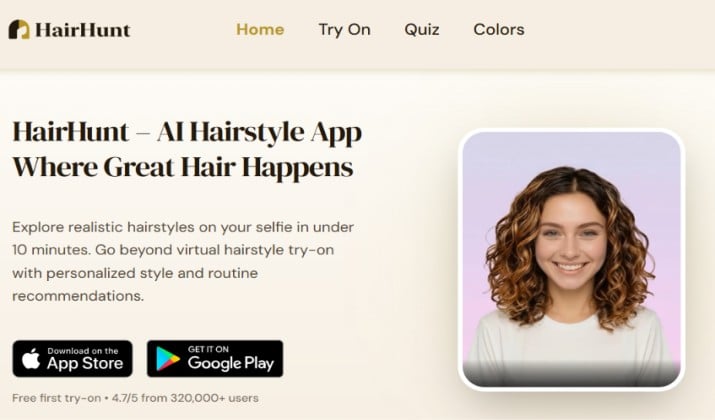
HairHunt is a focused try on app from the team behind TheRightHairstyles. Upload a selfie, pick a cut, then test color on the same photo.
The library leans toward wearable salon cuts rather than fantasy filters, which makes the results easier to show a stylist.
It works well when you want one clear preview, not a wall of options. You can compare a cut with two colors and see which pairing feels most like you.
The web version also lets you test without an account, which comes in handy for a fast check.
Get it here: Play Store
HairHunt pricing: HairHunt offers a free tier along with monthly subscription options for individual users and salons. Salon Pro subscription costs $30.00 per month.
10. Perfect365
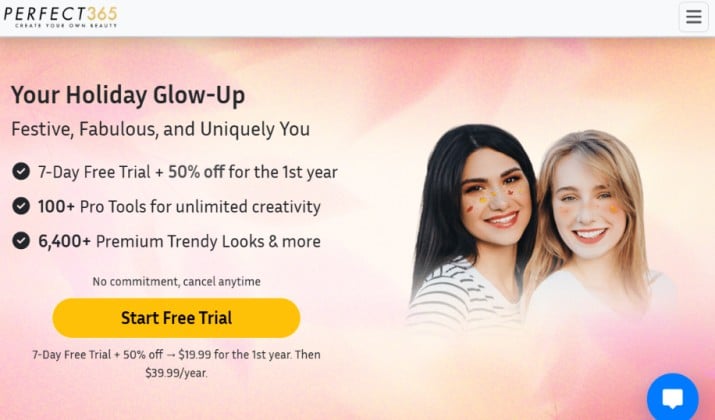
Perfect365 started as a makeup app, and hair sits inside a full makeover flow.
You can test a new cut or color, then pair it with makeup and a smoother portrait finish. That full look helps when you plan a change for an event, not just a salon visit.
It suits people who want to see hair plus makeup together. A bold color can look very different with soft makeup versus a strong lip, and this app lets you test that pairing fast.
The hair library is smaller than a dedicated hair app, so use it for a full look check, then confirm the cut in a more hair focused app.
Get it here: Play Store | App Store
Perfect365 pricing: Yearly subscription costs $19.99 per year for the first year and then $39.99 from the second year.
11. HairLook
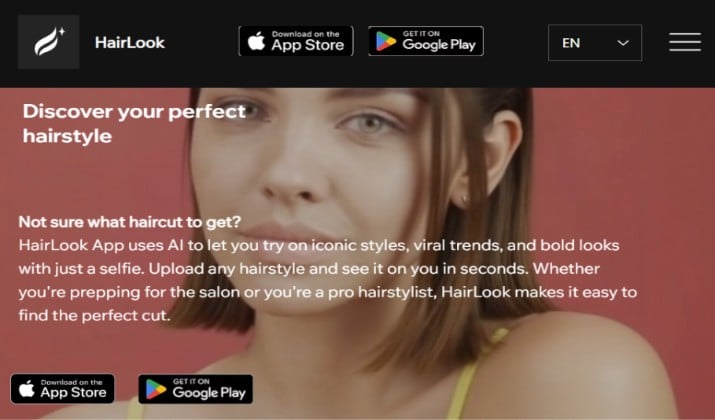
HairLook works from inspiration photos.
Upload your selfie, add a screenshot of a cut you like, and the app transfers that style onto your photo. That solves a common problem, where you love a cut on someone else but cannot picture it on you.
It is strongest for men’s cuts like fades, undercuts, pompadours, crew cuts, and buzz cuts, plus bangs and color changes.
The transfer idea makes it easy to bring a real reference to a barber. Save the result next to the original screenshot so the barber can see both.
Get it here: Play Store | App Store
12. My Hair [iD] by L’Oréal Professionnel
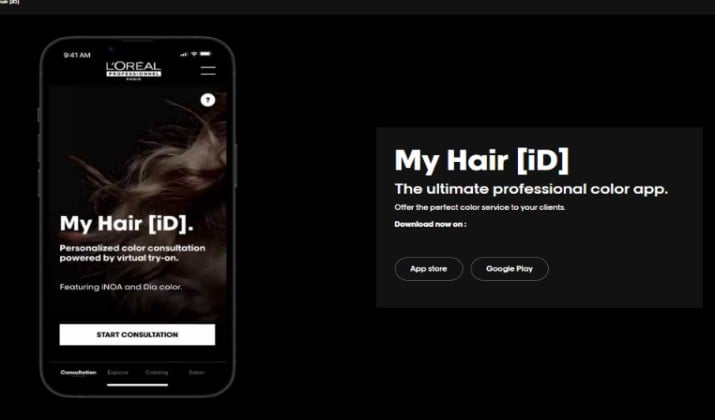
My Hair [iD] is the pro option on this list. It is built for salon consultations, and it uses real L’Oréal Professionnel shades. That matters, because the color you preview exists as a real product or formula with a name and a number, not just a filter shade.
It helps most when you already visit a salon or plan to book one. You can explore trends, test a shade, and bring a named result to your stylist.
The app also includes a hair diagnosis flow, which helps you talk through tone, depth, and upkeep. It is less playful than the other apps, and far more useful for a real color booking.
Get it here: Play Store | App Store
Pricing: Free. The app is a free professional color consultation tool, with no paid tier.
13. Bylo
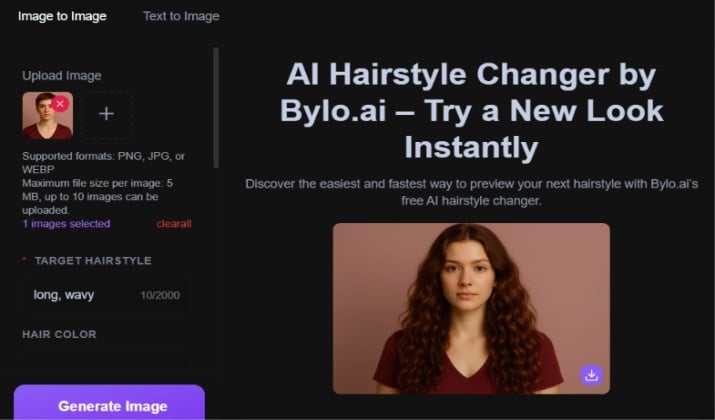
Bylo is a browser first AI image tool with a free hairstyle changer. Upload a photo, try dozens of styles, and save the result without an install. No sign up is needed for the basic changer, which makes it a fast option for a quick check.
It suits idea hunting. You can test a buzz cut, a short crop, or a longer style in one sitting and see which direction feels right.
Results look more like generated portraits than a true salon preview, so treat them as inspiration. Confirm the winner in a realistic try on app before you book.
Bylo pricing: Bylo offers a Free plan with 5 daily credits and basic editing tools. Paid options include the Pro plan ($6/month billed annually) with 300 monthly credits and commercial rights, and the Ultra plan ($12/month billed annually) providing 1,500 monthly credits.
14. MyEdit
MyEdit is a browser and mobile AI photo tool with a dedicated AI Hairstyle feature.
It offers more than 40 trendy hairstyles for a fresh look, plus color and full photo editing in the same place. You’ll love that mix when you want a clean portrait after you test a cut.
It works well when you want to test hair plus a full edit. You can try a cut, fix light, and tidy the background before you save.
The results lean polished, so they share well with friends or a stylist. Use it as a second opinion after a dedicated hair app, not as your only preview.
Get it here: Play Store | App Store
MyEdit pricing: MyEdit operates on a freemium model with free daily credits as well as paid subscription tiers that start at $5 per month.
15. Fotor
Fotor rounds out the list as a browser friendly editor with hair color and style filters. It suits people who already edit photos online and want to add a hair test to the same workflow.
Upload a portrait, try a color, adjust brightness, and export. The library is not as deep as the top dedicated apps, but the convenience is real.
Free browser use makes it easy to test without installing anything.
It works best as a quick color check before you commit to a deeper preview elsewhere. You can test a new shade, save the version you like, and then confirm the cut in a dedicated hair app.
It also helps when you want to reuse the same portrait for a social post after you test the color.
Get it here: Play Store | App Store
Fotor pricing: Fotor offers a free basic tier alongside several paid subscription plans starting at $3.99 per month.
Which AI Hairstyle App Should You Open First?
Open YouCam Makeup first.
It wins because it gives you the most useful mix in one place. You get more than 60 styles for men and women, believable blending, live camera, strong color controls, and a free tier that lets you test plenty before you pay.
The other apps earn their place for a narrow job. My Hair [iD] wins for real salon color. HairLook wins for copying a cut from a screenshot. Perfect365 wins for hair plus makeup. Fotor and Bylo win for a fast browser check.
None of those replace the main preview. If you want one app that helps you walk into a salon with a clear photo and real confidence, YouCam Makeup is the best pick on this list.