
People usually look for the best Discord alternatives with screen share because they want more than just chat. Maybe they want better privacy, cleaner community tools, or screen sharing that actually works for gaming, work, or hanging out.
Discord does a lot right. But it is not perfect for everyone. If you run a paid community, host large events, need end-to-end encrypted chat with screen sharing, or want browser-based screen sharing with no download required, you have better options now.
Here are the best Discord alternatives with screen sharing that you should check out. Every app here gives you real-time screen sharing with voice chat, and a space where your people can actually hang out.
Why Look Beyond Discord?
Discord puts voice, video, and community in one place. But here is what pushes people to search for screen share apps like Discord:
- Video quality drops or participant limits start getting in the way
- Presentations, co-browsing, and remote collaboration need solid screen sharing, not just gaming chat
- Privacy first options with voice and video chat that do not track activity become a priority
- Full ownership of the community, including monetization and moderation controls, feels essential
- Low latency screen sharing for gaming communities without extra noise and bloat makes everything smoother
If that sounds like you, these picks cover every use case from gaming to business to private groups.
1. Loqa
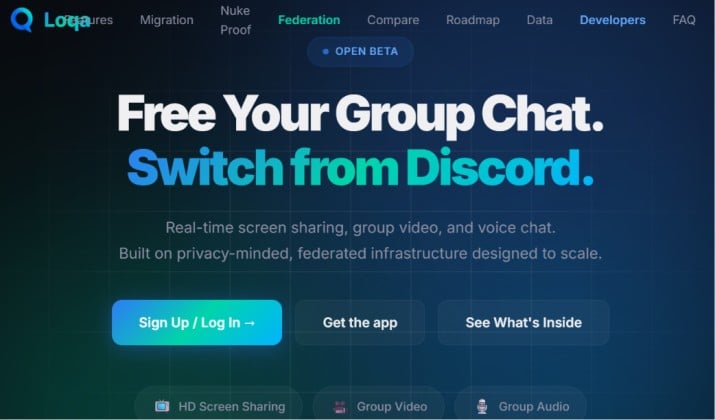
Privacy-first Discord-compatible chat with HD screen sharing
Loqa feels familiar if you already use Discord, and that is intentional. It is a Discord compatible chat platform built for communities that care about privacy and performance.
You get servers, roles, threads, voice channels, and community spaces that work like you expect. The big upgrade is how it handles screen sharing.
You can start group video calls with screen sharing in two clicks. There is HD screen sharing with audio support, so your friends hear your game, your video, or your music while you share.
It stays low latency even with 20+ people watching. For community owners, you get private servers and public spaces with real moderation tools.
Why it stands out:
- Discord style layout, so your members need zero learning
- HD screen sharing with system audio, even on browser
- Browser based community platforms with screen sharing, no heavy download for guests
- End to end encrypted DMs and private group options
- Native monetization, events, and roles
App link: Web App
Pricing: Loqa Chat is currently available as a free open beta. The platform features free access for regular members, with future monetization planned around optional premium features
2. Slack
Huddles and screen sharing for teams
If your community is more work focused, Slack is still hard to beat. It is not just text chat. Slack huddles give you instant voice chat and screen sharing that feels light and fast. You jump into a huddle, share your screen, draw on it, and everyone follows.
For community chat apps with screen sharing, Slack works best when you want organized channels, threads, and integrations with 2,600+ tools.
You can run community spaces for courses, startups, or creator clubs. Screen sharing in private servers and community spaces is simple, and you control who can join.
Best for: Remote teams, creator communities, and professional groups who need screen sharing for presentations, co-browsing, and remote collaboration.
Top Features:
- One click huddle with screen sharing and audio support
- Multiple people can share at once in huddles
- Built in recording, transcripts, and clip creation
App links: Slack Web | App Store | Play Store
Slack Pricing: Free plan available, Pro starts at $4.38 per user per month, Business+ costs $9 per user per month.
3. Microsoft Teams

Screen sharing and video meetings
Microsoft Teams is one of the best voice chat and screen sharing platforms if you already live in Microsoft 365. It handles large communities, live events, and serious screen sharing without lag.
You get group video calls with screen sharing for up to 300 people, plus PowerPoint Live, whiteboard, and co browsing. If you host workshops, classes, or all hands, Teams keeps everything stable. Audio stays clear, and you can share a specific window or your entire desktop with system audio.
Best for: Large communities, education groups, and teams that need real meetings.
Top Features:
- 4K screen sharing with audio support
- Presenter modes and spotlight
- Breakout rooms for community events
App links: Microsoft Teams Web | App Store | Play Store
Pricing: Microsoft Teams pricing ranges from $4.00 per user per month for standalone small business plans up to over $20–$50+ per user per month for comprehensive Microsoft 365 bundles that integrate Teams with full desktop productivity apps, enterprise security, and AI capabilities.
Also read: Top Microsoft Teams Tips and Tricks
4. Telegram
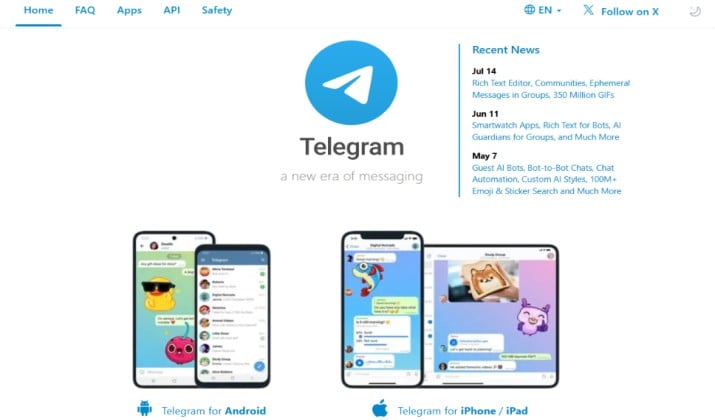
Group chat and calls with large communities
Telegram is not a classic Discord clone, but it is one of the most popular Discord alternatives with screen sharing for huge groups. You can have 200,000 members in a group, unlimited subscribers in a channel, and voice chats that turn into live events.
Screen sharing lives inside Telegram group calls and video chats. You start a voice chat in your group, turn on video, then share your screen with audio. Viewers join from mobile or desktop, and you do not force everyone to install a gaming app.
Best for: Creators, crypto communities, and large public groups.
Top Features:
- Screen sharing with audio support in group calls
- Live streaming your screen to thousands
- Instant join via browser based screen sharing with no download required on desktop
App links: Telegram Web | App Store | Play Store
Pricing: Telegram is free to download and use for basic messaging, but optional Telegram Premium costs $4.99 per month or $35.99 per year through standard mobile app stores.
Read this too: How to Use Telegram Without Phone Number
5. Signal
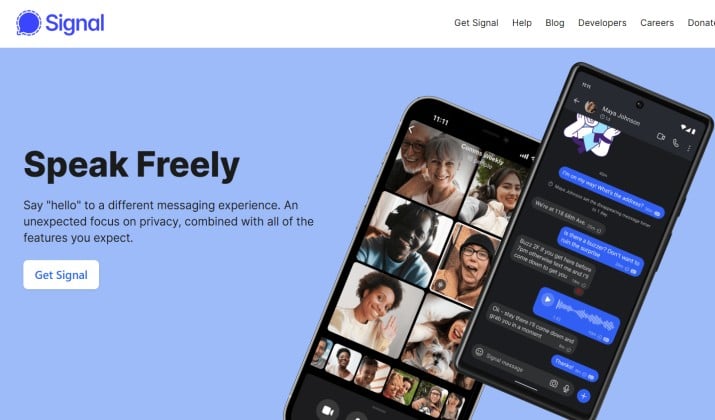
Private groups with secure messaging and screen sharing alternatives
If privacy is your number one filter, Signal belongs on your list of privacy first Discord alternatives with voice and video chat. It offers end to end encrypted chat with screen sharing in one to one and group calls.
Signal caps groups at 1,000 members, so it works better for tight knit communities, masterminds, or family and friends. You start a group call, share your screen, and know no one can snoop. It does not have Discord style servers, but it nails secure voice and screen sharing.
Best for: Private communities and anyone who wants end to end encrypted chat with screen sharing.
Top Features:
- Encrypted group calls with screen sharing
- Screen sharing with audio support on desktop
- No tracking, no ads
App links: Signal Website | App Store | Play Store
Pricing: Completely free and open source. Donation supported.
Another interesting read: Best Signal Alternatives
6. TeamSpeak
Low-latency voice for gamers
Gamers who search for low latency screen share for gaming communities still swear by TeamSpeak. You host your own server, you control everything, and voice latency is lower than Discord in many tests. TeamSpeak 5 finally added proper screen sharing.
You get ultra low latency voice, military grade encryption, and screen sharing inside channels. If you want screen sharing in private servers and community spaces with zero bloat, TeamSpeak delivers. You trade fancy community features for raw performance.
Best for: Competitive gaming squads, esports teams, and self hosted communities.
Top Features:
- Ultra low latency voice with screen share
- Direct peer connection options for even lower delay
- Self hosted option for total control
App links: TeamSpeak Website | App Store | Play Store
Pricing: TeamSpeak is free for personal use up to 32 slots on a self-hosted server. For larger groups, official managed community plans start at $4.99/month, annual self-hosted Gamer licenses range from $55 to $500/year, and third-party hosting providers offer customized slot packages starting around $2.99/month.
7. Jitsi Meet
Browser-based video calls and screen share
Jitsi Meet is the go to for browser based screen sharing with no download required. You open a link, you share your screen, you talk. No account needed. That makes it perfect for quick collabs, interviews, and community office hours.
It is open source, so it fits the open source Discord alternatives with screen share category. You can self host it, add end to end encryption, and embed it inside your community site.
For screen sharing apps for gaming communities and online events, Jitsi works when you want speed over permanence.
Best for: Events, office hours, and communities that want instant access.
Top Features:
- One click screen sharing with audio support
- No download, works fully in browser
- Unlimited time for self hosted meetings
App links: Jitsi Meet Web | App Store | Play Store
Pricing: Jitsi Meet core software is completely free and open-source. Self hosted is free. he public web app is free, managed hosting via 8×8 Jitsi as a Service starts at $99/month (or $0.35 per active user), and self-hosting requires paying cloud infrastructure providers like AWS (roughly $40–$200+/month).
8. Circle
Community platform with events and native monetization
Circle is not a chat clone. It is a modern community platform that replaces Discord for creators who want to charge, teach, and host events. If your Discord feels chaotic, Circle gives you structure with spaces, courses, and live events.
Screen sharing comes from native live rooms and integrations with Zoom and YouTube. You can run group video calls with screen sharing, host workshops, and keep recordings inside your community. For monetization, Circle beats Discord. You get subscriptions, paywalls, and email built in.
Best for: Paid communities, course creators, and brands.
Top Features:
- Live rooms with screen sharing for presentations, co-browsing, and remote collaboration
- Event hosting with recording and chat
- Integrated co hosting and screen sharing with audio support via embedded tools
App links: Circle Web | App Store | Play Store
Pricing: Circle community platform pricing starts at $89 per month for the Professional plan and goes up to $199 per month for the Business plan when billed annually. There is no free tier, but a 14-day free trial is available.
9. Rocket.Chat
Secure team communication with screen sharing
Rocket.Chat is an open source Discord alternative with screen share that you can self host. If you care about data ownership, you will like it. You get channels, threads, voice, video, and screen sharing with audio support, all on your own server.
It supports real time screen sharing with voice chat, federation, and guest access. You can create private servers and community spaces, add SSO, and keep everything compliant.
It feels more like Slack than Discord, but for privacy focused teams it is a strong pick.
Best for: Privacy focused companies, universities, and open source communities.
Top Features:
- Built in video calls with screen sharing and audio
- Matrix bridge and federation for larger networks
- Self hosted with full admin control
App links: Rocket.Chat Web | App Store | Play Store
Pricing: Rocket.Chat pricing starts with a free Starter tier for small self-managed teams. Paid options typically begin around $8 per user per month for Pro features, while Enterprise and specialized government or defense tiers require custom quotes via direct vendor consultation.
10. Element
For secure communities and calls
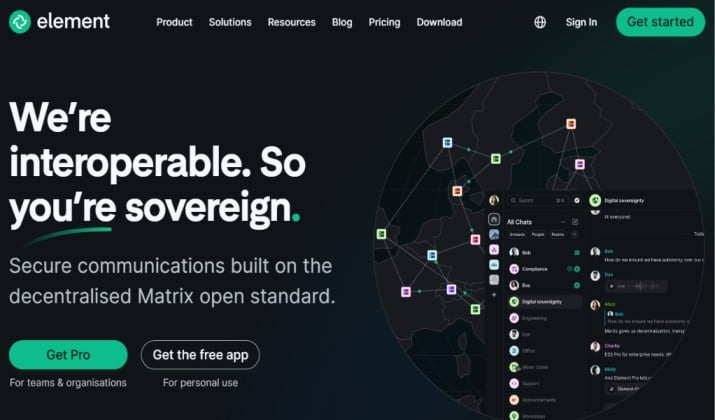
Element runs on Matrix, the decentralized open protocol. Think of it as an open source Discord alternatives with screen share that you truly own. You get large rooms, spaces that work like Discord servers, and encrypted voice and video.
Screen sharing works through Element Call, which gives you group video calls with screen sharing that are fully encrypted.
You can host your own Matrix server, bridge to Discord, Slack, and Telegram, and keep your community chat apps with screen sharing connected.
Best for: Tech communities, activists, and anyone who wants decentralized chat.
Top Features:
- End to end encrypted group calls with screen sharing
- Browser based screen sharing with no download required via Element Call
- Interoperability with other platforms
App links: Element Web | App Store | Play Store
Pricing: Element offers a free tier, with paid business and enterprise plans starting around $3 to $5 per user per month. Pricing applies equally to cloud-hosted or on-premise deployments, scaling up based on feature requirements and support tiers
Which Screen Sharing App Should You Pick?
Plenty of solid options exist for best Discord alternatives with screen share, but the right choice depends on what you value most.
Slack works best for work style polish. Teams fits Microsoft based groups. Signal and Element lead on privacy. Jitsi wins for instant browser calls with no download.
For most communities that want Discord style ease plus stronger screen sharing, Loqa is the clear winner. It gives you familiar servers and roles, HD screen sharing with audio support, low latency voice, encrypted private spaces, and native monetization in one app. No trade off between quality, privacy, and community control.
Set up a space, invite members with a link, and test the screen share yourself.