
If you still check email in a browser tab, you miss a lot. A good desktop app brings all your inboxes together, works offline, and feels faster on Windows 11.
The problem is choice. The old Windows Mail app is gone, Outlook keeps changing, and every alternative promises to be the fastest or the most private.
This guide cuts through that noise. Here are the best email clients for Windows 11 that are actually worth installing right now. Each one is a real desktop application that handles modern Windows 11 features like notifications, dark mode, and touch properly.
I have included direct store and pricing links for each app so you can check the current numbers yourself.
Best Email Clients for Windows 11
1. Microsoft Outlook
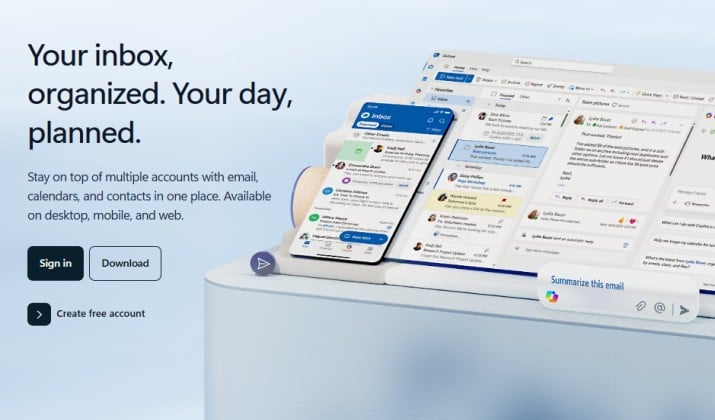
If you want the default standard, this is it.
Outlook remains the best desktop email client for people who live in Microsoft 365. It pulls email, calendar, contacts, tasks, and files into one place, and search is extremely fast even with a huge mailbox.
For Windows 11, you get two options:
- The new free Outlook that comes from the Microsoft Store handles Gmail, Yahoo, iCloud, and Microsoft accounts well.
- The classic Outlook that comes with Microsoft 365 is more powerful with offline PST files, mail merge, and advanced rules.
If you need the best email client for Microsoft 365, Outlook still wins on integration.
Key strengths:
- Best calendar and meeting integration on Windows
- Excellent search and rules
- Native support for Exchange, Gmail, and IMAP
Microsoft Outlook pricing: Free from Microsoft Store. Microsoft 365 Basic costs $19.99 per year and Microsoft 365 Personal is priced at $99.99 per year.
Also read: Best Browsers for Windows 11
2. Thunderbird
Thunderbird is the answer if you want a free email client for Windows 11 that does not track you. It is free, open source, and it costs nothing forever. No ads, subscription, or account limit.
It now looks much better on Windows 11, with a clean tabbed interface, unified inbox, built in calendar, and strong privacy tools.
Thinderbird is also a secure email client for Windows because it supports OpenPGP encryption out of the box and blocks remote images by default. You can add almost anything with add ons.
Key strengths:
- Completely free with unlimited accounts
- Open source and private
- Powerful filters and local folders for archiving
Pricing: Free forever. Optional donation to support development.
3. eM Client
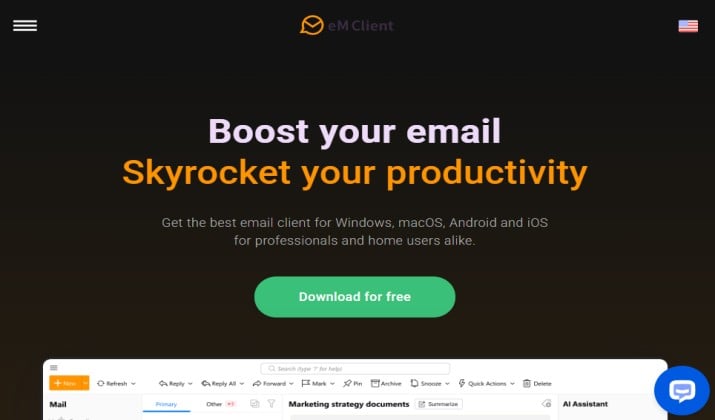
eM Client feels like what Windows Mail should have become. It is polished, fast, and built specifically for desktop.
If you need an email client for multiple accounts that stays light, this is one of the best Windows email client options.
It supports Gmail, Outlook, Exchange, iCloud, and any IMAP, plus calendar, contacts, tasks, notes, and chat.
It also has built in translation, snooze, templates, and AI tools for writing replies. For power users, its search and thread view are excellent.
eM Client pricing: Free for 2 accounts for personal use. One year subscription for Personal plan costs $49.95 for one person and across three devices. Business plans cost more.
Read this too: Best Browsers for Windows XP
4. Mailbird
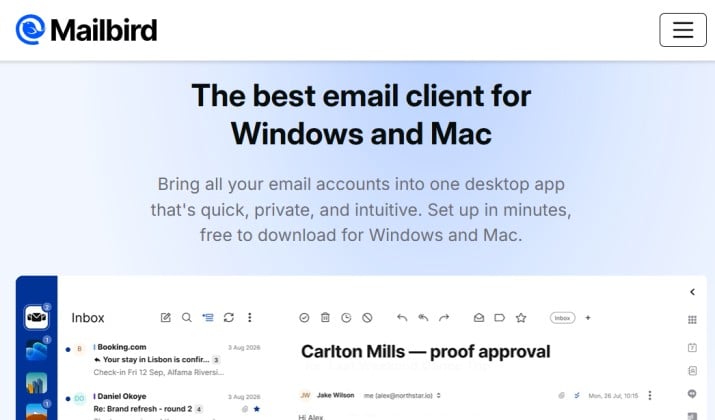
Mailbird was made for Windows first, and it shows. It is a lightweight email client for Windows 11 that feels snappy even on a budget laptop.
The unified inbox lets you manage Gmail, Outlook, Yahoo, and Exchange in one stream while keeping reply identities separate.
What sets it apart is the app panel. You can pin WhatsApp, Slack, Google Calendar, Todoist, Dropbox and many others right inside the email window.
It is also the best email client for Gmail on Windows if you want labels, snooze, and speed dial without opening a browser.
Mailbird pricing: Free for one account. Premium starts at $4.03 per user per month billed yearly or a one-time payment of $99.75 per user. Paid plans unlock unlimited accounts.
5. Spark Mail
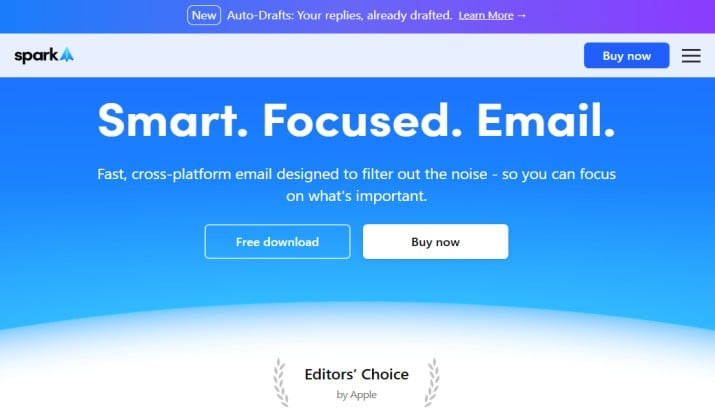
Spark Mail brings a modern, focused inbox to Windows. It automatically sorts newsletters, notifications, and important emails, so you see what matters.
It is also great for teams. You can share email threads, comment together, and assign emails like tasks.
If you compare desktop email apps for PC, Spark is one of the most polished for cross device use. It syncs perfectly between Windows, Mac, iPhone, and Android.
The free plan includes unlimited accounts and smart inbox, which is rare.
Spark Mail pricing: Free for core features. Plus is $8.25 per user per month or $99 per year per user. Pro is $16.58 per user per month or $199 per year with more AI meeting notes and team features.
Explore: Best Windows Media Player Alternatives
6. Mailspring
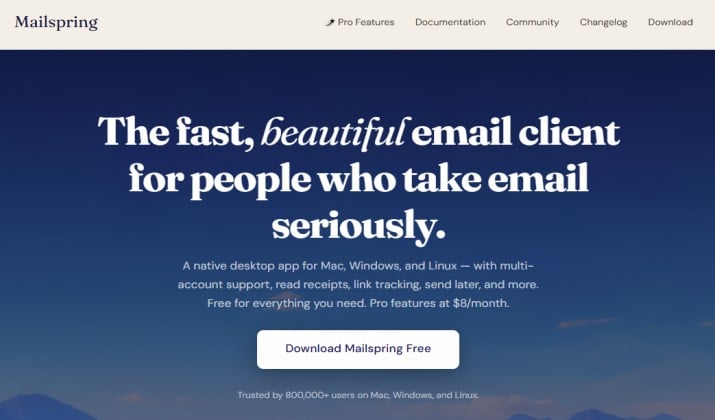
Mailspring is all about speed. It is built with a native C++ sync engine, so it indexes thousands of emails in seconds and searches instantly.
If you want free email programs for Windows 11 that feel light but still offer pro tools, this is a top pick.
The free version gives you multiple accounts, unified inbox, snooze, and read receipts preview. Pro adds full read tracking, link tracking, send later, and follow up reminders.
It also has a beautiful theme library that looks great on Windows 11.
Mailspring pricing: Free. Mailspring Pro is $8 per month or $85 per year.
7. BlueMail
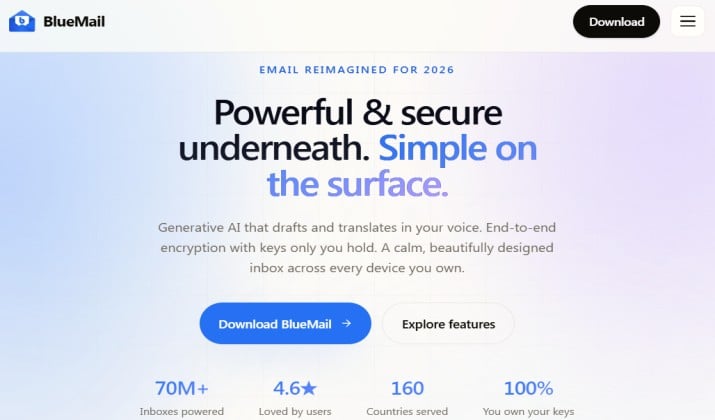
BlueMail is one of the most versatile free options.
It works with almost any provider, including Gmail, Outlook, Exchange, Office 365, Yahoo, iCloud, and IMAP. It also has a built in calendar, tasks, and contacts, and its GemAI assistant helps you write quick replies.
BlueMail is a good Windows Mail replacement because it keeps the simple look of the old Mail app but adds features like grouped emails, snooze, and smart notifications. For most home users, the free tier is enough.
BlueMail pricing: Free for personal use on Windows, Mac, Linux, Android, iOS. The Plus plan costs $3 per month. Team plan is priced at $8 per user per month.
8. Canary Mail
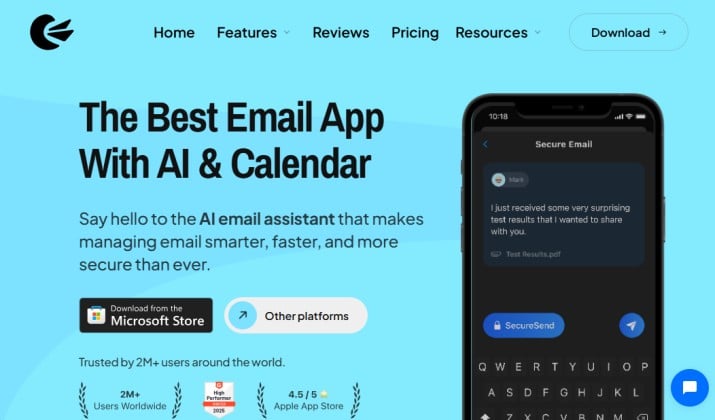
Canary Mail is the best pick if you care about privacy and AI at the same time.
It offers end to end PGP encryption, SecureSend for encrypted links, plus AI tools that summarize long threads and draft replies in your tone. It is an Outlook alternative for Windows 11 that feels more modern and less cluttered.
Canary Mail supports unlimited accounts on the free plan for up to 2 devices, and paid plans unlock more devices and advanced security.
Canary Mail pricing: Free forever. Growth plan costs $3 per month or $36 per year. Pro+ is $10 per month or $100 per year.
9. Spike

Spike turns your email into chat. It removes headers and signatures and shows conversations like messages, which makes fast moving inboxes much easier to handle. It also combines email, team chat, video calls, tasks, and notes in one app.
If you get overwhelmed by formal email threads, Spike helps you breathe.
It groups emails by person, not just subject, and lets you create tasks directly from a message. It is a paid email client for Windows 11 worth trying if you want email to feel more human.
Spike pricing: Free for personal email addresses. Pro plan costs $6 per user per month and the Ultimate plan is proced at $12 per user per month and billed annually.
10. Wino Mail
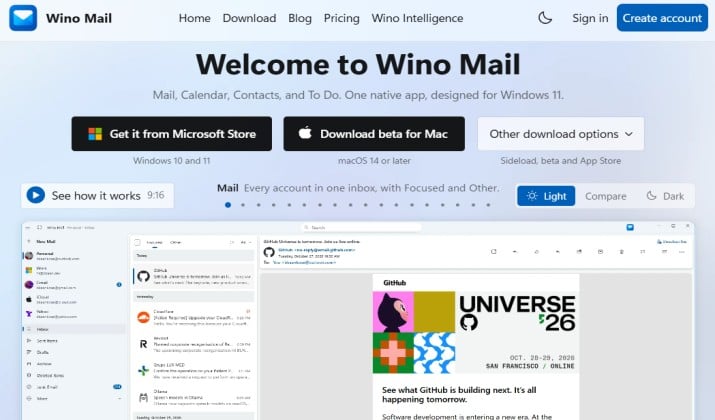
Wino Mail is built only for Windows 11 and it feels that way.
It is native, fast, and looks exactly like the old Windows Mail app that Microsoft retired, which many people loved. If you want a Windows Mail replacement without learning a new layout, this is it.
It is also open source and lightweight, so it starts quickly and uses little RAM. You can add multiple accounts and switch between them with a clean sidebar. It is the simplest way to get a familiar experience back.
Pricing: Free for up to 3 accounts.
Windows 11 Email Client Comparison
After testing all of these for daily use, the best email clients for Windows 11 fall into three clear groups.
If you want free and private, Thunderbird is unbeatable. It costs nothing, keeps your data local, and gives you total control. Wino Mail is the best lightweight free alternative if you only need a simple, native Windows experience.
In case power and business features are your priorities, Outlook still leads, but eM Client gives you 90 percent of Outlook for a much smaller one time fee. It is faster, cleaner, and a great alternative for users who do not need Microsoft 365 everywhere.
If you want modern design and speed for multiple Gmail and work accounts, Mailbird and Spark are the two best bets. Mailbird wins for Windows first design and app integrations. Spark wins for team collaboration and cross device polish.
So Which One is the Best Overall?
For most Windows 11 users, eM Client is the best choice.
It balances everything people actually need, is not as heavy as Outlook, not as basic as Wino Mail, and not as expensive as monthly subscriptions like Spark Pro or Spike.
You get a true best desktop email client experience with unified inbox, calendar, encryption, AI writing, and excellent search, plus a free tier to test with two accounts.
The one time license option makes it cheaper over two years than almost every other paid option, and it feels fully at home on Windows 11.
If you live in Microsoft 365 all day, stay with Outlook. For everyone else who wants one app that handles email beautifully without turning email into another complicated tool, eM Client is the one to install first.