FileBot is the tool that turns messy files like Show.S03E12.1080p.x264-GROUP.mkv into clean, Plex-ready names like Show - S03E12 - Title and fetches the right subtitles automatically.
So why is everyone looking for an alternative? That old $20 lifetime license is gone. FileBot now costs $6 for 1 year or $48 for life and throws a License Error: UNREGISTERED if you don’t pay. People are also ditching it because the interface is dated, it’s overkill for anime-only libraries, and it can’t auto-track new episodes as modern tools can.
We tested numerous tools and shortlisted the best FileBot alternatives that actually work for you.
Best Filebot Alternatives
1. TVRename
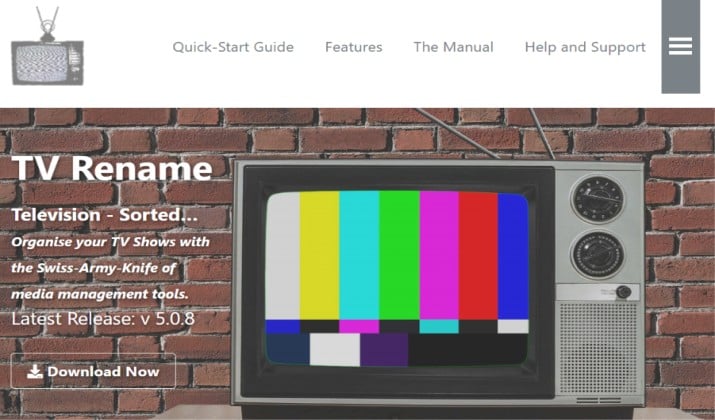
TVRename remains the best direct replacement for FileBot if you only care about TV shows.
It’s free, open-source, and actively maintained with its last stable release last year. You point it at your download folder, it identifies shows via TheTVDB, cleans ugly names, creates show/season folders automatically, and moves files to your Media Library.
It also downloads posters, generates metadata for Kodi, lists missing episodes with a built-in web search to find them, and tracks air dates for unaired shows.
You can set it to run automatically and delete empty folders. Less learning curve than FileBot thanks to its Quick Start Guide.
Price: 100% free
2. TinyMediaManager
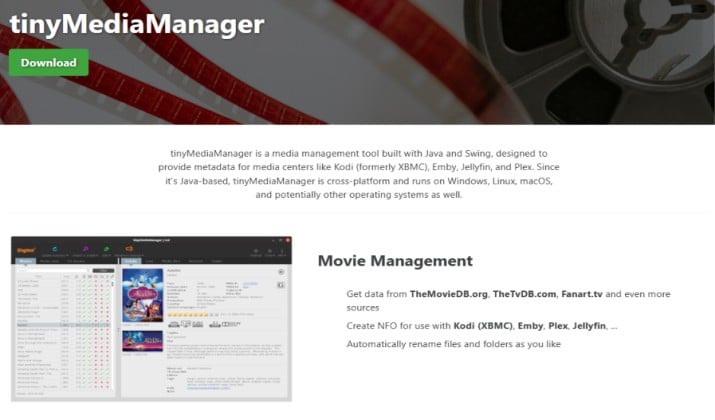
TinyMediaManager is the most complete free media manager this year.
It’s Java/Swing based, so it runs on Windows, macOS, and Linux. Unlike FileBot which just renames, it scrapes full metadata, posters, logos, fanart, and trailers from TMDB, TVDB, IMDB, Fanart.tv, and HD Trailers.
It creates NFO files for Kodi and MediaPortal, renames movies into collections like Harry Potter or Mission Impossible, downloads subtitles from OpenSubtitles, and has a powerful bulk renamer for all associated files.
The old 50-movie scraper limit in the free version is gone.
Price: Free, donation supported.
3. MediaElch
MediaElch is a free, open-source media manager built specifically for Kodi that also works as a powerful renamer.
It scrapes movies and TV shows from TMDB, TVDB, and IMDB, and uniquely also handles music and concerts by scraping from The AudioDB, AllMusic, and Discogs, something FileBot doesn’t do at all.
You can automatically download fanart, posters, and clear art from Fanart.tv, generate NFOs that Kodi reads perfectly, export your entire library to HTML for browsing, and use its advanced renaming module with custom patterns.
If you have a large music concert collection alongside movies, this beats FileBot. It’s also great because you can manually edit all metadata before saving, and it handles movie sets, actors, and trailers natively without needing extra plugins.
Price: Free
Also read: Best Kodi Alternatives
4. Sonarr
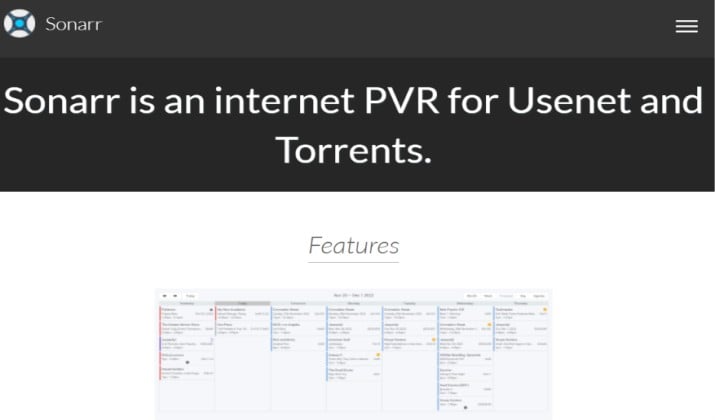
Sonarr is more than just a renamer, it’s the reason many people left FileBot for good.
It’s a PVR for Usenet and BitTorrent that monitors RSS feeds for your favorite shows, automatically grabs new episodes in your preferred quality (1080p, 4K, etc.), then renames and organizes them perfectly for Plex standards.
You get a calendar view of upcoming releases, manual search for missing episodes, automatic upgrade when a better quality appears, and full Ombi and Jellyseerr integration so you can request shows from your phone.
Once set up with Prowlarr and your torrent client, you never manually rename again. It also handles failed downloads and blacklists bad releases automatically.
Price: Free and open source.
5. Radarr
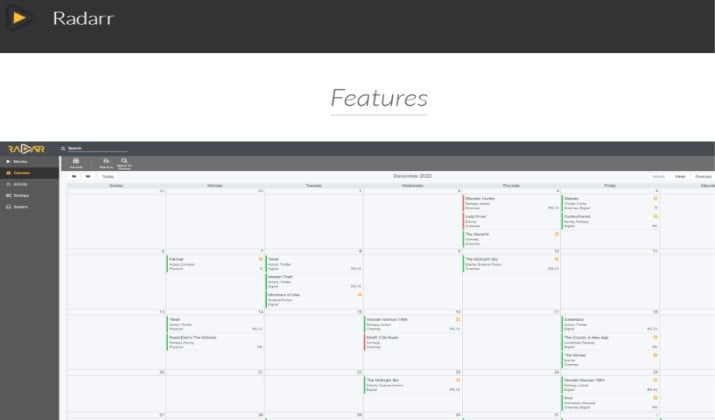
Radarr is the movie fork of Sonarr. If you liked what Sonarr does for TV, Radarr does the same for movies.
It integrates with Prowlarr and Jackett to support hundreds of torrent trackers that FileBot never touches, watches your library for better quality releases, and automatically renames them with proper movie naming conventions.
You can set custom formats, quality profiles, and it will upgrade your 1080p to 4K Remux when available. Pair it with Bazarr for subtitles and you have a complete FileBot replacement for films that requires zero manual work after the initial setup.
It also syncs watchlists from Trakt and IMDb.
Price: Free and open source.
6. Bazarr
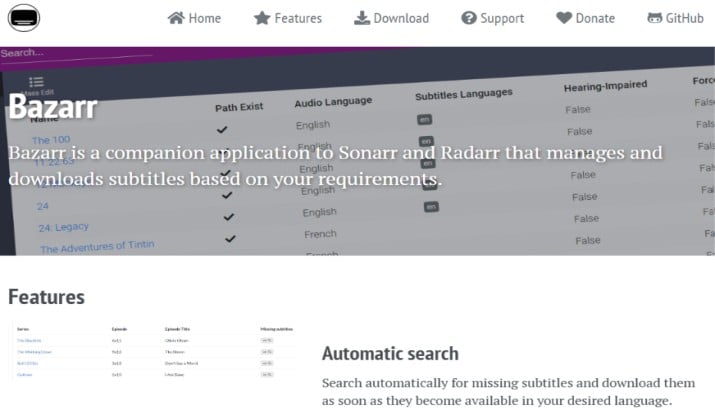
If you mainly used FileBot to fetch subtitles from OpenSubtitles, Bazarr is the modern replacement and it’s far more powerful.
It’s a companion app to Sonarr and Radarr that automates subtitles end-to-end. You set your languages and preferred providers once per series or movie, and Bazarr continuously downloads and upgrades subtitles, even for new episodes the second they appear.
It supports 30+ providers including OpenSubtitles.com, Addic7ed, Subscene, and YIFY, not just OpenSubtitles. It can also fix sync issues, upgrade to hearing-impaired subs, and force subtitles for foreign parts only.
If subtitles were your main reason for FileBot, switch to this.
Price: Free and open source.
Read this too: Windows Media Player Alternatives
7. Shoko Anime
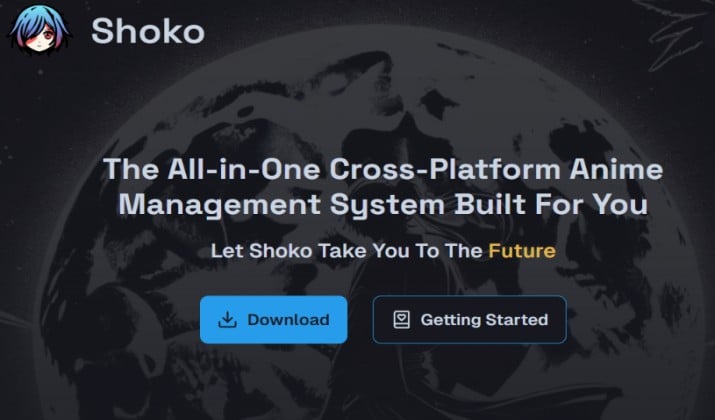
FileBot works for anime but Shoko Anime was built only for anime and it’s in a different league. Previously known as JMM (Japanese Media Manager), it’s still the top anime cataloging tool this year.
Instead of just parsing filenames, it hashes each file and matches it against the centralized AniDB database, so it gets the correct name even if the file is completely mislabeled like vid_123.mkv. It then populates your library with series info, characters, related series, air dates, and relations.
It finds missing episodes, removes duplicate files that clog your drive, automatically tags files, and integrates with Plex, Kodi, and Jellyfin via Shoko plugins.
If your library is 50%+ anime, FileBot can’t compete.
Price: Free and open source.
8. Lidarr
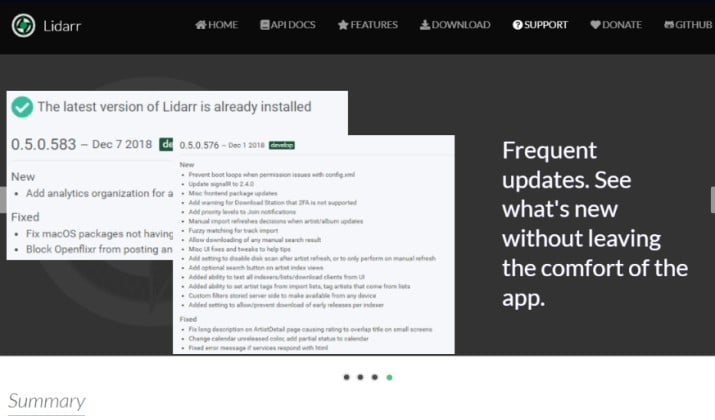
Lidarr completes the Arr stack as the music version of Sonarr/Radarr.
Designed for Usenet and BitTorrent users who torrent music, it monitors RSS feeds for new releases from your favorite artists, grabs them, sorts them into Artist/Album folders, and renames them with proper metadata from MusicBrainz.
If you needed FileBot to clean up music files like 01 - track.mp3, this is far better because it also handles metadata tagging, album art, and quality upgrades.
It can monitor entire discographies and automatically grab new singles as soon as they drop. Pairs perfectly with Spotify and Last.fm lists.
Price: Free and open source.
9. Advanced Renamer
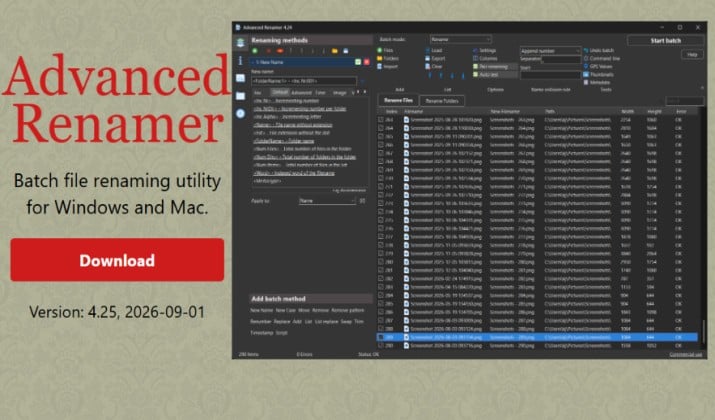
If you need to rename more than just movies and TV shows, Advanced Renamer is the most versatile free option.
It offers 14 different renaming methods. You can add, remove, replace, move, change case, or build entirely new names from scratch.
It reads EXIF data from photos, GPS coordinates with a database of over 100,000 cities to add city/state names, ID3 tags for MP3s, and TV Maze data for TV shows.
You can also generate image thumbnails, change file attributes and timestamps in bulk, and see a live preview before applying anything.
It is available in multiple languages and works on Windows 7 through 11. If your library is a mix of DSLR photos, music, and video files, this is the perfect option.
Price: Free for personal use.
10. Bulk Rename Utility
Bulk Rename Utility is a Windows-only powerhouse built for renaming thousands of files in one click.
You can remove digits or symbols, add parent folder names to files, replace text, add dates, auto-number files, and use regular expressions or JavaScript for complex rules.
It supports EXIF data for photos and ID3 tags for MP3s, shows a full preview before renaming, and offers a portable version that needs no installation.
The interface has many panels at first, but that’s where the power is. You can combine 13 criteria at once and save them as reusable presets. It’s built for any file type, not just media.
Price: Free for personal use.
11. Kometa
Kometa is a powerful, free tool built specifically for Plex that automates what FileBot only does manually.
Instead of just renaming files, it automatically builds collections, adds posters, overlays, and metadata from TMDB, TVDB, MDBList, Trakt, and Letterboxd.
You can create smart collections like “Trending on Netflix,” “IMDb Top 250,” or “Studio Ghibli” with a simple YAML config, and it will keep them updated daily.
It handles overlays for 4K, HDR, audio formats, and streaming services, and organizes movies into sets without you touching a single file. If your end goal is a perfect-looking Plex library, this does what FileBot can’t.
Price: Free and open source.
12. Media Companion
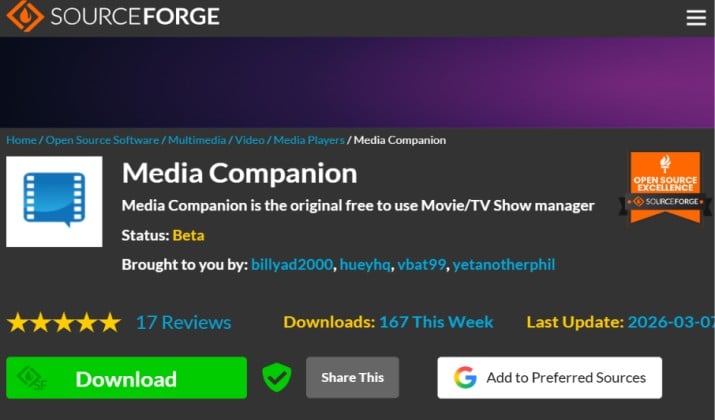
Media Companion is a free media management tool that lets you catalog both movies and TV shows in one place.
It downloads posters from IMDB, fanart from Fanart.tv, episode screenshots, and trailers from IMDB and Yahoo, and lets you set custom rules to automatically rename folders.
It offers full XBMC/Kodi integration, displays detailed media info, actor biographies, and supports scraping in multiple languages.
You can batch-edit metadata, manage watched status, and create custom NFOs. It’s a great middle-ground between a simple renamer and a heavy full manager.
Price: Free, donation-supported.
13. Ant Renamer
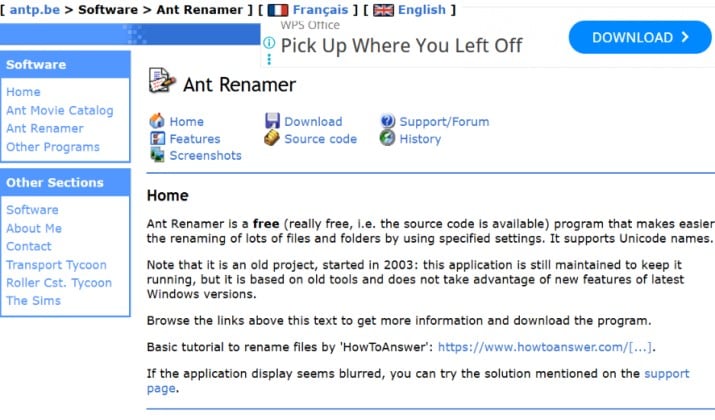
Ant Renamer is a 290KB portable tool that is still popular because it launches instantly and just works.
It doesn’t scrape online databases like FileBot, but for pure batch renaming it supports regex, case changes, enumeration, and metadata-based renaming using EXIF and ID3 tags.
Plus, it handles Unicode filenames correctly, has no ads or installer, and pairs well with Ant Movie Catalog if you collect DVDs or audio CDs and want to catalog physical media.
It’s perfect when you need to quickly fix 500 files without installing a large application.
Price: Free and open source.
14. PowerRename
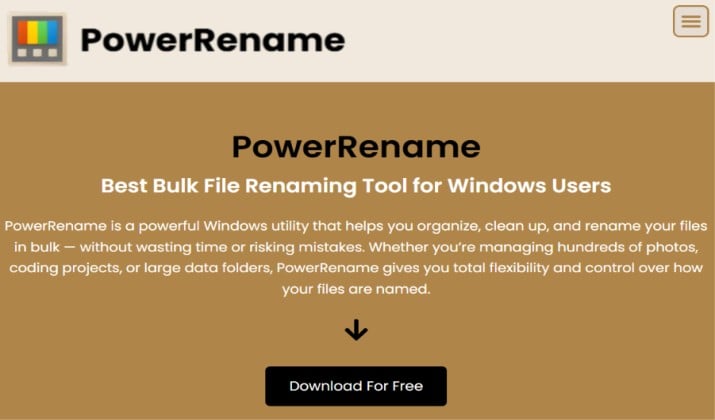
PowerRename is Microsoft’s official free bulk rename utility included in PowerToys for Windows 10 and 11.
It lives right inside File Explorer’s right-click menu and gives you search and replace, regular expression support, case transformation, and a live preview.
You can rename files in subfolders recursively, exclude specific files, and add automatic numbering. Beyond PowerToys, you need no other install.
It’s not a metadata scraper, but for fast, safe batch renaming directly in Windows, it’s now the standard choice.
Price: Free
15. RenameFlow
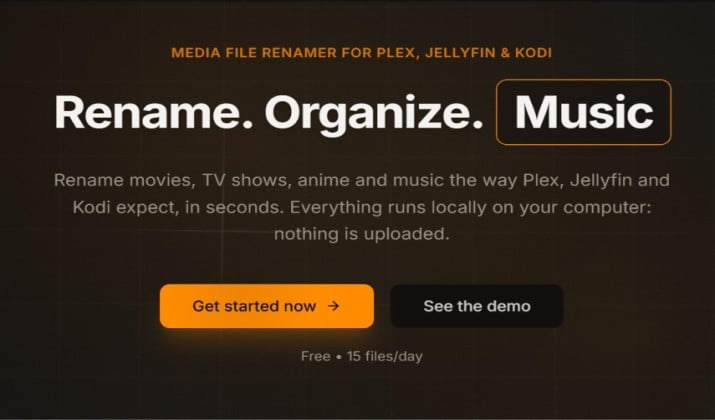
RenameFlow is the browser-based FileBot replacement that runs entirely in your browser with no install and no Java, giving you a clean, modern interface that handles movies, TV shows, and anime in one place.
You just drag and drop files, it identifies them using TMDB and TVDB, renames them to Plex/Kodi standards, and fetches subtitles automatically.
It’s ideal for NAS users because you can manage your library from any device without remote desktop, and it compares directly to FileBot 5.x in its feature table.
If you found FileBot’s desktop UI dated and wanted something faster and lighter, this is it.
Price: Free tier available
16. SortIQ
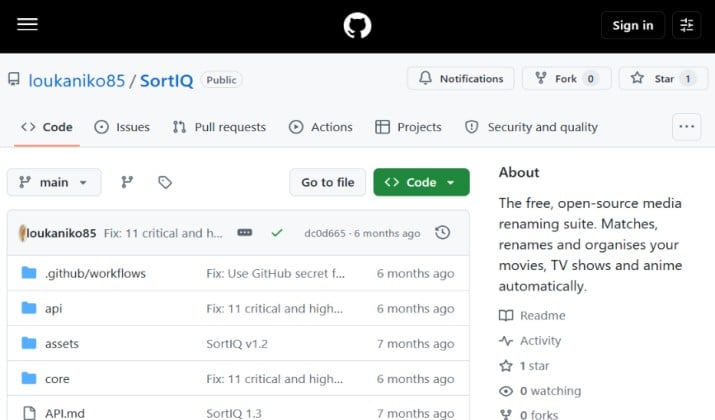
SortIQ is an AI-powered media organizer that identifies and sorts files even when filenames are completely unreadable. It uses content recognition to figure out what a file actually is, then renames it automatically based on that data.
It acts as a full media server automation hub with Plex, Emby, and Jellyfin integration, supports automatic torrenting workflows, and handles adult content metadata which most other tools don’t.
With a clean interface, active Discord support, and direct comparisons to FileBot and TinyMediaManager in its feature table, it’s built for users who want full automation without manual work.
Price: Free to start.
Wrapping It Up: What Is The Best Filebot Alternative?
For most users looking for a direct free replacement for FileBot, TinyMediaManager is the winner.
It covers the core features FileBot is known for, including renaming, metadata scraping, poster and fanart downloads, and subtitle support. It works on Windows, Mac and Linux, it is free and donation supported, and it is actively updated.
If you want to stop renaming files manually altogether, the better long term setup is Sonarr for TV, Radarr for movies, and Bazarr for subtitles. Once configured, this stack finds, downloads, renames and adds subtitles automatically.