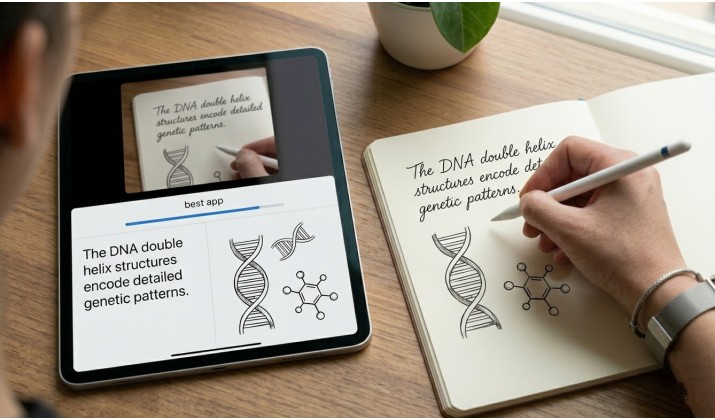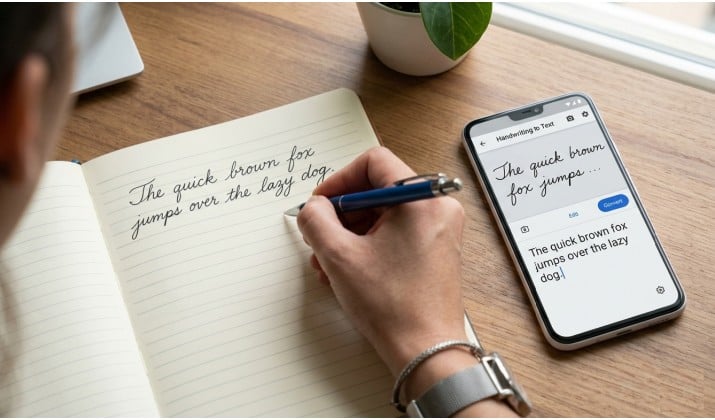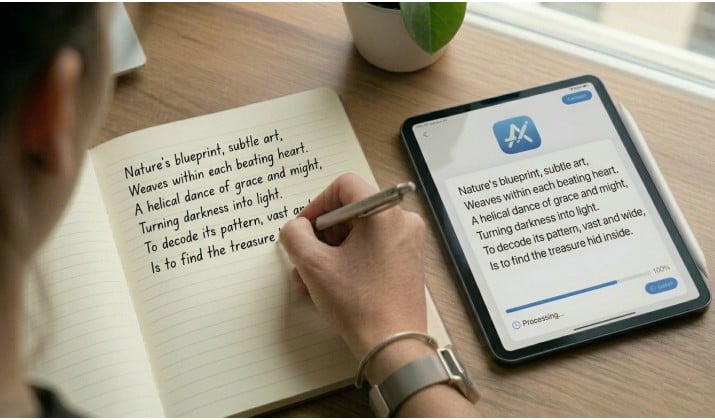
You’ve got stacks of handwritten notes, old journals, or lecture scribbles piling up. You want them on your phone, searchable, editable, and ready to share. Good news: you can make that happen today, thanks to the best handwriting recognition apps.
These apps can scan handwriting and convert it to editable text using AI-powered OCR and intelligent character recognition. Some work great for students. Others focus on business forms, old archives, or messy cursive writing. A few even work offline, which helps if you care about privacy.
Below, I walk you through 10 of the best handwriting recognition apps that turn your pen strokes into digital text. You’ll see which ones work on Android and iOS, which handle cursive handwriting, which run offline, and which export to Word, PDF, TXT, and cloud storage. Pick the one that fits how you work.
What Makes a Great Handwriting Recognition App?
You need more than a basic scan. The best handwriting recognition apps do three things well. First, they convert handwriting to text app style so you can edit and copy it. Second, they keep your formatting or structure intact. Third, they let you search your handwritten notes to digital text later.
The best handwriting recognition apps usually include:
- AI powered handwriting OCR
- Intelligent character recognition (ICR)
- Support for cursive handwriting
- Cloud syncing
- PDF and Word export
- Multi page scanning
- Offline handwriting recognition
- Search inside scanned notes and PDFs
- Mobile and desktop support
Some apps also recognize diagrams, tables, forms, and historical documents.
Let’s get into the apps.
1. Nebo by MyScript
If you want one of the easiest handwriting recognition apps for beginners, Nebo deserves a top spot.
Built on MyScript technology, Nebo turns handwritten notes into clean digital text in real time. You can write naturally with a stylus and watch your handwriting transform instantly.
It works especially well for:
- Students taking lecture notes
- Tablet users with stylus support
- Diagram creation
- Math equations
- Multi language handwriting recognition
Nebo also lets you export notes to Word, PDF, and plain text formats. The app handles messy handwriting better than most competitors.
Why people love it:
- Smooth handwriting to text conversion
- Excellent Apple Pencil and S Pen support
- Fast syncing across devices
- Converts handwritten notes to digital text accurately
Platforms: Available on Google Play Store, and Apple App Store.
2. Pen to Print
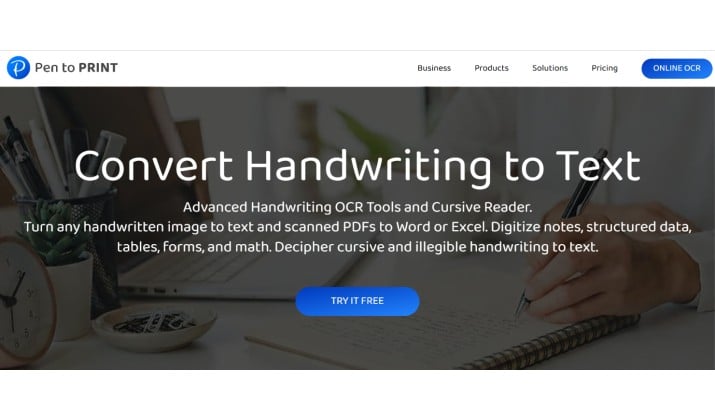
Pen to Print focuses almost entirely on converting handwriting into digital text. Unlike some note taking apps, this one specializes in OCR scanning. You simply snap a photo of handwritten pages, and the app converts them into editable text.
This makes it ideal if you already write in physical notebooks.
You’ll appreciate it for:
- Fast camera scanning
- Converting cursive handwriting to text accurately
- Simple interface
- Quick exports to text apps and email
The app works well for casual users who want a lightweight solution.
Platforms: Available on Google Play Store and Apple App Store.
3. ABBYY FineReader PDF
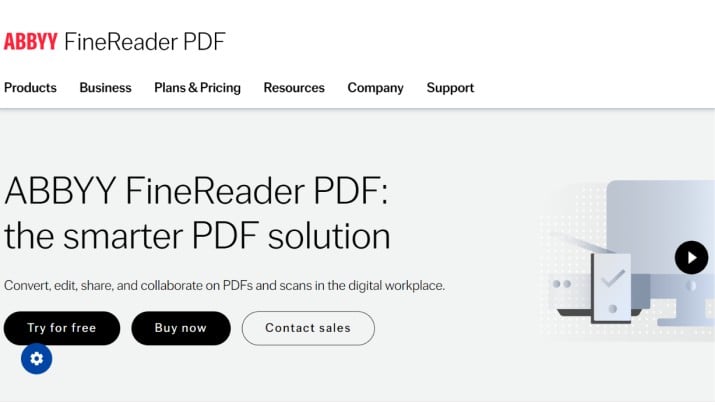
ABBYY FineReader handwriting OCR features make it one of the strongest enterprise grade options available today.
This software shines when you need accuracy across large volumes of documents. Businesses often use it for contracts, forms, and archived paperwork.
What stands out:
- Excellent OCR accuracy
- Intelligent character recognition for forms
- Handles structured business documents
- Converts scanned pages into editable formats
- Supports cloud storage integration
If you manage paperwork daily, this is one of the best handwriting OCR tools for business.
Platforms: Available for iOS and Windows.
4. PDFelement
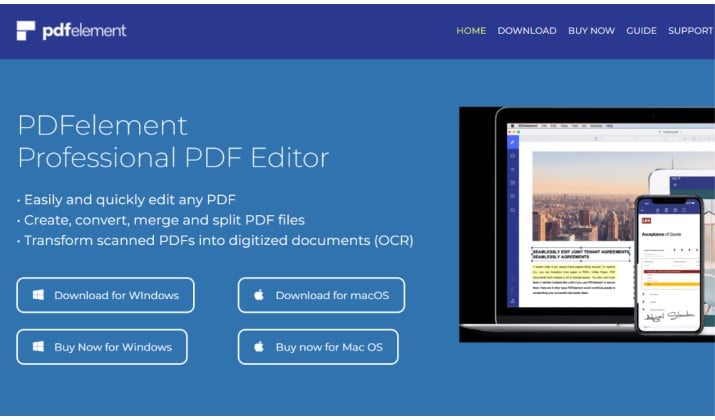
PDFelement handwriting recognition and OCR app support makes it popular among professionals handling scanned documents.
This tool focuses heavily on PDF editing and OCR. If you regularly scan notebooks, signed forms, or printed documents with handwritten comments, PDFelement handles the workflow nicely.
You can:
- Scan handwriting and convert to editable text
- Export files to Word, TXT, and searchable PDFs
- Batch convert multiple handwritten pages or notebooks
- Organize large document collections
Its OCR engine supports multiple languages and structured documents.
Platforms: Available for Windows, Mac, iOS, and Android.
Also read: Best Apps to Convert Handwriting to Text on iPad
5. Google Lens
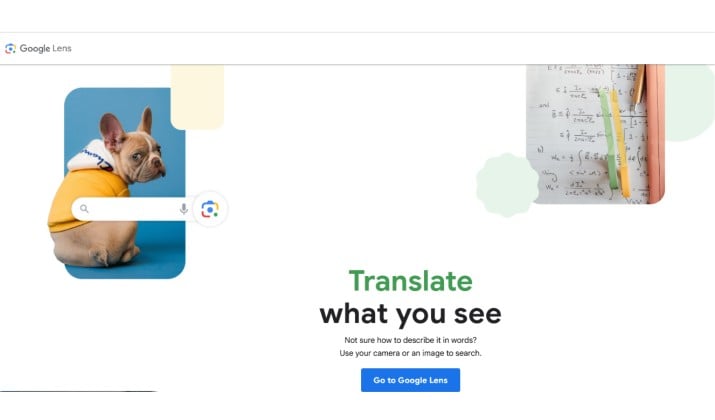
Google Lens surprises many people with how well it handles handwritten text. You simply point your phone camera at a notebook page, and the app extracts editable text within seconds.
This option works best for quick tasks like:
- Copying handwritten recipes
- Saving classroom notes
- Sharing written instructions
- Extracting text from whiteboards
It’s free, fast, and already available on many Android devices.
If you want a simple handwriting recognition app Android iOS users can access quickly, Google Lens works beautifully for everyday scanning.
Platform: Android
6. Microsoft OneNote
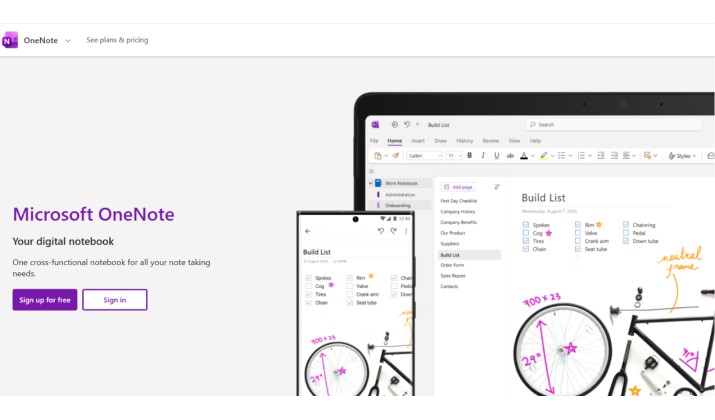
OneNote often flies under the radar when people discuss handwriting OCR tools and software.
The app includes powerful ink to text features that let you convert handwriting into typed notes. You can also search handwritten words inside notebooks, which saves a lot of time when your notes pile up.
OneNote works best if you already use Microsoft tools for school or work.
Key highlights:
- Search handwriting inside PDFs and scanned documents
- Sync notes across devices
- Supports audio, drawings, and images
- Great for classroom and meeting notes
The app performs well with neat handwriting, though extremely messy cursive may need some cleanup.
Platforms: Android, iOS, Windows, Web
Read this too: Best Handwriting to Text Apps
7. Transkribus
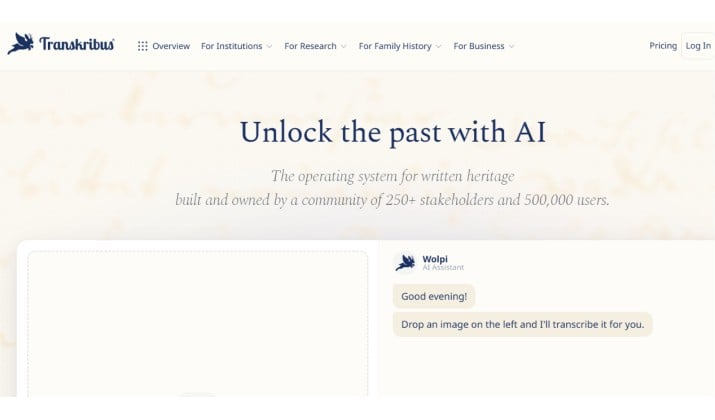
Transkribus handwriting OCR for historical documents and archives has become a favorite among researchers and historians.
Old letters, faded journals, and handwritten archives often confuse standard OCR systems. Transkribus handles these challenges much better because it trains AI models on historical handwriting patterns.
This app suits:
- Researchers
- Libraries
- Genealogy enthusiasts
- Archivists
- Museums
If you need handwriting recognition for historical documents, letters, and archives, this platform easily ranks among the best options available.
8. Google Document AI

Google Document AI targets businesses that process forms, invoices, and paperwork at scale.
This is not your typical note taking app. Instead, it focuses on enterprise handwriting OCR tools for business forms and structured documents.
It combines AI powered handwriting recognition with machine learning models that extract information automatically.
Businesses use it for:
- Insurance forms
- Healthcare records
- Financial paperwork
- Identity verification
- Large scale document automation
The setup feels more technical than consumer apps, but the accuracy can impress when handling structured forms.
Platforms: Cloud based
9. Evernote
Evernote has supported handwriting search for years, and it still works well for people who organize lots of notes.
You can scan handwritten pages, store them digitally, and search inside them later. That feature alone makes Evernote useful if your notebooks tend to pile up over time.
The app offers:
- Document scanning
- Cloud syncing
- Handwriting search
- Cross platform support
- Organization tools for large note collections
It’s especially useful if you want a balance between note management and handwriting recognition software for PC and mobile.
Platforms: Android, iOS, Windows, Mac, Web
You might like this: Best Handwriting Fonts for GoodNotes
10. Adobe Scan
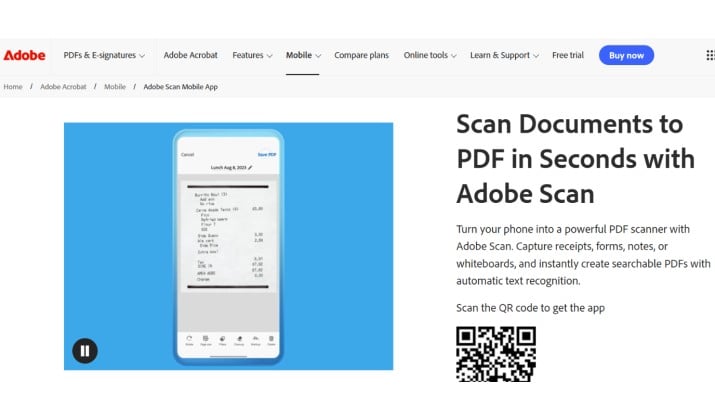
Adobe Scan combines mobile scanning with OCR features that turn handwritten content into searchable files.
It works particularly well if you store lots of PDFs.
Features include:
- Automatic edge detection
- Searchable PDFs
- Cloud syncing
- OCR processing
- Export options
While it handles printed text better than highly stylized cursive, it still ranks among the best handwriting recognition apps for casual and professional use.
How Do Handwriting Recognition Apps Convert Cursive Handwriting to Text?
Modern handwriting OCR tools rely heavily on AI models and intelligent character recognition.
Traditional OCR reads printed shapes. Handwriting OCR studies writing patterns, letter connections, spacing, and sentence flow. That’s why newer AI handwriting OCR vs legacy OCR suites show such a huge difference in accuracy.
Apps like Nebo and Pen to Print can often convert cursive handwriting to text accurately because they learn from massive handwriting datasets.
Several factors affect accuracy:
- Lighting quality
- Handwriting clarity
- Pen color
- Paper texture
- Camera angle
If your handwriting looks messy, try scanning pages in bright natural light for better results.
What’s the Difference Between OCR and Handwriting OCR (ICR)?
Standard OCR recognizes printed characters.
ICR, or intelligent character recognition, goes further. It identifies handwritten letters, numbers, symbols, and writing patterns. Here’s a simple comparison:
| Technology | Best For |
|---|---|
| Traditional OCR | Printed books, typed pages |
| Handwriting OCR / ICR | Notes, cursive writing, forms |
| AI powered OCR | Complex handwriting and mixed layouts |
Modern AI powered handwriting recognition apps often combine OCR and ICR together.
That combination helps apps process handwritten notes to digital text much more accurately.
Are There Any Free Handwriting Recognition Apps That Work Well?
Yes. Several free options perform surprisingly well.
Some of the strongest free tools include:
- Google Lens
- Microsoft OneNote
- Adobe Scan
- “Handwriting to Text Converter” apps on Google Play
Free apps usually include limits on exports, storage, or advanced OCR features. Still, they work perfectly for personal use and student notes.
If you only need to convert a few notebook pages occasionally, you may not need a paid subscription at all.
Which Handwriting Recognition Apps Work Offline and Protect Your Privacy?
Privacy matters when you scan personal journals, legal forms, or sensitive notes.
Some apps send data to cloud servers for OCR processing. Others offer offline handwriting recognition directly on your device.
Good offline capable choices include:
- Nebo
- Microsoft OneNote
- ABBYY FineReader PDF
Offline handwriting recognition helps protect private information because your files stay on your device.
That can make a huge difference for students, journalists, lawyers, and healthcare workers.
Can I Use Handwriting Recognition Apps To Digitize Old Letters and Journals?
Absolutely. Many people now use the best handwriting recognition apps to preserve family letters, journals, and historical records.
Apps designed for archival work usually perform better with faded ink and unusual handwriting styles. For this kind of work, Transkribus stands out the most. It specializes in historical handwriting recognition and supports archives, libraries, and research projects around the world.
If you’re digitizing personal journals at home, simpler apps like Adobe Scan or Pen to Print may already be enough.
Choosing the Right App for Your Needs
The best handwriting recognition apps depend on how you plan to use them.
If you’re a student, Nebo and OneNote make note taking easy. If you handle business paperwork daily, ABBYY FineReader and Google Document AI offer stronger OCR workflows. If you want quick scans from your phone, Google Lens and Pen to Print work beautifully.
Researchers and archivists will probably get the most value from Transkribus.
You don’t need perfect handwriting anymore to keep your notes searchable and organized. Modern AI powered handwriting recognition software for PC and mobile keeps improving every year, and many apps now deliver impressively accurate results even with cursive writing and messy notebooks.
Once you start converting handwritten notes to digital text regularly, it becomes hard to go back to manually typing everything yourself.