
Listening to music offline on iPhone should be simple. No signal hunting, data drain, or interruptions mid-flight. Just a tap and the music plays.
Streaming apps are great until you hit airplane mode. That is where a good offline music player app shines. It lets you listen to music without internet, keep your downloaded songs organized, and enjoy features that Apple Music does not always give you for local files.
I tested and compared the most relevant options to bring you the best offline music player apps for iPhone right now. All of these let you play music offline on iPhone, but they do it very differently.
1. Doppler MP3 & FLAC Player
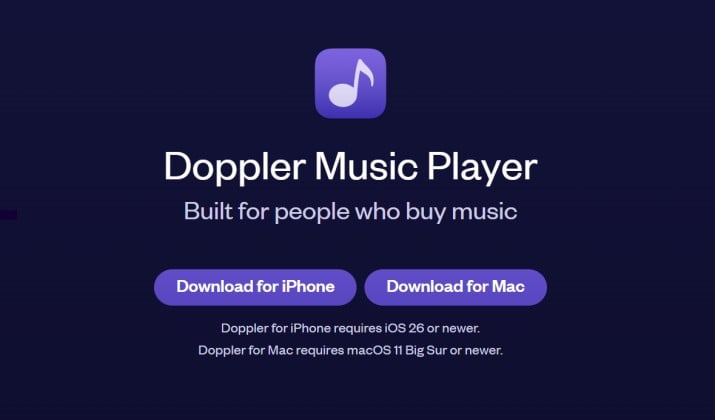
Best for: People who want a beautiful music player for MP3 files on iPhone and FLAC with zero ads.
If you have a personal music collection and you want it to feel premium, Doppler is hard to beat. It is built specifically as a music player for local files. You get a clean, modern design with no clutter.
You can import MP3 files to iPhone super easily. Connect your Mac or PC, use WiFi transfer, or pull from cloud storage. Doppler reads your tags automatically and organizes your local music library iPhone style, by artist, album, and genre.
It handles MP3, FLAC, WAV, AAC and more, so you can play FLAC files on iPhone without converting them. It also supports gapless playback, customizable artwork, and great lock screen controls.
If you want a true music player for personal music library management without a subscription, this is it.
Get it here: App Store
Pricing: The Doppler player for iPhone costs $9.00 in the App Store. It is a one-time purchase with no monthly subscriptions. A free 7-day trial is included to test features before buying.
2. VLC Media Player

Best for: Budget-conscious users who want a free offline music app without ads that just plays everything.
You already know VLC on desktop. Its iPhone version is one of the best free offline MP3 player options and it costs nothing. No ads, subscription, or catch.
VLC is a true offline audio player that plays literally everything. MP3, FLAC, WAV, ALAC, you name it. It is an excellent free music player without internet and works as a video player too.
You can import music files to iPhone via WiFi sharing, iTunes file sharing, or cloud services like Dropbox and Google Drive. It gives you an equalizer, background playback, and you can create playlists offline easily.
It is not the prettiest music library manager iPhone has, but for free offline music player functionality, it is unbeatable.
Get it here: App Store
Pricing: 100% free and open source.
Also read: Best Music Apps That Work Offline
3. Evermusic
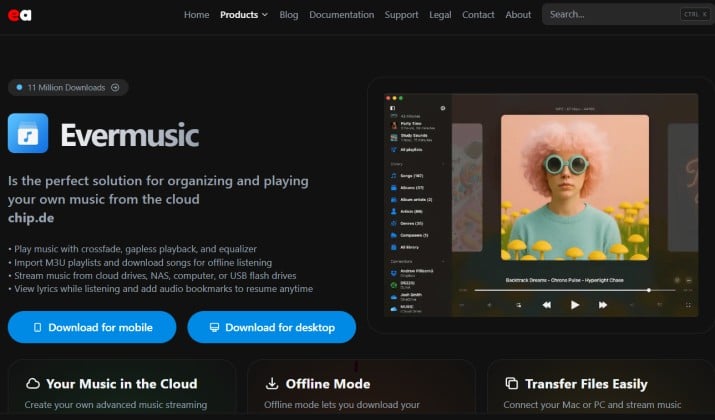
Best for: Anyone who wants to play downloaded music on iPhone from cloud storage without using your phone’s storage first.
Evermusic is built for people who live in the cloud but want offline music playback. Think of it as a music player for downloaded songs that connects directly to your cloud drives.
You can connect Google Drive, Dropbox, OneDrive, Box, and even your own NAS or WebDAV. Then you can download tracks for offline listening or stream them when you have WiFi.
It works as a powerful music library manager iPhone users love because it downloads cover art, edits tags, and lets you organize music on iPhone into playlists.
It supports FLAC, MP3, ALAC, WAV, AAC and includes an offline music player with equalizer, gapless playback, and sleep timer. If you have a big collection stored online and want a great offline music app for travel, this solves your problem.
Get it here: App Store
Pricing: Evermusic is free to download on the iPhone App Store with optional in-app purchases for premium features.
4. Flacbox
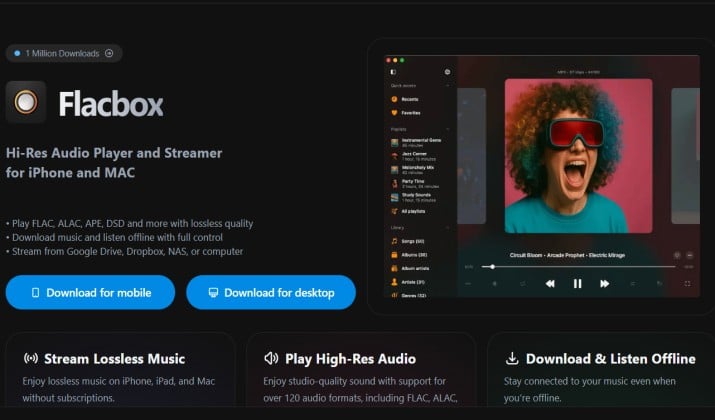
Best for: Audiophiles who want the best FLAC player for iPhone with true hi-res support.
Flacbox does exactly what the name says. It is a top-tier FLAC music player iPhone audiophiles rely on, but it also works great as an offline MP3 player for iPhone.
The standout here is hi-res audio support. Flacbox is a high-resolution music player iPhone can use to play FLAC, WAV, ALAC, AAC, MP3 up to 24-bit/192kHz.
It gives you a high-resolution music player iPhone experience with an advanced equalizer, gapless playback, and AirPlay music player iPhone support.
You can import from your computer, cloud services, or external drives. You can even connect a USB drive directly to your iPhone. It organizes your local music library iPhone style and lets you create playlists offline without any fuss.
Get it here: App Store
Pricing: free to download on the App Store, with optional premium subscriptions and one-time purchases to unlock all features.
Read this too: Best Music Player Apps for iPhone
5. VOX
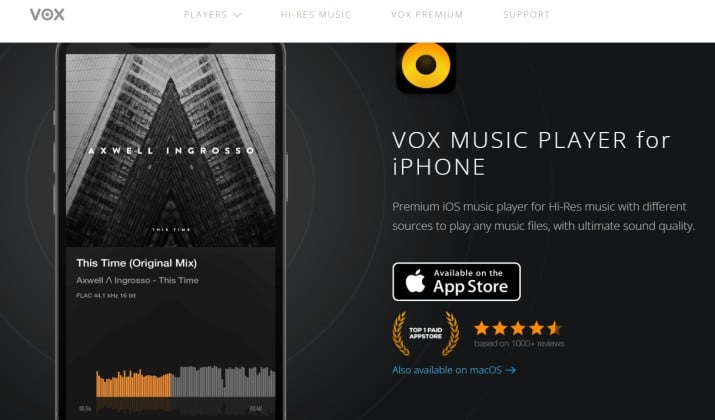
Best for: Listeners who want a high-resolution music player iPhone with superior sound shaping.
VOX is the cool, minimalist lossless music player iPhone users who care about sound quality keep coming back to. It is beautiful and it sounds amazing.
VOX plays FLAC, MP3, WAV, ALAC, and over 30 other formats. It includes a 30-band equalizer, gapless playback, crossfade, and it syncs with your VOX cloud library if you want. But you do not need the cloud.
You can use it purely as a local music player iPhone owners use to play downloaded music on iPhone completely offline.
It also has an exclusive feature called Bass Boost and it supports AirPlay and Sonos. The interface feels like a high-end music player without Wi-Fi that was designed for people who actually listen.
Get it here: App Store
Pricing: Free to download, VOX Premium starting from $4.99 per month offers cloud storage and extra features.
6. foobar2000
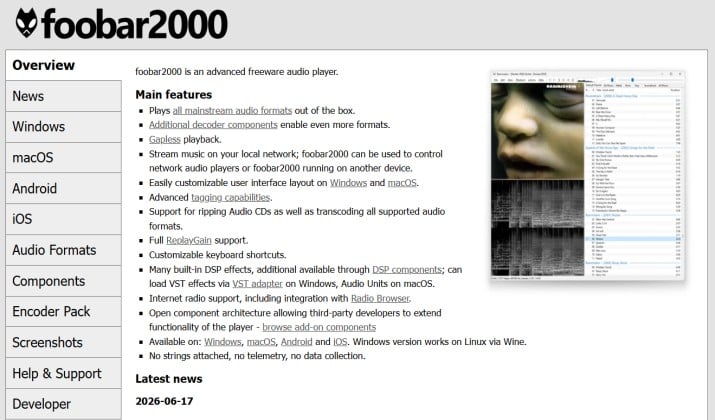
Best for: Users who want a free, lightweight, and powerful offline music player with playlists.
If you used foobar2000 on Windows, you will feel at home. This is a no-nonsense, highly customizable music player for iPhone that is completely free without subscription.
foobar2000 is a music player without internet that focuses on one thing: accurate playback of your files. It supports MP3, FLAC, WAV, AAC, ALAC, and handles huge libraries without lag.
You can transfer music to iPhone via FTP, WiFi, or iCloud Drive and it will organize your personal music library iPhone collection by folder structure or tags.
You get gapless playback, ReplayGain, an equalizer, and support for hi-res audio. It is not the flashiest offline playlist app iPhone has, but if you want a powerful and free music player without subscription that respects your files, it is perfect.
Get it here: App Store
Pricing: Free
7. Offline Music Player
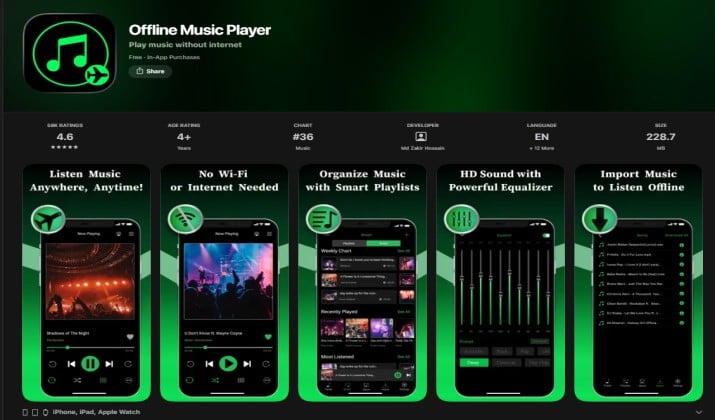
Best for: Beginners who want a simple music player for downloaded songs with playlists and lyrics.
This one is literally called Offline Music Player, and it keeps things simple. If you feel overwhelmed by audiophile apps, this is a great entry point.
It is a straightforward offline MP3 player for iPhone. You import music via WiFi, iTunes, or Files app, and you can instantly create playlists offline, shuffle music offline, and repeat songs offline.
It has built in lyrics support, lock screen music controls iPhone integration, and background music player iPhone capability so your music keeps playing when you switch apps.
Offline Music Player supports MP3, WAV, AAC and works as a music player for personal music collection without needing any cloud account.
Get it here: App Store
Pricing: Free with ads, premium upgrade removes ads and unlocks equalizer.
Another interesting read: Best Movie Player Apps for iPhone
8. Musicana
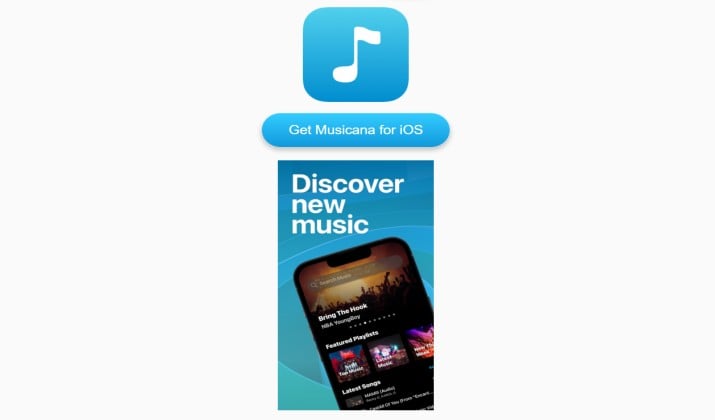
Best for: Users who want a strong offline playlist app iPhone with great organization.
Musicana is one of the best offline music player apps for iPhone if you care about organizing downloaded songs iPhone storage can get messy.
It automatically imports music from your Files app and lets you organize music on iPhone into smart playlists. You get a sleep timer music player iPhone feature, equalizer, background playback, and AirPlay. It supports MP3, FLAC, WAV, M4A.
What makes it stand out is how it works as a music library manager iPhone users can actually manage MP3 files on iPhone with. You can edit tags, artwork, and sort by album, artist, or folder.
It also works great in airplane mode, so if you need a music app for airplane mode iPhone travel, Musicana covers you.
Get it here: App Store
Pricing: Free with premium features via in-app purchase.
9. Fileplay
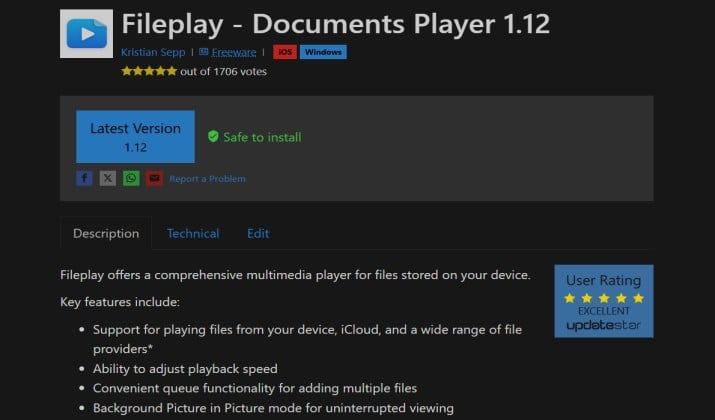
Best for: People who want a file manager plus offline audio playback in one app.
Fileplay started as a file manager, but its music player is surprisingly powerful. If you juggle documents and music, you will like this two-in-one.
It works as a local audio player iPhone users can use to play MP3 files on iPhone, FLAC, WAV and more. You can import music files to iPhone from anywhere, WiFi, browser download, cloud, or computer. Then you can listen to music without using data, even on flights.
You get an offline music player with equalizer, gapless playback, background mode, and you can create playlists offline. It also protects your library with a passcode if you want privacy.
Get it here: App Store
Pricing: Free with in-app purchases for Pro. Audify Music Player for iPhone costs $0.99 per month or $3.99 per year for the Pro subscription.
10. Audify Music Player
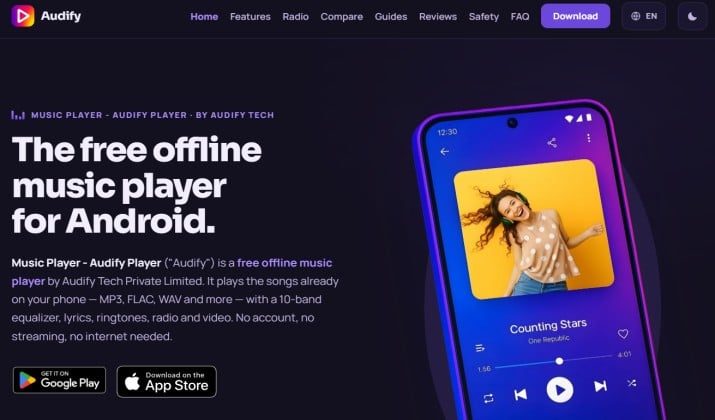
Best for: Users who want a modern, customizable music player iPhone with full offline features.
Audify is a newer player that focuses on experience. It looks great, it is fast, and it is built specifically as a music player for local files.
It supports MP3, FLAC, AAC, WAV, ALAC and offers hi-res audio player iPhone features like gapless playback, 10-band equalizer, crossfade, sleep timer, and lyrics display. You can import via WiFi, Files, or iTunes and it will quickly build your local music library iPhone view.
You can also use it as an offline music app for travel because it keeps playing perfectly in airplane mode and does not use any mobile data. It is a solid music player without mobile data needs.
Get it here: App Store
Pricing: Free with Pro upgrade.
How Do These Offline Music Apps Compare for You?
Free listening without Wi-Fi is simple. VLC and foobar2000 cover every basic need without charging anything, and both work as a reliable music player without internet.
Sound quality is a different story. Flacbox, VOX, and Doppler stand out when playing FLAC files on iPhone with proper hi-res support matters. These three deliver true lossless playback, smooth gapless transitions, and a serious equalizer for fine-tuning.
Large libraries spread across cloud drives need another approach. Evermusic handles that case best, acting as a smart music library manager iPhone owners can use to stream or download from Drive, Dropbox, and OneDrive while saving local storage.
Which Offline Music Player Should You Pick for Your iPhone?
After testing all 10, my top pick is Doppler.
Doppler strikes the best balance for most people. It is the best offline music player for iPhone if you want a beautiful app that handles both MP3 and FLAC, lets you import easily, organizes your personal music library iPhone collection automatically, and works perfectly as a music player without internet. You pay once, own it, and you deal with ads or subscriptions.
If you absolutely need free, pick VLC Media Player. It is the best free music player for iPhone that plays everything offline and it will never charge you.
For audiophiles who live for hi-res, pick Flacbox. It gives you the best audiophile music player iOS experience with true high-resolution support.
Whatever you choose, you now have a real offline music player without subscription that lets you play music offline on iPhone. Try Doppler first, import a few albums, turn on airplane mode, and enjoy.