
You want to record a call on your iPhone, and you realise it is not as simple as tapping a button. You are not alone. Apple keeps call recording tight for privacy reasons, so you need the right workaround.
This guide walks you through the best call recorder apps for iPhone. You will learn how each app works, what it costs, and which one fits how you work. Just practical help so you can save important calls without jailbreaking your phone.
Why Is Recording Calls on iPhone so Tricky?
Apple does not allow apps to directly tap into your phone line. So most apps use a clever workaround called three-way calling.
Here is how it works for you:
- You open the recorder app and tap record
- The app dials its recording server
- You merge your actual call into that line
- The server records the merged call and saves it to your account
This is why you will see many apps listed as iPhone call recorder with three-way calling or call recording app with conference-call merge. You hear a beep or brief hold music while it connects, and that is normal.
In many regions, you also need to let the other person know you are recording. Look for an iPhone call recording with automatic disclosure feature if you want to stay compliant.
What Should You Look for in a Call Recorder for iPhone?
Before you pick, check these things:
- Does it support how you call? You want to record incoming and outgoing calls on iPhone with the same app.
- Does it need jailbreak? Never pick one that does. Every good option today is one without jailbreak.
- Can you find things later? A call recorder with MP3 export, cloud storage, and searchable transcripts will save you hours.
- How is privacy handled? Pick call recording apps with secure local storage or encrypted cloud backup.
Now, let us get to the list.
1. TapeACall
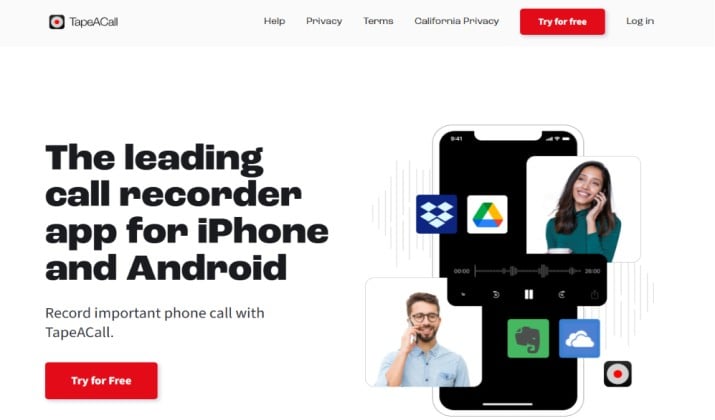
TapeACall has been around for years and it just works.
You can start recording with one tap. For outgoing calls, you tap record in the app, then add the person you want to call. For incoming calls, you answer, open TapeACall, tap record, and merge the calls. That is the classic three-way method.
What you will like:
- Unlimited recording length and storage
- Sharp audio quality even on longer calls
- Built in transcription with call recorder with speaker identification
- Easy sharing via email, Drive, Dropbox
Best for: Anyone who wants a call recorder for iPhone that works every time for both directions.
App Link: App Store
Pricing: Paid plans start with annual subscription.
2. Recordator
If you want a simple and focused call recorder without extra clutter, Recordator iPhone call recording is a strong pick.
You get one-tap recording setup. For outgoing calls, you tap record inside the app and dial the number. For incoming, you answer your call, open Recordator, tap record, and merge the conference line.
It uses the same trusted three-way method, so it works without jailbreak and you can record incoming and outgoing calls on iPhone from one place.
What you will like:
- Unlimited recordings with fast playback
- Built in MP3 export and share via email or WhatsApp
- Cloud storage option plus secure local storage if you prefer to keep files on device
- Transcription add on that gives you audio transcription and searchable text
It is a great middle ground between free basic recorders and heavy AI suites.
App Link: Official Site
Pricing: Free to download with paid subscription for unlimited recording and transcription.
Another interesting read: lFree iPhone Apps for Recording Calls
3. Rev Call Recorder
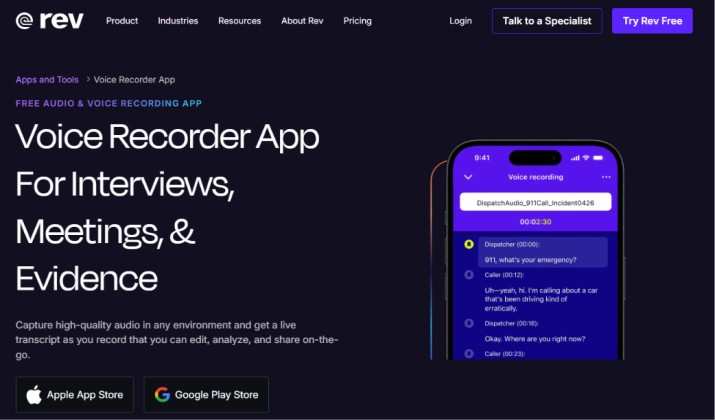
Rev Call Recorder for iPhone is a favorite if transcription matters more than anything. It is known for human level accuracy and now offers AI too.
You get a free call recorder for the recording part. You pay only if you want a transcript. That makes it great for interviews, research, and journalism.
You dial through Rev, merge the call, and your recording appears in minutes. Then you can order a multilingual transcription or English only transcript right from the app.
What you will like:
- Free unlimited recording
- Option for human transcription and AI transcription
- Trim and share recordings as MP3
- Call recorder with cloud storage and search
Best for: People who need proof and text.
App Link: App Store
Pricing: Free plan with limited access available. Paid plans start from $25.49 per seat per month.
4. Cube ACR
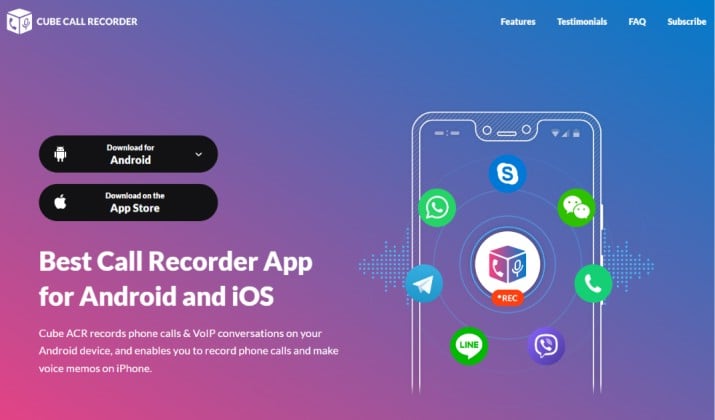
If you need a reliable recorder app for iOS that just works for both directions, Cube ACR call recorder is a solid replacement.
You get a true call recorder with one-tap recording. For outgoing calls you start recording in the app and add your contact. For incoming calls you answer, open Cube ACR, and merge the recording line. So you can record incoming calls on iPhone and record outgoing calls on iPhone without jailbreak.
What you will like:
- Unlimited call recording with clear audio
- Works with three-way calling and conference-call merge
- Built in player, favorites, and call recorder with MP3 export
- Cloud storage backup and local storage option
- Add on transcription that gives you audio transcription and searchable notes
It keeps things simple like Lite did, but it is actively maintained and compliant with disclosure.
App Link: App Store
Pricing: Free to download with Pro subscription for unlimited access.
5. Speakwise AI Call Recorder
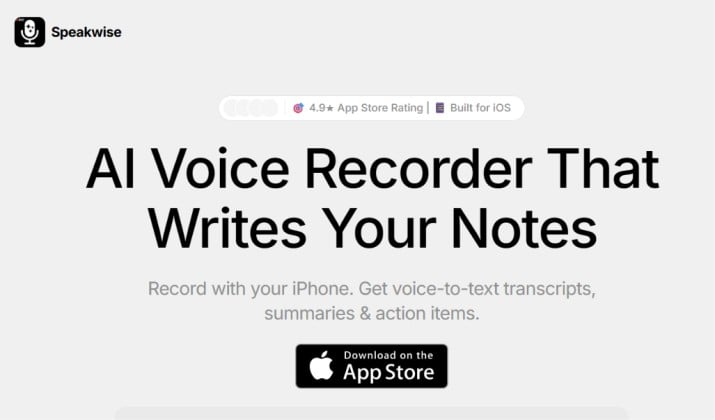
If you want more than just audio, Speakwise AI call recorder turns your calls into useful notes.
It records your call and then gives you meeting summaries, action items, and searchable transcripts. You can ask it what the client agreed to, and it finds the answer.
You also get speaker identification, so you know who said what in a group call.
Best for: Founders, sales teams, and anyone who lives on client calls and hates taking notes.
App Link: App Store
Pricing: Speakwise is priced at $59.99 per year after a free trial that includes full feature access.
6. Otter.ai
Otter.ai call transcription for iPhone does not record your cellular call directly. It joins your meetings and calls as a participant and transcribes live.
You can use it to record FaceTime or VoIP calls on iPhone, Zoom, Teams, Google Meet. You get real time audio transcription, meeting summaries, and call notes that you can search.
If you do a lot of business calls on speaker, you can run Otter next to your iPhone and it will capture everything with excellent accuracy.
App Link: App Store
Pricing: Free plan with limited minutes. Paid plans begin from $8.33 per user per month.
Read this too: Best Otter AI Alternatives
7. Notta
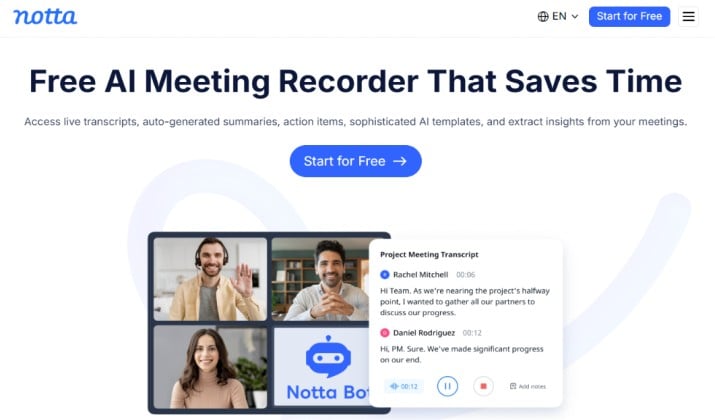
Notta call transcription app is similar to Otter but stronger on languages. If you talk to people in different languages, you will appreciate its multilingual transcription support for 58 languages.
You can import call recordings from TapeACall or Apple native recording and Notta will transcribe them, summarize, and make them searchable. It also offersvoicemail integration if you forward voicemails to it.
You get MP3 export, cloud storage, and a web dashboard to manage everything.
App Link: App Store
Pricing: Free tier available. Paid plans are available from $8.17 per month.
8. Google Voice
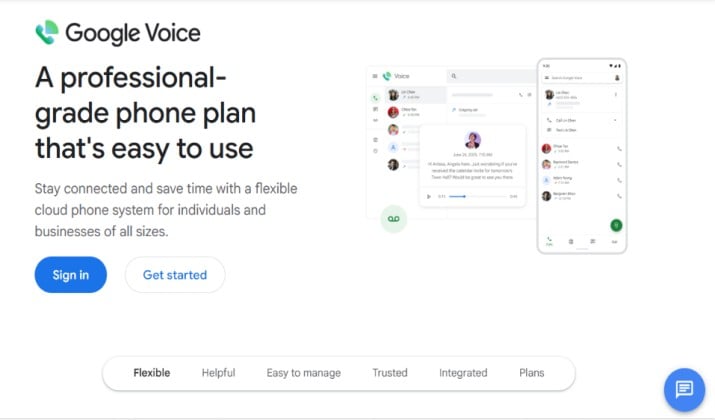
Google Voice call recording is a smart free option if you mostly need to record incoming calls.
You get a free Google Voice number. When someone calls that number, you can press 4 on your keypad to start recording. Google plays a disclosure message. Your recordings live in your Google Voice inbox and you can download them.
Downsides? It only lets you record incoming calls on iPhone on your Google Voice number, not outgoing calls on your regular number. And it does not offer automatic recording.
Still, for a free call recorder app experience, it is hard to beat for personal use.
App Link: Google Voice on App Store
Pricing: Free for personal use. Paid plans are available from $10 per month.
Also read: Google Voice Alternatives
9. NoNotes
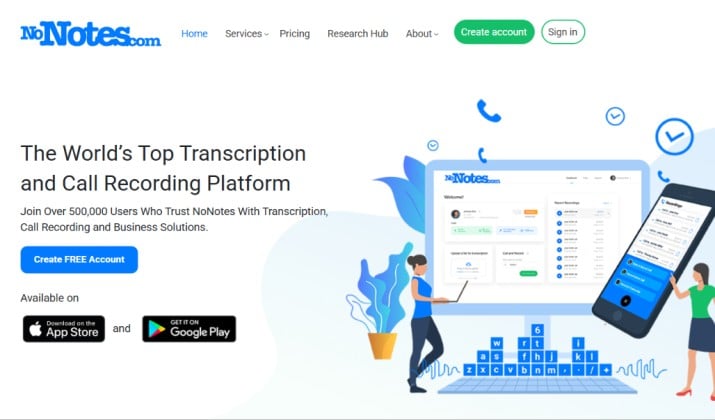
If you want a well known app to record incoming and outgoing calls, NoNotes call recorder is worth a spot.
It offers free incoming recording with transcription credits. You get a dedicated recording number, and you merge your calls through it.
That means it works without jailbreak and you can record incoming and outgoing calls on iPhone in the same app.
What you will like:
- Free incoming call recording with 20 minutes of free transcription each month
- Three-way calling for outgoing calls
- Built in audio transcription, speaker identification, and call notes
- Easy sharing with MP3 export and cloud storage
- Strong privacy controls
It is especially handy if you do interviews and want quick text without paying for every minute.
App Link: App Store
Pricing: The free plan offers 20 minutes of call recording per month. Paid plans start from $11.49 per month.
10. Call Recorder – IntCall
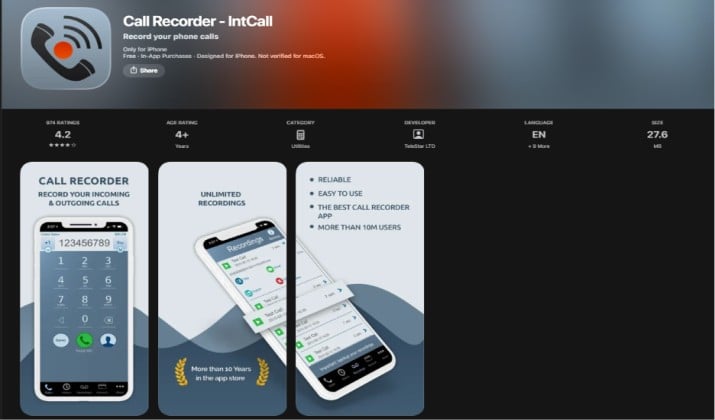
This one is one of the most downloaded call recorder for iPhone.
You get a proper recorder without jailbreak that works for both directions. For outgoing you dial from inside the app. For incoming you open the app during the call and merge the lines. So you can record incoming and outgoing calls on iPhone without needing hardware.
What you will like:
- One-tap recording and instant playback
- Built in MP3 export, share to WhatsApp, Email, Drive
- Cloud storage sync and local backup
- Optional transcription add-on with audio transcription and searchable transcripts
It is a direct, specific replacement for the generic free apps that keep disappearing.
App Link: App Store
Pricing: Free to download, subscription for unlimited recording.
Which Is the Best Call Recorder Apps for iPhone?
If you want full power, history, and flexibility, TapeACall stands out.
Why? You get automatic recording style workflow, you can record FaceTime or VoIP calls by merging, MP3 export, cloud storage, and transcription with speaker identification.
It works for both incoming and outgoing calls without needing you to buy extra hardware.
Pair TapeACall with Otter.ai or Notta if you want an app with transcription and searchable archive. Record in TapeACall, auto export to Otter or Notta, and you have both perfect audio and perfect text.
A Quick Note on Privacy and Law
Before you record, check your local law. Some places need one party consent, others need all parties to agree. That is why many apps now include iPhone call recording with automatic disclosure or play a tone.
Even if the app can record quietly, you should inform the other person. It keeps you safe and builds trust.
You now have everything you need to pick your call recorder for iPhone. Start with one, test a call with a friend, check the audio, and see how the transcript looks. You will know in one call if it fits your flow.