Your Android phone comes with a messaging app out of the box, but that default does not have to be your forever app. You spend so much time in your text inbox that the right SMS app can make daily life easier, faster, and a lot more fun.
If you want more control over how your messages look, how they stay organized, or how you send them from your computer, switching makes sense.
This guide covers the best SMS apps for Android you can try right now. You will see what each one does well, who it fits best, and how much it costs.
How To Pick the Right SMS App?
Before you download anything, think about how you text.
- RCS support matters if you want modern chat features. An RCS-enabled SMS app gives you read receipts, typing indicators, and better photos and videos when both sides support it.
- Customization keeps texting personal. If you like to change colors, bubble styles, fonts, and notifications per contact, look for a customizable SMS app.
- Backup and cross-device sync saves time. Some Android SMS apps let you backup text messages Android users worry about losing, or sync text messages across devices.
- Privacy and organization help you stay in control. A private SMS app Android users trust might offer app lock, spam blocking, or a smart way to organize promotional SMS.
Android lets you change your default SMS app in seconds, so you can test a few without risk.
1. Google Messages
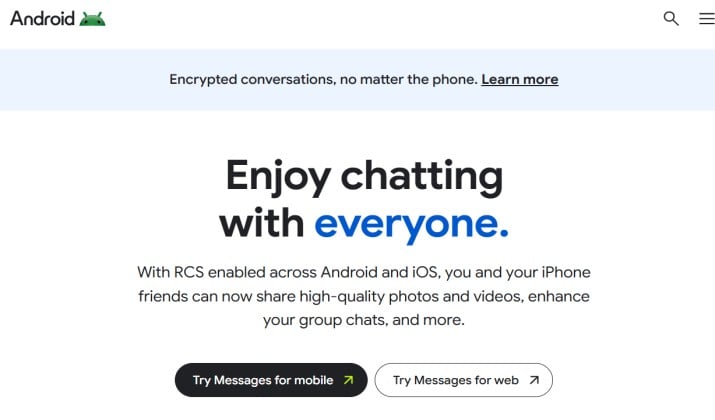
This is the Android default messaging app on most new phones, and for good reason. If you want RCS messaging Android users can rely on without extra setup, this is the one.
Google Messages feels clean and fast. You get spam protection, message categories, scheduled send, and end to end encryption for RCS chats. It also connects to the web, so you can send SMS from PC Android style by pairing with messages.google.com.
Why you will love it: You get the best RCS messaging app experience with no learning curve. Search works well, you can react with emoji, and Google adds smart nudges and reminders.
Key features:
- Full Android RCS support with typing indicators and high quality media
- SMS organizer Android style automatic categories for Personal, Transactions, OTPs
- Send Android texts from computer via web pairing
- Built in spam detection and smart reply
Pricing: Free.
Get it here: Play Store
2. Textra SMS
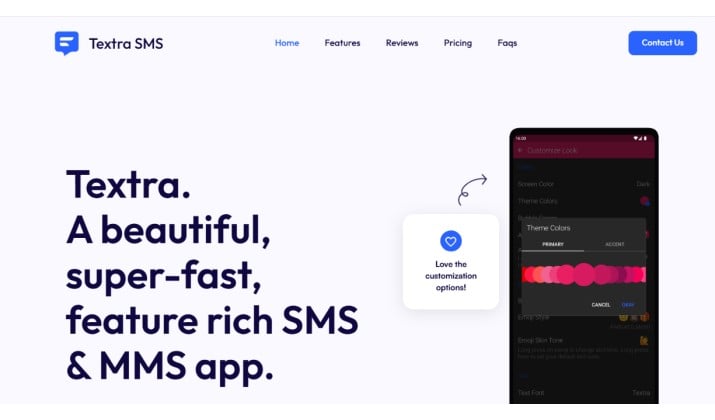
If you love to make things your own, Textra SMS is probably the best Android SMS app for customization.
You can tweak almost everything. Bubble colors, app icon, themes, custom notifications per contact, swipe actions, and quick reply styles. It stays light and quick even with all those options, which is why so many people list it as a top texting app.
Textra does not support RCS chat app Android features, it focuses on SMS and MMS done really well.
Why you will love it: You get a personalized messaging app Android users can truly make their own, plus useful extras like scheduled messages and delayed sending.
Key features:
- SMS app with themes, 100 plus material design accents
- SMS app with custom fonts and bubble styles
- Per contact customization for notifications and colors
- Auto video compression, GIF support, quick snap camera
Pricing: Free with ads. One time purchase to remove ads.
Get it here: Play Store
Also read: Simple SMS Messenger for Android
3. Pulse SMS
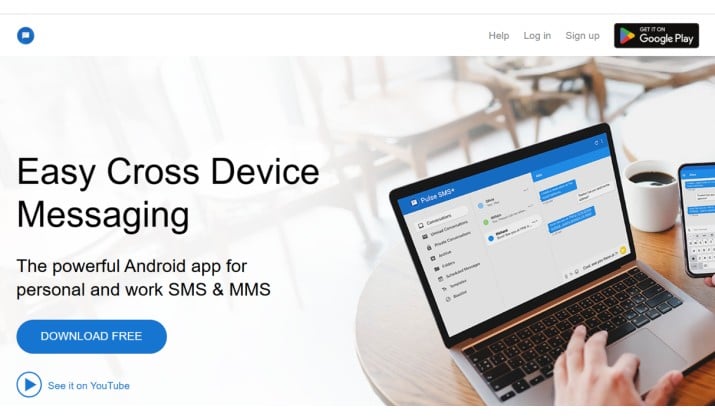
Need to text from everywhere? Pulse SMS is built for people who live on multiple screens. It is one of the few SMS app with web interface and native apps that actually sync well.
Once you create an account, your SMS inbox syncs to your tablet, computer, and other phones. You can send Android texts from computer, archive conversations, and your history stays backed up in the cloud. It also offers SMS app with custom notifications and password protected private conversations.
Why you will love it: You stop reaching for your phone. You can reply from your laptop during work and everything stays in sync.
Key features:
- SMS app with cloud backup and restore
- Text from computer using Android with web, desktop, and tablet apps
- Encrypted backup, private folder, per conversation snooze
- Android Auto support and dual SIM support
Pricing: Free for 7 days, then subscription or lifetime purchase required for cloud features. Base texting stays free.
Get it here: Play Store
4. Chomp SMS
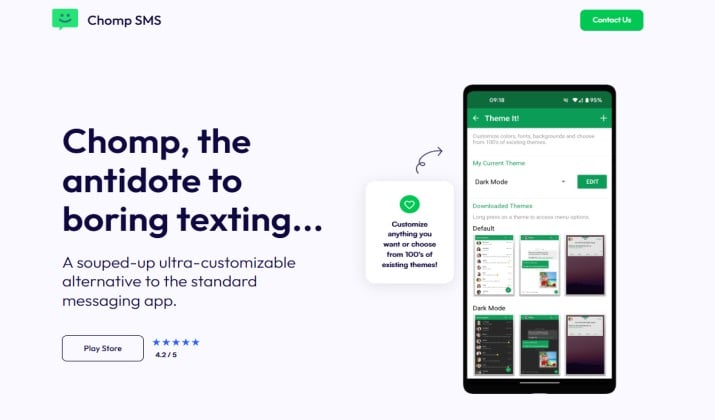
Made by the same team behind Textra, Chomp SMS packs even more power features. If you want a customizable texting app Android power users swear by, this is worth a look.
You get over 100 themes, extensive privacy controls including app lock and private inbox, scheduled SMS, and quick reply popup. It also helps you organize text messages Android users struggle with through rules and blacklists.
Why you will love it: You get Textra level speed plus advanced options like passcode lock, stop while driving mode, and more notification control.
Key features:
- Customizable SMS app with themes and notification LED control
- SMS app with app lock and privacy mode
- SMS scheduler, delayed sending, auto replies
- SMS inbox organizer with pinning and favorites
Pricing: Free with ads, optional pro upgrade.
Get it here: Play Store
Read this too: Best Secure Messaging Apps for Android
5. Handcent Next SMS
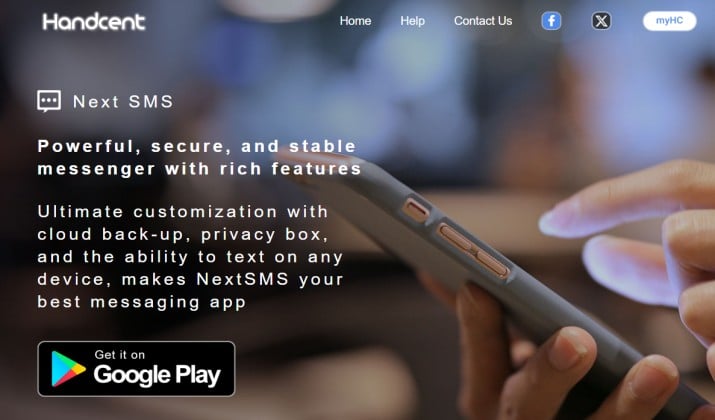
Handcent has been around for years and it still stands out as a feature heavy Android messaging app. It blends old school SMS power with newer touches.
You get massive theming, eCards, dual SIM support, cloud backup, and private box. It supports SMS and MMS app functionality with group messaging and large file sharing.
Why you will love it: You want one SMS client that does everything. Fonts, backgrounds, sounds, gestures. You control it all.
Key features:
- Best SMS app for customization with thousands of themes
- Private texting app Android features with secure box
- SMS backup app Android style cloud backup
- Built in translator and spell check
Pricing: Free with ads, premium themes and VIP subscription available.
Get it here: Play Store
6. Fossify Messages
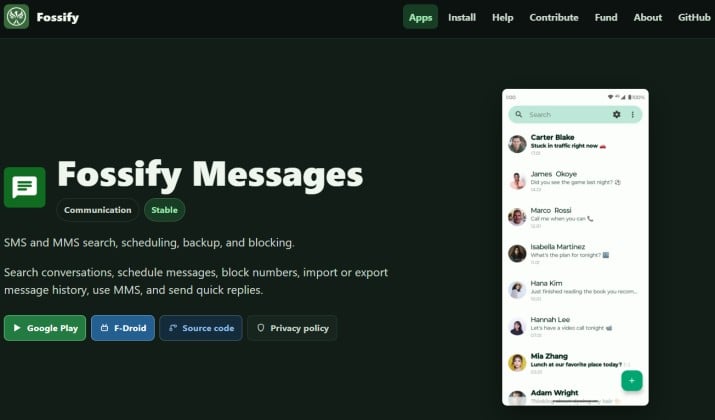
If you care about privacy, Fossify Messages is the one to try. It is an open source SMS app, forked from Simple SMS Messenger, with no ads and no trackers.
It keeps things simple. You get a clean text message inbox, quick blocking, MMS support, and search that works. It does not do RCS messaging Android users expect from Google, but it excels as a privacy focused SMS app.
Why you will love it: You want a secure text messaging app that respects your data and stays light on your phone.
Key features:
- Open source SMS app, completely ad free
- Private SMS messenger approach, no internet permission needed
- SMS organizer Android basics with blocking and archiving
- Lightweight and fast with Material design
Pricing: Free.
Get it here: Play Store
Another interesting read: Best Secret Messaging Apps for Android
7. QKSMS
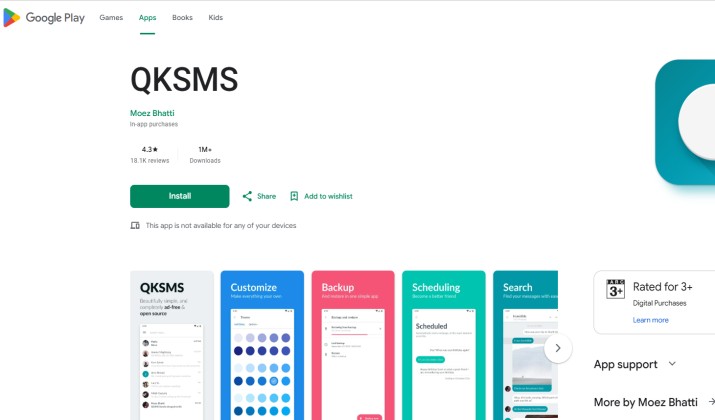
QKSMS is another open source favorite and a strong alternative SMS app for Android. It looks modern and feels very smooth.
It gives you night mode, per conversation theming, delayed sending, and spam blocking. While development has slowed, the app remains stable and highly rated for people who want a clean, customizable SMS app without bloat.
Why you will love it: You get a beautiful Android chat app that is private and easy to use, with enough customization to feel personal.
Key features:
- SMS app with themes and 200 plus accent colors
- QK Reply for quick replies anywhere
- Backup and restore SMS Android with automatic backup
- Block and manage spam easily
Pricing: Free, with optional contribution to support development.
Get it here: Play Store
8. Mezo SMS
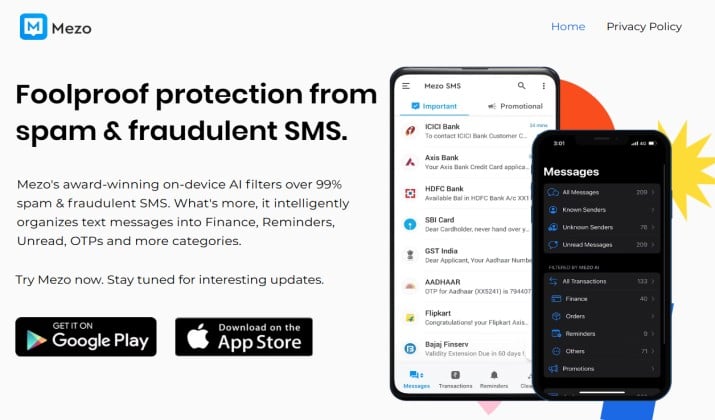
Mezo is built specifically as an SMS organizer Android users can use to organize promotional SMS, OTPs, and bills automatically.
It sorts your SMS inbox into Personal, OTP, Transactions and Promotions, shows bill reminders, auto extracts OTP codes, and lets you backup text messages Android users want to keep. It feels very close to the old Organizer but it is actively maintained.
Why you will love it: You get the smart categorization you missed, plus better privacy controls and a cleaner text message inbox without switching to a heavy app.
Key features:
- SMS inbox organizer with auto categorization
- Categorize text messages into Transactions, Promotions, Personal and Spam
- SMS backup app Android style local backup and restore
- OTP auto copy, bill reminders, and spam block
Pricing: Free with optional premium to remove ads.
Get it here: Play Store
9. Truecaller
You probably know Truecaller for caller ID, but its SMS app is surprisingly capable. If spam drives you crazy, this SMS messenger doubles as a smart filter.
It auto detects spam, organizes your SMS inbox into tabs, blocks telemarketers, and helps you categorize text messages like OTPs, payments, and delivery updates. It also works as a full Android communication app with calling features built in.
Why you will love it: You get one app that cleans both calls and texts, so your text message inbox stays tidy without extra effort.
Key features:
- Smart SMS organizer with automatic spam detection
- SMS app with folders for Personal, Important, Other and Spam
- OTP auto copy and flash messaging
- Community powered spam database
Pricing: Free with ads, premium subscription for advanced spam blocking and no ads.
Get it here: Play Store
10. Mood Messenger
Mood Messenger focuses on making your Android messaging feel personal and expressive. It is a great pick if you want a messaging platform that looks different.
You get 100 plus themes, custom wallpapers per conversation, emoji, GIFs, and location sharing. It also includes a private mode with app lock and a built in organizer to keep your messages tidy.
Why you will love it: You want your text messaging app to feel alive, with colors and moods that match each contact.
Key features:
- SMS app with themes and animated backgrounds
- Private texting app Android features with encrypted private conversations
- Group messaging, typing indicators, read receipts for Mood users
- Android SMS backup and restore option
Pricing: Free with ads, pro version available via in app purchase.
Get it here: Play Store
Which One Should You Pick?
All ten are solid, but they serve different needs. If you want to stay future proof, Google Messages wins.
It is the only free SMS app for Android that gives you full Android RCS support, reliable spam protection, web texting, and deep integration with Android. It works as your Android default messaging app without you having to think about it.
That said, if customization is your top priority, keep Textra SMS as your daily driver and use Google Messages web when you need RCS. For people who work from a laptop, Pulse SMS is the best choice because it lets you sync text messages across devices better than any other option.
Try Google Messages first, then test one of the more personal options like Textra or Pulse for a week.
Android makes it easy to switch back, so you can find the fit that feels right for how you actually text.