Samsung Messages still works, but it hasn’t kept up with how people text today. Features like consistent RCS support, strong spam filtering, and cross-device syncing are either limited or missing.
That’s why more people are starting to explore Samsung Messages alternatives offering cleaner interfaces, smarter features, and a more reliable texting experience.
In this guide, you’ll find the 10 best text messaging apps to replace Samsung Messages this year, along with what each one does well, so you can pick the one that fits your texting style.
Why Look for Samsung Messages Alternatives?
Samsung Messages has been a reliable default for years. But the gap between it and competing apps has widened noticeably:
- RCS support can feel inconsistent depending on your carrier or region
- Spam filtering covers the basics, yet misses some things you’d expect
- No cross-device syncing if you switch between devices often
- The interface feels a bit dated compared to newer Android SMS apps
You now have access to apps with advanced RCS support, better spam detection, cross-device syncing, and deeper customization — all for free. Many users also want cleaner group chat handling, smarter notification controls, and an experience that doesn’t feel like it was designed five years ago.
Whatever your specific frustration with Samsung Messages, at least one app on this list solves it directly.
1. Google Messages
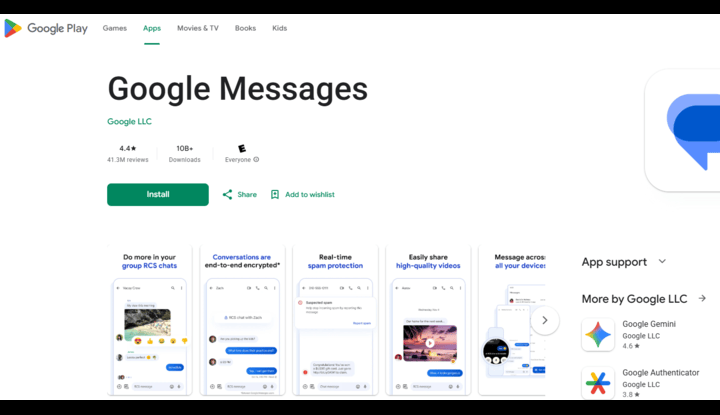
If you want the closest thing to a natural upgrade, Google Messages should be your first stop.
It’s clean, fast, and built around RCS from the ground up. When you’re texting another RCS user — whether they’re on Google Messages or another RCS-enabled app — you get read receipts, typing indicators, and high-quality media sharing automatically. No extra setup or carrier fees.
Beyond RCS, Google Messages has one of the best spam filters available in any SMS app. It catches phishing attempts and scam texts before they even reach your inbox, and it learns over time. The interface is minimal but not sparse. Everything is where you’d expect it to be.
It also integrates with Google’s broader ecosystem. You can use Google Messages on the web, which means desktop access without needing a separate app or subscription.
Best for: Users who want a straightforward upgrade with strong RCS support and no learning curve.
2. Textra SMS
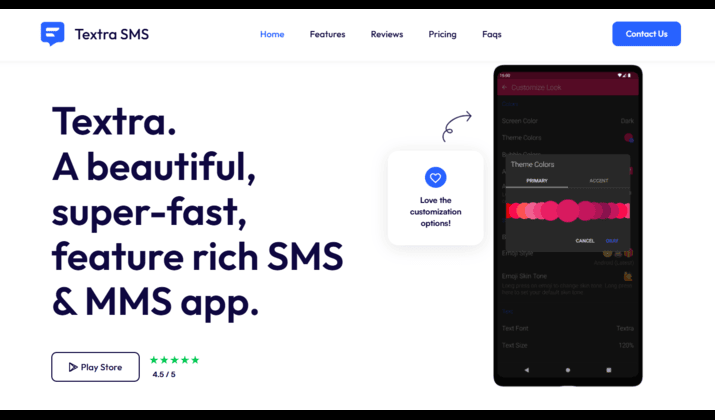
Textra has been around for years, and it remains one of the most respected third-party SMS apps on Android for a simple reason: it does exactly what it promises, and it does it fast.
The customization depth here is genuinely impressive. You can change bubble styles, notification sounds per contact, font sizes, app icon colors, and even set different themes for individual conversations. For people who care about making their phone feel personal rather than generic, Textra delivers.
Performance is another strong point. Textra loads quickly even on older or mid-range phones where heavier apps can stutter. Notification delivery is reliable, which matters more than people realize.
While the free version covers everything essential, the paid version removes ads and unlocks additional theme packs. The core experience is solid either way.
Best for: Users who want maximum visual customization without sacrificing speed or reliability.
Also read: Secret Messaging Apps That Look Like Games
3. Chomp SMS
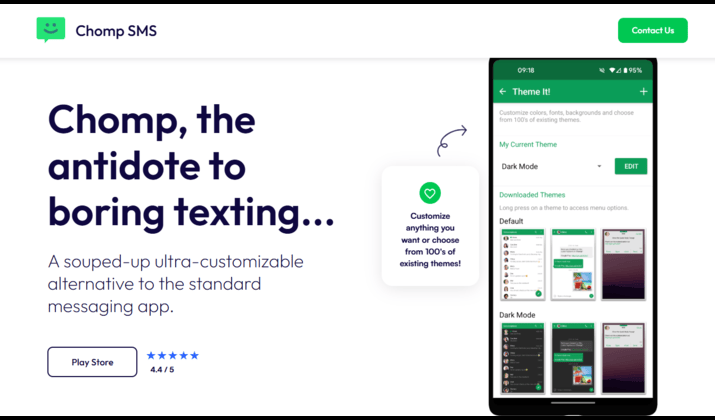
Chomp SMS comes from the same developers as Textra but takes a different approach. Where Textra leans into heavy customization, Chomp prioritizes a cleaner out-of-the-box experience with just enough flexibility to feel personal.
It includes message scheduling, quick replies from the notification shade, and a privacy mode that hides message content on the lock screen — useful if you share a device or just prefer discretion. The contact blacklist feature is more configurable than Samsung Messages, letting you block entire area codes or number patterns rather than just individual contacts.
One underrated feature: Chomp lets you set a passcode lock on the app itself, adding a basic layer of protection without requiring any third-party app.
Best for: Users who want something cleaner than Textra but more feature-rich than a bare-bones SMS app.
4. Pulse SMS
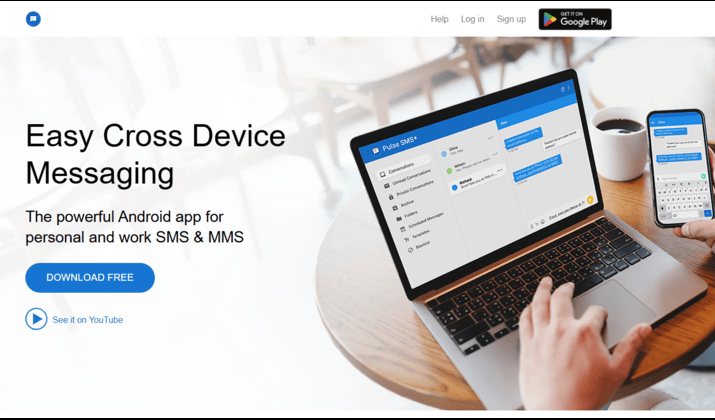
Pulse SMS solves a problem that Samsung Messages completely ignores: what happens when you want to text from something other than your phone?
With Pulse, your messages sync across your phone, tablet, browser, and even a desktop app. You can reply to texts from your laptop without touching your phone. The sync is real-time and the web interface is well-designed rather than an afterthought.
This is particularly useful if you work at a desk for long stretches and find it disruptive to keep picking up your phone. Pulse essentially turns your SMS inbox into something closer to an email client, accessible from wherever you are.
The free tier covers basic use. A one-time purchase or subscription unlocks unlimited devices and longer message history. Compared to the workarounds people use to text from a PC, Pulse is a much cleaner solution.
Best for: Users who want true multi-device SMS access, especially those who text frequently from a laptop or tablet.
You might like this: Best Secret Messaging Apps for iPhone
5. Signal
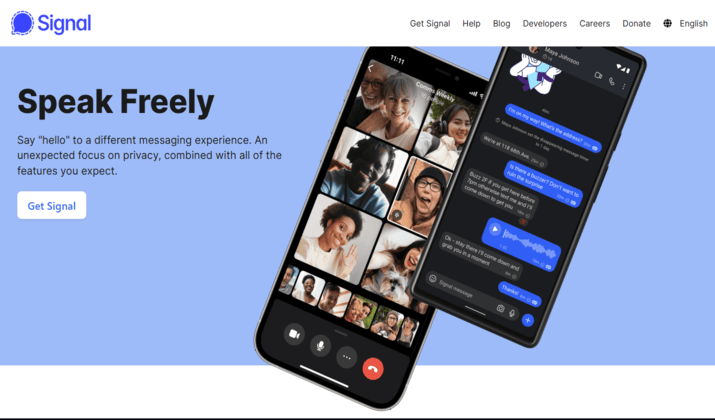
Signal’s reputation is built on privacy, and that reputation is well-earned.
Every message, call, and media file sent between Signal users is end-to-end encrypted by default. The encryption protocol Signal uses is open-source and has been independently audited. It’s the same protocol WhatsApp uses under the hood, except Signal doesn’t belong to Meta and doesn’t monetize your data.
Signal can also serve as your default SMS app, handling regular text messages alongside encrypted Signal chats. The interface keeps them visually distinct so you always know which type of conversation you’re in.
Signal works best when the people you’re messaging are also on Signal. SMS fallback is available, but you lose all the privacy benefits for those messages. If your close contacts are willing to make the switch together, Signal becomes significantly more useful.
Best for: Privacy-conscious users who want end-to-end encryption and don’t mind nudging their contacts to join.
6. WhatsApp
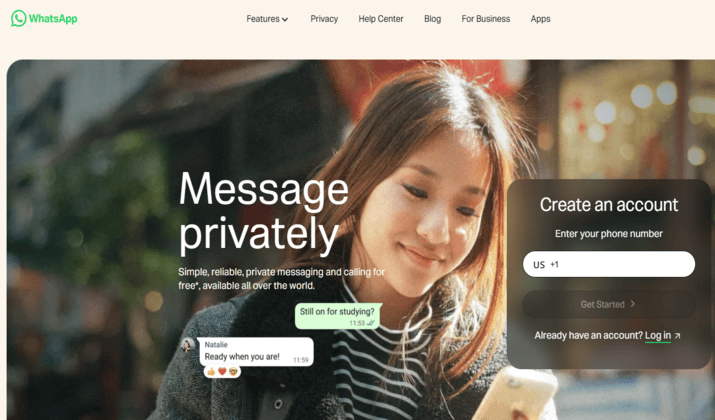
WhatsApp isn’t a direct SMS replacement. It requires an internet connection and works only between WhatsApp users. But for many people, it’s already where most of their daily conversations happen.
Its strength is reach. WhatsApp has over three billion active users, which means there’s a good chance most of your contacts are already on it. The app supports end-to-end encryption, voice and video calls, file sharing up to 2GB, and group chats with up to 1,024 participants.
For users who find themselves texting internationally, WhatsApp is especially practical since it sidesteps carrier charges entirely.
The main caveat is Meta ownership. If data privacy is a priority for you, that’s worth factoring in, since WhatsApp shares certain metadata with Meta’s broader ecosystem.
Best for: Users with an existing WhatsApp network who want to reduce their reliance on SMS without asking contacts to download something new.
Check this out: Secure Messaging Apps That do not Require a Phone Number
7. Telegram
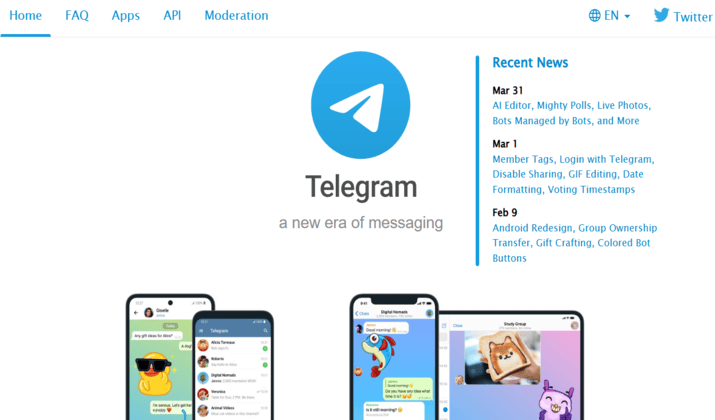
Telegram occupies an interesting space. It’s not an SMS app at all, but it’s worth including because a lot of people use it as their primary messaging platform and supplement it with a minimal SMS app for carrier messages.
Here’s what Telegram does exceptionally well:
- Messaging speed
- Large group support (up to 200,000 members)
- File sharing up to 2GB
- Cloud-based message storage that syncs instantly across every device
- Enables creation of channels for broadcasting to large audiences
- Uses bots to automate tasks and schedule messages
The privacy story is more nuanced than Signal. Regular Telegram chats are not end-to-end encrypted by default, only “Secret Chats” are. For most users this isn’t a dealbreaker, but it’s worth knowing.
Best for: Users who live in large group chats, communities, or channels and want a fast, feature-rich platform for those conversations.
8. Microsoft SMS Organizer
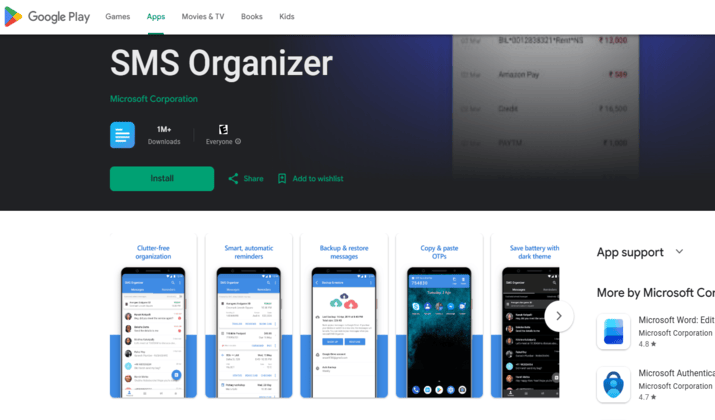
This one surprises people. Microsoft built an SMS app, and it’s actually quite good.
The defining feature is automatic message categorization. SMS Organizer sorts your inbox into Personal, Transactional (bank alerts, OTPs), and Promotional buckets. If your SMS inbox is cluttered with delivery notifications and bank OTPs mixed in with actual conversations, this organization alone is worth the switch.
It also reads transactional messages intelligently, pulling out flight details, bill due dates, and reminders and surfacing them as calendar-style alerts. This turns your SMS inbox into something closer to a structured information feed rather than a chaotic list.
SMS Organizer works fully offline and is completely free with no premium tier. It’s built primarily for markets like India where SMS is still heavily used for banking and commerce, but it works well anywhere.
Best for: Users with high SMS volume from banks, delivery services, and promotional senders who want their inbox automatically organized.
Another interesting read: Best safe Messaging Apps for Kids
9. Mood Messenger
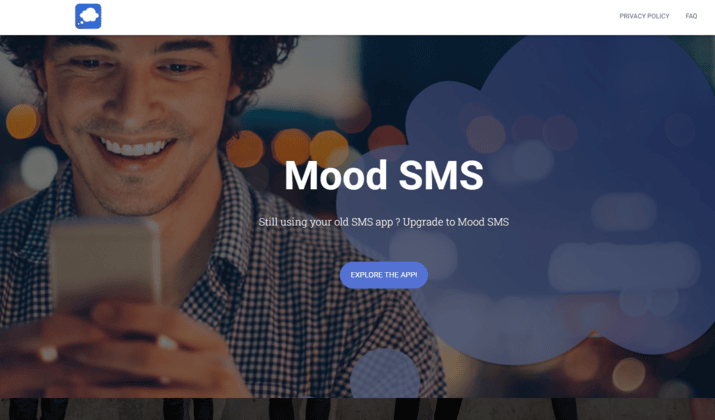
Mood Messenger takes a more expressive approach to texting, and it shows immediately when you open it:
- Themes
- Animated backgrounds
- Built-in GIF search
- Stickers
- Per-conversation customization
All these features combine to give it a personality that most SMS apps deliberately avoid. If that sounds excessive, it might not be the app for you. But for users who treat texting as an extension of their personal style, Mood offers more than anything else on this list.
Practical features hold up too: dual SIM support, a built-in blacklist, popup reply, and passcode lock are all present. Performance is smooth despite the visual richness.
Best for: Users who want a visually expressive messaging app and don’t mind a bolder, more colorful interface.
10. Simple SMS Messenger
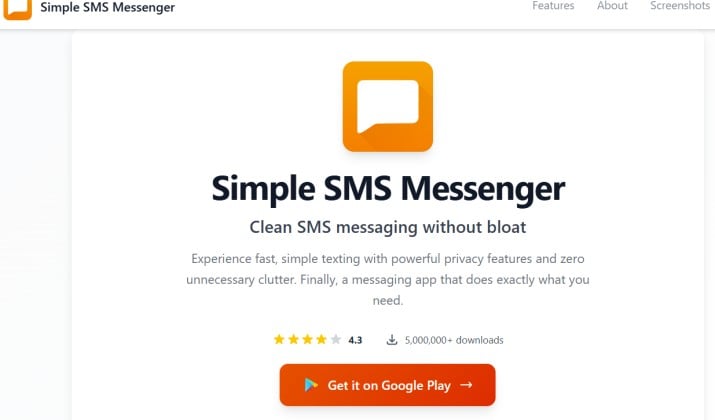
Simple SMS Messenger is a no-nonsense option if you want something lightweight and easy to trust.
It comes from a well-known open-source ecosystem, which makes it a solid choice if you’re looking for a secure SMS replacement for Galaxy phones without unnecessary extras.
What makes it different:
- Clean, minimal interface with no clutter
- Open-source and privacy-friendly
- Works smoothly on most Android devices
It doesn’t try to do too much, and that’s exactly why it works. If you just want a reliable default SMS replacement that respects your privacy, this is a strong pick among Samsung Messages alternatives.
Read this too: Anonymous Messaging Apps for Android
How to Choose the Right App for You
With all these options, the decision comes down to what you actually need day-to-day:
- Want RCS and simplicity? Google Messages
- Love customization? Textra or Mood Messenger
- Need privacy? Signal
- Want to text from your laptop? Pulse SMS
- Big group chats? Telegram
- Cluttered inbox? Microsoft SMS Organizer
Think about your single biggest frustration with Samsung Messages. That usually points directly to the right replacement.
How to Switch to Samsung Messages Alternatives
Switching is easier than most people expect.
Download your chosen app, open it, and set it as your default SMS app when prompted. Grant the necessary permissions for messages, contacts, or notifications and you’re done. Most apps import your existing conversations automatically during first launch.
If you want to back up messages before switching, Google’s built-in backup or a dedicated SMS backup app from the Play Store handles that cleanly. The whole process takes under five minutes.
Find the Right Fit for Your Texting Style
Changing your messaging app might seem like a small move. But it changes how you communicate every single day and the right app makes that feel noticeably better.
Whatever’s pushing you away from Samsung Messages, whether it’s missing features, a cluttered inbox, privacy concerns, or simply wanting something that feels more modern, there’s a solid option here that fits.
Try one for a few days. You’ll know quickly whether it’s the right switch.