Picking the best text messaging apps for Samsung used to be simple. You opened Samsung Messages and that was it. But things changed. Samsung confirmed that Samsung Messages will be discontinued July 2026 on new Galaxy phones, and Google Messages is taking over as the built-in option.
So what do you do if you want more control, better privacy, or just a cleaner texting experience? You look at your options. And you have plenty.
You don’t need to be a tech expert to switch. You just need to know which apps actually work well on Galaxy phones, which ones support RCS, and which fit how you text every day. Let’s walk through the 10 best SMS apps for Samsung phones so you can choose what fits you.
Is Samsung Messages Going Away, and What Should I Use Instead?
Yes, Samsung is winding down Samsung Messages. New Galaxy S25 and A-series models from late 2025 onward already ship with Google Messages set as default. If you still have Samsung Messages, it will keep working for now, but it won’t get new RCS features.
The move makes sense because Google Messages app for Samsung is now the default SMS + RCS platform across Android. That means better chat features like read receipts, typing indicators, and high-quality media sharing, as long as your carrier supports RCS.
If you want to stay ahead of the change, switching now means your chats, backups, and settings move with you.
Here are the apps worth considering.
1. Google Messages
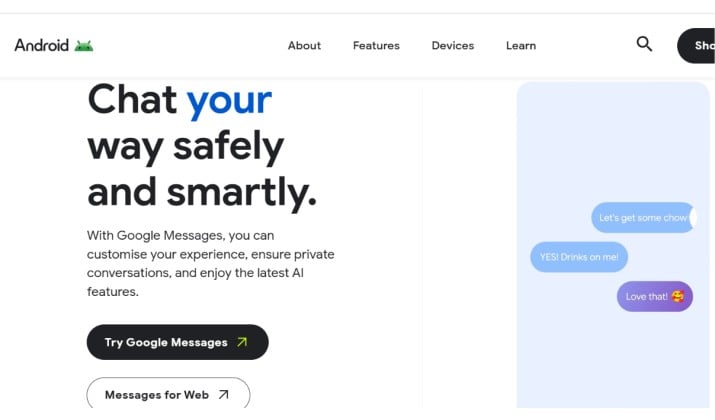
If you want the safest long term option, Google Messages sits at the top of the list. It has become the default messaging experience on many newer Samsung phones, including several Galaxy S and Galaxy A models.
The app supports SMS, MMS, and RCS chats. That means you get features similar to iMessage when texting other RCS users.
You can expect:
- Read receipts
- Typing indicators
- High quality media sharing
- Better group chats
- End to end encryption for some conversations
Google Messages also offers strong spam protection and caller ID in SMS apps, which helps block suspicious texts automatically.
Another reason Samsung users like it is the clean design. The interface feels simple without looking outdated.
Best features
- Excellent RCS support
- Smart spam filtering
- Works great on Samsung foldables
- Easy sync with web messaging
- Reliable backup support through Google
Downsides
- Some features depend on internet access
- Customization options feel limited compared to other apps
For most people searching for the best text messaging apps for Samsung, this is the easiest recommendation.
2. Textra SMS
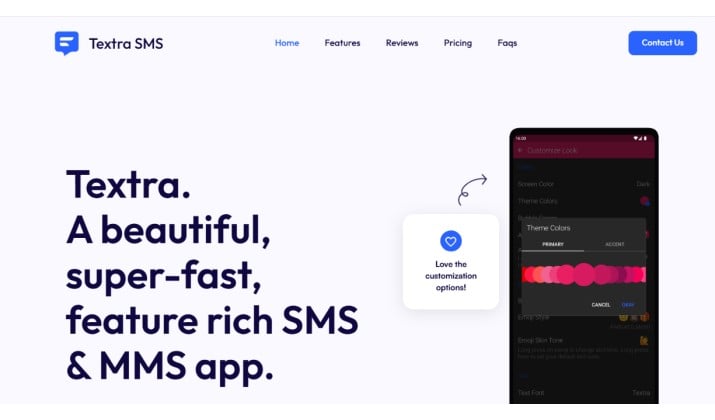
Textra has remained popular for years because it keeps things simple while giving you tons of control over the look and feel of your messages.
If you love customizing themes, fonts, and bubbles in SMS apps, Textra stands out immediately. You can adjust nearly every visual element without making the app feel cluttered.
Unlike encrypted chat apps that require both users to install the same platform, Textra works with regular SMS and MMS. That makes it practical for everyday texting.
What Makes Textra Great
- Fast and lightweight
- Supports dual SIM Samsung phones
- Huge theme customization library
- Scheduled messaging support
- Quick reply popups
Textra also handles older Samsung phones very well. If your device struggles with heavier apps, this can feel noticeably smoother.
Downsides
- No true RCS support
- Ads appear in the free version
Still, for users searching for Samsung text app alternatives with personality, Textra deserves a spot near the top.
Read this too: Best Secret Messaging Apps for iPhone
3. Simple SMS Messenger
Some people just want a basic texting app that works without accounts, syncing, or unnecessary extras.
Simple SMS Messenger does exactly that.
It offers a minimal interface, offline functionality, and dependable SMS support without trying to become a social platform.
Why users like it
- Lightweight and fast
- No account setup
- Open source
- Clean interface
- Great for older Samsung devices
Downsides
- Very limited advanced features
- No RCS support
If you prefer simplicity over flashy tools, this app makes a lot of sense.
4. Signal
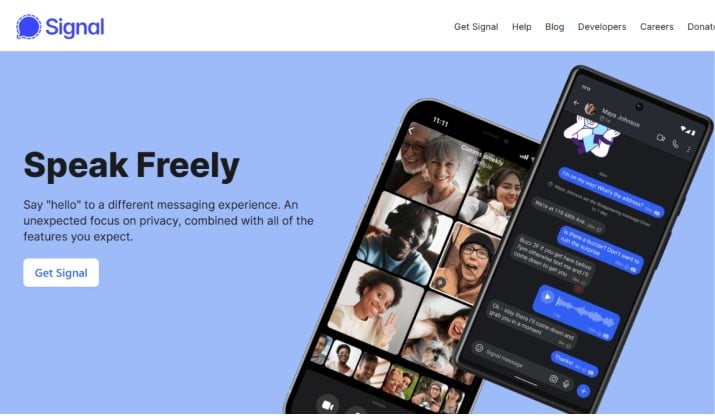
If privacy matters most to you, Signal is one of the strongest choices available today.
Signal encrypts messages by default and collects very little user data. Security researchers, journalists, and privacy focused users often choose it because of its transparent approach.
The app supports:
- Secure text messaging
- Voice calls
- Video calls
- Disappearing messages
- Screen security protection
Signal also works smoothly on Samsung devices, including Galaxy S Ultra phones and foldables.
Why Samsung users like it
- Strong privacy reputation
- Clean and distraction free design
- No ads
- Fast performance
Limitations
- Both people need Signal for encrypted chats
- SMS support has become more limited in some regions
Even with those limits, it remains one of the best secure messaging apps for Samsung users.
5. WhatsApp
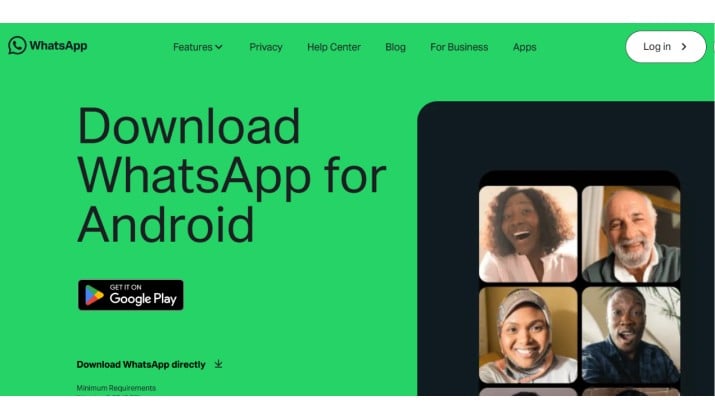
WhatsApp remains one of the most widely used messaging apps worldwide. Chances are most of your contacts already use it. That convenience alone makes it appealing.
The app offers encrypted messaging, calling, media sharing, and group chats without much setup.
Why it works well on Samsung
- Stable performance
- Excellent voice and video calls
- Easy media sharing
- Strong cross platform compatibility
Samsung users also appreciate the smooth integration with contact syncing and notifications.
Downsides
- Requires internet access
- Limited SMS functionality
- Owned by Meta, which raises privacy concerns for some users
Even so, many people still consider it among the best text messaging apps for Samsung because of its huge user base.
Also read: Secure Messaging Apps that Don’t Require a Phone Number
6. Telegram
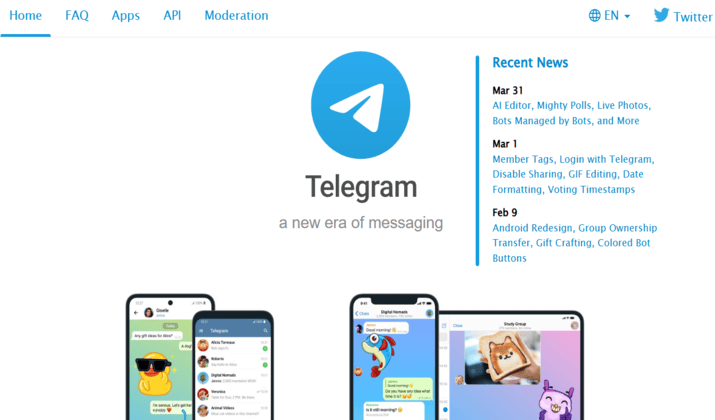
Telegram blends messaging, cloud syncing, and customization extremely well.
The app feels especially good on Samsung phones with larger displays because its interface handles multitasking smoothly.
You can create folders, organize chats, pin conversations, and customize themes deeply.
Key features
- Massive group support
- Cloud synced conversations
- Secret chats
- Animated stickers
- File sharing up to large sizes
Telegram also works beautifully across devices, including tablets and desktops.
Downsides
- Standard chats are not fully end to end encrypted
- Can feel overwhelming for casual users
If you want more than basic texting, Telegram offers a feature packed experience.
7. Chomp SMS
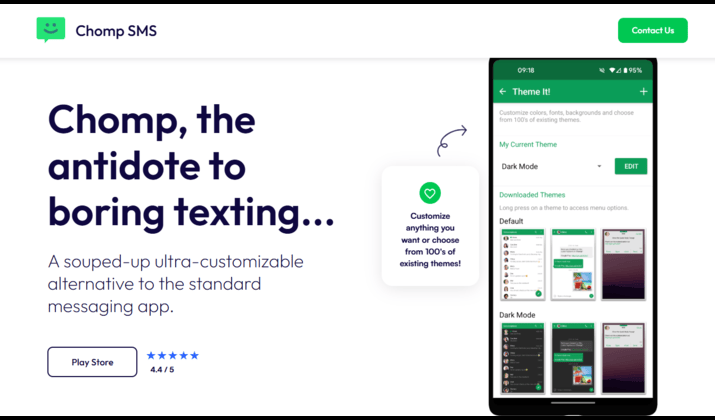
Chomp SMS has been around for a long time, and there’s a reason people still use it.
The app focuses on reliability and speed rather than flashy extras.
If you own an older Samsung Galaxy device, Chomp often runs more smoothly than heavier apps packed with animations.
Best parts
- Lightweight performance
- Scheduled text messaging
- Strong customization
- Quick reply support
- Passcode protection
Things to know
- Design feels slightly dated
- No native RCS support
For people who simply want dependable texting without unnecessary clutter, Chomp still delivers.
Another interesting read: Best Safe Messaging Apps for Kids
8. Mood SMS
Mood SMS stands out because of its visual customization options.
You can personalize nearly everything inside the app, including chat backgrounds, notification styles, font colors, and bubble designs.
If you enjoy making your phone feel unique, this app can be surprisingly fun.
Features
- Animated themes
- Dual SIM support
- Emoji rich interface
- Media sharing tools
- Custom notifications
Downsides
- Ads in free version
- Slightly heavier on battery compared to lightweight apps
For customization fans, this remains one of the best SMS apps for Samsung phones.
9.
Pulse SMS
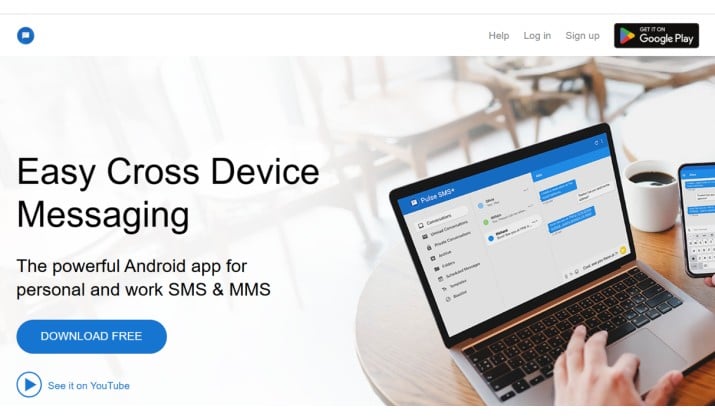
Pulse solves a problem you didn’t know you had. You start a text on your Galaxy, then finish it on your laptop or tablet. Messages sync through Pulse’s cloud service, so everything stays up to date.
Features Worth Mentioning
- SMS scheduling
- Backup and restore SMS on Samsung phones
- Password protected conversations
- Cross device syncing
- Smart organization tools
Pulse also has a clean interface that fits Samsung’s design language nicely.
Downsides
- Premium features require payment
- Smaller user base compared to Google Messages
Still, it’s one of the smartest Samsung Galaxy messaging apps users can try.
10. Handcent Next SMS
Handcent Next SMS has built a loyal following among Android users who enjoy deep customization. The app includes private inboxes, scheduled messages, themes, stickers, and cloud backup options. It also supports wearable devices and cross platform syncing.
Highlights
- Strong theme engine
- Private messaging box
- Cloud backup support
- Dual SIM compatibility
- Scheduled texting tools
Downsides
- Interface can feel busy
- Some features sit behind premium plans
Even so, it remains one of the best text messaging apps for Samsung users who enjoy personalization.
Which Is Better on Samsung: Google Messages or Samsung Messages?
This debate has become much bigger recently because of the Samsung Messages discontinued July 2026 discussion.
For most users, Google Messages now offers more advantages.
Here’s why many Samsung owners switch:
| Feature | Google Messages | Samsung Messages |
|---|---|---|
| RCS Support | Excellent | Limited on newer devices |
| Spam Protection | Strong | Basic |
| Updates | Frequent | Slower |
| Web Sync | Yes | Limited |
| Long Term Support | Better | Uncertain |
Samsung Messages still works well for basic texting. But if you want the best texting app for Samsung for read receipts and typing indicators through RCS, Google Messages usually wins.
Can I Use RCS on Samsung Without Switching to Google Messages?
Right now, full RCS features on Samsung require Google Messages or a carrier-specific app that supports it. Textra and QKSMS use SMS/MMS only. Some carriers had their own RCS apps, but most are moving to Google’s standard.
So if RCS matters to you, Google Messages is the most reliable way to get it on a Galaxy. The app comes preinstalled on new phones, so you probably have it already.
How To Pick the Best Text Messaging Apps for Samsung for You
Think about how you text. Do you care about privacy more than themes? Go with Signal. Do you get 20 OTPs a day? SMS Organizer will save your sanity. Need to text from your laptop? Pulse wins.
If you just want something that works and won’t be obsolete next year, Google Messages is the default choice for Samsung Galaxy messaging apps. It’s already on your phone, it’s free, and it supports everything your carrier offers.
Try two or three. You can switch your default SMS app anytime without losing messages. Your Galaxy won’t mind.
The bottom line: Samsung is moving on from its own app, but you have more choice now than ever. The best text messaging apps for Samsung come down to what you value: RCS features, privacy, customization, or simplicity. Pick one that fits, set it as default, and keep texting like normal.