Twitch still dominates live game streaming with over 140 million monthly users, but it’s also more saturated, stricter, and less profitable for small streamers than ever.
With a 50/50 revenue split, discoverability issues, and growing competition from creator-friendly platforms, many streamers are looking elsewhere.
Thankfully, the streaming wars have produced real alternatives. From YouTube’s massive search audience to Kick’s 95/5 split and TikTok’s mobile-first discovery, there’s never been a better time to diversify.
Here are the best Twitch alternatives that are actually worth your time this year.
Why Look for Twitch Alternatives?
While Twitch is undeniably popular, the newer alternatives offer excellent advantages such as:
- Better monetization: Kick offers 95/5, DLive takes 0% cut vs Twitch’s 50/50.
- Less crowd: It’s easier to get discovered on Trovo, Kick, and TikTok Live.
- Lesser policy fatigue: Many creators are moving due to Twitch’s ad rules and content guidelines.
Let’s jump to the alternatives and find out which one works best for you.
Best Twitch Alternatives
1. YouTube Gaming
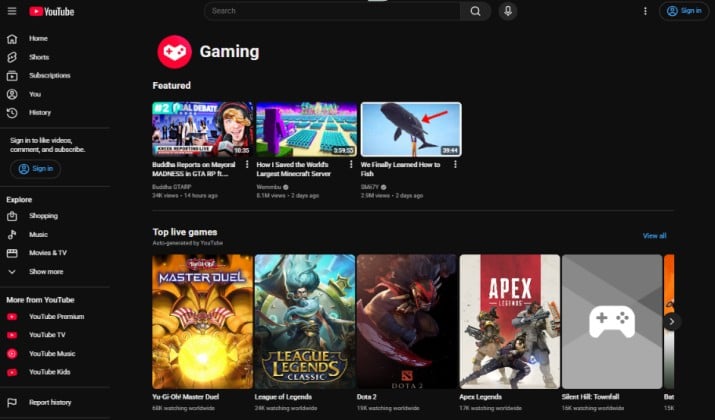
YouTube Gaming is the biggest and most stable threat to Twitch this year.
Global live streaming hit record quarterly watch hours driven by major events like the World Cup, with Twitch, YouTube Gaming, and Kick holding the largest shares of gaming watch time.
The advantage YouTube has is simple: it’s not just a live platform, it’s a search engine. For creators, this means your streams have a life after you go offline.
With 4K streaming, built-in DVR, Shorts integration for discoverability, and features like Super Chat, Super Thanks, and channel memberships, it’s a complete ecosystem.
Viewers don’t need to be live to find you: your VODs, clips, and highlights continue to be recommended for months.
YouTube Gaming pricing: YouTube itself is free to use with ads, while YouTube Premium is an optional paid plan currently priced at $15.99 per month.
2. Kick
If Twitch is about community, Kick is about paycheck.
Launched in late 2022 by the founders of Stake.com, Kick has grown from a bare-bones beta to the only credible Western alternative at scale.
It crossed 100 million registered users this April and surged 131% to 4.5 billion hours watched last year, making it the fastest-growing platform in the space.
The reason creators are moving is the economics. Kick offers a 95/5 revenue split on subscriptions, compared to Twitch’s standard 50/50.
The platform is also much looser on content rules, which appeals to IRL and Just Chatting streamers.
Kick pricing: Free to use. Streamers keep 95% of subs, platform takes just 5%.
Read this too: Best Browsers for Twitch
3. Facebook Gaming
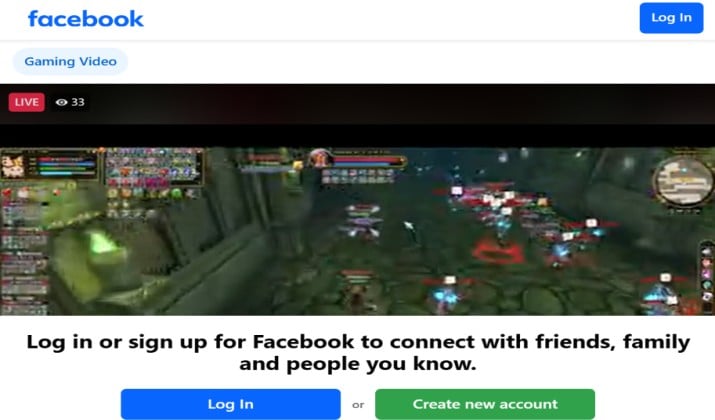
Facebook Gaming has changed a lot.
The standalone Facebook Gaming app was officially shut down on October 28, 2022, just two years after launch. Meta didn’t kill gaming entirely, it folded it back into the main Facebook app and website under Facebook Live.
This is actually good news for most creators. Instead of trying to build an audience from zero on a separate app, you now have instant access to Facebook’s existing user base of over two billion users.
If you already have a Facebook Page or Group, you can go live in one click and your followers get notified automatically. There is no separate download needed.
Pricing: Free with your existing Facebook account.
4. Trovo
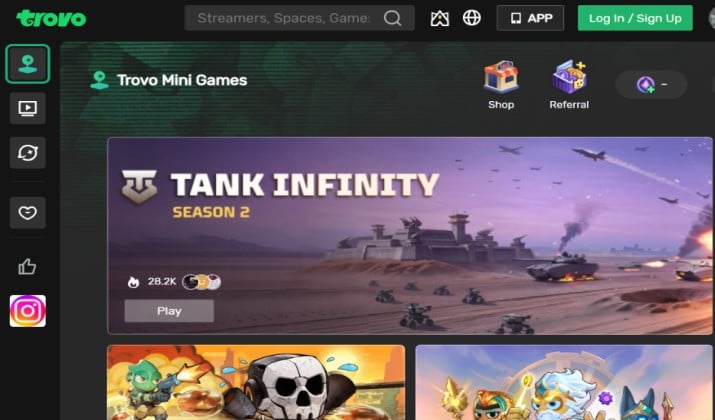
Trovo is Tencent’s answer to Twitch, and it’s been quietly growing as a global platform for gamers and IRL creators.
Think of it as a mix between Twitch and TikTok. It’s highly interactive and built around a gamified reward system. While it doesn’t have the Western audience of Kick or YouTube, it has strong infrastructure and backing that other small platforms lack.
What makes Trovo different is how viewers interact. Instead of just Bits, Trovo uses Spells and Elixir. These are virtual items viewers can use to boost a stream, trigger on-screen effects, and help creators get discovered on the front page.
This makes even small streams feel more interactive and gives new streamers a real chance to be featured.
Pricing: Like most alternatives, it’s free to start streaming and is particularly popular in Southeast Asia, Latin America, and for mobile games like PUBG Mobile and Mobile Legends.
5. Rumble Gaming
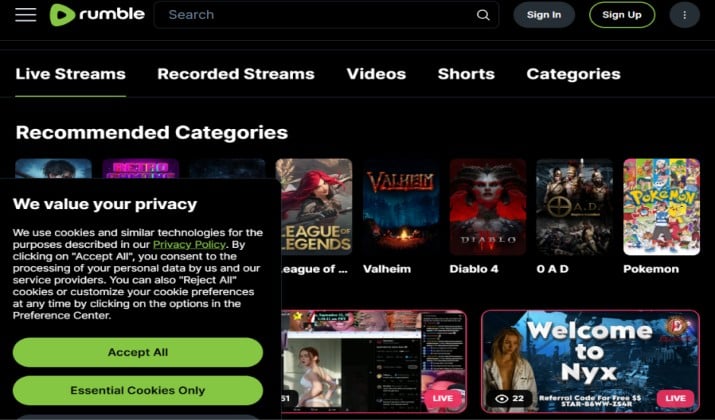
Rumble has grown into a major streaming destination beyond its video-on-demand roots, with a dedicated Gaming category that feels familiar to Twitch users. It offers live chat, followers, paid subscriptions, and a strong focus on creator earnings.
The platform promotes a 60/40 ad revenue split and lets creators keep 100% of direct tips through Rumble Rants and channel subscriptions. It’s also expanding quickly into IRL and Just Chatting, making it more than just a gaming platform.
Pricing: Free to stream and watch. Monetization via ads, Rants, and subscriptions.
Explore: Best Unmoderated Live Stream Apps
6. Steam Broadcasting
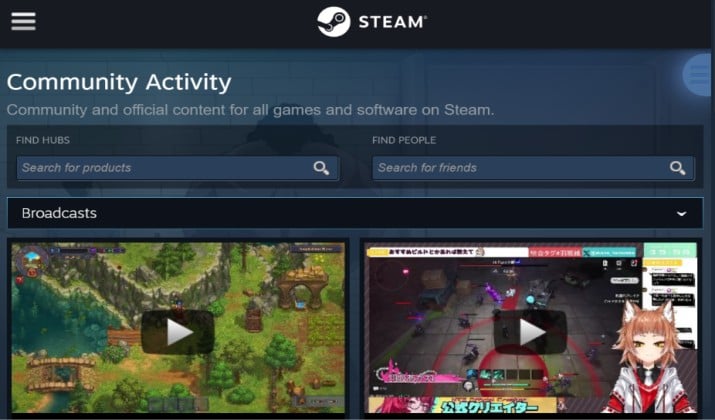
If you already play on PC, you already have this one.
Steam Broadcasting is built directly into the Steam client, so you can go live from your game library without downloading OBS or setting up overlays.
Friends can watch you instantly from your profile or game hub, chat in real-time, and even request to join your game.
It’s not designed to compete with Twitch for discovery. There’s no front-page algorithm, but it’s perfect for casual streaming to friends, showing off gameplay, or testing if your PC can handle streaming before committing to a full setup.
Since it’s tied to the Steam Store, viewers can also buy the game you’re playing in one click.
Pricing: Free with any Steam account.
7. TikTok Live
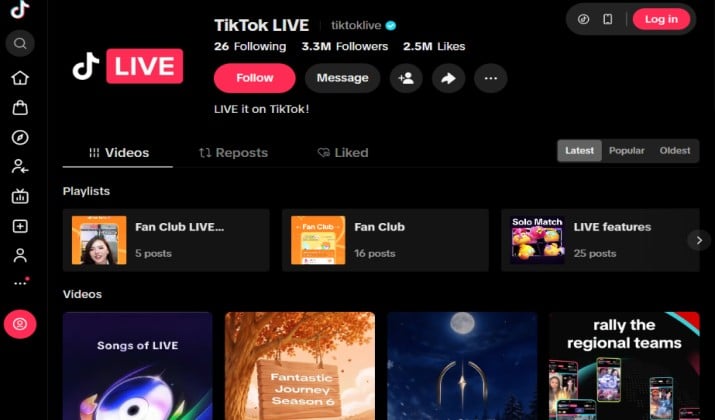
TikTok Live is the fastest way to get discovered this year.
Unlike Twitch where you stream for hours to two viewers, TikTok pushes your live to the For You Page, so even small creators can get hundreds of viewers quickly from short-form clips funneling into the live stream. It’s dominant for IRL, mobile gaming, and Just Chatting.
You can now go live from desktop too via TikTok Live Studio, which adds OBS-like features, chat overlays, and multi-source layouts.
This makes it viable for actual gaming streams, not just phone-in-hand content. If you grow on TikTok, you can convert viewers to YouTube or Kick later.
Pricing: Free. Monetization via Gifts and subscriptions. Requires 1,000 followers to go live.
8. StreamYard
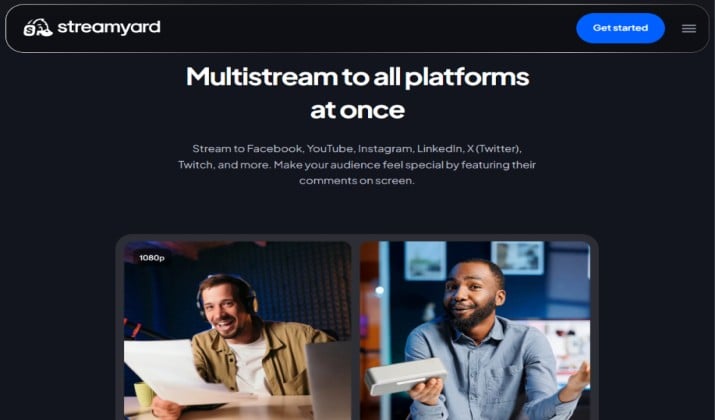
StreamYard isn’t a place to watch streams. It’s the tool that lets you be live everywhere at once. Instead of choosing between Twitch, YouTube, Facebook, and Kick, you can multistream to all of them simultaneously from your browser with no software to install.
It’s built for interviews and co-hosts, so you can bring on guests with a link, add branded overlays, logos, and banners, and switch between screens easily. You can also repurpose your live into on-demand highlights for YouTube Shorts and Reels. For creators who don’t want to abandon Twitch but want to grow elsewhere, it’s essential.
StreamYard pricing: Free plan includes watermark and branding. Core plan is priced at $44.99/month ($35.99 annual) and the Advanced plan costs $68.99/month.
Check this out: Best Live Streaming Apps for iPhone
9. Owncast
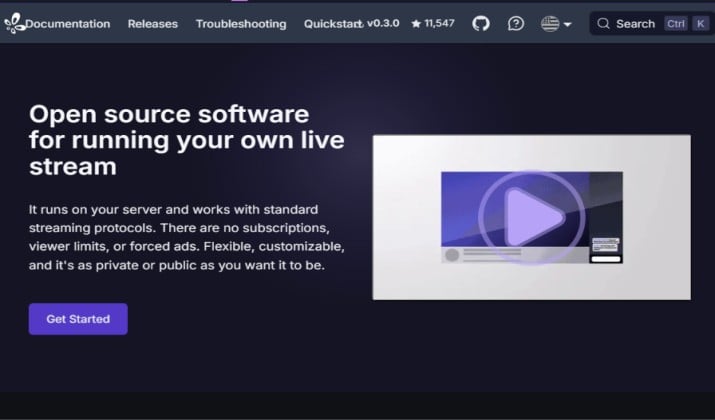
If you’re tired of platform rules, sudden bans, and revenue cuts, Owncast is the ultimate alternative.
It’s a free, open-source, self-hosted live streaming platform that you run on your own server. That means you own your audience, you set your own rules, and you keep 100% of your revenue. There are no algorithms, no Terms of Service takedowns, and no one can demonetize you.
Owncast looks and feels like Twitch with live chat, followers, and customizable pages. But your stream lives on your own website.
It’s ideal for creators building a private community, membership, paid course, or brand that doesn’t want to rely on YouTube or Twitch.
You can still use OBS to stream to it just like you would to Twitch. The only trade-off is you’re responsible for hosting and bringing your own viewers.
Pricing: Completely free and open-source. You only pay for your own hosting.
10. Discord Go Live
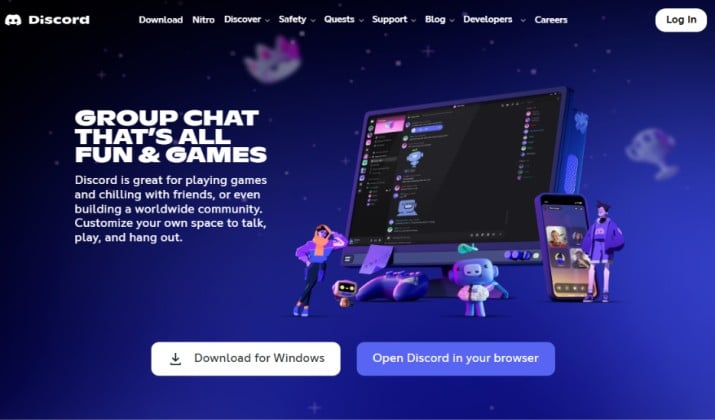
Discord Go Live is perfect if you care more about your community than random discovery. Instead of streaming to the public, you stream directly to your own server.
You can go live in any voice channel for up to 50 friends in high quality, share your screen, or host larger events in Stage channels.
It’s built for private playtests, subscriber-only streams, coaching sessions, watch parties, and gaming with friends, streams that would get buried on Twitch.
Since viewers are already members of your server, engagement is much higher and you keep full control over who can watch and chat.
Pricing: Free with any Discord account. Nitro at $9.99/month unlocks higher quality streaming and longer uploads.
Also read: Twitch vs. Discord
11. X Live
X Live has become a major place for game streamers after X rolled out full live streaming with monetization for subscribers.
If you already post gaming clips on X, you can now go live directly from the app to your followers without sending them to another platform. Your live appears in the timeline and pushes a notification, so you get instant viewers from your existing audience.
It’s especially good for game news, reaction streams, esports watch parties, and quick gameplay sessions.
Many creators use it to go live for 10-15 minutes after posting a viral clip, then funnel viewers to their main Kick or YouTube channel for the full stream. The chat is fast and discovery is built into the For You feed.
Pricing: Free to stream with an X account.
12. Instagram Live
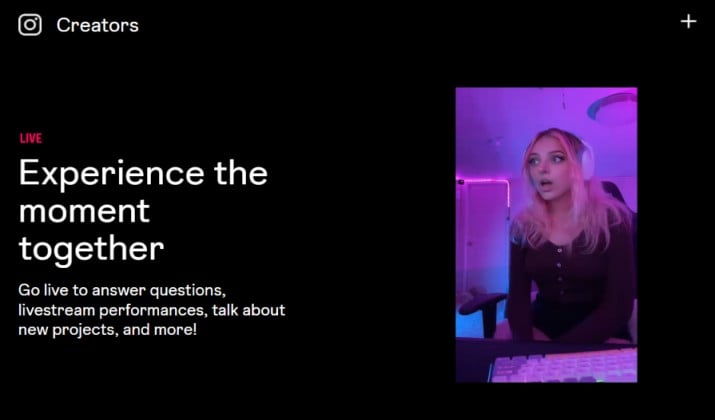
Instagram Live isn’t just for lifestyle creators anymore. A lot of game streamers use it for casual gameplay, behind-the-scenes, and Just Chatting streams to reach an audience that would never open Twitch.
Since your followers get a push notification and your live appears at the front of Stories, discovery is much easier than going live to zero viewers.
You can bring a guest on with you, save your live as a Reel, and funnel viewers to your main YouTube or Kick channel. It’s perfect for short gaming sessions, community Q&As, and building a personal brand around your gameplay.
Pricing: Free with any Instagram account. Monetization via Badges and subscriptions.
13. Streamlabs
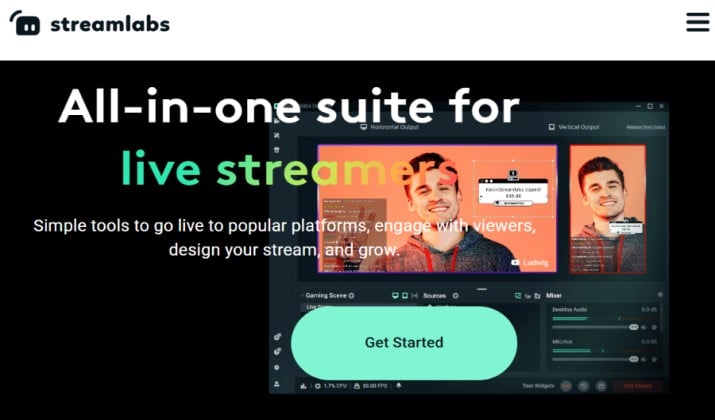
Streamlabs is a complete streaming platform for beginners. You get Streamlabs Desktop for streaming, built-in multistream to YouTube, Facebook, Kick, and Twitch at once, custom themes, alerts, and a built-in tip page without needing extra plugins.
For new game streamers, it removes all the technical setup. You can start with browser-based streaming, add your webcam, chat box, and donation goal in a few clicks, and go live.
It also includes a library of free overlays and a mobile app for IRL streaming.
Pricing: Free to start. Ultra is $19.99/month or $149/year for multistream, premium themes, and pro features.
Conclusion: Which Twitch Alternative Should You Choose?
After testing all 13 platforms, YouTube Gaming is the clear winner.
While Twitch still has the community, YouTube is the only platform that solves Twitch’s two biggest problems: discovery and long-term income. Kick pays better with its 95/5 split, but you have to bring your own audience. TikTok Live can get you viewers fast, but those viewers disappear when you go offline.
YouTube Gaming gives you both. Your live streams become searchable VODs, your clips become Shorts, and your Shorts feed your next live.
With 4K streaming, DVR, Super Chat, Memberships, and a Partner Program that now starts at just 500 subs, it’s the only ecosystem where one stream keeps working for you for months.
If you are serious about growing beyond Twitch, start here: Use YouTube Gaming as your home base for growth and revenue, use Kick as your high-payout secondary, and use TikTok Live + Instagram Live to get discovered.
That’s the combo top creators are using to replace Twitch income.
Enjoyed the post?