Long-distance movie nights used to mean pressing “play” at the same time and hoping for the best. Not anymore. Today, you can watch movies together online long-distance with friends and your partner and stay perfectly in sync on your phone, PC, or TV.
If you’re planning online movie date night ideas using Teleparty, Rave, and Discord, or just hunting for the best apps to watch movies together long-distance, this guide covers you.
I tested each one so you can skip the setup headaches and get straight to the popcorn.
Quick Comparison of the Top Apps To Watch Movies Together Online
|
App |
Best For |
Video Chat? |
Free Tier |
Phone + TV? |
Works With Any Site? |
|---|---|---|---|---|---|
|
Teleparty (Netflix Party) |
Most streamers, simple setup |
Premium only |
Yes, 9 services |
Mobile app for iOS |
No |
|
Rave |
Phone/TV native |
Yes, voice |
Yes, ad-supported |
Yes |
No |
|
Scener |
Large events, video chat |
Yes, free |
Yes |
Chrome only |
No |
|
TwoSeven |
Couples, webcam focus |
Yes |
Yes |
Web only |
Many sites |
|
Kast watch party |
Screen share anything |
Yes |
120 people max |
App + web |
Yes |
|
Plex Watch Together |
Your own library |
No |
Yes |
Yes |
No |
|
Discord |
Existing communities |
Yes |
Yes |
Yes, via share |
Yes |
|
Kosmi |
Free + video chat |
Yes |
Fully free |
Web + mobile |
Yes |
|
Hearo |
Mixed subscriptions, phone + PC |
Yes, voice |
Yes |
App + web + cast to TV |
No, major streamers only |
|
Apple SharePlay |
Apple users |
Yes, FaceTime |
Yes |
Yes |
No, select apps |
Virtual hangouts aren’t a pandemic trend. They’re how we stay close when life spreads us across time zones.
The right app lets you watch movies together online with synced playback, live reactions, and group chat without the “wait, are you at 23:42 yet?” texts. Let’s jump into the apps that actually work.
1. Teleparty (formerly Netflix Party)
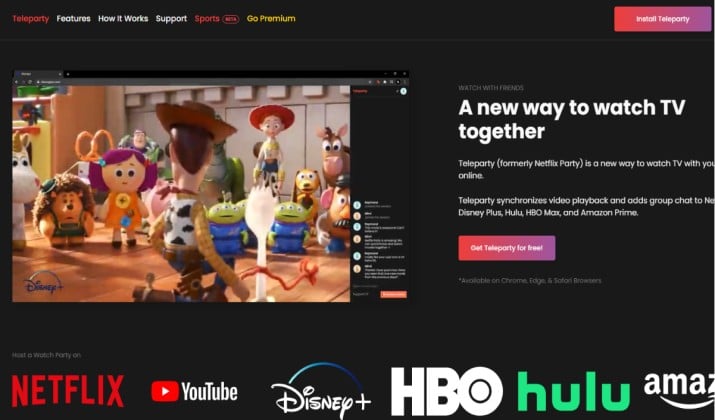
Best for: Netflix, Disney+, Hulu, Max, and Prime Video groups who want zero setup
Teleparty started as Netflix Party and grew into the default pick for most people. Install the extension, start a video, click the TP icon, and share the link. Everyone who joins needs their own subscription to the service you’re watching.
What stands out: Synced playback is rock solid and the text chat sits in a clean sidebar. Premium adds webcam bubbles so you can see friends react in real time. It’s the easiest way to watch Netflix together online with Teleparty, Scener, and TwoSeven.
Platforms: Mobile app for iOS | Mobile app for Android | Chrome extension | Edge extension | Firefox extension
Teleparty Pricing: Teleparty offers both a Free plan and a Premium subscription.
- Free Plan: $0/month. Grants access to core features like video synchronization, real-time text chat, binge-watching multiple episodes, and support for major streaming platforms (Netflix, Disney+, Max, etc.).
- Premium Plan: Ranges from $3.99/month (billed annually at $47.88) to $6.59/month for a standard monthly plan. This tier adds voice and video chat, custom profile icons/reactions, chat badges, and 24/7 priority support.
Note: Individual participants must still have their own separate active subscriptions to the specific streaming services being watched.
Watch out for: You all need the same streaming subscription. No screen sharing for random sites on the free plan.
2. Rave
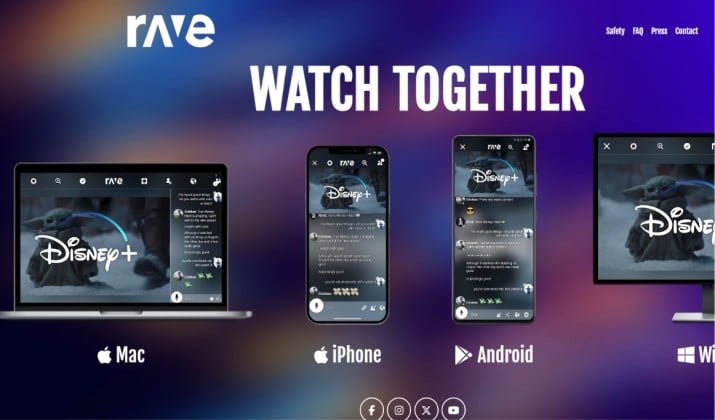
Best for: Cross-platform watch party apps for phone, PC, smart TV, and streaming devices
Rave takes a different approach. It creates a virtual room and streams Netflix, Disney+, YouTube, Amazon Prime Video, HBO Max, and more through its own app. You can voice chat or text while you watch movies together online.
What stands out: Works on phone and TV natively, so you can watch movies together on phone, PC, and TV in sync without casting from a browser. Unlimited room size. Great for online watch party apps for Netflix, Disney+, Prime Video, YouTube.
Platforms: Android, iOS, Windows, macOS
Pricing: The Rave app is completely free to download and use on all platforms, including iOS, Android, Windows, and Mac. Users can create and join unlimited watch parties across platforms like YouTube, Netflix, Disney+, and Amazon Prime without paying any subscription fees.
While the core functionality is 100% free, there are a few optional considerations:
- Rave Premium: Rave offers an optional Premium subscription which removes ads from the app, though all streaming and chatting features remain fully functional without it.
- Third-Party Subscriptions: Although the Rave app itself is free, you will still need active, paid subscriptions for platforms that require them (like Netflix, Amazon Prime, or Disney+) to watch their premium content.
- Paid/Rented Content: Rave does not support rented or paid content from services like YouTube and Amazon.
Watch out for: Video quality depends on your phone. You still need individual subscriptions to paid services.
3. Scener
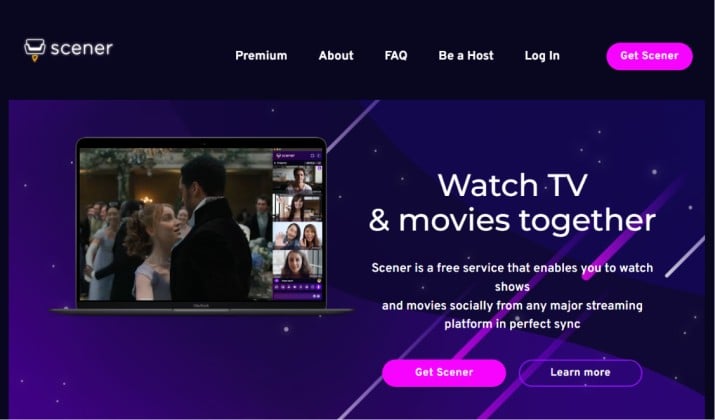
Best for: Hosted events and large groups with video chat
Scener feels like a virtual theater. You get synced playback plus group chat, voice chat, or video chat in a floating window. It supports Netflix, Disney+, HBO Max, Hulu, YouTube, and more. You can host public watch parties for up to a million guests or keep it private.
What stands out: Video chat during playback without paying, unlike Teleparty. Studios have used Scener for official premieres.
Platform: Chrome extension
Scener Pricing: Scener’s core watch party and co-watching service is completely free, allowing you to host and join virtual watch parties with synchronized video playback. They also offer an upgraded Scener Premium plan for $5.79/month (which includes a 3-day free trial).
- The Free Tier: Allows you to host or join watch parties, video chat, and text chat with friends while watching movies in perfect sync.You and your friends must have your own active subscriptions to the streaming service being viewed (e.g., Netflix, Disney+, Prime Video).
- Scener Premium: This costs $5.79/month. The service typically unlocks advanced host/viewer controls, exclusive theater themes, and better attendee management for large virtual audiences.
Watch out for: Everyone needs their own subscription. Chrome-only. Premium details are light, but the core is free.
4. TwoSeven
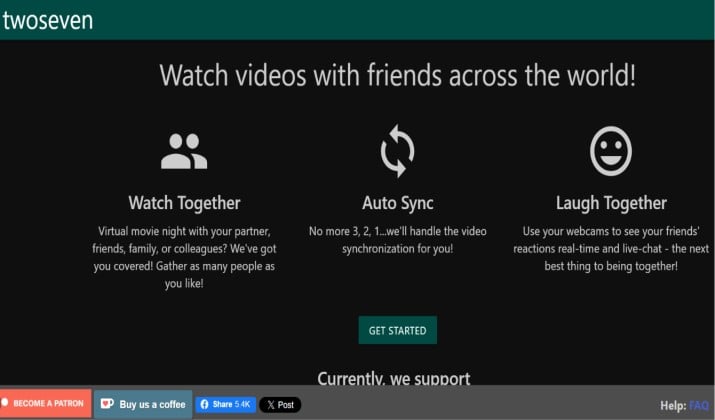
Best for: Couples who want to see each other while they watch movies together online
TwoSeven nails the “long-distance date” vibe. Along with synced playback for Netflix, Hulu, Disney+, and tons of other sites, you get webcam and mic feeds right next to the video. No separate Zoom call needed.
What stands out: Detects videos from “many, many other websites”, so you’re not locked to major streamers. FaceTime-like layout keeps you connected.
Platforms: Chrome | Edge extension | Firefox extension | Web app
Pricing: TwoSeven is primarily a freemium service. While many core features are free, they offer tiered premium subscriptions through TwoSeven Patreon to unlock additional streaming platforms and enhanced screen-sharing capabilities.
Here is the breakdown of the pricing and tiers:
- Free Plan: Grants basic video syncing, built-in text chat, webcam, and microphone support. You can share personal video files and sync freely on sites like YouTube and Vimeo.
- Tier 1 (~$3/month): Unlocks direct syncing capabilities for streaming services like Hulu and Disney+.
- Tier 2 ($5/month): Unlocks 720p screen-sharing for up to 10 participants.
- Tier 3 ($10/month): Unlocks 1080p screen-sharing for up to 20 participants.
- Tier 4 ($20/month): Unlocks 1080p screen-sharing for up to 40 participants.
Only one person in the group needs to have a Patreon tier that supports premium streaming services (like Disney+ or Hulu) to share it with everyone else in the room
Watch out for: Can be heavier on CPU than text-only options. Extension required.
5. Kast

Best for: Sharing anything, including sites that don’t have official support
Kast is your virtual living room. You can launch Kast TV for built-in movies or share your screen to watch any website together. Up to 20 people can share screen/camera and 100 more can watch.
What stands out: Screen sharing means you can watch movies together online even if the app doesn’t support it. Best free tier for large groups.
Platforms: Web
Pricing: Kast is primarily free to use, but they offer tiered subscription options to access higher video quality, additional reactions, and ad-free viewing.
- The free tier allows you to watch streams, use free content via Kast TV, and screen share (though screen sharing includes a watermark). Kast TV content itself (like YouTube and Tubi) is completely free to view.
- Kast Premium costs $6.49/month. Yearly subscription comes to $59.99/year (which saves you roughly 19% compared to the monthly plan). This tier removes all ads, unlocks high-definition (HD) streaming quality for your party, allows picture-in-picture (viewing webcams and videos simultaneously), and gives access to exclusive animated reactions.
Watch out for: Screen sharing quality caps unless you go Premium. You’ll want decent upload speed.
6. Plex Watch Together
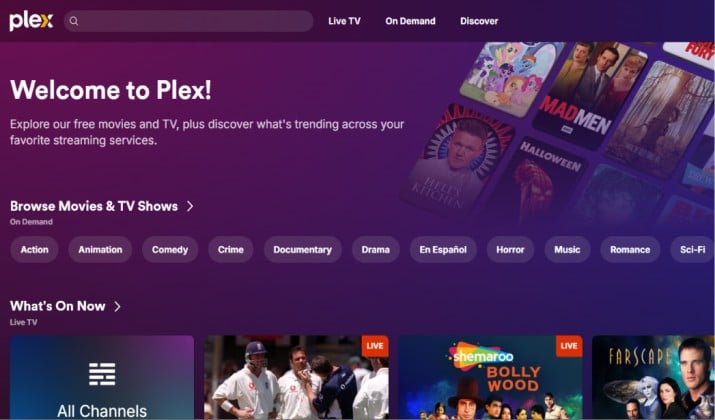
Best for: Groups who already own digital movies or run a Plex server
Got a personal movie collection? Plex Watch Together syncs playback from your own library so you can watch movies together online without worrying about which service has the film. Everyone streams from the host’s server.
What stands out: No subscription juggling. Works great for home movies, rare films, or content you own outright.
Pricing: The Plex Watch Together feature is currently available at no extra cost. It is a free feature that works seamlessly with both your own personal media library and Plex’s built-in, ad-supported on-demand Movies & TV.
However, because the feature is natively integrated into the platform’s infrastructure, its availability depends on the overall pricing tiers:
- Basic/Free Account: Watch Together is completely free to use, though you will have to endure ads on Plex’s on-demand content.
- Plex Pass: If you are the host, having a Plex Pass allows you to stream personal media remotely without limits, host content directly from a server, and use features like offline downloads. A Plex Pass costs $6.99/month, $69.99/year, or a Lifetime pass for $249.99.
Pricing is subject to change. Do refer to the official pricing page for the latest updates.
Watch out for: Requires setup. Not for Netflix or Disney+. Everyone needs a free Plex account and the host needs upload bandwidth.
7. Discord Watch Together
Best for: Gaming groups and communities who already live on Discord
You already use Discord to talk, so why not watch movies together on Discord via screen sharing? Join a voice channel, hit “Share Your Screen,” pick your browser with Netflix or Prime Video running, and your friends can watch along.
What stands out: Everyone’s likely already there. Voice chat, reactions, and memes are built in. Perfect for how to host virtual movie nights with friends and family.
Platforms: Windows | Web | iOS | Android
Pricing: The Watch Together feature (which primarily operates as a YouTube integration) is completely free to use for all Discord users. The host starting the activity needs an active Discord account, while everyone else can join and watch videos together without needing any premium subscription.
You must join a voice channel in a server or a DM. The host launches the activity, and participants can search for YouTube videos, queue them up, and watch in real-time. Since it relies on the official YouTube API, viewers will still see official YouTube advertisements while watching.
While the Watch Together app itself is free, Discord offers premium tiers for users who want elevated streaming and community features:
- Nitro Basic: Around $2.99/month or $29.99/year (gives you custom emojis, larger file sharing, and custom video backgrounds).
- Full Nitro: Around $9.99/month or $99.99/year (unlocks 4K/60fps streaming, bigger file uploads, and profile customization).
Watch out for: Streaming copyrighted content can violate Discord’s TOS and streamer terms. Keep it to small, private servers. Quality depends on Nitro.
8. Kosmi
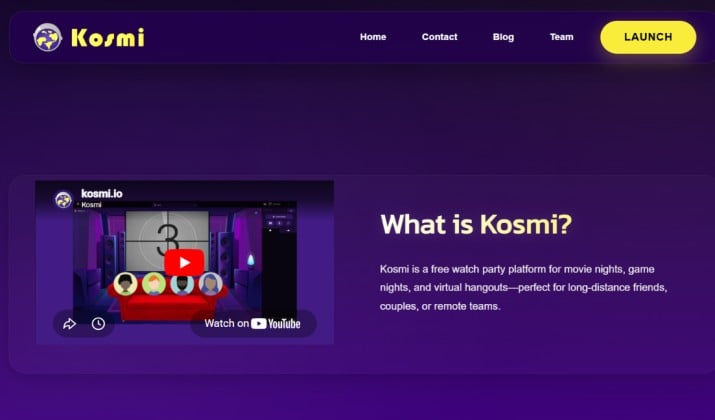
Best for: Free video chat + no installs
Kosmi is the scrappy favorite. Create a room, share the link, and watch Netflix, YouTube, Disney+, or any video in perfect sync with video chat built in. No browser extensions required.
What stands out: Best free alternative to Rave. Video chat included, no account needed to join. Also does games, cards, and poker.
Platforms: Web browser, Android, iOS
Pricing: Kosmi is completely free to use. There are no premium tiers, paid subscriptions, or upfront costs required to host or join watch parties.
Watch out for: Uses a virtual browser, so it can feel less smooth than native apps. Video quality varies.
9. Hearo
Best for: Mixed subscriptions on phone + PC with built-in voice chat
Hearo replaces the native options because it covers what Disney+ GroupWatch and Prime Video Watch Party used to do, but in one app. You can watch movies together online long distance with friends and partner across Netflix, Disney+, Prime Video, Max, Hulu, YouTube, and 25+ more services.
What stands out: Everyone joins with a room link, and you get synced playback plus group chat, voice chat, or video chat without installing separate extensions for each site.
It works on phone and desktop, so you can watch movies together on phone, PC, and TV in sync by casting from the app. No TOS gray areas since it syncs official players and everyone needs their own subscription.
Platforms: App Store | Google Play
Pricing: Free. No premium tier currently
Watch out for: Video quality depends on your device. Not every niche streamer is supported yet, but it hits all the major online watch party apps for Netflix, Disney+, Prime Video, YouTube.
10. Apple SharePlay
Best for: All-Apple friend groups
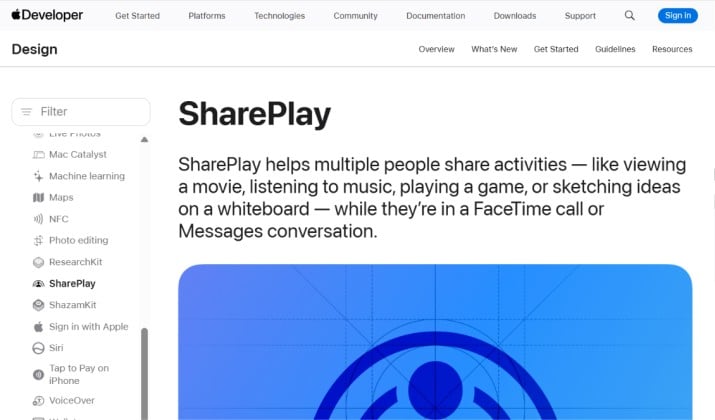
If everyone’s on Apple, SharePlay is the most natural fit because the voice call and the movie live in one place. Start a FaceTime call, open a supported app like Apple TV+, Disney+, or Hulu, hit Play, and it asks if you want to SharePlay for everyone.
What stands out: Zero friction. Video, chat, and playback are unified. Best value for couples on Apple.
Platforms: iPhone, iPad, Mac, Apple TV via FaceTime
Pricing: Free with device. Subscription to streaming app required
Watch out for: Does not support Netflix. Everyone needs an Apple device.
Which App Should You Pick?
The best overall pick is Teleparty.
One extension covers the major paid streamers, sync is reliable, and the team updates it fast when Netflix changes its player.
If your group uses different devices and subscriptions, Teleparty handles the chaos better than anything else. You get watch party apps with room links, private rooms, and host controls without thinking about it.
Distance doesn’t cancel movie night. With apps that offer synced playback plus group chat, voice chat, or video chat, you can keep your weekly traditions alive.
Try two or three from this list and see which one feels like your digital living room. You’ll be arguing over what to watch, not how to watch, and that’s how it should be.