
If you’ve ever handed your phone to a friend, a nosy sibling, or that one coworker who “just needs to make a quick call,” you know the panic.
Banking apps, dating apps, private photos, that side-hustle planner, all one tap away from prying eyes.
If you want to avoid getting into this situation, read the post till the very end. It lists apps that hide other apps on your Android along with your photos, messages and other personal data.
Does it sound good? Let’s dive in.
Also Read: Best Secret Apps That Look Like Calculator
But are there any built-in ways to hide apps on Android?

Hider apps are a good option, but your phone already has tricks. Free, 0 downloads required:
1. Disable Apps via Settings
Go to Settings > Apps > [App Name] > Disable. It vanishes from your home screen and won’t run in the background. Re-enable anytime.
Downside: Only works for pre-installed/bloatware apps, not apps you downloaded.
2. Use Your Phone’s “Secure Folder” or “App Lock”
- Samsung:
Settings > Security and privacy > Secure Folder. Apps inside are PIN/pattern/biometric locked. - Xiaomi:
Security app > Hide apps. Toggle apps off your home screen. - OnePlus/Oppo/Vivo: Look for
Settings > Privacy > Hide AppsorApp Lock. You’ll set a password + access code.
3. Guest Mode = Instant Privacy
Settings > System > Multiple users > Add Guest. Guest mode loads a clean profile with only system apps. Perfect when handing your phone to a kid or stranger. Switch back to your profile and all your apps reappear.
Also Read: Best Apps To Hide Text Messages & Calls
But Can Hidden Apps Still Be Found?
Yes, if someone knows where to look. Here’s how people get caught:
- Settings > Apps: Even hidden apps usually appear here.
- Play Store > Manage Apps: Shows all installed apps, even disabled ones.
- Storage Usage: A 300MB “Calculator” app is suspicious.
Pro Move: After hiding, rename the hider app and change its icon.
Also Read: Best Secret Decoy Apps For iPhone
Launchers That Hide Apps: Nova Launcher Example

Want more control?
Third-party launchers like Nova Launcher can hide apps from the drawer: Nova Settings > App drawer > Hide apps.
Heads up: On newer Android, Nova’s hide feature requires Nova Prime, the paid version.
Best Apps To Hide Apps On Android
Let’s now explore the apps available on Google Play for the purpose.
1. Hide All (Momo Technology HK Company Limited)
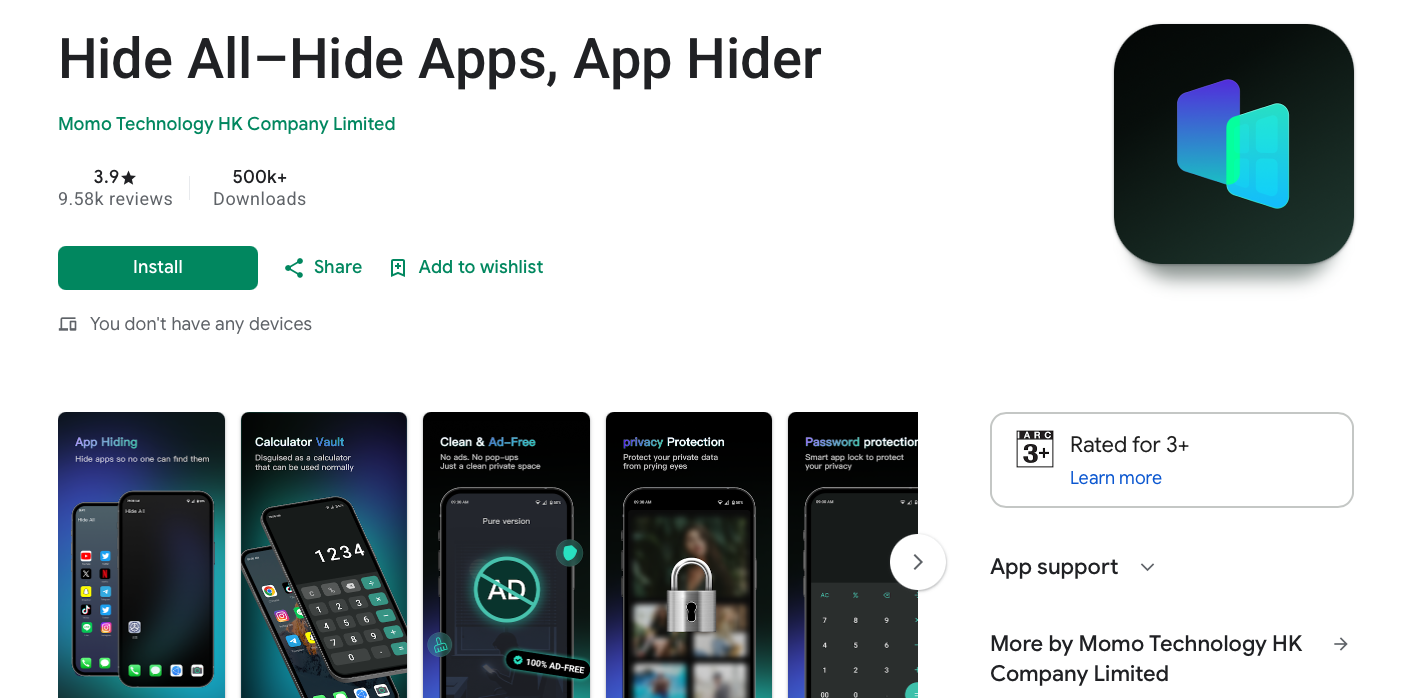
Hide All is designed to help Android users keep private apps away from curious eyes.
The app allows you to hide installed applications from the home screen and app drawer by creating a secure, isolated environment.
One of its biggest advantages is that it does not require root access, making it accessible to most Android users. Beyond app hiding, it supports privacy protection features such as PIN and password locks to secure hidden content.
Users can also clone apps, making it useful for managing multiple accounts on social media and messaging platforms.
The interface is straightforward and beginner-friendly, allowing quick setup. If privacy and app concealment are your priorities, Hide All offers a practical and convenient solution.
2. App Hider (Hide Apps)
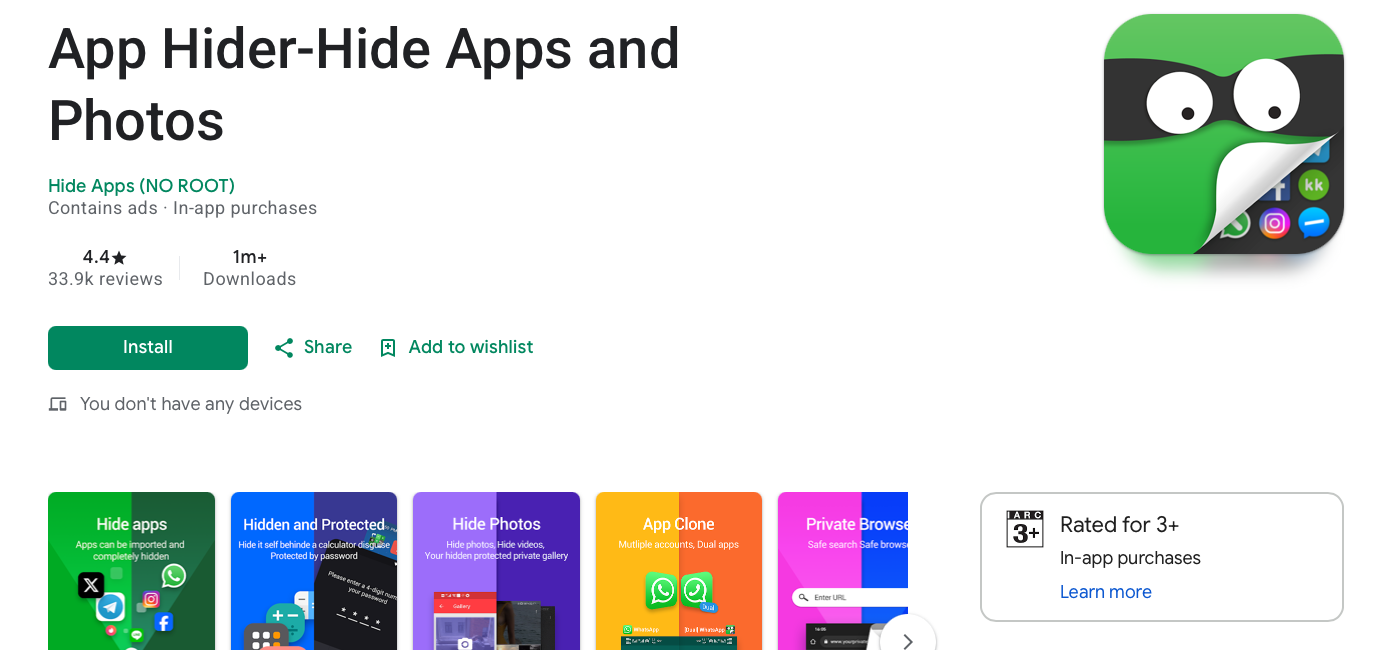
App Hider is one of the most popular Android solutions for users who want to conceal apps without rooting their devices.
The app creates a separate space where you can clone and hide installed applications, making them invisible from your main launcher. It also supports hiding photos, videos, and other personal files for added privacy.
A standout feature is its disguise mode, which can make App Hider appear as a calculator to avoid unwanted attention. Users can run hidden apps inside the secure environment while keeping them out of sight from others.
It also includes password protection, multiple account support, and privacy-focused tools. For anyone seeking a simple way to hide apps, App Hider is a strong choice.
Also Read: Best Android Apps To Hide Text & Calls
3. Hyde App (ZipoApps)
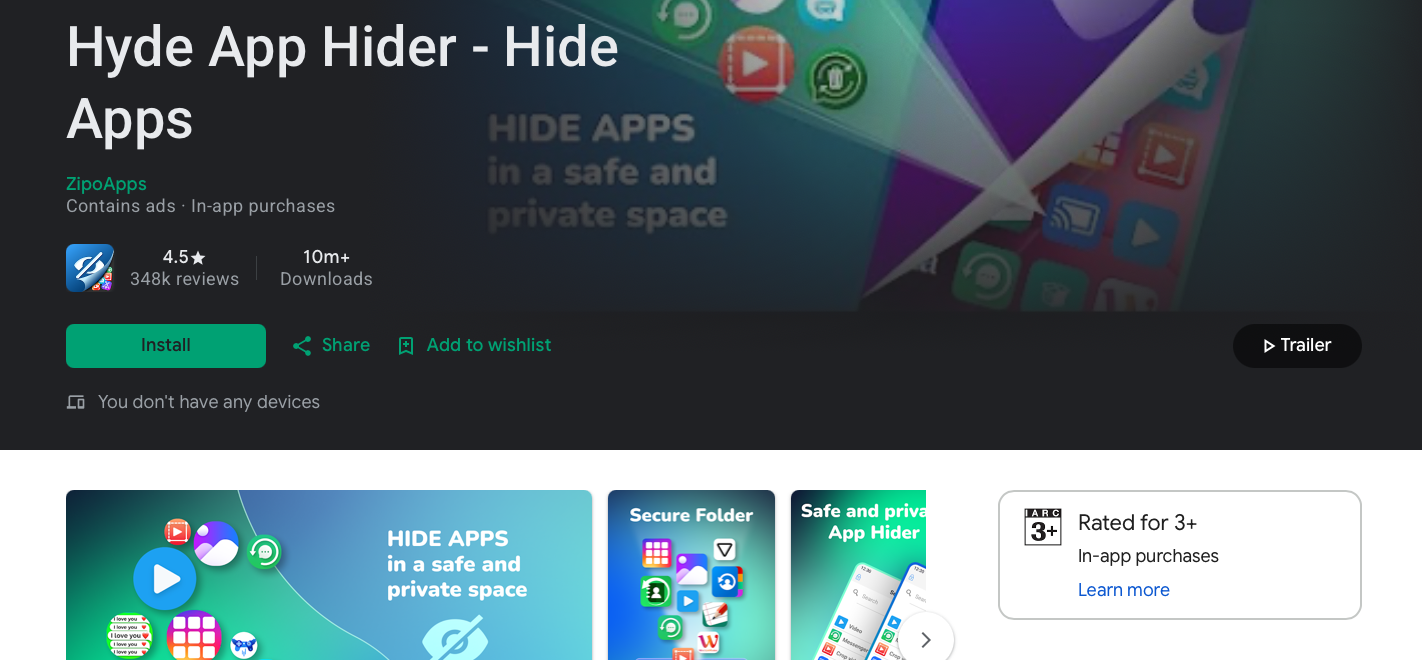
Hyde App Hider focuses on giving users a private space to store and access hidden applications.
The app enables users to hide apps from the main Android interface while continuing to use them through Hyde’s secure launcher. It is particularly useful for protecting sensitive apps such as banking, messaging, or social media applications.
Hyde also offers password and PIN protection to prevent unauthorized access. In addition to hiding apps, it supports app cloning, allowing users to manage multiple accounts within the same device.
The app features a clean interface that makes navigation simple even for less tech-savvy users.
Since no root access is required, installation and setup are relatively hassle-free, making Hyde a solid privacy tool for Android users.
4. Calculator App (ZANKHANA PTE LTD)
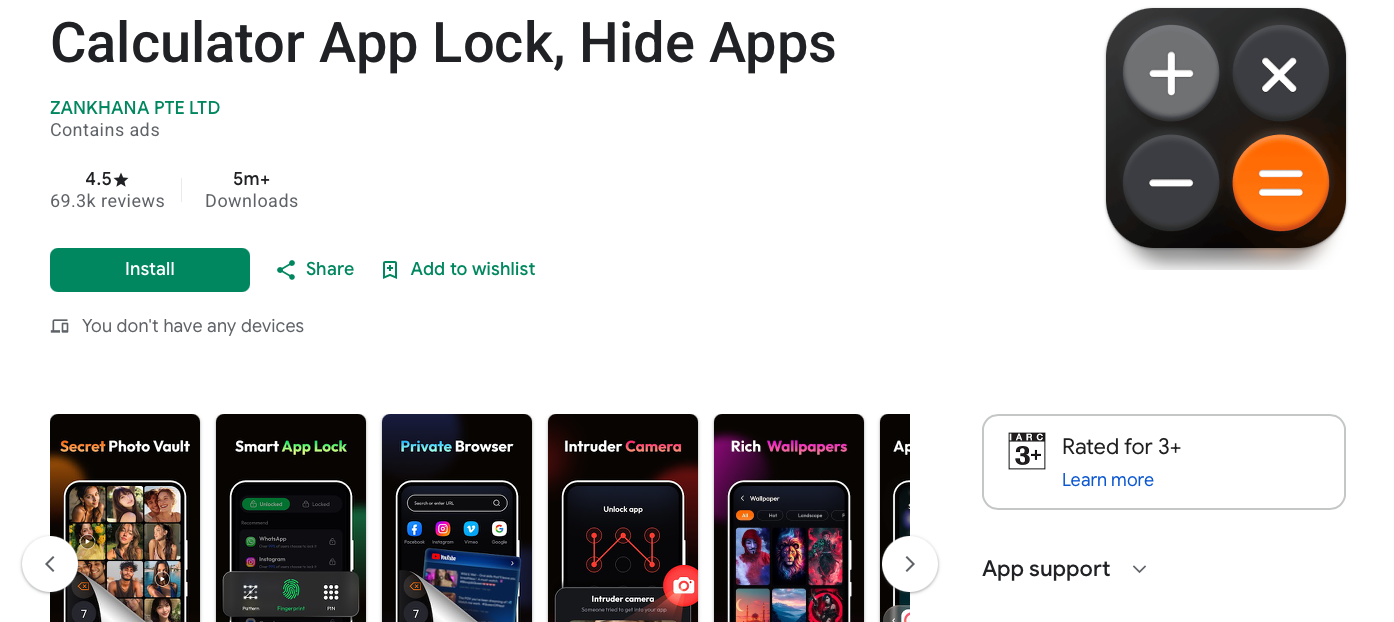
Calculator App Lock combines app hiding and security features within a calculator-style disguise.
On the surface, it looks like a standard calculator, but entering a secret code unlocks a private vault where hidden apps and files can be accessed.
This stealth approach adds an extra layer of privacy beyond traditional app lockers. The app allows users to hide applications, secure photos and videos, and protect personal information with passwords.
It also offers app lock functionality, enabling users to restrict access to selected apps without hiding them completely.
The calculator disguise helps prevent others from discovering the vault accidentally. For users who value discretion and strong privacy protection, Calculator App Lock delivers a feature-rich and user-friendly experience.
5. HideU: (Smart Utils Dev Team)
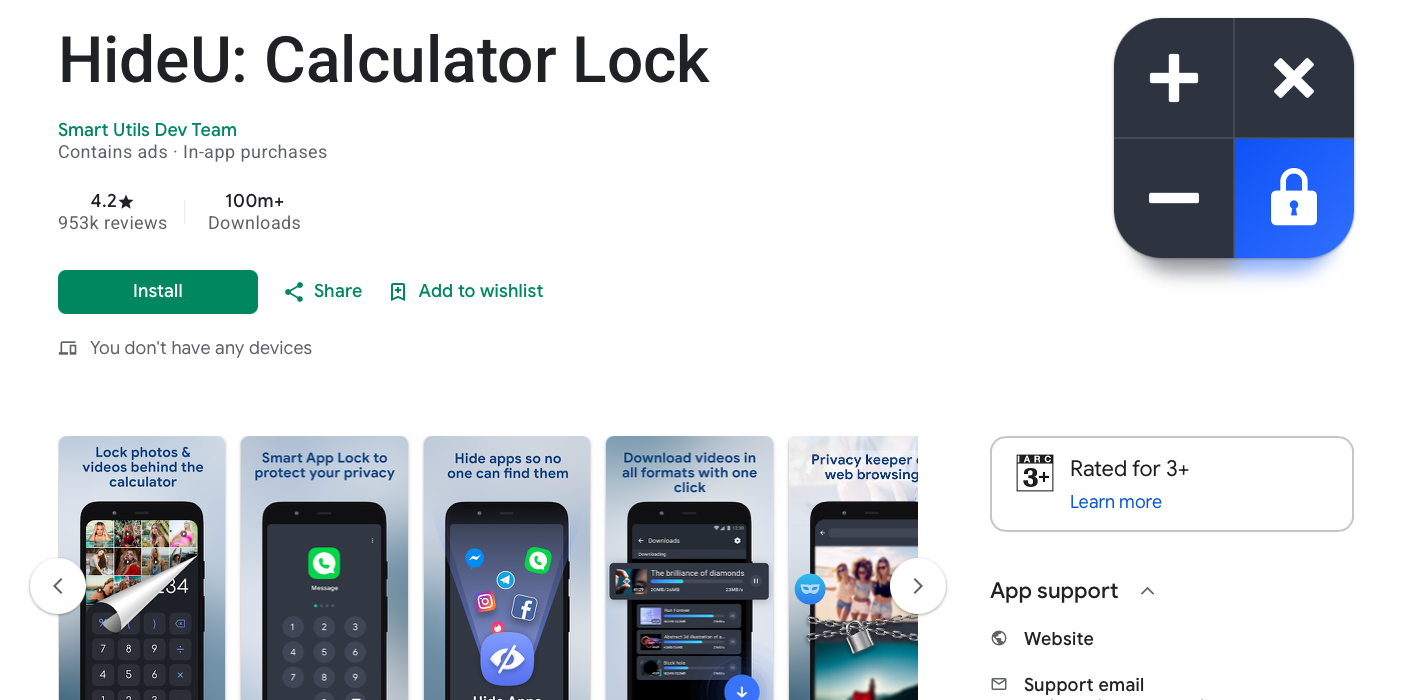
HideU is a versatile privacy app that combines app hiding, file protection, and calculator-style security. Its most notable feature is the ability to hide apps inside a secure vault disguised as a functional calculator.
Hidden apps can still be launched and used normally without appearing in the device’s standard app drawer. HideU also provides a private vault for photos, videos, and other files, helping users keep sensitive content protected.
Additional features include password security, fingerprint support on compatible devices, app cloning, and private browsing options.
The calculator disguise adds a useful layer of stealth, making the hidden space difficult to detect. Overall, HideU is a comprehensive privacy tool that excels at both hiding apps and securing personal data.
Also Read: Best Secret Messaging Apps For iPhone
Wrapping Up
Your phone holds your life, so take back control.
Whether you use a stealth app like App Hider or HideU, your device’s built-in Secure Folder, or just Guest Mode for quick handoffs, the goal is simple: your apps, your rules.
Test your setup with a dummy app first, lock it with a PIN you won’t forget, and always vet permissions before you download.
Do it today, because privacy is power.