
Online meetings are no longer just about conversations. You now need searchable transcripts, smart summaries, action items, speaker insights, CRM sync, and quick follow-ups without spending hours taking notes manually. That’s exactly why many teams are searching for better Otter AI alternatives this year.
Otter AI works well for basic English transcription, but you’ll feel the gaps when you need multilingual support, deeper analytics, unlimited recordings, or a bot that doesn’t crash your Zoom call.
In this guide, you’ll discover the best Otter AI alternatives for transcription, meeting summaries, AI note-taking, and collaboration. You’ll also see which tool stands out for specific use cases like Zoom meetings, Google Meet calls, multilingual teams, and CRM workflows.
Why Look for Otter AI Alternatives?
Otter.ai gives you 300 minutes per month on the free plan and only transcribes English, Spanish, and French. If you run lots of meetings, work with global clients, or need video clips and CRM sync, you’ll bump into walls fast. Otter also lacks subtitles for videos and collaborative editing beyond its Enterprise plan.
That’s why Otter AI alternatives matter. You want tools that save you time without extra busywork. Your work demands AI meeting assistant tools that drop notes straight into Notion, HubSpot, or Slack. And you probably want bot‑free desktop or browser capture so a robot doesn’t awkwardly join your client call.
Best AI Note Taker Apps
Here’s a quick snapshot before we go deeper into each tool:
| Tool | Best For | Standout Feature |
|---|---|---|
| Fathom | Free meeting transcription | Unlimited free summaries |
| Fireflies.ai | Global teams | 100+ language support |
| tl;dv | Sales and snippet sharing | Timestamped clips |
| MeetGeek | Analytics and coaching | Speaker insights |
| Jamie AI | Privacy focused users | Bot free recording |
| Supernormal | Google Workspace teams | Fast meeting notes |
| Sembly AI | Cross platform teams | Multi platform summaries |
| Avoma | Revenue and sales teams | CRM workflows |
| Noota | Multilingual transcription | Translation features |
| Microsoft Copilot | Microsoft ecosystem | Deep Teams integration |
Now let’s explore each of these tools in detail. Remember that the pricing is subject to change. Visit the official page for the latest pricing information.
1. Fathom.ai
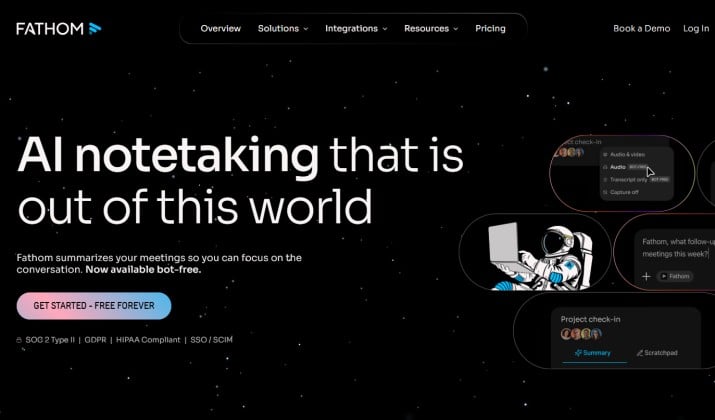
Best for: Free AI meeting assistant with unlimited recordings
Many users now consider Fathom one of the strongest Otter AI alternatives because the free plan feels surprisingly generous. You get unlimited meeting recordings, automatic summaries, action items, and follow ups without heavy restrictions.
It works well for Zoom, Google Meet, and Microsoft Teams. The tool can automatically join calls and create organized notes within minutes. It also has a Mac-only bot‑free option in beta.
Why People Prefer Fathom Over Otter AI
- Real time AI transcription and live captions for meetings
- Automatic meeting summaries, action items, and follow ups
- AI notetaker that joins Zoom, Google Meet, and Microsoft Teams calls automatically
- HubSpot and Salesforce integrations
- Easy clip sharing for clients and teams
- Clean interface that feels less cluttered
Fathom is available in different versions for Windows, MacOS, and Chrome extension. The mobile version is available on Apple App Store.
Also read: Best Minimalist Note-Taking Apps
Fathom Pricing
Fathom has three pricing plans. The free plan for individuals comes with unlimited recordings, transcriptions and instant AI summaries.
For more advanced features, you can choose from its two paid plans. While the Team plan is priced at $15 per month per user, the Business plan will cost you $25 per month per user.
2. Fireflies.ai
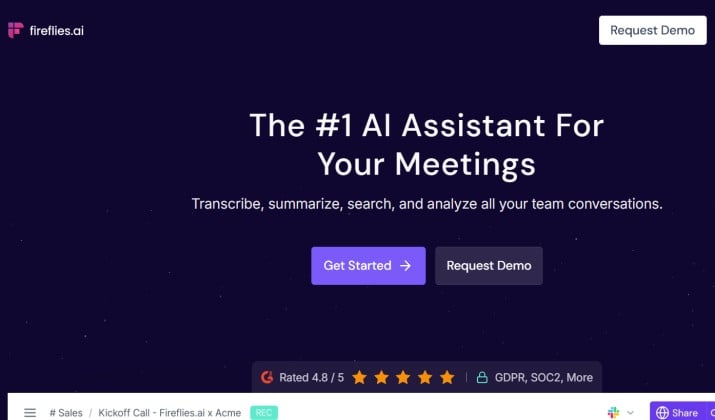
Best for: Integrations and global teams (100+ languages)
Fireflies.ai has become a favorite among remote teams and international companies.
If you manage multilingual teams and non‑English meetings, this is one of the strongest Otter AI alternatives. Fireflies gives you 800 minutes of storage on free and supports over 100 languages for transcription. The platform also offers strong CRM and productivity tool integrations.
It joins Zoom, Meet, and Teams automatically and pushes notes to Salesforce, HubSpot, Slack, Notion, ClickUp, and more. You also get task manager features and LLM‑powered meeting summaries and automatic action items.
Best Features
- Multi language transcription and translation support
- AI powered meeting search
- Automatic summaries and discussion tracking
- CRM integrations for sales teams
- Speaker analytics and collaboration tools
Unlike many Otter AI alternatives, Fireflies.ai focuses heavily on workflow automation. You can automatically send meeting notes to project tools or CRMs without manual copying.
Fireflies Pricing
There are four Fireflies.ai pricing plans:
- Free: This free plan offers unlimited transcription, limited Ai summaries, and 800 hours of storage per seat.
- Pro: Designed for professional individuals and small teams, this plan priced at $10 per seat per month offers 8000 hours of storage per seat.
- Business: This plan that costs $19 per seat per month is perfect for fast growing businesses. It offers unlimited storage.
- Enterprise: Costing $39 per seat per month, this plan suits large-scale enterprises that require powerful transcription functions.
You can download Fireflies desktop app for Windows/Mac or the mobile versions from Google Play Store or Apple App Store.
3. tl;dv
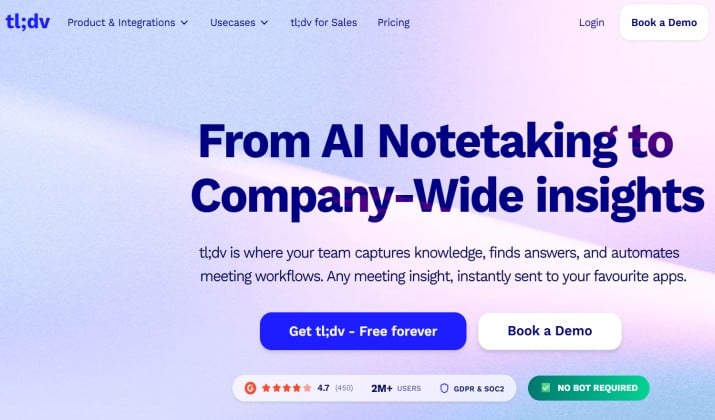
Best for: Sharing meeting snippets and sales enablement
tl;dv works especially well for sales teams, recruiters, and customer success managers.
The biggest advantage here is snippet sharing. tl;dv records video for free with no limits and stamps key moments in real time. You can create short clips from meetings and send them instantly to teammates or clients.
It supports 30+ languages and 6,000+ integrations. If you do demos, coaching, or sales calls, the video clips beat plain transcripts. Plus you get bot‑free desktop capture.
Notable Features
- Timestamped meeting highlights
- AI summaries and action items
- Speaker tracking
- Zoom and Google Meet support
- Slack and CRM integrations
The interface feels modern and lightweight. You don’t waste time searching through giant transcripts.
tl;dv Pricing
tl;dv pricing plans include a free plan and three paid plans with prices starting from $18 per seat per month. You can download tl;dv desktop app or the chrome extension from its official page.
Read this too: Must-Have Apps for Taking Notes on Your Tablet
4. MeetGeek
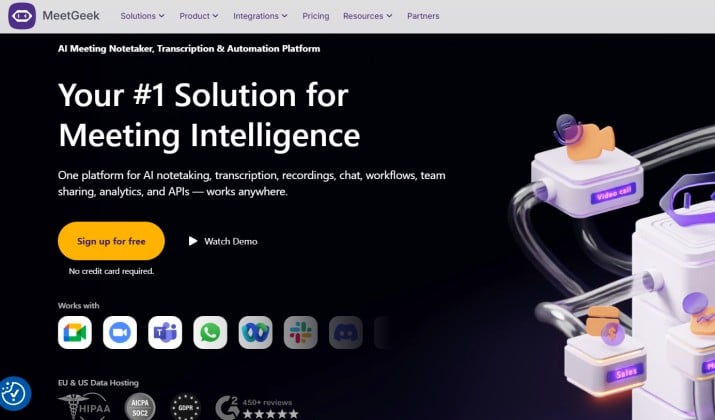
Best for: Analytics, insights, and speaker stats
If analytics matter to your business, MeetGeek deserves a close look.
It gives you much deeper meeting insights. You get speaker talk-time, sentiment, and meeting analytics alongside automatic meeting summaries, action items, and follow‑ups. You can track engagement patterns, recurring topics, and meeting efficiency.
This tool works especially well for managers, team leaders, and coaches. It’s one of the AI meeting assistant tools that turns conversations into org-wide data.
Best Features
- Speaker statistics and analytics
- Automatic action item tracking
- Smart meeting highlights
- Team performance insights
- Integration with productivity apps
MeetGeek Pricing
MeetGeek has four pricing plans. While the Basic plan is free, the other three are paid plans with prices starting from $9.99.
The app is available on Google Play Store, Apple App Store and Chrome Web Store.
5. Jamie AI
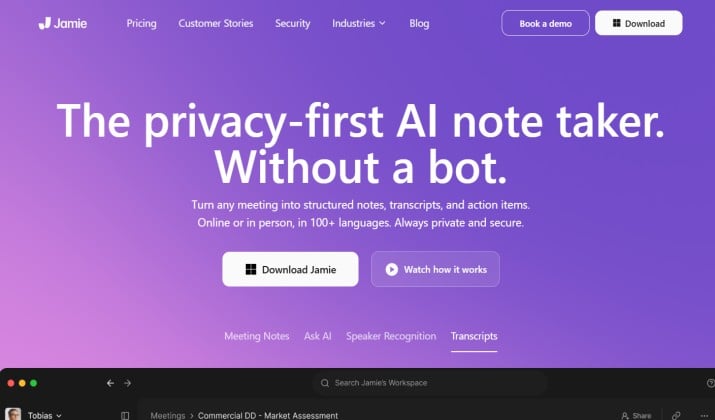
Best for: Bot‑free AI meeting recording
Many users dislike AI bots joining meetings automatically. If that sounds familiar, Jamie AI could be your ideal choice.
Jamie runs locally on your device and captures system audio. That means no meeting bot joining the call and no awkward “Jamie has joined” moment. This creates a more natural meeting environment.
It’s great for privacy‑first teams and sensitive calls. You still get real‑time AI transcription and live captions for meetings.
What People Like Best About Jamie AI
- Bot free meeting recording
- AI generated summaries
- Cross platform compatibility
- Strong privacy focused setup
- Clean desktop experience
Jamie AI Pricing
There is a free Jamie AI pricing plan. Paid plans start from €39 per month. You can download the right version for Mac, Windows or iOS from the official page.
Another interesting read: Best Note Taking Apps for iPad Pro
6. Supernormal
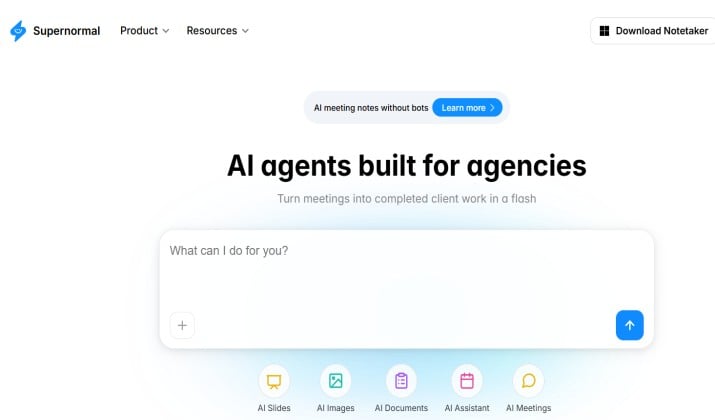
Best for: Google Meet/workspace‑first teams
Supernormal focuses heavily on Google Workspace users.
It joins Google Meet calls, writes notes in Google Docs, and keeps everything inside your drive. If your team spends most of its time inside Google Meet, Docs, Gmail, and Calendar, this tool fits naturally into your workflow.
You get AI notetaker that joins Zoom, Google Meet, and Microsoft Teams calls automatically, plus summaries you can edit with your team.
Best Features
- Fast Google Meet transcription
- Automatic note organization
- Shared team workspaces
- AI summaries and tasks
- Notion and Slack integrations
Supernormal Pricing
Supernormal has a free pricing plan and two paid plans with rates starting from $20 per month. It supports Windows and Mac. You can download the relevant version from its official page.
7. Sembly AI
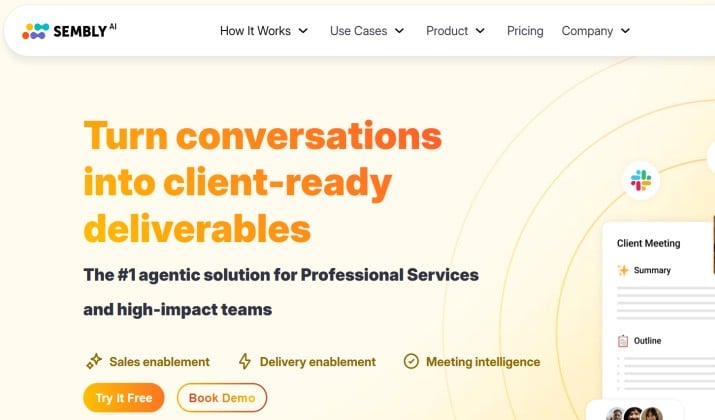
Best for: Multi‑platform transcription and summaries
Sembly AI works well for companies that use multiple meeting platforms regularly. It supports Zoom, Teams, Webex, and Google Meet while delivering strong summaries and searchable transcripts.
It creates searchable transcripts, tasks, and meeting minutes. The “Semblian” AI agent can attend calls for you and send recaps.
Best Features
- Multi platform transcription
- AI generated meeting tasks
- Searchable conversation archives
- Collaboration tools for teams
- Integrations with project apps
Sembly AI Pricing
You can opt for a free trial of Sembly AI Basic plan. After the trial period, you have to upgrade to the Basic, Pro, or Max plans. Pricing starts from around $10/month.
Sembly AI is available for download on Google Play Store, Apple App Store, and Microsoft Marketplace.
8. Notta
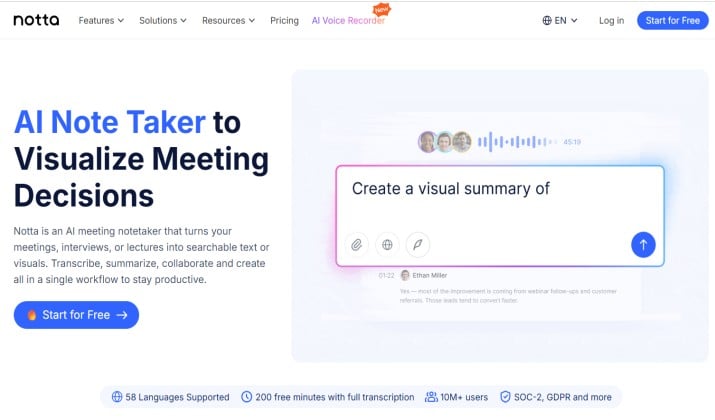
Best for: Teams on a budget with multilingual demands
Notta has gained attention for multilingual transcription and translation support.
It is often called the top alternative for Otter AI because it offers a free trial, higher accuracy, and support for 58 different languages. You can upload files, record in-person with your phone, and translate transcripts
If your meetings involve international clients or non English conversations, Notta handles language flexibility quite well.
Best Features
- Multi language meeting transcription
- AI generated summaries
- Collaboration tools
- CRM integrations
- Zoom and Meet support
Notta Pricing
Notta features a free plan that offers 120 transcription minutes per month and up to 10 AI summaries per month. For advanced functions, you can upgrade to paid plans that start from $8.17 per month.
To download Notta, you can get the mobile app for your phone from Google Play Store or Apple App Store. You can also use their web-based platform or the Chrome extension.
You might like this: Best Note Taking Apps for iPad with Apple Pencil
9. Avoma
Best for: AI note taking for sales calls with CRM integration
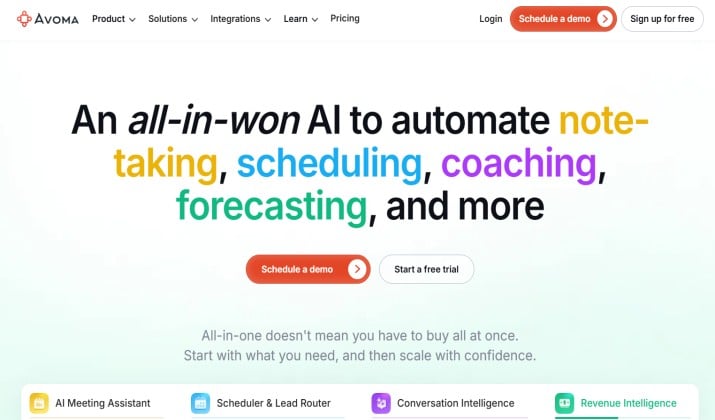
Avoma targets sales and revenue teams more than general productivity users.
It records, transcribes, and summarizes voice and video conversations automatically. Avoma also syncs meeting notes directly to accounts and contacts, so you skip admin work. Plus, you get deal health tracking, scorecards, and agenda templates.
If your meetings revolve around demos, pipelines, customer calls, and deal tracking, Avoma offers deeper CRM intelligence than many Otter AI alternatives.
Best Features
- Revenue intelligence tools
- Coaching and call scoring
- Salesforce and HubSpot sync
- Collaborative meeting workspaces
Avoma Pricing
Avoma has various pricing plans starting from around $19 per seat per month. You can sign up for a free trial of the Startup or Organization plans.
Avoma’s desktop app is available for download on its official page.
Pricing: Starts at $19 per user per month. Mobile apps are available on Google Play Store and Apple App Store.
10. Microsoft Copilot
Best for: Enterprises and local‑first notes
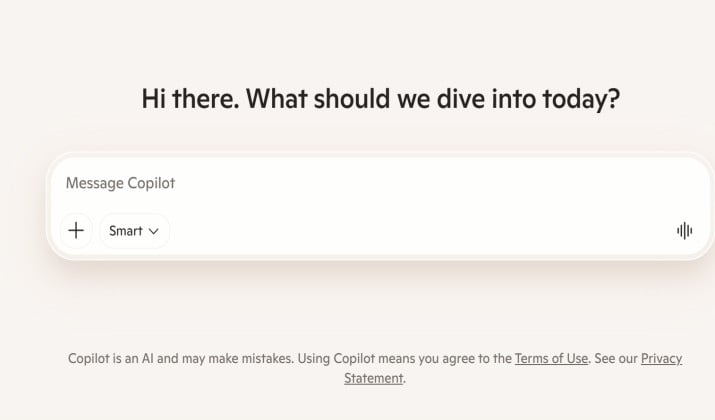
For organizations already using Microsoft 365, Microsoft Copilot feels like a natural upgrade.
It integrates deeply with Teams, Outlook, Word, and Excel. That makes it one of the strongest enterprise focused Otter AI alternatives.
If you want Otter AI alternatives with better team collaboration and shared workspaces, Copilot ties into your Microsoft stack.
Best Features
- Native Microsoft Teams integration
- AI powered meeting recaps
- Automatic action items
- Calendar and email workflow support
- Enterprise grade security
Microsoft Copilot Pricing
Pricing plans for Microsoft Copilot start from $99.99 per year. You can try the plans free for a month before signing up.
Microsoft Copilot works with Windows and Mac. Mobile versions are available on Google Play Store and Apple App Store.
Which Otter AI Alternative Should You Choose?
Among all the Otter AI alternatives in this list, Fathom stands out as the best overall choice this year.
It offers unlimited free meeting transcription, strong AI summaries, automatic action items, and smooth support for Zoom, Google Meet, and Microsoft Teams. The interface also feels cleaner and easier to use than many competitors.
While tools like Fireflies.ai and tl;dv shine in specific areas, Fathom delivers the best overall value for most users without forcing expensive upgrades early.
That said, larger organizations with multilingual workflows and CRM heavy operations may find Fireflies.ai or Avoma more suitable for long term growth.