
Ever feel like you need a spot for private photos that nobody else stumbles into? Your phone gallery is convenient, but it’s also the first place someone looks when you hand over your device. That’s where a calculator app to hide photos comes in handy.
It looks like a normal calculator on your home screen. Tap it and you get basic math. Punch in a secret PIN and suddenly you’re inside a private vault. Your friends see you calculating a tip. You know you’re actually browsing hidden pictures and videos.
Let’s walk through some of the best calculator apps to hide photos right now, what makes each one worth your time, and how you pick the right fit for your phone.
What Makes a Calculator App To Hide Photos Actually Good?
Before we jump to the list, here are the features you should look for. Keep these in mind while you compare options:
- Real calculator disguise: The icon and interface should work like a regular calculator so it doesn’t raise suspicion.
- Strong lock options: PIN, pattern, or fingerprint. A photo vault calculator app with PIN or pattern lock keeps things simple but secure.
- No trace in recents: The safest secret calculator app for hiding sensitive gallery content won’t show thumbnails in your recent apps list.
- Intruder alerts: A secure calculator vault with cloud backup and intruder selfie snaps a photo if someone types the wrong password.
- Media support: You want to hide photos and videos behind a calculator interface, not just JPGs.
- Backup options: Accidents happen. You’ll want to know how to recover deleted photos from calculator hide app versions that offer cloud sync.
Now let’s get into the apps.
1. HideX
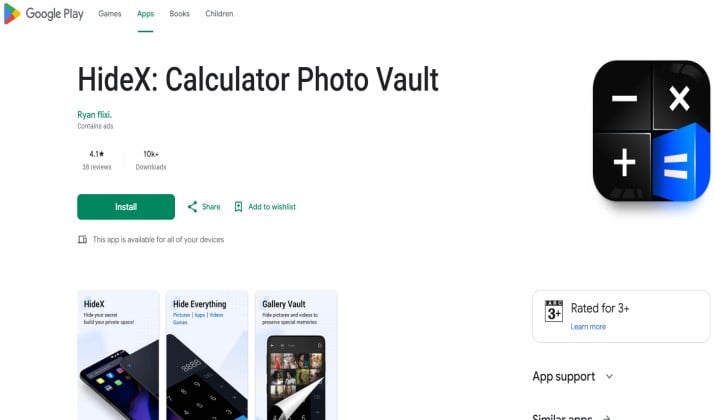
HideX nails the disguise. Open it and you see a fully working calculator. Type your PIN and press “=” to unlock your hidden space. Inside you can store photos, videos, and even lock other apps.
Why people like it:
- Fake calculator lock app with disguise icon and secret folder that’s hard to spot
- Private browser built in, so it’s also a calculator app that hides apps, files, and browser history
- Intruder selfie + break in alerts
- Cloud backup so you don’t lose files if you switch phones
HideX works well if you want an all in one secret calculator app for hidden photos and videos plus a bit more privacy on the side.
Platform: Android
Pricing: Free with ads. Premium removes ads and adds cloud space.
2. HideU

HideU focuses on simplicity. The calculator interface is clean and the vault is fast. You can import photos and videos in batches and organize them into albums.
Standout features:
- Calculator photo vault app with no watermark and no ads on premium
- Shake to close the app instantly if someone walks in
- Fake cover feature that shows decoy photos if you’re forced to open it
- Face down lock: Place your phone face down to quickly lock the vault
If you want a fake calculator app that hides pictures without extra clutter, HideU keeps it straightforward.
Platform: Android, limited iOS version
Pricing: Free basic version. Pro is a one time purchase.
Get HideU on Google Play | HideU iOS info
3. Calculator Photo Vault
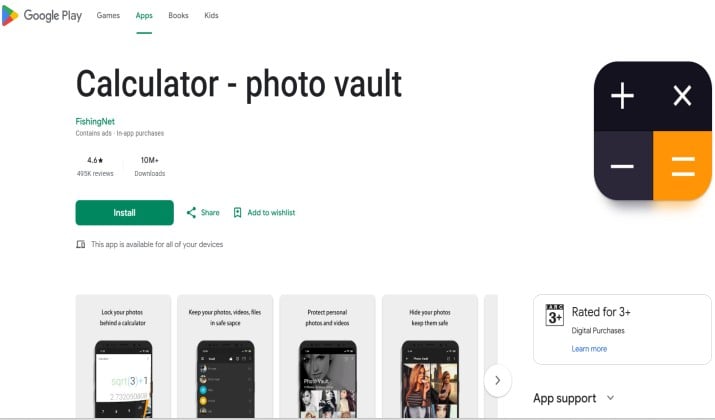
This one is popular because it’s lightweight. The app size is small, which helps if your phone storage is already full. Don’t let the size fool you though. It still packs the core tools you need from a calculator photo vault app.
Key points:
- PIN and fingerprint unlock
- Break in alerts with time and date stamp
- Private camera to take photos directly into the vault
- Doesn’t appear in “recent apps” list, which answers the need for safest secret calculator photo vault apps that don’t show in recent apps
This is a solid pick if you prefer a calculator lock app with hidden gallery and video vault but don’t want a bunch of extra features you’ll never use.
Platform: Android
Pricing: Free with optional upgrade for cloud backup
4. Calculator Lock – Secure Vault
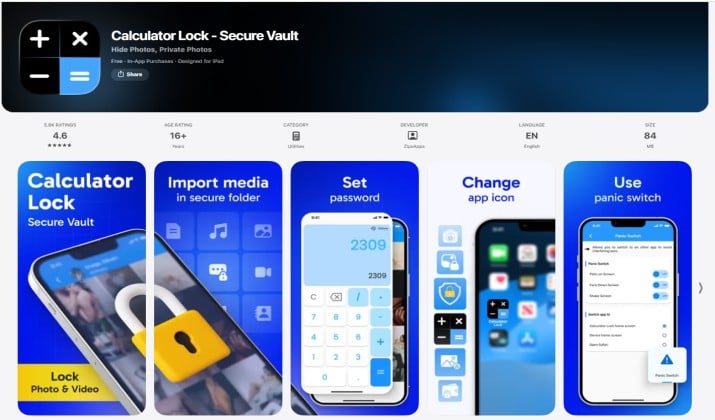
iPhone users often get fewer options for disguise apps due to App Store rules. Calculator Lock is one of the best calculator vault apps for Android and iPhone because it has a dedicated iOS version that still feels convincing.
What you get:
- Works as a real calculator on the surface
- AES encryption for files stored inside
- WiFi transfer to move files from computer to vault without cables
- Private notes section
For iOS, this is one of the most reliable choices when you need a calculator app to hide photos and you care about encryption.
Platform: Primarily iPhone, Android version available
Pricing: Free to try. Premium is yearly subscription.
Get on App Store | Get on Google Play
5. Calculator Vault
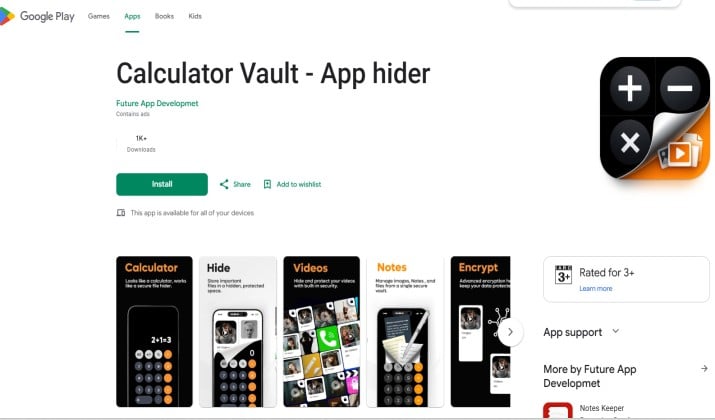
Calculator Vault goes beyond photos. It’s a fake calculator app that hides photos, videos, and apps on Android. You can clone social apps and run dual accounts inside the vault too.
Highlights:
- App lock and app hide in one
- Disguise multiple vault icons, not just calculator
- Private browser and cleaner tools included
- Cloud backup with auto sync
Pick this calculator app to hide photos if you also want to keep certain apps away from prying eyes.
Platform: Android only
Pricing: Free with ads. VIP removes ads and boosts cloud storage.
6. Calculator Hide Photo, Video
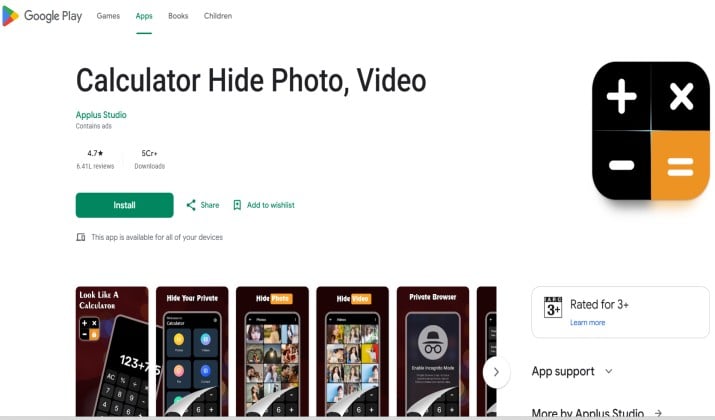
Some apps do one thing really well. This one focuses on secure backup. If you’ve ever worried about how to recover deleted photos from a calculator hide app, cloud backup is your safety net.
Features worth noting:
- End to end encrypted cloud sync
- Recover deleted files from trash within 30 days
- No icon hiding on iOS due to system limits, but the calculator disguise is convincing
- PIN, pattern, and Face ID support
This is the calculator app to hide photos you choose when backup matters more than bonus features.
Platform: Android and iPhone
Pricing: Free 1 GB cloud. Paid plans for more storage.
Get on Google Play | Get on App Store
7. Keepsafe Calculator
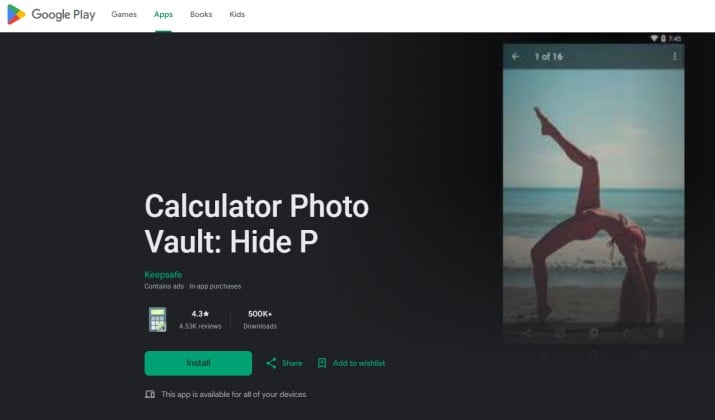
Keepsafe Calculator is a solid pick as a calculator app to hide photos for younger users and anyone who wants privacy without a complicated setup.
Parents often look into secret calculator apps that they should know about and how they work, and Keepsafe Calculator comes up because it focuses on safety and simplicity.
Key highlights:
- Quick setup: Teens can set a 4 digit PIN in seconds. No learning curve, just open it and go.
- Disguised icon and interface: It functions as a real calculator until you enter your code, so it stays low profile.
- Break in reports: Takes a photo and logs the time if someone enters the wrong PIN. You can get alerts so you know if someone tried to access it.
- App lock protection: On Android you can prevent uninstall without the password, which adds accountability.
- Family friendly design: The interface is clean with no pop ups or adult ads, so it feels safe for kids and teens to use.
It balances privacy with accountability, which makes it one of the best secret calculator apps for kids, teens, and privacy‑conscious users.
Platform: Android
Pricing: Free basic vault. Premium unlocks cloud backup, fake PIN, and album lock.
How To Hide Photos and Videos in a Calculator Lock App Step by Step
Wondering how to use a calculator lock app to hide photos without being noticed? The steps are similar across most apps:
- Download and open the app. It looks like a regular calculator.
- Set your PIN. Type a 4 to 6 digit code and hit “=”. Most apps ask you to confirm it.
- Grant permissions. The app needs access to storage to move your files.
- Import media. Tap the “+” or “Import” button inside the vault and select photos or videos from your gallery.
- Delete the originals. After importing, remove them from your main gallery and empty the “Recently Deleted” folder. Otherwise they’re still visible.
- Test the disguise. Close the app and open it again. Make sure it shows the calculator first.
Do that once and you’ve turned a normal tool into a secret calculator app for hidden photos and videos.
Free Calculator Photo Vault vs Paid Secret Calculator Apps
Should you pay? Here’s the quick breakdown.
Free versions give you:
- Basic hiding for photos and videos
- PIN or pattern lock
- Limited storage and usually ads
Paid versions add:
- Cloud backup and cross device sync
- No ads or watermarks
- Intruder selfie, fake cover, break in logs
- App hiding and private browser
If you only have a few photos to store and don’t mind ads, the free version works. If you want a secure calculator vault with cloud backup and intruder selfie, premium is worth it. Losing photos because your phone broke hurts more than a $3 monthly fee.
Calculator Photo Vault vs Normal Photo Vault – Which Is More Secure
A normal photo vault app shows a lock icon or says “Vault” on your home screen. Anyone who sees it knows you’re hiding something.
A calculator app to hide photos blends in. The disguise buys you time and privacy because most people won’t tap a calculator out of curiosity.
For pure encryption strength, both types can use AES 256. The difference is social engineering. The fake calculator lock app with disguise icon and secret folder wins because it doesn’t advertise itself.
How To Recover Deleted Photos From a Calculator Hide App or Photo Vault
Deleted something by mistake? Here’s what you do:
- Check the in app trash. Many apps keep deleted files for 15 to 30 days.
- Restore from cloud backup if you had sync turned on.
- Contact support with your account email. Some premium apps can restore from server backups.
If no backup exists, recovery is very hard. Encryption means deleted files aren’t sitting in plain storage. That’s why picking a calculator hide photo, video app with safe cloud backup matters before you need it.
Which Calculator App Should You Choose
HideX is the best overall calculator app to hide photos.
You should pick HideX because it beats every other option on the core things that matter. The disguise looks and works like a real calculator, so nobody taps it out of curiosity.
You get intruder selfie alerts that tell you if someone tried to break in. Your files stay safe with cloud backup, which means you can switch phones without losing anything. It also includes a private browser and app lock, so you get more privacy tools without installing extra apps.
The other apps do specific things well. But HideX gives you the strongest mix of security, features, and cross platform support in one place.
If you want one calculator photo vault app that covers everything from hiding photos and videos behind a calculator interface to break in protection and cloud sync, HideX comes out ahead.
Quick Tips To Stay Hidden
- Turn off “display over other apps” for the vault so it doesn’t pop up unexpectedly.
- Rename imported albums to something boring like “Receipts” or “Notes”.
- Don’t use birthdays or 1234 as your PIN.
- Clear your recent apps after using the vault if the app doesn’t do it automatically.
A calculator app to hide photos solves a real privacy problem fast. Set up HideX in five minutes and you control who sees your personal gallery.