Gmail works, but considering something different this year makes sense for many. More privacy, more storage, or an inbox that does not track activity often tops the wish list. Sometimes a fresh start feels right.
This guide walks through the best free alternatives to Gmail that are active, well-maintained, and ready for daily use. All options here offer solid reliability, modern features, and apps for web and mobile.
Why Look Beyond Gmail?
An inbox takes hours every week. Picking an email platform that matches real work habits helps a lot.
People switch because they want:
- A private email provider that does not scan messages for ads
- An email provider without tracking
- Better email organisation
- More control over email aliases
- A cleaner webmail service
Whatever your reason, there are now excellent free email services that compete directly with Gmail on features, reliability, and ease of use.
If you have been searching for free Gmail alternatives for personal email or for a side project, this list will help you pick fast and switch without stress.
1. Proton Mail
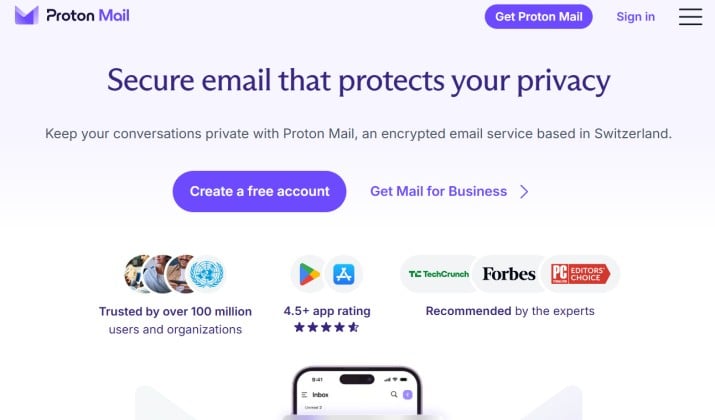
Proton Mail is the most popular secure email provider if privacy matters to you.
You get end to end encrypted email by default, which means only you and the person you message can read the contents.
Proton also offers zero access encryption on your mailbox, so even Proton cannot read your emails. The service lives in Switzerland and puts email privacy first.
Why you will like it: You get a clean, modern inbox that feels familiar if you come from Gmail. You can use email labels, folders, email filtering, and smart search.
The mobile email app feels fast on Android and iPhone, and you get a desktop view that works great as a web email service.
Key features:
- Encrypted email service with end to end protection
- Built in email aliases with Proton Pass
- Snooze email, schedule emails, and undo send
- Calendar integration and contacts integration
- Two factor authentication email protection
- Works as IMAP email provider with Bridge on paid plans
Storage: Free plan gives you 1 GB for mail plus extra for drive. Paid plans give you much more email storage space.
Pricing: Proton Mail offers a free tier alongside individual and bundle subscription plans starting at $3.99 per month.
Get it here: Play Store | App Store
Also read: Proton Mail Free vs Premium
2. Outlook
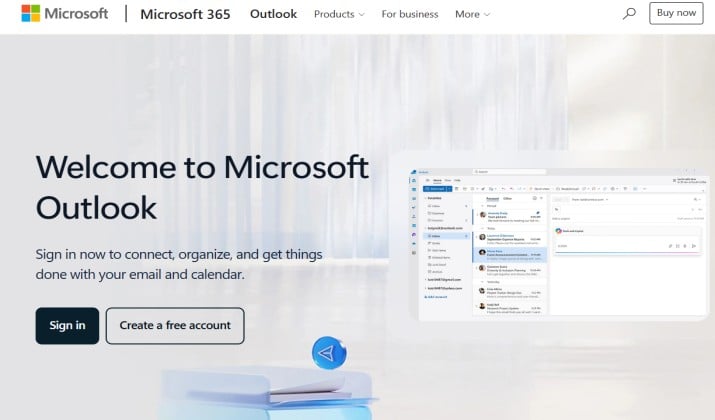
Outlook is one of the strongest Gmail competitors and you probably already have access to it.
Microsoft gives you a polished email client, 15 GB free mailbox, calendar, contacts, and cloud storage integration with OneDrive. If you want a productivity email app that handles professional email and personal email in one place, Outlook makes sense.
Why you will like it: You get focused inbox, email reminders, email templates, and very good email search. You can connect multiple email addresses, manage email folders easily, and use it as a cross platform email solution on web, Windows, Mac, Android and iPhone.
Key features:
- Smart inbox with focused and other tabs
- Email scheduling, snooze, and email reminders
- Calendar integration with Microsoft Teams
- Support for IMAP email provider and POP3 email provider settings
- Built in spam protection and email security tools
Storage: 15 GB free email storage plus 5 GB OneDrive. If you need a Gmail alternative with more storage, the Microsoft 365 plan gives you 50 GB and 1 TB cloud.
Pricing: Microsoft Outlook is free for basic web and mobile use, with paid personal and business plans ranging from $19.99 per year to over $20 per user per month.
Get it here: Play Store | App Store
3. Zoho Mail
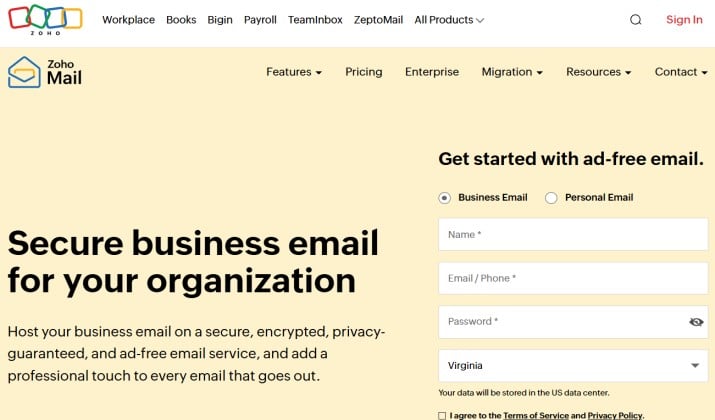
Zoho Mail is perfect if you want an ad free email experience that feels built for work.
You get a clean webmail service with no ads, even on the free plan. You can manage personal email and professional email from the same email app. Zoho also offers email organization tools that help you keep your inbox calm.
Why you will like it: You get an interface that feels minimal and fast. You can create email folders, apply email labels, set up email filtering, and use email search that actually finds things quickly.
Key features:
- Ad free email with no tracking
- Email with large storage on paid plans
- Email aliases and multiple email addresses on one account
- Calendar integration, contacts integration, notes, and tasks
- Works as desktop email client via Zoho app and also as mobile email app
- Supports SMTP email service and IMAP access
Storage: Free plan gives you 5 GB for one user. Paid plans add more email storage space and support for custom domains.
Pricing: Zoho Mail offers a Free Plan for up to five users with 5 GB of storage each. Paid plans start at $1 per user per month (billed annually) for the Mail Lite tier, which includes custom domains.
The Mail Premium plan costs $4 per user per month and upgrades storage to 50 GB along with advanced backup features.
Get it here: Play Store | App Store
Read this too: Proton Mail vs Fastmail
4. Tuta Mail
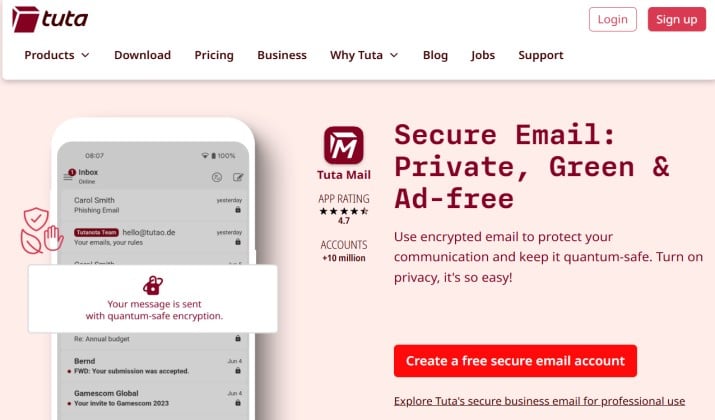
Tuta Mail, formerly Tutanota, is a privacy focused email service that gives you strong protection without complexity.
You get automatic encryption on your whole mailbox, not just individual messages. Tuta also removes trackers from emails and blocks many of the hidden pixels that marketers use. If you want a Gmail alternative for privacy that still feels simple, you will like this.
Why you will like it: You open your inbox and you see a clean, fast webmail. You can manage your email inbox with folders, search, and offline access. Tuta includes a built in calendar that also encrypts your events.
Key features:
- End to end encrypted email and encrypted calendar
- Anonymous email service options, you can sign up without phone number
- Secure email account with two factor authentication
- Email without tracking and email service without ads
- Apps for Android, iPhone, Windows, Mac and Linux
Storage: Free plan offers 1 GB. Paid plans scale up if you need more email storage space.
Pricing: Tuta Mail offers a free plan with 1 GB of storage at no cost. Paid personal plans range from €3 to €8 monthly when billed yearly, offering up to 500 GB and custom domains. Business options scale from €6 to €12 per user monthly depending on features.
Get it here: Play Store | App Store
5. Yahoo Mail
Yahoo Mail remains one of the best free email providers if you want a lot of storage and smart inbox features.
You get 1 TB of free email storage, which beats almost every other free email account out there. You also get built in email organization tools that sort receipts, travel, and attachments automatically.
Why you will like it: You get a colorful, easy inbox with strong spam filters and one tap unsubscribe. Yahoo gives you email scheduling, disposable email aliases, and good calendar integration. It works very well as an email for Android and email for iPhone.
Key features:
- 1 TB free cloud storage with email
- Smart inbox with views for photos and documents
- Email filtering and email folders
- Large email attachment limit up to 25 MB, plus large file sharing via link
- Strong email search and contacts integration
Storage: 1 TB on free plan. One of the best options if you are comparing email storage comparison charts.
Pricing: Yahoo Mail is available as a free basic service, with a premium Yahoo Mail Plus subscription priced at about $5 per month.
Get it here: Play Store | App Store
6. iCloud Mail
If you use an iPhone, Mac, or iPad, iCloud Mail gives you a private Gmail alternative that feels native.
Apple does not scan your email for ads. You get a confidential email service with a clean online email interface at icloud.com, plus tight integration with Calendar and Contacts.
Why you will like it: You get a simple, fast inbox with very good email security and privacy. You can create up to three email aliases to hide your real address, and you can use Hide My Email if you use iCloud Plus. It works great as a secure email provider for everyday use.
Key features:
- Private email provider with no ad scanning
- 5 GB free storage shared across iCloud, 50 GB and more on paid iCloud Plus
- Supports email for Mac, email for iPhone, email for Windows via icloud.com
- Two factor authentication email protection built in
- Ad free email experience
Storage: 5 GB free shared across iCloud. If you pay for iCloud Plus you get much more.
Pricing: iCloud Mail itself does not have a separate standalone price; instead, it uses your account’s iCloud+ storage plan which starts with 5 GB for free and scales up through five paid monthly tiers starting from $0.99 per month for 50 GB.
Get it here: Preinstalled on Apple devices, web access here.
Another interesting read: Tuta Mail vs Proton Mail
7. Fastmail
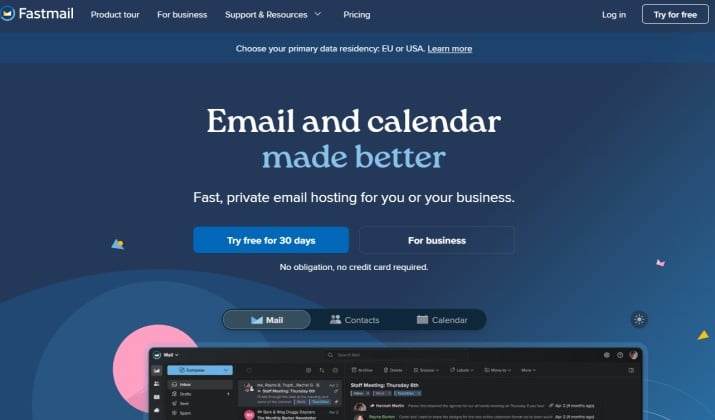
Fastmail is a premium email provider that focuses on speed and control.
It does not offer a permanent free mailbox, but it offers a 30 day trial that lets you test everything. Many people who leave Gmail for a paid option land here because the email organization is excellent and support actually answers quickly.
Why you will like it: You get super fast search, excellent email filtering, masked email aliases, and calendar and contacts that sync everywhere. Fastmail also supports IMAP email provider access so you can use any desktop email client you like.
Key features:
- Fast email search and smart inbox rules
- Email aliases, multiple email addresses, and masked email
- Calendar integration and contacts integration
- Email templates and email scheduling
- Strong email privacy and email security
Storage: Paid plans start at 30 GB and go up from there. Great if you want an email provider with the most storage without ads.
Pricing: Fastmail has paid plans starting from $5 per month.
Get it here: Play Store | App Store
8. Mailfence
Mailfence is a privacy-focused email provider that gives you a standalone mailbox and email address. It offers a clean webmail experience along with calendars, contacts, documents, and strong security features.
Why you will like it: You get an email account that works independently rather than simply connecting another mailbox to an email client. Mailfence also puts privacy first and supports OpenPGP encryption for secure email communication.
Key features:
- Free email account with a Mailfence email address
- OpenPGP encryption and digital signatures
- Email aliases
- Calendar and contacts
- Spam protection
- Webmail access without requiring a Gmail account
- Support for custom domains on paid plans
Storage: The free plan provides 500 MB for email and 500 MB for documents.
Pricing: Mailfence offers a free plan, while paid plans starting from $2.50 per month provide additional storage, aliases, and other features.
Get it here: Play Store | App Store
9. Mail.com
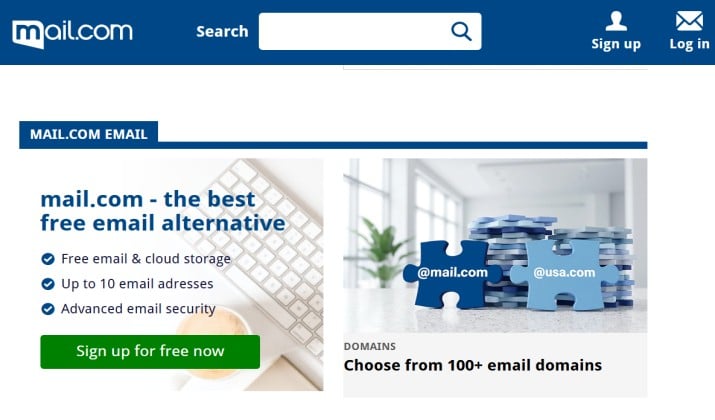
Mail.com gives you something Gmail does not: choice of 200 plus domain names for your address.
You can pick you@engineer.com or you@musician.org or you@accountant.com. If you want a professional email that stands out, this is fun and practical.
Why you will like it: You get a simple webmail service with unlimited free email storage in practice, antivirus scanning, and an online office suite. You can collect other email accounts in one email inbox.
Key features:
- Free email account with many domain choices
- Email folders, email filtering, and email search
- Calendar, contacts, and cloud storage integration
- Email for Android and iPhone apps
Storage: 65 GB free email storage and 2 GB cloud.
Pricing: Mail.com offers a free tier with 65 GB of email storage, while its Mail.com Premium membership costs $9.99 for three months.
Get it here: Play Store | App Store
10. GMX Mail
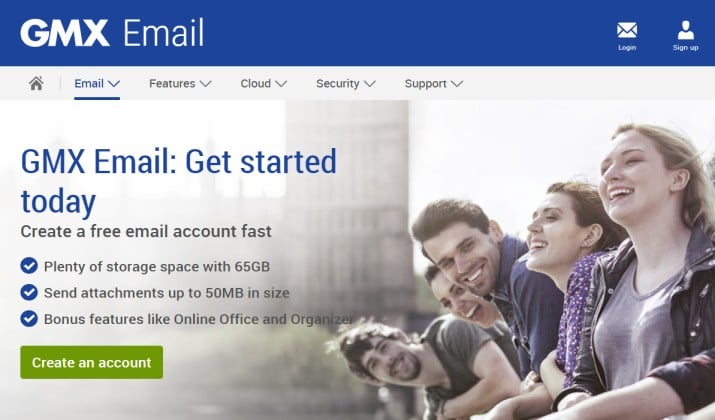
GMX is another long standing free email provider that offers unlimited storage for your free mailbox and strong spam protection.
You get a straightforward webmail with email organization that just works. If you want a free email service that feels stable and generous, GMX deserves a look.
Why you will like it: You get unlimited email storage space on free, file sharing, calendar integration, and a good spam filter. You can manage multiple email addresses and use email aliases.
Key features:
- Unlimited free email storage on free plan
- Free email with more storage than many rivals
- Email app for mobile and desktop access
- Large email attachment limit up to 50 MB
- Two factor authentication and email encryption options
Storage: Unlimited for mail on free plan, plus 10 GB file storage.
Pricing: Free
Get it here: Play Store | App Store
How Do These Gmail Alternatives Compare on Storage and Privacy?
When you compare free email services, storage and privacy usually decide things for you.
If storage tops your list, Yahoo Mail, Mail.com, and GMX give you the most space on free. Yahoo offers 1 TB, Mail.com offers 65 GB, GMX offers unlimited mail.
If you are keen on privacy, Proton Mail and Tuta Mail give you a secure email provider with end to end encrypted email and zero access encryption.
For everyday productivity, Outlook and Zoho Mail offer the best mix of email scheduling, email templates, snooze email, calendar integration, and cloud storage integration. Shortwave wins if you want a productivity email app that makes your current Gmail faster.
For Apple users, iCloud Mail gives you the most private and ad free setup with almost no learning curve.
Which One Is the Best Overall and Why?
If you want one recommendation that beats Gmail on both privacy and everyday usability, pick Proton Mail.
Proton Mail gives you a true private email provider, a clean mobile email app, email aliases, calendar and drive in one place, and you can still use SMTP and IMAP if you need a desktop email client.
Outlook comes close for productivity and free storage, but Proton wins for long term trust, email privacy, and no ad scanning. That makes it the best balanced Gmail replacement for most people.
So if you want to leave Gmail without giving up convenience, start with Proton Mail. You can keep your Gmail for a while, forward old mail, and gradually move contacts to your new secure email account.
And if you have been bookmarking free Gmail alternatives to test later, now is a good time to try two side by side for a week. You will quickly feel which inbox fits you.