Ever tried to create a quick email and hit that wall: enter phone number to continue? Feels unnecessary. Like buying gum and being asked for a passport.
Phone numbers stick to an identity. They follow an inbox everywhere, open the door to spam, and turn a simple signup into an identity check.
The reality is different. Plenty of solid providers still let an email without a phone number happen. Some skip SMS verification completely. Others hand over an instant disposable address that self-destructs. Some mainstream names let a recovery email do the job.
This guide sorts 15 email without phone number options into three clear buckets: permanent privacy-first inboxes, throwaway temporary addresses, and mainstream services that often skip the phone step.
The 3 Types of No-Phone Email
- Permanent privacy-first accounts. Full email providers like Proton Mail and Tuta. These come with encryption, real storage, apps, and long term use. A reliable choice to sign up for email without phone number verification and keep it.
- Disposable or temporary inboxes. Services like Guerrilla Mail or Temp-Mail generate an instant address. No password, no registration, no personal details. Perfect for one time signups, not for banking or account recovery.
- Mainstream providers that sometimes skip verification. Mail.com, GMX, Zoho and Yandex often finish registration without a phone. These may ask for a recovery email or captcha instead. Risk signals like VPN use can still trigger SMS verification.
Email Without Phone Number Verification
1. Proton Mail
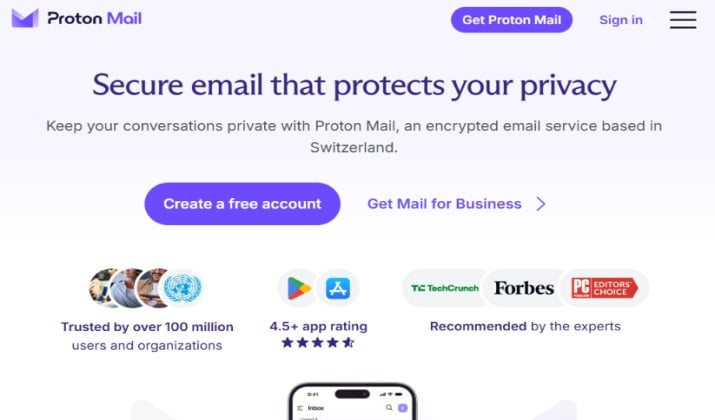
Proton Mail remains the most popular answer for private email without phone verification. Based in Switzerland, it offers end to end encryption and a familiar interface for anyone moving from Gmail.
Setting up a Proton Mail free account takes only a username and password.
Human verification is usually a simple captcha. In rare cases with unusual traffic, the system may suggest an optional recovery email, but a phone number stays optional.
The inbox feels fast, search works well, and conversation view keeps threads tidy. Built in phishing protection and link confirmation add a quiet safety layer.
For anyone switching from a mainstream provider, the learning curve stays almost zero.
Proton Mail pricing: The Free plan includes 1 GB storage, 1 address, and 150 messages per day. Paid plans include Mail Plus that cost $3.99 per month when billed annually and adds 15 GB storage, 10 addresses and custom domain support. Proton Unlimited is $9.99 per month billed annually and bundles VPN, Drive and Pass.
Get it here: Play Store | App Store
Also read: Best ProtonMail Alternatives
2. Tuta
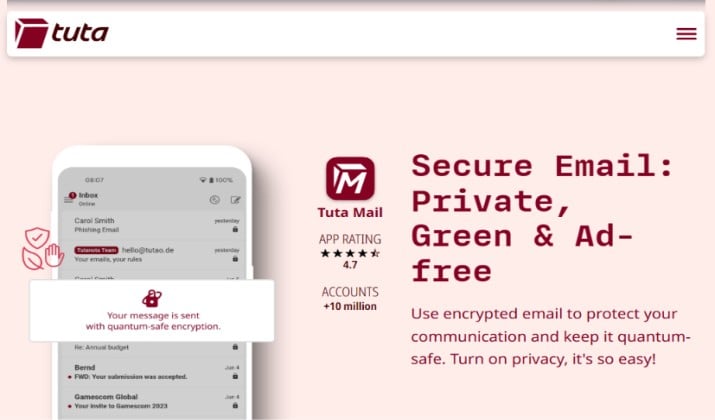
Tuta, still searched as Tutanota free email, focuses on anonymity. The company openly states that signup works via Tor and never requires a phone number.
Registration asks for no recovery email and no phone. Just pick an address ending in tutamail.com, tutanota.com or tuta.io.
All mail, contacts and calendar entries are encrypted by default, including post-quantum cryptography for future protection.
Calendar and contacts stay encrypted too, not just email. Offline mode helps when connection drops. The whole setup feels minimal on purpose, so attention stays on privacy rather than extra clutter.
Tuta pricing: The Free plan includes 1 GB storage and encrypted calendar. Revolutionary plan is €3 per month billed annually with 20 GB storage and custom domain. Legend plan is €8 per month billed annually with 500 GB storage.
Get it here: Play Store | App Store
3. Mailfence
Mailfence is a Belgian provider with a strong no tracking stance.
Creating a free email account no phone verification is straightforward. An alternate email is needed for recovery, not a phone.
Free plan offers 500 MB for email and document storage, plus built in PGP support in the web client. More like a productivity suite than just an inbox.
Key management happens inside the browser, so private keys never leave the account.
Documents, calendar and groups live in the same dashboard. That makes it handy for small teams that want privacy without juggling five different tools.
Mailfence pricing: Free plan offers 1 GB for email and document storage, plus built in PGP support in the web client. It’s more like a productivity suite than just an inbox. Base plan is $2.50 per month with 11 GB email storage and 6 GB docs. Entry plan is $3.50 per month with more storage and aliases.
Read this too: Best Free Alternatives to Gmail
4. Mail.com
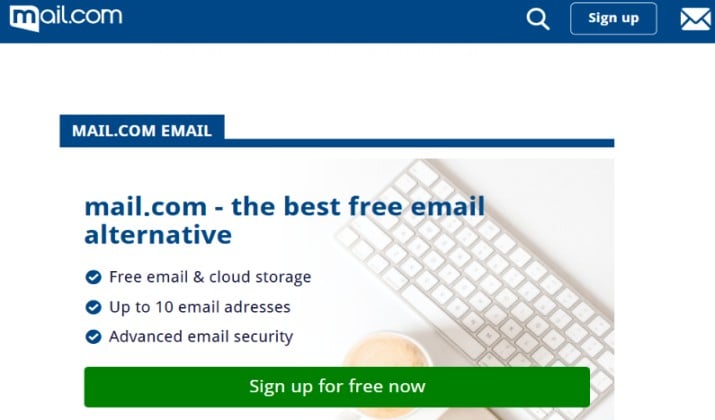
Most people overlook mail.com.
Signup asks you for name, desired address, password and security question. Choosing recovery via email instead of SMS allow you to complete email signup without SMS verification.
You can choose from over 200 domain endings, like @mail.com, @email.com or @work.com.
Collector feature pulls other inboxes into one view, so it’s simpler for you to manage multiple addresses. Spam filter is decent and the mobile app keeps folder structure intact.
For a free email without mobile number, it hits a sweet spot between fun domain choices and practical storage.
Mail.com pricing: The Free plan includes 65 GB email storage, contacts and calendar. Premium plan costs $9.99 per month billed annually and removes ads plus adds phone support and more storage options.
Get it here: Play Store | App Store
5. GMX Mail
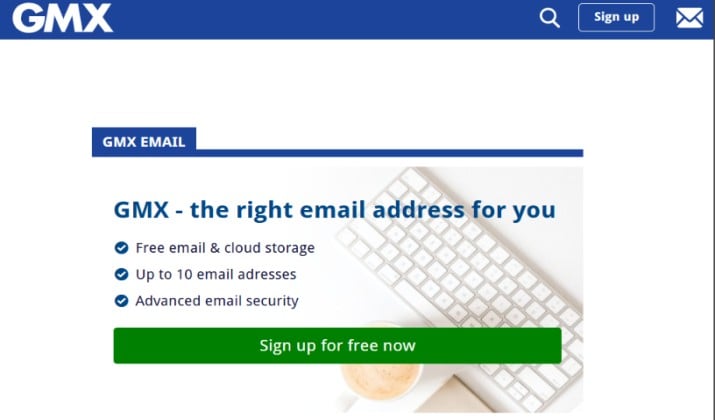
GMX comes from the same company as Mail.com and follows a similar flow. It usually skips phone verification. Registration completes in under 5 minutes with basic details.
Free account includes 65 GB storage, built in antivirus, and a mail collector that manages other accounts in one place. It’s a solid option for free email without mobile number that still feels mainstream.
Attachment limit is generous and the organizer automatically sorts your travel and shopping receipts.
You can enable two factor authentication with an authenticator app instead of SMS. That keeps the account secure without ever adding a phone number.
GMX Mail pricing: Free forever with 65 GB storage and ads. GMX Premium starts around $1 per month billed annually for ad free, extra features and support.
Get it here: Play Store | App Store
Explore: Best Encrypted Email Apps
6. Zoho Mail
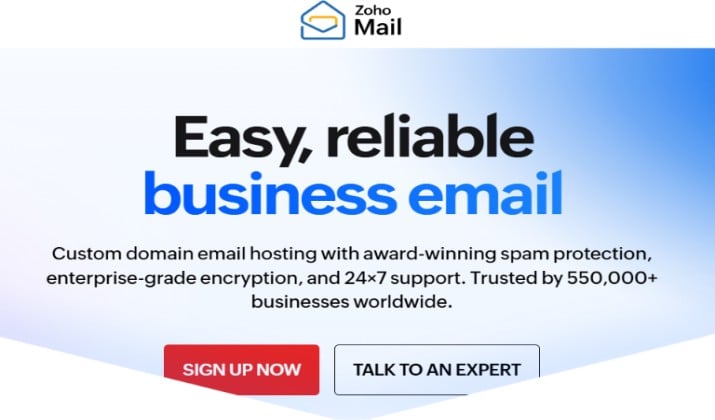
Zoho Mail suits freelancers and small teams.
Free tier allows up to 5 users with a custom domain, and a single personal @zohomail.com address without phone verification.
A phone field may appear but skipping it or selecting verification via alternate email usually works. Interface is clean and includes calendar, tasks and notes.
The free plan still includes a surprisingly capable admin panel, so adding users and setting up SPF or DKIM feels straightforward.
Offline search works well and the mobile app mirrors desktop folders. For teams testing email without ID verification, it offers a low friction start with room to grow.
Zoho Mail pricing: Mail Lite is $1 per user per month billed annually with 10 GB and IMAP/POP access. Mail Premium is $4 per user per month billed annually with 50 GB, archiving and white labeling. Workplace bundles start at $3 per user per month.
Get it here: Play Store | App Store
7. Yandex Mail
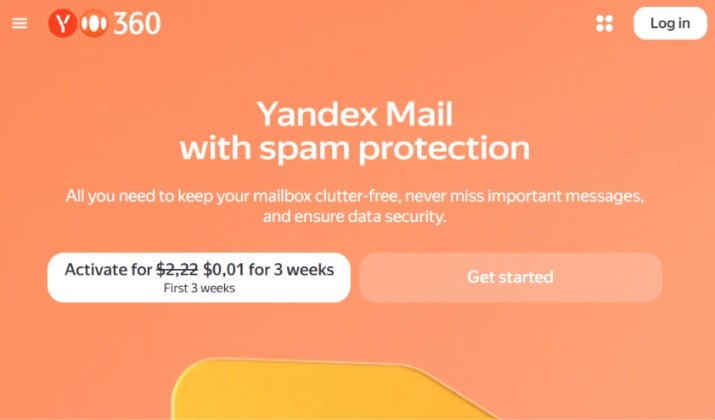
Yandex has a long history of no phone signup. During registration, clicking “I don’t have a phone number” allows using a security question instead.
10 GB free storage comes with attachment storage via Yandex Disk integration and solid spam filtering. Keep in mind data residency is in Russia, so it’s less ideal for those seeking email services for privacy under EU laws.
Smart sorting automatically groups travel, social, and shopping updates. Built in translator helps with multilingual threads. If large attachments matter more than jurisdiction concerns, this inbox feels unusually roomy for a free tier.
Yandex Mail pricing: Free with Yandex ID includes 10 GB mail plus Disk. Yandex 360 Premium starts around $2 to $3 per month and adds more Disk space, no ads, and extra features.
Get it here: Play Store | App Store
8. Disroot
Disroot is a community run project from Amsterdam.
It offers email, cloud, and other decentralized tools. Signup involves a short form about why an account is needed. No phone, no ID.
It is fully open source and tracking free. Approval can take a few hours because volunteers review requests to block spam.
Beyond mail, access includes Nextcloud based drive, XMPP chat, and collaborative pads. The community ethos means no ads and no upsell banners.
For anyone prioritizing secure email providers with ethical hosting, this small project punches above its weight.
Pricing: Completely free and donation based. Includes 1 GB email plus cloud storage, no paid tiers. You can donate to support.
9. AdGuard Mail
AdGuard Mail focuses on aliases.
A free account requires only email and password, no phone verification. It generates masked addresses that forward to the real inbox and block trackers.
This is not a full mailbox replacement, but is excellent for creating an email account without phone number that hides the real address everywhere.
Each alias can be paused or deleted in one click, so leaking addresses stop working instantly. The dashboard shows which alias receives most spam.
Pair it with a permanent inbox and the main address stays clean while signups stay private.
AdGuard Mail pricing: Free includes 5 aliases, limited bandwidth and basic forwarding. Paid plans start around $1.47 per month billed annually for unlimited aliases, custom domains and more bandwidth.
Get it here: Play Store | App Store
10. Guerrilla Mail
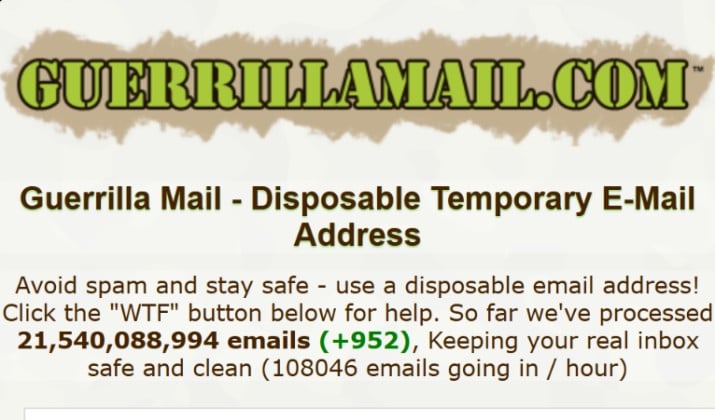
For instant needs, Guerrilla Mail provides an immediate disposable inbox. Landing on the site already creates an address. No registration at all.
Messages stay for about an hour and replies can be sent from the same temporary address. It’s public by design, so anyone who knows the inbox ID can read it.
Scramble address option randomizes the inbox name for a bit more obscurity. Built in attachment support is limited, which actually helps avoid malicious files. It’s best used when speed matters more than privacy.
Pricing: 100 percent free forever.
Get it here: Play Store
11. Temp-Mail
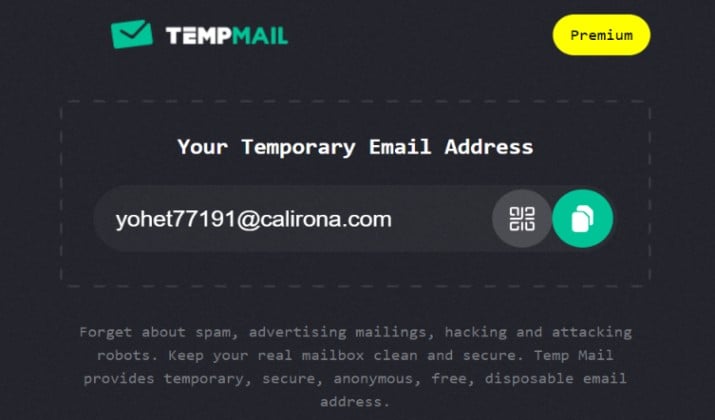
Temp-Mail ranks among the most used temporary email services.
One click creates an address, no phone and no personal data. Inbox refreshes automatically and deletes messages after a few hours.
Browser extensions and apps make generating addresses while shopping or testing apps simple.
Custom domain option lets inboxes look more legitimate when a site blocks known disposable domains. QR code export helps move the address to a phone quickly.
For everyday throwaway use, it stays one of the most convenient email services that do not require phone number.
Temp-Mail pricing: Free with ads and limited features. Premium starts at $10 per month or $60 per year for ad free, faster support, and custom domain.
Get it here: Play Store | App Store
12. Mailinator
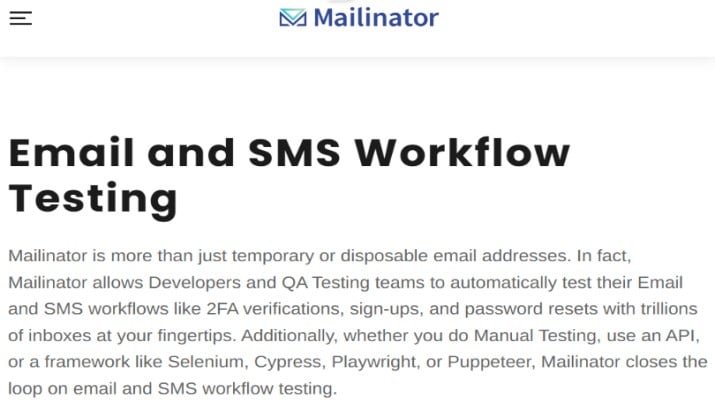
Mailinator works differently. Inboxes are public. Invent any address like anything@mailinator.com and check it instantly without a password. You require no signup or phone.
Because it is public, it fits testing but not private use. Paid plans provide private domains and API access for developers needing email services without ID verification.
Developers love the API for automated QA flows, since any test can generate a unique inbox on the fly. Webhook support forwards incoming mail to an app endpoint.
For team testing without managing real accounts, this public model actually becomes a feature, not a drawback.
Mailinator pricing: Free public inboxes. Private plans start at $79 per month for Business plan, $159 per month for Business Plus, and $699 per month for Enterprise plan.
13. 10 Minute Mail
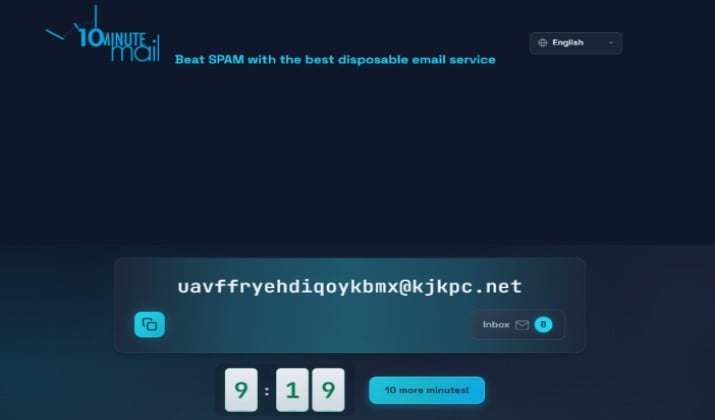
This service gives an inbox that self destructs in 10 minutes. Extend with a click if more time is needed. No account exists, so no phone verification email process exists at all.
It’s useful when a site forces email confirmation but follow up marketing is unwanted.
The interface is intentionally bare bones, which keeps load time under a second. No tracking scripts run in the background.
When the timer ends, everything disappears without a trace, which matches the promise of true temporary email services.
Pricing: Totally free. No account or paid plan.
14. EmailOnDeck
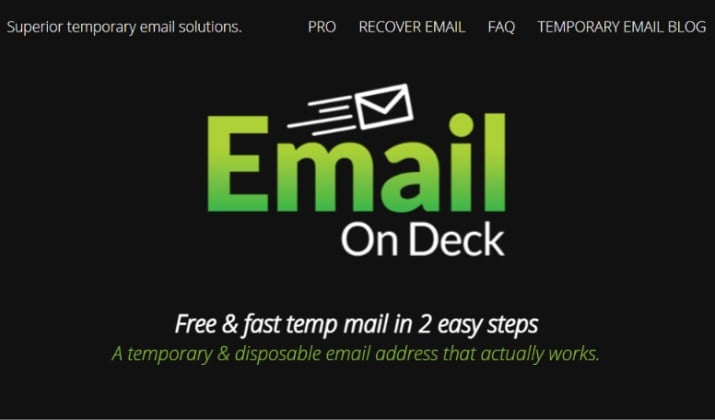
EmailOnDeck offers anonymous email without phone number with a simple two step flow. A random address comes with a recovery token to restore it later. You require no phone or name.
Crypto based pro plans support longer lasting addresses.
Recovery token means the same disposable address can be reopened after closing the browser, rare among disposable email services.
The pro tier allows custom prefixes for slightly more memorable addresses. For one time logins that might need a second code later, that recovery feature saves hassle.
EmailOnDeck pricing: Free includes temporary address with 24 hour recovery token. Pro starts at 0.000813 Bitcoin per month for longer lasting addresses and private domains. S
15. Mailnesia
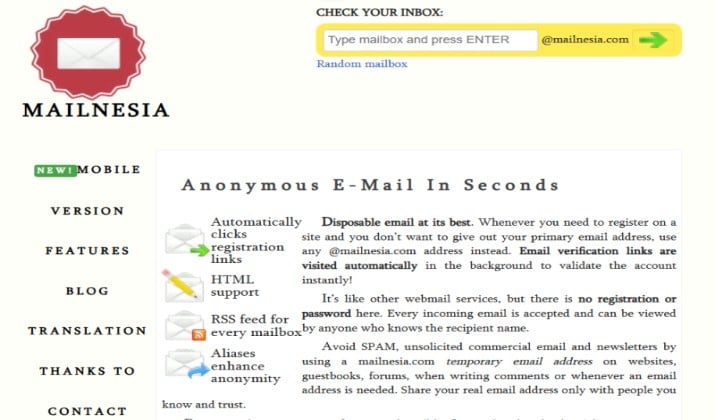
Mailnesia is lightweight and lets anyone click to open any inbox. It automatically clicks registration links, saving a step. No phone, signup, or cookies required.
Plain text versions show by default, which reduces tracking.
No JavaScript heavy interface means it works even on slow connections. RSS feed support allows monitoring an inbox without refreshing. For minimalists who want anonymous email services that do exactly one job and nothing extra, it fits perfectly.
Pricing: Free forever. No premium tier.
So Which One Wins?
Proton Mail wins overall among permanent options. It balances usability, strong Swiss privacy laws, mobile apps, and a generous free tier that truly lets someone create an email without phone number.
Tuta takes a very close second when absolute anonymity matters more than app polish.
For disposable needs, Temp-Mail wins for ease and availability across devices, while Mailinator wins for developers needing public or API driven inboxes.
Best approach: keep one permanent private email without phone verification for important accounts and bookmark one or two disposable services for throwaway moments.
That combination delivers privacy, flexibility, and zero need to share a mobile number.