You love what Grok can do with video. But the limits hit fast. Credits run out, queues get long, and sometimes you just want a different style or more control. So what do you do when you need more? You find Grok alternatives for video generation that match your workflow.
Maybe you want longer clips. Or you may need talking avatars for work. Perhaps you just want free runs without a watermark. I tested the big names you can try today.
Why Look for Grok Alternatives for Video Generation?
Grok Imagine Video is fun. Type a prompt, get a short clip. Animate a photo, done. But three things push people to look elsewhere:
- Video length caps. Grok is built for short clips and scenes. You get 5 to 10 seconds, then you have to stitch.
- Style limits. You want photoreal humans, anime, or product renders. Grok has a look, and it’s not always what you need.
- Credit walls. Free tiers go quick. If you create daily, costs add up.
The best AI video generator tools give you options. Some specialize in image‑to‑video AI like Grok Imagine. Others handle long‑form AI video generation platforms with storyboards and scripts. Let’s break them down.
Grok Alternatives for Video Generation: Quick Comparison
|
Tool |
Best For |
Max Length |
Free Tier? |
Watermark? |
|
|---|---|---|---|---|---|
|
Runway Gen-4.5 |
Cinematic quality + control |
40s + extend |
Yes, limited |
Yes on free |
|
|
Pika 2.5 |
Viral, stylized clips |
10s |
Yes, daily credits |
Yes on free |
|
|
Stable Video Diffusion |
Open-source, private |
4s per gen |
100% free |
No |
|
|
Seedance 2.0 |
|
6s |
Trial credits |
Yes on trial |
|
|
Media.io |
One-click beginners |
10s |
Yes |
Yes on free |
|
|
Arena.ai |
Testing many models |
Varies |
Yes |
Depends on model |
|
|
OpenArt |
Free experimentation |
4-10s |
Generous free |
Often no |
|
|
Pictory |
Long-form from text |
10+ min |
Trial |
No on paid |
|
|
Synthesia |
Business avatars |
30+ min |
Demo only |
No on paid |
|
|
HeyGen |
Business avatars + voice cloning |
30+ min |
Free plan, 1 credit |
No on paid |
If you want one tool that does almost everything Grok does, but with more control, start with Runway.
You can go from text to video AI generator tools in seconds. Upload a photo and use image‑to‑video AI to animate still images like Grok Imagine Video. But you also get camera controls, motion brush, and extend clips up to 40 seconds.
Runway Gen-4.5 nails realism. Human faces look consistent. Lighting stays stable. That makes it one of the most realistic AI video generators for humans, talking heads, and avatars right now.
While beginners love the templates, pros love the timeline editor.
Key features:
- Text-to-video, image-to-video, and video-to-video
- Gen-4.5 model for better motion and consistency
- 10s to 40s clips, plus extend
- Collaboration and editing tools built in
Runway pricing: Plans start with a free tier for limited credits. Paid plans ranging from $12 to $76 per month unlock HD, more seconds, and faster generations. There is also an enterprise plan with customized pricing.
2. Pika Labs / Pika 2.5
You want fast, weird, and fun? Pika feels like Grok’s creative cousin.
You type a prompt and get 3-second to 10-second clips that lean stylized. Think anime, claymation, or meme energy. Pika 2.5 added better lip sync and sound effects, which makes it a solid pick for text‑to‑video AI that can replace Grok for short clips and scenes.
Where it shines: speed and style control. You can “expand canvas” or “add elements” mid-shot. That’s huge for social content. If you need apps like Grok for AI video creation but want more artistic range, test Pika.
Key features:
- Strong style presets for viral looks
- Lip sync + sound effects
- Image-to-video with region editing
- Fast generation even on free plan
Pricing: Pika AI pricing operates on a credit-based monthly subscription model. Subscriptions start with a free tier and go up to Pro plans, with costs varying based on whether you choose monthly or annual billing and how many credits you need for video generations.
Try Pika: Web
3. Stable Video Diffusion
You want full control and zero platform limits? Stable Video Diffusion is your open-source pick.
This isn’t a one-click app. You run it locally or through tools like ComfyUI, or Pinokio. You feed it a still image and it creates 2-4 seconds of motion. Think of it as DIY image‑to‑video AI (animate still images like Grok Imagine Video).
Why use it? No subscriptions, queues, or censorship filters. You tune motion strength, FPS, and seed. If you care about privacy or want to batch 100s of clips, SVD is unmatched. It’s not the easiest Grok alternative for beginners who want one‑click AI videos, but it’s the most flexible.
Key features:
- 100% local, private, and free to run
- Great for consistent character animation
- Community models and LoRAs for styles
- Integrates with open-source pipelines
Pricing: Free. You pay only for your own GPU/compute.
4. Seedance 2.0
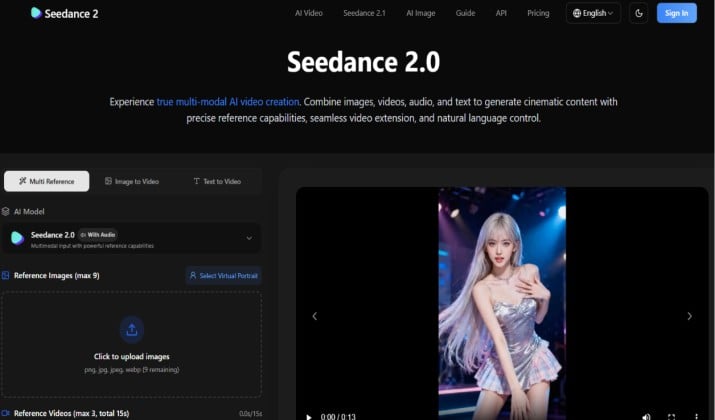
Heard of Seedance? It’s one of the closest Grok AI video generator alternative free and paid options for quick image animation, and Seedance 2.0 just raised the bar.
Seedance 2.0 focuses on smooth, natural motion from a single photo. Upload a portrait, add a prompt like “smiling and winking,” and you get a 6-second clip that looks lifelike.
It handles micro-expressions, eye movement, and lighting shifts better than most free tools. That makes it one of the strongest Grok alternatives for video generation if you care about faces.
You won’t get long videos here. This is built for image‑to‑video AI (animate still images like Grok Imagine Video) for headshots, product shots, and avatars. If you loved Grok Imagine but need more face realism and longer clips than the 1.5 Pro version, Seedance 2.0 is worth bookmarking.
Key features:
- Specialized in face and portrait animation with 2.0’s upgraded expression model
- Clean results with minimal artifacts, even on side profiles
- 6-second generations, up from 4s in 1.5 Pro
- Fast API for developers and improved batch processing
- Simple web UI with new motion strength slider
Seedance pricing: Credit-based with a free trial to test 2.0. Volume pricing for API users and teams.
5. Media.io AI
Need a dead-simple tool? Media.io bundles AI tools under one roof. Their AI video generator does text-to-video and image-to-video without a steep learning curve.
You pick a style, type a prompt, and export. It’s not as cinematic as Runway, but it’s faster for casual use. That makes it a good easiest Grok alternative for beginners who want one‑click AI videos.
Bonus: Media.io also includes background remover, vocal remover, and other media tools. So you edit and generate in one place.
Key features:
- One-click text and image to video
- 50+ video styles
- No editing experience needed
- Extra AI tools included
Media.io pricing: Free exports with watermark. Credits unlock HD and no watermark.
6. Arena.ai
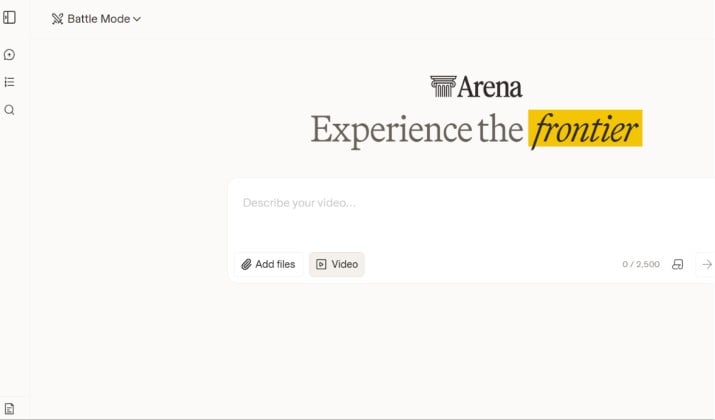
You don’t want to choose one model. You want to test them all. Arena.ai is one of the top multi‑model AI video hubs that aggregate several models in one place.
Log in and you can prompt Runway, Pika, SVD, Luma, Kling, and more from one dashboard. Compare outputs side by side. Route your prompt to the best model for the job.
This solves the biggest pain with Grok alternatives for video generation: every tool has strengths. Arena lets you use all of them without 10 subscriptions. If you create client work and need options, start here.
Key features:
- Access 8+ top video models in one UI
- Side-by-side comparison
- Batch generation
- Team workspaces
Pricing: The core AI chatbot platform (formerly known as LMSYS Chatbot Arena) is completely free to use for the public, as it is funded by sponsors and supported by user voting data. However, premium enterprise, API, and platform versions involve specific costs.
7. OpenArt AI
Budget tight? You still have options. OpenArt is one of the best free Grok video alternatives with generous credits or limited watermarks.
OpenArt gives you daily free credits for video models like SVD, AnimateDiff, and Pika. You also get access to community workflows, so you can remix what other creators built instead of starting from scratch. That makes it one of the most flexible apps like Grok for AI video creation if you want to test multiple models without paying.
It won’t beat Runway on cinematic quality. But if you need best free Grok alternatives for AI video generation with no watermark for testing ideas, OpenArt works. You can run text to video AI generator tools and image‑to‑video AI all in one place.
Key features:
- Daily free credits across multiple video models
- Community models, workflows, and prompts you can reuse
- Image-to-video and text-to-video in one dashboard
- Fast Discord community support for troubleshooting
OpenArt pricing: OpenArt AI provides several paid subscription tiers designed for different levels of usage, with heavy discounts available on annual billing. Standard monthly plans range from $14 to $240, while annual plans reduce the effective monthly cost to $7 to $120 per seat.
8. Pictory AI
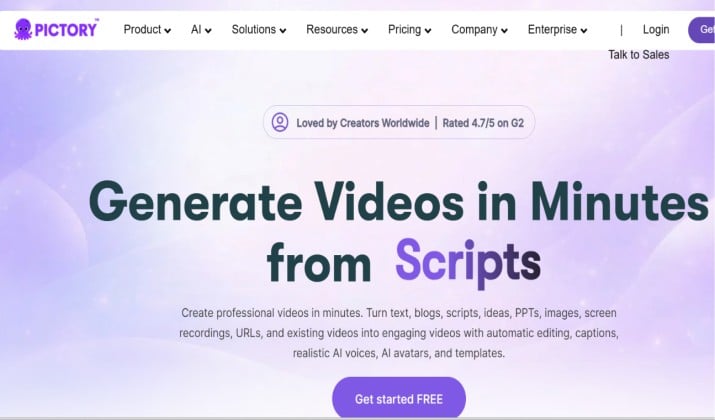
Grok makes short clips. What if you need a full video? That’s where Pictory wins.
You paste a script, blog post, or Zoom recording. Pictory finds key lines, adds B-roll, captions, and voiceover. You get a 2-10 minute video ready for YouTube.
So for the question best Grok alternatives for long YouTube videos vs short clips? Pictory handles the long form. It’s one of the top long‑form AI video generation platforms (multi‑scene, storyboard, scripts). You won’t get cinematic AI scenes. You get watchable content, fast.
Key features:
- Script-to-video and article-to-video
- Auto captions and summaries
- Stock video + AI voice library
- Team collaboration
Pictory pricing: Pictory AI uses a subscription-based pricing model focused on monthly video minutes rather than the number of videos produced. Plans start at $25/month billed annually, but monthly billing costs 40–70% more. They also offer a 14-day free trial that lets you test premium features before buying.
9. Synthesia
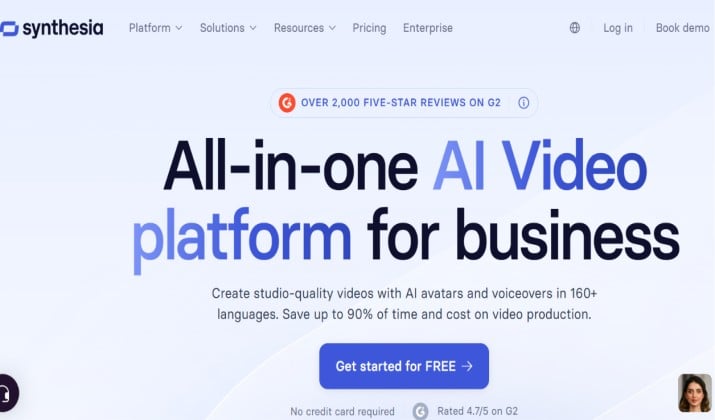
You need a talking head for training, sales, or explainers. Grok doesn’t do avatars. Synthesia does.
You pick an AI avatar, type your script, choose from 140+ languages, and export. The result looks like a real person presenting to camera. That answers which Grok alternatives are best for business explainer videos with avatars.
Synthesia comes with 230+ stock avatars, brand kits, and templates built for corporate use. You can also create a custom avatar from webcam footage. If you make L&D content, product demos, or onboarding videos, this is one of the most realistic AI video generators for humans, talking heads, and avatars available.
It won’t replace Grok for short viral clips. But for professional long‑form AI video generation platforms with avatars, Synthesia beats Grok hands down.
Key features:
- 230+ diverse AI avatars + custom avatar creation
- 140+ languages and AI voices with auto-closed captions
- Brand kits, templates, and screen recorder for business use
- API and collaboration tools for teams and scale
Synthesia pricing: Synthesia operates on a subscription-based pricing model with tiered plans depending on your content needs. Plans range from a free trial to custom enterprise solutions. Creator and Enterprise plans are based on minutes and features.
10. HeyGen
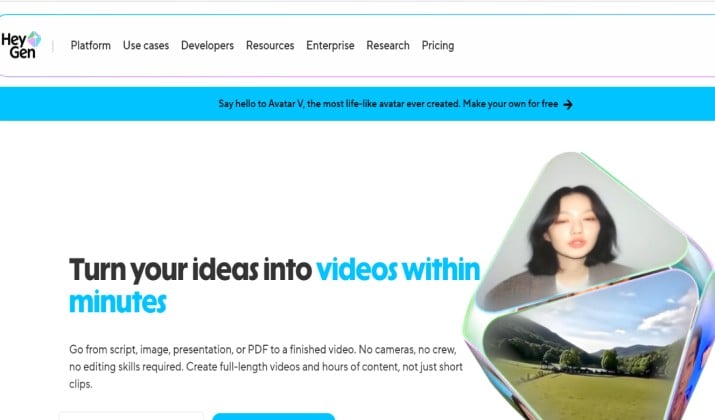
You need a talking head for training, sales, or explainers. Grok doesn’t do avatars. HeyGen does.
You pick an AI avatar, type your script, choose from 175+ languages, and export. The result looks like a real person presenting to camera. That answers which Grok alternatives are best for business explainer videos with avatars.
HeyGen adds instant voice cloning, URL-to-video, and real-time avatar streaming. You can create a custom avatar from webcam footage or use 120+ stock avatars. If you make L&D content, product demos, or personalized sales videos at scale, HeyGen is one of the most realistic AI video generators for humans, talking heads, and avatars right now.
It won’t replace Grok for short stylized clips. But for professional long‑form AI video generation platforms with avatars and voice cloning, HeyGen gives you more speed and flexibility than Grok.
Key features:
- 120+ AI avatars + custom avatar and voice cloning in minutes
- 175+ languages and dialects with lip sync
- URL-to-video, templates, and video translation for business use
- API, Zapier, and team workspaces for scale
HeyGen pricing: HeyGen operates on a tiered, credit-based pricing model. Free users get a taste with up to 3 short videos per month (watermarked). For broader use, Creator plans start at $29/month ($24/year), Pro starts at $49/month, and a collaborative Business tier starts at $149/month.
How To Choose the Right Tool?
You have 10 solid Grok alternatives for video generation. Which one should you use? Match the tool to your goal.
- You need client-grade ads or films: Pick Runway. The quality and control lead the market.
- You post daily on TikTok/Reels: Pika or Seedance gives you speed and style.
- You care about privacy or cost: Stable Video Diffusion wins. Run it locally and never pay per clip.
- You make YouTube or courses: Pictory turns your script into a full video. Then use Runway for B-roll.
- You need a spokesperson: Synthesia or HeyGen replaces hiring actors.
- You just want to try AI video free: Start with OpenArt or Media.io.
So Which Tool Is Better?
If I had to pick one winner today, I’d say Runway Gen-4.5.
Why? It covers the most ground. You get text to video AI generator tools and image‑to‑video AI like Grok. But you also get longer clips, camera motion, and pro editing. For creators and businesses, that flexibility matters more than saving $10/month.
Pika is more fun. Stable Video Diffusion is cheaper. Pictory is better for long form. But Runway does 80% of what all of them do, and it does it well. If you feel boxed in by Grok’s limits, Runway removes those walls.
Still, “best” depends on you. Test 2-3 tools from this list with your actual prompts. Most have free tiers. You’ll know in 15 minutes which one fits your style.