
You want your child to text grandma, share silly selfies with their sibling, or video chat with a cousin across the country. You also want to know who they’re talking to. That balance is what makes finding the best messaging apps for kids feel tricky.
The good news: kid-friendly platforms today give you real control. You approve every contact, turn off public search, and see activity reports. Your child gets stickers, filters, and video calls. Everyone stays connected without random strangers sliding into their DMs.
Let’s walk through the best apps that get it right for families this year. Each one handles contact approval, privacy, and safety differently.
You’ll see which ones fit a 7-year-old just starting out, which ones work for a 10-year-old who wants more independence, and which ones make video calls with grandparents simple.
How Can My Child Safely Message Family and Friends Online?
Before you pick an app, think about three things:
- Who can contact your child
- What they can share
- How much visibility you need
The best messaging apps for kids solve all three. They use closed contact lists, meaning no one can message your child unless you add them first.
Many include content filters, image blurring, and block/report tools. Some even give you a dashboard that shows how often your child chats and who they talk to most.
If your family uses Android, iOS, or a mix of both, check device compatibility too. And if your child is under 13, COPPA rules mean the app should have strong parental consent built in.
You should also think about how your child plans to use the app. Some kids only need family messaging. Others may want school group chats or supervised video calls with friends.
Now let’s explore the best messaging apps for kids. Remember that the pricing details of these apps are subject to change.
1. Messenger Kids
Best for: Younger kids starting with online communication
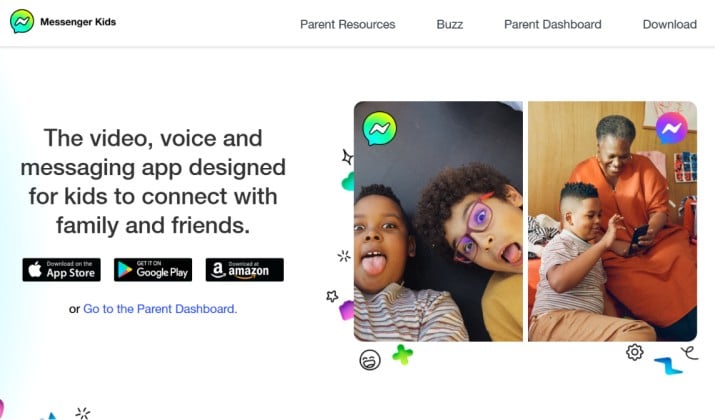
Messenger Kids by Meta remains one of the most popular safe messaging apps for kids this year. It was designed specifically for children and gives parents strong control over contacts and usage.
Kids cannot add strangers on their own. Parents approve every contact through their Facebook account, which makes this one of the safest messaging apps for children under 13 with strict parental controls and no strangers.
Key features include:
- Parent-approved contacts only
- No ads or in-app purchases
- Video calls with fun filters
- Activity dashboard for parents
- Sleep mode and usage controls
- Group chats supervised by parents
Parental Controls
You manage the contact list from your Facebook account. You can set sleep mode, download chat history, and get alerts if your child reports or blocks someone. Messages can’t be deleted or hidden.
Best Features
- Easy setup for families
- Excellent parental controls
- Great for video calls with grandparents
- Closed messaging environment
Areas for Improvement
- Requires a parent Facebook account
- Some parents prefer less Meta involvement
This free app is available on Apple App Store and Google Play Store.
Also read: Best Text messaging Apps for Samsung
2. JusTalk Kids

Best for: Interactive video calling with added security
JusTalk Kids works especially well for children who love video chatting. The app gives parents control over contacts while keeping the interface playful and easy to use.
This is one of the best video calling apps for kids with parent approved contacts.
Its main features are:
- HD video calls
- Doodle feature during calls
- Parent approved contacts
- End to end encryption
- No random friend requests
- Voice and text messaging
Parental Controls
Parents approve contacts and monitor activity. Strangers can’t send requests or call.
Best Features
- Excellent video quality
- Kid friendly design
- Strong privacy tools
- Fun interactive features
Areas for Improvement
- Some advanced features require payment
- Younger children may still need supervision
The app has a free version with basic voice and video calling, messaging, and sharing. JusTalk pricing for premium features range from $39.99/year to $109.99/year. You can download the app from Google Play Store or Apple App Store.
3. Kinzoo Messenger
Best for: Ad-free messaging with a focus on family
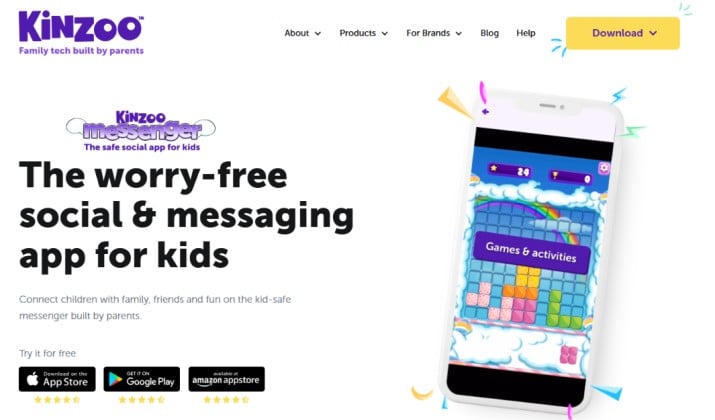
Kinzoo focuses heavily on family communication and privacy. The app avoids ads and keeps the experience calm and child friendly.
If you’re searching for ad free messaging apps for children with no in app purchases, Kinzoo deserves a serious look.
Some of its notable features include:
- Family only messaging
- No public profiles
- Voice messages and video calls
- Secure media sharing
- Parent managed contact lists
- No ads
Parental Controls
You create a “Kinzoo” and invite only people you trust. Kids can’t add contacts on their own. All media stays within your network.
Best Features
- Strong privacy approach
- Simple interface for younger kids
- No distracting ads
- Good for grandparents and cousins
Areas for Improvement
- Smaller user base than mainstream apps
- Limited entertainment features
Kinzoo has a free version available on Google Play Store, Apple App Store, and Amazon App Store. The core messaging features, including text, video chat, voice calls, and multiplayer games, do not require a subscription.
4. Google Family Link with Google Chat
Best for: Android families who want built-in oversight
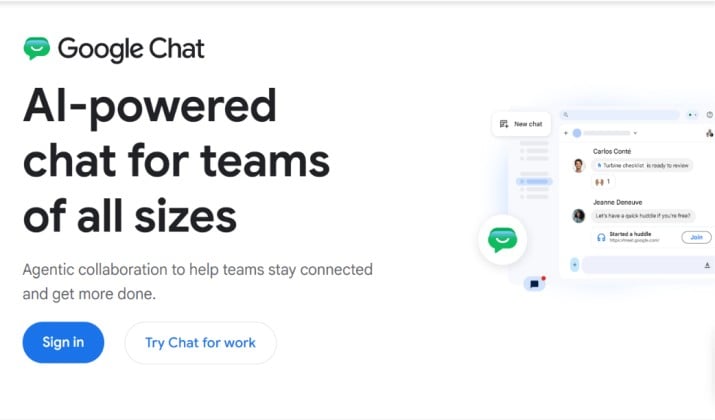
Google Family Link itself is not a messaging app, but pairing it with Google Chat creates a safer communication setup for older kids and teens.
Parents can monitor app usage, approve downloads, and manage screen time while kids stay connected through supervised Google accounts.
Key features include:
- App management tools
- Screen time limits
- Location sharing
- Supervised Google accounts
- Secure messaging through Google ecosystem
Parental Controls
Family Link lets you approve or block contacts and see device activity. You decide who your child can message in Google Chat.
Best Features
- Helpful monitoring features
- Good for school communication
- Strong account supervision
- Works across Android devices
Areas for Improvement
- Setup takes extra steps
- Better suited for older children
This combo works well if you already use Android. It turns Google Chat into one of the kid friendly messaging apps with supervision at the account level. You can download Google Family Link and Google Chat for free from Google Play Store.
5. Fennec Messenger

Best for: Text-only, distraction-free chatting
Fennec Messenger is designed for safe family communication, making it a solid choice for younger children and pre teens. The app keeps messaging private and gives parents better control over who their kids can talk to online.
It works well for families looking for kid friendly messaging apps with a simple and distraction free experience.
The app has features like:
- Parent approved contacts
- Private messaging and voice calls
- Family focused communication
- No public chat rooms
- Kid friendly interface
- Secure account setup
Best Features
- Easy for younger kids to use
- Safer closed contact system
- Family oriented setup
- Minimal distractions
Areas for Improvement
- Fewer advanced features than larger apps
- Smaller user community
Fennec Messenger is available for free on Google Play Store and Apple App Store.
Another interesting read: Best Safe Messaging Apps for Kids
6. WhatsApp with ‘Parents-Managed Accounts’
Best for: Families already on WhatsApp
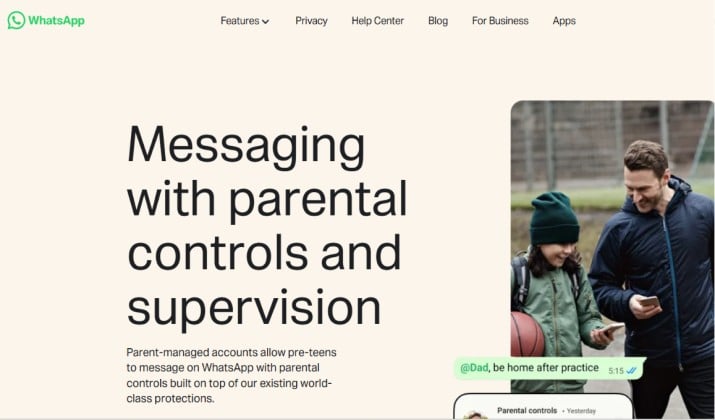
WhatsApp was not built specifically for kids, but many families still use it because of its strong encryption and familiarity.
For older children and teens, WhatsApp can work well when combined with parental guidance and privacy settings. Its main features are:
- End to end encrypted chats
- Voice and video calls
- Family group chats
- Privacy controls
- Large user base
Parental Controls
Best Features
- Most relatives already use it
- Secure encrypted messaging
- Reliable calling features
- Works internationally
Areas for Improvement
- Not designed specifically for children
- Public group risks if unmanaged
WhatsApp is free to download from its official page and from Google Play Store.
Visit this page for instructions on how to set up a parent-managed account.
7. Caribu
Best for: Interactive video playdates with family across distances
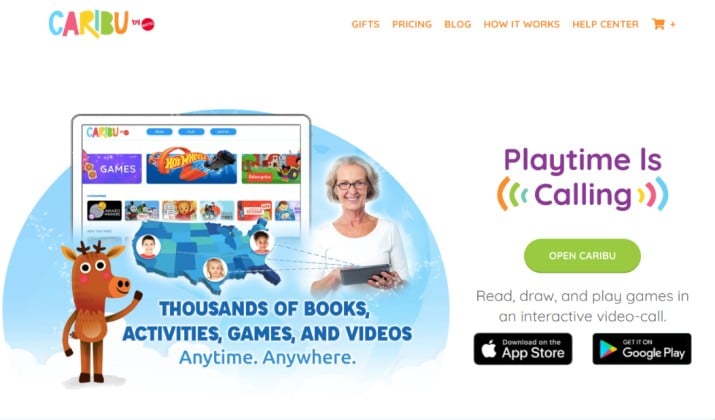
Caribu combines video chatting with interactive activities like reading books and drawing together. It works beautifully for younger kids who want more engaging conversations with family members.
This is one of the best apps that let kids video chat with grandparents safely. It has exciting features like:
- Video calls with activities
- Reading and drawing together
- Family focused communication
- Parent managed access
- Educational content included
Parental Controls
You invite family via email. Kids can only call contacts you add. There are no options for public discovery or stranger requests. Content is curated for ages 0–12
Best Features
- Makes family calls more fun
- Great for long distance relatives
- Kid friendly interface
- Educational activities
Areas for Improvement
- More focused on family than peer messaging
- Subscription needed for full content
Caribu offers a free plan with limited functions. It also has two subscriptions plans. While the 1 Month Unlimited Plan is priced at $9.99 per month, the 12 Months Unlimited Plan will cost you $79.99.
The app is available on Google Play Store and Apple App Store.
8. Stars Messenger Kids Safe Chat
Best for: Private texting and video chat without phone numbers
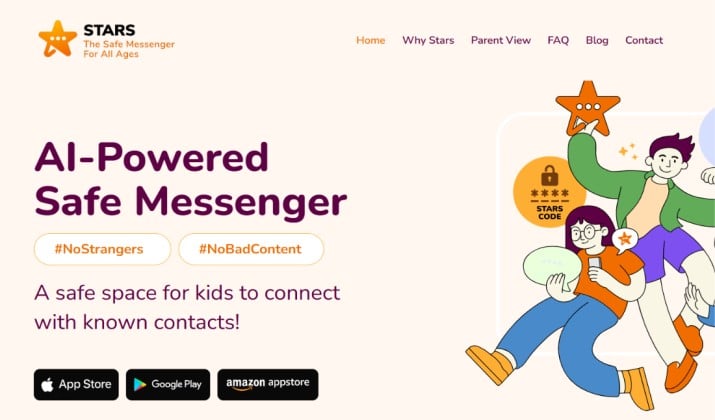
Stars Messenger was created specifically for younger users. It keeps communication limited and gives parents approval controls.
This fits well into the category of kids messaging apps with no strangers and closed contact lists. It comes with features such as:
- Parent controlled contacts
- No public discovery
- Child friendly stickers
- Text and voice messaging
- Safety focused environment
Best Features
- Beginner friendly
- Safety focused design
- Easy parental setup
- Private communication
Parental Controls
Uses a unique Friend Code system. Kids need both a username and private Friend Code to add contacts. Parents can enable “Parent View” to see friends, groups, time spent, and get real-time activity alerts. Stars Shield AI filters profanity and harmful content
Areas for Improvement
- Fewer advanced features
- Smaller community
This app is available for free on Google Play Store, Apple App Store, and Amazon Store.
You might like this: Best Secure Messaging Apps for Couples
9. Signal
Best for: Older teens who need strong privacy, not young children
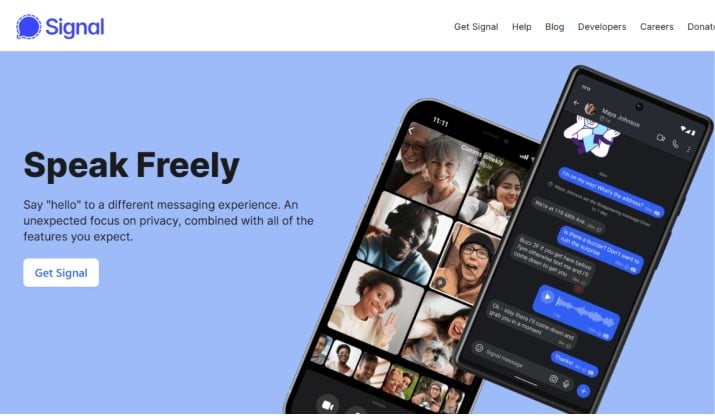
Signal is widely respected for privacy and security. Although it is not designed specifically for kids, some parents prefer it for older children because of its strong encryption and minimal data collection.
Its main features are:
- End to end encryption
- Secure voice and video calls
- Disappearing messages
- No ads
- Minimal tracking
Parental Controls
There are no built-in parental controls. Parents cannot view messages or contacts due to encryption. You can block Signal with external parental control apps, but you cannot monitor chats inside Signal.
Best Features
- Excellent security
- No advertising
- Clean interface
- Trusted privacy reputation
Areas for Improvement
- No built in parental controls
- Better for mature users
The Signal app is available for free on Google Play Store and Apple App Store.
10. Zoom

Best for: School use and family calls with host-managed settings
Zoom became a household name during remote learning, and many families still use it for supervised communication and family gatherings.
It works best when parents manage meeting access and privacy settings carefully. It comes with features like:
- Group video calls
- Waiting rooms and passwords
- Screen sharing
- Family virtual gatherings
- Educational communication tools
Parental Controls
Zoom was built for business, not kids. There are no child accounts. Safety depends on the host.
Parents or teachers should use random meeting IDs, passwords, waiting rooms, lock meetings, disable chat/file transfer, and mute participants. For education, admins can enable “Children’s Education Status” to add COPPA controls.
Best Features
- Excellent video quality
- Familiar to many kids
- Helpful privacy settings
- Works for school activities
Areas for Improvement
- Not built specifically for children
- Requires adult setup
Zoom pricing includes a free Basic plan. It also has two paid plans with pricing ranging from $14 to $19.
Messaging Apps for Kids Where Parents Approve Every Contact
Every app above shares one rule: your child can’t talk to someone unless you say yes. That’s the core of messaging apps for kids with strong parental controls.
Messenger Kids and JusTalk Kids do it through parent dashboards. Kinzoo and Fennec do it by removing the “add friend” button entirely.
Closed contact lists stop most online risks before they start. Kids can’t get random DMs, group invite spam, or friend requests from strangers. You stay in control while they learn how to chat responsibly.
Apps for Kids With Chat Filters, Block/Report Tools, and Activity Monitoring
Younger kids need guardrails, not surveillance. Messenger Kids shows you recent contacts, images sent, and lets you download chat logs. JusTalk Kids uses encryption and blocks stranger requests.
If you want more insight into tone and patterns without reading every text, some families pair a messaging app with a parental control service like Aura or Bark. Those tools scan for bullying or unsafe content across apps and send you alerts.
Talking About Safety Without Fear
You don’t need to scare your child to keep them safe. Use the app together first. Send your first message. Make a silly video call. Show them how to block and report. Explain that just like you hold their hand crossing the street, you approve contacts online.
If you want the safest all around choice for younger children, Messenger Kids remains the strongest option overall. It combines parent approved contacts, easy controls, fun features, and a kid focused environment.
With the right app and a little guidance, your child can enjoy safe online communication while learning healthy digital habits that will benefit them for years.