You want chats that stay yours. Not screenshots floating around, not backups sitting in a cloud you never asked for, and definitely not notifications that spill private details on your lock screen. That is exactly what the best secret messaging apps for Android give you. You get control over who sees what, when it disappears, and how well it hides.
Some apps focus on complete anonymity. Others help you hide conversations behind passwords or biometric locks. A few even disguise themselves as calculator apps or store chats in hidden folders.
This guide walks you through the best secret messaging apps for Android that actually protect your conversations. You’ll see what makes each one special, their privacy features, pricing, and where they work best.
Best Secret Messaging Apps for Android With End-to-End Encryption and Disappearing Messages
If you care about content privacy first, start here. These apps encrypt messages on your device and decrypt them only on the recipient device. Many also give you self destructing messages, screenshot alerts, and no cloud backups.
1. Signal
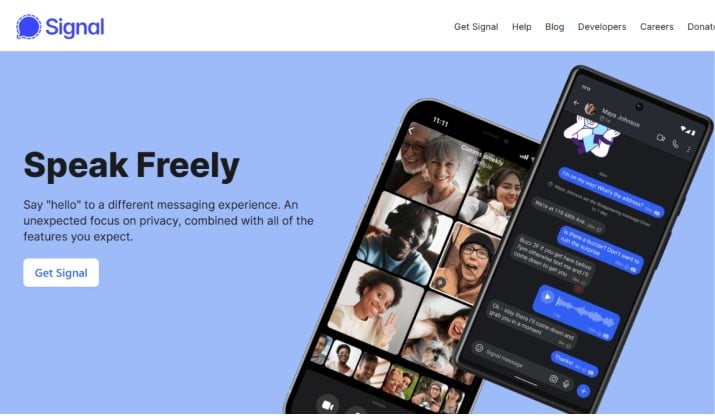
Signal is the benchmark for most private messaging apps for Android. You get end to end encryption by default for every text, voice note, call and video call. The app is run by a nonprofit, the code is open source and audited, and Signal collects almost no metadata about you.
Secret features you will actually use:
- Set a disappearing message timer per chat, from 5 seconds to 4 weeks
- Lock the app with your phone biometrics or a PIN so it does not open without you
- Turn off link previews and block screenshots in the app
- Register with a phone number but hide it from contacts with a username
How you use it: Install, verify your number, create a username, then invite friends. Open any chat, tap the contact name, choose Disappearing messages, and pick a timer.
Signal is free to use and can be downloaded on Google Play Store.
2. Telegram
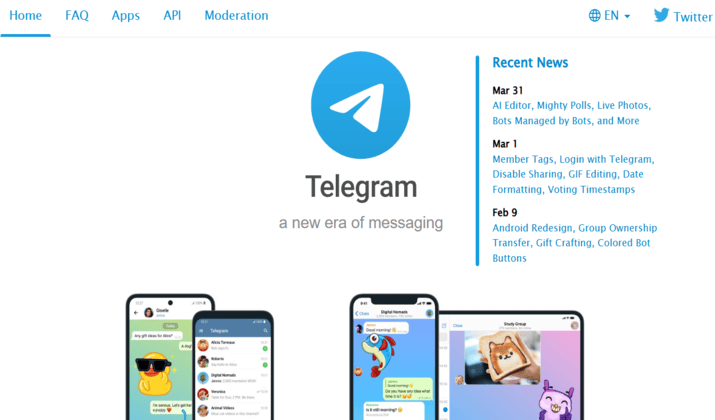
Telegram is popular for speed and large groups, but the secret part lives in Secret Chats. While regular cloud chats are encrypted in transit, Secret Chats are end-to-end encrypted and device only.
Here are some features you’ll love:
- Start a Secret Chat that lives only on the two devices involved
- Set a self destruct timer for messages, photos and files
- Get a screenshot alert if the other person tries to capture the chat on Android
- Verify encryption keys visually to make sure no one sits in the middle
How you use it: Open a contact profile, tap Start Secret Chat. Tap the timer icon to set auto delete.
Telegram app is available for free. You can download it from Google Play Store.
3. WhatsApp
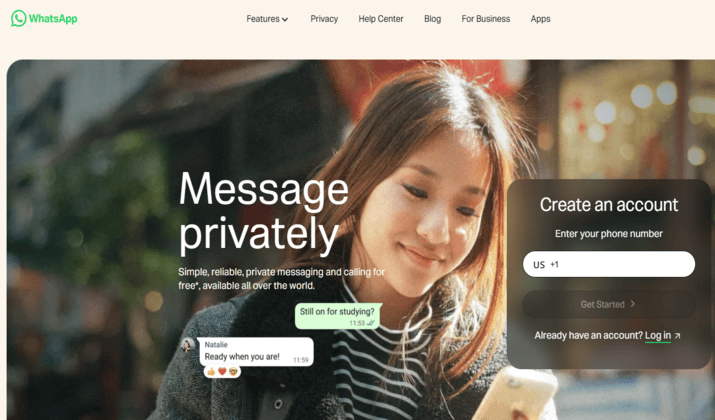
WhatsApp already sits on most Android phones, and it now includes hidden chat features on WhatsApp that many people miss. All personal chats use end to end encryption by default.
You can perform advanced actions such as:
- Locking individual chats with Chat Lock, which moves them to a Locked Chats folder protected by biometrics
- Sending View Once photos and videos that disappear after one open
- Turning on Disappearing messages for 24 hours, 7 days or 90 days
- Hiding your online status and read receipts per contact
How you use it: Long press a chat, choose Lock chat. For disappearing messages, open chat info and toggle the timer.
You can download WhatsApp for free from Google Play Store.
4. Threema

Threema is one of the best secure messaging apps for encrypted chats that does not need a phone number or email. You get a random Threema ID on install. Servers sit in Switzerland and the app is open source and audited.
Thanks to its exceptional features, you can:
- Chat with an ID instead of a phone number, so you stay anonymous
- Get end-to-end encryption for messages, calls, group chats and files
- Set messages to delete automatically and you can disable message previews
- Verify contacts by scanning QR codes in person
How you use it: Buy the app, open it, your ID is generated instantly. Share the ID or QR code instead of a number.
Threema pricing includes a Private plan for individuals with a one-time purchase currently priced at $6.00. The app is available on Apple App Store and Google Play Store.
Secret Texting Apps for Android That Hide Chats Behind PINs, App Locks, and Vaults
Sometimes you do not need military grade encryption, but discretion on the device itself.
These secret texting apps for Android focus on hiding chats, disguising notifications, and putting a vault between your messages and anyone who picks up your phone.
5. CoverMe
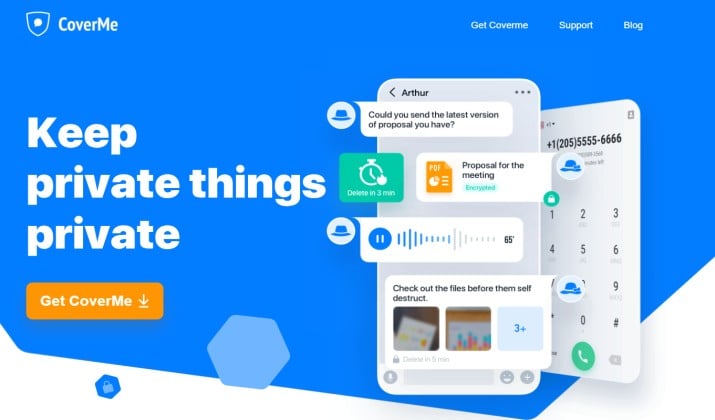
CoverMe gives you a second number plus a private vault for messages, calls and media. It is built for people who want secret texting apps that show decoy messages or disguise notifications.
It has features that allow you to:
- You get a private vault that locks messages, photos and videos behind a password
- You can set messages to self destruct after reading
- You can shake the phone to instantly lock the app
- You can disguise notifications as generic alerts
How you use it: Download the app from Google Play Store or Apple App Store. Install, create a vault password, import contacts you want private, and move sensitive threads into the vault.
The CoverMe app is free to download, but using its private numbers and calling features requires purchasing in-app subscriptions or credit bundles. The service is modular, meaning you pay separately for calling plans, texting plans, and secure vault storage.
6. Calculator Vault App Hider
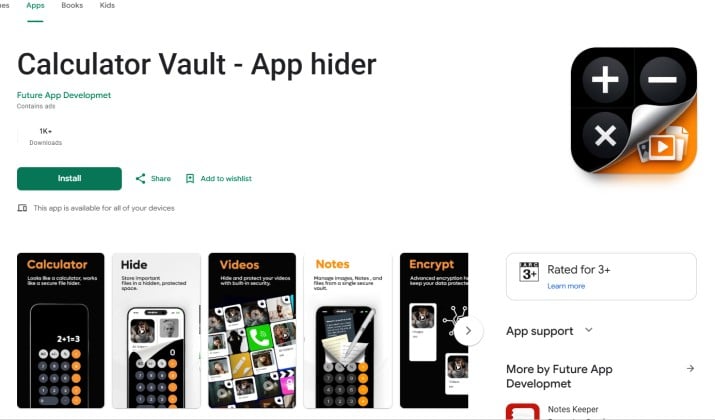
This is one of the classic private vault apps to hide messaging app icons, photos, and media behind a password. It looks like a normal calculator. Enter your secret code and the vault opens.
With this calculator disguise, you can:
- Hide entire messaging apps inside the vault so they do not appear on your home screen
- Store private photos and videos captured from chats
- Set a fake vault that opens with a decoy code
- Get an intruder selfie if someone tries the wrong password
How you use it: Download the app for free from Google Play Store or Apple App Store. Install, set a real passcode and a fake one, then clone the apps you want hidden.
Anonymous Messaging Apps for Android That Don’t Require a Phone Number
If you want anonymous chat apps without phone number or email sign up, these are your picks. They are also among the most private messaging apps for Android with zero knowledge encryption designs.
7. Session Private Messenger
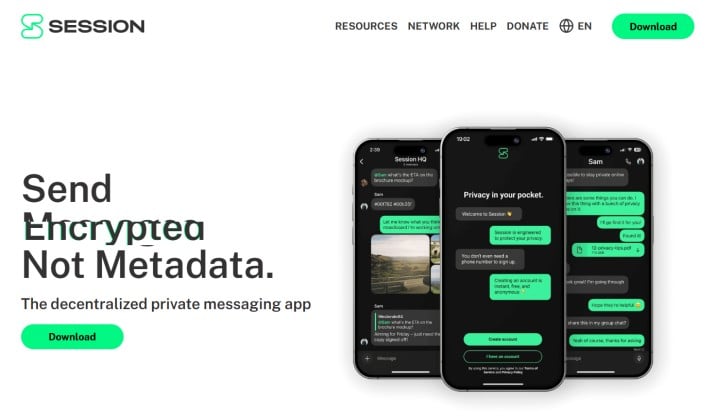
Session removes identifiers completely. You create an Account ID, no phone number, no email. Messages route through a decentralized network of nodes, so there is no central server storing your metadata.
Its advanced features enable you to:
- Sign up with a randomly generated ID only
- Get end-to-end encryption plus onion routing for metadata protection
- Set disappearing messages per conversation
- Use it without giving any personal info
How you use it: Install, tap Create Account, save your recovery phrase, share your Session ID.
Session app is available for free on Google Play Store and Apple App Store.
8. Wire Secure Messenger

Wire is built for teams and individuals who want secure messaging apps to avoid data collection and tracking. You can register with an email, and you can use it on multiple devices with end to end encryption.
It offers features with which you can:
- Get end-to-end encrypted chats, calls and file sharing
- Set timed messages that disappear
- Register without a phone number
- Verify devices with fingerprints
How you use it: Create an account with email, start a conversation, tap the timer icon to set message deletion.
Wire has a free plan for individuals and small teams of up to five people. The app is available on Google Play Store and Apple App Store.
Secure Messaging Apps for Android Users Who Care About Privacy More Than Features
9. Viber
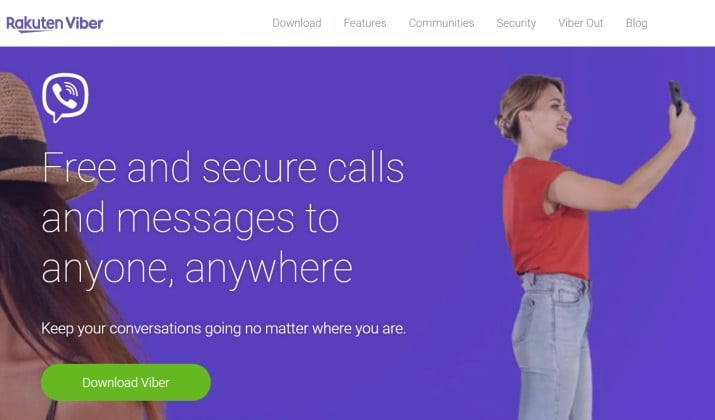
Viber includes several strong privacy tools that many users overlook. Its hidden chats feature lets you hide specific conversations behind a PIN.
Notifications also stay discreet, helping you keep chats private even when someone glances at your screen.
It has useful secret chat features like:
- Hidden chats with PIN protection
- Self-destructing messages
- Encrypted messaging
- Hidden notification previews
- Secure voice calls
Viber is free with optional premium services. Viber strikes a good balance between privacy and convenience. It is available on Google Play Store, Apple App Store, and Microsoft Store.
10. Dust
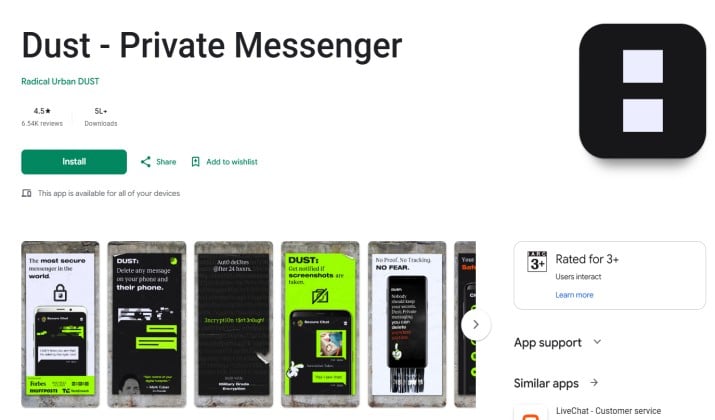
Dust focuses heavily on disappearing content. Messages automatically erase after a set time, helping you reduce your digital footprint.
The app also alerts you when someone takes a screenshot. Privacy tools in Dust include:
- Auto delete messages
- Screenshot alerts
- Encrypted chats
- No permanent message storage
- Private search history controls
If disappearing messages matter most to you, Dust deserves attention. The app is available for free on Google Play Store and Apple App Store.
How Can I Hide Messages and Chats on Android Without Deleting Them?
You have a few solid options that do not involve deleting anything.
First, use the built in lock features. WhatsApp Chat Lock, Telegram Archive with passcode, and Signal Screen Lock all keep chats out of sight until you authenticate.
Second, use Android apps to hide chats and lock conversations with PIN, password, or biometrics. App lockers or the built in app lock on many Android skins let you put a biometric gate in front of any messaging app.
Third, move sensitive threads into private vault apps to hide messaging app icons, photos, and media behind a password. Apps that hide messages behind a calculator or vault interface are perfect for this.
Fourth, disguise notifications. In Android Settings, go to Apps, Notifications, and set message previews to hide content on lock screen. Many secret texting apps also let you replace sender names with generic labels.
This way, you keep the messages. You just control who can see them and when.
Are Anonymous Messaging Apps Without Phone Numbers Really Secure?
They can be, but you need to understand the trade offs.
Apps like Threema and Session remove the phone number link, which is great for anonymity. You also get end to end encryption, so message content stays private.
What you should check:
- Does the app publish its code and audit reports. Open source and audited apps give you verifiable security
- Does it minimize metadata. Some apps still log IP addresses or contact graphs
- How do you recover your account. Pure anonymity means if you lose your recovery phrase, you lose access
- Who runs the infrastructure. Decentralized networks reduce single points of failure
For most people, the combination of no phone number plus end to end encryption plus disappearing messages gives you strong real world privacy. For high risk users, pair the app with Tor and good operational security.
My Pick Among the Best Secret Messaging Apps for Android
If you install only one app from this list, make it Signal.
Here is why it wins for most Android users:
- You get end to end encryption on everything by default, not just in a special mode.
- You also get disappearing messages, screen lock, and screenshot blocking in one place.
- You can now use a username so you do not have to share your phone number.
- The app is free, nonprofit, open source, and audited. It works well for everyday chats with friends and also holds up for sensitive talks.
Signal gives you the best balance of strong privacy, ease of use, and wide adoption. That is why it tops this list of the best secret messaging apps for Android.