
Your phone probably holds more personal photos than any physical photo album ever could. From screenshots of important documents to private images, not everything belongs in your main gallery. Thankfully, the best picture hiding apps make it easy to hide private photos on your phone without deleting anything or losing them forever.
Why Use Apps to Hide Photos and Videos Behind a PIN, Password, or Fingerprint Lock?
Because your main gallery isn’t private. Anyone who borrows your phone can swipe through everything. Gallery lock apps that remove photos from the system gallery and store them in an encrypted vault solve that.
Once you move pics into the vault, they vanish from your camera roll. You unlock them only with your PIN, pattern, fingerprint, or face ID.
Plus, many vault apps with cloud backup and encrypted storage mean you won’t lose photos if your phone breaks.
What Should You Look for in a Picture Hiding App?
Before choosing a photo vault, pay attention to these features:
- End to end or device level encryption
- PIN, password, fingerprint, or Face ID protection
- Cloud backup options
- Fake vaults and decoy passwords
- Break in alerts that capture intruder attempts
- Hidden or disguised app icons
- Compatibility with Android and iOS
The best apps to hide photos and videos combine strong security and a simple user experience at affordable rates. Remember that the pricing of these apps are subject to change. Check with the official websites for the latest pricing.
1. Keepsafe Photo Vault: Hide Private Photos and Videos with PIN or Fingerprint Lock
Keepsafe is one of the most popular picture hiding apps with fake icon or disguise mode. Over 50 million people trust it.
You lock photos with PIN, pattern, or fingerprint. It encrypts everything and offers private cloud sync so you can access your vault from other devices.
Standout features:
- Face-down auto lock locks the app when you flip your phone
- Safe Send shares photos that vanish after 20 seconds
- Doesn’t show in recent apps for extra privacy
Pricing: Free for 200 items. Premium starts at $9.99/month, with yearly and lifetime plans available. Includes 200 items in your private cloud, secure PIN protection, and basic cloud syncing. Every new user also receives a complimentary 30-day Premium trial upon registration.
Get it: Google Play | App Store
2. Private Photo Vault (Pic Safe): Secure Photo and Video Hiding App with Decoy Password Support
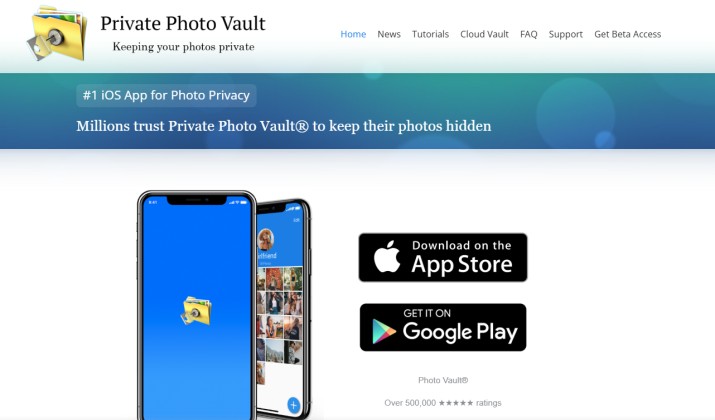
This is a private gallery app that supports biometric lock and break-in alerts. You set a decoy password that opens a fake gallery if someone forces you to unlock. It also snaps an intruder selfie after failed attempts.
Best features:
- Decoy password support
- Separate photo albums
- Password protected access
- Private browsing option
- Photo and video protection
This is the best option for iOS users who want decoy protection and don’t want a resettable password.
Pricing: There is a free plan with ads. Subscriptions generally range between $6.99 to $39.99 (or about ₹ 589 to ₹ 3,999 in India) depending on the plan
Get it: Google Play | App Store
3. Vault – Hide Pics & App Lock: Gallery Lock and App Locking in One Tool
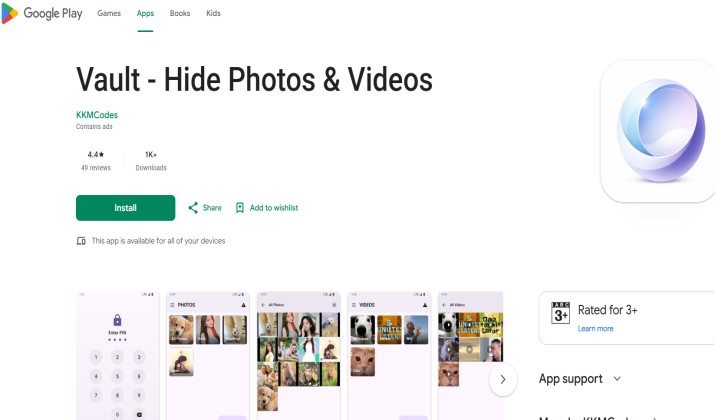
Vault locks photos, videos, texts, contacts, and apps. Premium version hides the app icon and takes a photo of intruders. Think of it as a secure gallery lock app plus app hider.
Its features include:
- Hiding photos and videos
- App locking functionality
- Private browser
- Cloud backup options
- Password protection
Pricing: Free version available with premium features.
Get it: Google Play | App Store
4. Calculator Hide Photo & Video
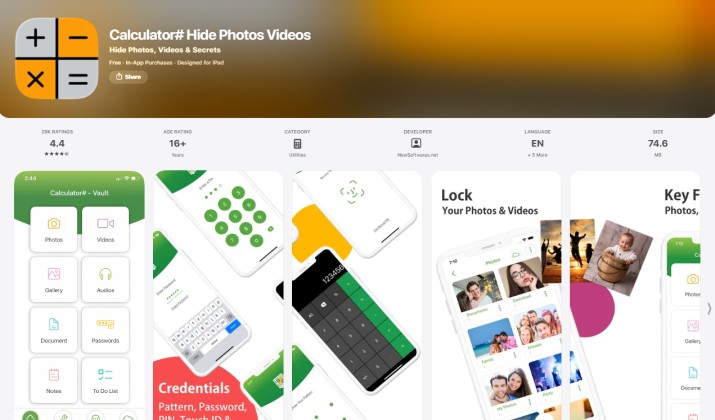
Calculator vault apps secretly hide pictures and videos behind a fake calculator interface. This one works as a fully functional calculator. Long-press the title or enter a secret code and your vault opens.
Behind the disguise, your photos and videos remain safely hidden. If you share your phone often, no one suspects a calculator. It even has a private browser.
Its key features are:
- Hidden encrypted vault
- Fingerprint lock
- Video protection
- Secret access code
Pricing: Free version available.
Get it: Google Play | App Store
5. Hide It Pro
Hide It Pro disguises itself as “Audio Manager” but you can switch to calculator disguise. It’s one of the best calculator vault apps for secretly hiding photos and videos on your phone because it hides photos, videos, messages, and apps.
Key perks:
- Free cloud backup
- Fingerprint unlock and escape PIN for emergencies
- Doesn’t appear in recent apps
Pricing: Completely free.
Get it: Google Play | App Store
6. Vaulty
Vaulty lets you set multiple vaults with individual passwords. You can disguise it as a calculator or stock app. When you share to Vaulty, it helps you keep personal media away from your main gallery.
It stores your files in a protected vault secured with a PIN, password, or biometric authentication. The app also includes break in alerts that capture photos of anyone who enters the wrong password.
Here are its main features:
- PIN, password, and biometric protection
- Hide photos and videos from your gallery
- Break in alerts with intruder photos
- Cloud backup and device transfer options
- Private albums for better organization
- Easy photo and video recovery options
Pricing: Free version available with premium upgrades.
Get it: Google Play
7. LockMyPix
LockMyPix uses AES encryption and lets you store files on an SD card. It’s one of the best photo hider apps for Android if you want fake vault features and offline storage.
This app has built a strong reputation among Android users. Community discussions frequently highlight its encryption based approach and other features such as:
- AES encryption
- Fingerprint protection
- Fake vault option
- Offline storage support
- Secure photo and video hiding
Pricing: Free version available. Premium upgrades start from $19.49.
Get it: Google Play | App Store
8. Gallery Lock (Hide Pictures)
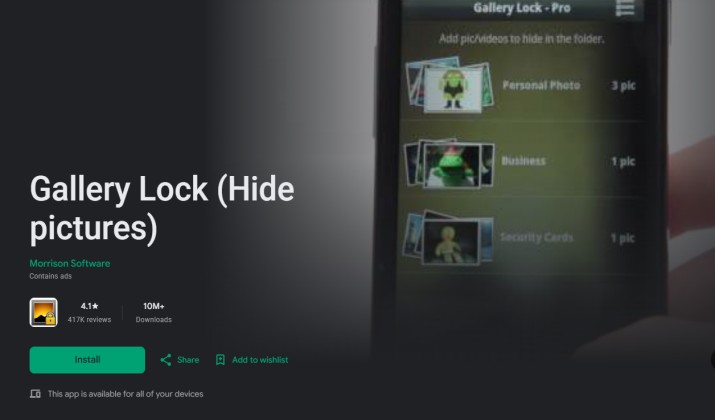
Gallery Lock is a popular privacy app that helps you hide photos, videos, and other personal files behind a secure password-protected vault. It supports stealth features that make it difficult for others to discover your hidden content. These include:
- PIN, password, and fingerprint protection
- Hide photos, videos, and documents
- Stealth mode to conceal the app icon
- Break-in alerts with intruder detection
- Secure cloud backup support
- Easy file organization and recovery
Pricing: Free version available with optional premium upgrades.
Get it: Google Play | App Store
9. Internxt Drive
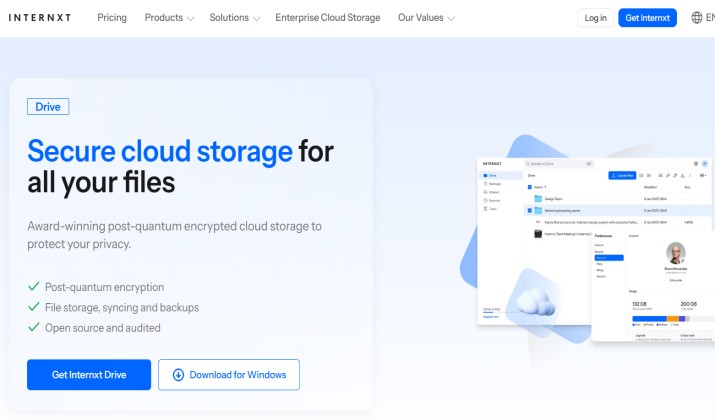
Internxt is a privacy focused cloud storage service that lets you securely store photos, videos, and other personal files with end to end encryption.
While it is not a traditional photo vault app, it provides a safe space for sensitive media and helps protect your files from unauthorized access across devices.
Best features:
- End to end encrypted file storage
- Secure photo and video backup
- Password protected sharing
- Cross platform access
- Zero knowledge privacy architecture
- Automatic file synchronization
Pricing: Free plan available with 1GB storage. Paid plans start from $2.39 per month.
Get it: Google Play
10. iLockBox
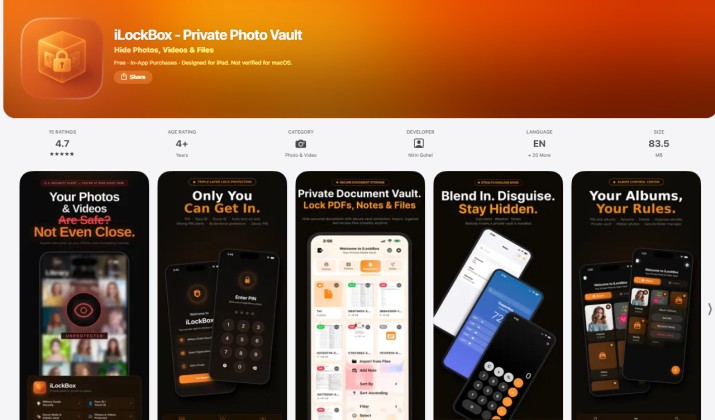
If you prefer offline storage and local encryption, iLockBox deserves a look. It includes Face ID support, custom PIN protection, and decoy vaults.
Other features include:
- Offline encrypted storage
- Intruder selfie support
- Calculator disguise
Pricing: Free version available with premium upgrades depending on platform.
Get it: App Store
How to Hide Photos on Android Using a Vault App Without Losing Them From Your Phone
Most photo vault apps for Android and iOS follow a similar process:
- Install your preferred vault app.
- Create a PIN, password, or biometric lock.
- Import photos and videos into the vault.
- Verify that the files appear in the secure vault.
- Remove the original copies from your system gallery if the app offers that option.
- Enable backup features if available.
Many gallery lock apps remove photos from the system gallery and store them in an encrypted vault, making them inaccessible through standard photo apps.
Tips to Hide Sensitive Images and Screenshots from Your Main Gallery
- Always delete the original after importing to your vault.
- Use apps that hide other apps and icons so the vault itself stays hidden.
- Turn on break-in alerts. You’ll know if someone tried to snoop.
- Pick vault apps with cloud backup if you’re worried about losing your phone.
The Best Choice for Most People
Among all the best picture hiding apps, Keepsafe Photo Vault stands out as the strongest overall option.
It offers excellent security, cloud backup, biometric protection, fake PIN support, break in alerts, and availability on both Android and iPhone. It also has a long track record and millions of users worldwide.
No matter which app you choose, the best picture hiding apps help you keep private photos secure, organized, and completely separate from your everyday gallery.