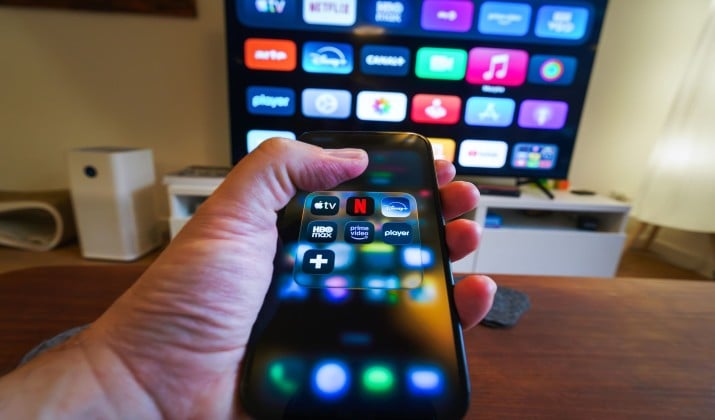
VLC Media Player earned its reputation. It plays almost any file, it costs nothing, and you can find it on every operating system.
But VLC also shows its age. The interface feels old on Mac, hardware acceleration can stutter with 4K HDR, and features like library organisation or subtitle search need extra steps.
That is why many people search for VLC alternatives. You might want something lighter for an old laptop, something that feels native on Mac, or something better for touch gestures on Android. Good news: you have options that are active, safe, and free.
This guide covers the best VLC Media Player alternatives for Windows, Mac, and Android. Some work on all three systems. Some excel on one. You will see exactly which is which.
1. MPV

Does it work on Win, Mac, and Android? Yes, on all three.
MPV is one of the few true cross-platform media players that feels excellent everywhere. It has almost no interface. You open a file and it plays. That simplicity hides serious power.
It offers top tier video output quality, proper HDR tone mapping, and very precise scaling. Developers love it because you can add Lua and JavaScript scripts to automate tasks, add custom shaders, or sync with other apps.
On Android it is lean and fast. On Mac and Windows it starts instantly.
- Best for: Minimalists who care about picture quality
- Platforms: Windows, Mac, Linux, Android
- Price: Free and open source
- Download: Official Site | Google Play MPV Android
If you want one free engine that powers many other players, mpv is it. It is a core VLC replacement for people who prefer quality over buttons.
2. Kodi
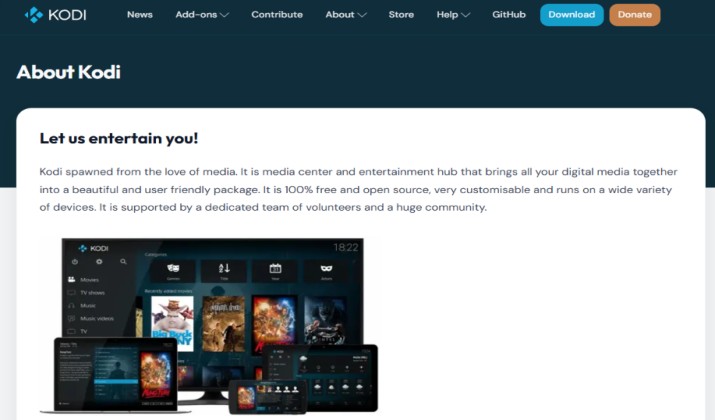
This one too works on Win, Mac, and Android.
Kodi is not just a player. It is a home theater system. You point it at your movies, TV shows, music, and photos, and it builds a library with posters, cast info, and watched status.
You can install addons, connect to a NAS, control it with a phone remote, and use it on a TV stick, tablet, or laptop. It also handles live TV and PVR if you set it up.
- Best for: People who want a 10 foot interface for the living room
- Platforms: Windows, Mac, Android, Android TV, Fire TV, Linux, iOS
- Price: Free and open source
- Download: Official Site | Google Play
Kodi ranks among the best desktop media players when your goal is organization plus playback.
Also read: Best Windows Media Player Alternatives
3. KMPlayer
KMPlayer works on Win, Mac, and Android.
It focuses on playing anything without codec hunting. It handles 8K, high frame rate, and VR content, and includes tools for capture, GIF making, and audio visualization.
On mobile, you get bookmark, speed control, and cloud storage support. On desktop, you get URL streaming and subtitle control.
- Best for: Users who deal with many different file types
- Platforms: Windows, Mac, Android, iOS
- Price: Free with ads, KMPlayer Plus removes ads
- Download: Official Site | Google Play | Mac App Store
KMPlayer is a practical VLC alternative software option when you jump between devices.
4. GOM Player
Does it work on Win, Mac, and Android? Yes, on all three.
GOM Player solves the subtitle problem. It automatically searches its large subtitle database and syncs the file for you. It also tries to repair broken files so you do not have to download again.
You get quick controls for repeat, capture, and audio boost. The mobile app adds gesture control for brightness and volume.
- Best for: Anyone who watches foreign films or series with subtitles
- Platforms: Windows, Mac, Android, iOS
- Price: Free, GOM Player Plus is paid
- Download: Official Site | Google Play | Mac App Store
For many, it is the most convenient alternative to VLC player for everyday viewing.
Read this too: Best Movie Player Apps for Android
5. Plex
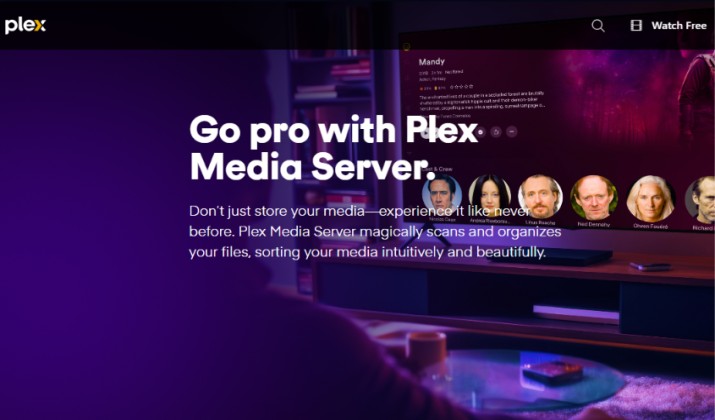
Plex works on Win, Mac, and Android.
It takes a different approach. You install Plex Media Server on your computer or NAS, and Plex apps let you watch that library on Windows, Mac, Android, smart TVs, and more. It fetches posters, keeps watch progress synced, and transcodes files so they play smoothly on any connection.
You can share libraries with family and download files for offline viewing on mobile.
- Best for: People with large personal collections who want access everywhere
- Platforms: Windows, Mac, Android, iOS, Android TV, Apple TV, Fire TV
- Price: Free, Plex Pass adds premium features
- Download: Official Site | Google Play | Mac App Store
Plex is a strong VLC replacement software if you think beyond single file playback.
6. Jellyfin Media Player
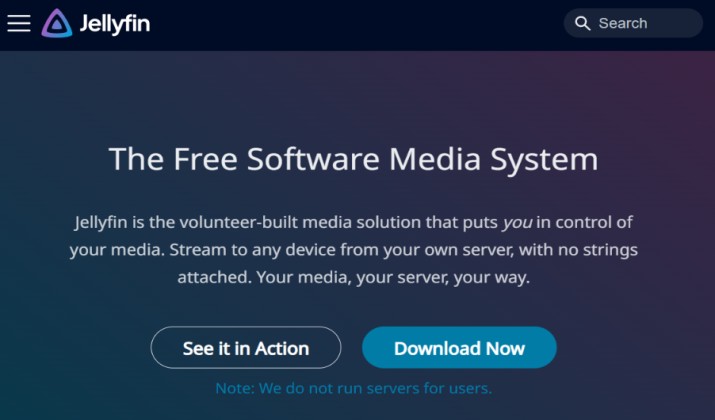
Does this work on Win, Mac, and Android? Yes, it does.
Jellyfin offers the same server client model as Plex but stays fully open source with no paid tier. You host your own server and control everything. The desktop Jellyfin Media Player uses MPV for playback, so quality stays high and direct play works for most formats.
Mobile apps are available for Android, Android TV, and iOS, plus web access from any browser.
- Best for: Users who want self hosted streaming with no fees
- Platforms: Windows, Mac, Linux, Android, Android TV, iOS
- Price: Free and open source
- Download: Official site | Google Play
Jellyfin stands out among free VLC alternatives and is one of the best VLC competitors for privacy focused users.
Explore: Best VLC Media Player Alternatives
7. 5KPlayer
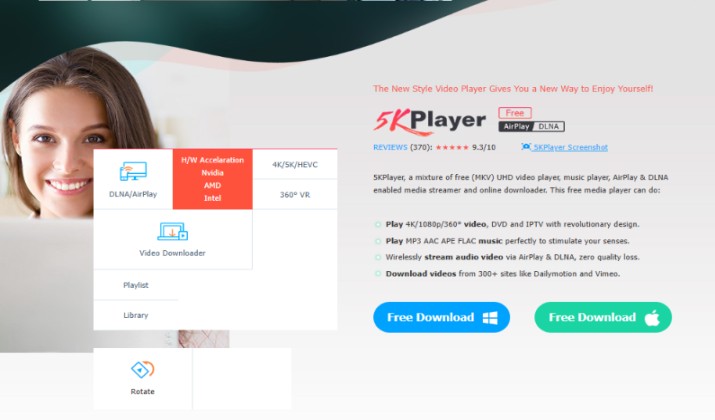
5KPlayer works only on Windows and Mac.
It combines three tools. 5KPlayer is a video player, a video downloader, and an AirPlay and DLNA streamer. It plays 4K HDR, DVDs, and IPTV streams without extra codecs.
You can download online video to watch offline and mirror your phone screen to your computer or TV.
- Best for: Users who save online video and stream to TV
- Platforms: Windows, Mac
- Price: Free
- Download: Official Site
It is a handy video player for Windows and video player for Mac when you want more than just playback.
8. PotPlayer
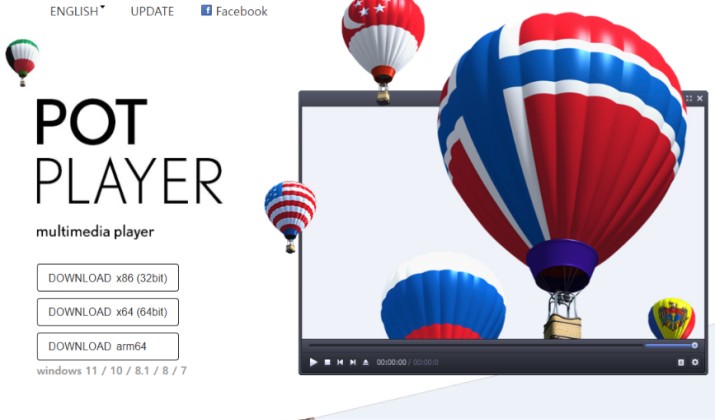
PotPlayer works only on Windows.
It is the player Windows power users switch to when VLC feels limited. It was built for Windows and it uses your GPU aggressively, so 4K and 60fps video stays smooth even on mid range hardware.
You get full control over color, brightness, audio equalizer, and playback speed. It plays damaged AVI files, supports 360 degree and 3D video, and includes built in screen recording and GIF creation. Skins let you change the entire look.
If you love tweaking, you will feel at home. You can set keyboard shortcuts for everything and save presets per file.
- Best for: Windows users who want maximum control
- Platforms: Windows 10, 11
- Price: Free
- Download: Official Site | Microsoft Store
PotPlayer proves that a dedicated media player for Windows can outperform a jack of all trades.
9. IINA
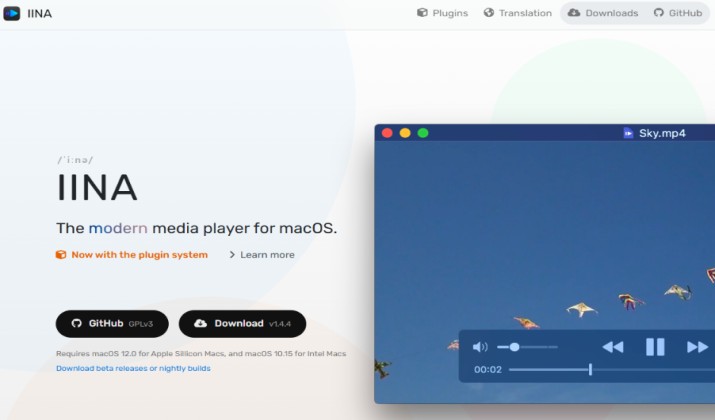
IINA works only on Mac.
It was built for one system and it shows. The media player uses MPV as the playback engine but wraps it in a native Mac interface with dark mode, Picture in Picture, Touch Bar, Force Touch, and trackpad gestures.
It plays online streams, supports extensions, and integrates with macOS media keys and notification center. You can also install plugins to add new features without waiting for updates.
For many Mac users, IINA replaced VLC completely.
- Best for: Mac users who want a native look
- Platforms: macOS 10.13 and later
- Price: Free and open source
- Download: Official Site | Mac App Store
As a media player for Mac, IINA is cleaner and more modern than most apps like VLC.
10. SMPlayer
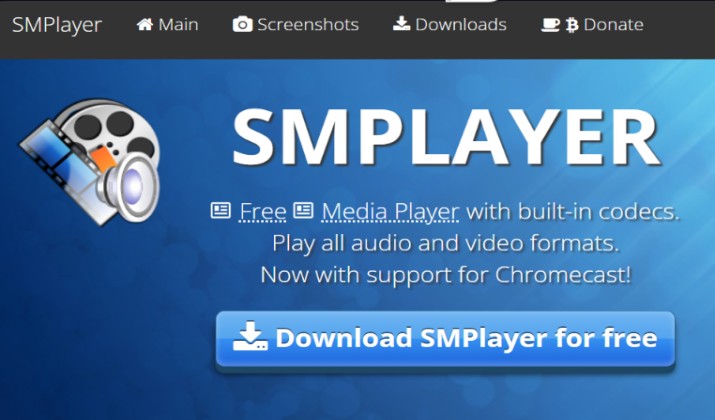
SMPlayer works only on Windows and Mac.
It remembers everything. Close a video at 43 minutes and it resumes at 43 minutes next time. It also remembers your subtitle, audio track, and volume settings for that specific file.
It uses MPV or MPlayer inside, so format support stays excellent. You can search and download subtitles from inside the player and even play YouTube videos directly by pasting the link.
- Best for: People who watch long videos across multiple sittings
- Platforms: Windows, Linux, unofficial Mac builds
- Price: Free and open source
- Download: Official Site
SMPlayer remains one of the most useful free media players for desktop productivity.
11. MPC-BE
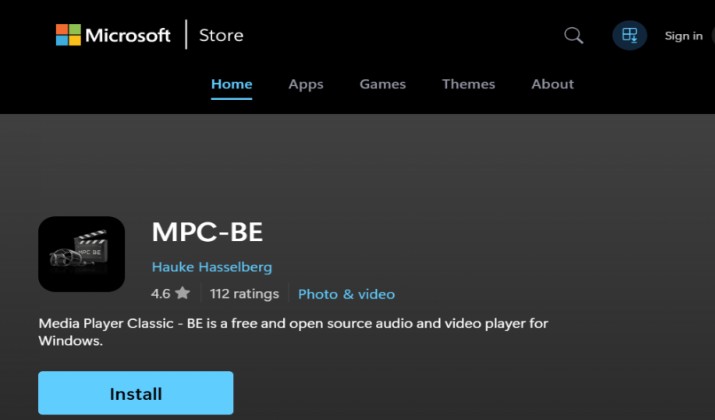
MPC-BE works only on Windows.
It stands for Media Player Classic Black Edition. The media player started from the same classic MPC code as MPC-HC but took its own path and it is actively maintained today. It looks familiar, it starts instantly, and it uses very little RAM.
What makes it different is active development. It gets regular updates for modern codecs, HDR, high DPI displays, and new audio formats. You get built in filters, advanced subtitle handling, and support for MadVR and other video renderers for better picture quality.
If you love something light and is updated regularly, this is the one.
- Best for: Users who want a light classic player that is still actively developed
- Platforms: Windows 10, 11
- Price: Free and open source
- Download: Microsoft Store
12. Just Player
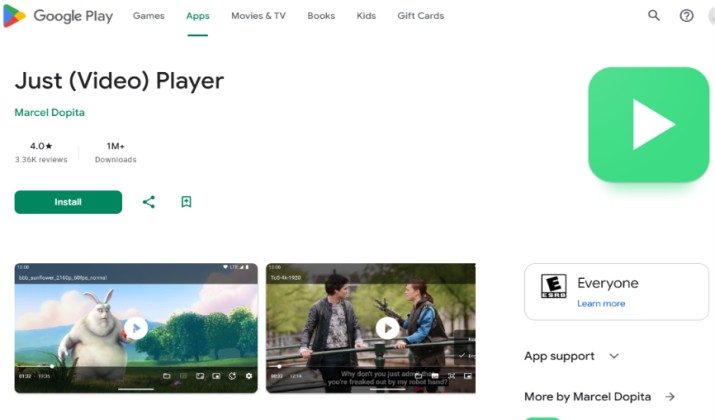
This media player works only on Android.
Just Player is an open source Android player based on ExoPlayer and inspired by MPV. It has no ads, tracking, or streaming catalog pushed at you. It just plays your files.
You get hardware decoding, subtitle support including SSA and ASS styling, auto frame rate switching, and support for SMB shares so you can play from your NAS directly. The interface is simple and follows Material Design.
- Best for: Android users who want a private, ad free player
- Platforms: Android, Android TV
- Price: Free and open source
- Download: Google Play
Which Ones Truly Work on All Three?
If you need one app that you can install on Windows, Mac, and Android today, choose from:
- MPV
- Kodi
- KMPlayer
- GOM Player
- Plex
- Jellyfin
These six cover all three systems with official builds.
The other six are specialists. PotPlayer and MPC-BE dominate on Windows, IINA dominates on Mac, SMPlayer is great for resume watching on desktop, and Just Player dominates on Android.
So Which Should You Pick and Why?
For Windows only, PotPlayer is the better tool. It gives you more decoding options, better hardware acceleration, and lighter CPU use than VLC. You also get advanced capture and color controls that VLC hides. If you stay on Windows, install PotPlayer.
For cross platform use across Windows, Mac, and Android, MPV is the better overall VLC replacement. It delivers the best picture quality, starts fastest, and stays completely free without ads.
It also powers IINA and Jellyfin Media Player, which tells you how good its engine is. Among best VLC alternatives, MPV wins on performance and portability.
If you want a single ecosystem for all your media across all three systems, Plex wins for convenience and Jellyfin wins for open source freedom. Both beat VLC for library management and remote streaming.
Try MPV as your base, add PotPlayer on Windows or IINA on Mac for daily use, and keep Plex or Jellyfin if you run a media server.