Watching your own movies on Android should feel simple. Tap the file, and it plays. No buffering wheel, codec error, or surprise ad right when the action starts.
But the Play Store is packed with players that promise everything yet still struggle with basic MKV files or subtitle files. Some need internet, others flood the screen with banners. Some cannot even find the movies on an SD card.
This list fixes that. These are the best movie player apps for Android for local movie playback, designed for people who keep a personal collection of downloaded movies and want smooth offline playback.
These apps let you play local MP4 and MKV files, support playlists and external subtitles, remember playback position, handle 4K video, and work with SD cards, Chromecast, NAS folders, or Android TV.
To make it easier to choose, apps are grouped into two styles:
- Direct file players open files instantly. Browse folders, hit play, enjoy. Ideal for downloaded movies on phone storage, SD card, or USB.
- Personal media library apps scan an entire Android media library, pull posters and metadata, track watched status, and sync progress across phone, tablet, and TV. Ideal for a large collection stored on a PC or NAS.
Here is what actually works right now.
Direct File Players for Fast Local Playback
These focus on speed, compatibility, and control.
1. VLC
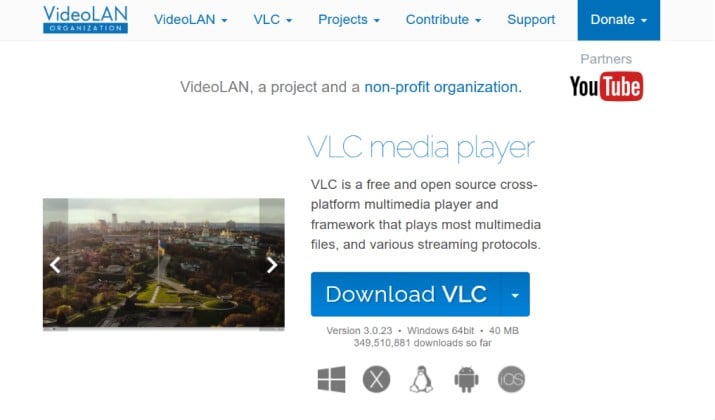
Best video player for Android local files that never complains about format
VLC earns its place for a reason. It is a free open source media player that handles almost any video codec compatibility problem, including MP4, MKV, AVI, MOV, WebM, without extra packs.
Opening files feels instant. Folder based browsing lets your personal video collection stay organized exactly how it was saved. VLC Android playlist manager makes it simple to create and manage movie playlists on Android and sort them by name or date.
For subtitles, it supports external subtitles like SRT and ASS subtitle files, online search, and fine tuning of subtitle delay. Dual audio movies are no hassle thanks to multiple audio tracks switching. Behind the scenes, hardware acceleration keeps 4K and HDR playback smooth, with software decoding as a fallback for tricky files.
Everyday comforts are all there: gesture controls for brightness and volume, playback speed control, picture in picture mode, background playback, playback history with resume watching, and Chromecast support. It also reads from SD card and USB drives easily and delivers ad free playback.
Pricing: Free, open source, no ads.
Links: Play Store | Official Website
Also read: Best Cinema HD Alternatives
2. Nova Video Player
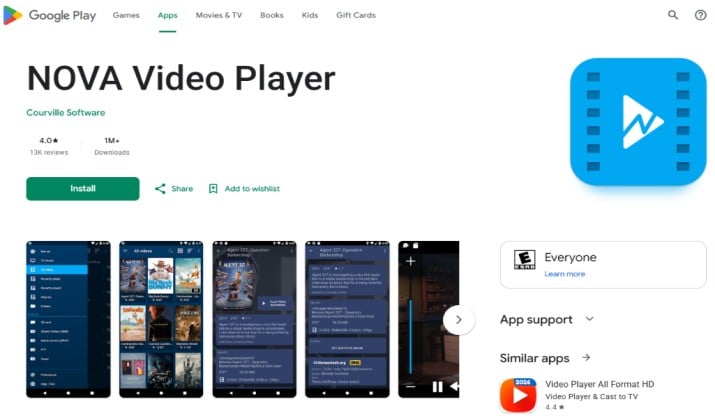
Free movie player for Android phones that want library looks without setup
Nova feels like a file player and a library combined, and it is fully available in the US.
Point it at phone storage, SD card, or SMB network shares and it scans your Android media library, pulls posters and metadata, and organizes everything by movie and show. That means Android movie player with automatic playlist scanning, plus tools to create and manage movie playlists on Android without a server.
It plays local MP4 and MKV files with hardware acceleration, handles external subtitles, multiple audio tracks, and subtitle delay.
Features include gesture controls, playback speed, picture in picture, resume watching, Android TV compatibility, and Chromecast support. It stays ad free and is great as an Android video player for playlists.
Pricing: Free, ad free.
Link: Play Store
3. mpv-Android Movie Player
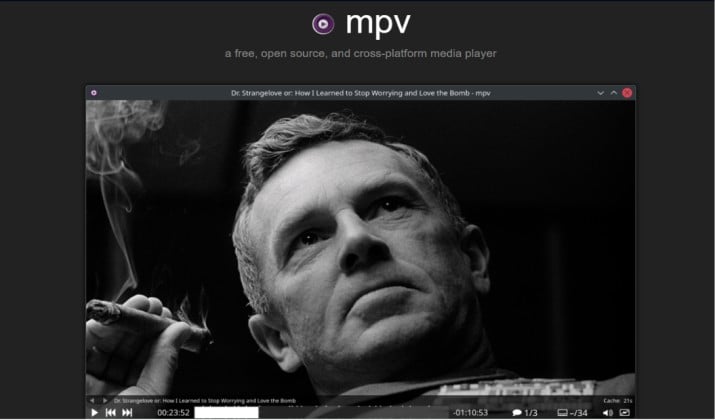
Best offline video player for Android for a clean, private, no nonsense experience
Minimal look, serious engine. mpv-android is an open source media player focused on quality, speed, and privacy permissions.
No libraries to configure or accounts to create. Just open a file from internal storage, SD card, or external hard drives and watch.
It covers video codec compatibility for MP4, MKV, AVI and more, handles 4K and HDR playback, supports external subtitles and multiple audio tracks, and lets hardware acceleration and software decoding work together for best battery usage.
Playback history and resume playback work reliably. Interface stays clean without banners or background trackers. For fans of ad free playback and clean privacy, this is hard to beat.
Pricing: Free, open source.
Links: Play Store | Official Website
4. Just Video Player
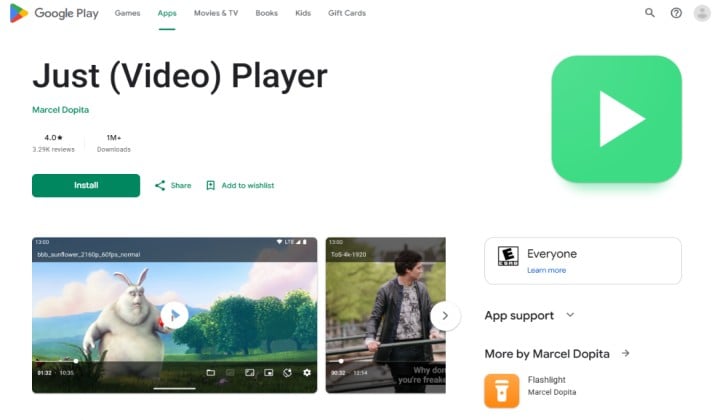
Best local media player for Android when you want Android movie player without advertisements
Just Video Player lives up to its name. It focuses only on local movie playback and stays out of your way.
You get Android movie player with folder browsing, Android video player with playlist support, playback history, resume watching, gesture controls, playback speed control, picture in picture, and background playback.
It works with SD card and external hard drives via OTG, plays local MP4 and MKV files with hardware acceleration, and supports external subtitles and multiple audio tracks.
There are no ads or trackers.
Pricing: Free, open source, ad free.
Link: Play Store
Read this too: Best Windows Media Player Alternatives
5. XPlayer Video Player
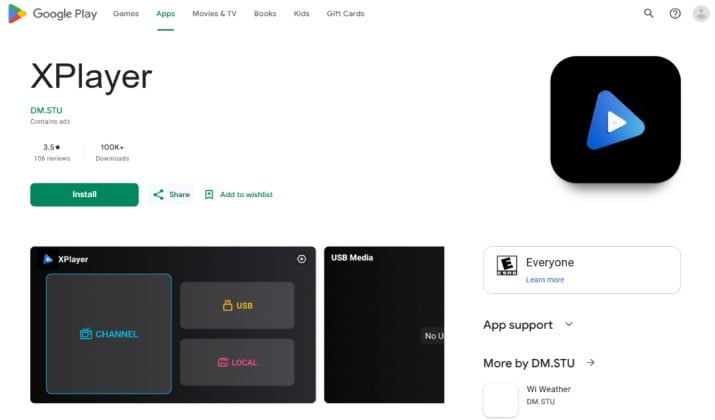
Best Android video player for SD card movies and quick offline viewing
XPlayer is popular for a reason. It plays almost everything and keeps private videos in a locked folder.
Folder based browsing is fast, Android movie player with automatic playlist scanning works well, and it offers subtitle support, multiple audio tracks, hardware acceleration, 4K playback, gesture controls, and picture in picture mode.
It supports movie player app for Android SD card and Android video player for USB and external storage, so plugging in a drive just works.
Pricing: Free with ads, premium option available.
Links: Play Store
6. KMPlayer
Best Android app to play downloaded movies when you want a polished interface and US availability
KMPlayer brings a polished option for downloaded movies with strong high resolution support.
You get Android video player with gesture controls, playback speed control, picture in picture, background playback, and Chromecast casting.
It handles Android movie player for SD card and external storage, supports cloud sources, and manages subtitles with SRT and ASS subtitle files and subtitle delay.
Multiple audio tracks and hardware acceleration for 4K and HDR playback are included. Battery optimization helps for long flights or commutes.
Pricing: Free with ads, premium removes ads.
Links: Play Store | Official Site
Personal Media Library Apps
Do you have movies on a PC, NAS, or external drive? These apps turn folders into a Netflix style library.
7. Kodi
Best movie player app for total control over library and playback
Kodi is more than a player. It is a full Android media library and Kodi playlist and media library app.
Add sources like SD card, SMB network shares, NAS media library, or external hard drives and Kodi scans them, pulls posters and metadata, and builds a library. You keep folder based browsing but also get smart filters, genres, and playlists.
Playback covers MP4, MKV, AVI, MOV, WebM with hardware acceleration, software decoding fallback, 4K and HDR playback, external subtitles with online search, subtitle delay, multiple audio tracks, playback speed, and resume watching with full playback history.
It supports DLNA streaming, Chromecast via addons, Android TV compatibility, and NAS media library browsing. As open source media player, privacy stays in your control.
Pricing: Free, open source.
Links: Play Store | Official Site
8. Plex
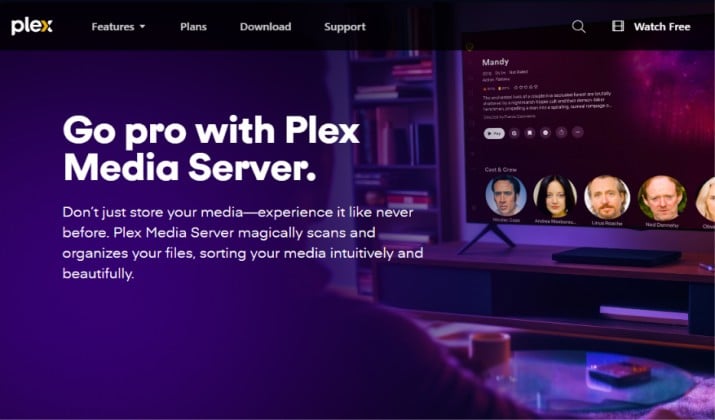
Best Android media player for local movie libraries that need to work on every screen
Plex turns scattered files into your own private streaming service. Install Plex Media Server on a computer or NAS, then use the Android app to browse.
Posters and metadata appear automatically, watched status synchronization works across phone, tablet, TV, and web, and resume watching picks up exactly where you stopped.
It handles MP4, MKV and more with hardware acceleration, handles external subtitles, multiple audio tracks, and 4K and HDR playback. You get playlist management, Android video player with Chromecast support, Android TV compatibility, DLNA streaming, and option to download for offline video playback.
Pricing: Free app, Plex Pass unlocks premium features.
Link: Play Store
Another interesting read: Kodi vs Plex
9. Jellyfin
Best media player for NAS and SMB folders with zero fees
Jellyfin is the open source alternative to Plex and Emby, self hosted and completely private.
Run Jellyfin server at home, connect Jellyfin Android client for local movies, and watch personal video collection with posters and metadata, no account required.
Playback history and watched status synchronization work across phones, tablets, and Android TV. It handles video codec compatibility, hardware acceleration, external subtitles, multiple audio tracks, playback speed control, and direct play or transcoding. Great for Android media player for NAS and SMB folders.
Pricing: Free, open source.
Links: Play Store | Official Site
10. Emby
Best media player for NAS and SMB folders when you want premium polish without heavy tinkering
Emby offers polished library features with easy setup.
After adding folders to Emby Server, library scans pull artwork and cast info. Emby Android media player lets you filter by genre, create playlists, track playback history, and sync resume watching across devices.
Playback includes hardware acceleration, 4K and HDR playback, external subtitles with SRT and ASS subtitle files, subtitle delay, multiple audio tracks, picture in picture, and Chromecast support. It also supports Android TV compatibility and DLNA streaming.
Pricing: Free app, Emby Premiere unlocks full features.
Links: Play Store | Official Site
How to Choose?
Need quick playback from phone or SD card?
Stick with direct players. VLC, Nova Video Player, Just Video Player, mpv-android, XPlayer, and KMPlayer all support SD card movies, USB and external storage, and playlists. They are the ideal Android apps to play downloaded movies without extra setup.
Have hundreds of movies on a NAS or PC?
Go library. Kodi, Plex, Jellyfin, and Emby organize Android media library with posters and metadata, handle NAS media library and SMB network shares, and keep watched status synchronization across screens.
So Which Player Wins Overall?
If only one app can stay on the phone, VLC wins.
Reason is straightforward. Among best movie player apps for Android, VLC gives the best mix of compatibility, and features that matter for local movie playback.
It covers true open source ad free playback, support for every format you actually use, and it works with internal storage, SD card, USB and external storage, SMB network shares, and Chromecast casting.
It also includes hardware acceleration plus software decoding fallback, 4K and HDR playback, external subtitles, multiple audio tracks, gesture controls, playback speed, picture in picture, background playback, Android TV compatibility, and respects battery usage and privacy permissions.
For a large home collection, pair VLC with Jellyfin. Jellyfin hosts and organizes personal video collection privately for free, while VLC handles flawless offline playback when internet is not available. That combo beats paying for extra premium features just to watch movies you already own.